
Best Gaming Monitors 2025: Which to Buy?
Compare top gaming monitors for every budget and find the perfect one for immersive gameplay without decision paralysis.
Our Top Pick
MSI MPG 321URX QD-OLED
Best OverallSerious PC gamers wanting 4K OLED performance without breaking $1,000.
View on Amazon →Key Factors to Consider
- 1.Refresh Rate (144Hz+ for smooth motion; 240Hz+ for competitive gaming)
- 2.Response Time (1ms GtG ideal to minimize ghosting)
- 3.Resolution (1080p budget, 1440p sweet spot, 4K premium)
- 4.Panel Type (IPS for colors/viewing angles, VA for contrast, OLED for perfect blacks)
- 5.Adaptive Sync (G-Sync/FreeSync to eliminate tearing)
- 6.Size & Aspect Ratio (27-32" standard; ultrawide 34-49" for immersion)
- 7.HDR Support (HDR1000+ for vibrant visuals)
- 8.Curvature (flat for precision, curved for immersion)
- 9.Connectivity (HDMI 2.1/DP 1.4 for consoles/high refresh)
- 10.Price vs Future-Proofing (balance current needs with upgrade path)
The Products
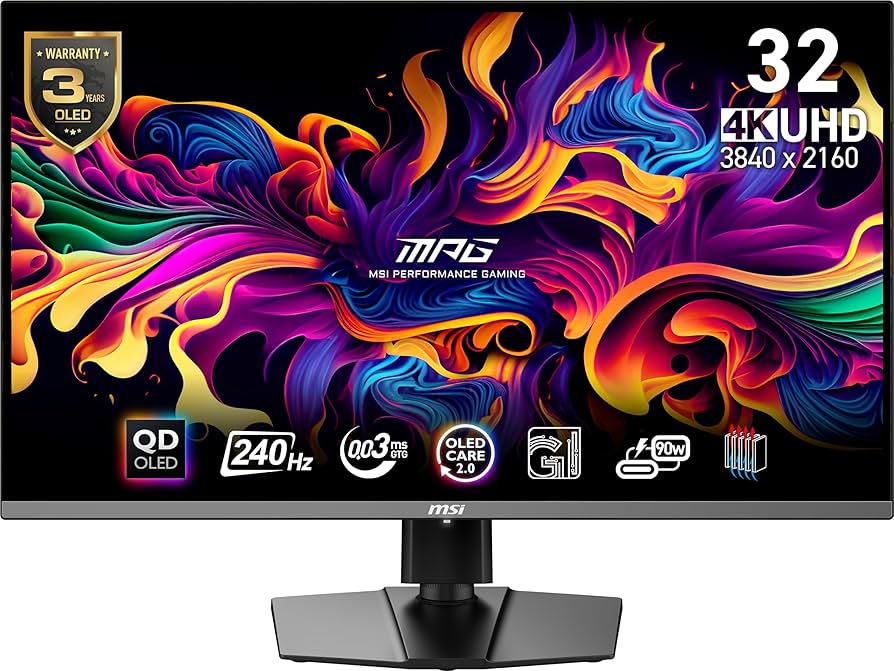
MSI MPG 321URX QD-OLED
✓ Pros
- •Insane QD-OLED contrast and color accuracy (99% DCI-P3)
- •240Hz at 4K with HDMI 2.1 for consoles
- •Near-zero ghosting and burn-in warranty
- •KVM switch and USB hub for productivity
- •Factory calibrated for out-of-box accuracy
✗ Cons
- •Risk of OLED burn-in (mitigated but present)
- •Large size may overwhelm small desks
- •No built-in speakers
- •Premium price jumps over budget IPS
- •Brightness peaks at 1000 nits but not brightest
Best For:
Serious PC gamers wanting 4K OLED performance without breaking $1,000.
Not Recommended For:
Budget buyers under $500 or those fearing burn-in.
Key Features:
Standout Feature:
QD-OLED panel combining perfect blacks with peak brightness over traditional OLED.
VS Others:
Beats Asus PG279QM in resolution/contrast but costs more; crushes Samsung G7 in black levels. Pick this over Alienware for flat 4K vs ultrawide curve.
Why This One:
If you want future-proof 4K/240Hz with OLED magic, this is the balanced king. Superior to IPS in every visual metric. Most gamers upgrade once—this lasts years.
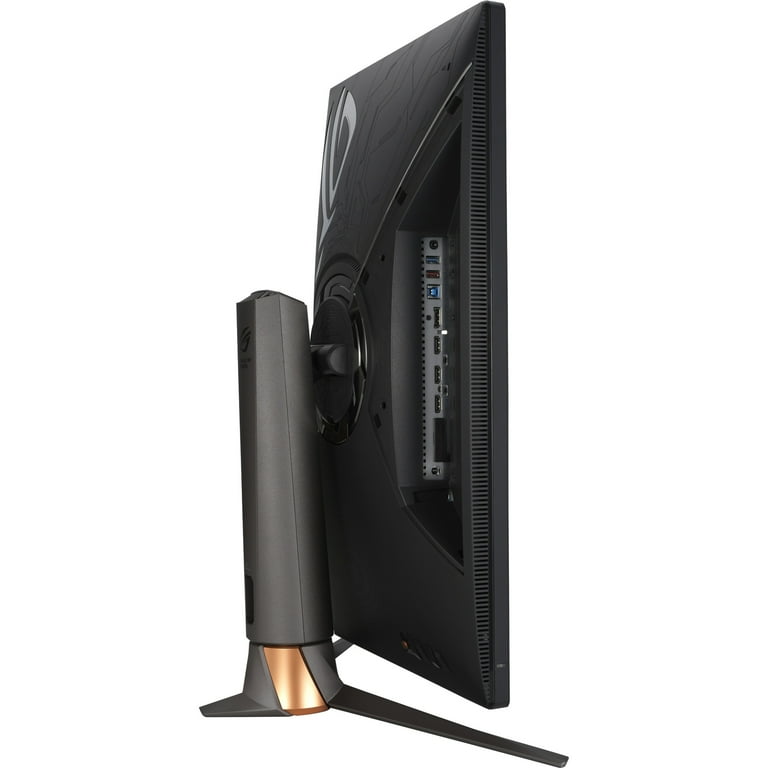
ASUS ROG Swift PG279QM
✓ Pros
- •240Hz OC with ULMB2 for blur-free motion
- •NVIDIA Reflex for precise aiming
- •Excellent IPS colors and 1000 nits peak
- •Ergonomic stand with height/tilt/swivel
- •5-year warranty
✗ Cons
- •Only QHD, not 4K
- •IPS glow in dark rooms
- •No HDMI 2.1 (limits PS5 to 120Hz)
- •Speakers are average
- •Pricey for 27-inch
Best For:
Competitive FPS gamers prioritizing speed and latency.
Not Recommended For:
Console gamers needing 4K/120Hz or budget hunters.
Key Features:
Standout Feature:
Built-in NVIDIA Reflex Analyzer for end-to-end latency measurement.
VS Others:
Faster than LG 27GP950 at same price; better esports than MSI's 4K bulk. Choose over Samsung G7 for flatter colors/superior motion.
Why This One:
Top-tier speed for Valorant/CS2 without compromises. Pro-level features justify cost over value picks.
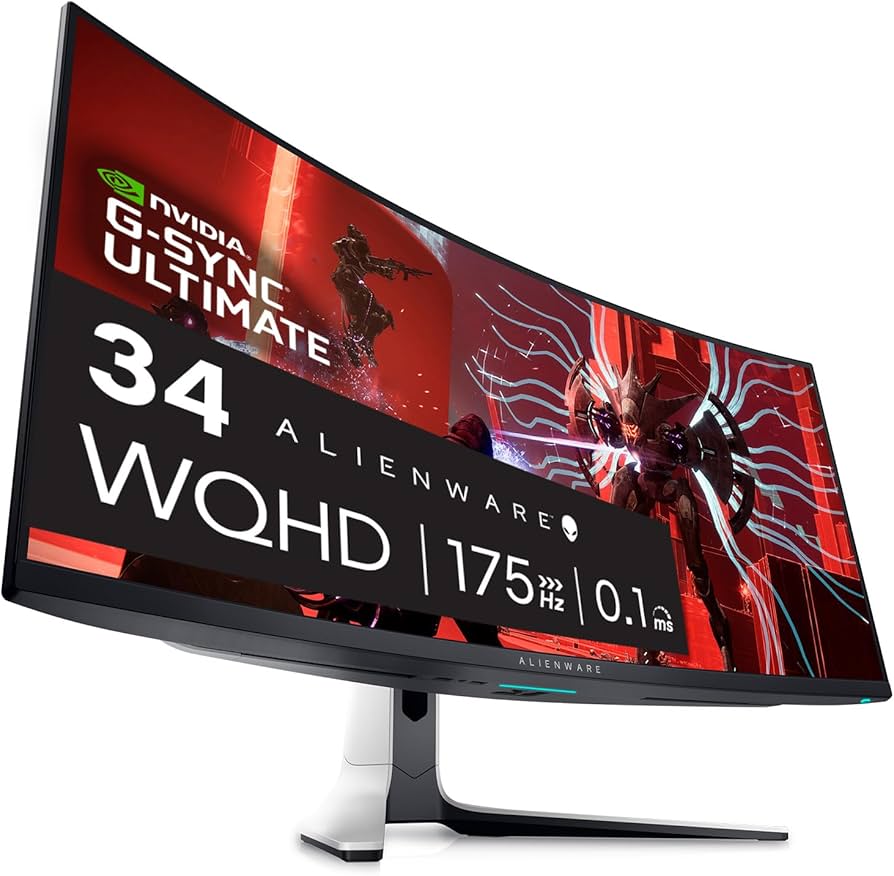
Alienware AW3423DW
✓ Pros
- •Ultrawide 21:9 for massive FOV
- •Perfect QD-OLED blacks/contrast
- •Dolby Vision gaming support
- •3-year burn-in warranty
- •Premium build/stand
✗ Cons
- •175Hz caps competitive play
- •Ultrawide needs GPU power
- •Curved not for all desks
- •Expensive for non-ultrawide fans
Best For:
Immersion seekers in single-player games.
Not Recommended For:
Esports players needing high refresh or small desk users.
Key Features:
Standout Feature:
Seamless 21:9 ultrawide QD-OLED for cinematic gaming.
VS Others:
More immersive than MSI but lower refresh; beats Samsung G7 in contrast. Ultrawide edge over flat panels.
Why This One:
Transforms games into movies. Best if you crave width over speed.
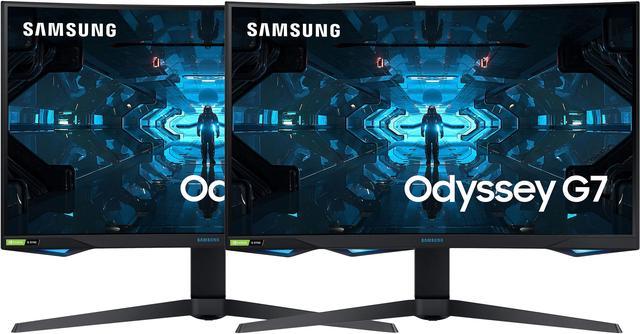
Samsung Odyssey G7 C32G75T
✓ Pros
- •Huge 32" curve for immersion
- •Deep VA blacks/high contrast
- •240Hz smooth gaming
- •Affordable big screen
- •Picture-by-Picture mode
✗ Cons
- •VA smearing in dark scenes
- •Limited viewing angles
- •No G-Sync native
- •Heavy stand
Best For:
Console/PC hybrid gamers on value hunt.
Not Recommended For:
Color-critical work or fast-motion purists.
Key Features:
Standout Feature:
1000R aggressive curve matching eye curvature.
VS Others:
Cheaper immersion than Alienware; better value than Asus but more smearing. Solid mid-tier.
Why This One:
Big, fast, curved fun without premium tax.
LG UltraGear 27GP950-B
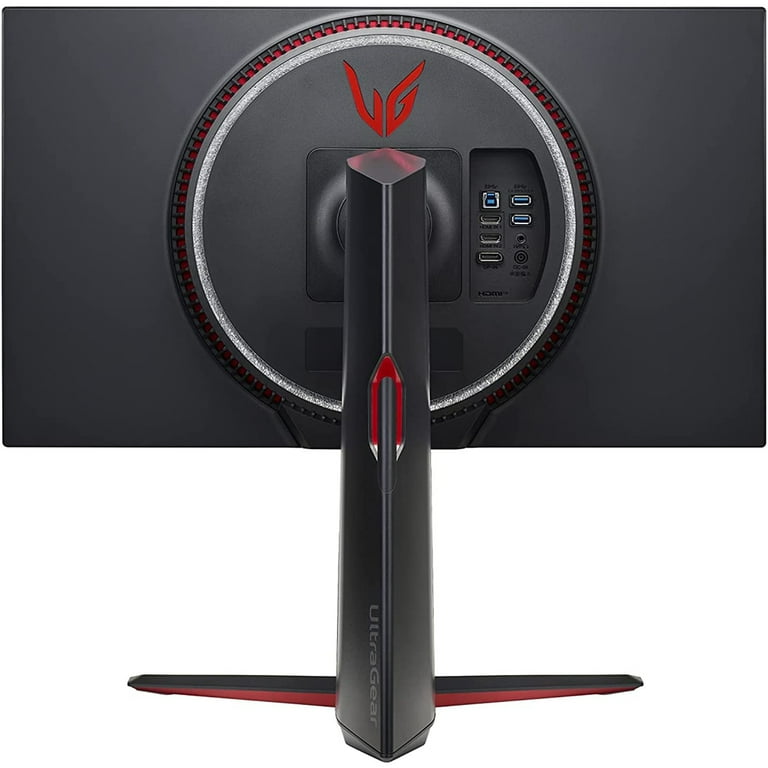
✓ Pros
- •True 4K/144Hz with HDMI 2.1
- •Vivid Nano IPS colors
- •Great for PS5/Xbox
- •USB hub included
- •Sphere lighting sync
✗ Cons
- •144Hz feels low vs 240Hz rivals
- •IPS contrast not elite
- •OC unstable for some
- •Bulky bezels
Best For:
4K console gamers transitioning to PC.
Not Recommended For:
Pure esports speed demons.
Key Features:
Standout Feature:
HDMI 2.1 full bandwidth for 4K/120Hz VRR on consoles.
VS Others:
More pixels than Asus at similar price; console-friendly over MSI. Good 4K starter.
Why This One:
Balances 4K and speed for mixed use.
Dell S2722DGM
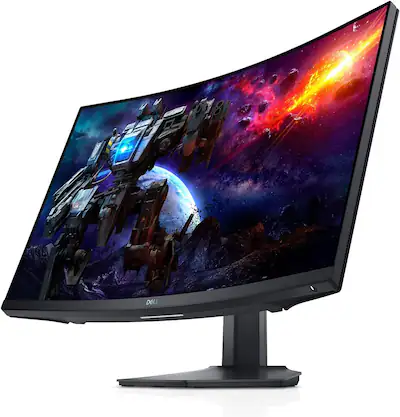
✓ Pros
- •QHD curve at budget price
- •Strong contrast for dark games
- •165Hz solid for entry
- •Adjustable stand
- •AMD FreeSync
✗ Cons
- •VA motion blur
- •No G-Sync
- •Basic HDR
- •Ports limited
Best For:
Budget gamers upgrading from 1080p.
Not Recommended For:
Pro-level speed or color accuracy.
Key Features:
Standout Feature:
Sub-$300 QHD/165Hz curve rarity.
VS Others:
Cheaper than Samsung G7 with similar curve; steps up from true budget. Niche value.
Why This One:
Best entry to high-refresh without skimping resolution.
SAMSUNG Odyssey G3 LS24AG320NLXGO
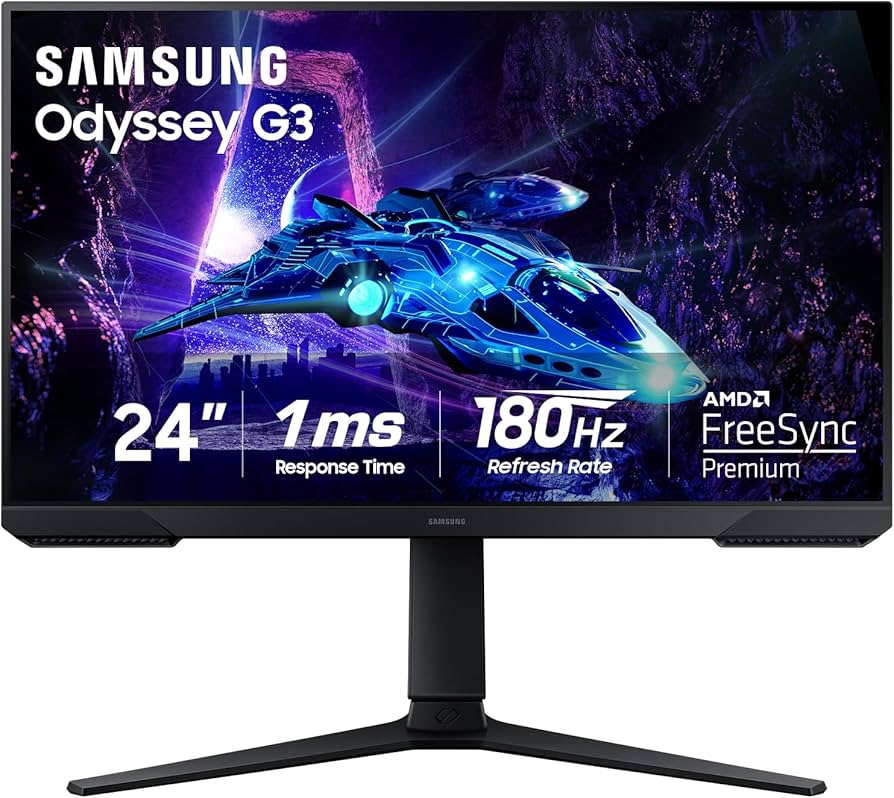
✓ Pros
- •Cheap 165Hz entry
- •Good IPS angles/colors
- •Compact for small setups
- •AMD FreeSync
✗ Cons
- •Only 1080p
- •No HDR
- •Basic stand
- •Weak speakers
Best For:
Absolute beginners or secondary monitors.
Not Recommended For:
High-res demands or premium visuals.
Key Features:
Standout Feature:
165Hz IPS under $150.
VS Others:
Cheapest smooth option; Dell blows it away in res/size. Pure budget.
Why This One:
Smooth 1080p gaming on pennies.
Who Should Get What?
College Student on a Budget
You're a dorm gamer playing Fortnite and League with a mid-range laptop, tight $200 budget, small desk, first upgrade from laptop screen.
Recommended:
SAMSUNG Odyssey G3 LS24AG320NLXGO
165Hz smooths out fast action without needing a beast PC, IPS colors pop for media, fits tiny spaces. Perfect starter without waste—upgrade later.
View on Amazon →Competitive Esports Gamer
RTX 4070 rig for CS2/Valorant, $600-800 budget, prioritize speed/latency over resolution, tournament play.
Recommended:
ASUS ROG Swift PG279QM
240Hz + Reflex Analyzer crushes latency, G-Sync elite for tear-free. QHD perfect balance—not too demanding on GPU like 4K.
Immersion-Seeking RPG Fan
High-end PC for Elden Ring/Cyberpunk, unlimited budget, love panoramic views, big desk.
Recommended:
Alienware AW3423DW
Ultrawide QD-OLED delivers jaw-dropping immersion/blacks. Curve wraps you in worlds better than flat monitors.
View on Amazon →Console-to-PC Hybrid Gamer
PS5 + mid PC, $500-700 budget, want 4K/120Hz for both, family TV upgrade.
Recommended:
Samsung Odyssey G7 C32G75T
240Hz/curved for PC fun, HDMI 2.0 solid for PS5 120Hz, big screen feels like TV but gaming-focused.
View on Amazon →Future-Proof Enthusiast
RTX 4090 build, $900+ budget, want OLED/4K for 5+ years, content creation side.
Recommended:
MSI MPG 321URX QD-OLED
4K/240Hz QD-OLED handles anything, USB-C hub for work, burn-in warranty eases concerns. Tops charts for versatility.
View on Amazon →First-Time Builder
New RTX 4060 PC, $300 budget, overwhelmed by specs, casual gaming/streaming.
Recommended:
Dell S2722DGM
QHD/165Hz punches above budget, curve adds fun without complexity. Easy win for noobs stepping up from 1080p.
View on Amazon →Buying Guide: How to Choose
Bottom Line
Frequently Asked Questions
Which gaming monitor is best overall in 2025?▼
Best budget gaming monitor?▼
MSI MPG 321URX vs ASUS PG279QM: Which to buy?▼
Alienware AW3423DW vs Samsung Odyssey G7?▼
Is OLED worth it for gaming?▼
Best for PS5 gaming?▼
Which has best value for money?▼
Do I need 240Hz or is 144Hz enough?▼
Best ultrawide gaming monitor?▼
LG 27GP950 worth the money?▼
Need More Help Deciding?
Explore more buying guides to find the perfect product for your needs.
View All Buying Guides