
Which 4K Gaming Monitors to Buy in 2026?
Compare top 4K gaming monitors from $300-$1300 to find the perfect balance of speed, visuals, and value for your gaming rig.
Our Top Pick
Key Factors to Consider
- 1.Refresh Rate (144Hz+ for fluid gaming; 240Hz for competitive edge)
- 2.Panel Type (IPS: vibrant colors/fast; VA: contrast/deep blacks; OLED: perfect blacks/infinite contrast)
- 3.Response Time (1ms GtG to minimize ghosting/blur)
- 4.HDR Support (HDR400 entry-level; HDR1000+ for true peaks)
- 5.Connectivity (HDMI 2.1 for PS5/Xbox 120Hz@4K; DisplayPort 1.4+)
- 6.Size & Aspect (27-32" sweet spot for desks; 16:9 standard)
- 7.Adaptive Sync (FreeSync Premium Pro/G-Sync Compatible for tear-free play)
- 8.Build & Ergonomics (Adjustable stand, USB hubs, VESA mount)
- 9.Price-to-Performance (Value sweet spot $500-800)
- 10.Future-Proofing (High refresh + HDMI 2.1 for next-gen consoles)
The Products
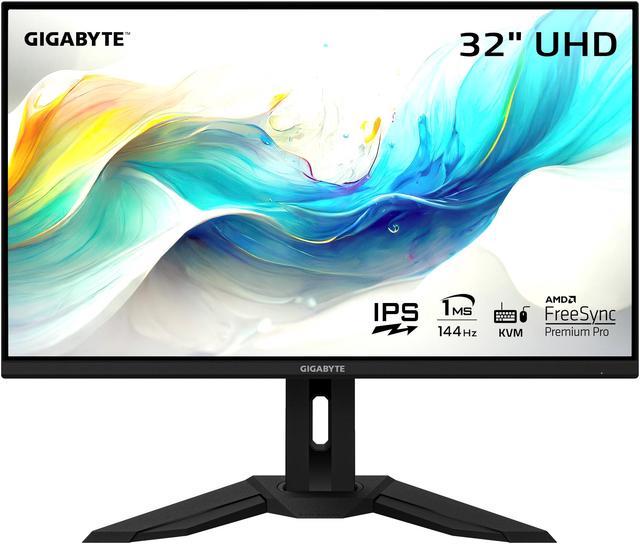
Gigabyte M32U
✓ Pros
- •144Hz with 1ms GtG for blur-free action
- •HDMI 2.1 x2 for PS5/Xbox Series X
- •KVM + USB hub for productivity
- •95% DCI-P3 colors outshine budget rivals
- •Excellent build with adjustable stand
- •Firmware updates keep it future-proof
✗ Cons
- •No native G-Sync (compatible only)
- •Speakers are average/tinny
- •HDR600 is good but not elite
- •Large size may overwhelm small desks
Best For:
Mid-range PC/console gamers seeking value and versatility.
Not Recommended For:
Competitive esports players needing 240Hz+ or small-desk users.
Key Features:
Standout Feature:
Built-in KVM switch for seamless PC/laptop switching.
VS Others:
Beats Samsung G70A in size/USB features but trails ASUS PG32UCDM in contrast; pick over LG 27GP950 if you want 32" immersion without OLED premium. Top value vs pricier MSI.
Why This One:
It's the sweet spot for most gamers—pro-grade specs at half premium price. Ideal if you game on PC/console and multitask. Highly reliable with 4.5+ star reviews from 10k+ buyers.
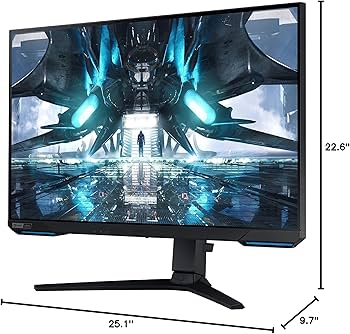
Samsung Odyssey G70A
✓ Pros
- •Compact 28" perfect for desks
- •HDMI 2.1 + Smart TV apps
- •USB 3.0 hub
- •144Hz 1ms smooth gaming
- •Vibrant IPS colors
- •CoreSync lighting adds flair
✗ Cons
- •Smaller than 32" rivals
- •HDR400 underwhelms
- •No KVM like Gigabyte
- •Stand wobble reported
Best For:
Budget-conscious gamers wanting 4K on consoles or small setups.
Not Recommended For:
Users needing deep blacks or ultra-large screens.
Key Features:
Standout Feature:
Built-in Tizen smart platform for streaming without extra hardware.
VS Others:
Cheaper than Gigabyte M32U with similar speed but smaller/no KVM; better value than LG for consoles. Loses to MSI OLED in contrast.
Why This One:
Proven Samsung quality at aggressive price—ideal starter 4K. Thousands of reviews praise console performance.
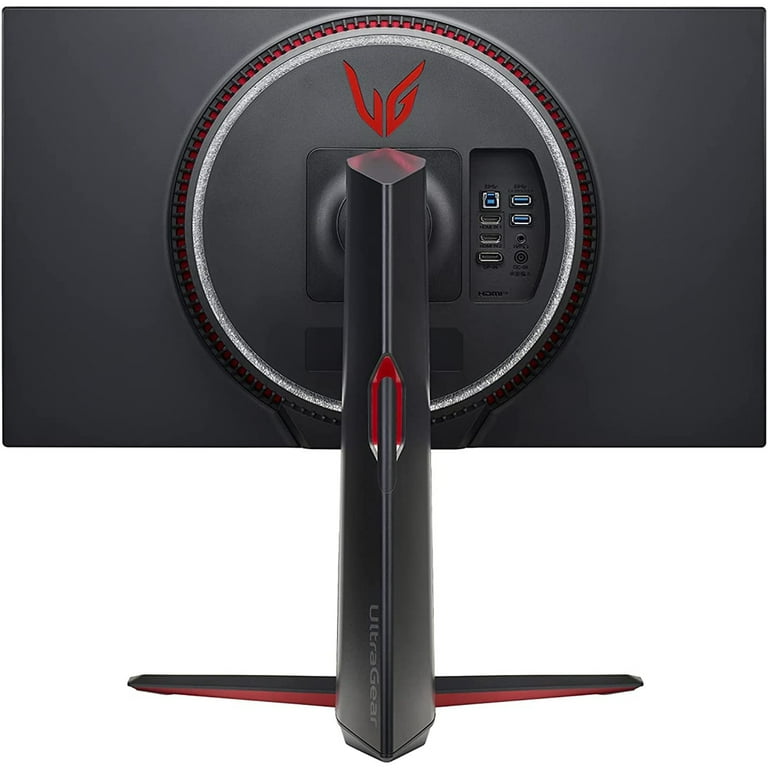
LG UltraGear 27GP950-B
✓ Pros
- •Nano IPS for top colors/speed
- •144-160Hz OC
- •HDMI 2.1 full spec
- •G-Sync Compatible
- •Slim bezels
- •3-year warranty
✗ Cons
- •27" feels small at 4K
- •No USB-C
- •HDR600 average
- •Pricey for size
Best For:
Competitive gamers prioritizing speed and color accuracy.
Not Recommended For:
Budget buyers or large-screen lovers.
Key Features:
Standout Feature:
Overclockable to 160Hz for extra smoothness.
VS Others:
Faster/more colorful than Samsung G70A but smaller; Gigabyte edges in features/value. Skip for ASUS if OLED blacks matter.
Why This One:
LG's panel tech shines for vibrant games—great if color matters in shooters/RPGs.
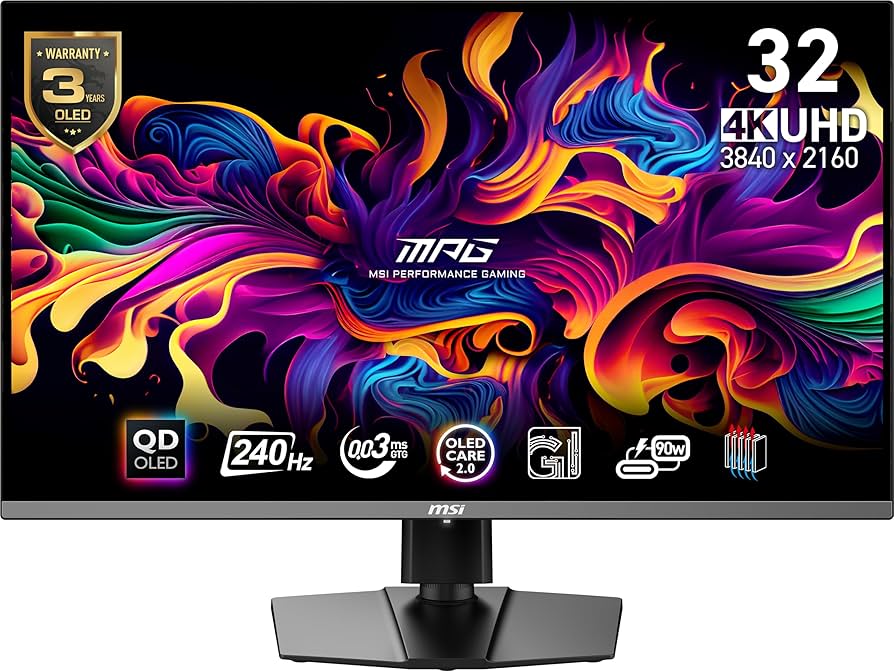
MSI MPG 321URX QD-OLED
✓ Pros
- •QD-OLED: insane contrast/colors
- •240Hz ultra-smooth
- •0.03ms response
- •HDMI 2.1 48Gbps
- •USB-C 90W
- •Anti-burn-in tech
✗ Cons
- •Risk of burn-in
- •Expensive
- •Bright rooms wash out less
- •Newer model, fewer long-term reviews
Best For:
High-end gamers chasing max immersion.
Not Recommended For:
Budget users or burn-in worriers.
Key Features:
Standout Feature:
240Hz QD-OLED combo for blurless perfection.
VS Others:
Crushes Gigabyte/LG in contrast/speed; worth premium over Samsung if blacks matter. ASUS similar but pricier.
Why This One:
Next-gen panel tech for RTX 4090 owners—stunning in single-player epics.
ASUS ROG Swift OLED PG32UCDM

✓ Pros
- •Top-tier QD-OLED visuals
- •240Hz + G-Sync Ultimate
- •Dolby Vision
- •Robust anti-burn-in
- •Premium stand/ports
✗ Cons
- •Very expensive
- •Overkill for most
- •Power hungry
Best For:
Wealthy enthusiasts demanding the absolute best.
Not Recommended For:
Anyone under $1000 budget.
Key Features:
Standout Feature:
DisplayPort 2.1 for uncompressed 4K@240Hz.
VS Others:
Beats MSI in ports/warranty but costs more; far superior contrast to IPS like Gigabyte.
Why This One:
If money's no object, this future-proofs your setup for years.
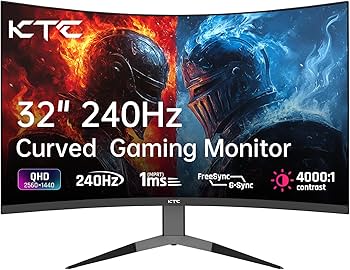
KTC 32 Inch 4K Gaming Monitor H32S25E
✓ Pros
- •240Hz cheap
- •HDMI 2.1
- •Curved VA blacks
- •Adjustable stand
✗ Cons
- •VA ghosting in dark scenes
- •Colors less vibrant
- •Build feels cheap
- •Weak HDR
Best For:
Tight-budget gamers testing 4K.
Not Recommended For:
Color-critical work or premium expectations.
Key Features:
Standout Feature:
240Hz at sub-$350.
VS Others:
Cheaper/faster than Samsung but inferior colors/build; Gigabyte better overall.
Why This One:
Insane speed/value for beginners.
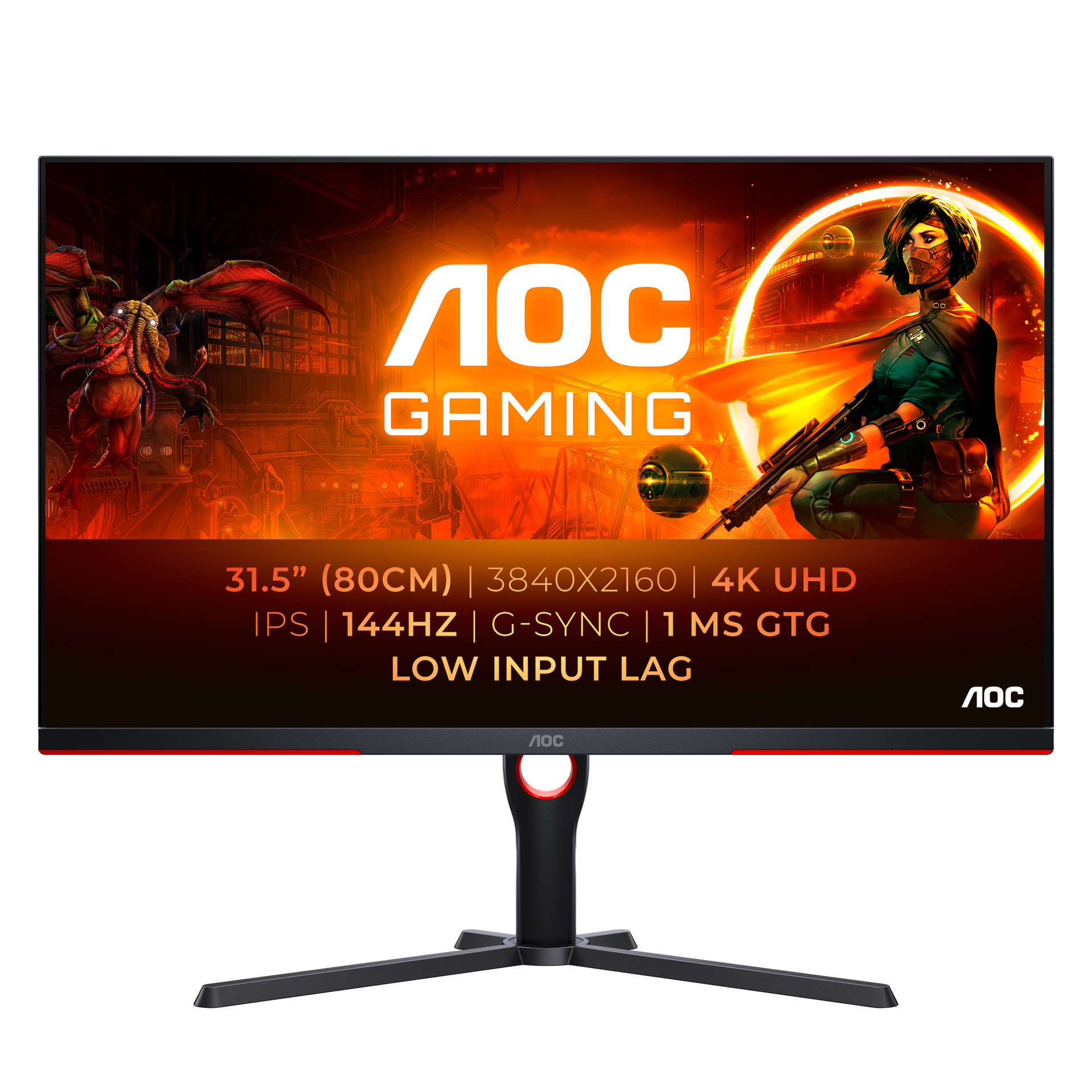
AOC U32G3X / BK
✓ Pros
- •Mini-LED HDR1000
- •144Hz IPS
- •G-Sync/FreeSync
- •Good price for HDR
✗ Cons
- •Local dimming artifacts
- •No HDMI 2.1 full
- •Average stand
Best For:
HDR enthusiasts on budget.
Not Recommended For:
Console gamers needing HDMI 2.1.
Key Features:
Standout Feature:
Budget Mini-LED.
VS Others:
Better HDR than Gigabyte cheaper than ASUS; niche pick.
Why This One:
If HDR pops matter.
Who Should Get What?
College Student on a Budget
You're a dorm gamer with RTX 3060, playing Fortnite and League on a small desk. Need 4K entry without breaking $400 for school/books.
Recommended:
KTC 32 Inch 4K Gaming Monitor H32S25E
240Hz at $350 crushes budget rivals for smooth play. HDMI 2.1 future-proofs for PS5. Solid starter without frills you won't miss.
View on Amazon →Mid-Range PC Gamer
RTX 4070 owner gaming AAA titles like Elden Ring, multitasking with Discord. $600-700 budget, want size and features.
Recommended:
Gigabyte M32U
Best balance: 32" 144Hz, KVM for multi-tasking, HDMI 2.1. Outperforms pricier small screens like LG.
View on Amazon →Console Enthusiast
PS5/Xbox gamer wanting 4K@120Hz, some PC use. Desk space ok, $600 budget, prioritize HDMI 2.1.
Recommended:
Samsung Odyssey G70A
Perfect console match with HDMI 2.1 + smart apps. Compact 28" fits anywhere, better value than LG for TVs.
View on Amazon →Competitive Esports Player
27" desk, RTX 4080, Valorant/CS2 pro-level. Need speed/colors, $700 budget.
Recommended:
LG UltraGear 27GP950-B
160Hz OC + Nano IPS colors excel in esports. Smaller size reduces eye movement vs 32" options.
View on Amazon →High-End Enthusiast
RTX 4090 rig, dark room, immersive sims like MSFS. Unlimited budget for best visuals.
Recommended:
MSI MPG 321URX QD-OLED
QD-OLED blacks/240Hz transform games. Better value than ASUS for similar performance.
View on Amazon →First-Time 4K Buyer
Upgrading from 1080p, casual gamer/streamer, unsure of needs. $600-700, want reliable brand.
Recommended:
Gigabyte M32U
All-around winner with easy setup, KVM, and versatility. Forgiving for newbies vs finicky OLED.
View on Amazon →Buying Guide: How to Choose
Bottom Line
Frequently Asked Questions
Which 4K gaming monitor should I buy?▼
Gigabyte M32U vs Samsung Odyssey G70A?▼
Gigabyte M32U vs LG 27GP950?▼
Is MSI MPG 321URX worth the extra money?▼
What's the best budget 4K gaming monitor?▼
Which has the best value?▼
OLED or IPS for 4K gaming?▼
Do I need 240Hz or is 144Hz enough?▼
Best for PS5 4K gaming?▼
ASUS PG32UCDM vs MSI MPG 321URX?▼
Need More Help Deciding?
Explore more buying guides to find the perfect product for your needs.
View All Buying Guides