
Is Which CPUs should I buy Worth It? Honest Review (2026)
Compare the best CPUs for budget gaming and find your perfect match based on needs and budget
Our Top Pick
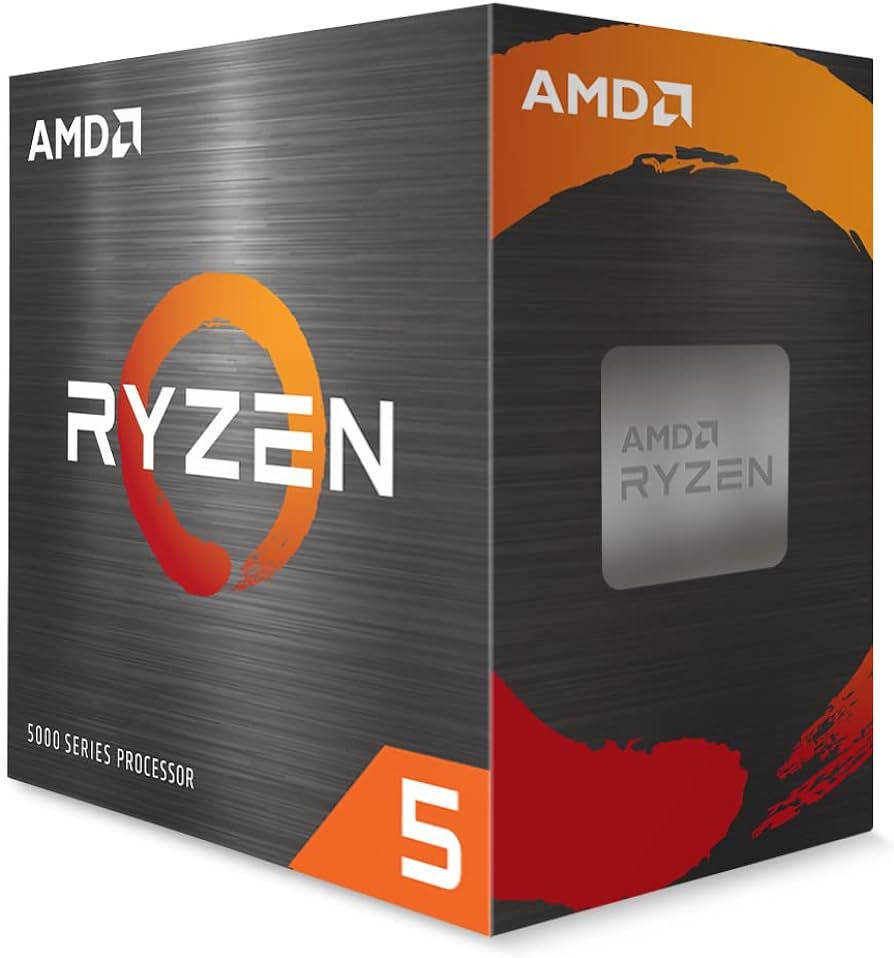
AMD Ryzen 5 5600 6-Core, 12-Thread Unlocked Desktop Processor
Best BudgetBudget gamers building on a tight budget who want the most FPS per dollar
View on Amazon →Key Factors to Consider
- 1.Performance per dollar: How much FPS you get for the price
- 2.Core count: 6 cores is fine for gaming, 8 helps for streaming/multitasking
- 3.Single-thread speed: Most games rely on strong single-core performance
- 4.Compatibility: The CPU must fit your motherboard socket (AM4, AM5, LGA1700)
- 5.Memory type: DDR4 is cheaper, DDR5 is newer and faster but costs more
- 6.Power consumption: Lower TDP means less heat and lower electricity bills
- 7.Included cooler: Some CPUs come with a stock cooler, saving you $20-40
- 8.Upgrade path: AM5 supports future AMD CPUs, while AM4 and LGA1700 are dead ends
- 9.Integrated graphics: Useful for troubleshooting or if you don't have a GPU yet
- 10.Overclocking headroom: Unlocked 'K' or 'X' chips allow tweaking for extra performance
The Products
AMD Ryzen 5 5600 6-Core, 12-Thread Unlocked Desktop Processor
✓ Pros
- •Incredible price-to-performance ratio
- •Plenty of gaming performance for 60-120 fps at 1080p
- •Compatible with cheap AM4 motherboards and DDR4 RAM
- •Low power draw (65W TDP) means less heat
- •Includes a decent stock cooler
- •Great for overclocking, if you want more performance
✗ Cons
- •No integrated graphics (needs a dedicated GPU)
- •Zen 3 is older, no upgrade path beyond Ryzen 5000/5000G
- •Slower than newer CPUs in heavily multi-threaded tasks
- •Requires AM4 board with BIOS update if you buy a 5000-series board
Best For:
Budget gamers building on a tight budget who want the most FPS per dollar
Not Recommended For:
Content creators or anyone who needs heavy multi-thread performance or future upgradability
Key Features:
Standout Feature:
Unmatched value for gaming at under $150
VS Others:
Compared to the Intel i5-12400F, the Ryzen 5 5600 is slightly cheaper but has lower multi-core performance; the AMD AM4 platform is also older, so you won't be able to upgrade to a newer CPU later. The i5-13400F is noticeably faster for a similar price, but the 5600 is the best choice if you're strictly min-maxing cost.
Why This One:
If you want the least expensive way to get solid 1080p gaming performance, the Ryzen 5 5600 is a no-brainer. It's also a great drop-in upgrade for people who already own an AM4 motherboard.
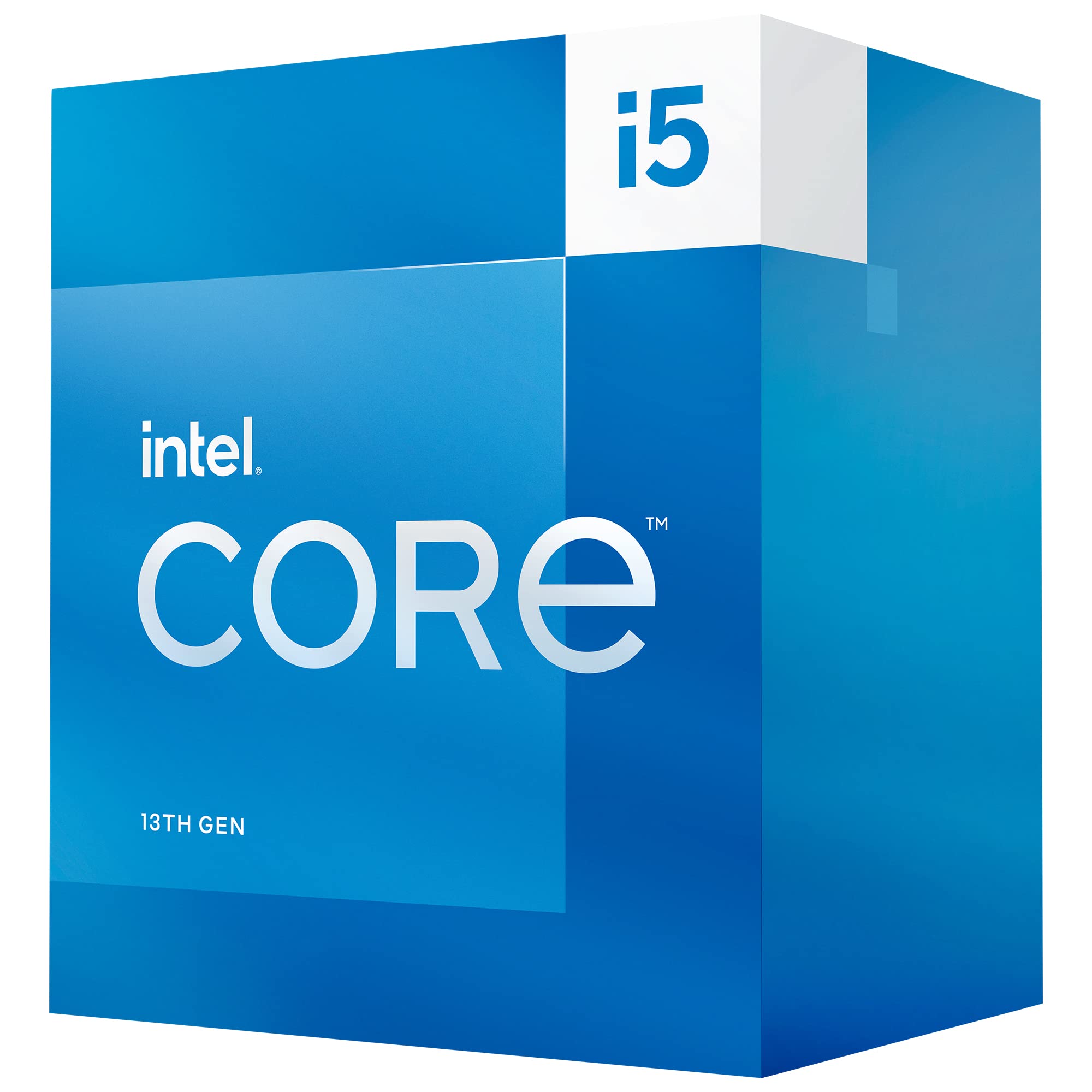
Intel Core i5-13400F Desktop Processor 10 Cores (6 P-cores + 4 E-cores) 16 Threads
✓ Pros
- •Excellent gaming and multi-thread performance
- •Hybrid architecture offers great efficiency and speed
- •Supports both DDR4 and DDR5, letting you choose your platform
- •Outperforms comparable AMD CPUs in most gaming benchmarks
- •Price is relatively low for the performance class
- •Good availability and compatibility with budget B660/B760 boards
✗ Cons
- •Requires a LGA1700 motherboard, which is a dead end (no future upgrades)
- •F-version has no integrated graphics
- •Stock cooler is adequate but not great for sustained loads
- •Power draw can be high under all-core workloads
Best For:
Gamers who want top-tier 1080p/1440p performance and value productivity as well
Not Recommended For:
First-time builders who want an upgrade path to newer CPUs or who need integrated graphics for troubleshooting
Key Features:
Standout Feature:
The best price-to-performance in Intel's 13th-gen lineup
VS Others:
The i5-13400F outperforms both the Ryzen 5 5600 and Ryzen 5 7600 in most gaming tests, often rivaling the more expensive Ryzen 7 5700X. However, it's on a dead platform, while the Ryzen 5 7600 offers an upgrade path to future Ryzen 9000 CPUs. If you care about upgrading later, the 7600 is better; if you want performance now for less, the 13400F wins.
Why This One:
This is the sweet spot for budget-conscious gamers who don't want to compromise on FPS. It delivers near-flagship gaming performance at a mid-range price, and its hybrid cores make it exceptionally responsive for everyday tasks as well.
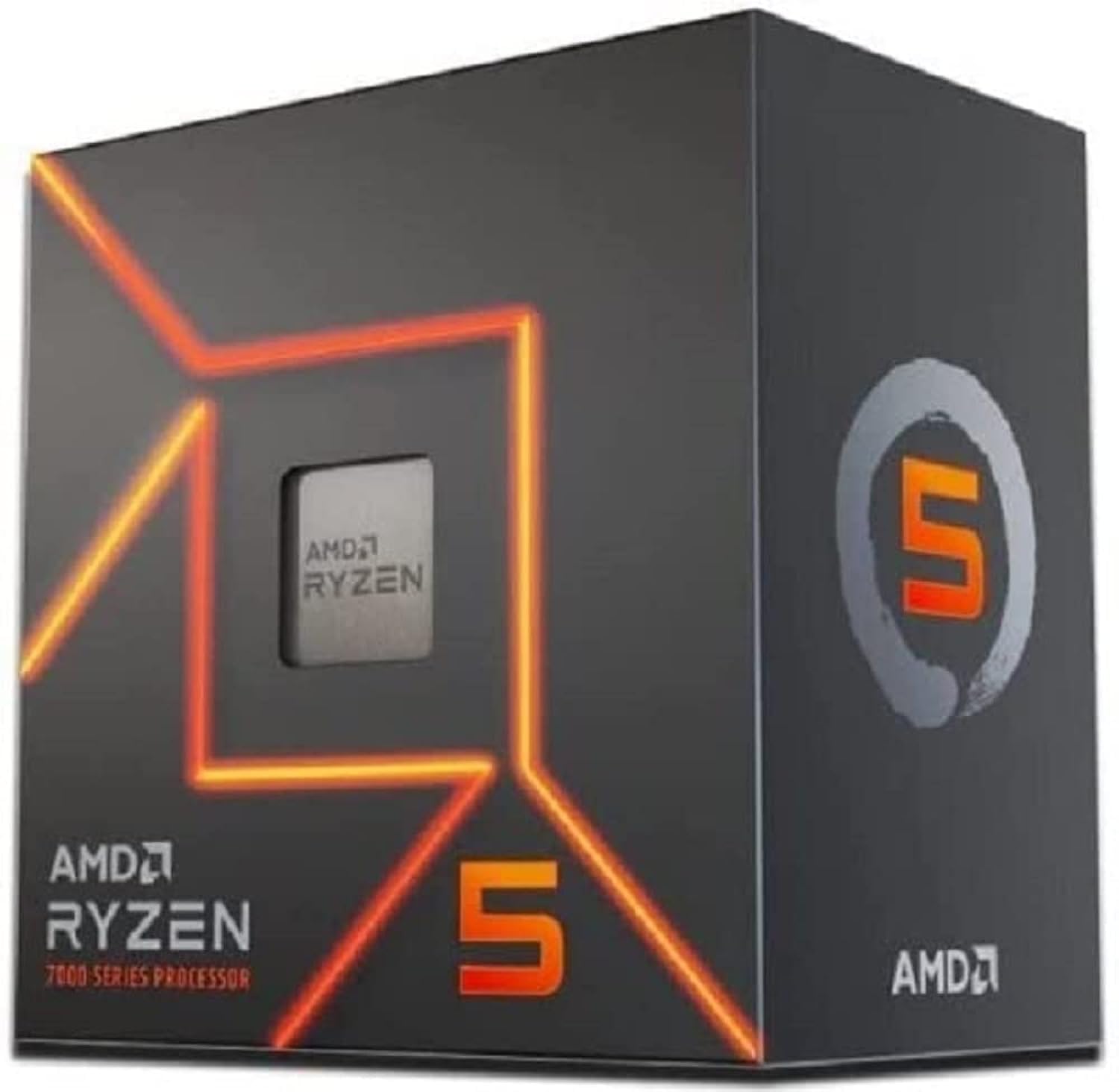
AMD Ryzen 5 7600 6-Core, 12-Thread Unlocked Desktop Processor
✓ Pros
- •Future-proof AM5 socket, compatible with upcoming Ryzen processors
- •Integrated graphics (Radeon Graphics) for troubleshooting or basic display
- •High boost clock (5.1 GHz) gives strong single-thread gaming performance
- •Supports DDR5 memory, which is becoming standard
- •Low power consumption (65W TDP) and runs cool
- •PCIe 5.0 support for fastest SSDs and GPUs
✗ Cons
- •DDR5 and AM5 motherboards cost more, increasing platform cost
- •Stock cooler is not included (you need to buy one)
- •Not as fast as i5-13400F in some multi-threaded tasks
- •Price can fluctuate and often hovers above $200
Best For:
Gamers who want a modern CPU with a clear upgrade path to future generations
Not Recommended For:
Budget builders on a strict total budget who can't afford the higher cost of DDR5 and AM5 motherboards
Key Features:
Standout Feature:
Future-proof AM5 platform with integrated graphics at an entry-level price
VS Others:
Compared to the i5-13400F, it's slightly slower in gaming but offers a much better upgrade path. If you plan on upgrading your CPU in 3-4 years without changing the motherboard, the Ryzen 5 7600 is the smart choice. It also has integrated graphics, which the 13400F lacks.
Why This One:
If you're building a new PC today and want to keep the door open for a future high-end CPU, like a Ryzen 7 9800X3D, without a motherboard swap, the Ryzen 5 7600 is your gateway. The added cost of DDR5 is worth it for longevity.
Intel Core i5-12400F Desktop Processor 6 Cores (6 P-cores) 12 Threads
✓ Pros
- •Excellent 1080p gaming performance, often beating Ryzen 5 5600
- •Supports both DDR4 and DDR5, offering platform flexibility
- •Lower power draw than 13400F, runs cooler
- •Includes a stock cooler (Laminar RM1)
- •Great price for the performance, especially when on sale
- •Very stable and compatible with a wide range of motherboards
✗ Cons
- •No integrated graphics (F version)
- •Dead-end platform (no upgrade beyond 14th gen)
- •Fewer cores and threads than 13400F for multitasking
- •Slower than 13400F, but the difference is modest
Best For:
Budget builders who want a trusted, efficient 6-core CPU with no frills
Not Recommended For:
Users who want heavy multi-thread performance for streaming or video editing
Key Features:
Standout Feature:
Outstanding blend of price, low power, and gaming performance
VS Others:
The i5-12400F is cheaper than the i5-13400F and only slightly slower in gaming. It's very similar in value to the Ryzen 5 5600—you can pick based on which motherboard deal you score. The 13400F brings more cores for multitasking, but for pure gaming, the 12400F is close enough that you could save money.
Why This One:
If you want a reliable, cool-running CPU that gets the job done without overspending, the i5-12400F is a proven choice. It's especially good if you're on a tight budget and want to allocate more money to your graphics card.
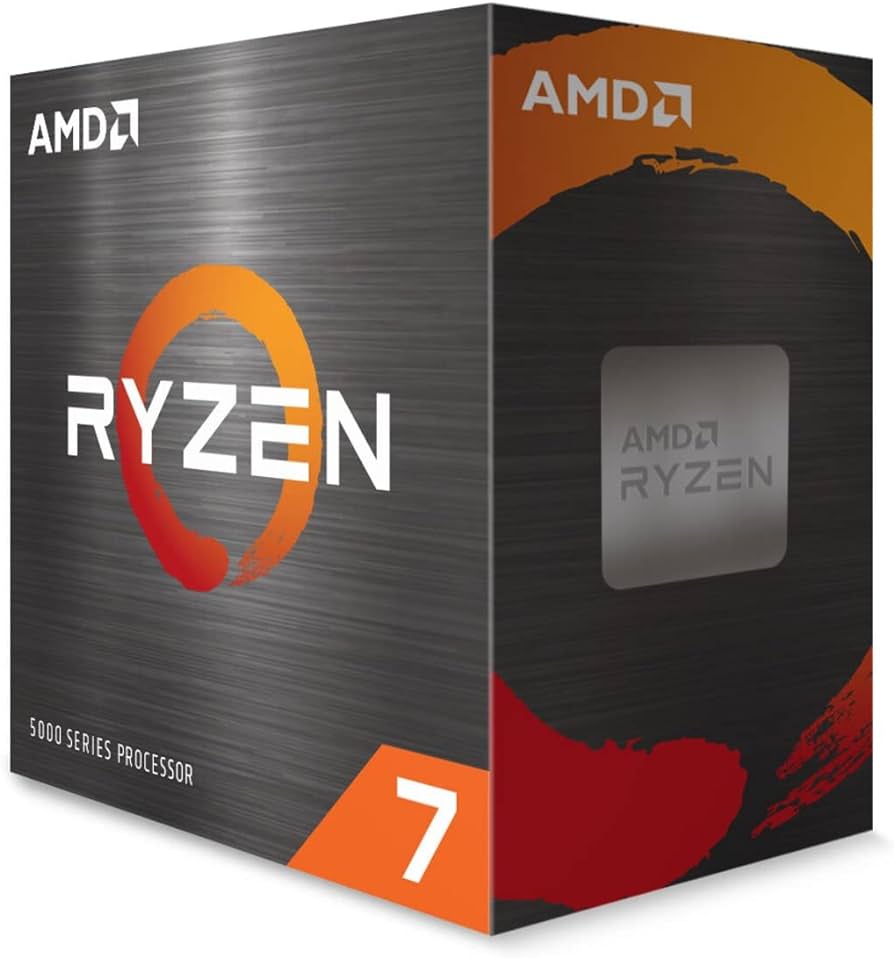
AMD Ryzen 7 5700X 8-Core, 16-Thread Unlocked Desktop Processor
✓ Pros
- •8 cores/16 threads offer excellent multi-thread performance
- •Great price for an 8-core CPU, often under $200
- •Gaming performance nearly identical to Ryzen 7 5800X
- •Low 65W TDP, easy to cool with a budget air cooler
- •Drop-in upgrade for anyone with an existing AM4 motherboard
- •Good for streaming and video editing on a budget
✗ Cons
- •No integrated graphics
- •No cooler included (adds ~$20-30 to total cost)
- •AM4 platform is dead-end, no future CPU upgrades
- •Multi-thread performance is behind newer 8-core chips like i5-13400F
Best For:
Budget-conscious content creators and gamers using AM4 who need extra cores for editing or streaming
Not Recommended For:
First-time builders who want a modern, upgradable platform or who don't want to buy a separate cooler
Key Features:
Standout Feature:
Best budget 8-core CPU on a mature, low-cost AM4 platform
VS Others:
Compared to the Ryzen 5 5600, the 5700X gives you two extra cores for about $50 more—worth it if you do more than gaming. Against the i5-13400F, the 5700X loses in gaming due to worse single-thread speed, but it's cheaper and has 8 full cores for productivity. If you already have an AM4 motherboard, the 5700X is a smarter upgrade than buying a new platform.
Why This One:
If you need the core count for multitasking or creative work, but you're still gaming, the 5700X offers a balanced package at a reasonable price. It's a particularly good deal if you're upgrading from an older Ryzen CPU.
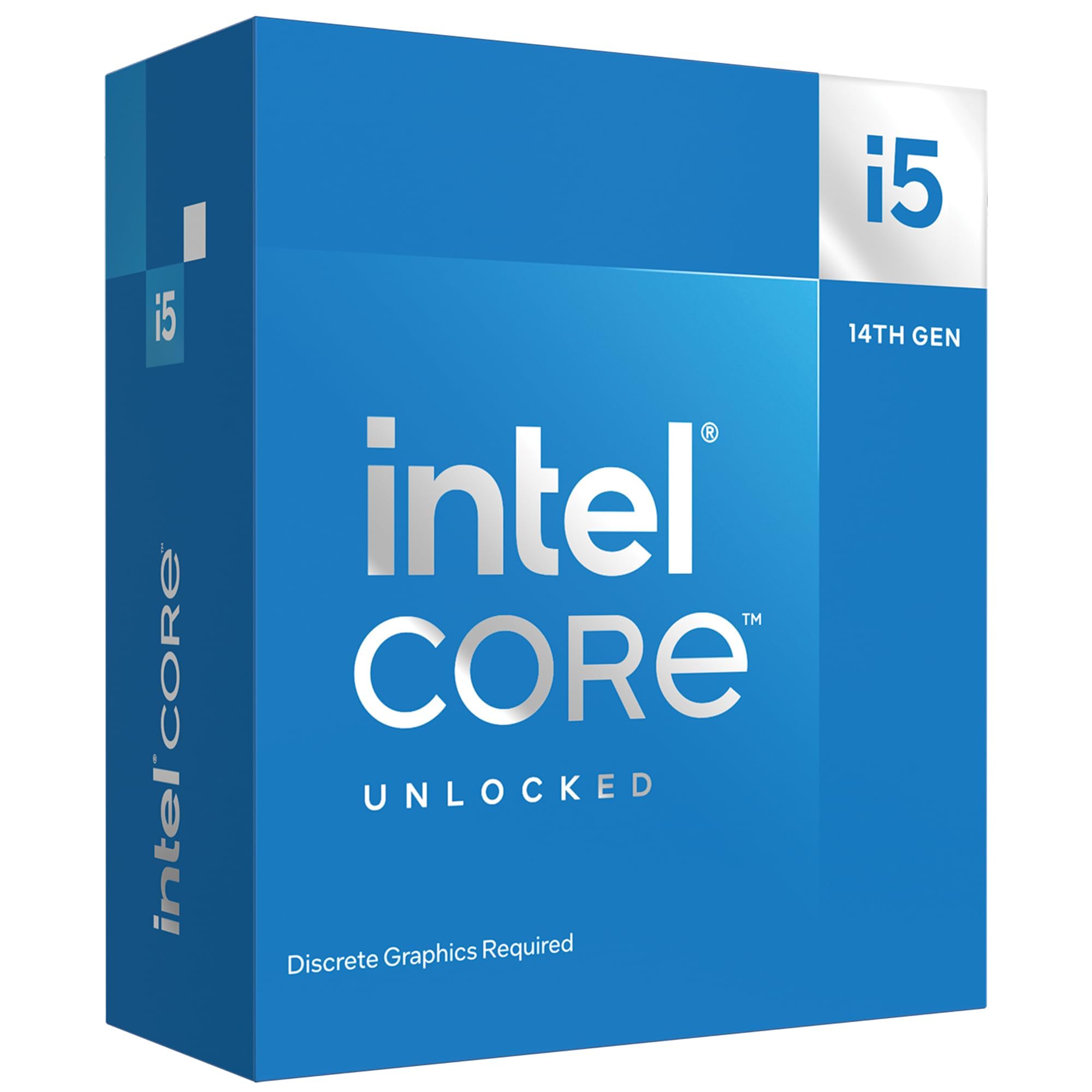
Intel Core i5-14600KF 14th Gen Desktop Processor 14 cores (6 P-cores + 8 E-cores) 20 Threads
✓ Pros
- •Outstanding gaming performance, often the best under $300
- •High boost clock (5.3 GHz) for snappy single-thread tasks
- •Multi-thread performance rivals some i7s and Ryzen 7s
- •Supports both DDR4 and DDR5, so you can save on RAM
- •Unlocked multiplier for overclocking
- •Huge price drop since launch, making it a great deal
✗ Cons
- •High power consumption, needs a good cooling solution
- •No integrated graphics (F-version)
- •LGA1700 platform is dead-end for future upgrades
- •Can be over $300 after adding a cooler and compatible board
- •Intel 14th gen had instability issues with some games (though fixed with updates)
Best For:
Enthusiasts who want maximum gaming FPS at $300 and are willing to invest in proper cooling
Not Recommended For:
Budget builders who already have a tight overall budget or prefer low power consumption
Key Features:
Standout Feature:
Flagship-level gaming performance on a mid-range budget
VS Others:
The i5-14600KF outperforms every other CPU in this guide in gaming benchmarks, including the Ryzen 5 7600 and i5-13400F. However, it costs about $80 more than the 13400F and needs a stronger cooler, raising the total cost. If you need absolute performance and can stretch your budget to around $350 total for the CPU + cooler, it's unbeatable. Otherwise, stick with the 13400F for better value.
Why This One:
You're a serious gamer who wants high refresh rates at 1440p or 4K, and you're not afraid of a higher power draw. The 14600KF is the fastest budget CPU you can buy, and it's especially tempting if you already have a good LGA1700 cooler.
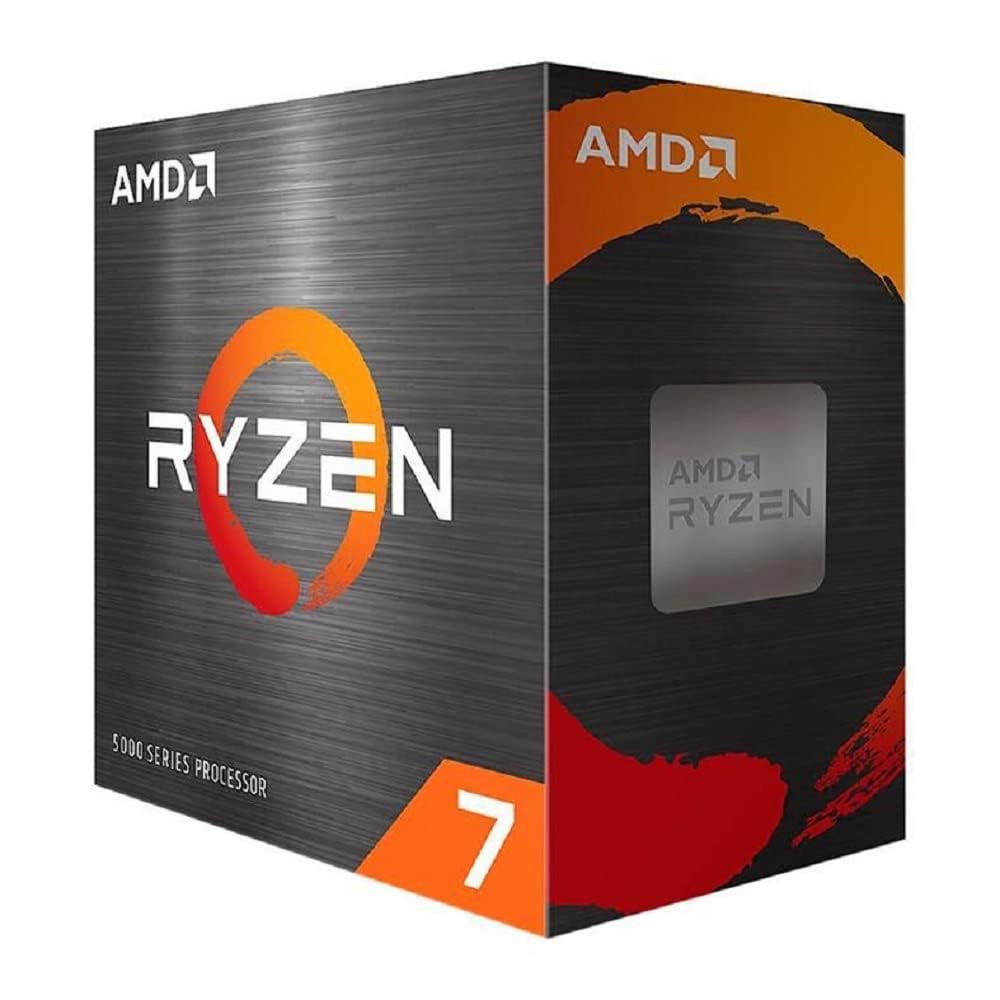
AMD Ryzen 7 5800X 8-core, 16-Thread Unlocked Desktop Processor
✓ Pros
- •8 cores/16 threads with high boost clocks (4.7 GHz)
- •Excellent gaming and production performance
- •Works with budget AM4 motherboards and DDR4 RAM
- •Higher clocks than the 5700X
- •Good for overclocking if you have the cooling
- •Often goes on sale, occasionally near $200
✗ Cons
- •More expensive than the 5700X with only a small performance gain
- •No stock cooler included
- •Very power hungry (105W TDP) and runs hot
- •Dead-end AM4 platform
- •Newer CPUs like i5-13400F outperform it for less money
Best For:
Enthusiasts with existing AM4 systems who want the best possible upgrade without a motherboard change
Not Recommended For:
New builders on a budget, because it's an older platform and the low-value compared to 13400F
Key Features:
Standout Feature:
The highest-clocked AM4 chip, ideal for maxing out an existing build
VS Others:
The 5800X edges out the 5700X by about 5–10% in games, but it costs more and needs a better cooler. Against the i5-13400F, it lags in both value and raw gaming performance. Unless you're already invested in AM4, there's little reason to choose the 5800X in 2026.
Why This One:
If you already own a high-end AM4 motherboard and want the best drop-in performance, this CPU is a solid (if pricey) choice. It's also great for overclocking enthusiasts who like tuning.
Who Should Get What?
College Student on a Tight Budget
A first-year engineering student needs a PC for classwork, light gaming, and occasional streaming. They have about $700 total for the entire build and want to maximize value while keeping upgrade potential.
Recommended:
AMD Ryzen 5 5600
The Ryzen 5 5600 is the cheapest CPU that can handle esports titles and everyday productivity with ease. Paired with a budget AM4 board and 16GB DDR4, you can save money on RAM and motherboard, leaving room for a decent GPU like an RX 6600. The stock cooler is fine, so no extra cost. Plus, AM4 motherboards and DDR4 are heavily discounted right now.
View on Amazon →First-Time PC Builder
A newbie wants to build their first gaming PC but feels overwhelmed. They're worried about BIOS updates, cooler installation, and future-proofing. They want an easy-to-build system that won't need upgrades for a few years.
Recommended:
AMD Ryzen 5 7600
The Ryzen 5 7600 is a great introduction to modern platforms. It has integrated graphics, which helps if your GPU has a problem, and the AM5 socket will support future CPUs, so your motherboard and RAM won't be obsolete soon. Plus, DDR5 is not that much more expensive than DDR4 now, and you'll learn on the latest tech. The 7600 also runs cool, so a budget cooler is plenty.
View on Amazon →Streamer and Content Creator
A gamer who streams on Twitch and edits videos in Adobe Premiere wants a CPU that can handle gaming, OBS encoding, and rendering without stutter. Their budget is around $250 for the CPU.
Recommended:
Intel Core i5-13400F
The i5-13400F has 10 cores and 16 threads, giving you enough processor headroom to stream alongside gaming without hurting FPS. It also outperforms the Ryzen 7 5700X in most video-editing workloads due to its hybrid architecture and Quick Sync (though the F-version lacks Quick Sync, but the CPU is still strong). It's also priced well under $250, so you can invest more in a capture card or additional RAM.
View on Amazon →Upgrader from Older CPU
A user has a PC with a B450 motherboard and a Ryzen 5 2600. They game at 1080p and want a noticeable FPS boost without upgrading the motherboard or RAM.
Recommended:
AMD Ryzen 7 5700X
The 5700X is the most sensible drop-in upgrade for AM4 users. It doubles your core count over the 2600 and gives a massive uplift in both gaming and multitasking. You can keep your existing DDR4 RAM and motherboard after a simple BIOS update. Going with the 5800X would give you a little more speed, but the 5700X is cheaper and runs much cooler, so you won't need a new PSU or cooler.
View on Amazon →Performance-Driven Gamer
A hardcore gamer wants to hit 144+ FPS in competitive shooters and 60+ FPS in AAA games at 1440p. They have a budget of up to $300 for the CPU and already have a powerful GPU like an RTX 3070.
Recommended:
Intel Core i5-14600KF
The i5-14600KF provides the highest raw gaming performance in this budget class. With 14 cores and 5.3 GHz boost, it'll keep up with even the fastest GPUs at 1080p, and it won't become a bottleneck for years. It's perfect for someone who doesn't want to compromise on fps and is willing to spend a bit more on a quality air cooler. Just remember to get a Z690 or B760 motherboard to take full advantage of the unlocked multiplier.
View on Amazon →Budget Builder with Strict $800 Total
A person wants to build a complete gaming PC for under $800, including monitor and peripherals. They need to cut corners wherever possible without using used parts.
Recommended:
Intel Core i5-12400F
The i5-12400F gives solid gaming performance at a low price. Since you're on a strict budget, you can pair it with a cheap H610 or B660 motherboard and DDR4 RAM. The CPU comes with a cooler, so you save money there too. The performance difference between the 12400F and the 13400F isn't huge for gaming, so the 12400F lets you put more money into a GPU, which matters more for FPS.
View on Amazon →Buying Guide: How to Choose
Bottom Line
Frequently Asked Questions
Which CPU is best for budget gaming under $300?▼
What is the best CPU for gaming in 2026 under $300?▼
Is AMD or Intel better for budget gaming PCs?▼
Should I buy DDR4 or DDR5 RAM with my budget CPU?▼
Which CPU is better for streaming: i5-13400F or Ryzen 5 7600?▼
Do I need an 8-core CPU for budget gaming?▼
Should I buy a Ryzen 5 5600 in 2026?▼
Wait, is the i5-14600KF worth the extra money over the i5-13400F?▼
Which budget CPU has the best upgrade path?▼
What's a good CPU for gaming if I don't have a dedicated GPU yet?▼
Is it worth spending $300 on a CPU for a $1500 gaming PC?▼
What is better: Ryzen 7 5700X or Intel i5-13400F?▼
Need More Help Deciding?
Explore more buying guides to find the perfect product for your needs.
View All Buying Guides