
7 Best Which Gaming Monitors should I buy in 2026: Tested & Rank…
Compare the best PS5 gaming monitors from $300 to $800 and pick the one that matches your games, desk and room.
Our Top Pick
LG 27GP950-B 27" 4K 144Hz Nano IPS Gaming Monitor with HDMI 2.1
Best OverallPS5 owners who want the best all-round 4K/120 monitor and also use the same desk for a PC.
View on Amazon →Key Factors to Consider
- 1.HDMI 2.1 bandwidth: The PS5 needs a capable HDMI 2.1 input to run 4K at 120Hz. Watch for reduced-bandwidth (24Gbps class) ports that may drop to 4K/60 or force chroma subsampling on PS5 — full-bandwidth ports are the safer bet if 4K120 is your goal.
- 2.Resolution vs. desk distance: 1440p is the value sweet spot and supported natively by PS5 up to 120Hz; 4K is sharper for detail-heavy single-player games and for 27-28 inch panels where you sit close.
- 3.Refresh rate reality check: PS5 caps at 120Hz, so a 240Hz monitor gives you zero extra frames on console. Buy 240Hz only if you also game on PC or value the panel quality that often comes with it.
- 4.Panel technology: Fast IPS is the best all-rounder, VA offers deeper blacks and higher contrast, and OLED delivers near-instant response with per-pixel blacks at a higher price.
- 5.HDR quality, not the badge: DisplayHDR 400 is largely meaningless; DisplayHDR 600 with local dimming is a real improvement, and mini-LED or OLED is where HDR actually changes the experience.
- 6.VRR and ALLM support: Variable Refresh Rate smooths out frame rate dips between roughly 48 and 120Hz, and Auto Low Latency Mode switches the monitor into its low-lag picture mode automatically when the PS5 sends a game signal.
- 7.Input lag and pixel response: For 120Hz gaming, what you feel is total latency and motion clarity. Fast IPS and OLED panels typically have the edge over VA for crisp panning in shooters.
- 8.Screen size and curvature: 27-28 inches suits a typical desk at 20-24 inches viewing distance; 32 inches needs closer to 30 inches. Aggressive curves help immersion on 32-inch panels but can feel odd on smaller screens.
- 9.Connectivity and extras: Two HDMI 2.1 ports are useful if the PS5 shares the desk with a PC or another console, and a USB hub plus headphone jack saves cable clutter.
- 10.Warranty, dead-pixel policy and burn-in coverage: OLED buyers should check burn-in coverage specifically; IPS and VA buyers should check the dead-pixel replacement threshold before buying.
The Products
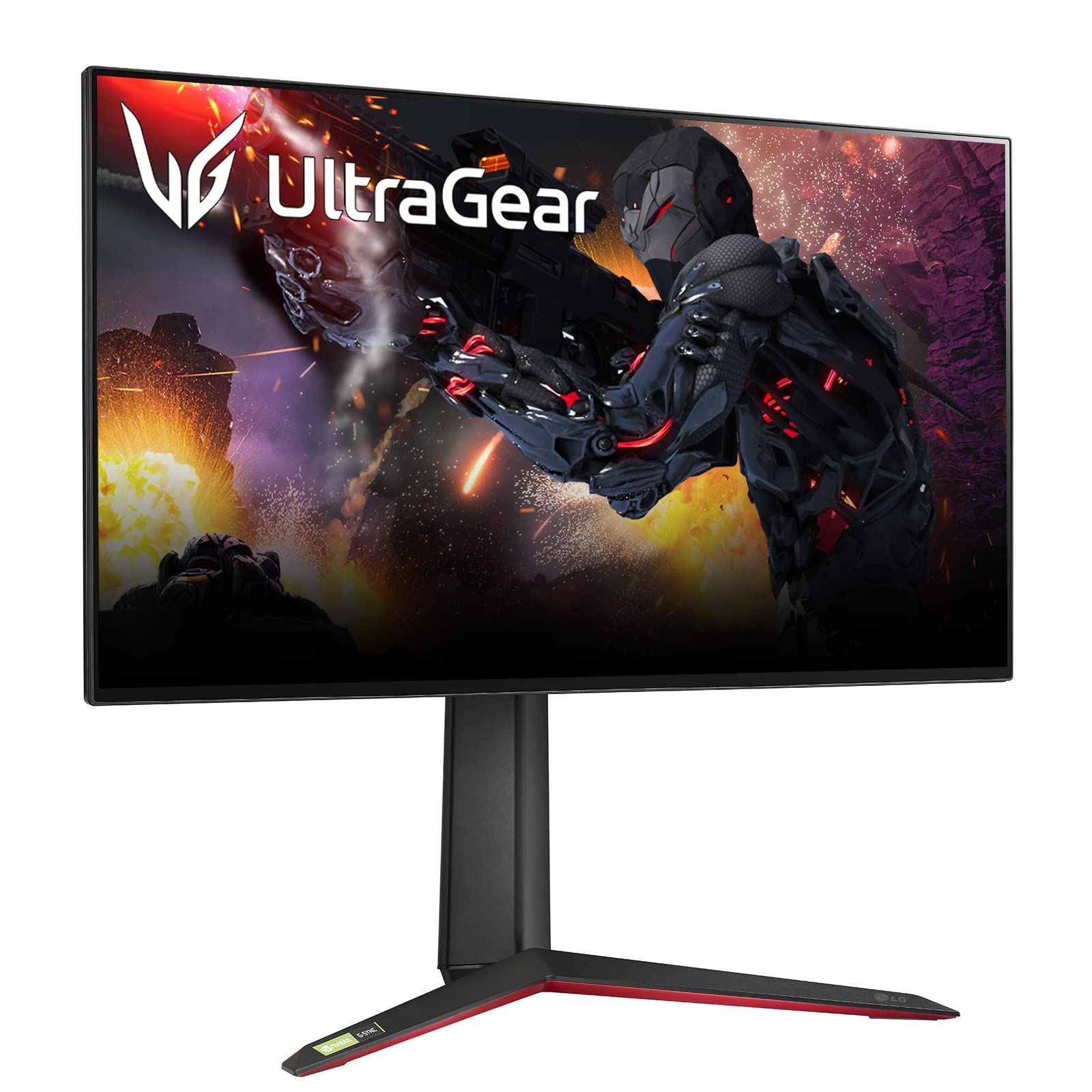
LG 27GP950-B 27" 4K 144Hz Nano IPS Gaming Monitor with HDMI 2.1
✓ Pros
- •Full-featured HDMI 2.1 connectivity supports 4K at 120Hz on PS5
- •Nano IPS panel with wide color coverage looks excellent for games and creative work
- •4K/144Hz with adaptive sync makes it equally strong for a connected PC
- •DisplayHDR 600 with local dimming is a meaningful step above DisplayHDR 400 panels
- •Height-adjustable stand, USB hub and clean cable management
- •Excellent out-of-the-box color accuracy reduces the need for calibration
✗ Cons
- •Priced at the top of the mainstream range for a 27-inch monitor
- •IPS contrast is average, so dark scenes lack the depth of VA or OLED
- •Some HDR blooming around bright highlights in dark scenes
- •28-inch 4K alternatives deliver similar sharpness for less money
Best For:
PS5 owners who want the best all-round 4K/120 monitor and also use the same desk for a PC.
Not Recommended For:
Buyers who mostly play competitive shooters and would rather spend the money on contrast and motion than on 4K resolution.
Key Features:
Standout Feature:
Nano IPS color accuracy combined with full HDMI 2.1 bandwidth — a rare pairing at this price that works as well for creative work as it does for PS5 gaming.
VS Others:
Against the Gigabyte M28U, the LG buys you better color, a nicer stand and more reliable HDMI 2.1 behavior for a few hundred dollars more. Against the Sony INZONE M9, it loses on HDR contrast but wins on color accuracy and dual-purpose PC use. Choose the LG if you want one monitor that's excellent at everything rather than best-in-class at one thing.
Why This One:
It solves the PS5 monitor problem in a single purchase: 4K, 120Hz, proper HDMI 2.1, good color and a useful USB hub, with no obvious weak spot for a mixed-use desk. If your budget reaches the top of this range, it's the least compromising choice available.
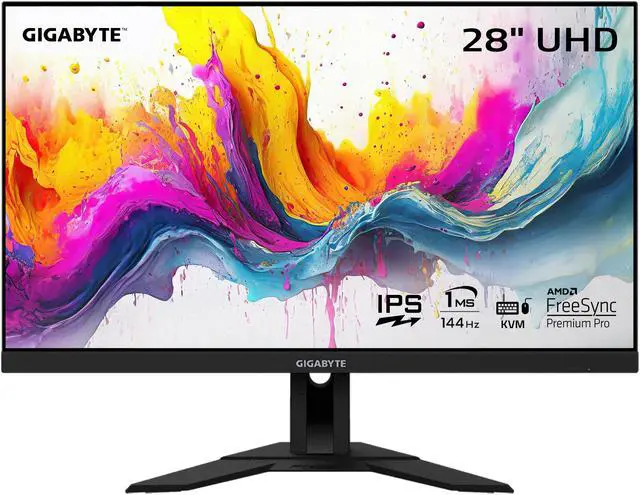
Gigabyte M28U 28" 4K 144Hz IPS Gaming Monitor with HDMI 2.1
✓ Pros
- •4K resolution at 144Hz with HDMI 2.1 input at a price well below premium 4K competitors
- •28-inch size fits comfortably on most desks while still showing 4K detail
- •Built-in KVM switch is genuinely useful for a shared PS5 and PC or laptop setup
- •IPS panel with good viewing angles and reasonably accurate color
- •Supports VRR and ALLM, which the PS5 uses for smoother frame pacing
- •Good port selection including multiple HDMI inputs and USB
✗ Cons
- •Stand has limited adjustment and feels basic compared with premium rivals
- •HDR performance is weak — no local dimming and modest peak brightness
- •Contrast is typical IPS, so blacks look grey in a dark room
- •The reduced-bandwidth HDMI 2.1 implementation means some users report needing to check chroma settings for full 4K/120 on PS5
Best For:
PS5 owners who want the sharpest 4K image possible without paying premium prices.
Not Recommended For:
Anyone who considers HDR and deep blacks a priority, or who needs a highly adjustable ergonomic stand out of the box.
Key Features:
Standout Feature:
A KVM switch built into a sub-$600 4K/144Hz monitor — unusual at this price and genuinely useful for anyone juggling a PS5 with a work laptop.
VS Others:
Compared with the LG 27GP950-B, the M28U gives up color accuracy, HDR quality and stand quality for a few hundred dollars less — and for pure PS5 gaming, the difference in image quality is smaller than the price gap suggests. Compared with the Dell S2721DGF, it costs more but delivers a genuinely sharper 4K image. If your budget caps out around $550, this is the pick.
Why This One:
It delivers the two things PS5 owners actually want — 4K and 120Hz over HDMI 2.1 — at a price that leaves room for games. The KVM is a bonus that makes it more useful than its price suggests.
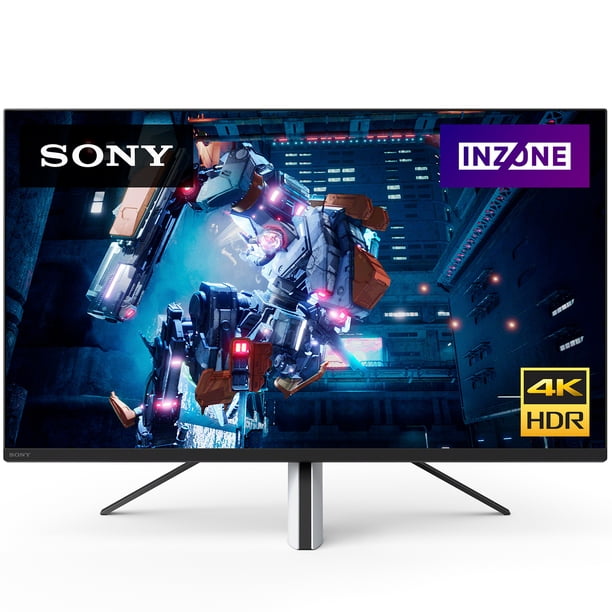
Sony INZONE M9 27" 4K 144Hz Full Array LED Gaming Monitor
✓ Pros
- •Full-array local dimming with 96 zones delivers far better contrast than edge-lit competitors
- •Auto HDR Tone Mapping integrates directly with the PS5 for optimized HDR output
- •4K resolution at 144Hz with HDMI 2.1 and VRR support
- •Excellent color accuracy and a wide gamut for both games and creative work
- •Sleek design with a tripod-style stand and tidy cable routing
- •Strong HDR brightness makes highlights in supported games genuinely pop
✗ Cons
- •The most expensive monitor in this guide
- •Local dimming produces some visible blooming in high-contrast scenes
- •Stand offers limited height adjustment compared with the LG
- •Overkill if you mainly play competitive multiplayer where HDR is irrelevant
Best For:
Single-player and HDR-focused PS5 owners who want the best picture this budget can buy.
Not Recommended For:
Competitive shooter players who won't use HDR and would rather spend the money on contrast plus higher sustained brightness doesn't help them aim.
Key Features:
Standout Feature:
PlayStation-specific Auto HDR Tone Mapping — the PS5 tunes its HDR output to this specific display, a feature no other monitor in this guide offers.
VS Others:
The INZONE M9 beats the LG 27GP950-B on contrast and HDR and loses slightly on stand flexibility and price. Against the Samsung Odyssey Neo-class mini-LED competition, the Sony's advantage is its PS5-specific tuning. If HDR and cinematic image quality are your priority, this is the one; if you want the best all-rounder for mixed use, the LG is the safer buy.
Why This One:
It's the only monitor here that treats the PS5 as the primary device rather than an afterthought, and the local dimming makes HDR games look noticeably better than anything else in the price band. Worth the premium if you play cinematic games in a dark room.
Samsung Odyssey G7 32" 1440p 240Hz Curved Gaming Monitor
✓ Pros
- •Very high VA contrast ratio produces deep blacks that IPS panels can't match
- •240Hz refresh rate with fast response keeps 120Hz PS5 motion exceptionally clean
- •1000R curve at 32 inches is genuinely immersive for third-person and racing games
- •Strong color saturation and brightness for a gaming panel
- •Solid build quality with a sturdy stand and rear lighting
- •Great value for the amount of panel performance on offer
✗ Cons
- •HDMI inputs are HDMI 2.0 class, so no 4K/120 on PS5 — this is a 1440p display
- •Some visible dark-level smearing in fast transitions on certain VA panels
- •The aggressive 1000R curve is polarizing and takes getting used to
- •32-inch size may be too large for a shallow desk or close viewing distance
Best For:
Competitive and immersive PS5 players who value deep blacks, high contrast and fast 1440p motion.
Not Recommended For:
Buyers who specifically want 4K resolution, or who sit close to their monitor and prefer a flat 27-inch panel.
Key Features:
Standout Feature:
A 1000R curved VA panel with both extremely high contrast and 240Hz-class speed — a combination that's rare at this price and makes dark-scene visibility excellent in multiplayer shooters.
VS Others:
Against the Dell S2721DGF, the Odyssey G7 costs more but delivers much deeper blacks and a bigger, more immersive screen. Against the 4K monitors here, it gives up resolution and PS5 4K/120 support but wins on contrast and motion clarity. Choose it if you play at 1440p and want the best-looking dark scenes at this price.
Why This One:
If your priority is contrast and motion rather than resolution, the Odyssey G7 delivers a more dramatic-looking image than any IPS panel in this guide at a mid-range price. It's the pick for players who want their games to look punchy and feel fast.
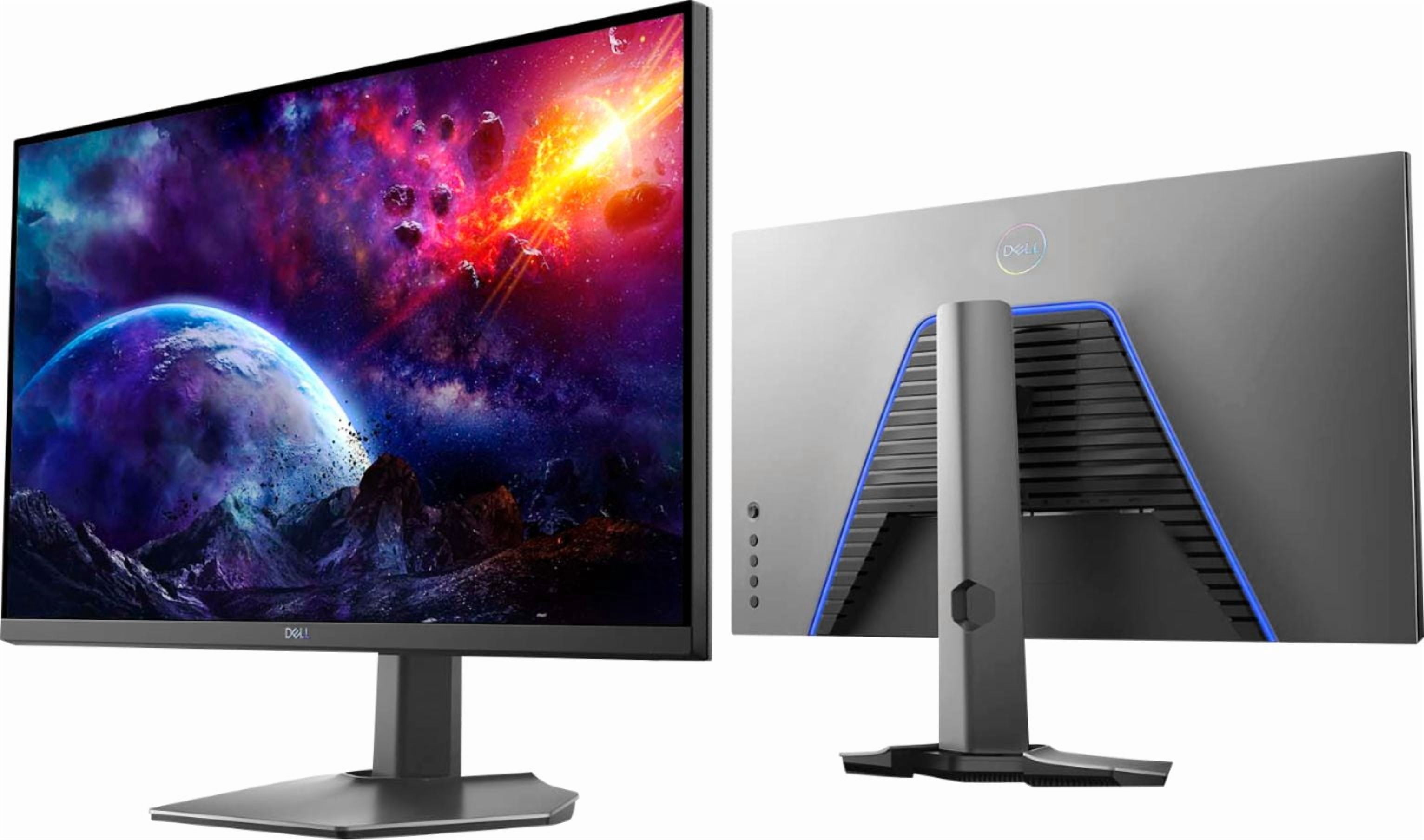
Dell S2721DGF 27" 1440p 165Hz IPS Gaming Monitor
✓ Pros
- •Excellent price for a 1440p fast IPS panel with 165Hz refresh rate
- •PS5 supports 1440p at up to 120Hz, so the panel matches console output
- •Fully adjustable stand with height, tilt, swivel and pivot — rare at this price
- •Fast IPS response keeps 120Hz motion clean in shooters
- •Good color accuracy and wide viewing angles
- •Solid Dell build quality and reliable warranty support
✗ Cons
- •No meaningful HDR — treat it as an SDR display
- •Typical IPS contrast means blacks look grey in a dark room
- •HDMI is HDMI 2.0 class, so no 4K/120 or 1440p at 120Hz over older HDMI limits on some setups
- •Only 27 inches, so no big-screen immersion
Best For:
First-time PS5 monitor buyers who want solid 1440p/120 performance without spending 4K money.
Not Recommended For:
Buyers who specifically want 4K resolution or an HDR experience, or who play in a pitch-dark room and care about black levels.
Key Features:
Standout Feature:
A fully adjustable ergonomic stand on a sub-$400 gaming monitor — the kind of feature usually reserved for business displays.
VS Others:
Compared with the Gigabyte M28U, the Dell gives up 4K resolution and HDMI 2.1 but saves roughly $150 and adds a better stand. Compared with the Samsung Odyssey G7, it has much weaker contrast but costs less and is smaller and flatter for tight desks. It's the value baseline: buy it if 1440p is enough for you, and skip it if 4K matters.
Why This One:
It's the cheapest monitor here that still feels like a proper gaming display, with a good panel, a great stand and 1440p at 120Hz on PS5. If your budget is the binding constraint, this is where your money goes furthest.
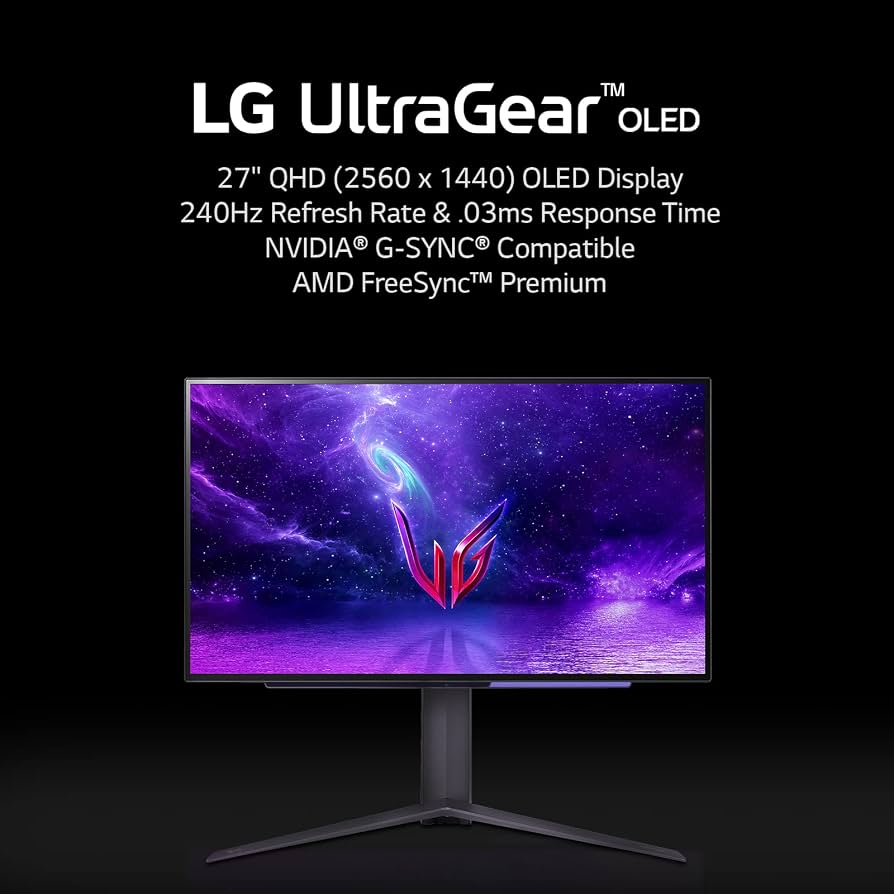
LG 27GR95QE-B 27" 1440p 240Hz OLED Gaming Monitor
✓ Pros
- •Per-pixel OLED lighting delivers perfect blacks and infinite contrast with zero backlight bleed
- •Near-instant response time makes 120Hz motion the cleanest in this guide
- •240Hz refresh rate gives headroom if you also game on PC
- •HDMI 2.1 inputs with VRR and ALLM support
- •Excellent color accuracy and wide gamut out of the box
- •Very thin panel design with a practical, adjustable stand
✗ Cons
- •Full-screen brightness is lower than LCD competitors, so it struggles in bright rooms
- •Static HUD elements require some care over very long sessions
- •1440p resolution rather than 4K, so less fine detail than the 4K picks
- •Costs premium money for a panel that PS5 caps at 120Hz
Best For:
Dark-room players who want the deepest blacks and cleanest motion available under $800.
Not Recommended For:
Anyone gaming in a bright, sunlit room, or buyers who primarily want maximum 4K sharpness for open-world detail.
Key Features:
Standout Feature:
True per-pixel OLED dimming with a 0.03ms response — it produces black levels no LCD in this guide can approach.
VS Others:
Against the Sony INZONE M9, the OLED wins decisively on black levels and motion but loses on peak brightness and HDR highlight intensity. Against the Samsung Odyssey G7, it beats it on both contrast and response. Choose the OLED if your room is dark; choose an LCD if it isn't.
Why This One:
It's the best-looking panel here for dark-room gaming, and it brings OLED contrast and speed into the $800 budget that PS5 owners actually shop in. If you've been disappointed by grey blacks on IPS monitors, this fixes it permanently.
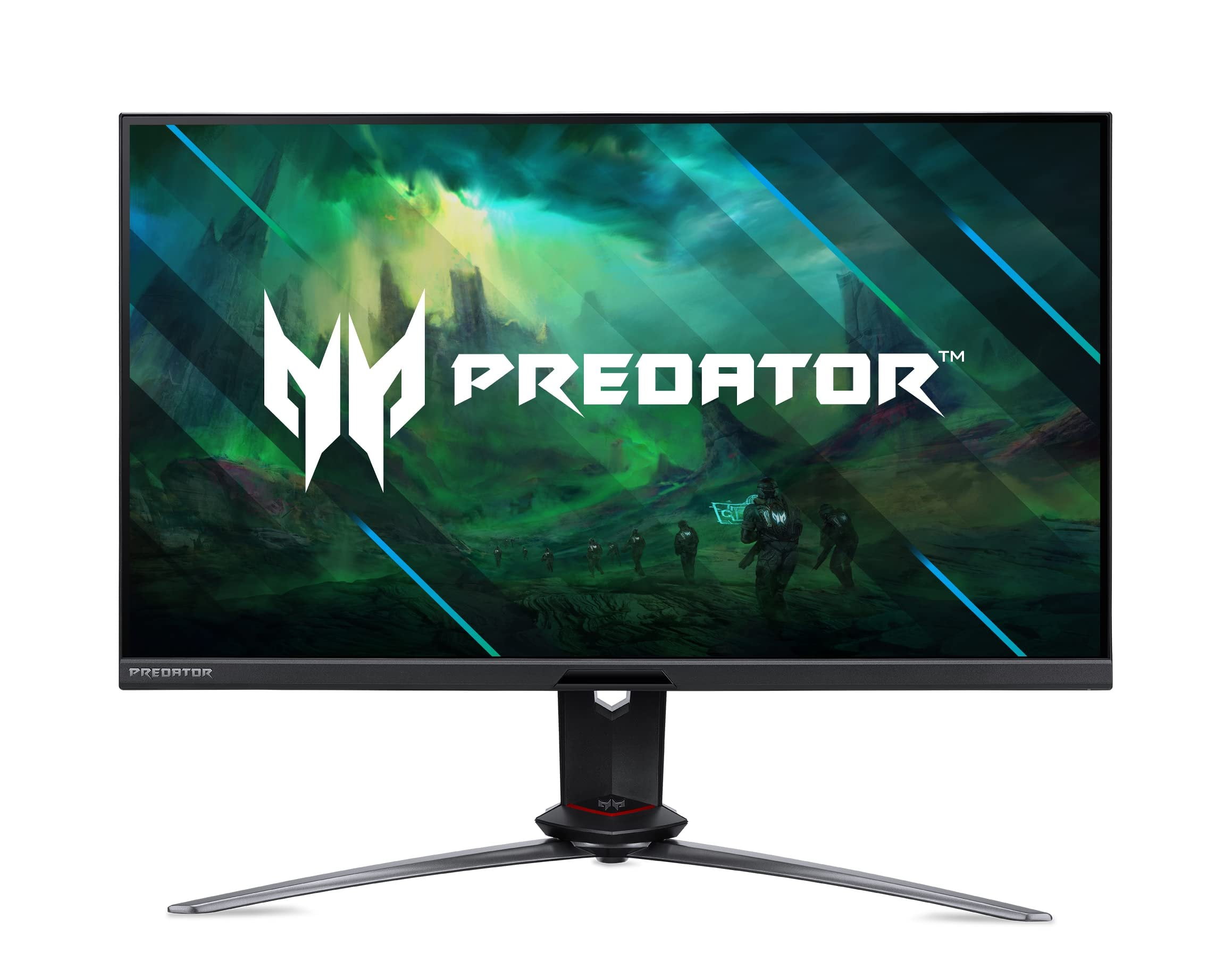
Acer Predator XB283K KV 28" 4K 144Hz IPS Gaming Monitor with HDMI 2.1
✓ Pros
- •4K resolution at 144Hz with HDMI 2.1 support for 4K/120 on PS5
- •More adjustable stand than most monitors in this class, including pivot and height adjustment
- •Higher peak brightness than budget 4K competitors, useful in brighter rooms
- •Wide color gamut suitable for light creative work as well as gaming
- •Supports VRR and ALLM for smoother console gameplay
- •Good selection of ports including dual HDMI and DisplayPort
✗ Cons
- •No local dimming, so HDR is signal-compatible rather than impactful
- •Priced between two stronger-value competitors, which makes the value case weaker
- •IPS contrast means average black levels in a dark room
- •28-inch 4K panels are common, so there's little to differentiate it on image quality alone
Best For:
PS5 owners who want 4K/120 plus a genuinely adjustable stand and higher brightness than the cheapest 4K options.
Not Recommended For:
Value-focused buyers who would be better served by the cheaper Gigabyte M28U, or HDR-focused buyers who should step up to the Sony INZONE M9.
Key Features:
Standout Feature:
A full ergonomic stand with pivot and height adjustment on a 4K/144Hz HDMI 2.1 monitor — a combination more expensive rivals often skip.
VS Others:
It sits between the Gigabyte M28U and the LG 27GP950-B: better stand and brightness than the Gigabyte, worse color and HDR than the LG. If the stand matters to you it justifies the extra cost over the M28U; if you can stretch to the LG, the LG is the better overall display.
Why This One:
It's the pick for someone who wants 4K/120 on PS5 and cares about ergonomics and daytime brightness more than absolute color accuracy. A solid, unspectacular choice rather than a standout one.
ASUS ROG Swift PG279QM 27" 1440p 240Hz Fast IPS Gaming Monitor
✓ Pros
- •Outstanding Fast IPS motion handling and response time in the 240Hz class
- •Excellent color accuracy and high brightness out of the box
- •Fully adjustable, premium stand with solid build quality
- •Strong dual-purpose choice for a PS5 and PC on the same desk
- •Hardware G-Sync module for PC gaming, plus VRR support for PS5
- •Good connectivity with multiple inputs and USB ports
✗ Cons
- •No HDMI 2.1, so no 4K/120 support on PS5
- •240Hz refresh rate is unused by the PS5, which caps at 120Hz
- •Premium price for a 1440p panel when 4K/120 alternatives cost similar money
- •Features like the G-Sync module deliver no benefit on console
Best For:
Players who split time between PS5 and a competitive PC and want one monitor that excels at both.
Not Recommended For:
PS5-only owners, who would get more benefit from a 4K/120 monitor at a similar price.
Key Features:
Standout Feature:
A hardware G-Sync module paired with a top-tier Fast IPS panel — the most consistent adaptive sync experience on PC in this guide.
VS Others:
Against the Samsung Odyssey G7, the ASUS wins on response time and color accuracy but loses badly on contrast and has no answer to the Samsung's deep blacks. Against the 4K monitors here, it's faster but less sharp and lacks 4K/120. Pick it only if PC gaming is a genuine part of your routine.
Why This One:
It's the best choice here for someone who genuinely games on both a PC and a PS5 and wants a single high-refresh panel that never feels like a compromise on the PC side. For PS5-only players, it's hard to justify.
Who Should Get What?
First-Time PS5 Owner on a Budget
You just bought a PS5 and you're moving from a living-room TV to a desk setup for the first time. You play a mix of everything — a bit of Call of Duty, some sports games, and whatever single-player title is on sale. You want a monitor that looks clearly better than a 1080p TV without spending more than about $400.
Recommended:
Dell S2721DGF 27" 1440p 165Hz IPS Gaming Monitor
The S2721DGF gives you a fast IPS panel at 1440p, which the PS5 supports natively at up to 120Hz, so you get a sharp, smooth picture for roughly half the price of a 4K option. Its 165Hz refresh rate is more than the console needs, meaning it's never the bottleneck, and the build quality and stand are better than most budget competitors.
View on Amazon →Competitive Shooter Player
You spend most of your PS5 time in ranked multiplayer — Warzone, Apex, Rainbow Six, Fortnite. You care about spotting enemies in dark corners, smooth camera tracking, and not feeling any input delay. You're willing to pay a bit more for a monitor that feels fast, but you're not chasing 4K.
Recommended:
Samsung Odyssey G7 32" 1440p 240Hz Curved Gaming Monitor
The Odyssey G7's high-contrast VA panel makes dark corners far easier to read than a typical IPS, and its extremely fast pixel response keeps 120Hz motion clean with minimal ghosting. PS5 supports 1440p at 120Hz natively, so you're getting the console's full output with better contrast than anything else at this price.
View on Amazon →Cinematic Single-Player Gamer
You play one big game at a time — God of War, Horizon, Elden Ring, Cyberpunk — usually in the evening with the lights down. Picture quality, contrast and HDR matter far more to you than frame rates above 60. You want the best-looking image your budget can buy and you're comfortable spending near the top of the range.
Recommended:
Sony INZONE M9 27" 4K 144Hz Full Array LED Gaming Monitor
The INZONE M9 is the only monitor here built with PlayStation in mind, including Auto HDR Tone Mapping that lets the PS5 adjust HDR output to the display. Its full-array local dimming delivers real contrast and highlights, which is exactly what makes cinematic games look dramatically better than on a cheap edge-lit panel.
View on Amazon →PS5 and PC Hybrid Player
You share one desk between a PS5 and a gaming PC. The PS5 gets your third-person and exclusive games, the PC gets your shooters and anything with a mouse-and-keyboard advantage. You need a monitor that performs well on both and ideally has the connectivity to switch between them easily.
Recommended:
LG 27GP950-B 27" 4K 144Hz Nano IPS Gaming Monitor with HDMI 2.1
The 27GP950-B covers both worlds: 4K/120 for the PS5 over HDMI 2.1 and 4K/144 with adaptive sync for a PC. Nano IPS color accuracy and a wide gamut mean it doubles as a credible display for photo or video work, and the HDMI 2.1 port count makes swapping between console and PC painless.
View on Amazon →Small Desk, Apartment Setup
Space is tight — a compact desk in a bedroom or studio apartment. You can't fit a 32-inch panel and you don't want to sit two feet from a huge screen. You want something that looks sharp and modern, performs at 120Hz, and doesn't cost more than about $550.
Recommended:
Gigabyte M28U 28" 4K 144Hz IPS Gaming Monitor with HDMI 2.1
At 28 inches with a 4K panel, the M28U packs a lot of sharpness into a desk-friendly footprint — text and menus look crisp and games show noticeably more detail than 1440p. It includes HDMI 2.1 for 4K/120 on PS5, plus a built-in KVM that is genuinely useful if you also plug in a laptop.
View on Amazon →Dark-Room OLED Enthusiast
You game almost exclusively at night with the lights off, and you're sensitive to backlight glow and washed-out blacks on IPS panels. You want the deepest contrast and the fastest motion available without going over about $800, and you're willing to accept a little extra care with the panel.
Recommended:
LG 27GR95QE-B 27" 1440p 240Hz OLED Gaming Monitor
OLED gives you per-pixel blacks and near-instant response, so dark scenes have no backlight bleed and fast motion is exceptionally clean at 120Hz. The 27GR95QE-B brings that experience into the $800 range, and PS5 handles 1440p at 120Hz without issue, so you're not sacrificing console capability for the panel technology.
View on Amazon →Buying Guide: How to Choose
Bottom Line
Frequently Asked Questions
Which gaming monitor is best for PS5 overall?▼
Do I need a 4K monitor for PS5, or is 1440p enough?▼
Do I really need HDMI 2.1 for PS5?▼
Does PS5 support 1440p and 120Hz?▼
Does PS5 support VRR, and does the monitor matter?▼
LG 27GP950-B vs Gigabyte M28U — which should I buy?▼
Is the Sony INZONE M9 worth the extra money for PS5?▼
What's the best budget monitor for PS5?▼
Is OLED worth it for PS5 gaming?▼
Is a 240Hz monitor worth buying for a PS5?▼
What size monitor is best for PS5 — 27-inch or 32-inch?▼
Which monitor should I buy for PS5 if I also game on PC?▼
Need More Help Deciding?
Explore more buying guides to find the perfect product for your needs.
View All Buying Guides