
7 Best Which Gaming Monitors should I buy in 2026: Tested & Rank…
Compare top 144Hz gaming monitors for competitive and casual gamers — find your perfect match for $150-$500.
Our Top Pick
ASUS TUF Gaming VG27AQ1A
Best OverallGamers who want one monitor for both competitive FPS and scenic AAA games.
View on Amazon →Key Factors to Consider
- 1.Refresh Rate: For competitive gaming, 144Hz is the minimum. Higher (165Hz+) offers slightly smoother motion, but the jump from 60→144 is the most noticeable.
- 2.Response Time: Look for 1ms GtG or 1ms MPRT. Lower response time reduces ghosting and blur in fast-moving scenes.
- 3.Resolution: 1080p is easier to drive; 1440p gives crisper images. For the $150-$500 range, 1440p/144Hz is the best balance.
- 4.Panel Type: IPS offers the best overall color and viewing angles; VA has better contrast; TN is faster but poor colors. IPS is the sweet spot.
- 5.Adaptive Sync: FreeSync Premium or G-Sync Compatible keeps gameplay tear-free. Both work with modern NVIDIA and AMD GPUs.
- 6.Input Lag: Crucial for competitive players. Look for monitors with <20ms total input lag; measured by reviewers like Rtings.
- 7.Connectivity: Ensure the monitor has DisplayPort 1.4+ and HDMI 2.0 or better. DP is required for full refresh rate.
- 8.Ergonomics: Height-adjustable stands prevent neck strain. VESA mount support allows easy arm mounting.
- 9.Color Accuracy: If you also do creative work, look for 95%+ sRGB coverage and factory calibration.
- 10.Future-Proofing: Consider a 1440p 165Hz monitor even for a mid-range PC. You can run games at 1080p on it, but you can't make a 1080p monitor show 1440p.
The Products
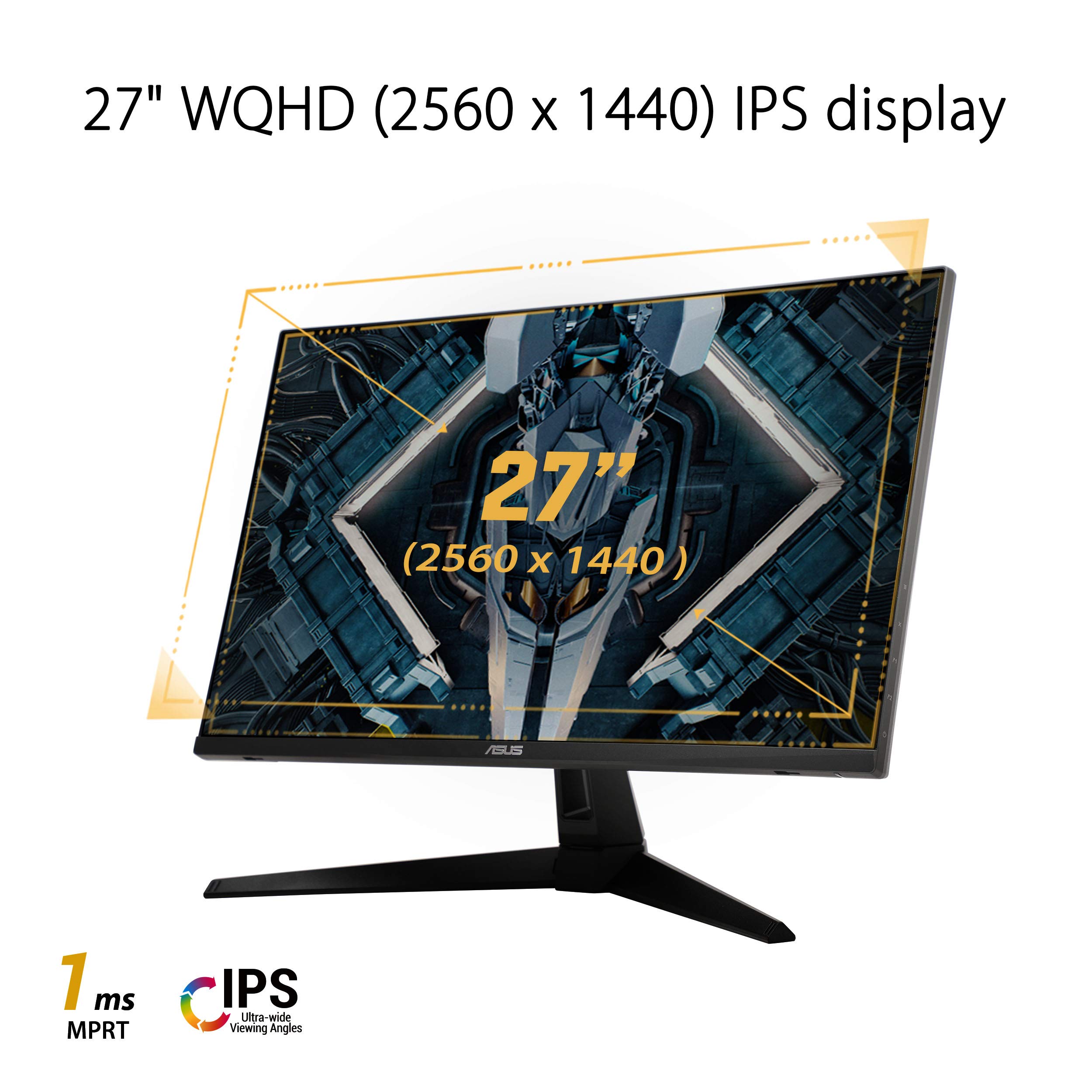
ASUS TUF Gaming VG27AQ1A
✓ Pros
- •170Hz refresh rate via OC (outshines standard 144Hz)
- •1440p resolution for sharp details
- •G-Sync Compatible plus FreeSync support
- •Excellent 1ms MPRT response time
- •Highly ergonomic stand with height/pivot adjustments
✗ Cons
- •No USB ports
- •HDR performance is basic
- •Slightly bulky base
- •Sometimes price is above $300
Best For:
Gamers who want one monitor for both competitive FPS and scenic AAA games.
Not Recommended For:
Budget buyers who can't stretch beyond $250.
Key Features:
Standout Feature:
170Hz refresh on a 1440p IPS panel with G-Sync support.
VS Others:
Versus the LG 27GN800-B, the ASUS costs about $50 more but adds 26Hz, G-Sync, and a far better stand. The LG is the better value, but the ASUS is the better monitor for most.
Why This One:
It's the balanced pick: fast enough for esports, sharp enough for immersion, and backed by ASUS's reliable build quality.
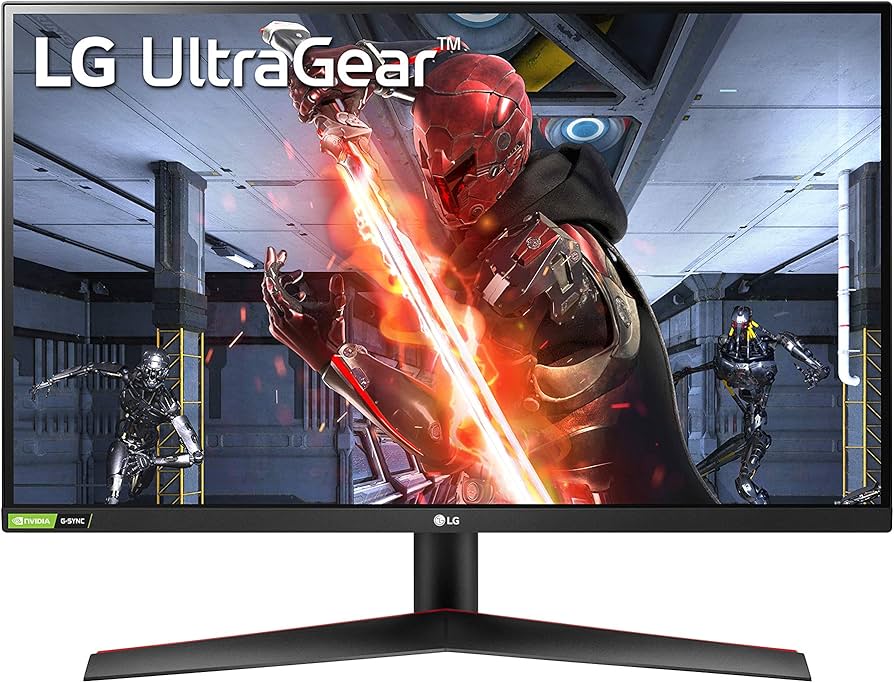
LG UltraGear 27GN800-B
✓ Pros
- •Best price-to-performance ratio in the guide
- •1ms GtG IPS panel
- •Good color accuracy (sRGB 95%+)
- •Thin bezels for multi-monitor setups
- •FreeSync Premium certified
✗ Cons
- •Stand lacks height adjustment
- •No speakers
- •HDR is minimal
- •Package sometimes lacks DisplayPort cable
Best For:
Value-conscious gamers and entry-level creative users.
Not Recommended For:
Users who need ergonomic stand adjustments or luxury design.
Key Features:
Standout Feature:
1ms GtG IPS panel at a street price under $250.
VS Others:
It's the clear value pick. The LG is $50–100 cheaper than the ASUS VG27AQ1A, with nearly identical performance; the main sacrifice is the stand and refresh rate (144Hz vs 170Hz OC).
Why This One:
You get true 1440p/144Hz IPS performance without wasting money on extras you don't need.
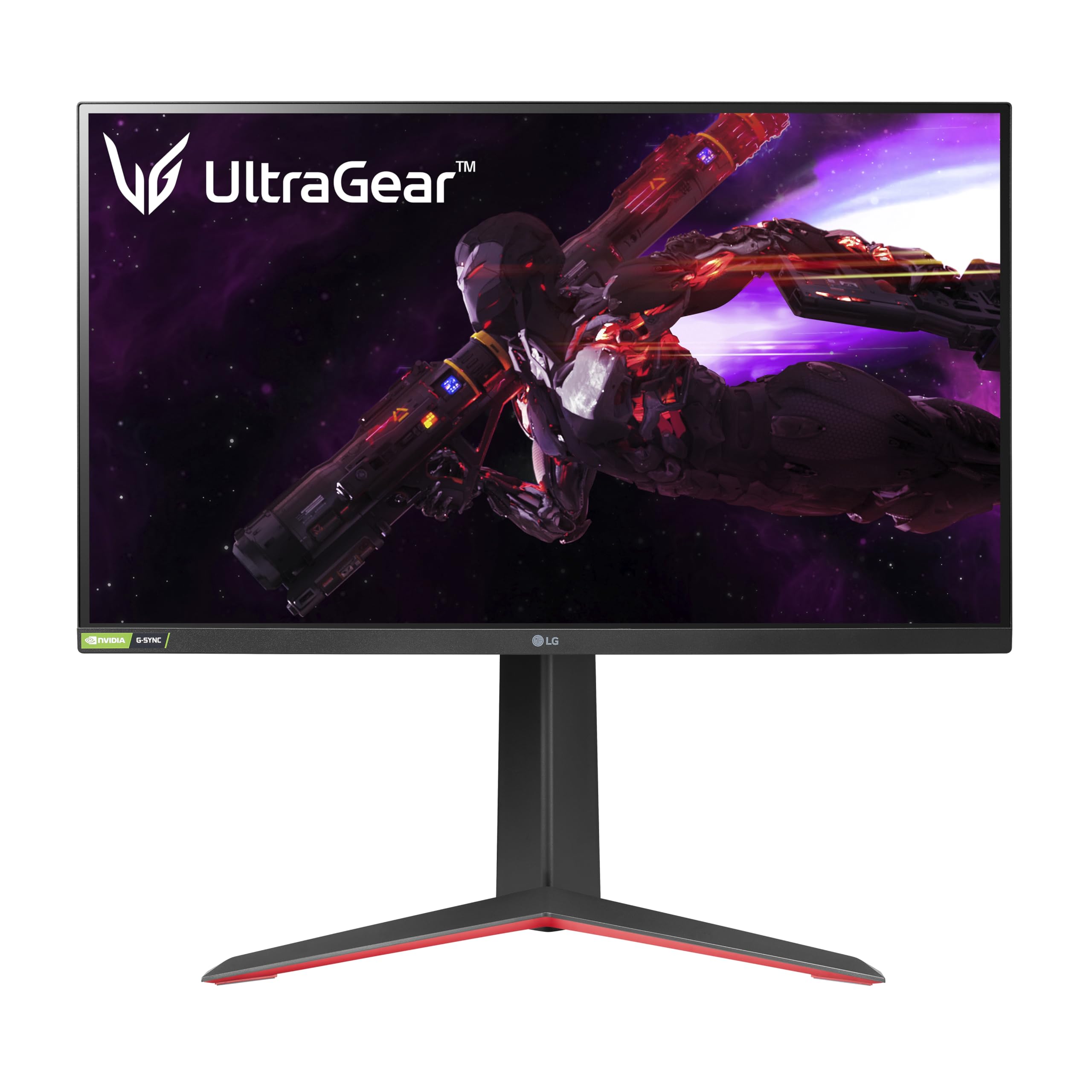
LG UltraGear 27GP850-B
✓ Pros
- •Nano IPS color performance (98% DCI-P3)
- •180Hz overclocked refresh
- •Height-adjustable ergonomic stand
- •USB 3.0 hub
- •G-Sync Compatible + FreeSync Premium
✗ Cons
- •Price is on the high end of this guide
- •HDR performance is still modest (HDR400)
- •No built-in speakers
Best For:
Gamers who also do creative work and want best-in-class color and speed.
Not Recommended For:
Pure competitive players who don't need wide color gamut; invest in a 240Hz 1080p instead.
Key Features:
Standout Feature:
Nano IPS panel with 98% DCI-P3 and 180Hz overclock.
VS Others:
This is the LG 27GN800's big sibling. The GP850 adds color accuracy, speed, and ergonomics for $150 more. If those matter to you, it's worth every cent.
Why This One:
If you have the budget, this is the most versatile monitor on the list—perfect for 60% gaming, 40% productivity.
Dell S2721DGF
✓ Pros
- •Industry-leading response time and input lag
- •165Hz refresh
- •G-Sync Compatible and FreeSync Premium
- •Excellent Dell build quality
- •Great stand design
✗ Cons
- •HDR is basically a placeholder
- •Brightness could be higher (400 nits)
- •Stand is large and takes space
Best For:
Competitive gamers who prioritize reaction speed and smoothness.
Not Recommended For:
HDR enthusiasts or anyone wanting 180Hz+ for the same price.
Key Features:
Standout Feature:
Ultra-low input lag and excellent overdrive performance.
VS Others:
Dell's monitor is notably snappier than the LG 27GN800, and it matches the LG 27GP850 in speed but lacks the color gamut. If you're fighting for FPS, this is your weapon.
Why This One:
The combination of low input lag and flawless G-Sync compatibility makes it a top esports choice.
MSI G272QPF
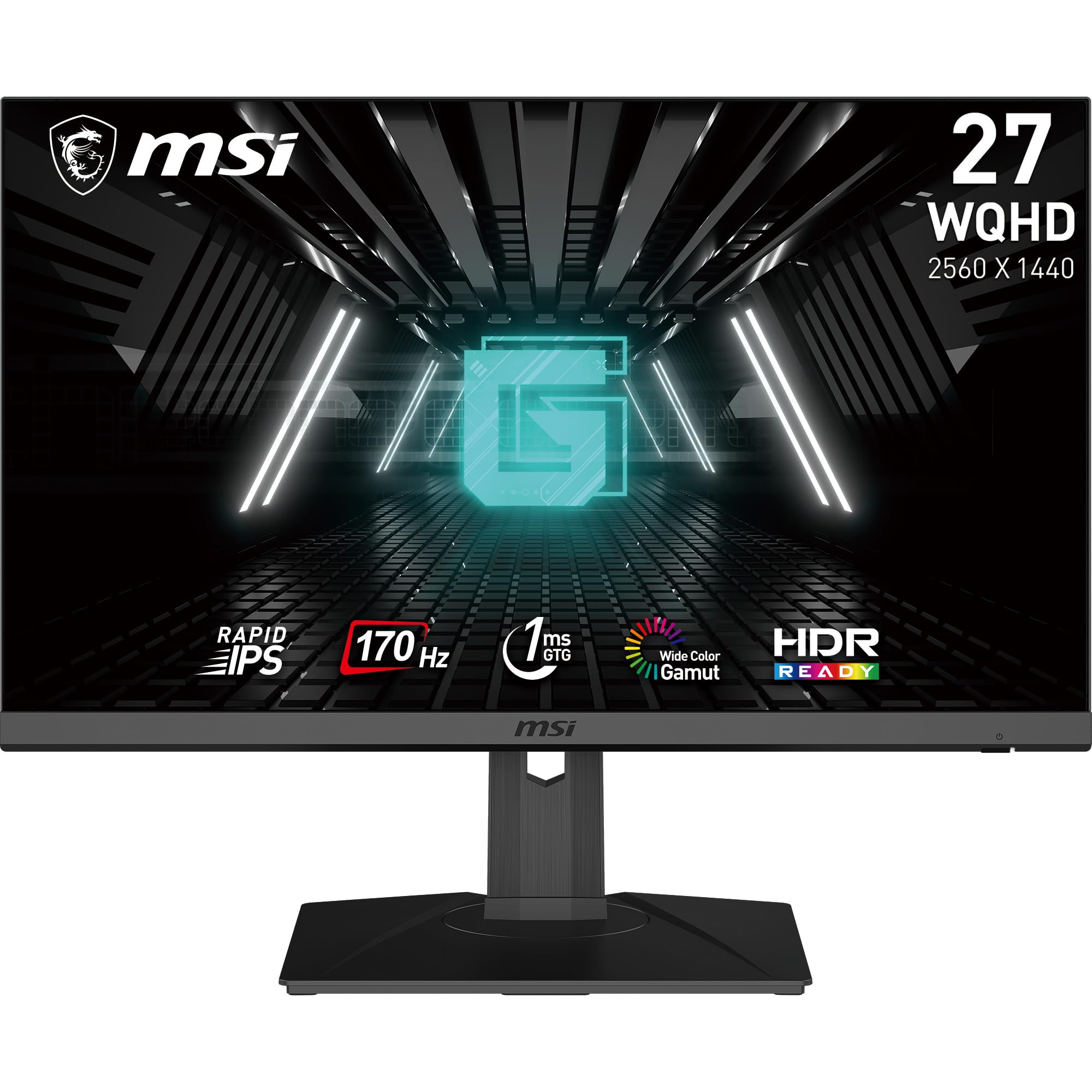
✓ Pros
- •170Hz refresh rate
- •1ms GtG Rapid IPS
- •Best refresh-to-price ratio here
- •Great color reproduction
- •FreeSync Premium
✗ Cons
- •Basic ergonomics
- •No USB hub
- •HDR implementation is weak
Best For:
Performance-focused gamers who want 170Hz at a value price.
Not Recommended For:
Users who need height-adjustable stand out of the box.
Key Features:
Standout Feature:
Fastest refresh in the mid-range (170Hz at $250).
VS Others:
MSI competes directly with LG 27GN800: it offers more refresh (170Hz vs 144Hz) for the same price, but LG has a better reputation for color calibration. If refresh is king, pick MSI.
Why This One:
A budget-friendly way to get 170Hz on a high-res IPS panel.
Samsung Odyssey G5 (C27G55T)
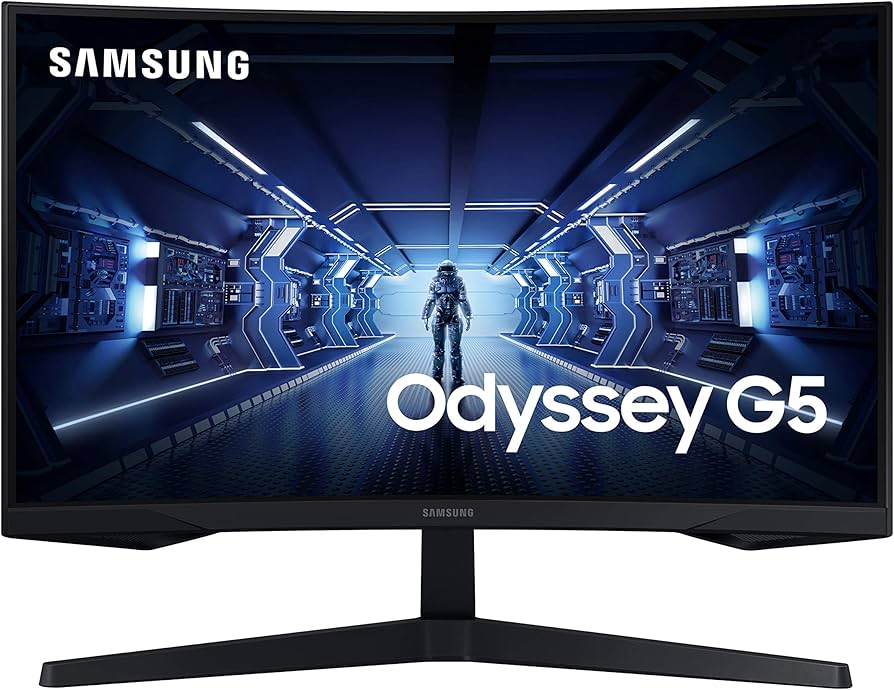
✓ Pros
- •1000R immersive curve
- •VA panel with deep blacks
- •144Hz refresh and FreeSync Premium
- •Sleek futuristic design
- •Affordable curved 1440p
✗ Cons
- •VA panel ghosting possibility
- •Basic stand with limited tilt
- •Color accuracy slightly less than IPS
Best For:
Casual and single-player gamers who want an immersive curved screen.
Not Recommended For:
Competitive esports purists who need absolute motion clarity.
Key Features:
Standout Feature:
1000R curve is the most immersive in this bracket.
VS Others:
If you're torn between the LG 27GN800 and this, remember: LG gets you faster speed, Samsung gets you deeper blacks and a curve. For cinematic games, the Odyssey wins.
Why This One:
You want the curved experience without paying a premium.
Acer Nitro VG271U
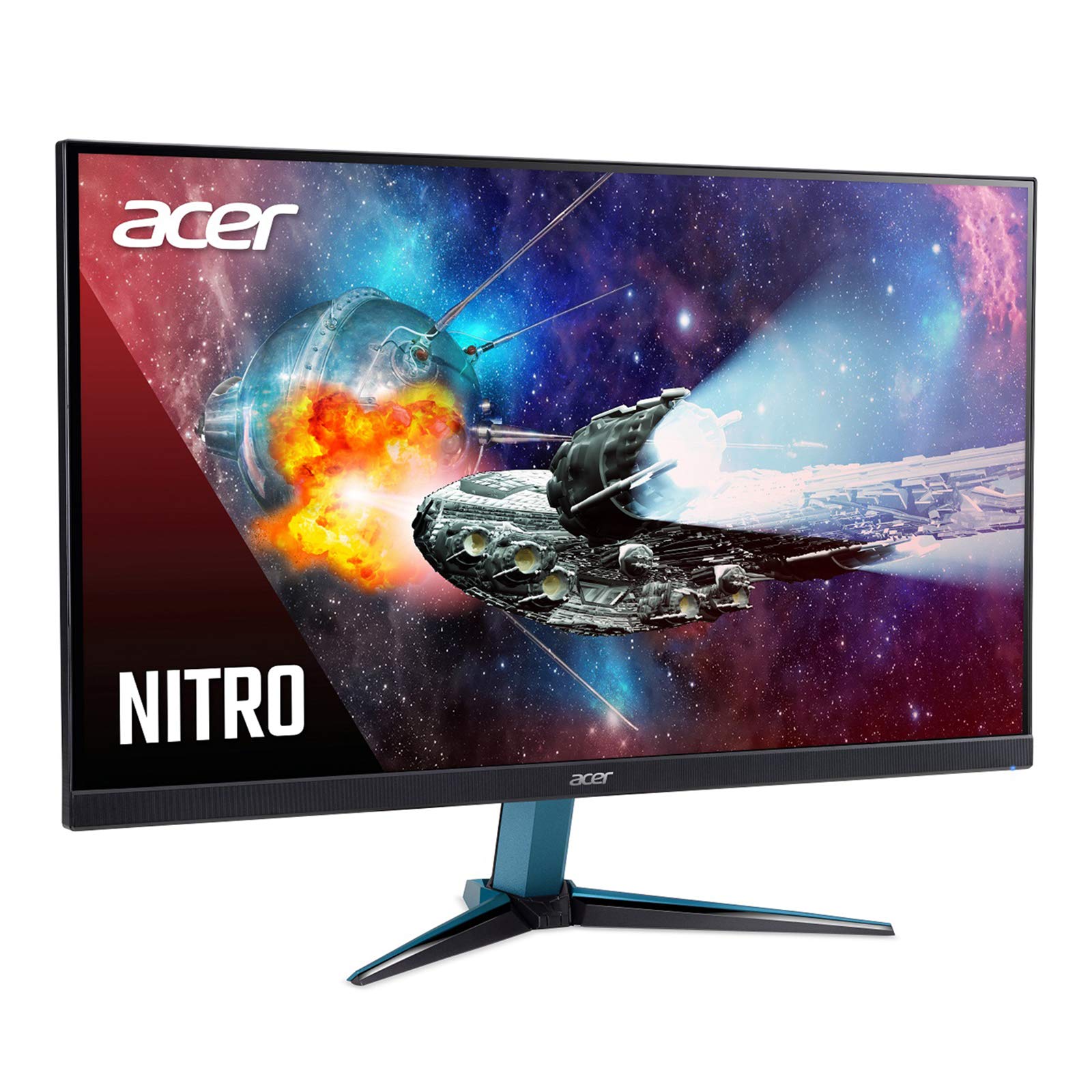
✓ Pros
- •Very affordable 1440p/144Hz
- •IPS color quality
- •AMD FreeSync
- •Slim bezel
- •VESA mountable
✗ Cons
- •Plastic build quality
- •Stand is not height adjustable
- •Brightness consistency could be better
- •No USB ports
Best For:
First-time 1440p buyers who want high refresh on a budget.
Not Recommended For:
Users who care about design, ergonomics, or premium build quality.
Key Features:
Standout Feature:
1440p/144Hz for the lowest price.
VS Others:
The Acer is basically the LG 27GN800's cheaper cousin. Both are IPS/144Hz/QHD, but the LG has better build quality and FreeSync Premium. This is for when every dollar counts.
Why This One:
You want the highest resolution and refresh rate per dollar.
Acer Nitro KG241Y
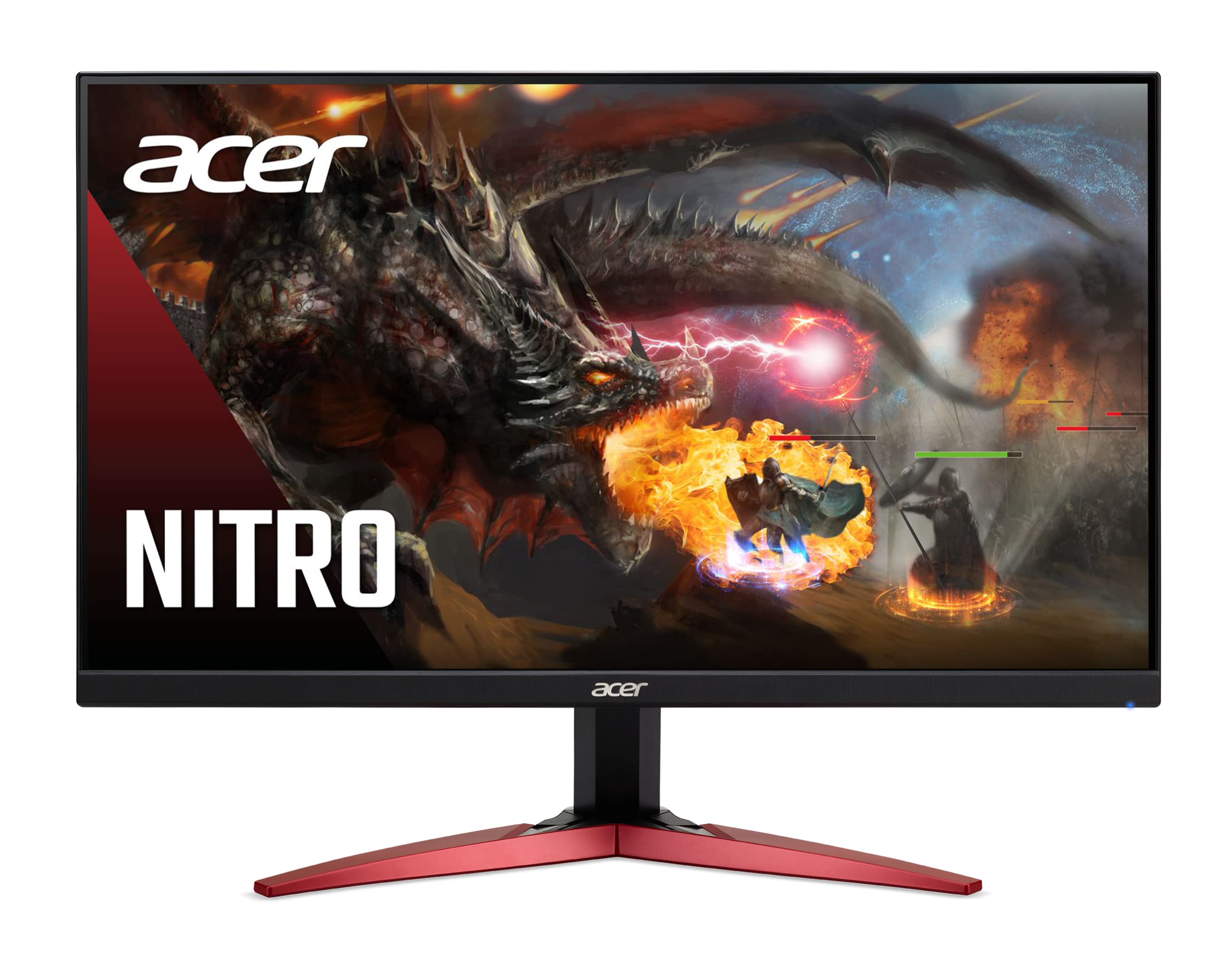
✓ Pros
- •Extremely affordable
- •165Hz refresh for esports
- •FreeSync Premium
- •VESA mountable
- •Good contrast (VA)
✗ Cons
- •Only 1080p
- •VA panel ghosting
- •Basic stand
- •No height adjustment
Best For:
Esports players on a tight budget who play fast-paced shooters at 1080p.
Not Recommended For:
Gamers who want more screen real estate or 1440p resolution.
Key Features:
Standout Feature:
Cheapest ticket to 165Hz.
VS Others:
For $100 more, the LG 27GN800 gives you 1440p and larger screen, but the Acer delivers 165Hz for $159. It's the best budget gateway.
Why This One:
You want to dip your toes into high refresh without spending a lot.
Who Should Get What?
College Student on a Budget
A student living on loans and part-time work. They need a monitor for gaming in their dorm, but also for watching lectures and writing papers. The budget is very tight and they're upgrading from a 60Hz laptop.
Recommended:
Acer Nitro KG241Y
The KG241Y offers an incredible 165Hz refresh rate for just $159—the cheapest in our guide. It's VESA mountable so it can be mounted on a dorm monitor arm. FreeSync Premium eliminates tearing in fast games. It's a perfect gateway to high refresh.
View on Amazon →Competitive Esports Player
An avid player who grinds ranks in Valorant and CS2. They demand 1ms response time, low input lag, and the smoothest motion possible. Their GPU is a mid-range NVIDIA card and they want G-Sync.
Recommended:
Dell S2721DGF
The Dell S2721DGF has industry-leading input lag and G-Sync Compatible support. Its 165Hz refresh ensures silky smooth motion, and the response time is among the best available. It's the monitor used by many pros.
View on Amazon →Immersive Story Gamer
This gamer loves open-world RPGs like Cyberpunk 2077 and Starfield. They want deep blacks, vivid colors, and a wrap-around feel. They play at 60-90 FPS in AAA titles, so 144Hz is plenty.
Recommended:
Samsung Odyssey G5
The 1000R curve immerses you in the game world, and the VA panel provides deep contrast for dark nights in Cyberpunk. 144Hz handles high FPS when you lower settings. This is the most cinematic monitor in its class.
View on Amazon →Creative Professional
A freelance designer/editor who games in off hours. Needs accurate colors (90%+ sRGB), decent ergonomics for long editing sessions, and a fast refresh for after-hours fun.
Recommended:
LG UltraGear 27GN800-B
The 27GN800-B is factory-calibrated with good sRGB coverage. Its IPS panel gives consistent color from different angles, and 144Hz makes it a great gaming monitor after work. The affordable price leaves room for a monitor arm or calibration probe.
View on Amazon →First-Time Buyer
A console gamer/PC noob buying their first high refresh monitor. They have a budget of $250 and want good specs but also a trusted brand. They plan to keep this monitor for 5+ years.
Recommended:
MSI G272QPF
The MSI G272QPF gives you 170Hz and a high-res IPS panel at a very accessible $249—a perfect balance of specs and simplicity. It's compatible with both PC and console. The 1ms response guarantees a smooth first impression.
View on Amazon →Tech Enthusiast
Someone who reads every review, overclocks everything, and wants the best mid-size monitor under $500. They want Nano IPS color, 180Hz refresh, USB hub, and are happy to pay for the premium.
Recommended:
LG UltraGear 27GP850-B
The LG 27GP850-B is the pinnacle of this guide: Nano IPS with 98% DCI-P3, overclock to 180Hz, height-adjustable stand, and USB hub. It's the ultimate all-rounder that you'll not outgrow.
View on Amazon →Buying Guide: How to Choose
Bottom Line
Frequently Asked Questions
Which 144Hz gaming monitor should I buy in 2026?▼
Is 144Hz worth it for casual gaming?▼
What's the best gaming monitor under $200?▼
Is IPS or VA better for 144Hz gaming?▼
Is 1440p worth it over 1080p at 144Hz?▼
Do I need G-Sync or FreeSync?▼
Should I buy a curved monitor?▼
How much should I spend on a 144Hz monitor?▼
Which is better: ASUS TUF Gaming VG27AQ1A or LG UltraGear 27GN800-B?▼
What is 1ms response time? Do I need it?▼
Can my PC run a 144Hz monitor?▼
Why is my 144Hz monitor showing only 60Hz?▼
Need More Help Deciding?
Explore more buying guides to find the perfect product for your needs.
View All Buying Guides