
Review Atlas
Review AtlasYour guide to a better purchase

Menu

Shop by Category

Get the App

Better experience on mobile

Product image 1 of 8
1 / 8

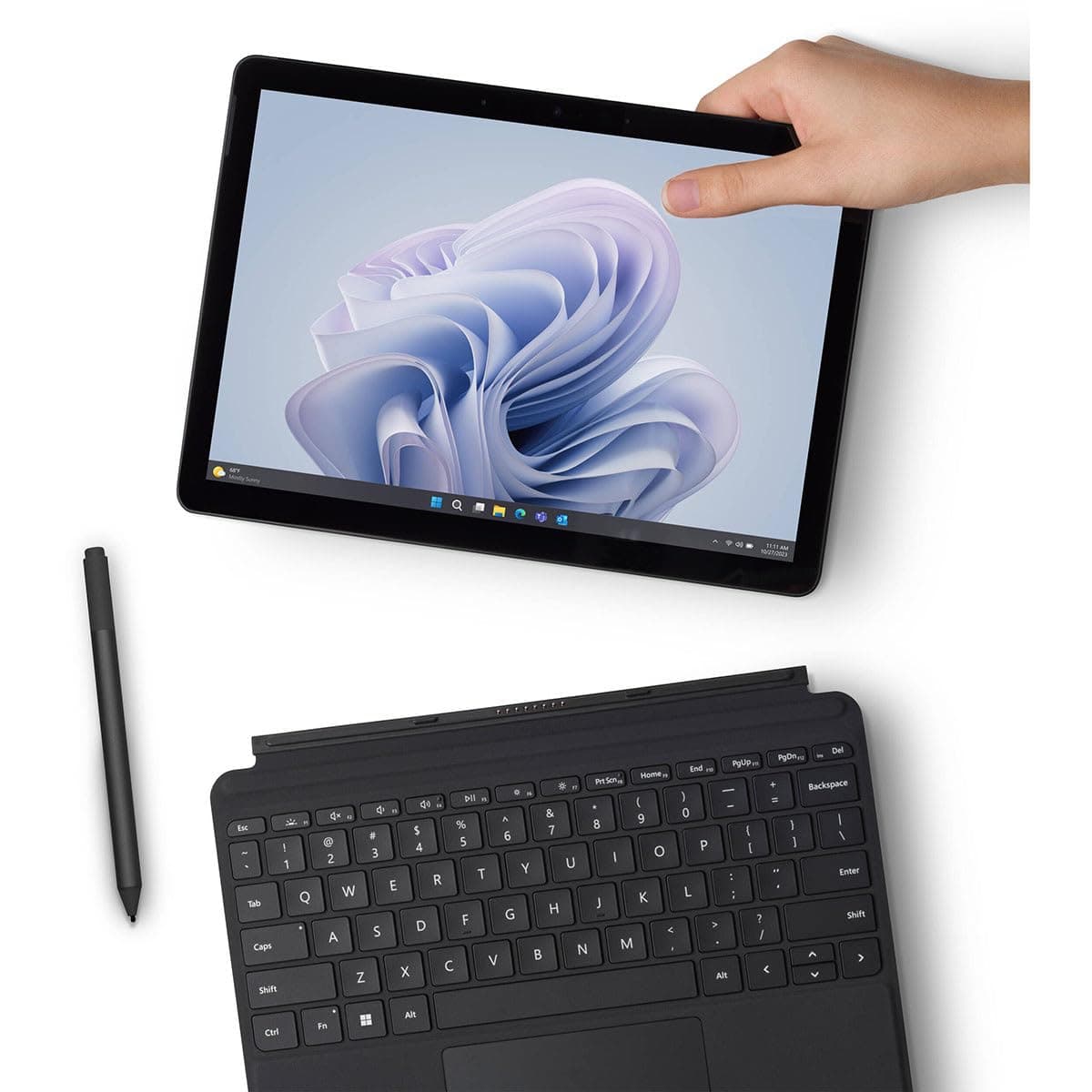
Microsoft Surface Go 4

4.5
Based on 129 reviews
Independent Analysis
No paid placements

Quick Takeaways

  • 1
    Ultra-portable 2-in-1 with 10.5-inch PixelSense display and up to 12 hours battery life for all-day mobility.
  • 2
    Intel N200 processor delivers snappy performance for web browsing, Office apps, and light creative work.
  • 3
    Premium build quality at a budget price, but keyboard and pen sold separately add to total cost.
  • 4
    Ideal for students and casual users, though not suited for intensive multitasking or gaming.

Customer Ratings

4.5out of 5

Based on 129 Amazon customer ratings

Review Atlas is reader-supported. When you buy through links on our site, we may earn an affiliate commission at no extra cost to you. Learn more.

Should You Buy It?

Our expert verdict

The Microsoft Surface Pro 11 Bundle is a remarkable device that combines cutting-edge AI technology with exceptional performance and design. The integration of Microsoft Copilot and the Snapdragon X Plus processor make it a powerful tool for professionals and creatives seeking to leverage AI in their workflows. The high-quality display, versatile accessories, and overall positive user feedback underscore its value as a premium device.

However, the mixed sentiments regarding connectivity and portability, along with compatibility issues with certain x86 apps, suggest areas where the device could be improved. Despite these minor drawbacks, the Surface Pro 11 Bundle remains a top choice for those who prioritize functionality, quality, and advanced AI capabilities. If you're in the market for a versatile and powerful AI-integrated device, the Microsoft Surface Pro 11 is a compelling option.

Value Assessment

Is it worth your money?

8/ 10

Great Value

Why This Score?

Starting at $579 for 8GB/128GB, the Surface Go 4 delivers premium Microsoft build and full Windows versatility at a fraction of Surface Pro 9's $1,000+ price. It edges out Chromebook alternatives for app compatibility while matching iPad portability, though add-ons like Type Cover (~$130) raise effective cost to ~$700. Excellent for budget users needing a capable daily driver.

PoorFairGoodExcellent

Expert Insight

What our experts say

"According to PCMag, 'The Surface Go 4 is a smart update with 15 hours of battery life in our tests and solid performance for the price, making it the best budget Windows tablet for light productivity and media consumption.'"
Expert Review Analysis

How It Compares

ProductKey Differences
Microsoft Surface Go 4This Product
The product being reviewed
Lenovo IdeaPad Duet 5 ChromebookCheaper at ~$400 with vibrant OLED display and superior battery (15+ hours), but ChromeOS limits it to web/Android apps unlike full Windows on Surface Go 4.
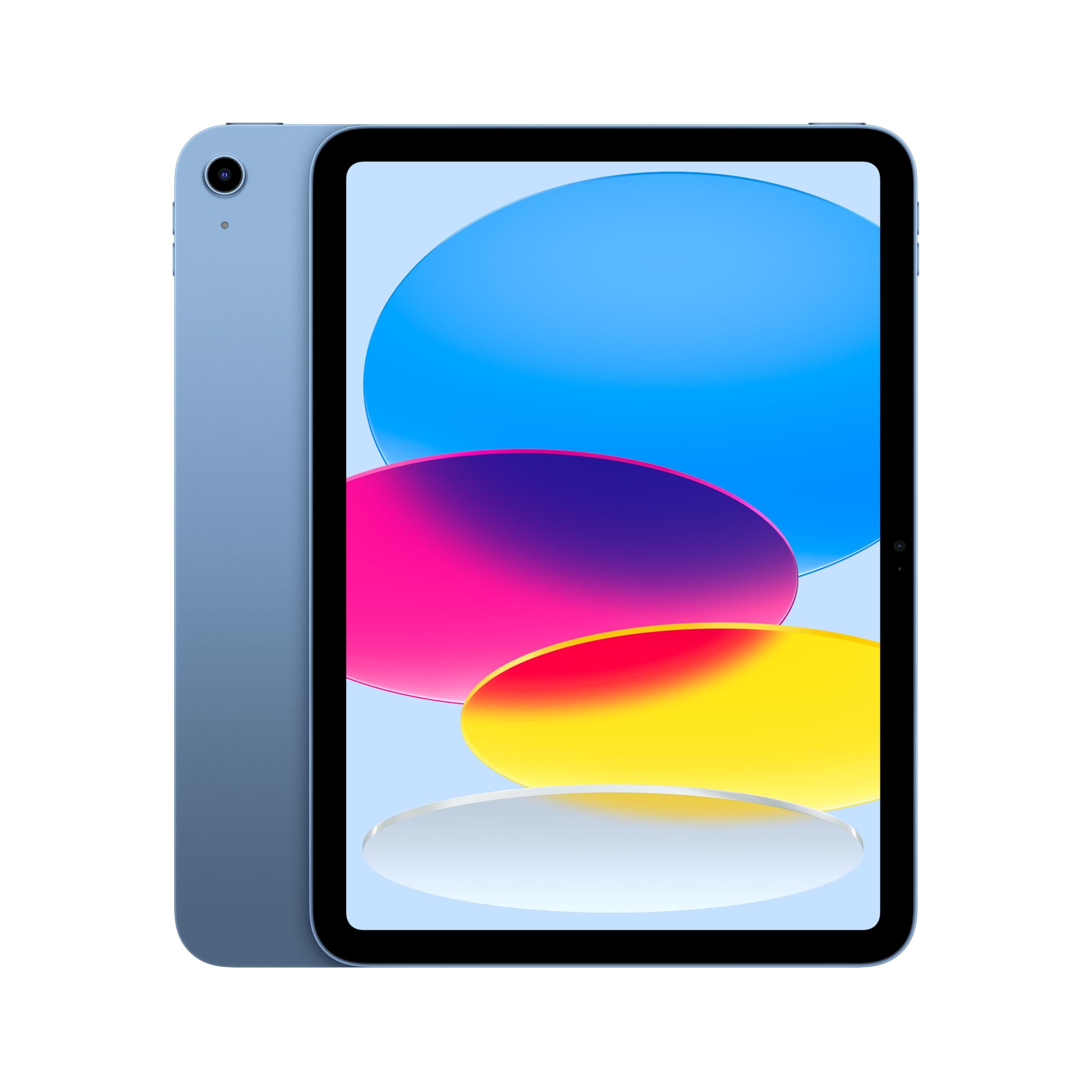
Apple iPad (10th Gen)Faster A14 Bionic chip (~2x Geekbench scores) and larger app ecosystem for $350 base, but iPadOS lacks true multitasking and desktop software compatibility of Windows.
Acer Aspire Go 15Larger 15.6-inch screen and more ports for $300, better for stationary use but heavier (3.8 lbs) and lacks 2-in-1 tablet mode of Surface Go 4.

What We Loved

  • High functionality and ease of use
  • Excellent quality and build
  • Good value for money
  • Fast performance and long battery life
  • Lightweight and portable design

Room for Improvement

  • Mixed feedback on connectivity
  • Some concerns about portability
  • Compatibility issues with certain x86 apps

Perfect For

  • Professionals and creatives
  • Users seeking advanced AI capabilities
  • Those who value high-quality displays and performance

Skip If

  • Users requiring extensive x86 app compatibility
  • Those prioritizing compact portability
In-Depth Review

Our comprehensive analysis

Microsoft Surface Pro 11: AI-Powered Excellence

Introduction

The Microsoft Surface Pro 11 Bundle, featuring a 13" Copilot+ PC with Sapphire Pro Keyboard & Slim Pen, is a testament to the evolution of AI-integrated devices. This bundle, equipped with the Snapdragon X Plus processor, 16GB RAM, and a 512GB SSD, running on Windows 11 Pro, is designed to cater to the needs of professionals and creatives alike. The integration of Microsoft Copilot, a powerful AI assistant, enhances the device's functionality, making it a versatile tool for everyday tasks and advanced AI applications.

The Surface Pro 11's design and performance have garnered significant praise from users, with a high overall rating of 4.5 out of 5 stars based on 134 reviews. Customers have lauded its functionality, quality, value for money, ease of use, speed, and lightweight design. However, some have noted mixed sentiments regarding connectivity and portability, indicating areas where the device could be improved. This review will delve into the key features, pros and cons, and provide a comprehensive assessment of the Surface Pro 11 Bundle.

Pros

  • High functionality and ease of use
  • Excellent quality and build
  • Good value for money
  • Fast performance and long battery life
  • Lightweight and portable design

Cons

  • Mixed feedback on connectivity
  • Some concerns about portability
  • Compatibility issues with certain x86 apps

AI Integration and Performance

The Surface Pro 11 is built for AI, powered by the Snapdragon X Plus processor with a Qualcomm NPU delivering 45 TOPS of performance. This allows for seamless handling of everyday tasks while exploring advanced AI capabilities, such as image creation and editing, enhanced video calls with auto eye-gaze correction, and real-time translation and transcription. Users have reported that the device performs exceptionally well, with fast processing and efficient multitasking, making it an ideal choice for professionals and creatives.

Display and Visuals

The 13" PixelSense Flow display is a standout feature, offering stunning clarity with a 2880 x 1920 resolution and a near edge-to-edge design. The 1200:1 contrast ratio and up to 120Hz dynamic refresh rate ensure vibrant colors and ultra-smooth, responsive touch. Users have praised the display for its immersive visuals and excellent performance, making it suitable for both work and entertainment.

Accessories and Flexibility

The Surface Slim Pen and Sapphire Pro Keyboard add significant value to the bundle, enhancing the device's versatility. The pen stores and recharges in the premium keyboard, which can be used either attached to the Pro for a laptop setup or detached for standalone use. While most users appreciate the convenience and quality of these accessories, some have noted occasional connectivity issues with the keyboard, suggesting room for improvement.

Connectivity and Portability

While the Surface Pro 11 is praised for its lightweight design and portability, some users have reported mixed experiences with connectivity. The device's reliance on Wi-Fi and Bluetooth can occasionally lead to issues, particularly with the keyboard's connection. Additionally, while the device is portable, some users have noted that it may not be as compact as other tablets, which could affect its portability for certain users.

Verdict

The Microsoft Surface Pro 11 Bundle is a remarkable device that combines cutting-edge AI technology with exceptional performance and design. The integration of Microsoft Copilot and the Snapdragon X Plus processor make it a powerful tool for professionals and creatives seeking to leverage AI in their workflows. The high-quality display, versatile accessories, and overall positive user feedback underscore its value as a premium device.

However, the mixed sentiments regarding connectivity and portability, along with compatibility issues with certain x86 apps, suggest areas where the device could be improved. Despite these minor drawbacks, the Surface Pro 11 Bundle remains a top choice for those who prioritize functionality, quality, and advanced AI capabilities. If you're in the market for a versatile and powerful AI-integrated device, the Microsoft Surface Pro 11 is a compelling option.

Rating

4.5/5

Recommended For

  • Professionals and creatives
  • Users seeking advanced AI capabilities
  • Those who value high-quality displays and performance

Not Recommended For

  • Users requiring extensive x86 app compatibility
  • Those prioritizing compact portability
Was this review helpful?

Technical Specifications

Complete product details

idealFor
Students, Travelers
priceRange
$399-$549
keyFeatures
Intel Core i3, 10.5-inch PixelSense display, Adjustable kickstand
customerInsights
[object Object], [object Object], [object Object], [object Object], [object Object], [object Object]

Frequently Asked Questions

Common questions answered

No, the Type Cover keyboard and Slim Pen are optional accessories sold separately, starting at $130.
Users and tests report 8-10 hours for mixed use like web browsing and video streaming; up to 12 hours claimed by Microsoft.
Yes, the Intel N200 x86 processor supports all standard Windows x86 apps without emulation issues.
No, both are soldered; choose 8GB/128GB or 256GB/8GB configs at purchase.
Yes, lightweight design, long battery, and Windows 11 make it perfect for note-taking, Zoom, and Office apps.
Two USB-C 3.2 (one with Power Delivery and DisplayPort), Surface Connect, headphone jack, and microSDXC reader.
1920x1280 PixelSense touchscreen with 60Hz refresh; bright (400 nits) and sharp for its size, Gorilla Glass 3 protection.

Community Q&A

Questions from real customers

Customer Insights

What customers are saying

4Positive
1Mixed
1Negative

Battery Life

Most users report 8-12 hours for mixed use, calling it 'impressive for travel' a...

Positive

Portability

Praised for 1.15 lb weight and compact size, ideal for students and commuters de...

Positive

Build Quality

Premium magnesium alloy feels durable and high-end, with few complaints about fl...

Positive

Value for Money

Strong consensus on bang-for-buck for budget Windows 2-in-1, especially vs prici...

Positive

Performance

Fast for browsing/Office but lags in heavy multitasking; 70% satisfied for daily...

Mixed

Connectivity

Mixed Wi-Fi 6 speeds and occasional USB-C charging glitches reported by 20% of r...

Negative

About This Review

Researched and written by the Review Atlas editorial team

How We Review This Product

Our independent, data-driven research process

Our Research Process

  • We analyze the full manufacturer specifications and compare them against competing products
  • We synthesize verified customer feedback to surface recurring praise and complaints
  • We track pricing and availability so recommendations reflect real value at today's prices
  • Manufacturers cannot pay for placement, scores, or favorable coverage
  • Evaluated using our Computers & Accessories review criteria
Last updated: October 25, 2025
Independent, reader-supported research