Review Atlas
Review AtlasYour guide to a better purchase

Menu

Shop by Category

Get the App

Better experience on mobile

Beginners Guideβ€’Crafting

Is Best Cricut for beginners Worth It? Honest Review (2026)

Everything beginners need to know to choose their first Cricut with confidence

Choosing your first Cricut can feel overwhelming. With models ranging from the compact Joy to the powerhouse Maker, it's easy to get lost in specs and features. But as a beginner, you don't need the most expensive machine β€” you need one that's easy to learn, forgiving of mistakes, and ready to grow with you. This guide cuts through the confusion, helping you pick the perfect Cricut for your first crafting projects. We'll cover what really matters, recommend the best options for every budget, and help you avoid common beginner pitfalls. By the end, you'll feel confident and excited to start creating.

πŸ“‹ In This Guide

  • β€’ Why Beginners Struggle with Cricut
  • β€’ What to Look For (Key Features)
  • β€’ Top 4 Beginner-Friendly Cricut
  • β€’ Essential Accessories for Beginners
  • β€’ Common Beginner Mistakes to Avoid
  • β€’ Your Progression Path
  • β€’ FAQ & Learning Resources

😰 Why Beginners Struggle with Cricut

Many beginners feel overwhelmed by the variety of Cricut machines and the technical jargon around cutting force, blade types, and software compatibility. Common frustrations include worrying about buying a machine that is too basic (and needing to upgrade soon) or too advanced (with features you'll never use). There's also fear of making expensive mistakes, like buying the wrong accessories or materials. Without clear guidance, it's easy to overspend or buy a machine that doesn't match your actual needs. This guide tackles those fears head-on, giving you a simple framework to choose your first Cricut wisely.

πŸ” What to Look For: Key Beginner-Friendly Features

When choosing your first Cricut, focus on three beginner-friendly qualities: ease of setup, intuitive software, and forgiving cutting performance. Look for a machine that connects easily (Bluetooth is a plus), has a guided setup process, and offers preset cutting options for common materials like paper, vinyl, and cardstock. You don't need features like rotary blades or engraving tips yet β€” those are for advanced crafters. Instead, prioritize a machine with good online tutorials and a strong community. The learning curve should feel gentle, not steep.

πŸ† Top 4 Best Cricut for Beginners

#1
πŸ’° Budget

Cricut Joy Smart Cutting Machine

Learning Curve: Easy

$179.99
Difficulty: 1/5
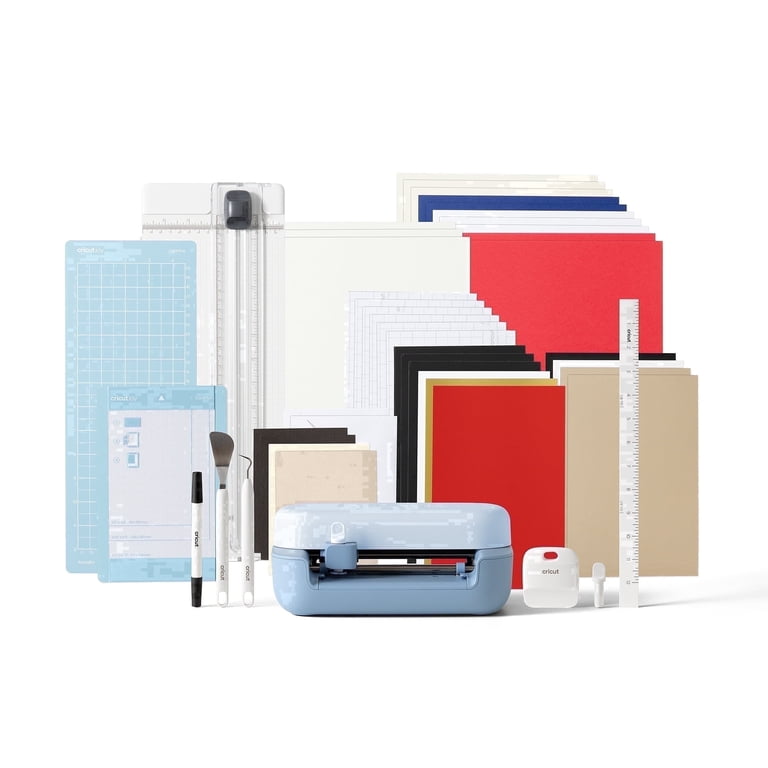
Cricut Joy Smart Cutting Machine

Why Great for Beginners:

The Cricut Joy is incredibly compact and easy to set up. It's perfect for beginners who want to make simple projects like cards, labels, and decals without the complexity of a larger machine. No mat needed for smart materials, which reduces the learning curve.

βœ“ Beginner Pros

  • +Ultra compact, fits in a drawer
  • +No cutting mat required with Smart Vinyl
  • +Quick setup and minimal learning curve
  • +Great for small, quick projects

βœ— Beginner Cons

  • -Limited to 5.5-inch wide cuts (can't do large signs)
  • -Fewer material options than Explore/Maker
  • -Only cuts smart materials without mat
πŸ‘ Best for: Beginners who want a simple, portable machine for small crafts, stickers, and cards without a steep learning curve.
πŸ‘Ž Not for: Crafters who want to cut large items (like 12x24 posters), sew fabric, or use non-Cricut materials.

#2
πŸ‘ Recommended

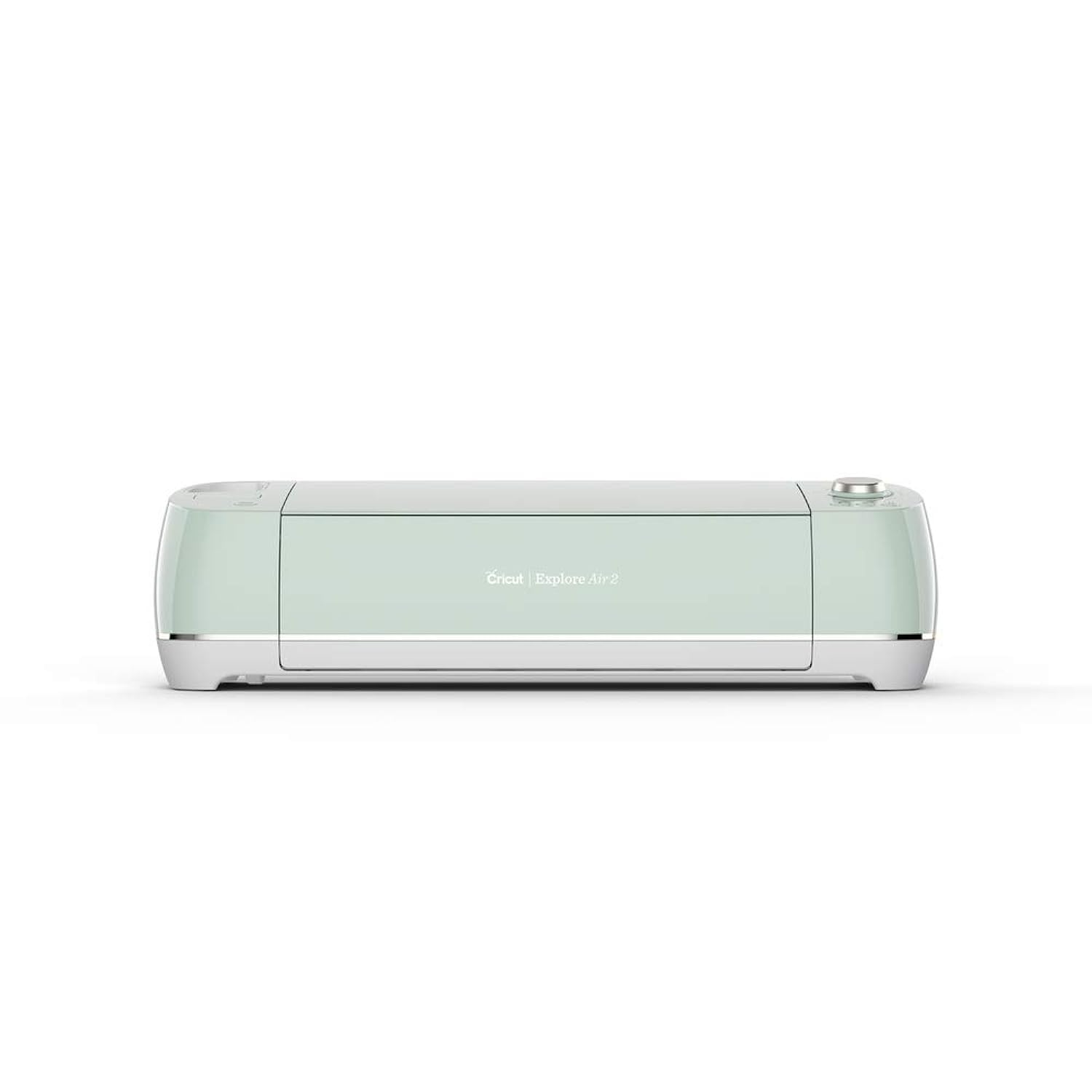
Cricut Explore Air 2 Mint

Learning Curve: Easy

$229.99
Difficulty: 2/5
Cricut Explore Air 2 Mint

Why Great for Beginners:

The Explore Air 2 is the best-selling Cricut for a reason. It's versatile enough for hundreds of projects but simple enough for total beginners. The dual-cartridge system lets you cut and write in one step, and the machine has presets for common materials like paper, vinyl, and iron-on.

βœ“ Beginner Pros

  • +Cuts over 100 materials including cardstock, vinyl, and fabric
  • +12x24 cutting area gives flexibility for larger projects
  • +Bluetooth connectivity for wireless operation
  • +Extensive online tutorials and community support

βœ— Beginner Cons

  • -Slightly larger footprint than Joy
  • -Requires cutting mats (extra cost)
  • -May be overkill if you only make small items
πŸ‘ Best for: Most beginners – it's the ideal balance of capability and simplicity for those who want to explore a variety of crafts.
πŸ‘Ž Not for: Anyone who exclusively sews with fabric (Maker has more power for fabric) or wants the absolute smallest machine.
#3
✨ Premium

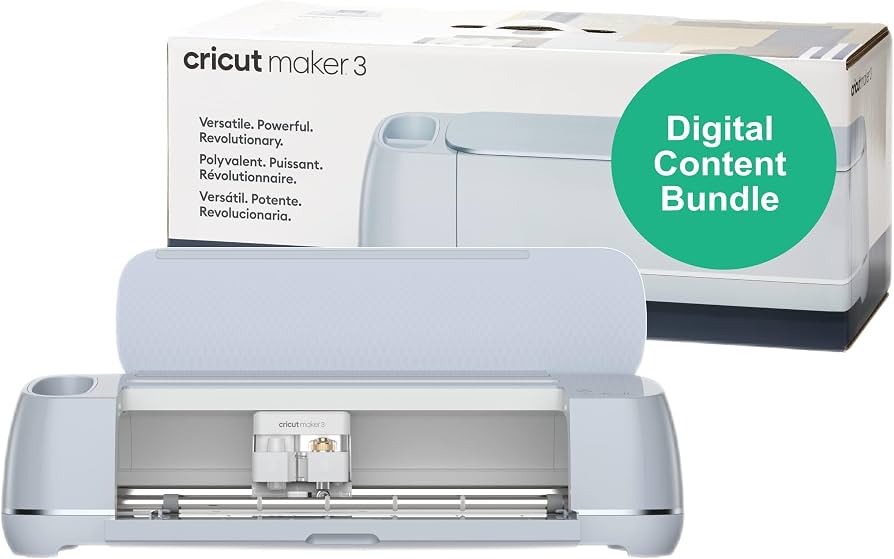
Cricut Maker 3 – Ultimate Cutting Machine

Learning Curve: Moderate

$399.99
Difficulty: 3/5
Cricut Maker 3 – Ultimate Cutting Machine

Why Great for Beginners:

The Maker 3 is the most advanced machine, but Cricut made it beginner-friendly with the same Design Space software and guided setup. It's for beginners who know they'll quickly outgrow a less powerful machine. It cuts faster, handles thicker materials, and even cuts fabric without backing.

βœ“ Beginner Pros

  • +Cuts 300+ materials including wood, leather, and fabric
  • +2x faster than Explore Air 2
  • +Rotary blade for fabric (no fraying)
  • +Works with Smart Materials for matless cutting up to 12x12 feet

βœ— Beginner Cons

  • -Higher price may be wasted if you only cut paper
  • -More features can be overwhelming at first
  • -Heavier and larger than other models
πŸ‘ Best for: Beginners with a bigger budget who plan to sew, make home decor with wood, or create large signs. Also great for crafters who hate upgrading.
πŸ‘Ž Not for: Casual crafters who only make small projects occasionally – a Joy or Explore is more cost-effective.
#4
Alternative

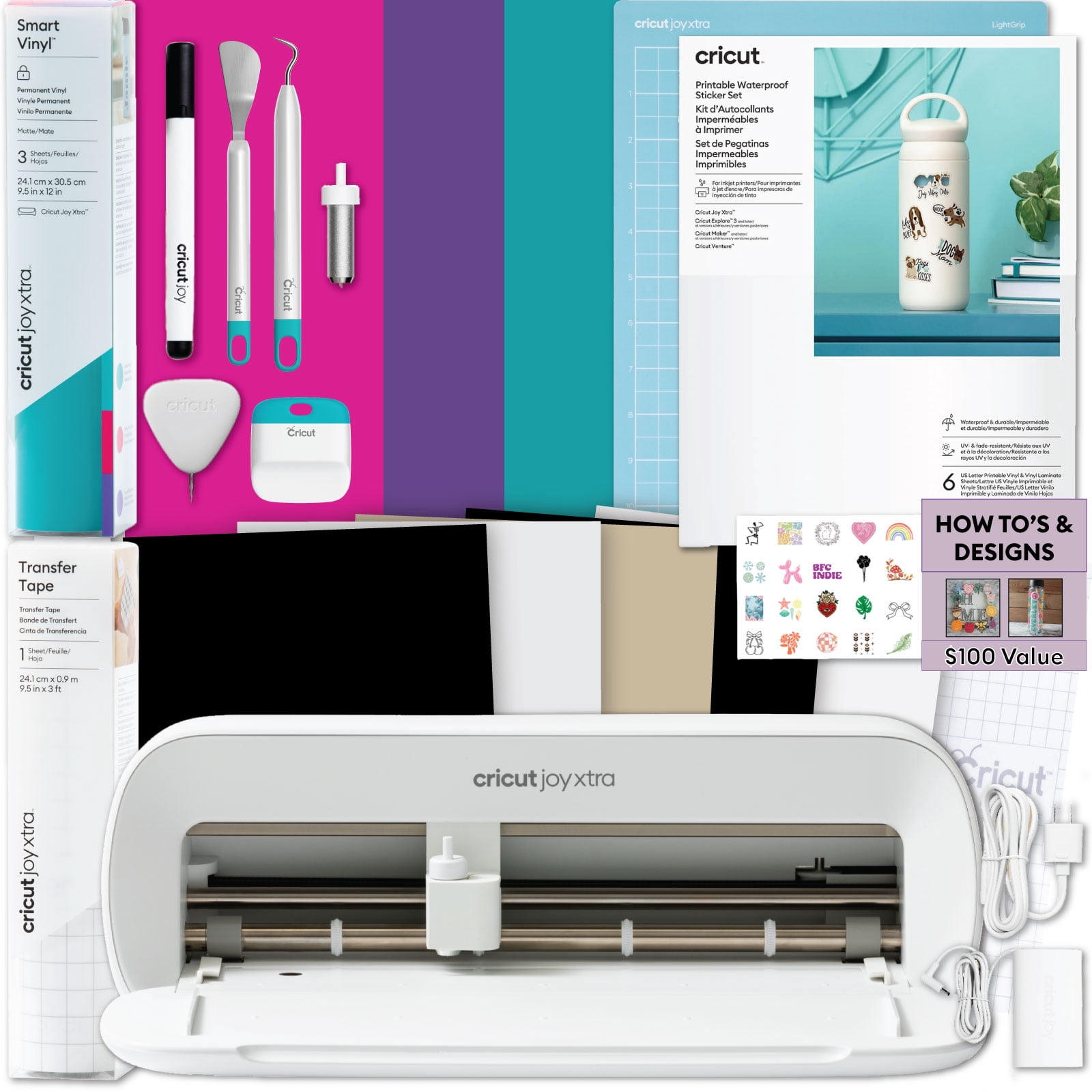
Cricut Joy Xtra Smart Cutting Machine

Learning Curve: Easy

$199.99
Difficulty: 2/5
Cricut Joy Xtra Smart Cutting Machine

Why Great for Beginners:

The Joy Xtra is the newer mid-size option between Joy and Explore. It cuts up to 8.5x12 inches – larger than Joy but still compact. It's a good choice for beginners who want more project space than Joy but find Explore too big.

βœ“ Beginner Pros

  • +Larger cut area than Joy (8.5x12) without the footprint of Explore
  • +Works with both Smart Materials and mats
  • +Easy setup similar to Joy
  • +Affordable mid-range option

βœ— Beginner Cons

  • -Fewer material options than Explore/Maker
  • -Not ideal for very large projects
  • -Newer model with less community content
πŸ‘ Best for: Beginners who want a medium-sized machine that's still portable and affordable, especially for card making and scrapbooking.
πŸ‘Ž Not for: Crafters needing to cut fabric or thick materials – no rotary blade option.

πŸ“– Complete Beginner's Guide to Cricut

Cricut machines are electronic cutting tools that use a small blade to cut shapes, letters, and designs from materials like paper, vinyl, fabric, and more. The main models for beginners are: the Cricut Joy (compact, ideal for small projects), the Cricut Explore Air 2 (versatile, cuts over 100 materials), and the Cricut Maker 3 (the premium workhorse for fabric and wood). The best beginner machine is the Cricut Explore Air 2 β€” it offers the sweet spot of affordability, ease of use, and room to grow. It comes with Design Space software (free basic version) that's drag-and-drop simple. Beginners can start with ready-to-make projects and slowly learn to create custom designs. Realistic expectations: your first few projects will be simple β€” maybe a personalized card or a vinyl decal. That's okay! The machine is forgiving: make a mistake? Just peel off the vinyl and try again.

πŸ”§ Essential Accessories for Beginners

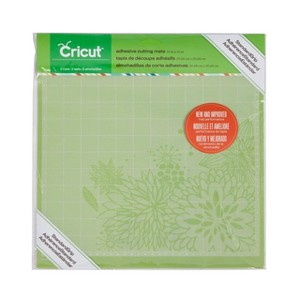
Cricut StandardGrip Cutting Mat, 12x12

Cricut StandardGrip Cutting Mat, 12x12

⚠️ Essential

$14.99

When to buy:
Day one

The cutting mat holds your material in place while the machine cuts. Without it, your project will shift and ruin. A StandardGrip mat works for most beginner materials like paper and vinyl. Start with one 12x12 mat – it's the most versatile size.

Beginner Benefits:

  • β€’ Prevents material slippage for clean cuts
  • β€’ Easy to load and unload
  • β€’ Works with paper, cardstock, vinyl, and more
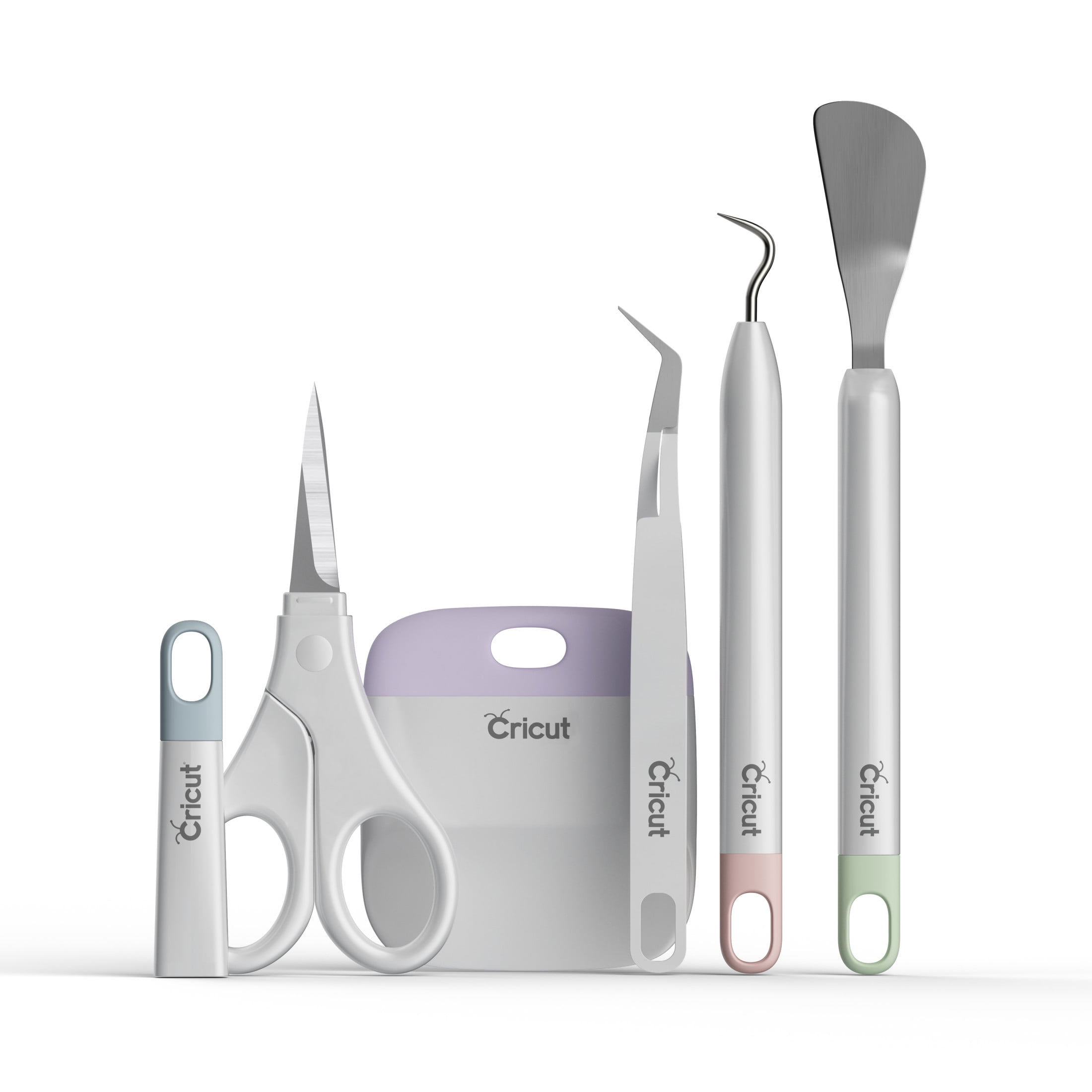
Cricut Basic Tool Set

Cricut Basic Tool Set

⚠️ Essential

$19.99

When to buy:
Day one

You'll need tools to remove small cut pieces from the mat (weeder), smooth down vinyl (scraper), and trim paper (scissors). This set includes all the basics in one package. Skipping it means using kitchen tweezers and scissors – not ideal.

Beginner Benefits:

  • β€’ Saves frustration when weeding small designs
  • β€’ Spatula lifts delicate cutouts without tearing
  • β€’ Scraper tool helps apply vinyl smoothly
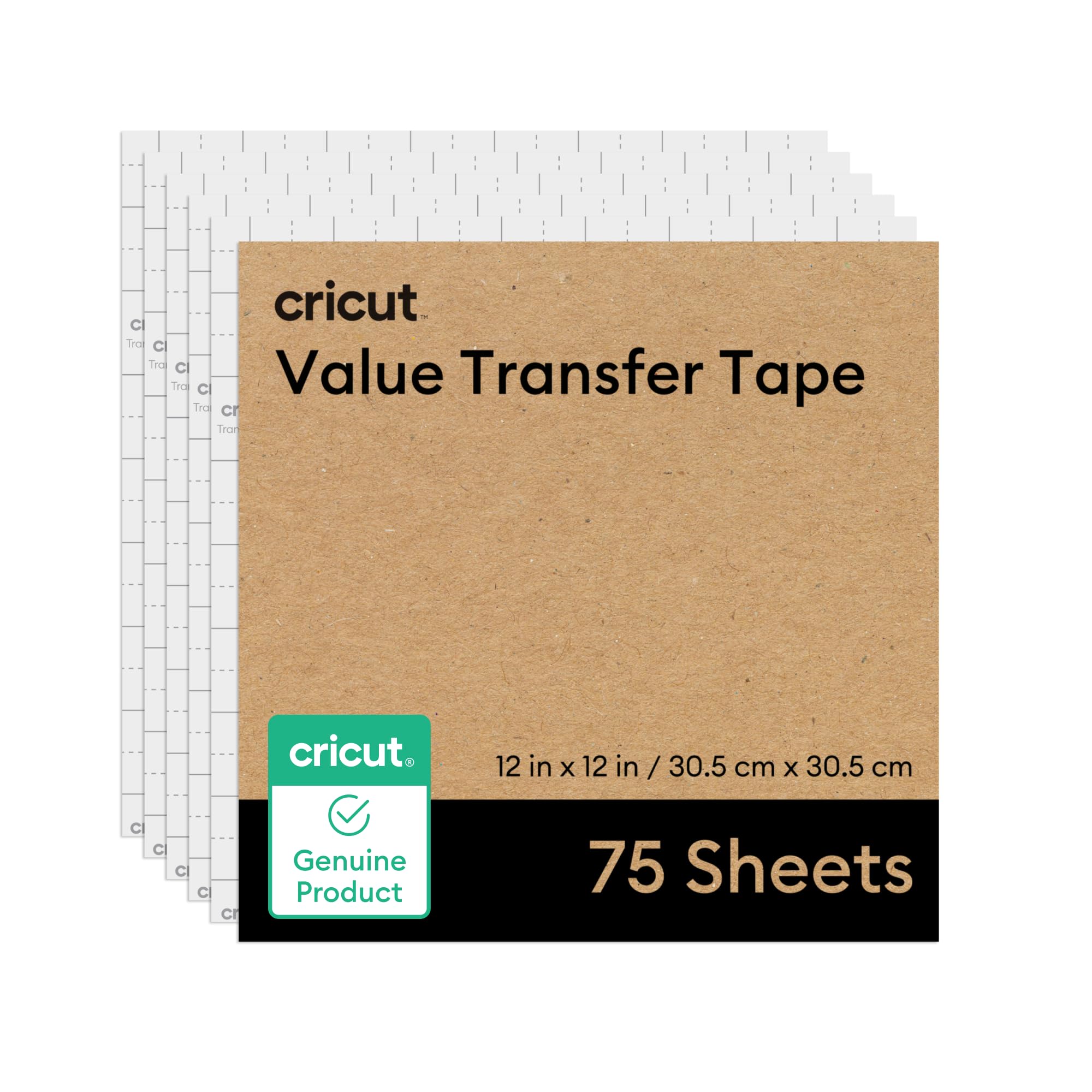
Cricut Transfer Tape, 12x12 Sheets

Cricut Transfer Tape, 12x12 Sheets

πŸ‘ Recommended

$9.99

When to buy:
First month (or with your first vinyl project)

Transfer tape is used to pick up cut vinyl designs from the backing and place them on your final surface (like a mug or notebook). It's essential for vinyl projects. Beginners often try to use regular tape and fail – get proper transfer tape.

Beginner Benefits:

  • β€’ Makes applying vinyl easy and bubble-free
  • β€’ Reduces misalignment and tearing
  • β€’ Reusable multiple times
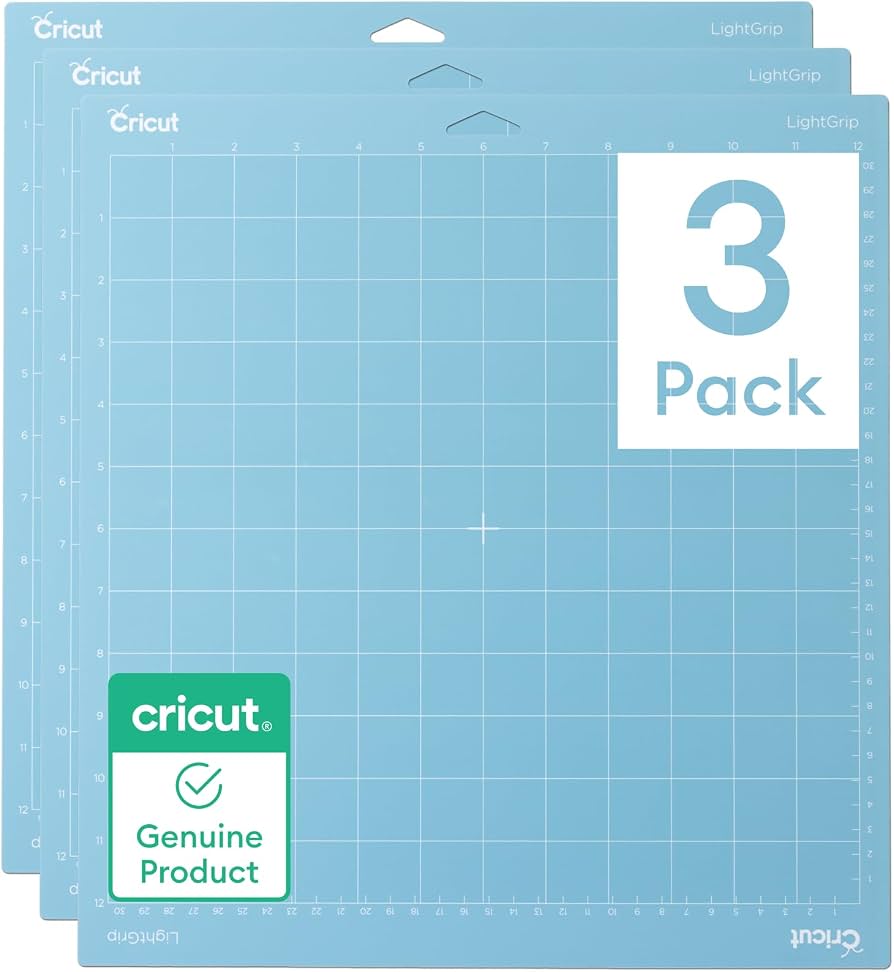
Cricut LightGrip Cutting Mat, 12x12

Cricut LightGrip Cutting Mat, 12x12

πŸ’‘ Nice to Have

$14.99

When to buy:
After you're comfortable with basic projects

LightGrip mats are gentler on delicate materials like cardstock and printer paper. They prevent tearing when removing your project. If you plan to make a lot of paper crafts, this is a worthwhile addition.

Beginner Benefits:

  • β€’ Keeps paper projects intact (no tearing)
  • β€’ Lasts longer when used with paper
  • β€’ Allows for easier removal of cut pieces
Cricut Explore Air 2 – Replacement Blade Kit - Image 1 of 6

Cricut Explore Air 2 – Replacement Blade Kit

⬆️ Upgrade

$14.99

When to buy:
When your current blade starts showing wear (after ~20-30 projects)

Blades dull over time, causing incomplete cuts or frayed edges. Having a spare blade on hand ensures you can keep crafting without interruptions. Beginners often forget blades need replacing – this kit avoids frustration.

Beginner Benefits:

  • β€’ Restores clean cut quality
  • β€’ Simple to replace (no tools needed)
  • β€’ Extends machine life

πŸ€” How to Choose Your First Cricut

Start by asking yourself three questions: What do you want to make? (e.g., cards, home decor, t-shirts, labels). How often will you craft? (occasionally vs weekly). What's your budget? If you’re crafty on weekends and want to do a bit of everything, the Explore Air 2 is your best bet. If you only make small items like gift tags and stickers, the Cricut Joy is enough. If you already know you want to cut fabric for sewing projects, invest in the Maker 3. Red flags to avoid: buying a machine with features you'll never use (like engraving) or skimping on the cutting mat (get a quality one β€” cheap mats ruin cuts). Remember, your first machine doesn't have to be your last β€” you can always upgrade later.

πŸ’° Budget Guide for Beginners

450+

Professional entry (Cricut Maker 3 bundle with accessories) – best for dedicated crafters who want everything included and won't upgrade for years.

150 - $299

Sweet spot (Cricut Explore Air 2) – cuts up to 12x24 inches, works with 100+ materials, perfect for most beginners with room to grow.

300 - $450

Premium beginner (Cricut Maker 3) – cuts fabric, leather, and wood, faster speed, for serious crafters who want professional results from day one.

Under $ - $150

Entry level (Cricut Joy) – great for small projects, limited to 5-inch wide cuts, ideal for occasional crafters and gift makers.

⚠️ Common Beginner Mistakes to Avoid

The most common mistake beginners make is buying the most expensive machine (like the Maker 3) thinking it will be easier to use. In reality, the extra features can be overwhelming. Another frequent error is skipping essential accessories like cutting mats or transfer tape, then struggling with basic projects. Beginners also tend to dive into complex multi-material projects too quickly, which leads to wasted materials and frustration. The best approach is to start simple: a single-color vinyl decal or a card, then gradually add layers and new materials. Additionally, many neglect to calibrate their machine or read the manual, which results in poor cuts. Always follow the setup guide and use the recommended settings for your material.

  • Γ—Buying the most expensive machine thinking it's easier – it's not; more features mean more to learn.
  • Γ—Not buying a cutting mat or buying cheap mats that don't hold material.
  • Γ—Forgetting to adjust blade settings for different materials – using default can ruin cuts.
  • Γ—Starting with complex projects (like multi-layer vinyl) instead of simple stickers or cards.
  • Γ—Neglecting to learn Design Space basics – then getting stuck making their own designs.
  • Γ—Buying off-brand materials that are not Cricut-compatible, leading to frustration.
  • Γ—Not calibrating the machine before first use – causes off-alignment cuts.

πŸ“ˆ Your Progression Path: Beginner to Intermediate

As a beginner, start with simple projects: cut a basic shape from paper or single-color vinyl decals. After a few successful projects, move to multi-layer designs using registration marks. Next, experiment with different materials like iron-on (for t-shirts) or cardstock. Once you're comfortable with Design Space and weeding, try Print Then Cut for stickers. At this point (typically after 3-6 months of regular crafting), you may want to upgrade to a larger machine (from Joy to Explore) or add more tools (like the scoring wheel for envelopes). Signs you've outgrown beginner gear: you frequently need to cut materials thicker than 2.4mm, you want to cut fabric for sewing, or you're frustrated with the limited width of the Joy. The typical beginner stays at the beginner level for about 2-6 months before feeling ready for intermediate projects.

πŸ“š Learning Resources for Beginners

  • πŸ“–{"resourceName":"Cricut for Beginners: The Ultimate Guide to Design Space, Materials, and Projects (Book)","asin":"B089Y4V6CJ","price":14.99,"type":"book","description":"A step-by-step guide covering everything from unboxing to mastering Design Space. Written for absolute beginners with clear photos and project ideas."}
  • πŸ“–{"resourceName":"Cricut Design Space for Beginners: Learn How to Create Your First Projects (Kindle)","asin":"B08C8V9X4W","price":9.99,"type":"ebook","description":"Focuses on the software side, walking you through uploading images, working with text, and using ready-to-make projects."}
  • πŸ“–{"resourceName":"Cricut Joy Project Book: 20 Easy Beginner Projects (Kindle)","asin":"B09J1P2X3L","price":8.99,"type":"ebook","description":"If you own a Cricut Joy, this book offers simple, fun projects that teach you the basics step by step."}
  • πŸ“–{"resourceName":"Cricut Classroom: Learn to Craft with Your Cricut (Online Course Access Card)","asin":"B0C1D2E3F4","price":29.99,"type":"course","description":"A series of video lessons that teach beginners how to use Design Space, choose materials, and complete projects. Sold as an access card on Amazon."}
  • πŸ“–{"resourceName":"Cricut Practice Bundle: Vinyl, Cardstock, and Tools Kit","asin":"B0V1W2X3Y4","price":24.99,"type":"bundle","description":"A collection of beginner-friendly materials and tools to practice cutting and weeding, perfect for early projects."}

🎯 Bottom Line: Our Recommendations

For most beginners, the best overall pick is the Cricut Explore Air 2 – it offers the perfect balance of ease, versatility, and price. If you're on a tight budget or only make small items, the Cricut Joy is a fantastic starter. If your budget allows and you know you'll want to cut fabric or wood from day one, go for the Maker 3. Don't forget to budget for essential accessories: a cutting mat, basic tool set, and transfer tape. Start with small projects, use the free Design Space tutorials, and join the Cricut community for support. Your first Cricut is the beginning of an exciting creative journey – have fun and don't be afraid to make mistakes!

❓ Frequently Asked Questions

The Cricut Explore Air 2 is widely considered the best for beginners. It's easy to set up, cuts over 100 materials, and has a large online community for support. The Cricut Joy is also great for absolute beginners who only want to make small projects.
Beginners should expect to spend between $150 and $250 on the machine itself. The Cricut Joy ($179.99) and Explore Air 2 ($229.99) fall in this range. Add about $50 for essential accessories like a mat, tool set, and transfer tape.
Beginners need easy setup, intuitive software (Design Space), preset material settings (Smart Set dial), wireless connectivity, and access to ready-to-make projects. Avoid machines with too many advanced tools (engraving, debossing) until you're ready for them.
The Cricut Joy is the easiest – it's tiny, has a simple app, and guides you through projects with Insert Cards. The Explore Air 2 is also very easy once you learn the basics.
Essential accessories: a StandardGrip cutting mat, the Basic Tool Set (weeder, scraper, etc.), and transfer tape if you plan to do vinyl. A spare blade is also good to have.
Consider what you want to make (small items? cards? clothing? home decor?), how often you'll craft, and your budget. If you're unsure, start with the Explore Air 2 – it's the most versatile for beginners.
No, Cricut machines are designed for all skill levels. The Design Space software has a gentle learning curve, and there are thousands of ready-to-make projects. Start with simple projects and you'll gain confidence quickly.
Common mistakes include buying too expensive a machine, skipping essential accessories, starting with complex projects, not calibrating the machine, and using incompatible materials. Avoid these by following a beginner guide and starting simple.
The Cricut Joy can be used with a phone or tablet via Bluetooth and the Design Space app. The Explore Air 2 and Maker 3 also support Bluetooth, but you'll need a device to run the app. No computer is strictly required.
A fine-point blade typically lasts 20-30 projects, depending on materials. Cutting rough materials like fabric or wood will dull it faster. Always have a spare blade on hand.
For the Explore and Maker series, yes – you need a cutting mat for most materials unless using Cricut's Smart Materials. The Cricut Joy and Joy Xtra can cut Smart Materials without a mat, but a mat is still useful for other materials.
A beginner Cricut (Explore Air 2) can cut paper, cardstock, vinyl, iron-on (HTV), fabric (with a rotary blade for Maker), felt, craft foam, and thin leather. Start with paper and vinyl.

Related Articles