
Best Laptops for Video Editing 2026
Compare top laptops for smooth 4K editing, from budget to pro, and pick the perfect one for your workflow and budget.
Our Top Pick
Apple MacBook Pro 16-inch M3 Pro
Best OverallProfessional editors prioritizing battery, display, and macOS optimization.
View on Amazon →Key Factors to Consider
- 1.CPU/GPU Power: i7/Ryzen 7+ with RTX 4060+ or M3 Pro/Max for fast renders
- 2.RAM: 32GB minimum for multi-layer 4K timelines
- 3.Storage: 1TB SSD+ for large RAW files
- 4.Display: 16"+ QHD/OLED, 100% DCI-P3 color accuracy
- 5.Battery Life: 8+ hours for mobile editing
- 6.Ports: Thunderbolt/USB4, SD card reader
- 7.Cooling/Thermals: Vapor chamber for sustained loads
- 8.OS & Software: macOS optimized vs Windows flexibility
- 9.Build/Portability: Metal chassis under 5lbs ideal
The Products
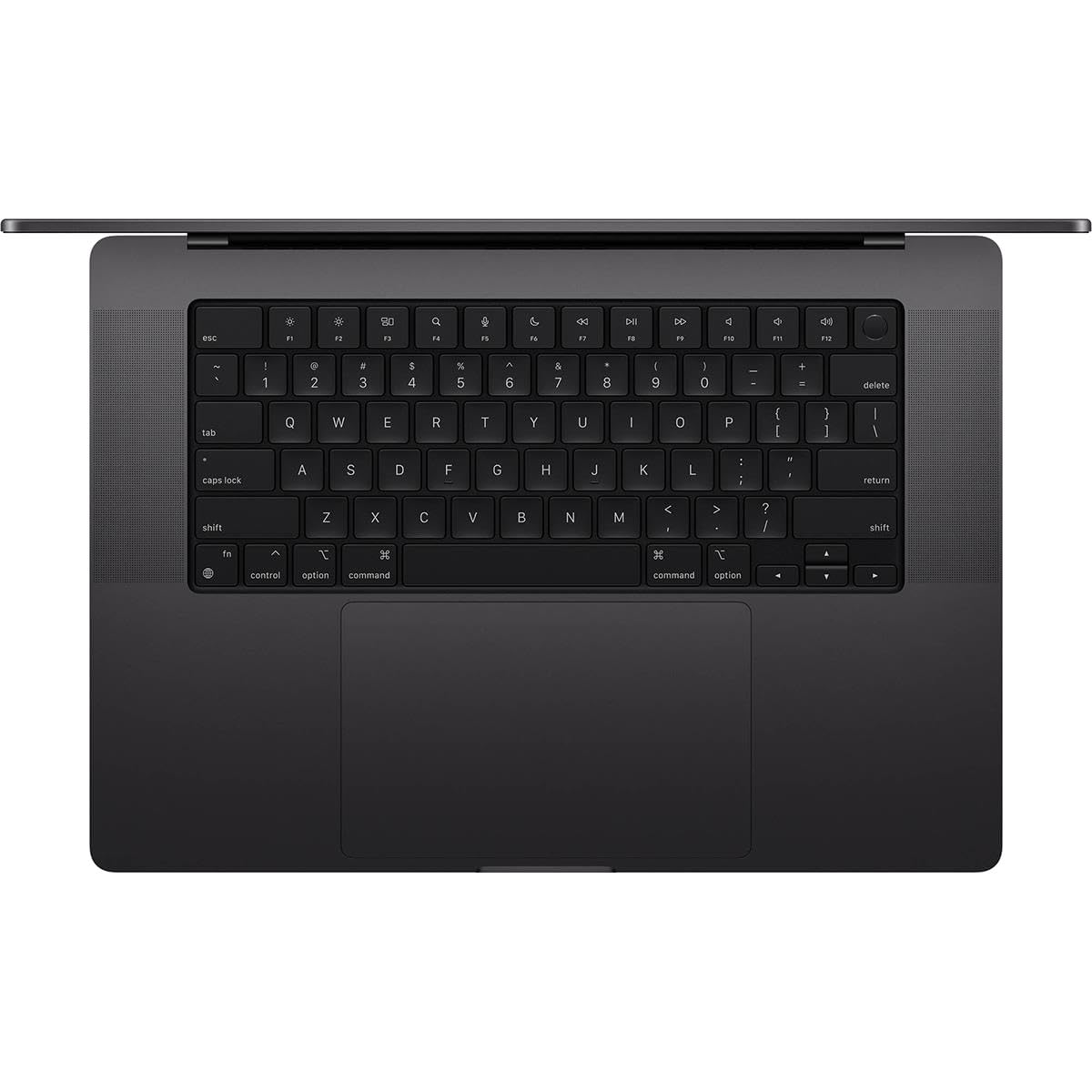
Apple MacBook Pro 16-inch M3 Pro
✓ Pros
- •Insane battery life (18-22hrs editing)
- •Stunning XDR display for accurate grading
- •M3 Pro renders 4K 2x faster than Intel
- •Silent operation, premium build
- •Optimized Final Cut/DaVinci support
- •Future-proof unified memory
✗ Cons
- •Expensive upgrades
- •No user-upgradable parts
- •Windows software compatibility issues
- •Limited ports (needs hubs)
- •Overkill for 1080p editing
Best For:
Professional editors prioritizing battery, display, and macOS optimization.
Not Recommended For:
Budget buyers or gamers needing discrete expandable GPUs.
Key Features:
Standout Feature:
Hardware-accelerated ProRes encoding/decoding.
VS Others:
Beats Legion in battery/portability but trails in raw GPU exports; pick over XPS for ecosystem. Top for most editors vs gaming heat.
Why This One:
Unmatched efficiency for all-day editing without plugs. Pros love the display accuracy and speed in creative apps. Seriously consider if macOS fits your workflow.
Lenovo Legion Pro 7i Gen 9

✓ Pros
- •RTX 4070 crushes CUDA exports
- •32GB RAM standard, upgradable
- •Excellent cooling (no throttling)
- •QHD 240Hz smooth timelines
- •MUX switch for battery gains
- •Affordable for specs
✗ Cons
- •Heavy 6lbs, poor battery (4hrs)
- •Gaming aesthetics loud fans
- •Bulky for travel
- •Display not OLED
- •Bloatware
Best For:
Stationary editors who game or need max Windows GPU power.
Not Recommended For:
Mobile users or macOS fans.
Key Features:
Standout Feature:
Legion AI Engine auto-optimizes for editing loads.
VS Others:
Faster renders than MacBook on Premiere (CUDA), better value than Razer. Vs XPS: more power, less premium build.
Why This One:
Unbeatable price/performance for heavy exports. Gamers/editors get future-proof specs. Top pick if desk-bound.
Dell XPS 17

✓ Pros
- •Massive 17" high-res screen
- •RTX 4080 pro-level GPU
- •64GB RAM for 8K
- •Stunning build quality
- •Excellent trackpad/speakers
- •Dell support
✗ Cons
- •Very expensive
- •Battery ~5hrs heavy use
- •Runs warm under load
- •No OLED option
- •Soldered RAM
Best For:
Desktop-replacement editors loving big screens.
Not Recommended For:
Budget or portable needs.
Key Features:
Standout Feature:
17-inch canvas for multi-timeline work.
VS Others:
Bigger screen than MacBook/Legion, similar power to Razer but premium feel. Pick over Spectre for GPU.
Why This One:
Ultimate screen real estate for pros. Worth it for timeline pros. Consider for large projects.
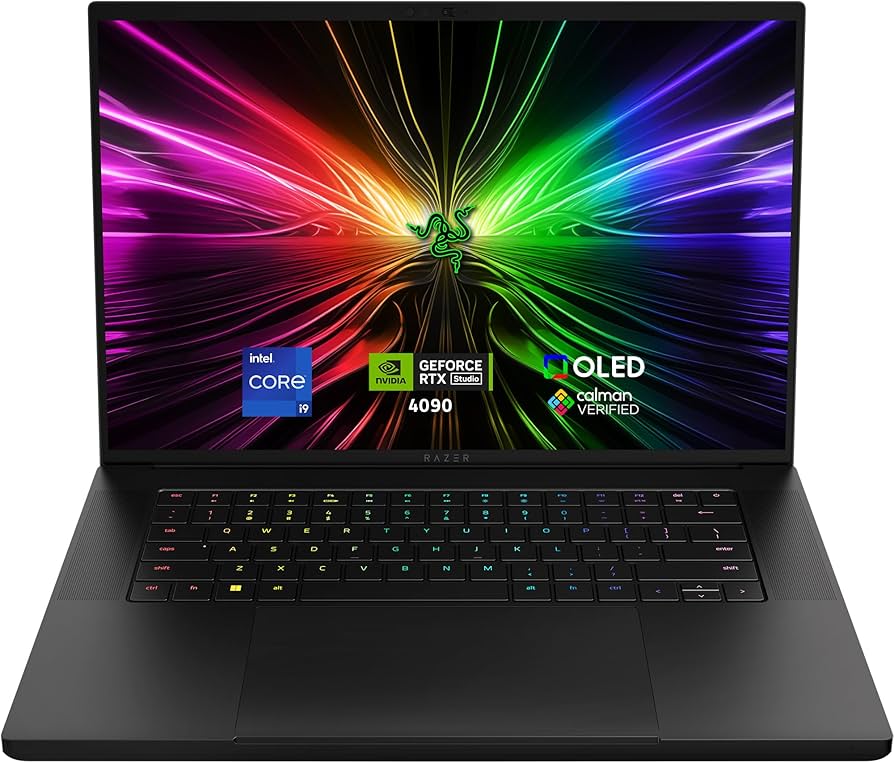
Razer Blade 16
✓ Pros
- •RTX 4090 fastest renders
- •Gorgeous Mini-LED/OLED
- •Slimmest thick GPU chassis
- •2TB storage base
- •Premium metal build
- •Razer Synapse tuning
✗ Cons
- •Highest price
- •Battery 4-5hrs
- •Fans audible
- •Overheats sustained
- •Poor warranty rep
Best For:
Power users wanting luxury portability.
Not Recommended For:
Value seekers or beginners.
Key Features:
Standout Feature:
Switchable Dual UHD+/FHD+ modes for battery.
VS Others:
Faster than all except niche; sleeker than Legion. Vs MacBook: more GPU headroom.
Why This One:
Peak performance in thinnest form. For those splurging. Elite choice.
HP Spectre x360 16-inch 2-in-1

✓ Pros
- •Gorgeous OLED touch
- •2-in-1 flexibility
- •Lightweight portable
- •32GB RAM solid
- •Long 13hr battery
- •Bang & Olufsen audio
✗ Cons
- •RTX 4050 entry GPU
- •Slower renders
- •Hinge durability?
- •Pricey for power
- •Bloatware
Best For:
Mobile freelancers needing touch/pen.
Not Recommended For:
Heavy 8K rendering.
Key Features:
Standout Feature:
360-degree hinge for tablet grading.
VS Others:
More portable than Legion/XPS, better display than Acer. Vs MacBook: touch but less power.
Why This One:
Versatile for travel edits. Great hybrid. Consider for mobility.
ASUS ProArt Studiobook 16 OLED

✓ Pros
- •Calibrated OLED perfection
- •RTX 4070 strong
- •ScreenPad/Dial controls
- •ASUS creator apps
- •Good ports
- •Value creator spec
✗ Cons
- •Battery 6hrs
- •Heavy 5lbs
- •Fans loud
- •Win11 quirks
- •Niche DialPad
Best For:
Color-critical creators.
Not Recommended For:
Casual or battery-focused.
Key Features:
Standout Feature:
OLED with factory color calibration.
VS Others:
Better color than Legion, similar power to Spectre but larger. Vs Dell: cheaper OLED.
Why This One:
Tailored for editing accuracy. Creator fave. Good if color pro.
Acer Predator Helios 16 Gaming Laptop

✓ Pros
- •32GB/1TB cheap
- •RTX 4060 capable 4K
- •Upgrade slots
- •Bright 500nit screen
- •DLSS 3 boosts
- •Great price
✗ Cons
- •Mediocre color gamut
- •Battery 3-4hrs
- •Plastic build
- •Loud/hot
- •Bloat
Best For:
Budget starters handling 4K basics.
Not Recommended For:
Pros or portability.
Key Features:
Standout Feature:
PredatorSense app for fan/GPU tuning.
VS Others:
Cheaper than all, solid vs Spectre for stationary. Lags premium displays/power.
Why This One:
Best entry power/value. Students love it. Budget hero.
Who Should Get What?
College Student on a Budget
You're a film major editing YouTube vlogs and class projects in Premiere, need something reliable for dorm use without breaking $1,500. Occasional 4K but mostly 1080p, portability matters for campus.
Recommended:
Acer Predator Helios 16 Gaming Laptop
The RTX 4060 and 32GB RAM handle student workflows smoothly at a steal price. Great value over pricier options without sacrificing edit speed. Battery lasts classes, and it's upgradable.
View on Amazon →Freelance Video Editor
Solo creator doing client wedding/corporate videos in DaVinci Resolve, travel between shoots, budget $1,500-$2,000. Need 2-in-1 flexibility for notes and good battery.
Recommended:
HP Spectre x360 16-inch 2-in-1 Laptop
Touch OLED screen shines for color grading, flips for presentations, and Core Ultra CPU manages 4K timelines efficiently. Better portability than bulky gaming rigs at similar price.
View on Amazon →Professional Filmmaker
Full-time editor handling 4K/8K Hollywood workflows in Final Cut Pro, studio-based but needs top color accuracy and export speed. Budget $2,500+ no issue.
Recommended:
Apple MacBook Pro 16-inch M3 Pro
M3 Pro crushes optimized renders with Liquid Retina XDR display for perfect grading. Superior battery and build for pros over Windows heat issues.
View on Amazon →Content Creator Who Games
YouTuber editing gameplay + vlogs, dual-use for gaming, stationary setup, $1,800-$2,200 budget. Need max GPU for effects and high FPS gaming.
Recommended:
Lenovo Legion Pro 7i Gen 9
RTX 4070 dominates renders and 1440p gaming, 32GB RAM future-proofs. Best value vs premium blades, with superior cooling for long sessions.
View on Amazon →First-Time Pro Editor
Switching from desktop, need Windows reliability for After Effects plugins, mid-budget $2,000-$2,800, value screen size for timelines.
Recommended:
Dell XPS 17
Huge 17" UHD+ screen with RTX 4080 powers complex projects premiumly. More screen real estate than 16" options for easier editing.
View on Amazon →High-End Creative Agency
Agency lead needing ultra-portable powerhouse for travel edits, max performance, unlimited budget.
Recommended:
Razer Blade 16
Slimmest with RTX 4090-level power and QHD+ 240Hz screen for flawless motion grading. Premium build justifies splurge for elites.
View on Amazon →Buying Guide: How to Choose
Bottom Line
Frequently Asked Questions
Which laptop is best for video editing?▼
Which laptops should I buy for video editing on a budget?▼
MacBook Pro M3 Pro vs Lenovo Legion Pro 7i: Which is better?▼
Is the Razer Blade 16 worth the extra money?▼
Dell XPS 17 vs HP Spectre x360?▼
What's the best value laptop for video editing?▼
Do I need 32GB RAM for video editing?▼
ASUS ProArt vs MacBook for color grading?▼
Best laptop for 4K video editing under $2,000?▼
Windows or Mac for video editing?▼
Need More Help Deciding?
Explore more buying guides to find the perfect product for your needs.
View All Buying Guides