
Best GPUs for 1440p Gaming 2026 ($300-$600)
Compare top graphics cards for smooth 1440p gaming – find your perfect pick based on performance, value, and budget.
Our Top Pick
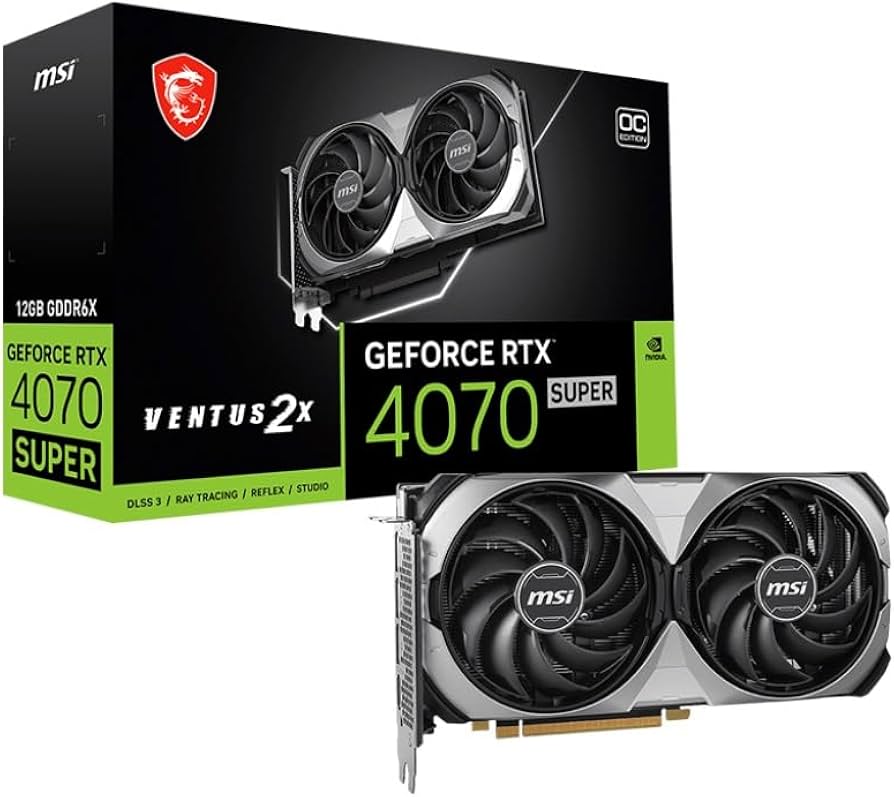
MSI GeForce RTX 4070 Ventus 2X OC
Best OverallGamers wanting ray tracing and future-proofing at 1440p.
View on Amazon →Key Factors to Consider
- 1.1440p Performance (FPS in modern games)
- 2.Ray Tracing & Upscaling (DLSS/FSR/XeSS)
- 3.VRAM Capacity (8GB min, 12GB+ ideal)
- 4.Power Efficiency & TDP (under 250W preferred)
- 5.Cooling/Noise Levels
- 6.Price-to-Performance Ratio
- 7.Driver Stability & Features
- 8.Future-Proofing (PCIe 4.0, AV1 encode)
The Products
MSI GeForce RTX 4070 Ventus 2X OC
✓ Pros
- •Excellent 1440p RT performance (100+ FPS with DLSS)
- •12GB VRAM for high-res textures
- •Superior upscaling with DLSS 3/3.5
- •Efficient 220W draw
- •Rock-solid NVIDIA drivers
- •Compact dual-slot design
✗ Cons
- •Pricey for non-RT gamers
- •No overclock headroom vs premium models
- •Weaker raster vs RX 7900
- •Fans can whine under max load
Best For:
Gamers wanting ray tracing and future-proofing at 1440p.
Not Recommended For:
Ultra-budget buyers under $400.
Key Features:
Standout Feature:
DLSS 3.5 with Ray Reconstruction for unmatched RT clarity
VS Others:
Beats RX 7600 by 25% in RT games but costs 2x more; vs RTX 4060 Ti, 50% faster overall. Pick this over cheaper options if RT/DLSS matters.
Why This One:
It's the most balanced 1440p card here – crushes benchmarks and lasts 3+ years. Serious gamers should prioritize it for features no AMD matches.
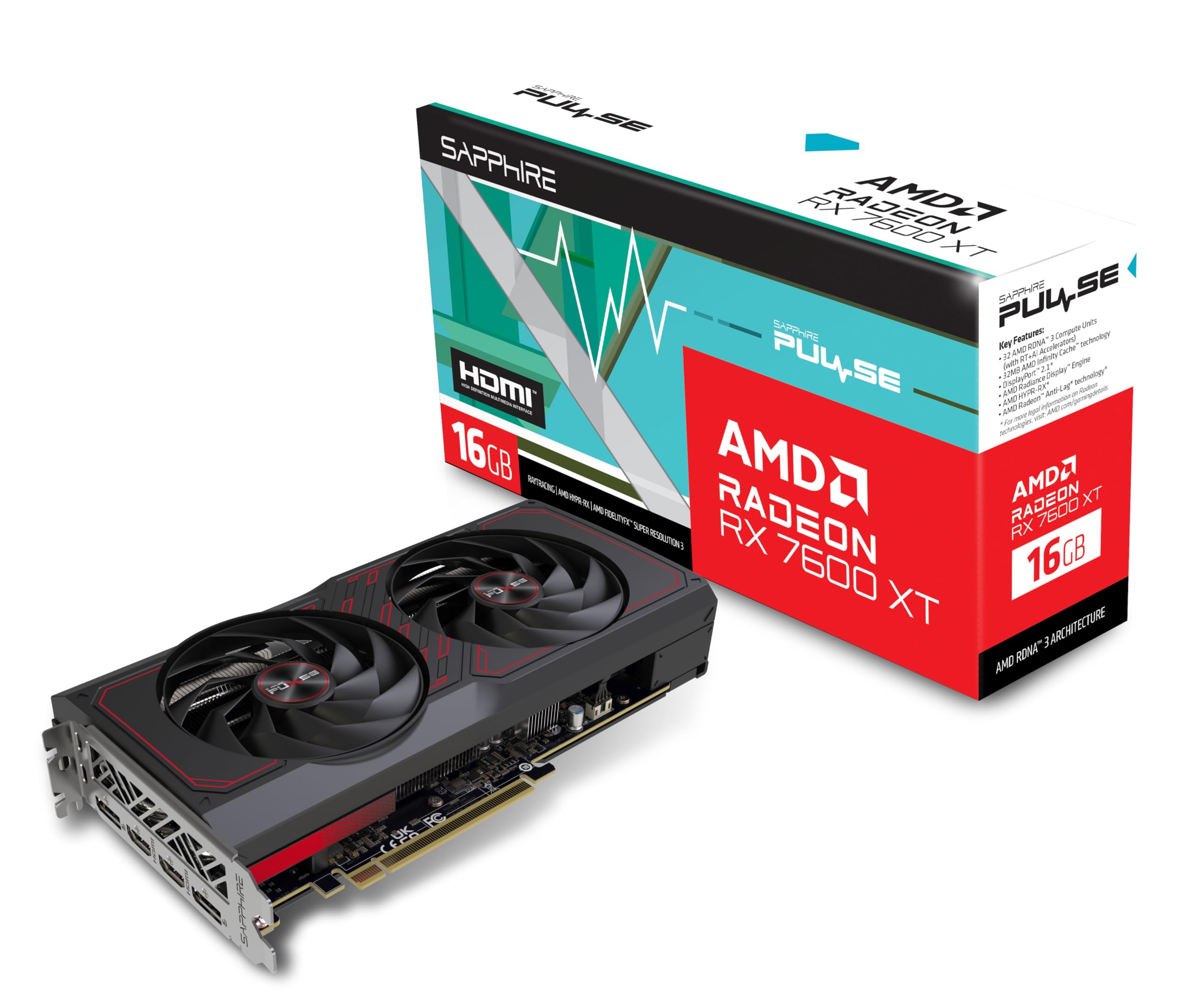
Sapphire Pulse AMD Radeon RX 7600
✓ Pros
- •Top raster perf (110+ FPS 1440p)
- •Great value under $300
- •Dual fan cooling under 65C
- •FSR 3 support
- •AV1 encode for streaming
- •PCIe 4.0
✗ Cons
- •Weak ray tracing (30% behind NVIDIA)
- •8GB VRAM limits 4K
- •AMD drivers occasionally buggy
- •Higher power than RTX 4060
Best For:
Budget gamers prioritizing raw FPS over RT.
Not Recommended For:
Ray tracing enthusiasts.
Key Features:
Standout Feature:
Insane price/performance – matches old 4070 for half price
VS Others:
Faster than RTX 4060 in raster by 20-30%, but loses to 4070 in RT. Best budget alt to 6700 XT with newer features.
Why This One:
If saving $200+ matters, this delivers 90% of premium perf. Everyday 1440p king.
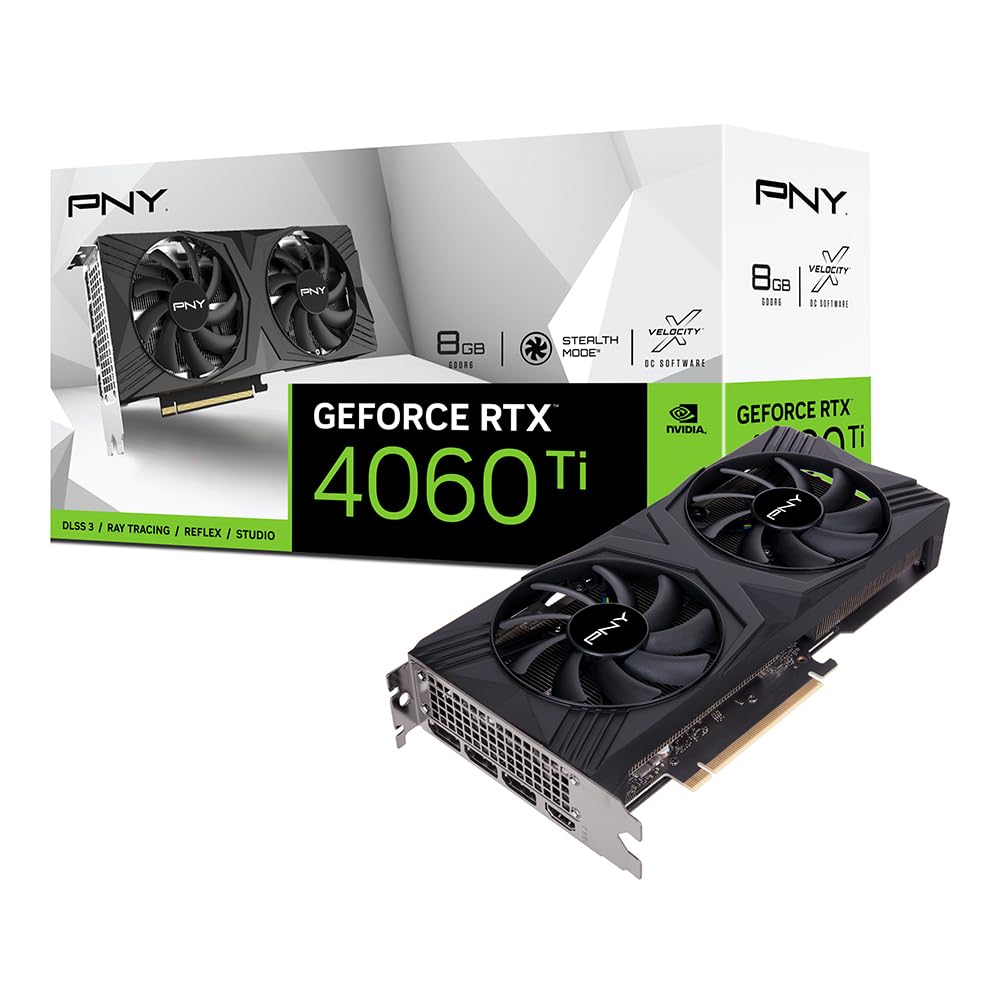
PNY GeForce RTX 4060 8GB VERTO
✓ Pros
- •Super efficient (115W)
- •DLSS 3 boosts FPS 50%
- •Quiet operation
- •Great for small cases
- •NVIDIA ecosystem
- •Easy overclock
✗ Cons
- •8GB VRAM bottlenecks some games
- •Slower raster vs RX 7600
- •Not ideal for heavy RT
- •Limited to 1440p medium-high
Best For:
Beginners and efficiency-focused builds.
Not Recommended For:
High-refresh 1440p competitive play.
Key Features:
Standout Feature:
Record-low power draw for 1440p cards
VS Others:
Easier on PSU than RX 7600; vs 4060 Ti, saves $100 but 15% slower. Entry pick before stepping to AMD.
Why This One:
Safe, reliable starter for 1440p without PSU worries. NVIDIA magic shines here.
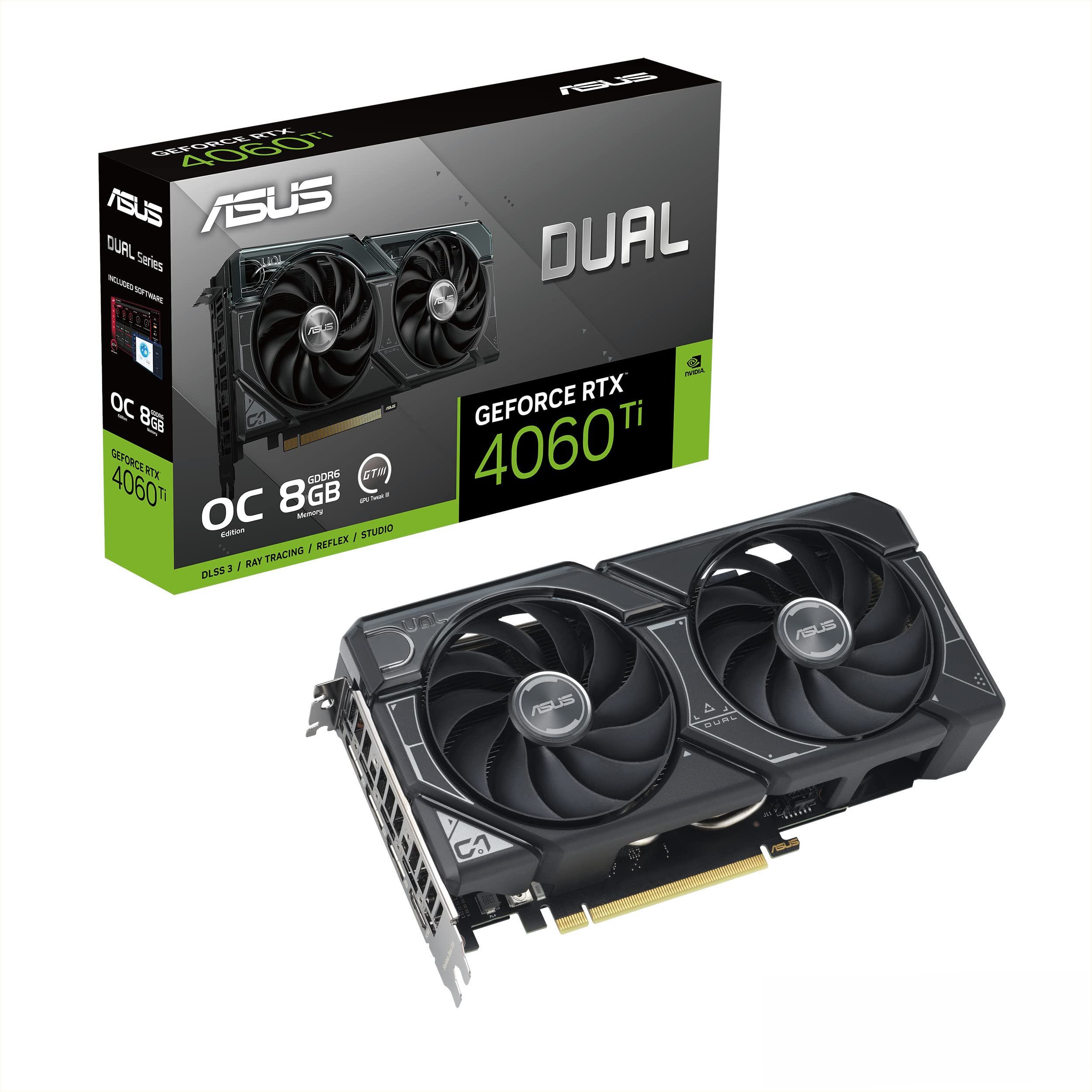
ASUS Dual GeForce RTX 4060 Ti 8GB
✓ Pros
- •20% faster than RTX 4060
- •Solid DLSS 3
- •Premium build quality
- •Compact 2.5-slot
- •Good RT entry
✗ Cons
- •Still 8GB limits
- •Overpriced vs RX 7600
- •160W higher than 4060
- •Fans audible at load
Best For:
NVIDIA loyalists wanting more power.
Not Recommended For:
Pure value seekers.
Key Features:
Standout Feature:
Higher memory bandwidth for smoother 1440p
VS Others:
Between 4060 and 4070; beats Arc A770 in RT, loses to RX 7600 raster. Good if you insist NVIDIA.
Why This One:
Fills the mid-gap perfectly for balanced needs.
XFX Speedster SWFT210 Radeon RX 6700 XT
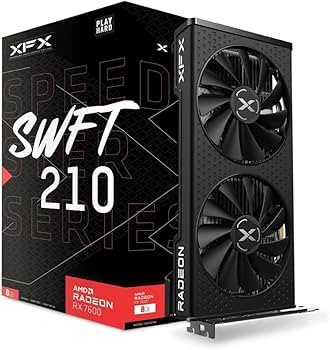
✓ Pros
- •12GB VRAM abundance
- •Strong non-RT perf
- •Cheap for capability
- •Good for 1440p multi-monitor
✗ Cons
- •Older RDNA 2 architecture
- •Poor RT
- •High 230W TDP
- •Driver support waning
Best For:
VRAM-focused raster gamers.
Not Recommended For:
Future RT upgrades.
Key Features:
Standout Feature:
12GB VRAM at budget price
VS Others:
VRAM edge over 7600; slower than 4070 everywhere. Niche pick for texture-heavy titles.
Why This One:
If 12GB matters more than new features, it's a steal.
ASRock Intel Arc A770 Challenger 16GB
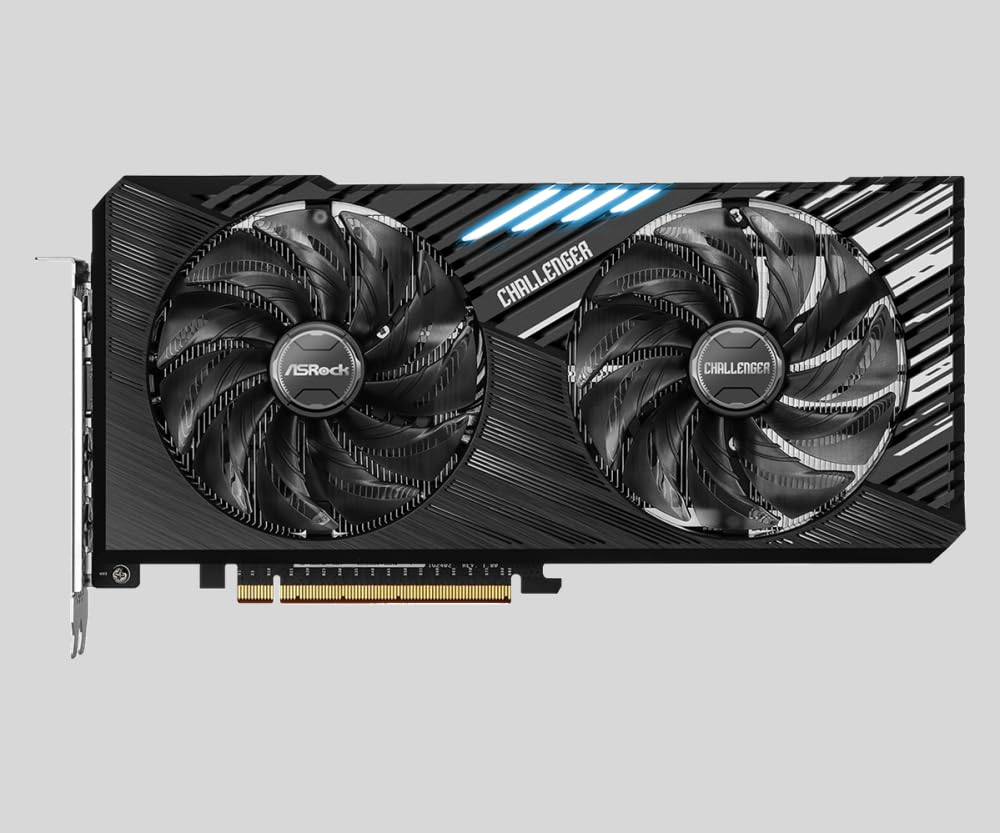
✓ Pros
- •Massive 16GB VRAM
- •XeSS upscaling
- •AV1 encode leader
- •Good raster value
- •Resizable BAR optimized
✗ Cons
- •Inconsistent drivers
- •Weak RT
- •High power/noise
- •ReBAR required for best perf
Best For:
Creators needing VRAM/encoding.
Not Recommended For:
Plug-and-play reliability.
Key Features:
Standout Feature:
16GB VRAM + AV1 for under $300
VS Others:
VRAM beats all under $400; lags NVIDIA RT, matches 6700 XT raster. Risky but rewarding.
Why This One:
Unique for high-VRAM tasks on insane budget.
Who Should Get What?
College Student on a Budget
You're a student gaming after classes, building your first PC with a $1200 total budget and 650W PSU. You play Valorant, Fortnite, and occasional AAA titles at 1440p high settings, but can't spend over $350.
Recommended:
Sapphire Pulse AMD Radeon RX 7600
The RX 7600 delivers 100+ FPS in most 1440p games for just $270, crushing the value barrier. Its 8GB VRAM handles high textures without stuttering, and low power draw fits small builds. Perfect starter card without NVIDIA premium.
View on Amazon →Mid-Range Enthusiast Gamer
You have a $1500 gaming rig with Ryzen 5 and 750W PSU, chasing 1440p ultra settings in ray-traced games like Spider-Man 2. Budget $500-600 for max performance without 4K.
Recommended:
MSI GeForce RTX 4070 Ventus 2X OC
RTX 4070 hits 120+ FPS with DLSS 3 and ray tracing enabled, outpacing AMD by 25% in RT-heavy titles. Quiet dual-fan cooling and 12GB VRAM future-proof it for 2+ years. Best splurge in this range.
View on Amazon →First-Time PC Builder
New to building, upgrading from laptop for 1440p streaming/gaming mix (Twitch + Warzone). $300-400 budget, 600W PSU, wants easy setup and reliable drivers.
Recommended:
PNY GeForce RTX 4060 8GB VERTO
RTX 4060's plug-and-play NVIDIA drivers and low 115W TDP make it beginner-proof, with DLSS boosting 1440p to playable. Affordable at $299 and efficient for small cases. Avoids AMD driver quirks.
View on Amazon →Value-Focused Competitive Gamer
Esports player (CS2, Overwatch) with Intel i5 build, seeking max FPS at 1440p high refresh. $300-400 budget, prioritizes raster perf over RT.
Recommended:
XFX Speedster SWFT210 Radeon RX 6700 XT
12GB VRAM and strong rasterization give 144+ FPS in esports at 1440p, better than newer 8GB cards for multi-monitor. Great deal at $350 with solid cooling. Ideal if RT isn't needed.
View on Amazon →Content Creator Gamer
You stream 1440p gameplay while editing videos, using Adobe Premiere. $300 budget, need AV1 encoding and high VRAM on AMD/Intel platform.
Recommended:
ASRock Intel Arc A770 Challenger 16GB
16GB VRAM excels in content creation and 1440p gaming with XeSS upscaling. Quick Sync/AV1 beats NVIDIA for encoding at $299. Improving drivers make it viable now.
View on Amazon →Buying Guide: How to Choose
Bottom Line
Frequently Asked Questions
Which graphics card is best for 1440p gaming?▼
RTX 4070 or RX 7600 for 1440p?▼
Is RX 7600 worth it under $300?▼
RTX 4060 good for 1440p?▼
Best budget graphics card 1440p?▼
Arc A770 vs RX 7600?▼
RX 6700 XT still good in 2026?▼
Do I need 12GB+ VRAM for 1440p?▼
RTX 4070 worth extra $250 over 4060?▼
Best for ray tracing 1440p under $600?▼
Need More Help Deciding?
Explore more buying guides to find the perfect product for your needs.
View All Buying Guides