Review Atlas
Review AtlasYour guide to a better purchase

Menu

Shop by Category

Get the App

Better experience on mobile

????????????????????????

Should I Buy Apple iPad Pro M4? Complete Guide 2026

We help you decide if the Apple iPad Pro M4 is the right purchase for your needs and budget

Recommendation: depends
🛒 Buy on AmazonAs an Amazon Associate we earn from qualifying purchases.

Quick Answer

The Apple iPad Pro M4 is an exceptional tablet for professionals who can leverage its power and display. For the average user, the high price and limited iPadOS make it a luxury that isn't necessary. Consider your specific needs and budget before purchasing.

Are you eyeing the new iPad Pro M4 but can't shake the hesitation? At $1,099 starting price, it's a significant investment, and you want to be sure it's right for you. Many potential buyers worry about cost, whether they'll actually use it, or if a cheaper alternative would suffice. In this guide, we'll break down the pros and cons, who should buy, and who should skip, so you can make an informed decision. The verdict? For most people, it depends on your specific needs and budget.

What is Apple iPad Pro M4?

The Apple iPad Pro M4 is the latest iteration of Apple's premium tablet lineup, released in 2024. It features the new M4 chip, which brings substantial performance improvements over the M2, especially in AI and graphics tasks. The display is a 11-inch or 13-inch Ultra Retina XDR with tandem OLED technology, offering incredible brightness and contrast. It also supports the new Apple Pencil Pro with squeeze and barrel roll gestures, and the Magic Keyboard with a larger trackpad. The device is extremely thin and light, making it highly portable. It runs iPadOS 18 and is available in WiFi and 5G cellular models.

Why the Hesitation?

The biggest hesitation is the price tag. Starting at $1,099, many wonder if they can justify spending that much on a tablet. There's also the fear of buyer's remorse: will it replace a laptop? Is the performance overkill for typical tasks? Without a clear use case, the iPad Pro M4 can feel like a luxury toy. Battery life concerns, the need to buy expensive accessories (Pencil Pro $129, Magic Keyboard $349), and the limited multitasking of iPadOS compared to a laptop all fuel doubt. Reviews mention the high cost and the fact that the previous M2 model is still plenty fast for most people.

Key Reasons TO Buy

  • Unmatched performance with the M4 chip for demanding tasks like video editing, 3D modeling, and AI workflows.
  • Stunning Ultra Retina XDR OLED display with reference mode for color-accurate work.
  • Extremely thin and light design making it the most portable high-performance tablet.
  • Excellent battery life lasting 10+ hours for mixed use.
  • Seamless integration with Apple ecosystem (iPhone, Mac, Apple Watch).
  • New Apple Pencil Pro offers advanced features for artists and note-takers.
  • Face ID, USB-C Thunderbolt 4, and optional 5G make it versatile.

Key Reasons NOT to Buy

  • High starting price, and with accessories can easily exceed $1,500.
  • iPadOS still lacks desktop-class multitasking and file management compared to a MacBook.
  • Overkill for basic tasks like web browsing, email, and media consumption.
  • Storage base is only 256GB (up to 2TB) but at a premium.
  • Battery life can be shorter under heavy load than claimed.
  • No headphone jack, and the camera bump on the back makes it wobble when used flat.
  • Repair costs are high, and accidental damage is costly without AppleCare+.

Key Factors to Consider

  • Budget: Can you comfortably afford the tablet plus accessories?
  • Usage: Will you take advantage of the M4 power (pro apps, creative work) or just browse?
  • Portability: Do you need an ultra-thin/light device for travel?
  • Ecosystem: Do you own other Apple devices that make the experience better?
  • Timing: Is now the right time, or can you wait for a sale?
  • Alternatives: iPad Air, MacBook, or even a cheaper Windows laptop?
  • Future needs: Will your workflow require more power later?
  • Storage: Do you need cloud storage or plan to store files locally?

Questions to Ask Yourself

  • ?Can I afford $1,099+ without financial strain?
  • ?Will I use the Apple Pencil Pro or Magic Keyboard regularly?
  • ?Do I need the OLED display for color-critical work?
  • ?Have I tried an iPad before to know if iPadOS suits my workflow?
  • ?What am I replacing? An old iPad? A laptop?
  • ?Could I accomplish my tasks with an iPad Air M2 for $500 less?
  • ?Am I buying for the status or actual need?
  • ?Do I have a return plan if it doesn't meet expectations?

Detailed Analysis

The iPad Pro M4 is not for everyone. It shines for digital artists, video editors, photographers, and professionals who need a portable workstation. In real-world use, the M4 chip handles multitasking with ease, but iPadOS remains a limitation – you can't run full desktop apps like Final Cut Pro or Logic Pro as efficiently as on a Mac. Compared to alternatives like the iPad Air M2 (starting at $599), the Pro offers a superior display, more processing power, and better accessory support, but for most users the Air is more than sufficient. Long-term, the Pro holds value well, but the high upfront investment means you should plan to keep it for 3-5 years. User reviews praise the display and performance but caution about the cost. With the rise of powerful laptops like the MacBook Air M3, some argue that a laptop is a better investment for productivity. Market trends show the iPad Pro is a luxury niche, but for those who need it, it's unmatched.

Related Products & Alternatives

Apple iPad Pro M4 11-inch (ASIN given)
#1
alternative

Apple iPad Pro M4 11-inch (ASIN given)

$1099

The main product: Apple iPad Pro M4 in 11-inch model. This is the base version of the tablet you're considering.

💡 Why We Recommend It

The main product itself - consider it if you decide to buy.

Best For

Anyone who decides the iPad Pro M4 is for them.
🛒 Check Price on Amazon →
Apple iPad Air M2 (2024)
#2
alternative

Apple iPad Air M2 (2024)

$599

A more affordable alternative with the M2 chip, suitable for most users. Lacks the OLED display but still excellent for note-taking, media, and light creative work.

💡 Why We Recommend It

Better value for most users; saves $500.

Best For

Students, casual users, and budget-conscious buyers.

🛒 Check Price on Amazon →
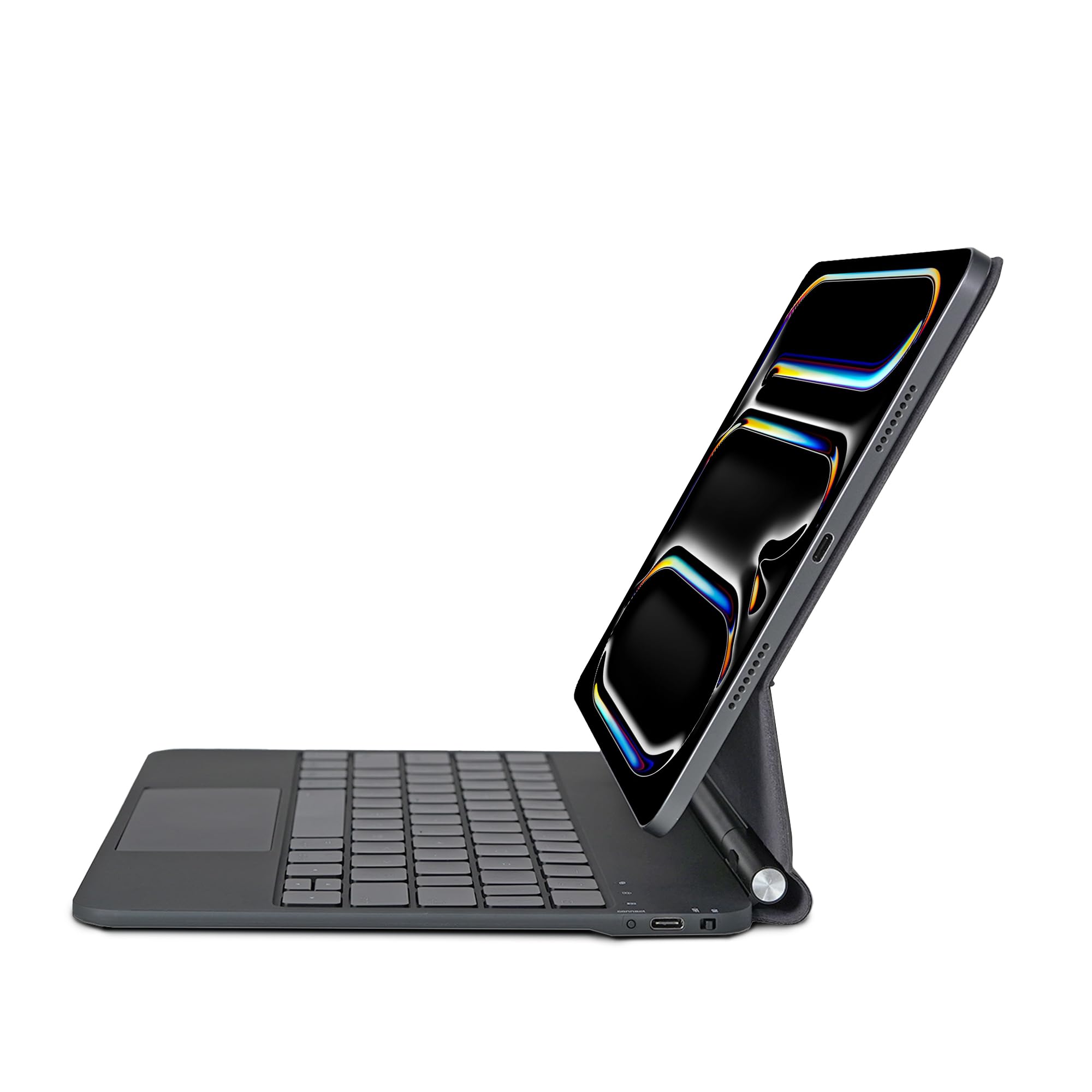
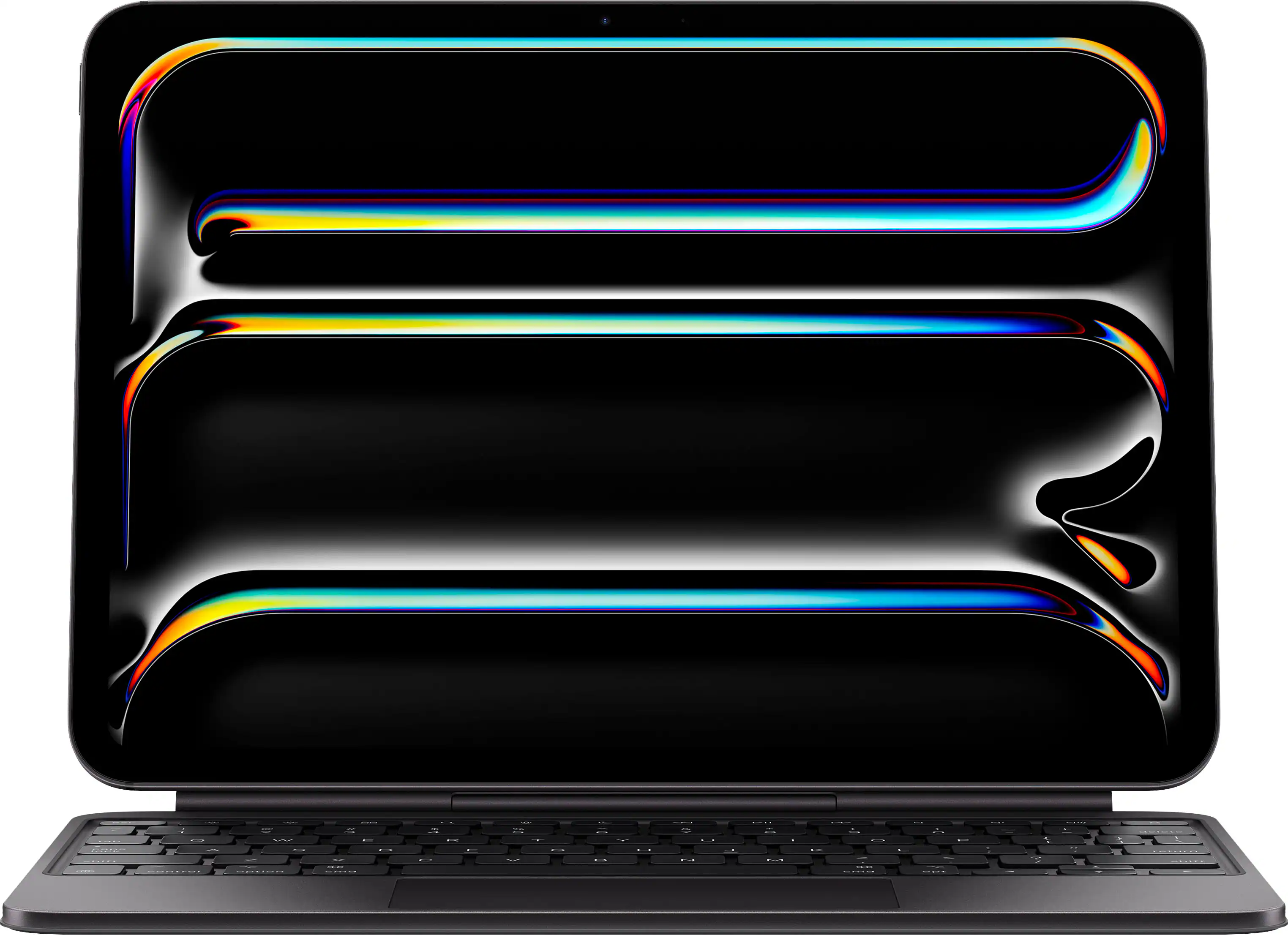
Magic Keyboard for iPad Pro M4
#3
accessory

Magic Keyboard for iPad Pro M4

$349

Essential keyboard accessory that turns the iPad into a laptop-like device. Features a larger trackpad and function keys.

💡 Why We Recommend It

Necessary for heavy typing and productivity.

Best For

Users who plan to use iPad as a laptop replacement.

🛒 Check Price on Amazon →
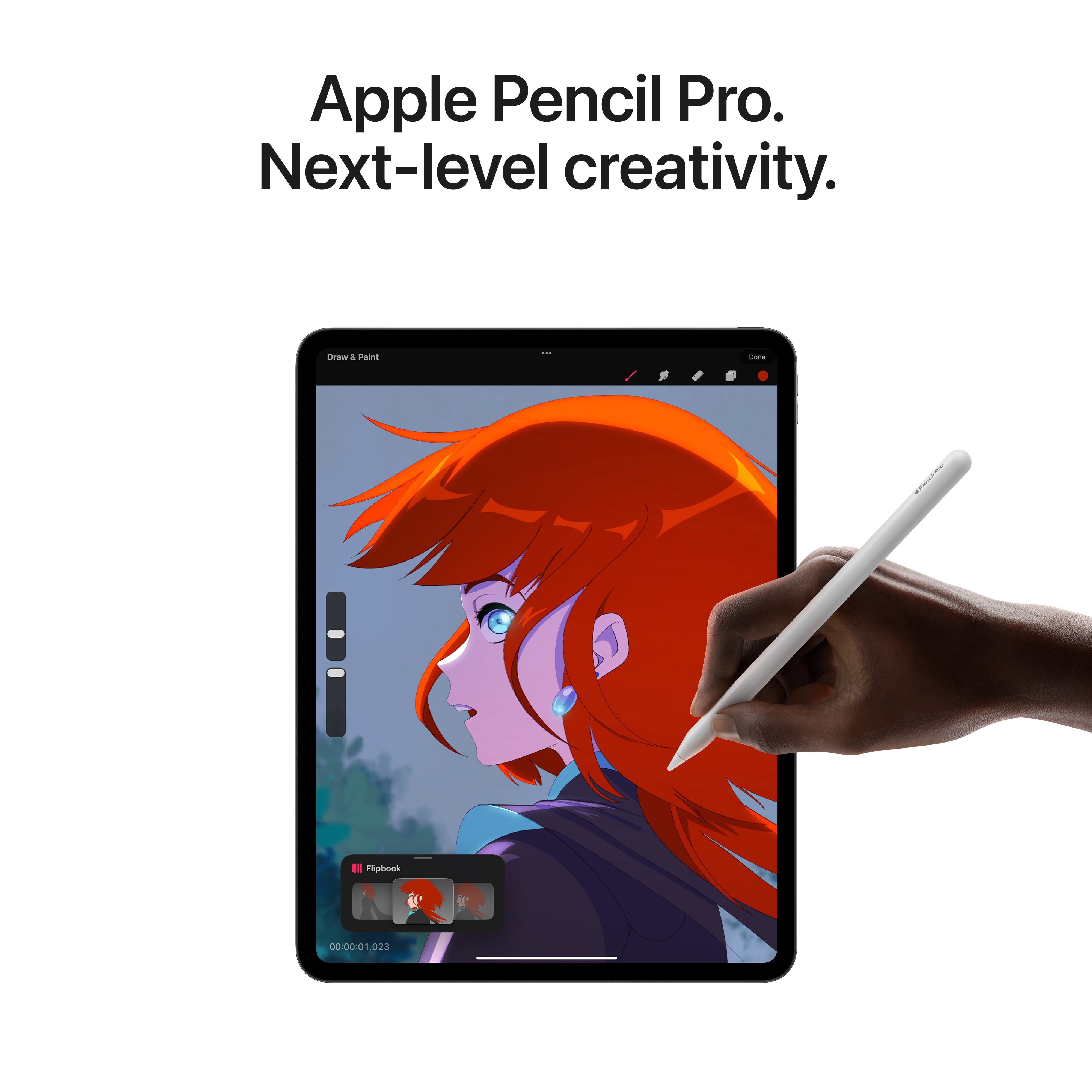
Apple Pencil Pro
#4
accessory

Apple Pencil Pro

$129

The new stylus with squeeze gesture, barrel roll, and haptic feedback. Perfect for artists and note-takers.

💡 Why We Recommend It

Enables the full creative potential of the iPad.

Best For

Artists, designers, and students who take handwritten notes.

🛒 Check Price on Amazon →
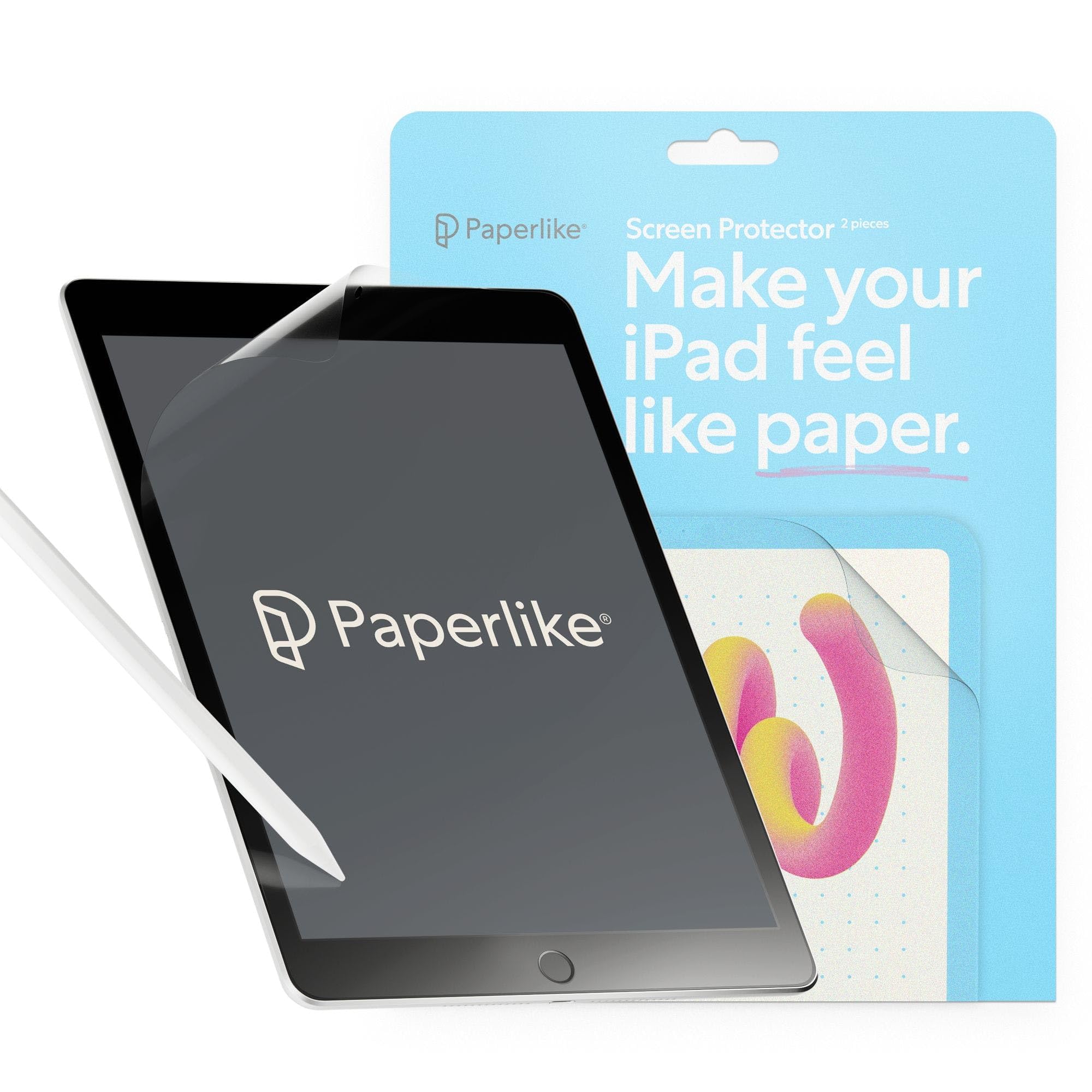
Paperlike 2.1 Screen Protector (Matte)
#5
protection

Paperlike 2.1 Screen Protector (Matte)

$32.99

A matte screen protector that reduces glare and provides a paper-like feel for writing and drawing with Apple Pencil.

💡 Why We Recommend It

Enhances drawing experience and protects screen.

Best For

Artists and heavy note-takers who want a more natural feel.

🛒 Check Price on Amazon →
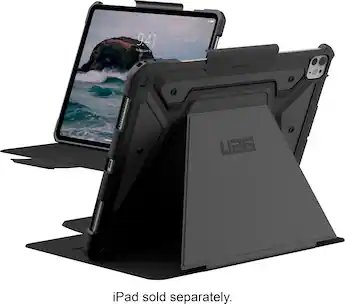
UAG Metropolis SE Case for iPad Pro
#6
protection

UAG Metropolis SE Case for iPad Pro

$64.95

Rugged protective case with a built-in stand and support for Apple Pencil. Military drop-tested.

💡 Why We Recommend It

Protects your investment from drops and bumps.

Best For

Users who transport their iPad frequently or want heavy-duty protection.

🛒 Check Price on Amazon →
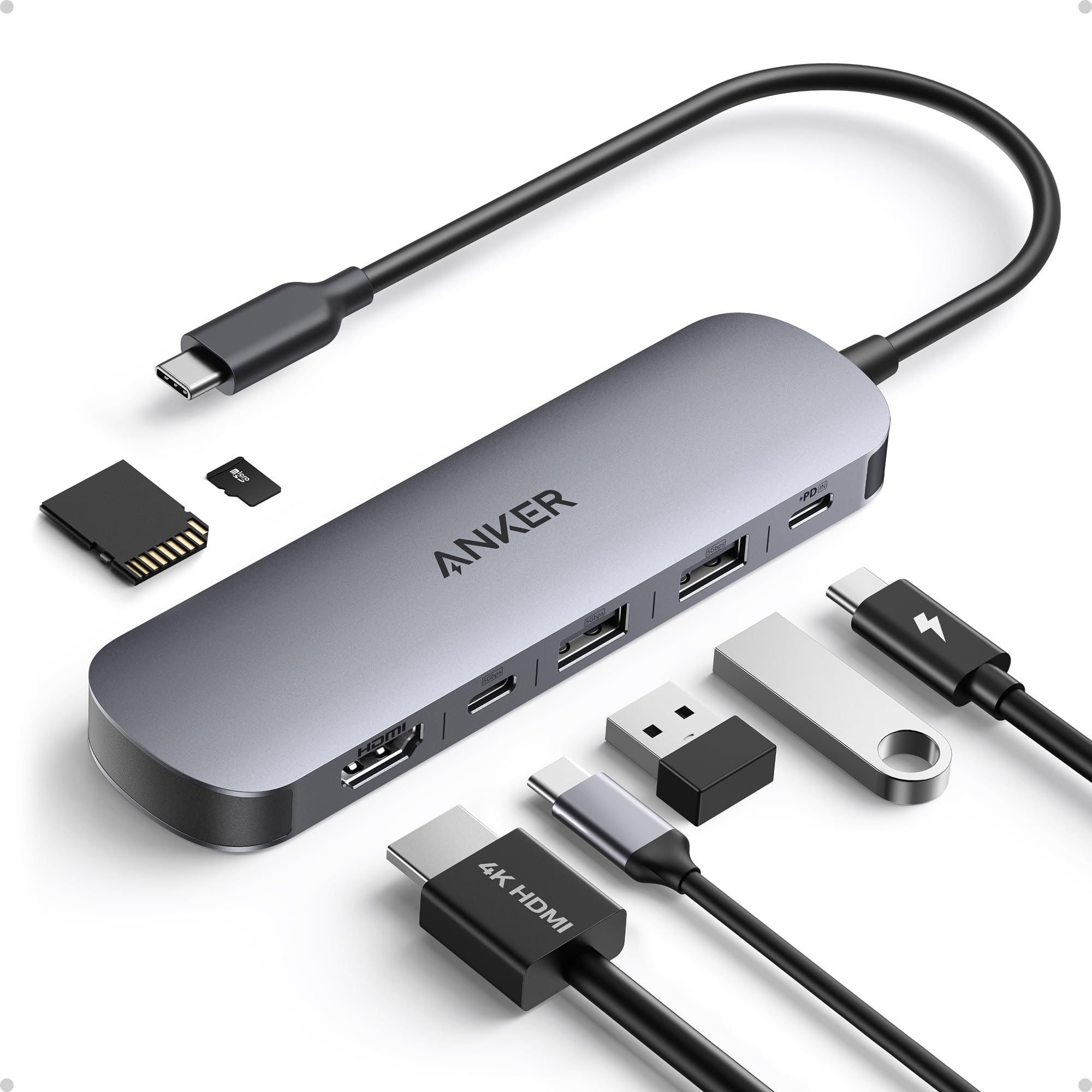
Anker USB-C Hub 7-in-1
#7
complement

Anker USB-C Hub 7-in-1

$34.99

Adds HDMI, SD card reader, USB-A ports, and more to your iPad Pro for expanded connectivity.

💡 Why We Recommend It

Essential for photographers and professionals needing to connect external devices.

Best For

Content creators and professionals who need to transfer files or connect to monitors.

🛒 Check Price on Amazon →
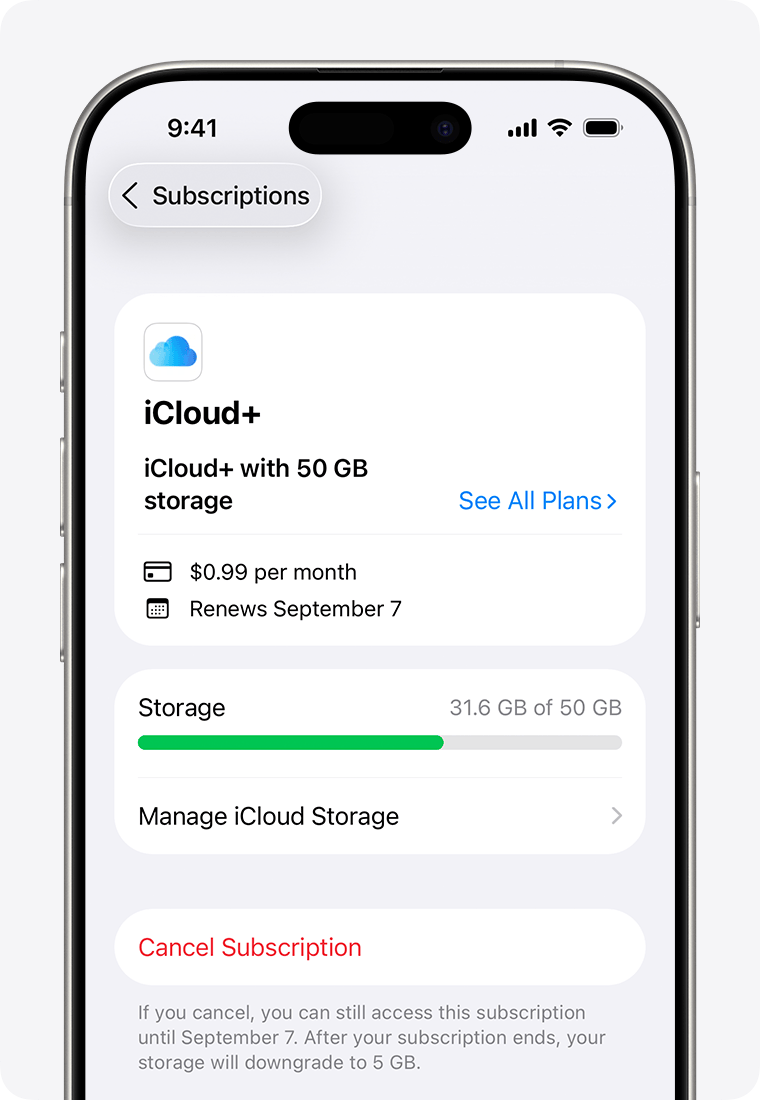
iCloud+ (50GB plan)
#8
complement

iCloud+ (50GB plan)

$0.99

Cloud storage subscription from Apple to backup your iPad, sync photos, and share files across devices.

💡 Why We Recommend It

Seamless backup and sync if you have other Apple devices.

Best For

Any iPad owner who wants automatic backups and extra storage.

🛒 Check Price on Amazon →

Best For

  • Professional digital artists who use Procreate, Adobe Fresco, or similar.
  • Video editors on the go who use LumaFusion or DaVinci Resolve.
  • Photographers needing a portable editing with high color accuracy.
  • Medical professionals who use it for patient data and imaging.
  • Architects and 3D designers using apps like Morpholio Trace.
  • Students in creative fields who can justify the investment.
  • Power users who want the fastest tablet for heavy multitasking.

Not Recommended For

  • Casual users who only browse social media and watch videos.
  • Budget-conscious buyers who can get an iPad Air M2 for $500 less.
  • People who need a laptop replacement for full desktop software.
  • Those who already own an M1 or M2 iPad Pro and don't need the OLED or M4.
  • Gamers who prefer a dedicated gaming laptop or console.
  • Users who rely heavily on Microsoft Office with complex formatting.
  • People who plan to use it primarily as a second screen (get a portable monitor instead).

Frequently Asked Questions

Should I buy Apple iPad Pro M4?

It depends on your needs and budget. If you're a professional creative or power user who demands the best display and performance, yes. For most casual users, the iPad Air M2 offers similar experience at lower cost.

Is Apple iPad Pro M4 worth buying in 2026?

Yes, if you need the M4's power for intensive tasks like video editing, 3D modeling, or pro art apps. However, if the M2 chip suffices, consider the cheaper iPad Air M2.

Should I buy iPad Pro M4 or wait?

If you can wait, perhaps see if a sale occurs (e.g., Prime Day or Black Friday). But there's no major upgrade expected soon, so buying now is fine if you need it.

Should I buy iPad Pro M4 for college?

Only if your major requires heavy creative work. Otherwise, an iPad Air M2 or even a MacBook Air is more practical for most students.

Should I get iPad Pro M4 or MacBook Air?

If you need full desktop apps, multitasking, and a real keyboard, get the MacBook Air. If you prefer a touch screen, portability, and tablet features, get the iPad Pro M4.

What should I consider before buying Apple iPad Pro M4?

Your budget, the accessories cost, your intended use (creative pro vs. casual), and whether the iPad Air M2 could meet your needs at half the price.

Who should buy Apple iPad Pro M4?

Professional digital artists, video editors, photographers, architects, and anyone who can justify the price for the best tablet experience.

Is iPad Pro M4 good for drawing?

Yes, it's the best iPad for drawing thanks to the tandem OLED display, ProMotion, and Apple Pencil Pro support. The screen has great color accuracy and low latency.

How long does iPad Pro M4 battery last?

Apple claims up to 10 hours of web browsing on Wi-Fi. Real-world usage with heavy apps may get around 8-9 hours. Battery life is good but not groundbreaking.

Should I buy AppleCare+ for iPad Pro M4?

Given the high repair costs (e.g., $649 for accidental screen damage), AppleCare+ at $149 for two years is a good investment for peace of mind.

What is the best alternative to iPad Pro M4?

The iPad Air M2 (starting at $599) is the best alternative for most users. The Samsung Galaxy Tab S9 Ultra is also a strong Android competitor with similar performance.

Is iPad Pro M4 compatible with Magic Keyboard?

Yes, there's a new Magic Keyboard designed specifically for the iPad Pro M4, with a larger trackpad and function keys. It's a perfect companion for productivity.

Ready to Make Your Decision?

We hope this guide helped you decide whether Apple iPad Pro M4 is right for you.

🛒 Buy Apple iPad Pro M4 on AmazonAs an Amazon Associate we earn from qualifying purchases.
Browse More Guides