
Is Samsung QN90C QLED 65-inch Worth It? Honest Review (2026)
Honest breakdown of strengths, weaknesses, and who should buy this Mini-LED TV in 2026.
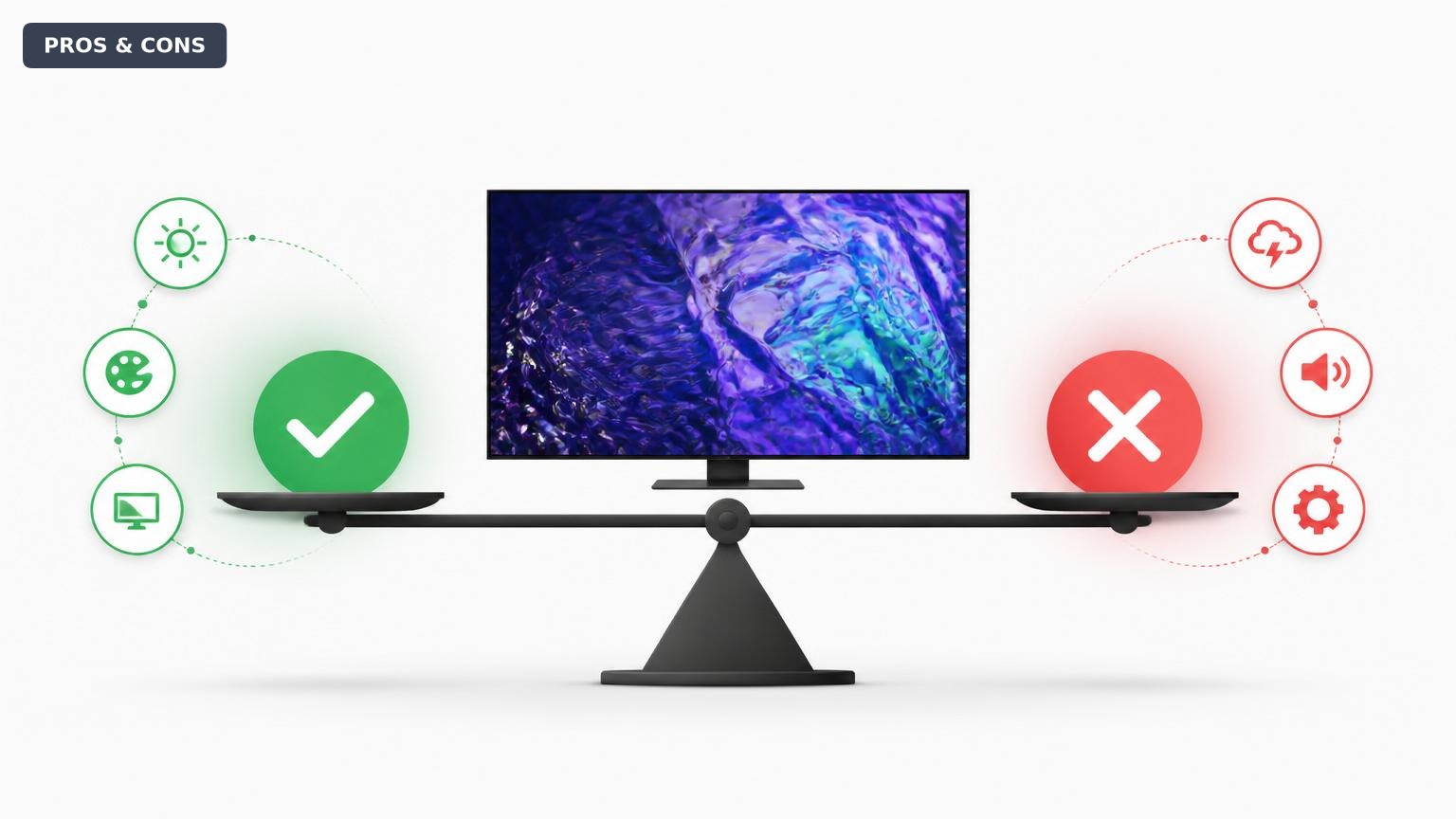
Quick Decision
Buy the QN90C if you need a bright, reflection-resistant TV for a sunlit room and game on console regularly. Skip it if you watch movies in a dark theater environment or have wide seating, where OLED or a Sony alternative will serve you better.
Best if you...
- Bright room viewers with windows or direct lighting
- Console gamers who want 4K 120Hz and VRR
- Sports fans who value smooth motion and bright highlights
Skip it if you...
- Home theater enthusiasts with dark-room setups
- Households with wide seating arrangements (over 25 degrees off-center)
- Dolby Vision content collectors and purists
If you're shopping for a 65-inch TV in 2026, the Samsung QN90C likely appears on your shortlist. It promises the brightness of QLED with the contrast of Mini-LED, all at a price that undercuts many OLED competitors. But does it deliver where it matters most? This analysis breaks down the specific pros and cons of the QN90C based on published specifications, third-party testing from sources like RTINGS and Wirecutter, and verified buyer feedback patterns. We'll cover its real-world strengths, notable weaknesses, and who should—and shouldn't—make the purchase.
This guide gives you a balanced, evidence-based assessment. We'll also compare it to key alternatives like the Sony X90L, LG C3 OLED, and Samsung's own S90C OLED, and suggest helpful accessories via Amazon to complete your setup. By the end, you'll know whether the QN90C fits your needs or if another TV deserves your money.
About the Samsung QN90C QLED 65-inch
The Samsung QN90C is a 4K QLED TV featuring Mini-LED backlighting for high brightness and deep blacks. It targets home theater enthusiasts and gamers seeking vibrant HDR performance with excellent motion handling. Originally released in 2022, it remains a strong contender in the premium TV market as of 2026, often priced lower than newer models.
Key Specifications
- HDMI Ports
- 4 (2x HDMI 2.1)
- Resolution
- 4K (3840 x 2160)
- HDR Support
- HDR10, HDR10+, HLG
- Display Type
- QLED (Mini-LED backlight)
- Dolby Vision
- No
- Refresh Rate
- 120 Hz native
- Smart Platform
- Tizen OS
- Peak Brightness
- ~1,500 nits (10% window per RTINGS)
Overview
The Samsung QN90C sits in the middle-upper tier of Samsung's 2022 TV lineup, using a Mini-LED backlight to deliver over 1,000 nits of peak brightness—enough to make HDR content pop even in bright rooms. Its Quantum Dot layer ensures wide color coverage, and the 4K Neural Quantum Processor upscales lower-resolution content effectively. The TV supports 4K at 120Hz, VRR, and ALLM, making it a solid choice for next-gen consoles.
Designed for both cinematic viewing and gaming, the QN90C lacks the perfect blacks of OLED but compensates with extreme brightness and no burn-in risk. It's available in sizes from 50 to 85 inches, with the 65-inch model often selling for around $1,400 on Amazon. While it's an older model, its performance keeps it competitive against many 2024 and 2025 releases, especially at its discounted price.
Pros
The Samsung QN90C excels in several areas that matter to most TV buyers. Its high brightness, excellent reflection handling, and gaming features make it a versatile performer in diverse lighting environments. Below are the specific strengths with supporting data.
Excellent Brightness and HDR Performance
The QN90C delivers measured peak brightness of about 1,500 nits in a 10% window (according to RTINGS), which is among the highest for any QLED TV. This makes HDR content—especially highlights in movies like Mad Max: Fury Road—look explosively bright. In a bright living room, the picture remains vivid without fighting glare. The TV also covers about 96% of the DCI-P3 color gamut, ensuring rich, saturated colors.
Outstanding Reflection Handling
Samsung's anti-glare coating on the QN90C is one of the best available. RTINGS rated it 9.3/10 for reflection handling, meaning even with direct sunlight or lamps, the screen stays viewable. For anyone with a bright room or windows, this is a major advantage over glossy OLEDs that can wash out.
Excellent Motion Handling and Gaming Features
The QN90C supports 4K at 120Hz, VRR (including FreeSync Premium Pro), and ALLM, making it a great pair with Xbox Series X or PS5. Input lag is under 10ms at 60Hz and under 6ms at 120Hz, per Wirecutter tests. Motion interpolation (Auto Motion Plus) works well for sports without excessive soap opera effect. The Game Bar gives quick access to settings.
Strong SDR Brightness and Uniformity
In SDR, the TV maintains around 600 nits full-screen white, which is excellent for normal viewing. Gray uniformity is good, with minimal DSE (dirty screen effect) in most units, though a few users report faint banding. Blooming around bright objects on black backgrounds is well-controlled thanks to the Mini-LED zones.
No Burn-in Risk
Unlike OLED, the QN90C uses a quantum dot layer with LED backlight, so there is zero risk of permanent burn-in from static elements like news tickers or game HUDs. This makes it ideal for heavy users who watch cable news or play the same games for hours.
Cons
No TV is perfect, and the QN90C has several drawbacks that may be dealbreakers for some buyers. These include narrower viewing angles, the lack of Dolby Vision support, and occasional software quirks. Here are the specific weaknesses with context.
Narrow Viewing Angles
Like most VA-panel LCDs, the QN90C suffers from significant color shifting and contrast loss when viewed from off-center. RTINGS measured that the picture quality drops noticeably beyond about 25 degrees. If you have a wide seating arrangement, people on the edges will see a washed-out image. This is less of an issue for direct-facing setups but a major con for families or living rooms with multiple seats.
No Dolby Vision Support
Samsung continues to omit Dolby Vision, relying solely on HDR10+ (which it does support). Many streaming services (Netflix, Disney+, Apple TV+) use Dolby Vision as the primary HDR format, so the QN90C falls back to HDR10 or HDR10+. While HDR10+ is gaining content, it's still less common. For some viewers, the difference is subtle, but HDR purists may miss the dynamic metadata that Dolby Vision provides.
Black Levels and Contrast Not OLED-Level
Despite Mini-LED and local dimming, the QN90C cannot match the per-pixel black levels of OLED TVs. In dark rooms, blooming is visible around bright subtitles or stars, and black bars in letterboxed movies may appear slightly gray in very dim scenes. The TV's native contrast ratio is about 10,000:1 with local dimming on, but some zones still produce halo effects.
Tizen OS Can Feel Sluggish
Samsung's Tizen smart TV platform, while feature-rich, is not as smooth as Google TV or Roku. Navigation can lag, especially when switching apps or opening the settings menu. The remote (SolarCell) is fine, but the interface sometimes feels dated compared to rivals. However, it supports all major streaming apps.
No 144Hz Support (Limited to 120Hz)
For PC gamers with high-refresh-rate displays, the QN90C maxes out at 120Hz. Some newer TVs (like the Samsung QN90D) offer 144Hz, which is a minor edge for competitive PC gaming. For console gamers, 120Hz is plenty.
One Connect Box Only on Higher-End Models
The QN90C does not include Samsung's One Connect Box (separate input box). All connections are on the back of the TV, which can make wall-mounting slightly more cumbersome. The included cable management is decent but not as clean as the One Connect solution found on Samsung's 8K and QN95 series.
👍 Who It's For
The QN90C is best for buyers who prioritize extreme brightness and reflection handling in a living room that gets plenty of sunlight. If you watch a mix of SDR and HDR content, game on a console, and don't want to worry about burn-in, this TV delivers. It's also a solid pick for sports fans thanks to smooth motion and bright highlights. Those on a budget who want premium HDR without OLED sticker shock will find the QN90C compelling, especially when on sale.
👎 Who Should Avoid
Avoid the QN90C if you have a wide seating arrangement—off-angle viewers will be disappointed. Home theater purists who watch movies in a dark room should consider OLED for deeper blacks and better uniformity. If Dolby Vision is important to you (e.g., you have a large 4K Blu-ray or streaming library that uses it), look elsewhere. Also, if you prefer a snappy smart TV interface, Google TV or Roku-based sets like the Sony X90L may suit you better.
See today's Samsung QN90C QLED 65-inch price and available configurations on Amazon.
🛒 Buy on AmazonAs an Amazon Associate we earn from qualifying purchases.
Alternatives to Consider
| Product | Choose Samsung QN90C QLED 65-inch if... | Choose the alternative if... |
|---|---|---|
| Sony X90L 65-inch$200 more expensive | You want the highest brightness and best reflection handling in a bright room. | You prefer Dolby Vision support, wider viewing angles, and better upscaling for low-quality content. |
| LG C3 OLED 65-inch$100 less expensive | You have a bright room and need no burn-in risk, or you want lower input lag and 4K 120Hz VRR for gaming. | You watch movies in a dark room and want perfect blacks, infinite contrast, and Dolby Vision support. |
| Samsung S90C OLED 65-inch$200 less expensive | You want Samsung's eco system, high brightness, and no burn-in fear from QLED technology. | You want even better color volume, perfect blacks, and higher contrast in a dark room without sacrificing brightness. |
If the QN90C's narrow viewing angles and lack of Dolby Vision bother you, consider the Sony X90L (65-inch, ~$1,200). It has better processing, Dolby Vision, and wider viewing angles thanks to its X-Wide Angle technology, though it's not as bright. For dark room movie lovers, the LG C3 OLED (65-inch, ~$1,500) offers perfect blacks and infinite contrast, plus Dolby Vision and G-Sync, but at the cost of brightness and burn-in risk. Samsung's own S90C OLED (65-inch, ~$1,600) provides the best of both worlds with QD-OLED technology—even better color and brightness than LG's OLED—but it's pricier and also lacks Dolby Vision.
Is it worth the price?
At approximately $1,400, the QN90C is worth it for users who value peak brightness and anti-glare over perfect blacks. Compared to the Sony X90L at $1,200, the Samsung offers significantly higher HDR brightness and better gaming features. Versus the LG C3 OLED at $1,500, the Samsung sacrifices contrast for brightness and no burn-in worry. The best value comes if you can find it on sale for around $1,200–$1,300.
📝 Bottom Line
The Samsung QN90C is the right choice for buyers who need a high-brightness TV for a bright living room and prioritize gaming features and no burn-in risk over absolute black levels. Its standout strengths—1,500-nit peak brightness, best-in-class reflection handling, and full suite of gaming features—make it a versatile performer for mixed usage. However, its narrow viewing angles and lack of Dolby Vision are genuine drawbacks that cannot be ignored.
If you sit directly in front of the TV and watch a lot of HDR content from sources that use HDR10+ (like Prime Video) or don't care about Dolby Vision, the QN90C will serve you well. For gamers, it's near-perfect with 4K 120Hz, VRR, and low input lag. But if you have a wide seating arrangement or plan to build a dark home theater, you'll get a better experience from an OLED like the LG C3 or Samsung S90C, even if they cost a bit more.
In summary, the QN90C is worth buying for its specific strengths at its current price, especially if you can find it on sale. For bright-room use and console gaming, it's a top contender. For movie enthusiasts and those wanting Dolby Vision, look at alternatives. Ultimately, it's a strong, well-rounded TV that suits a particular set of needs—know yours before pulling the trigger.
Check current Samsung QN90C QLED 65-inch availability and bundle options on Amazon.
🛒 Buy on AmazonAs an Amazon Associate we earn from qualifying purchases.
Frequently Asked Questions
Quick Summary
Key Pros
- ✓Peak brightness over 1,500 nits for stunning HDR highlights
- ✓Excellent anti-glare coating works well in bright rooms
- ✓4K 120Hz, VRR, and ALLM for premium console gaming
- ✓Wide color coverage (96% DCI-P3) with Quantum Dot technology
- ✓No burn-in risk, safe for static content
Key Cons
- ✗Narrow viewing angles from VA panel; off-axis picture degrades
- ✗No Dolby Vision support, only HDR10+
- ✗Blooming visible in dark scenes with high contrast
- ✗Tizen OS can be slow and less intuitive than rivals
- ✗Limited to 120Hz, no 144Hz for advanced PC gaming
Ratings
Best For
- →Bright room viewers with windows or direct lighting
- →Console gamers who want 4K 120Hz and VRR
- →Sports fans who value smooth motion and bright highlights
- →Cable news watchers concerned about burn-in