
Is iPad Mini 7th Gen Worth It? Honest Review (2026)
Honest breakdown of strengths, weaknesses, and who should buy in 2026
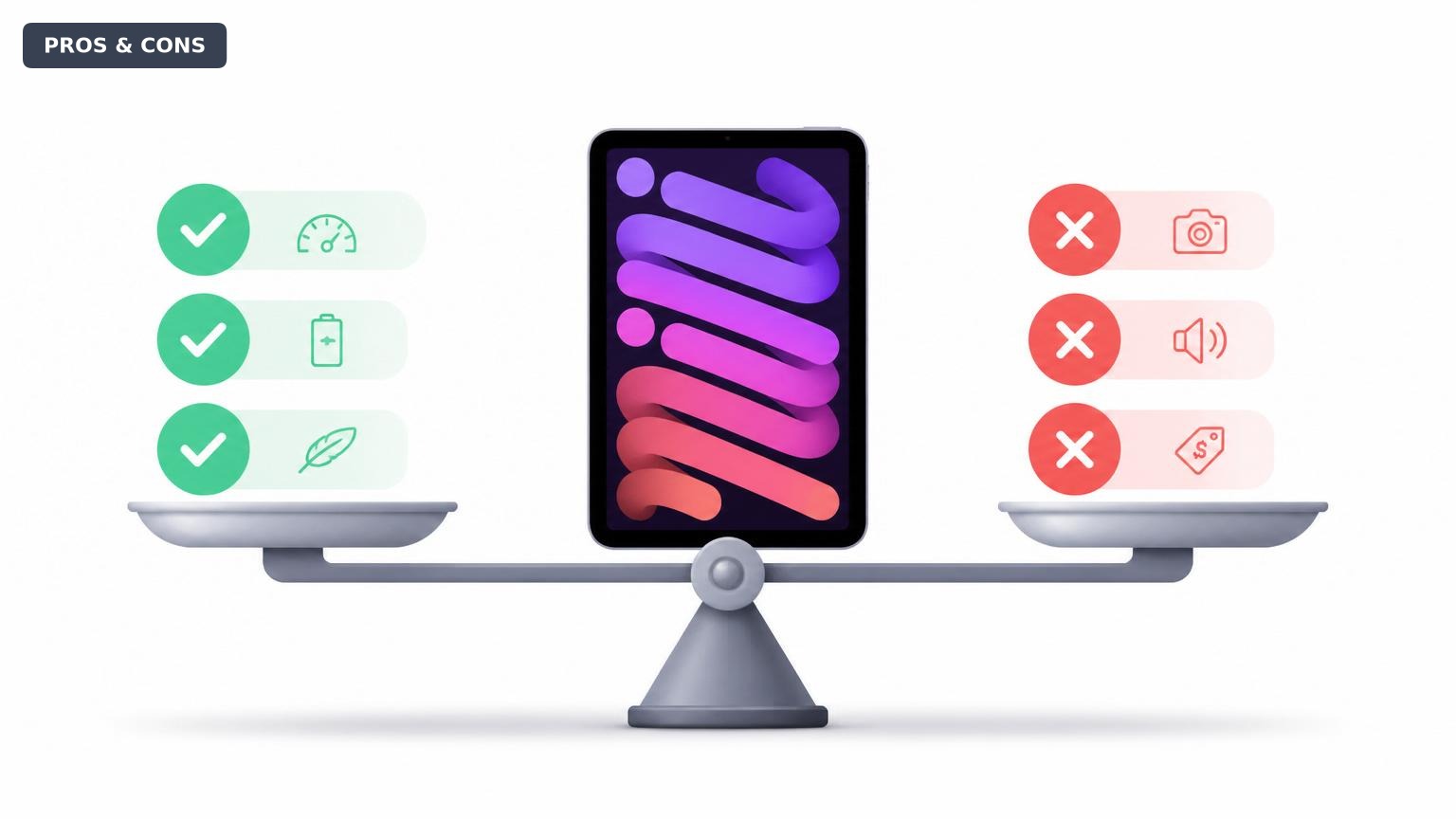
Quick Decision
Buy the iPad Mini if you value ultimate portability over everything else, and you already use a laptop or desktop for heavy work. Skip it if you need a tablet for serious multitasking, drawing, or if budget is a primary concern.
Best if you...
- Frequent travelers and commuters
- Students who need a digital notebook
- Apple ecosystem users wanting a secondary device
Skip it if you...
- Users needing a laptop replacement
- Heavy multitaskers or power users
- Digital artists requiring a larger canvas
If you're researching the iPad Mini in 2026, you're likely looking for a tablet that balances power with pocket-friendly size. This guide cuts through the hype to provide a balanced look at exactly what the iPad Mini does well and where it compromises. We'll cover the most significant pros and cons, compare it to direct alternatives, and help you decide if it's the right tablet for your needs.
About the iPad Mini 7th Gen
The iPad Mini (latest model) is a compact tablet featuring an 8.3-inch Liquid Retina display, A15 Bionic chip, USB-C, and support for the 2nd generation Apple Pencil. It's designed for users who prioritize portability without sacrificing performance, making it ideal for note-taking, reading, media consumption, and light productivity on the go.
Key Specifications
- Camera
- 12MP wide (rear), 12MP ultra-wide (front)
- Weight
- 293g (Wi-Fi) / 297g (Cellular)
- Battery
- Up to 10 hours (Wi-Fi), up to 9 hours (cellular)
- Display
- 8.3-inch Liquid Retina, 2266x1488 (326 PPI)
- Storage
- 64GB / 256GB (no expansion)
- Processor
- A15 Bionic
- Biometrics
- Touch ID (top button)
- Connectivity
- Wi-Fi 6, Bluetooth 5.0, USB-C
Overview
The iPad Mini, first released in 2021, remains one of the most powerful compact tablets on the market in 2026. It packs the same A15 Bionic chip found in the iPhone 13 series, delivering desktop-class performance for its size. With an 8.3-inch display and just under a pound, it's designed for one-handed use and ultimate portability. The iPad Mini sits between the entry-level iPad and the larger iPad Air/Pro lines, offering premium features in the smallest iPad footprint. It's available on Amazon and at Apple directly, with prices starting around $499 for 64GB Wi-Fi.
Pros
The iPad Mini excels in several key areas that make it a unique proposition. Its strengths are particularly compelling for users who value portability and ease of use over raw screen real estate.
Outstanding Portability
Weighing just under a pound (293g) and measuring 7.69 x 5.31 x 0.25 inches, the iPad Mini is small enough to slip into a jacket pocket or a small bag. This makes it the most travel-friendly tablet from Apple that still offers full iPadOS capabilities. For commuters, travelers, and anyone who wants a device they can truly take everywhere, the size is a game-changer.
Powerful A15 Bionic Performance
The A15 Bionic chip, the same found in the iPhone 13 Pro, provides excellent performance for a tablet of this size. According to Apple's specifications, it offers up to 40% faster CPU performance and up to 80% faster graphics than the previous generation. In practice, this means smooth multitasking, fast app launches, and the ability to handle demanding apps like Procreate or LumaFusion without stutter. It also ensures future-proofing for several years of iPadOS updates.
Excellent Display Quality
The 8.3-inch Liquid Retina display boasts a 2266x1488 resolution (326 PPI), which is sharp and vibrant for reading, web browsing, and watching movies. It supports P3 wide color and True Tone, so colors look natural and the screen adjusts to ambient lighting. This makes it a joy to read ebooks, comics, or magazines on. The display is laminated and has an anti-reflective coating, reducing glare in bright environments.
Apple Pencil (2nd Gen) Support
The iPad Mini supports the Apple Pencil 2nd generation, which attaches magnetically to the side for charging and pairing. This makes it a capable digital notebook for students and professionals who need to jot down ideas, annotate documents, or sketch. The small size of the Mini actually makes it more natural to hold like a notepad than larger iPads.
Seamless Ecosystem Integration
As an Apple device, the iPad Mini works effortlessly with other Apple products via Handoff, Universal Clipboard, iCloud, and Sidecar (as a secondary display for a Mac). Airdrop makes file sharing fast, and SMS/Phone call forwarding means you can stay connected without picking up your iPhone. This ecosystem continuity is a major plus for existing Apple users.
All-Day Battery Life
Apple rates the iPad Mini for up to 10 hours of web surfing or video playback per charge. In real-world mixed use, most users will comfortably get through a full day without needing to recharge. This makes it reliable for travel or long work sessions away from a power outlet.
Touch ID and USB-C
The iPad Mini features Touch ID integrated into the top button for fast authentication. The USB-C port allows for faster charging and data transfer, and it can connect to a wide range of accessories, including external storage, cameras, and even external displays up to 4K (though with limited screen mirroring).
Cons
While the iPad Mini has many strengths, it also has notable drawbacks that may be dealbreakers for certain users. Understanding these limitations is key to making the right purchase decision.
Premium Price for a Small Tablet
Starting at $499 for 64GB Wi-Fi, the iPad Mini is expensive relative to other tablets its size. For comparison, a Samsung Galaxy Tab A9+ costs around $269 and offers a larger 11-inch display, though with slower performance. The iPad Mini's price bump can be hard to justify if you don't urgently need the A15 power or Apple Pencil support.
Limited Storage Options
The base model offers just 64GB of storage—half of what you get on the base iPad (64GB) and less than many Android tablets at lower prices. There's no way to expand storage via microSD. If you store many apps, games, or movies, you may quickly run out of space, forcing you to pay $150 more for the 256GB version.
No ProMotion Display
Unlike the iPad Pro, the Mini's screen has a standard 60Hz refresh rate. Scrolling can feel less smooth compared to 120Hz ProMotion displays, and the Apple Pencil experience has slightly more latency. For everyday use this isn't a major issue, but if you're used to a high-refresh screen on a phone or tablet, it's noticeable.
Small Screen for Multitasking
While iPadOS supports Split View and Slide Over, the 8.3-inch screen feels cramped when using two apps side by side. Text becomes small, and you'll find yourself frequently zooming and scrolling. The iPad Mini is not well-suited for heavy multitasking or replacing a laptop for complex workflows.
No Headphone Jack
The iPad Mini lacks a 3.5mm headphone jack, so you'll need wireless headphones or a USB-C adapter to use wired audio. Given that many users still prefer wired earphones for their reliability and cost, this omission is an inconvenience that requires purchasing a separate adapter (around $10).
Not Ideal for Drawing or Extensive Writing
While it supports the Apple Pencil, the small screen means your palm often rests on the display when writing, which can be uncomfortable. For serious digital artists or note-takers who need more canvas space, a larger iPad Air or Pro would be a better choice.
Base Model Storage Too Low in 2026
With apps and games increasing in size, 64GB is barely enough for average use in 2026. The iPad Mini hasn't been updated to match modern storage standards. For many users, the 256GB upgrade is almost mandatory, pushing the price to $649.
👍 Who It's For
The iPad Mini is perfect for frequent travelers and commuters who want a powerful tablet they can easily throw in a bag or even a large jacket pocket. It's also ideal for students who need a digital notebook for note-taking and reading textbooks, especially if they already own other Apple products and want seamless integration. Additionally, it's a great secondary device for professionals who want something more portable than a laptop for quick tasks, media consumption, and FaceTime calls. Readers who love digital books, comics, or magazines will appreciate the sharp display and lightweight form factor.
👎 Who Should Avoid
If you need a tablet primarily for multitasking, split-screen work, or as a laptop replacement, the iPad Mini's small screen will limit your productivity—choose an iPad Air or Pro instead. Budget-conscious buyers will find better value in the standard iPad ($349) which offers a larger 10.9-inch display and the same A14 chip for less money. Also, if you're a digital artist who draws extensively with an Apple Pencil, the small canvas size and palm rejection issues may frustrate you; the iPad Air or Pro are better suited. Finally, anyone who needs a lot of local storage for movies or games should avoid the base model and consider the 256GB version, which costs significantly more.
See today's iPad Mini 7th Gen price and available configurations on Amazon.
🛒 Buy on AmazonAs an Amazon Associate we earn from qualifying purchases.
Alternatives to Consider
| Product | Choose iPad Mini 7th Gen if... | Choose the alternative if... |
|---|---|---|
| iPad Air (M1)$100 cheaper | You need the smallest, lightest iPad possible for one-handed use | You want a larger screen for multitasking and a more laptop-like experience |
| iPad (10th Generation)$150 more expensive than iPad | You prioritize extreme portability and A15 performance over screen size | You are on a tighter budget and want a larger 10.9-inch screen for under $400 |
| Samsung Galaxy Tab S9 FE$100 more expensive | You are invested in the Apple ecosystem and want the best app store for tablets | You want a bundled S Pen, expandable storage, and a more affordable price with similar portability |
| Amazon Fire HD 10$400 more expensive | You need a compact tablet for work, note-taking, and premium apps | You only want an inexpensive tablet for basic media consumption and browsing |
If the iPad Mini doesn't fit your needs, consider the iPad Air (M1) for a larger 10.9-inch display and same Apple Pencil support at a similar price point, or the standard iPad (10th gen) for a larger screen at a lower cost. For Android fans, the Samsung Galaxy Tab S9 FE offers a comparable compact experience with an S Pen included, though with slower performance. For pure media consumption and browsing, the Amazon Fire HD 10 is much cheaper but lacks the app ecosystem and performance of the iPad Mini.
Is it worth the price?
At approximately $499, the iPad Mini is worth it for users who prioritize portability and performance in a small package, particularly students and travelers who can utilize the Apple Pencil and ecosystem features. The main alternative to consider is the iPad Air at $599, which offers a larger 10.9-inch display and M1 chip, giving you more screen real estate for multitasking and note-taking. For most users, the Air provides better value unless you specifically need the Mini's size.
📝 Bottom Line
The iPad Mini is the right choice for users who value portability above all else, offering a powerful A15 chip and Apple Pencil support in a truly compact size. Its strongest pros are its lightweight design, excellent performance for its class, and seamless integration with the Apple ecosystem. The most significant cons are the premium price, limited 64GB base storage, and the small screen that makes multitasking difficult. If you need a tablet for on-the-go note-taking, reading, or media consumption and you already have a laptop for heavy work, the iPad Mini is worth the investment. Skip it if you require a larger screen for productivity or if budget is your main concern—the standard iPad or iPad Air offer better value for most users.
Check current iPad Mini 7th Gen availability and bundle options on Amazon.
🛒 Buy on AmazonAs an Amazon Associate we earn from qualifying purchases.
Frequently Asked Questions
Quick Summary
Key Pros
- ✓Ultra-portable 8.3-inch design under one pound
- ✓A15 Bionic chip delivers excellent performance for its size
- ✓Sharp, vibrant Liquid Retina display with P3 wide color
- ✓Apple Pencil 2nd gen support for note taking and sketching
- ✓Seamless integration with the Apple ecosystem
Key Cons
- ✗Expensive for a small tablet, starting at $499
- ✗Base storage only 64GB, no expandable storage
- ✗60Hz display lacks ProMotion smoothness
- ✗Small screen limits multitasking effectiveness
- ✗No headphone jack requires adapter for wired audio
Ratings
Best For
- →Frequent travelers and commuters
- →Students who need a digital notebook
- →Apple ecosystem users wanting a secondary device
- →Digital readers and comic book fans