
Quick Verdict
The Seagate One Touch Hub 8TB is a capable and economical choice for Time Machine, offering ample capacity and a handy USB hub. The initial reformatting requirement and lack of portability are its main drawbacks, but for a permanent desk-side backup solution, it gets the job done reliably.
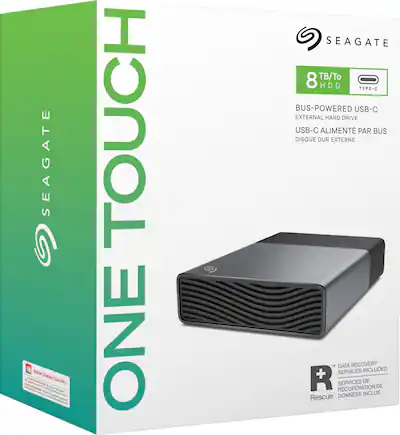
Seagate One Touch Hub 8TB
$179.99

✓ Key Strengths
- •Massive 8TB capacity easily exceeds Apple's 2x recommendation for most Macs, so you won't need to prune backups often.
- •Dual front USB ports act as a mini hub, letting you connect peripherals or charge devices while the drive works.
- •USB 3.0 provides fast enough transfer speeds for Time Machine; initial backups of 200GB complete in a few hours.
- •Compatible with both PC and Mac (after reformatting), so you can also use it to share files between systems.
- •Quiet 5400 RPM drive and fabric texture give it an unobtrusive desktop presence.
- •Seagate Rescue Services included—if the drive fails within 2 years, you get free data recovery.
✗ Key Weaknesses
- •Preformatted for Windows; Mac users must reformat, which wipes the drive and requires erasing the included software.
- •Requires AC power—not portable, so it's not designed for travel or mobile backups.
- •No hardware encryption; you must rely on Time Machine's software encryption, which is secure but not as seamless as some rivals.
- •5400 RPM drive has slower write speeds than 7200 RPM models or SSDs, so the first backup can take a long time.
- •Desktop drive with an external power brick adds clutter; some users dislike the extra cable.
What is Seagate One Touch Hub 8TB?
What is Time Machine backup?
Detailed Analysis
👍 Perfect For
- ✓Mac users with a large photo/video library who need a high-capacity, budget-conscious Time Machine drive.
- ✓People who want a backup drive that also functions as a USB hub for charging their phone or connecting other accessories.
- ✓Users who are comfortable with basic disk formatting (erasing) and want the biggest bang for their buck in terms of capacity per dollar.
- ✓Home or small-office setups where the drive will remain on a desk and plugged into a wall outlet.
👎 Not Ideal For
- ✗Mac users who want a plug-and-play Time Machine drive with zero setup—consider a drive that ships preformatted for macOS, like some LaCie models.
- ✗Travelers or students who need to back up on the go; this drive is heavy and needs a wall socket.
- ✗Users who demand maximum reliability or peace of mind from a backup drive—consider a redundant solution like a NAS or cloud backup, or an SSD with fewer moving parts.
Use Case Scenarios
Mac User with Huge Media Library
A photographer/videographer or media enthusiast whose Mac's internal drive is nearly full, and who wants to back up everything locally with Time Machine.
✓ Strengths
- High capacity
- Quiet operation
- Reliable enough with proper care
- Good price per gigabyte
✗ Weaknesses
- Slower initial backup
- Not portable
- Requires formatting before first use
💡 Workarounds
- Schedule the initial backup overnight
- Format to APFS with GUID partition map
- Keep the drive connected to a UPS to avoid power interruptions
The drive's vast capacity and desk-friendly design make it ideal for media-heavy users who need long-term, local Time Machine backups.
Average Family with Shared Mac
A family uses a 512GB iMac for homework, photos, and videos; they want a simple backup solution that just works.
✓ Strengths
- Reliable after formatting
- Spacious
- Quiet
- Extra USB ports
✗ Weaknesses
- Initial setup is not beginner-friendly
- External power brick is clunky
💡 Workarounds
- Use Disk Utility's default settings
- Ask a tech-savvy friend to format it
- Follow Apple's Time Machine setup guide
The drive offers plenty of space and works reliably, but the one-time formatting task may intimidate non-technical users.
Traveling Professional
A consultant or freelance creative who frequently works on a MacBook and wants to back up while traveling.
✓ Strengths
- None, really, except capacity, but travelers rarely need 8TB on the road.
✗ Weaknesses
- No portability
- Fragile for travel
- Requires wall power
- Not bus-powered
💡 Workarounds
- Use a portable SSD for travel and keep the Hub at home as a primary backup
- Use a cloud service for on-the-go backups
The drive's desktop design and power requirements make it unsuitable for mobile use.
Security-Conscious User
A freelancer who handles sensitive client data and wants an encrypted Time Machine backup.
✓ Strengths
- Software encryption via Time Machine
- Large capacity
- OK speed with encryption if CPU is fast
✗ Weaknesses
- No hardware encryption
- Software encryption can slow initial backup
- The drive is not designed with security features like a keypad
💡 Workarounds
- Enable Time Machine encryption during setup
- Ensure your Mac has a strong password and enabled FileVault
- Consider a drive with hardware encryption if you're very security-conscious
The drive works for encrypted backups, but lacks built-in hardware security, which may be a dealbreaker for privacy purists.
Related Products You Should Consider
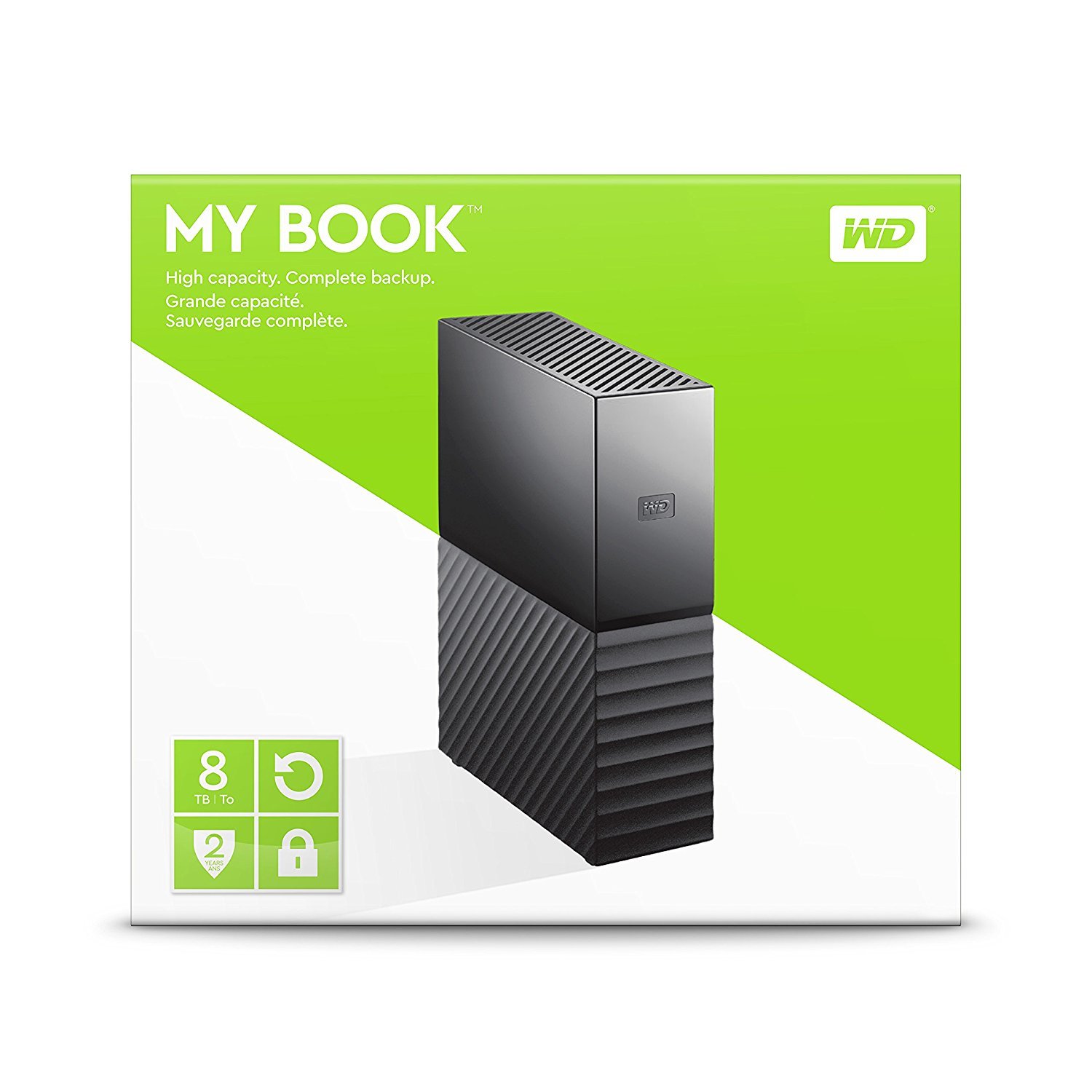
Western Digital 8TB My Book Desktop External Hard Drive
$189.99
Why recommend: For those who prioritize hardware encryption and a proven brand, the My Book offers similar capacity and price.
Best for: Users who want the option of hardware-encrypted backups and don't mind reformatting.
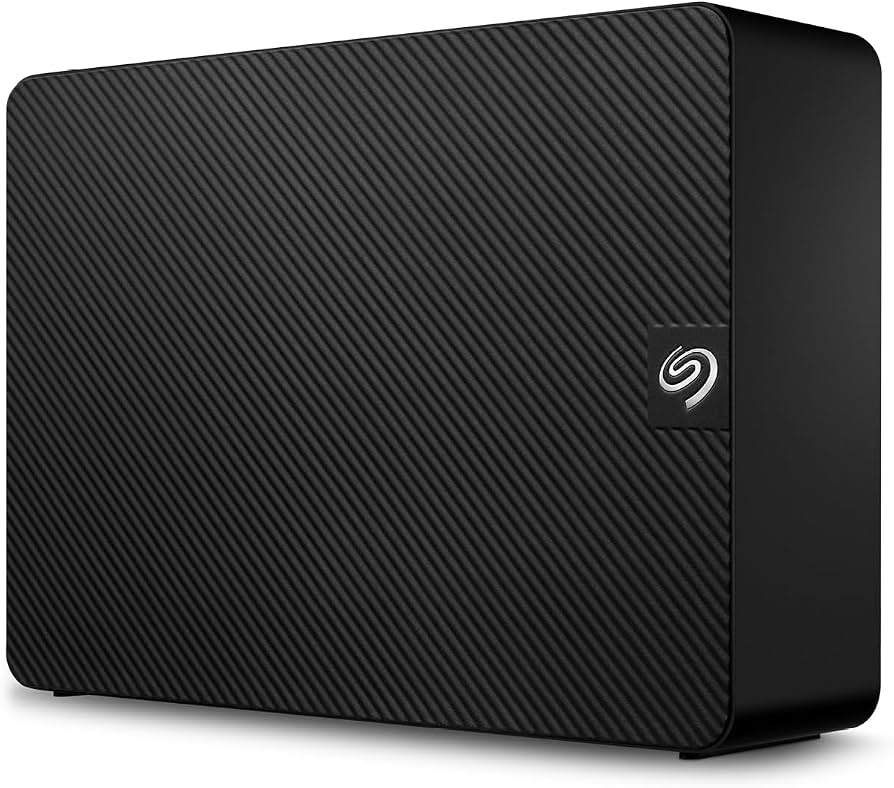
Seagate Expansion 8TB Desktop External Hard Drive
$149.99
Why recommend: We recommend it as a cost-effective alternative that saves you about $30–50 without sacrificing capacity.
Best for: Budget-conscious users who strictly need a Time Machine drive and don't need extra ports.
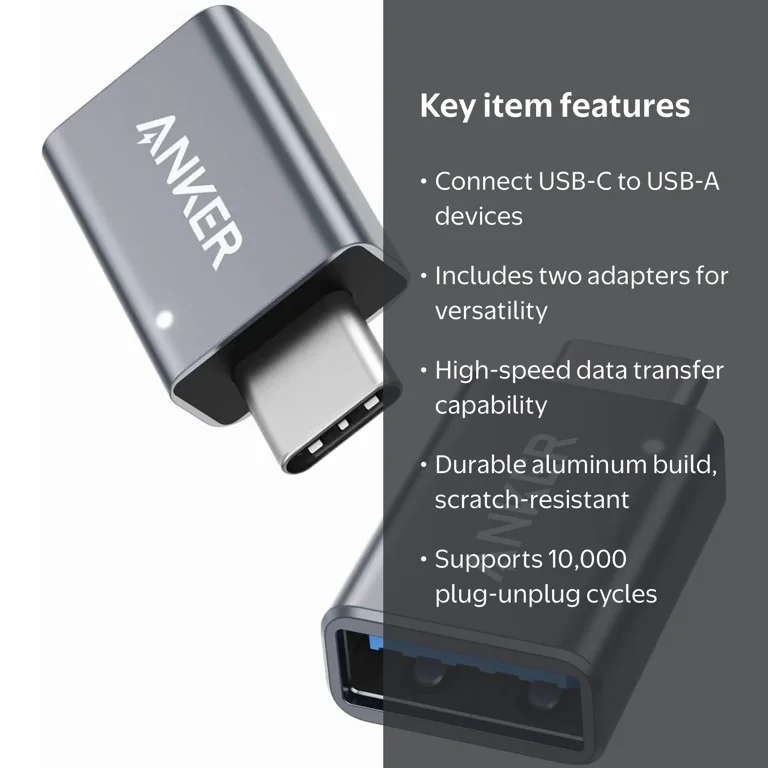
Anker USB C to USB 3.0 Adapter
$12.99
Why recommend: If you own a newer MacBook, this adapter is essential for connecting the drive.
Best for: MacBook users with only USB-C ports.
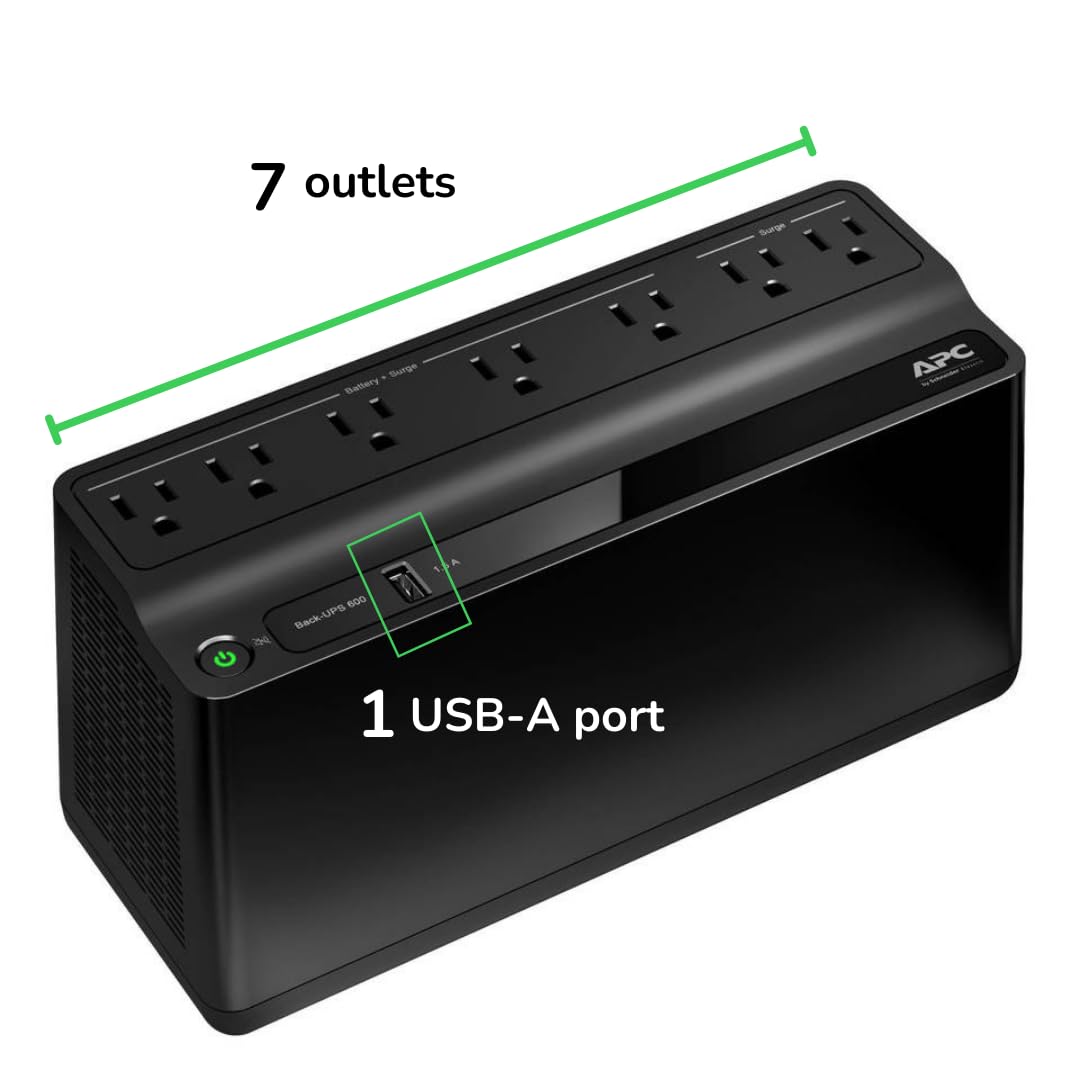
APC Back-UPS BE600M1 600VA UPS
$79.99
Why recommend: For a permanent desk setup, a UPS protects both your Mac and the backup drive from power-related failures.
Best for: Users in areas with poor grid stability or those who want maximum protection for their data.
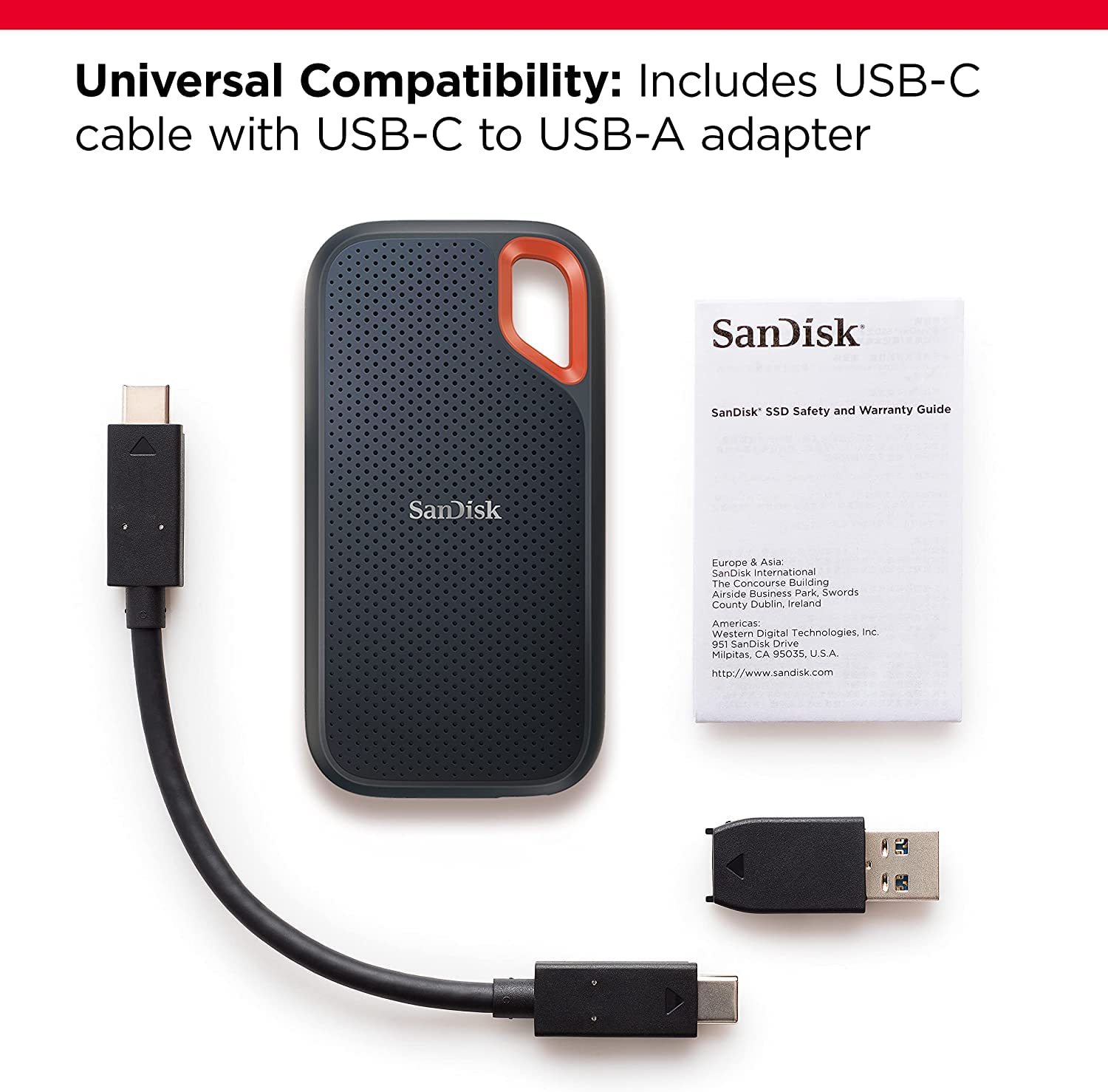
SanDisk 1TB Extreme Portable SSD
$139.99
Why recommend: For those who prioritize speed and durability over sheer capacity, an SSD is a compelling upgrade.
Best for: Users with smaller internal drives (128-256GB) or those who want to back up on the go.
Bottom Line
Ready to get the Seagate One Touch Hub 8TB? Check the latest price on Amazon.
🛒 Buy on AmazonAs an Amazon Associate we earn from qualifying purchases.
Frequently Asked Questions
Is Seagate One Touch Hub 8TB compatible with Time Machine?
Yes, after reformatting. The drive is NTFS-formatted for Windows, but you can erase it and format as APFS or Mac OS Extended (Journaled) so Time Machine can use it. Steps are straightforward via Disk Utility.
Do I need to reformat the Seagate One Touch Hub for Mac?
Yes, if you want to use Time Machine. You can use a partition or the entire drive. Reformatting erases all data on the drive, so back up any existing files first. The drive comes empty, so you only lose the bundled software, which you can download later.
Can I use the Seagate One Touch Hub without reformatting?
You can read/write files on a Mac if you install an NTFS driver (like Paragon), but Time Machine won't recognize the drive. Reformatting is required for Time Machine.
How long does the initial Time Machine backup take with 8TB?
Depends on the amount of data. For a 1TB internal drive, it could take 10–20 hours over USB 3.0. The backup speed is around 100-150 MB/s, so 1TB takes about 2-3 hours in ideal conditions, but slower for many small files.
Is the Seagate One Touch Hub fast enough for Time Machine?
Yes. Time Machine requires reliable sequential writes, and the drive's USB 3.0 throughput is sufficient. Incremental backups are usually quick, only copying changes.
Does the built-in USB hub on the One Touch Hub affect Time Machine?
No, the hub is separate; it just adds two additional USB ports. Time Machine uses the main connection to the Mac, so hub usage doesn't interfere.
Can I use the One Touch Hub for other data while using Time Machine?
Yes, you can partition the drive: one partition for Time Machine, another for general file storage. This is a great way to use the 8TB capacity efficiently.
Is hardware encryption important for Time Machine?
Software encryption in Time Machine is secure and default. Hardware encryption on drives like WD My Book adds an extra layer but requires proprietary software. For most users, software encryption is enough.
Is the One Touch Hub reliable for long-term backups?
It has mixed reviews, but most users report no major failures. The included 2-year Rescue Service is valuable. However, no drive is perfect, and you should have a second backup or cloud for critical files.
What are the best alternatives to the One Touch Hub for Time Machine?
WD My Book 8TB, LaCie d2 Professional (for Mac-optimized), Seagate Expansion 8TB (budget), or an external SSD for speed. Choose based on your priorities.
Can I use the One Touch Hub with a MacBook Air?
Yes, if your MacBook Air has a USB-A port (older models) or use a USB-C adapter (newer models). The drive requires AC power, so it's not a portable solution, but it works fine on a desk.
Does the One Touch Hub get hot during backups?
It runs warm but typically within normal range. The aluminum construction helps dissipate heat. It's not a major issue.