
Quick Verdict
The Samsung M8 Smart Monitor is a feature-packed lifestyle display that works for casual console gaming but lacks the high refresh rate, HDMI 2.1 port, and gaming features enthusiasts demand. It's best as a smart TV and productivity monitor with occasional gaming, not as a dedicated gaming display.
✓ Key Strengths
- •Crisp 4K UHD resolution with excellent VA contrast ratio for immersive single-player games
- •Built-in Tizen smart TV apps provide instant access to Netflix, YouTube, and Disney+ without a PC, doubling as a streaming display
- •Game Mode reduces input lag from standard modes, making games feel responsive enough for casual play
- •USB-C with 65W Power Delivery allows for simple connection to a laptop or compatible handheld devices
- •HDR10+ support enhances colorful and cinematic game visuals, particularly for dark scenes
- •Sleek, minimalist design and adjustable stand fit neatly into dorm rooms and apartments
✗ Key Weaknesses
- •60Hz refresh rate cap means no 120fps support on PS5 or Xbox Series X, missing smoother motion in fast games
- •No HDMI 2.1 ports, so VRR and ALLM are unavailable, leading to potential screen tearing
- •VA panel response time can cause ghosting in high-speed action, such as racing games or shooters
- •Only one full-size HDMI port limits multi-console setups without an external switch
- •Input lag in Game Mode, around 20ms, is noticeably higher than dedicated gaming monitors under 10ms
What is Samsung M8 Smart Monitor?
What is console gaming?
Detailed Analysis
👍 Perfect For
- ✓Casual console gamers who play story-driven, single-player titles and also want a smart TV and workspace display in one product
- ✓Apartment or dorm residents with limited space who need a single elegant display for productivity, streaming, and occasional gameplay
- ✓Nintendo Switch owners who want a 4K monitor that upscales their docked games and offers smart streaming apps
- ✓Users looking for a versatile, premium-looking monitor for mixed home office and entertainment use
👎 Not Ideal For
- ✗Competitive or esports-focused gamers who require 120Hz, VRR, and the lowest possible input lag
- ✗Multi-console households with more than one current-generation system, given the limited HDMI ports
- ✗Enthusiasts seeking the full capabilities of PS5 or Xbox Series X, including 4K 120Hz and ALLM
- ✗Budget-conscious pure gamers who'd rather invest in a dedicated gaming monitor for the same price
Use Case Scenarios
Casual Console Gamer in a Dorm or Small Apartment
A student or young professional with a PS5, Xbox, or Switch who wants a stylish, space-saving display for gaming, streaming, and work in a shared or limited living space.
✓ Strengths
- 4K resolution with good color quality for immersive games
- Built-in streaming apps reduce the need for a separate TV or dongle
- Adjustable stand and slim design fit well in small spaces
- USB-C with 65W power delivery simplifies connecting a laptop
✗ Weaknesses
- 60Hz refresh leaves next-gen 120fps modes untapped
- Input lag with Game Mode is noticeable if you're used to low-lag displays
- Single HDMI port limits easy connection of a console and another device
💡 Workarounds
- Keep Game Mode enabled at all times to minimize input lag
- Use an HDMI switch to connect both a console and a streaming stick
- Position the monitor close to your console so cable management is simple
The M8 shines as a multi-purpose lifestyle display for a casual gamer who values convenience and aesthetics. The 4K panel and smart features make it very appealing, though gamers who want smooth, responsive, high-refresh gaming will need a dedicated gaming display.
Competitive Console Gamer (PS5/Xbox Series X)
A dedicated gamer who plays fast-paced shooters, sports, or fighting games competitively and expects 120fps, VRR, and near-zero input lag from their display.
✓ Strengths
- 4K picture quality is still a strong base for graphics-heavy games
- VA panel contrast offers deep blacks, which is nice for tactical visibility in dark scenes
- None, really, in the context of competitive gaming
✗ Weaknesses
- No 120Hz support – console 120fps modes are wasted
- No VRR or ALLM; screen tearing and input lag are present
- VA panel ghosting blurs fast-moving objects
- No DisplayPort or second HDMI for flexibility
💡 Workarounds
- Consider a second monitor for competitive sessions, such as the LG 27GN800-B with 144Hz
- Set the console's resolution to 1080p 120Hz if your console supports it, but the M8's HDMI 2.0 port can't do 120Hz either, so realistically this won't work
- Use game-specific settings to reduce visual clutter, which may make frame rate more stable (but this is a game setting, not a monitor solution)
The Samsung M8 Smart Monitor is not designed for competitive console gaming. Its lack of HDMI 2.1, 120Hz, VRR, and low input lag makes it a poor fit for players who need peak performance. A dedicated gaming monitor is a far better investment for this user type.
Nintendo Switch Owner Who Values Versatility
A family member or casual gamer who owns a Nintendo Switch and wants a sleek monitor for gaming, TV streaming, and maybe light work, without the need for a full entertainment center.
✓ Strengths
- 60Hz refresh rate matches the Switch's output, so no wasted capability
- VA contrast and HDR10+ make Nintendo's art styles look vibrant and deep
- Built-in streaming apps turn the display into a family entertainment hub
- Single HDMI port is sufficient for the Switch
✗ Weaknesses
- 4K upscaling can soften some 1080p games
- The monitor's speakers are weak, so external audio is needed
- USB-C connection for the Switch isn't a simple extension of the dock's function; needs an HDMI or USB-C adapter
💡 Workarounds
- Use a USB-C hub to connect the Switch's HDMI plus a power cable
- Invest in a cheap soundbar or desktop speakers for better audio
- Keep the monitor in 'Game' picture mode to reduce occasional blur in fast-paced Mario Kart
The M8 matches the Switch's 60Hz output and adds versatility with smart apps, making it a likeable fit for Switch owners who also want a streaming and productivity display. It's not the sharpest 1080p-to-4K upscaler, but it's a solid all-around choice for a family room or bedroom.
Home Office Hero with Occasional Gaming
A remote worker or student who spends most of the day using productivity apps and wants a display that can also play some less demanding console or PC games after hours, without buying two separate screens.
✓ Strengths
- 32 inches and 4K resolution improve productivity and gaming immersion
- USB-C with 65W PD integrates effortlessly with laptops
- Built-in webcam (on some versions) simplifies video conferencing
- Smart TV apps let you watch a show during breaks, all on one screen
✗ Weaknesses
- Limited to 60Hz, which might frustrate a future upgrade to a 120Hz-capable laptop or console
- Built-in speakers lack bass and volume, making games feel less engaging
- Few ports compared to dedicated desktop monitors (no DisplayPort, only one full HDMI)
💡 Workarounds
- Add a quality soundbar or desktop speaker for better audio
- Use the Micro HDMI port for a second input source, like a gaming PC
- Switch to 'Custom' picture mode to reduce eye strain during work and then Game Mode for gaming
For a workstation that doubles as a living room entertainment screen, the M8 delivers a smooth experience with strong benefits for productivity and casual gaming. The main trade-off is the refresh rate, which could be a limiting factor for gaming enthusiasts who own high-end hardware.
Related Products You Should Consider
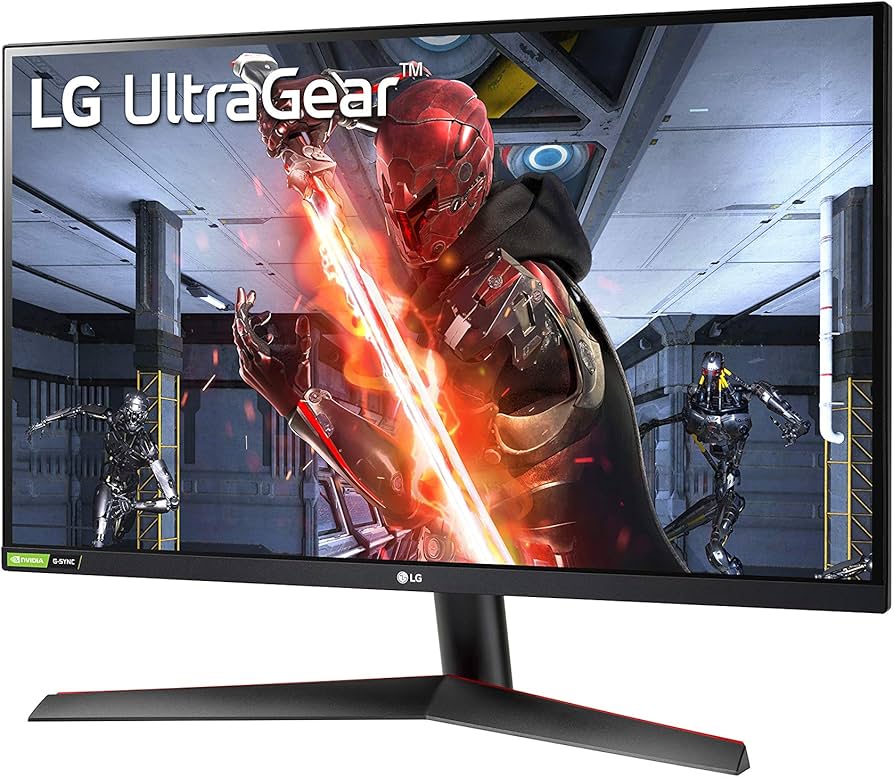
LG 27GN800-B 27" UltraGear QHD Gaming Monitor
$249.99
Why recommend: If your primary goal is console gaming and you want high refresh rates and low input lag at an affordable price, the LG 27GN800-B is a far better choice than the Samsung M8.
Best for: Competitive gamers on a budget; PS5 and Xbox owners who want 1440p 120Hz support

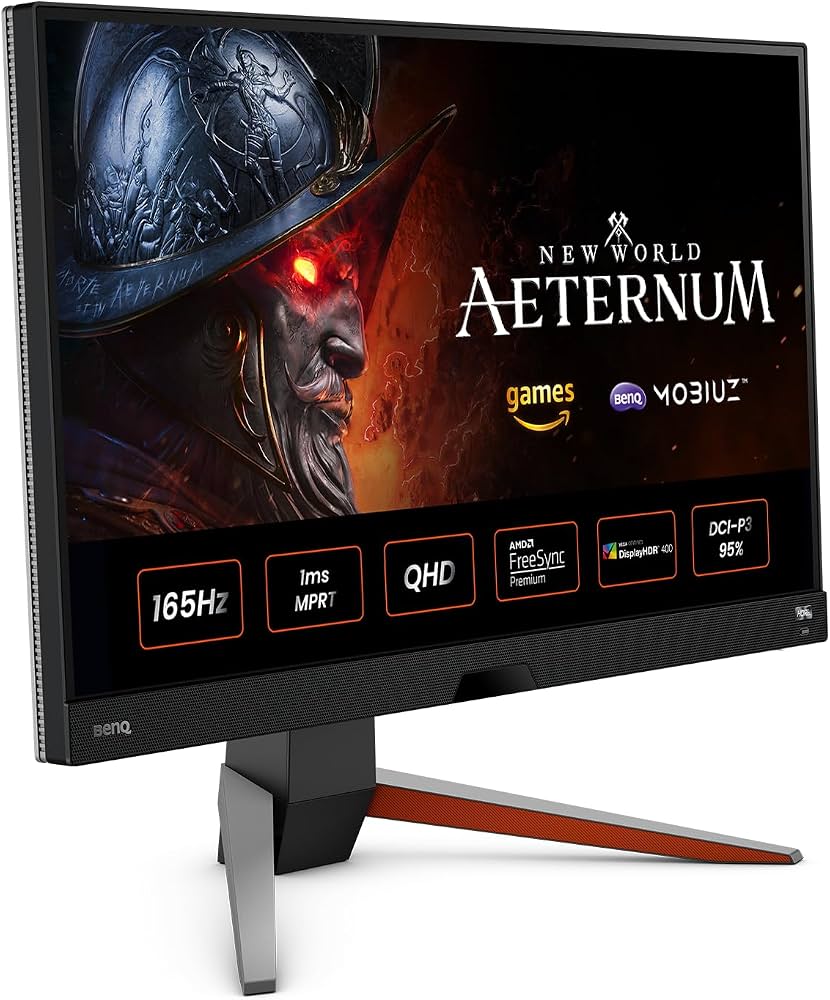
BenQ MOBIUZ EX2710Q 27" 1440p Gaming Monitor
$399.99
Why recommend: An excellent alternative that delivers the smooth, responsive console gaming experience the M8 can't, while still having good color quality for other media.
Best for: Gamers looking for a high-refresh, low-latency IPS monitor with vibrant colors; those who don't need smart TV apps on the display itself
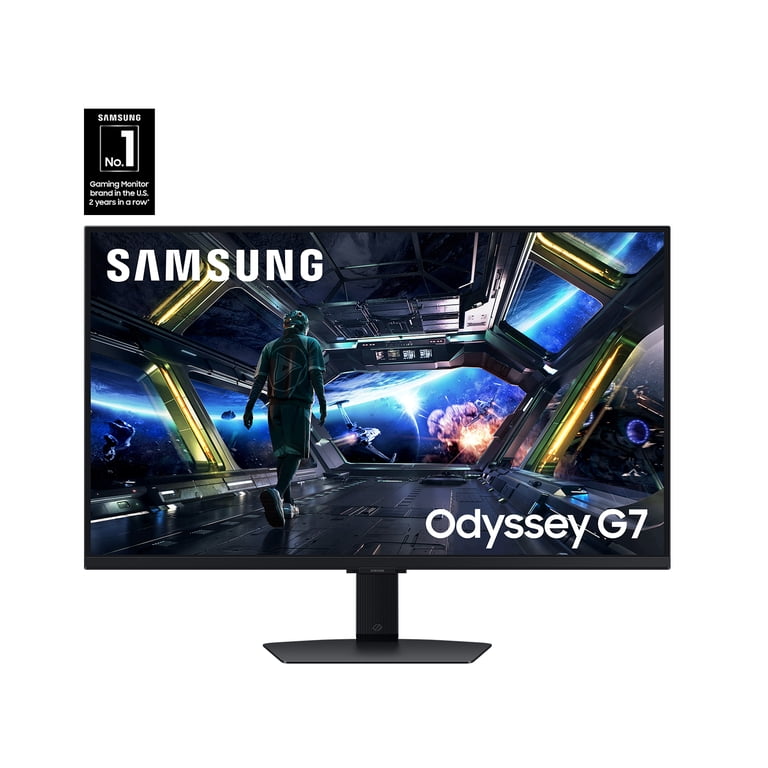
Samsung Odyssey G7 32" 4K 144Hz Gaming Monitor
$699.99
Why recommend: For an uncompromising console gaming experience, the Odyssey G7 or similar 4K 120Hz+ gaming monitors are the ultimate upgrade from the M8.
Best for: Hardcore gamers with a PS5/Xbox Series X who want 4K 120Hz VRR and the best motion clarity; users who are willing to prioritize gaming over streaming apps
Amazon Basics High-Speed HDMI Cable (6 ft)
$12.99
Why recommend: You'll need at least one high-quality HDMI cable, and the Amazon Basics line ensures stable signal transmission without breaking the bank.
Best for: Anyone setting up a console with the Samsung M8; users who need extra HDMI cables for multiple devices
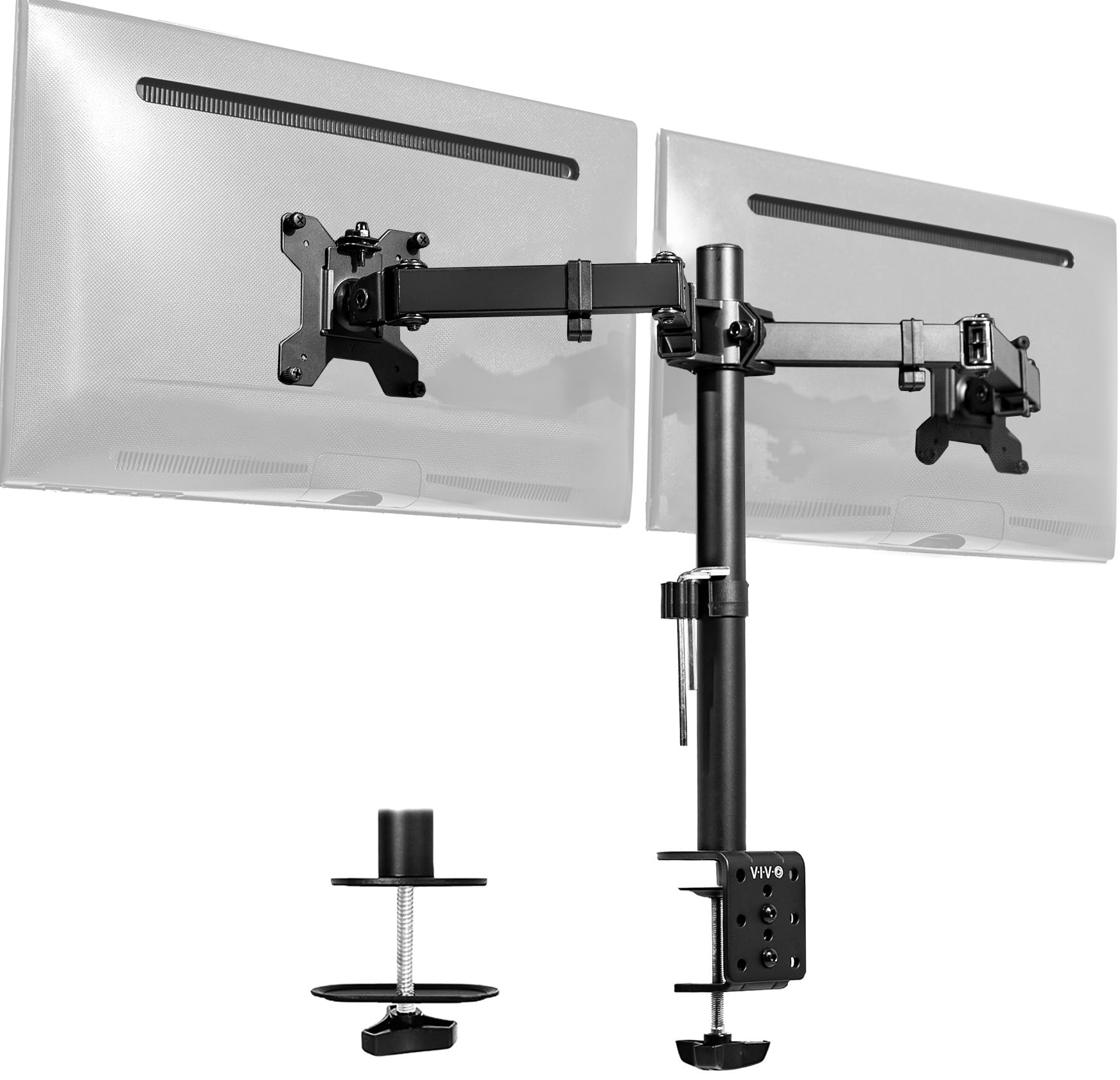
VIVO Dual Monitor Desk Mount (STAND-V002)
$45.99
Why recommend: Create a powerful gaming and productivity battlestation by pairing the M8 with a dedicated gaming monitor on this sturdy dual-mount.
Best for: Users who want a multi-monitor setup for gaming and work; those with limited desk space
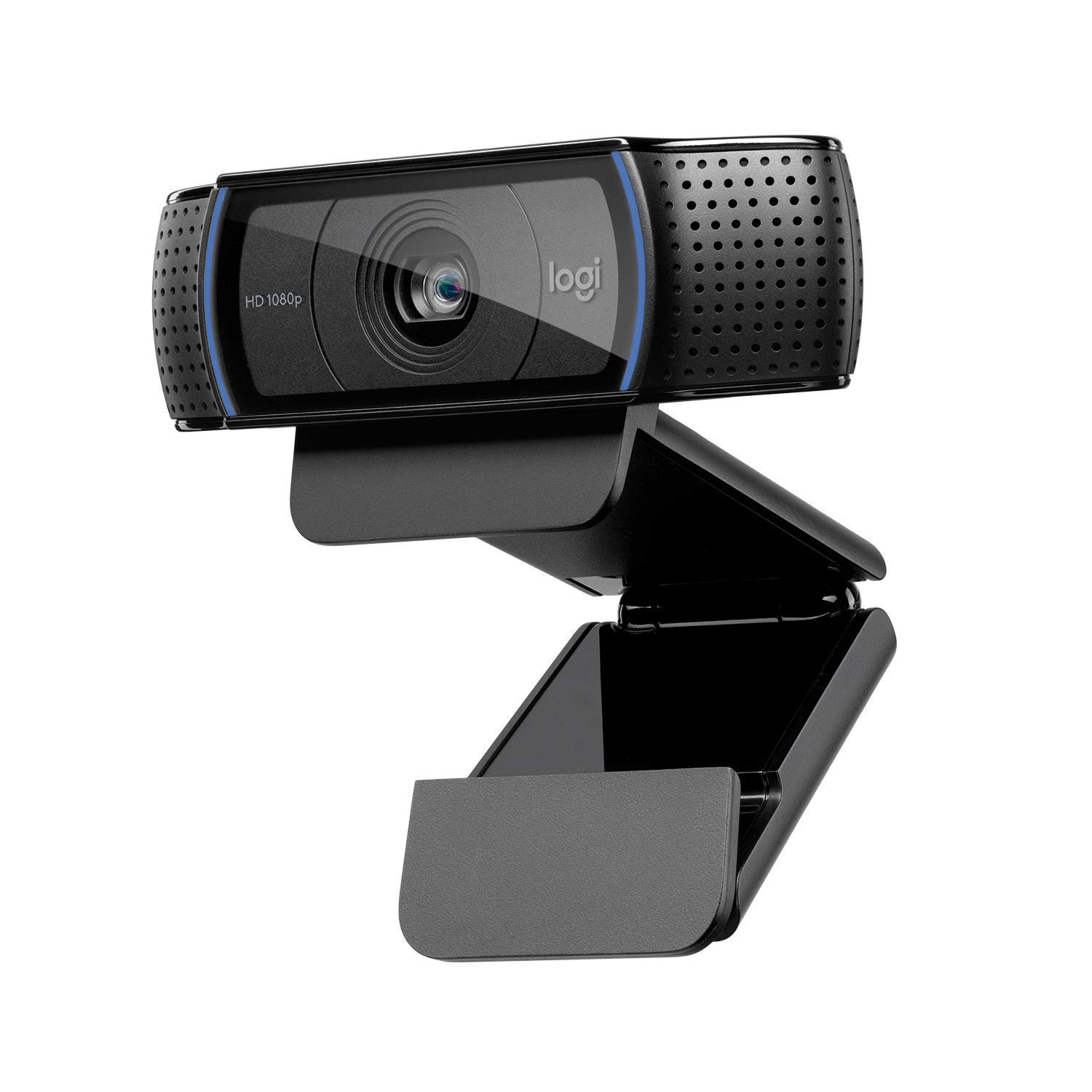
Logitech C920 HD Pro Webcam
$79.99
Why recommend: If you plan to stream console gameplay or attend professional video meetings from your home office, the C920 adds a significantly more capable camera than the M8's stock webcam.
Best for: Content creators and streamers; professionals who rely on webcams for video conferencing
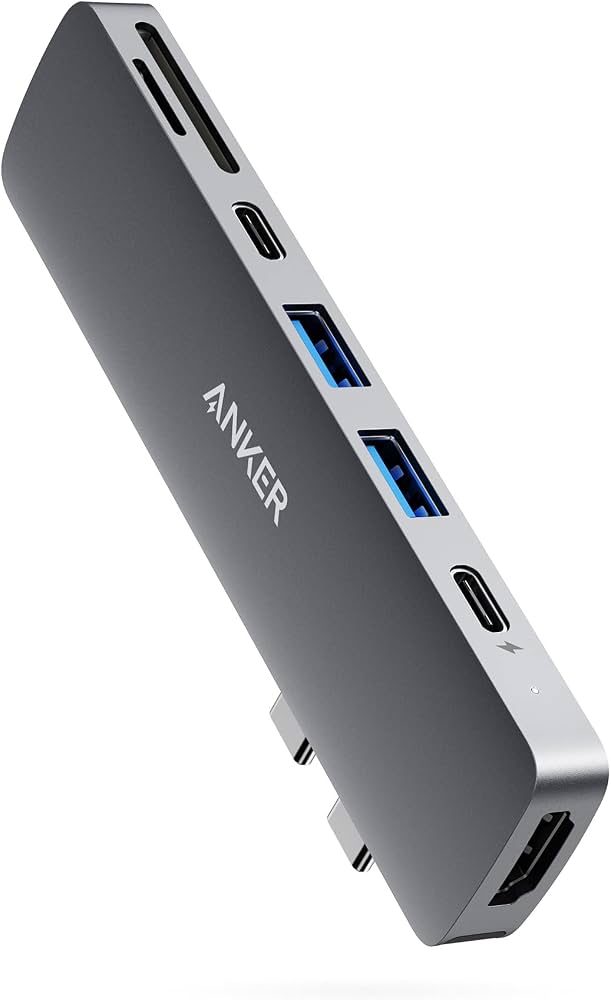
Anker USB-C Hub (7-in-1, PowerExpand)
$49.99
Why recommend: Expand the M8's single USB-C port into a fully functional workstation or entertainment hub, enabling more device connections and smarter cable management.
Best for: Laptop users who need extra ports; switch owners who want stable connections to multiple devices
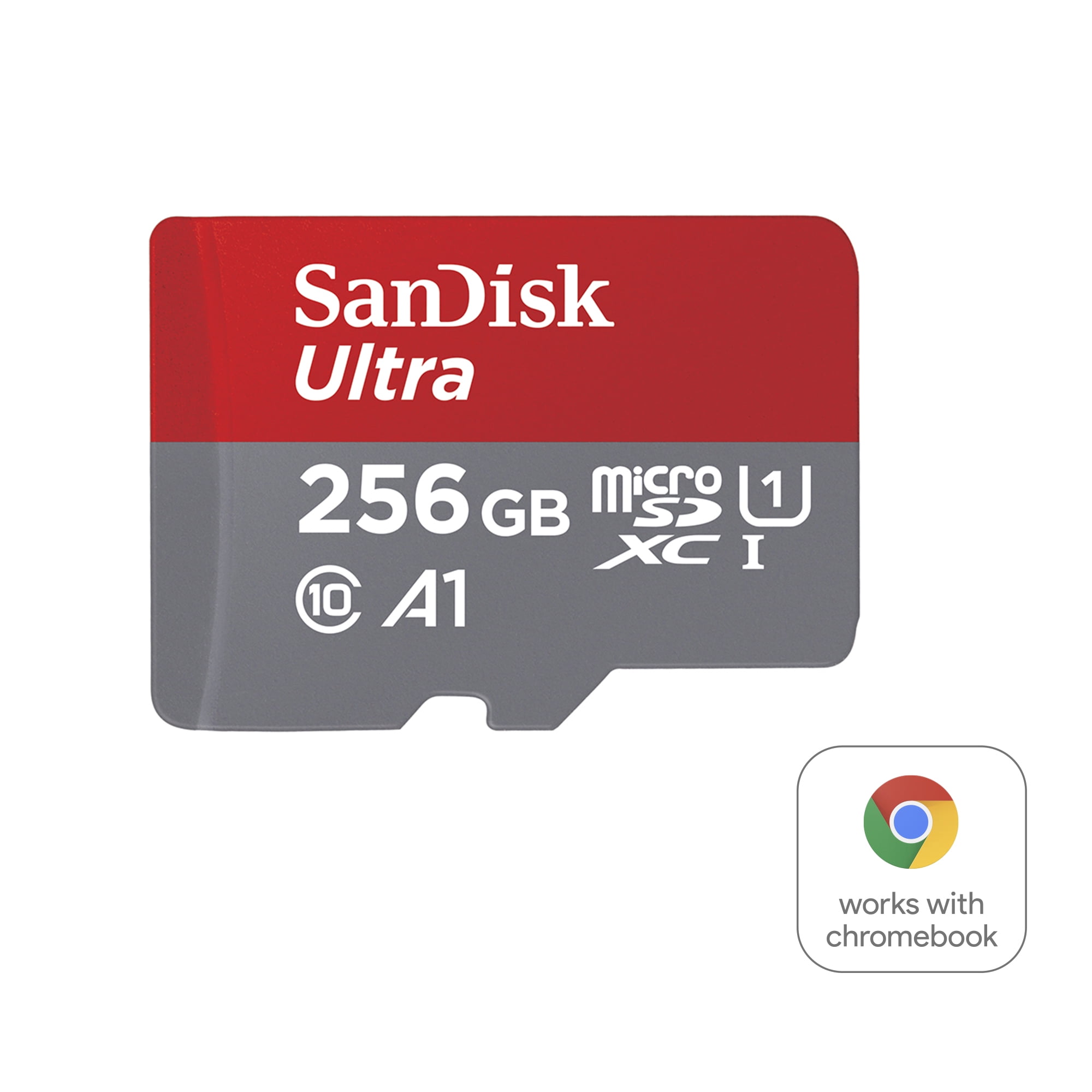
SanDisk Ultra 256GB microSDXC UHS-I Card
$24.99
Why recommend: Expand the M8's storage capacity for offline media, and use it as extra storage for your Switch or other handheld consoles.
Best for: Users who want to store movies and music for the smart monitor; Nintendo Switch owners who need extra space
Bottom Line
Ready to get the Samsung M8 Smart Monitor? Check the latest price on Amazon.
🛒 Buy on AmazonAs an Amazon Associate we earn from qualifying purchases.
Frequently Asked Questions
Is the Samsung M8 Smart Monitor good for console gaming?
It's a mixed bag. The Samsung M8 Smart Monitor supports 4K resolution at 60Hz with HDR, giving you a crisp, colorful picture for casual gaming. However, it lacks HDMI 2.1, VRR, and 120Hz support, so it can't fully utilize next-gen consoles like PS5 or Xbox Series X. For single-player and casual games, it's perfectly fine; for competitive or 120fps titles, it's not a good fit.
Can the Samsung M8 Smart Monitor run 4K at 120Hz on PS5/Xbox Series X?
No. The M8's panel is limited to 60Hz, and its HDMI ports are HDMI 2.0 (not 2.1). Even if you set your console to 4K 120Hz output, the M8 will simply display at 60Hz. It cannot accept a 120Hz signal.
Does the Samsung M8 Smart Monitor support VRR (Variable Refresh Rate)?
No, the Samsung M8 Smart Monitor does not support VRR (e.g., FreeSync or G-Sync). This means you might experience screen tearing when a game's frame rate fluctuates on a PS5 or Xbox Series X, especially because it also lacks ALLM.
Does the Samsung M8 Smart Monitor have Game Mode?
Yes. The M8 includes a Game Mode that adjusts audio and picture settings, and also reduces input lag to some extent. However, measured input lag still hovers around 20ms in Game Mode, which is higher than dedicated gaming monitors that can achieve 5–10ms. It's a useful feature for casual play but not a substitute for low-latency gaming displays.
Is the Samsung M8 Smart Monitor compatible with all consoles?
Yes, the Samsung M8 works with any console that uses HDMI output, including PS5, Xbox Series X/S, Nintendo Switch, PS4, and Xbox One. It has one HDMI port and one Micro HDMI port, so you can connect two sources, though you'll need a Micro HDMI to HDMI adapter or cable for the second one (or use the included Micro HDMI dongle).
What is the input lag of the Samsung M8 Smart Monitor?
In Game Mode, the Samsung M8 Smart Monitor's input lag is roughly 20ms at 4K 60Hz, which is acceptable for casual gaming but not for competitive play. Without Game Mode, the input lag can be considerably higher, often dropping below acceptable gaming thresholds. Dedicated gaming monitors typically offer input lag between 5ms and 15ms.
What monitors are better than the Samsung M8 Smart Monitor for console gaming?
For console gaming, dedicated gaming monitors like the LG 27GN800-B (1440p 144Hz), BenQ MOBIUZ EX2710Q (1440p 165Hz), or the Samsung Odyssey G7 (4K 144Hz) deliver smoother motion, VRR support, and lower input lag. They lack smart TV features but outperform the M8 in every gaming-relevant metric. Many are also available at similar or lower prices.
Can I connect a Nintendo Switch to the Samsung M8 Smart Monitor?
Yes. Use the Switch's dock and connect it to the M8's HDMI port. The M8 accepts the Switch's 1080p 60Hz output, and the 4K panel upscales it. You can also connect the Switch in handheld/tabletop mode using a USB-C cable that supports HDMI Alt Mode, though a dock is the simplest method.
Will the Samsung M8 Smart Monitor work with a gaming PC?
Yes. You can connect a gaming PC via HDMI or USB-C (DisplayPort Alt Mode). However, because the M8 maxes out at 4K 60Hz, you won't benefit from high-refresh PC gaming. For competitive PC gaming, a dedicated 144Hz+ gaming monitor is highly recommended.
How can I optimize the Samsung M8 Smart Monitor for console gaming?
Turn on Game Mode in the settings, ensure the picture mode is set to 'Game' or 'Dynamic' for better response, and switch to HDMI input that supports the console. It's also helpful to turn off any extra processing features like 'Eco Saving' or 'Eye Saver' if they cause input lag. Keep your console's output set to 4K 60Hz with HDR for the best balance.
Is the Samsung M8 Smart Monitor worth it for console gaming?
It depends on your expectations. If you're a casual gamer who values the smart TV features and stylish design, the M8 is a decent all-in-one option. But if gaming is a priority, you'll be better off investing in a dedicated gaming monitor like the LG 27GN800-B or BenQ MOBIUZ series, which offer superior gaming performance for the same price or less.