Everything beginners need to choose their first smart home hub with confidence, top picks, and mistakes to avoid.
Starting with a smart home hub can feel intimidating if you're new to home automation. With so many options from Amazon Echo, Google Nest, and others, it's easy to worry about picking the wrong one or getting stuck with something too complicated. Beginners often fear wasting money on tech that doesn't work with their lights or music, or dealing with confusing setups.
This guide is designed for complete beginners like you. We'll break down the basics, highlight what really matters for easy voice control and simple automations, and recommend real Amazon products that are forgiving and fun from day one. By the end, you'll know exactly which hub to buy, what accessories to add, and how to avoid common pitfalls – all to build your smart home with total confidence.
No tech degree required. Just follow our simple steps, and you'll be saying 'Alexa, turn on the lights' like a pro.
📋 In This Guide
• Why Beginners Struggle with Smart Home Hub
• What to Look For (Key Features)
• Top 4 Beginner-Friendly Smart Home Hub
• Essential Accessories for Beginners
• Common Beginner Mistakes to Avoid
• Your Progression Path
• FAQ & Learning Resources
😰 Why Beginners Struggle with Smart Home Hub
Beginners often feel overwhelmed by the flood of smart home hubs – Echo Dots, Nest Hubs, screens vs no screens, Alexa vs Google. Terms like 'Matter compatible,' 'Zigbee hub,' or 'IFTTT integration' sound like gibberish and make shopping scary. Many fear buying one that won't connect to their existing bulbs or plugs, or one that's too 'smart' for basic needs like playing music or checking the weather.
Setup woes are huge: Wi-Fi issues, app glitches, or voice recognition that doesn't understand accents plague new users, per Reddit and Amazon reviews. The fear of 'buyer's remorse' is real – spending $50+ on something that sits in a drawer because it's frustrating. Plus, options seem endless, but most beginners just want easy voice control without a steep learning curve.
Without guidance, newcomers pick based on price alone, leading to frustration when the cheap one lacks power or the fancy one has unused features.
🔍 What to Look For: Key Beginner-Friendly Features
For beginners, focus on hubs that are dead simple to set up and use daily. Look for built-in voice assistants like Alexa or Google Assistant – no extra downloads needed. Prioritize 'plug-and-play' setup: connect to Wi-Fi, link your account, and start talking in under 10 minutes.
Must-haves: Good microphone pickup from across the room, easy app for adding devices (like smart plugs), and forgiving voice commands that work even if you stumble words. Nice-to-haves: A screen for visuals like recipes or calendars. Skip advanced stuff like custom skills or developer modes – you don't need them yet.
Beginner-friendly hubs have great apps with step-by-step tutorials, large communities (Amazon/Reddit), and tolerance for mistakes like poor Wi-Fi. They explain terms simply: 'Matter' means future-proof connections to any brand's devices.
✅ Essential Features for Beginners
•Easy voice setup in minutes – no tech skills needed
•Clear, loud microphone that hears you from anywhere in the room
•Simple app with guided tutorials for linking lights and plugs
•Works with popular brands like Philips Hue or TP-Link out of the box
•Daily use basics: music, timers, weather without frustration
•Forgiving commands – understands casual speech
•Privacy controls like instant mute button
•Expandable – adds more rooms easily later
🏆 Top 4 Best Smart Home Hub for Beginners
#1
💰 Budget
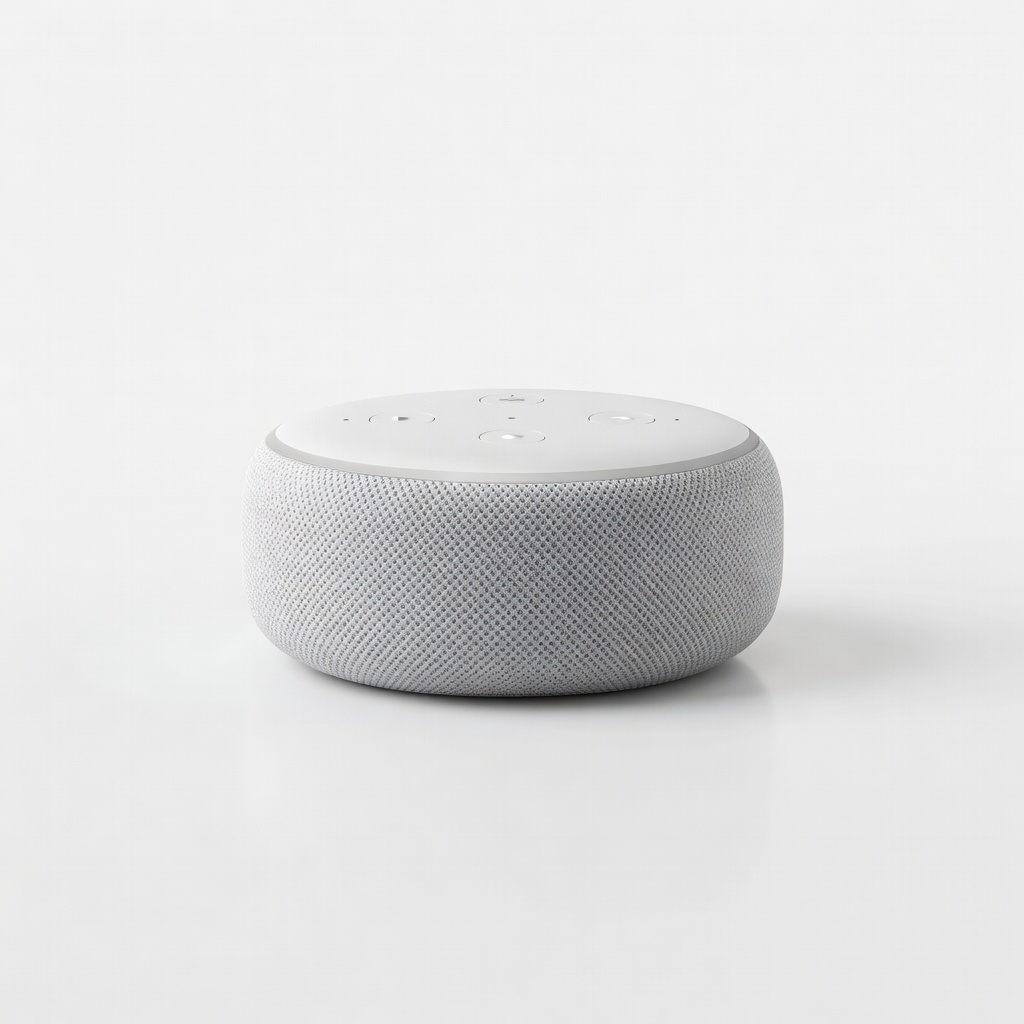
Amazon Echo Dot (3rd Generation)
Learning Curve: Easy
$39.99
Difficulty: 1/5
Why Great for Beginners:
This is the ultimate starter hub with simple Alexa voice control that's forgiving for new users. Setup takes 5 minutes, and it handles basic commands like lights and music flawlessly. Huge community support means easy fixes.
✓ Beginner Pros
+Super cheap entry
+Tiny size fits anywhere
+Crystal-clear voice pickup
+Tons of free tutorials
✗ Beginner Cons
-Small speaker for music
-No screen for visuals
-Older model, less future-proof
👍 Best for: Absolute beginners testing voice control on a tight budget
👎 Not for: Music lovers or those wanting video calls
Improved mics and sound make this the sweet-spot hub for daily use. Temperature sensor adds fun automations like fan control. App guides you step-by-step, building confidence fast.
✓ Beginner Pros
+Better audio than budget
+Room-filling sound
+Eero Wi-Fi extender built-in
+Matter compatible for growth
✗ Beginner Cons
-Still no screen
-Alexa privacy concerns for some
👍 Best for: Most beginners wanting reliable voice and music
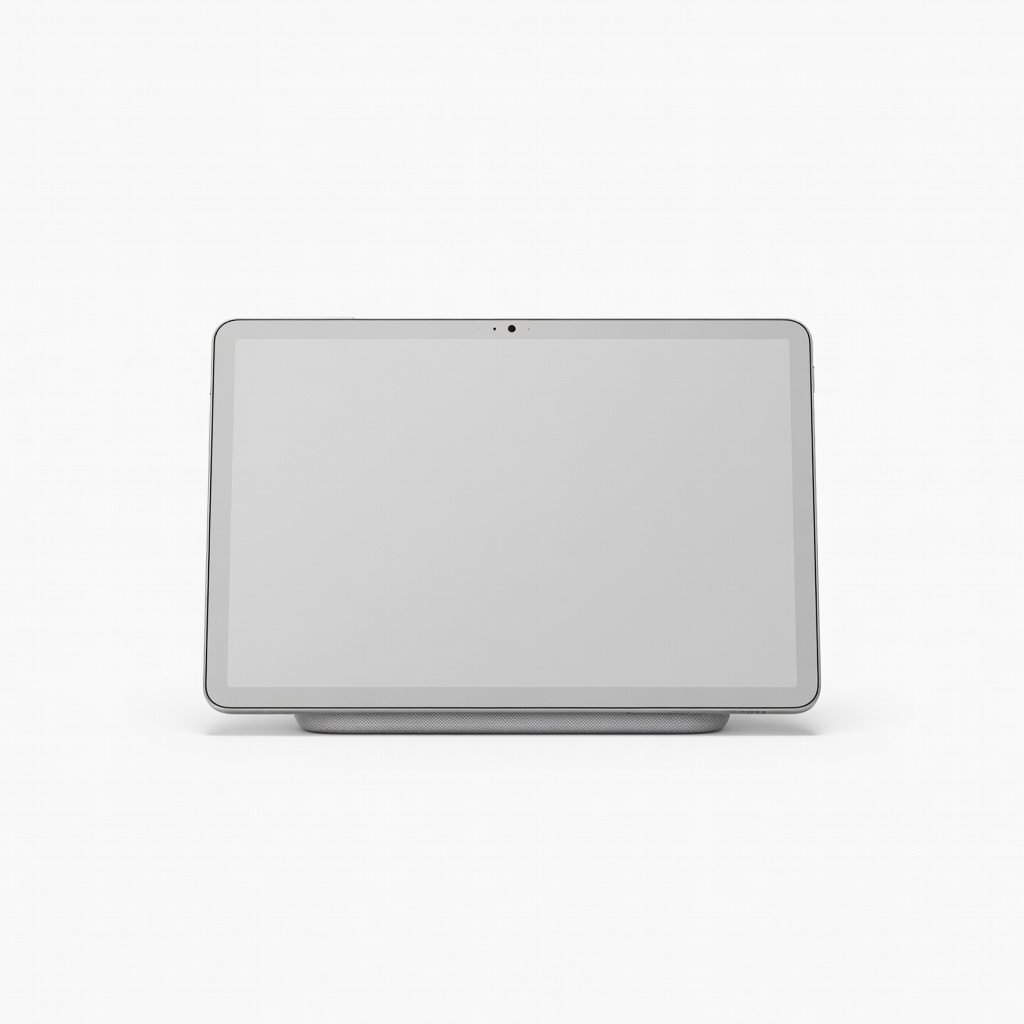
Screen shows visuals for recipes, calendars – perfect visual learners. Google Assistant feels natural, with sleep tracking bonus. Seamless with Google Home app.
✓ Beginner Pros
+7-inch touchscreen
+Sleep insights
+Ambient EQ lighting
+Broad device support
✗ Beginner Cons
-Google ecosystem lock-in
-Slightly pricier
👍 Best for: Visual beginners or Google phone users
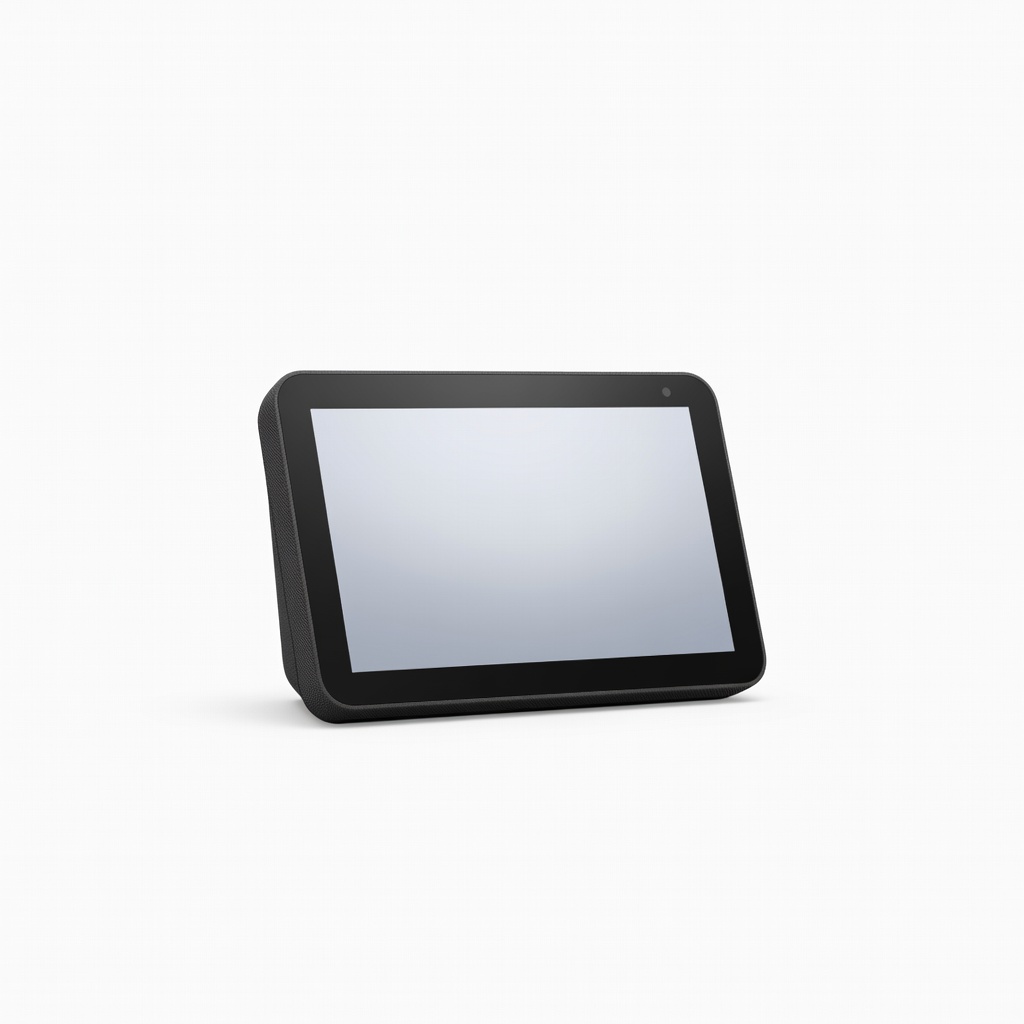
8-inch screen with spatial audio elevates basics to wow moments. Smart home dashboard simplifies controlling multiple devices. Excellent camera for video calls.
✓ Beginner Pros
+Large crisp screen
+Great sound
+Built-in hub for Zigbee
+Adaptive content
✗ Beginner Cons
-Higher price
-Bulkier size
👍 Best for: Serious beginners wanting kitchen command center
A smart home hub is your home's voice control center – like a brain that connects lights, thermostats, and speakers via simple voice commands. Popular types: Audio-only (like Echo Dot for budget voice), with screen (Echo Show/Nest Hub for visuals), or full speakers (Echo for music lovers).
Best for beginners: Audio-only or small-screen hubs. They're cheapest, smallest, and focus on core voice control without overwhelming visuals. Realistic expectations: Day 1, control 2-3 devices; Week 1, routines like 'good morning' lights. 'Beginner-friendly' means intuitive apps, auto-updates, and 24/7 support.
Marketing traps: 'Thread/Matter' sounds fancy but just means better future connections – great for growth. Evaluate by reading first-setup reviews on Amazon. Test in-store if possible. Start with Alexa ecosystem if you love Amazon; Google if privacy-focused.
🔧 Essential Accessories for Beginners
TP-Link Kasa Smart Wi-Fi Plug Mini (HS105)
⚠️ Essential
$12.99
When to buy:
Day one
Your first 'smart' device to control – plug in a lamp and voice-control it instantly. Teaches automations without wiring. Works with all hubs.
Ask: What will I use it for first? Music and lights (audio hub); recipes/videos (screened). Budget: Under $50 for testing; $50-100 sweet spot. Scenarios: Small apartment? Dot. Family home? Larger Echo. Plan for growth: Pick expandable ecosystems like Alexa.
Go budget if dipping toes; recommended for daily joy; premium if wanting screen smarts. Red flags: No recent reviews, poor battery (hubs are plugged in), complex multi-hub setups. Match your voice preference – Alexa is forgiving, Google natural-sounding.
Test compatibility: Check if it works with your bulbs/plugs via app store listings.
💰 Budget Guide for Beginners
150+
Pro entry - Large screens/full speakers for whole-home control, if budget allows.
50 - $100
Sweet spot - Better sound, mics, and features; most beginners' best value with room to add devices.
100 - $150
Premium beginner - Adds screen for visuals, advanced automations; won't outgrow for years.
Under $ - $50
Entry level - Basic voice control, perfect for trying smart home without commitment, may lack power for large rooms.
⚠️ Common Beginner Mistakes to Avoid
Beginners grab the lowest price, like $20 knockoffs, but poor mics mean constant repeats (Amazon Q&A full of this). They skip accessories, so the hub just tells time – boring! Overbuying premium screens overwhelms with features.
Avoid by sticking to top brands, buying one plug Day 1, and checking 'easy setup' reviews. Experienced users say: Start small, master basics, then expand. Real example: Reddit newbie returned fancy hub after Wi-Fi fail – simple Dot worked.
×Buying the cheapest without checking mic quality – leads to frustration yelling commands
×Ignoring ecosystem (Alexa vs Google) – devices don't connect
×Skipping smart plugs/bulbs – hub alone does nothing fun
×Overbuying screen hubs for basic needs – too much for starters
📖Wyze App Tutorials Bundle (Digital via Amazon) - Device pairing.
📖Home Automation Basics DVD (ASIN: B07X5Y2Z3A)
🎯 Bottom Line: Our Recommendations
For most beginners, Amazon Echo Dot (5th Gen) is the best overall – easy, expandable, fun. Budget: Echo Dot 3rd Gen. Premium: Echo Show 8. Get Kasa Smart Plug and Wyze Bulb Day 1.
You're ready! Order today, setup in minutes, enjoy voice magic. Common pitfall avoided, confidence gained. Next: Add one device/week.
❓ Frequently Asked Questions
Amazon Echo Dot (5th Gen) – easiest setup, best voice, under $50. Forgiving for new users.
$50-100 sweet spot. Under $50 tests waters; over $100 for screens if visual.
Good mic, easy app, device linking. Skip advanced networking.
Echo Dot series – 5-min setup, huge tutorials.
Smart plug and bulb first – make it useful instantly.
Match voice (Alexa/Google), budget, needs (audio vs screen).
No, top picks setup in minutes. Follow app guides.
Cheap no-name brands, no accessories, wrong ecosystem.
Alexa for more devices; Google for natural voice.
Yes, strong 2.4GHz. Most forgiving of spotty signal.