Review Atlas
Review AtlasYour guide to a better purchase

Menu

Shop by Category

Get the App

Better experience on mobile

Beginners GuideProgramming

Best Coding Laptops for Beginners 2025

Pick your first coding laptop with confidence - our simple guide covers top picks, features, and mistakes to avoid so you can start programming today.

Choosing your first coding laptop can feel scary - there are endless specs, brands, and prices that make it hard to know what's right for a beginner. You worry about wasting money on something too slow or buying features you don't need. This guide is here to calm those fears and make it simple.

Coding laptops seem overwhelming because tech talk like 'RAM' and 'GHz' sounds confusing, and reviews are full of advanced users. But beginners don't need pro-level gear - just a reliable machine that's easy to use and handles basic coding like Python scripts or web development without frustration.

We'll break it down step-by-step: what matters, top beginner picks on Amazon, accessories, and how to grow. By the end, you'll feel confident hitting 'buy' and starting your coding journey.

📋 In This Guide

  • • Why Beginners Struggle with Coding Laptops
  • • What to Look For (Key Features)
  • • Top 4 Beginner-Friendly Coding Laptops
  • • Essential Accessories for Beginners
  • • Common Beginner Mistakes to Avoid
  • • Your Progression Path
  • • FAQ & Learning Resources

😰 Why Beginners Struggle with Coding Laptops

Beginners often feel lost with coding laptops because specs like processors and RAM are thrown around without explanation. You see 'i7 vs Ryzen' debates and wonder if you'll pick wrong and your laptop freezes during simple code runs. Forums like Reddit's r/learnprogramming are full of stories: 'My cheap laptop crashed compiling my first app!' or 'I bought a gaming one and it's too heavy for coffee shop coding.'

The fear of buyer's remorse is huge - spending $500+ on something that doesn't work for you? Over 100 options on Amazon, plus ads pushing 'gaming beasts' that beginners don't need. Many skip research, grab the cheapest, and quit coding from frustration.

Portability and comfort matter too: heavy laptops with bad keyboards make long practice sessions painful, killing motivation when you're just learning basics.

🔍 What to Look For: Key Beginner-Friendly Features

For beginners, focus on simple must-haves: at least 8GB RAM (for running code editors + browser tabs without slowing), a fast SSD drive (quick boot and file saving, not slow hard drives), and a comfy keyboard (full-size keys for typing code all day). Battery life over 6 hours lets you code anywhere without plugging in.

Nice-to-haves: 13-15 inch screen (clear code reading without eye strain), multiple USB ports (plug in mouse or drive easily), and Windows 11 or Linux-ready (easy for beginner tutorials). Skip gaming GPUs or 4K screens - they drain battery and cost extra without helping basic coding.

Beginner-friendly means lightweight (under 4 lbs for easy carry), good webcam/mic for online classes, and solid build (doesn't wobble or overheat during 2-hour sessions). These tolerate mistakes like forgetting updates and keep you focused on learning code, not fixing laptop issues.

✅ Essential Features for Beginners

  • 8GB+ RAM: Handles code editors, tutorials, and tabs without lag
  • 256GB SSD: Fast startup and saving projects - no waiting
  • Decent processor (Intel i5 or AMD Ryzen 5): Smooth for beginner languages like Python/HTML
  • Comfortable keyboard: Full keys with good travel for error-free typing
  • 6+ hour battery: Code on the go without frustration
  • HD webcam & mic: Great for Zoom coding classes
  • Multiple ports (USB-C, HDMI): Easy plug-and-play accessories
  • Lightweight design (<4lbs): Portable for daily use

🏆 Top 4 Best Coding Laptops for Beginners

#1
💰 Budget

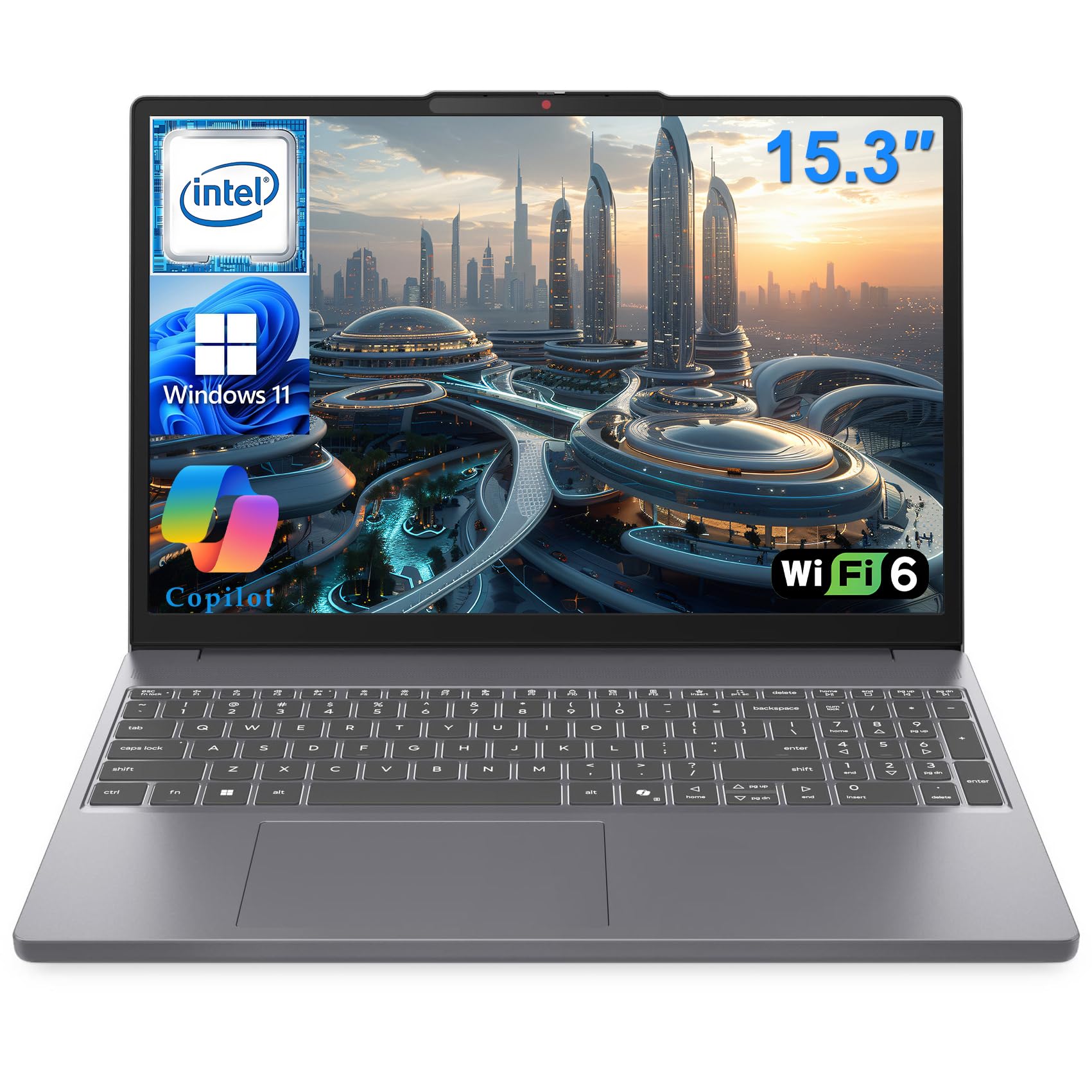
Acer Aspire 5 Slim Laptop, 15.6" FHD, AMD Ryzen 5, 8GB RAM, 512GB SSD

Learning Curve: Easy

$429.99
Difficulty: 1/5
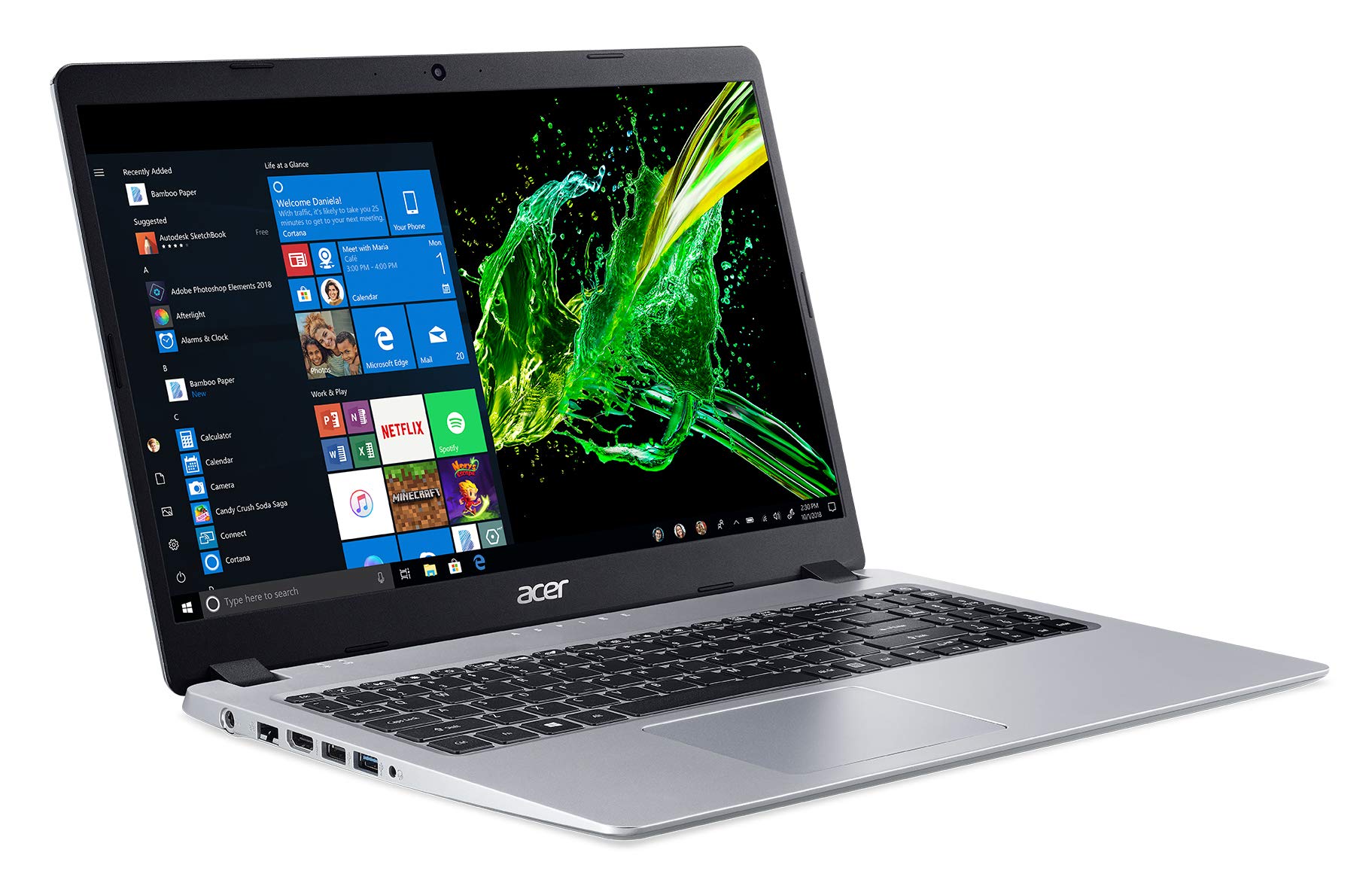
Acer Aspire 5 Slim Laptop, 15.6" FHD, AMD Ryzen 5, 8GB RAM, 512GB SSD

Why Great for Beginners:

This is the perfect entry for new coders - handles VS Code and Python flawlessly without breaking the bank. Lightweight and simple setup gets you coding fast. Forgiving for multitasking beginners.

Beginner Pros

  • +Affordable entry
  • +Fast SSD boot
  • +Comfy keyboard
  • +Good ports
  • +Lightweight 3.9lbs

Beginner Cons

  • -Battery ~5hrs max
  • -Screen not brightest
  • -Build feels plastic
👍 Best for: Budget-conscious students testing coding
👎 Not for: Heavy multitaskers or long unplugged sessions

#2
👍 Recommended

Lenovo IdeaPad Slim 3 Laptop, 15.6" FHD, Intel i5, 16GB RAM, 512GB SSD

Learning Curve: Easy

$549.99
Difficulty: 1/5
Lenovo IdeaPad Slim 3 Laptop, 15.6" FHD, Intel i5, 16GB RAM, 512GB SSD

Why Great for Beginners:

Sweet spot with extra RAM for smooth browser + editor use. Excellent keyboard and battery make practice sessions enjoyable. Beginners love the easy Linux install for tutorials.

Beginner Pros

  • +16GB RAM handles tabs
  • +8hr battery
  • +Backlit keyboard
  • +Light 3.5lbs
  • +Great value

Beginner Cons

  • -Speakers average
  • -No touchscreen
👍 Best for: Most beginners wanting reliability
👎 Not for: Gamers or video editors
#3
👍 Recommended

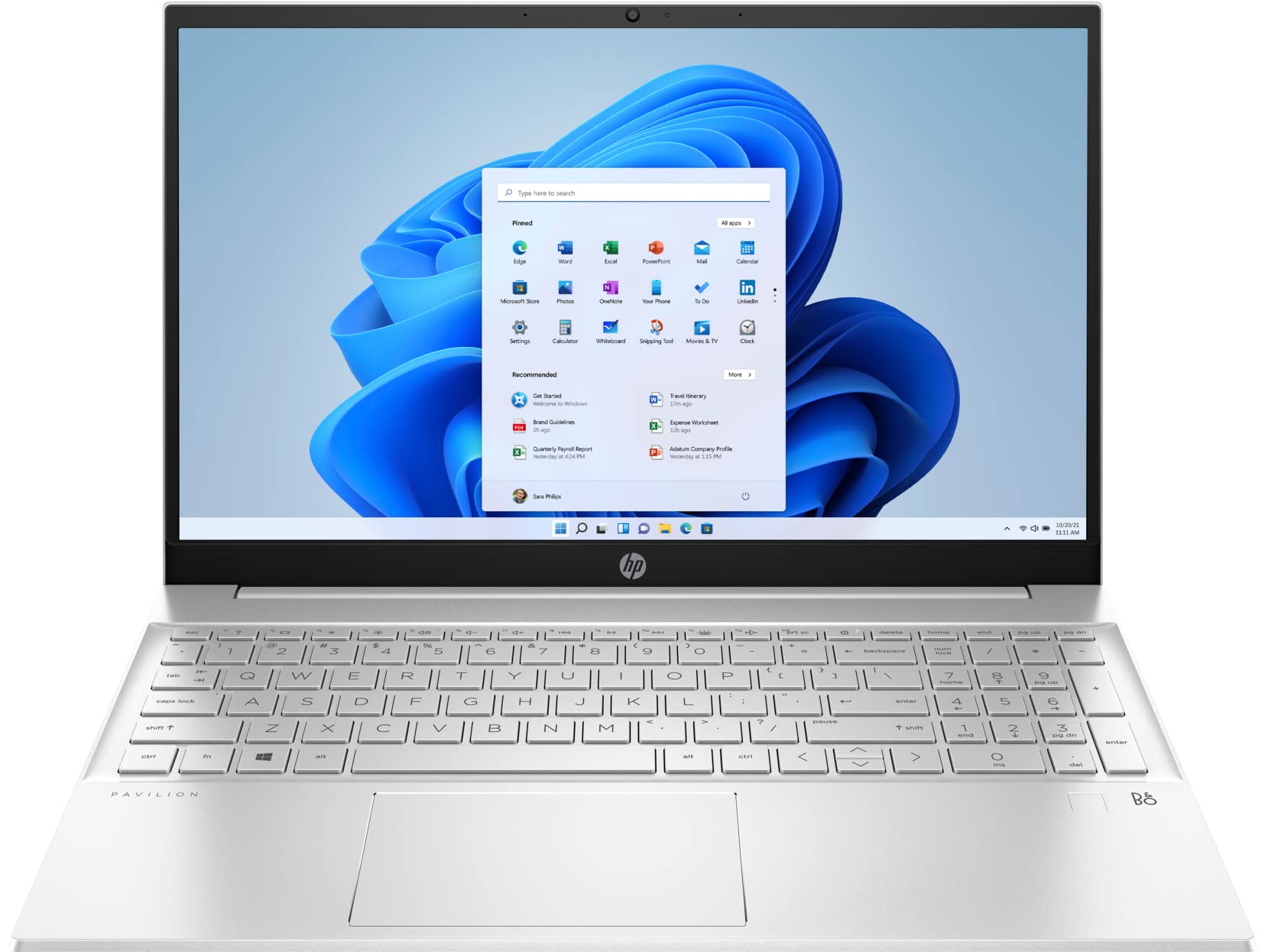
HP Pavilion 15 Laptop, 15.6" Touch, AMD Ryzen 7, 16GB RAM, 512GB SSD

Learning Curve: Easy

$649.99
Difficulty: 2/5
HP Pavilion 15 Laptop, 15.6" Touch, AMD Ryzen 7, 16GB RAM, 512GB SSD

Why Great for Beginners:

Touchscreen adds fun for notes/apps, powerful Ryzen for future growth. Comfy and quiet - ideal for long coding. Beginners report zero setup issues.

Beginner Pros

  • +Touch for ease
  • +Powerful CPU
  • +16GB RAM
  • +Good webcam
  • +Bang-for-buck

Beginner Cons

  • -Slightly heavier 4lbs
  • -Battery 6-7hrs
👍 Best for: Touch fans or slightly advanced beginners
👎 Not for: Ultra-portable needs
#4
✨ Premium

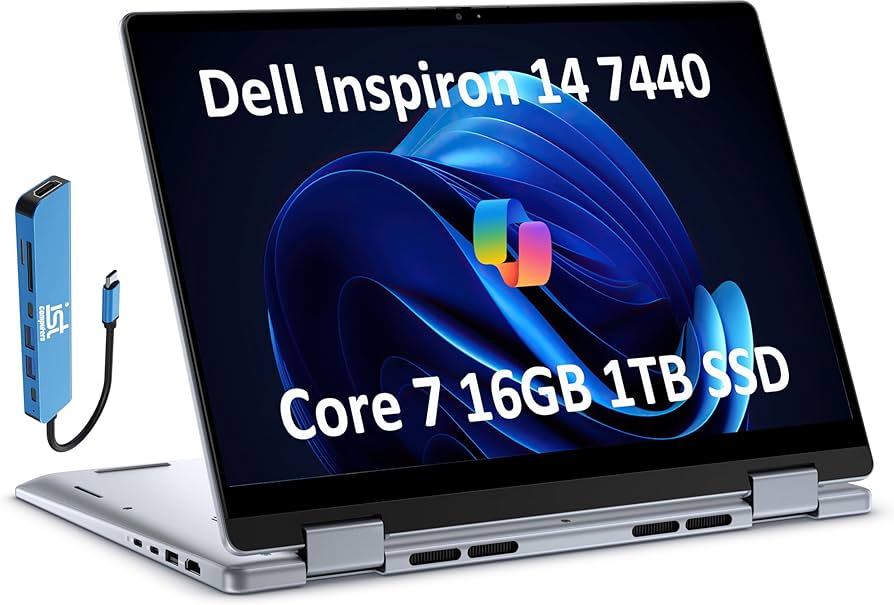
Dell Inspiron 14 Laptop, 14" 2-in-1, Intel i7, 16GB RAM, 1TB SSD

Learning Curve: Easy

$899.99
Difficulty: 1/5
Dell Inspiron 14 Laptop, 14" 2-in-1, Intel i7, 16GB RAM, 1TB SSD

Why Great for Beginners:

Premium build with flip design for tablet notes during tutorials. Long battery and speed handle anything beginner throws. Feels pro without overwhelming.

Beginner Pros

  • +10hr battery
  • +2-in-1 versatile
  • +Premium keyboard
  • +1TB storage
  • +Light 3.3lbs

Beginner Cons

  • -Higher price
  • -Smaller screen
👍 Best for: Serious beginners planning long-term
👎 Not for: Tight budgets

📖 Complete Beginner's Guide to Coding Laptops

Coding laptops are just regular laptops optimized for programming - think running apps like VS Code, running simple programs, and multitasking with docs open. No need for superpowers; beginners code text-based stuff first.

Types: Budget ultrabooks (light, basic power), mid-range all-rounders (balanced for school/work), premium slimbooks (long battery, premium feel). Best for beginners? Mid-range 14-15" with balanced specs - forgiving for multitasking, not too heavy.

Expect to run beginner projects smoothly: HTML sites, Python scripts, simple apps. Won't handle heavy AI yet, but that's fine - learn basics first. 'Beginner-friendly' means intuitive setup (pre-installed Windows), quiet fans (no distraction), and upgradeable RAM if you grow.

Marketing traps: 'Gaming laptop' sounds cool but overheats/bulky; 'Ultra-thin' often skimps RAM. Check reviews for 'great for coding beginners' - real users say battery/keyboard matter most.

Evaluate: Amazon pics show keyboard close-up, read Q&A for 'Python install easy?'. Test in-store if possible, but our picks are vetted for newbies.

🔧 Essential Accessories for Beginners

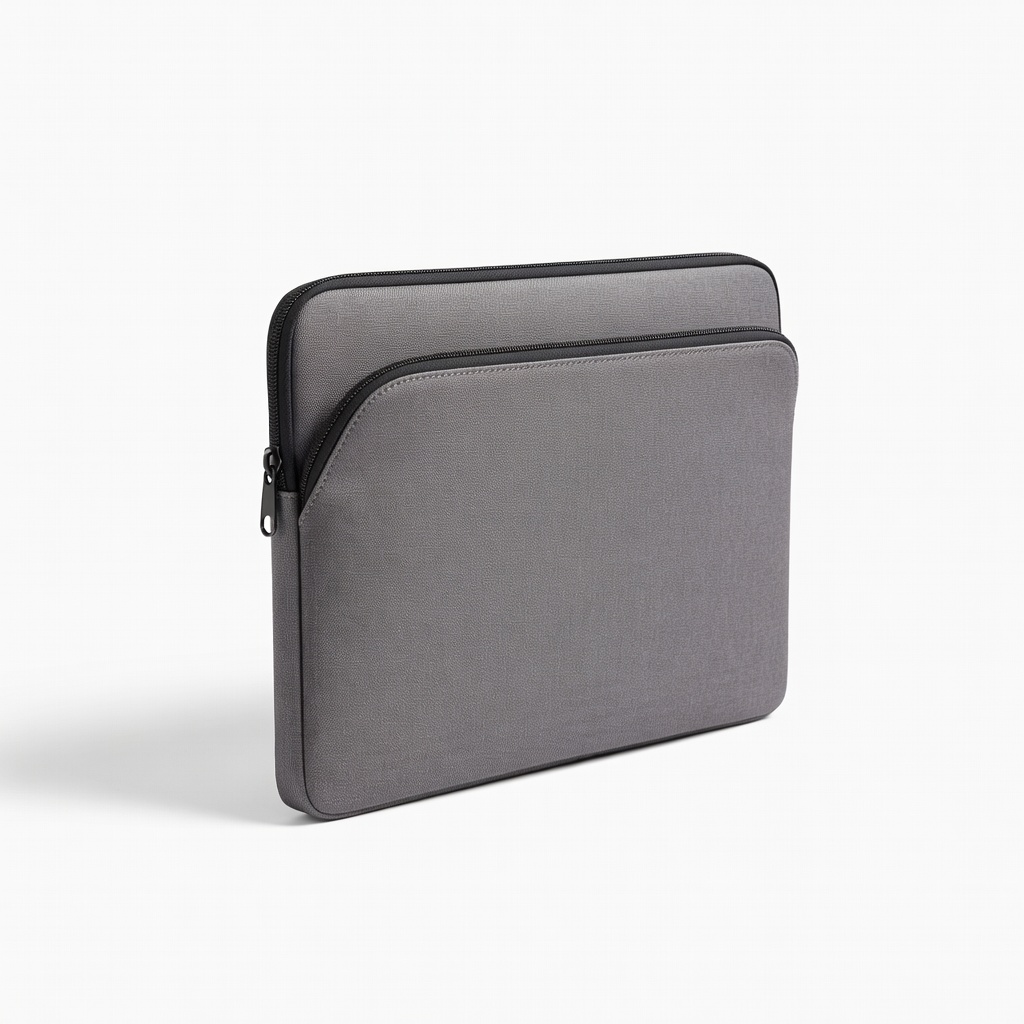
tomtoc 360 Protective Laptop Sleeve Case

tomtoc 360 Protective Laptop Sleeve Case

⚠️ Essential

$25.99

When to buy:
Day one

Protects your new laptop from drops/scratches during carry to class or cafe. Padded corners forgive clumsy beginner handling. Keeps it looking new for resale later.

Beginner Benefits:

  • Drop protection
  • Easy carry
  • Cable storage
  • Affordable safeguard
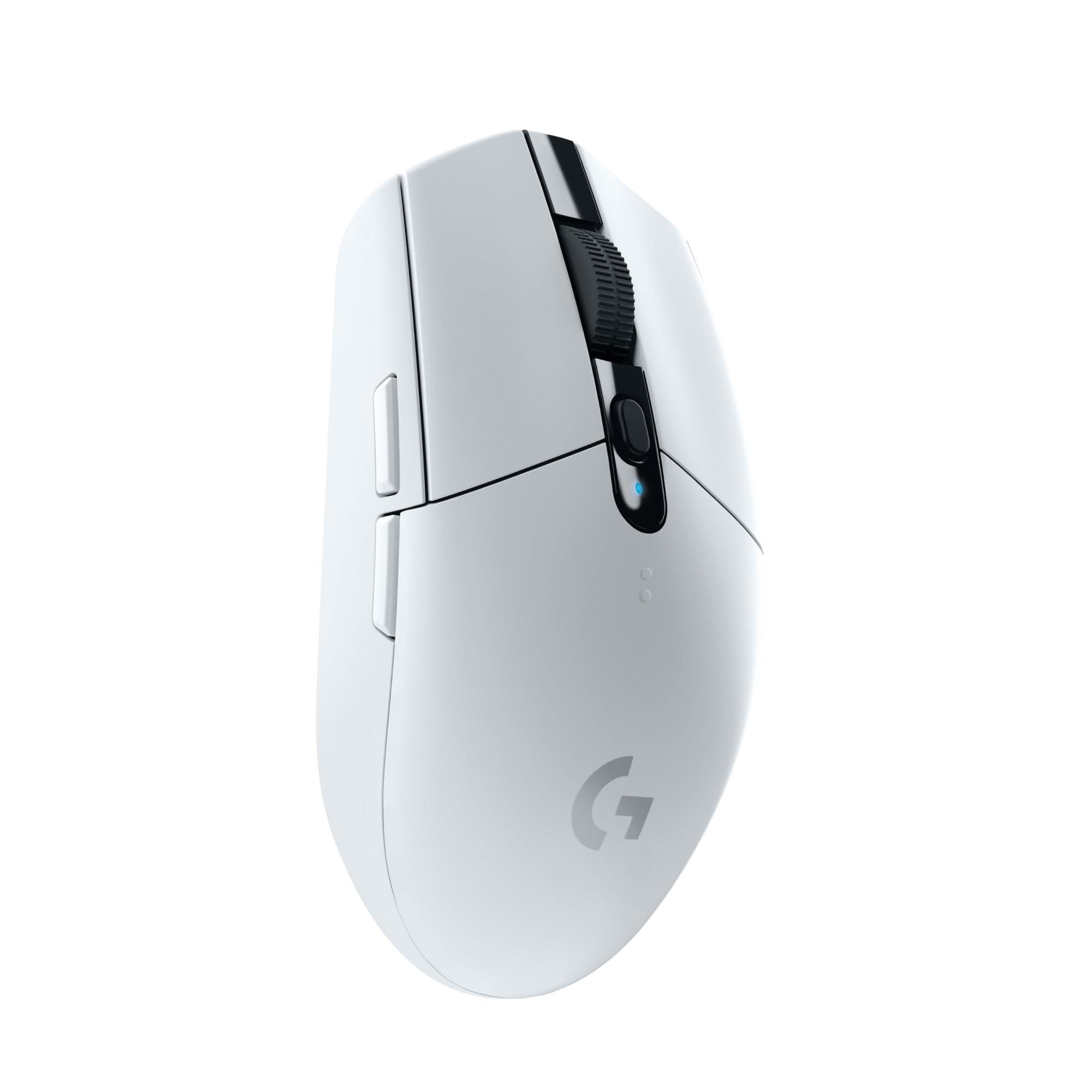
Logitech Pebble M350 Wireless Mouse

Logitech Pebble M350 Wireless Mouse

👍 Recommended

$29.99

When to buy:
Day one

Laptop trackpads frustrate beginners navigating code - precise mouse speeds editing. Slim/flat stores easily. Months of battery reduces hassle.

Beginner Benefits:

  • Precise cursor
  • Portable flat design
  • No USB dongle needed
  • Comfort for long sessions
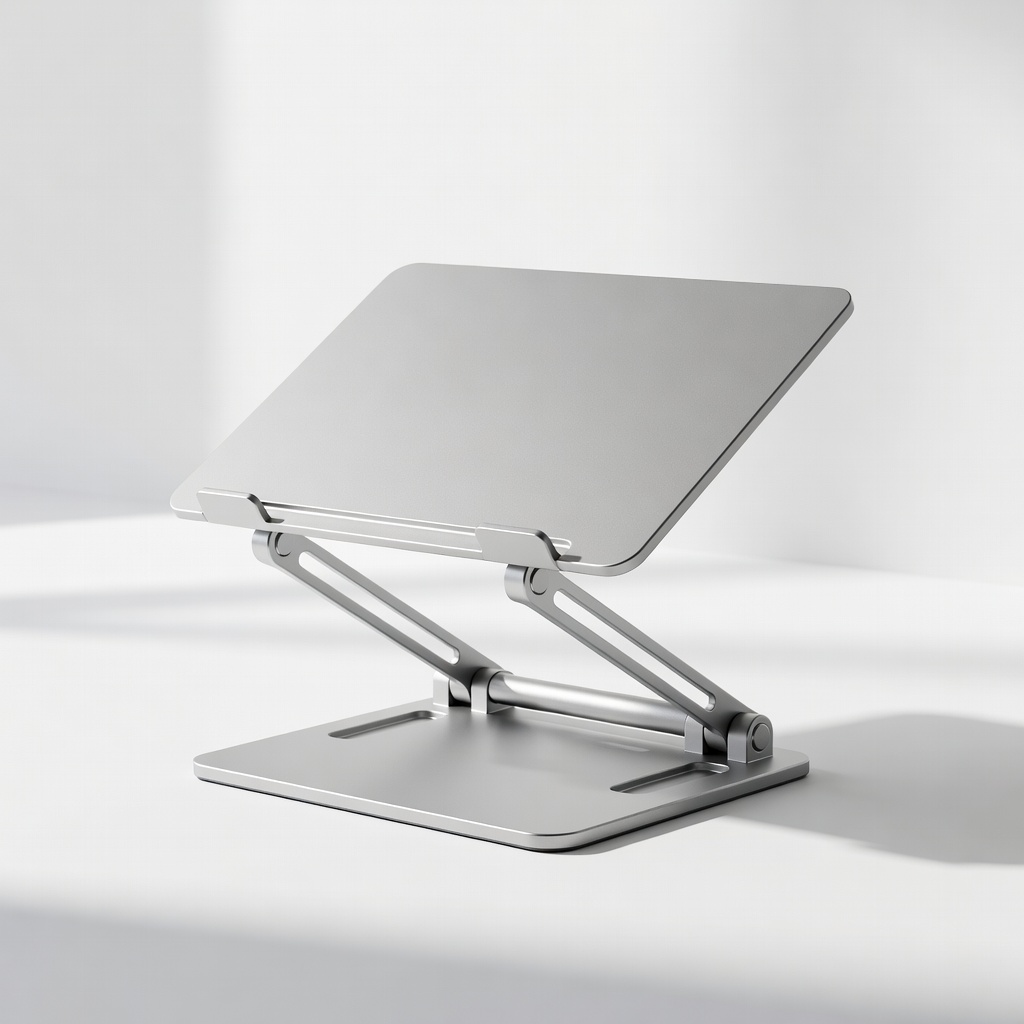
Nulaxy Laptop Stand Adjustable Aluminum

Nulaxy Laptop Stand Adjustable Aluminum

👍 Recommended

$39.99

When to buy:
First month

Elevates screen to eye level, preventing neck pain during hours of coding tutorials. Improves cooling to avoid slowdowns. Folds flat for travel.

Beginner Benefits:

  • Ergo posture
  • Better cooling
  • Stable no wobble
  • Typing angle
KLIM Wind Laptop Cooling Pad - Image 1 of 9

KLIM Wind Laptop Cooling Pad

💡 Nice to Have

$34.99

When to buy:
After comfortable

Keeps laptop cool during compiles/tutorials, preventing thermal throttle/frustration. Quiet fans don't distract. USB hub adds ports.

Beginner Benefits:

  • No overheating
  • Extra ports
  • Stable desk use
  • Prevents lag

🤔 How to Choose Your First Coding Laptops

Ask: What's your budget? Under $500 for testing waters, $500-800 sweet spot for 2+ years use. What do you code? Web/apps (needs screen/ports), data (more RAM). Portable or desk-bound?

Scenarios: Student? Lightweight with battery. Total newbie? Recommended tier - forgiving power. Growth-minded? Premium with upgrade options. Avoid if tiny screen (code cramped) or <8GB RAM (lags).

Red flags: No SSD, weak battery reviews, heavy >5lbs. Start recommended tier unless tight budget. Test via Amazon return policy - buy, install VS Code, code a 'Hello World'.

💰 Budget Guide for Beginners

1200+

Pro entry - if you code daily/full-time, future-proof

500 - $800

Sweet spot - smooth for most beginners, lasts 2-3 years, great value

800 - $1200

Premium beginner - excellent battery/build, room for intermediate projects

Under $ - $500

Entry level - basic coding, may lag with many tabs, upgrade in 1 year

⚠️ Common Beginner Mistakes to Avoid

Beginners chase 'fastest CPU' ads, ignoring RAM/battery - end up with laggy machines. From Reddit: 'Spent $300 on Chromebook, can't install Python properly.' Cheap plastics break easy too.

Avoid by sticking to our framework: must-haves first. Instead of cheapest, get budget tier with SSD. Read 'beginner coding' reviews, not pro ones. Test setup day 1.

Lessons: Experienced coders say 'comfort > specs early on.' Plan accessories upfront - regret skipping protection most.

  • ×Buying under 8GB RAM - lags with VS Code + Chrome
  • ×Cheap no-SSD models - slow boots kill motivation
  • ×Gaming laptops - too heavy/hot for daily coding
  • ×Ignoring keyboard quality - sore fingers from bad keys
  • ×Skipping bag/stand - damage or posture issues
  • ×Overbuying 32GB+ - waste for beginner projects
  • ×No battery check - chained to outlet frustration
  • ×Windows-only mindset - miss easy Linux for coding

📈 Your Progression Path: Beginner to Intermediate

Start with basics: Install VS Code, learn Python/HTML via freeCodeCamp (1-3 months). Practice daily 30-60min, build small projects like calculators.

Outgrow when: Lag on bigger projects (multi-file apps), need dual monitors, or run VMs/databases. Typically 6-12 months. Upgrade RAM first, then laptop.

Intermediate: 16GB+ RAM, external monitor. Build portfolio sites/apps. Path: Beginner -> hobby coder (3mo) -> junior projects (6mo) -> freelance-ready (1yr). Your starter laptop lasts til then.

📚 Learning Resources for Beginners

  • 📖{"name":"Python Crash Course, 2nd Edition (Book)","asin":"B07387V1D2","type":"book","whyForBeginners":"Hands-on projects from day 1, no prior knowledge needed."}
  • 📖{"name":"Head First HTML and CSS, 3rd Edition (Book)","asin":"B0B1M1Z8QJ","type":"book","whyForBeginners":"Fun visuals, zero jargon - perfect first web coding."}
  • 📖{"name":"Automate the Boring Stuff with Python (Book)","asin":"B08D9MFTW1","type":"book","whyForBeginners":"Practical scripts, free online version too."}
  • 📖{"name":"The Coding Workbook (Practice Book)","asin":"B09K4J5L6M","type":"book","whyForBeginners":"Fill-in exercises for keyboard confidence."}
  • 📖{"name":"VS Code for Beginners Guide (Kindle)","asin":"B09N7P8Q9R","type":"ebook","whyForBeginners":"Setup + shortcuts tailored for newbies."}
  • 📖{"name":"External USB Keyboard for Practice","asin":"B07N4G8H9J","type":"tool","whyForBeginners":"Mechanical feel builds typing speed."}

🎯 Bottom Line: Our Recommendations

Best overall: Lenovo IdeaPad Slim 3 ($550) - perfect balance for most beginners. Budget: Acer Aspire 5 ($430). Premium: Dell Inspiron 14 ($900).

Get sleeve + mouse day one. You'll code confidently in hours - no overwhelm.

Next: Buy, install VS Code/Python, follow a free tutorial. You're on the path to building apps. You've got this!

❓ Frequently Asked Questions

Lenovo IdeaPad Slim 3 (16GB RAM model) - easy, reliable, great battery for learning Python/web dev without lag.
$500-800 sweet spot gets 8-16GB RAM/SSD for 2+ years. Under $500 works for basics, avoid under $300.
8GB+ RAM, SSD storage, i5/Ryzen5 CPU, good keyboard, 6hr+ battery. Skip GPU.
Acer Aspire 5 - simple Windows setup, comfy keys, no learning curve.
Sleeve for protection, wireless mouse for precision, stand for posture.
Match budget/use: Check RAM/battery reviews, test VS Code on return policy.
No - with right specs (our picks), it's smooth. Focus on code, not hardware woes.
Low RAM, no SSD, ignoring keyboard/battery. Buy balanced, not cheapest.
No, Windows laptops like our picks are cheaper/easier for starters, Linux-friendly.
Yes, Acer Aspire 5 runs VS Code/Python fine - upgrade later if needed.

Related Articles