Confidently pick your first coding laptop with our simple guide to top picks, features, and mistakes to avoid—no tech jargon needed.
Choosing your first laptop for coding can feel scary—like you're about to make a huge mistake that'll derail your learning. With endless specs like 'i7 processors' and 'RTX graphics,' it's easy to freeze up and second-guess everything. But don't worry: most beginners just need a reliable machine that runs code editors smoothly without crashing.
This guide is built for total newcomers to coding. We'll break down what really matters (hint: not the fanciest GPU), share hand-picked 15-inch laptops perfect for staring at code all day, and give you exact Amazon links. By the end, you'll know exactly what to buy and feel excited to start your first 'Hello World' program.
📋 In This Guide
• Why Beginners Struggle with Laptop
• What to Look For (Key Features)
• Top 4 Beginner-Friendly Laptop
• Essential Accessories for Beginners
• Common Beginner Mistakes to Avoid
• Your Progression Path
• FAQ & Learning Resources
😰 Why Beginners Struggle with Laptop
Beginners often feel lost because laptop shopping drowns you in confusing terms like RAM, GHz, and SSD—words that sound important but mean little without context. For coding, you worry: 'Will it handle Python or Java without lagging?' Forums like Reddit's r/learnprogramming are full of stories from newbies who bought underpowered machines and got frustrated when VS Code froze during tutorials.
The fear of wasting money hits hard too. Options range from $300 budget beats to $2000 beasts, and ads push gaming laptops you don't need. Plus, 15-inch is ideal for side-by-side code and docs, but smaller screens cramp your style. Research from Amazon reviews and Stack Overflow shows beginners regret skimping on screen size or keyboard comfort the most.
🔍 What to Look For: Key Beginner-Friendly Features
Focus on basics that make coding comfy and reliable: a 15-inch screen for easy reading of code lines, at least 8GB RAM (think of it as short-term memory to juggle apps like browser tabs and code editors), and a fast SSD storage (like a speedy filing cabinet for quick loading). A decent keyboard with good travel (how far keys press) prevents finger fatigue during long sessions.
Skip gaming features like dedicated graphics cards—they're overkill for beginner coding (web dev, Python scripts). Look for beginner-friendly traits: pre-installed Windows (easy for most tutorials), long battery life (4+ hours unplugged), and upgradeable RAM if possible. These make the laptop 'forgiving'—it tolerates multitasking mistakes without slowing to a crawl.
✅ Essential Features for Beginners
•15-inch Full HD screen: Enough space to see code, docs, and errors without squinting or scrolling endlessly.
•8GB+ RAM: Handles VS Code, browser, and a few tabs without freezing—essential for smooth beginner practice.
•256GB+ SSD: Loads programs and files in seconds, unlike slow hard drives that frustrate new coders.
•Intel i3/Ryzen 3 or better: Reliable speed for Python, HTML/CSS without lag; explains 'processor' simply.
•Comfy keyboard & trackpad: Reduces typos and wrist strain during hours of typing code.
•6+ hour battery: Code on the go without hunting outlets, perfect for cafe study sessions.
•USB ports & webcam: Easy plug-ins for mouse/keyboard; video calls for online coding classes.
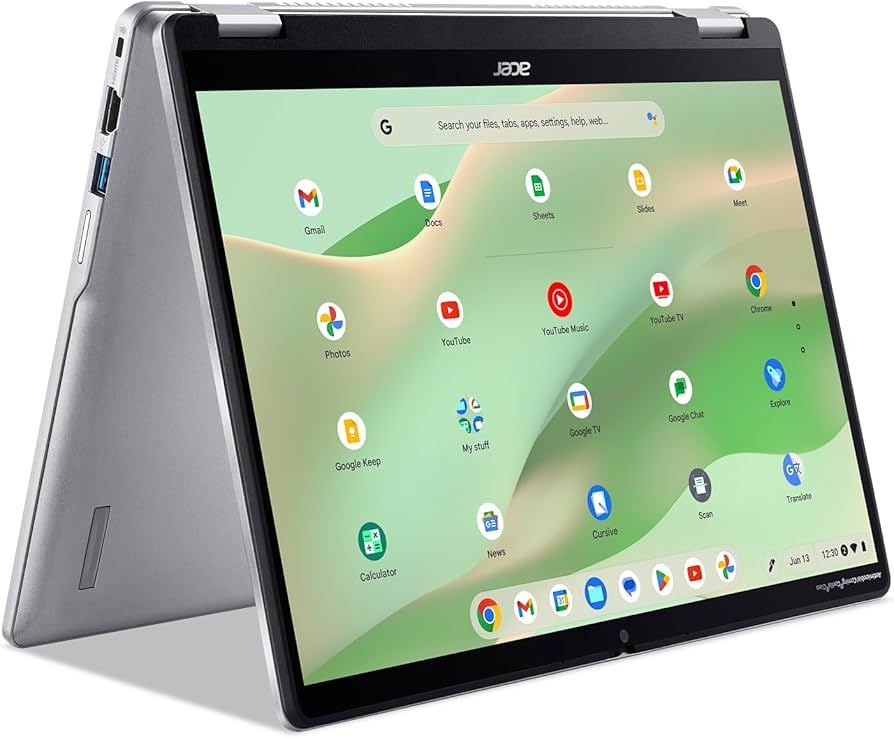
This Acer is a forgiving entry point for coding newbies—plenty of RAM/SSD to run VS Code and tutorials without hiccups. The 15-inch screen gives space for code alongside docs, and setup is a breeze on Windows 11.
✓ Beginner Pros
+Affordable without skimping on essentials
+Lightweight for daily carry
+Upgradeable RAM slot
+Decent battery for classes
✗ Beginner Cons
-Basic processor limits heavy multitasking
-Average webcam for calls
👍 Best for: Budget-conscious students starting Python/web dev
👎 Not for: Users needing video editing alongside coding
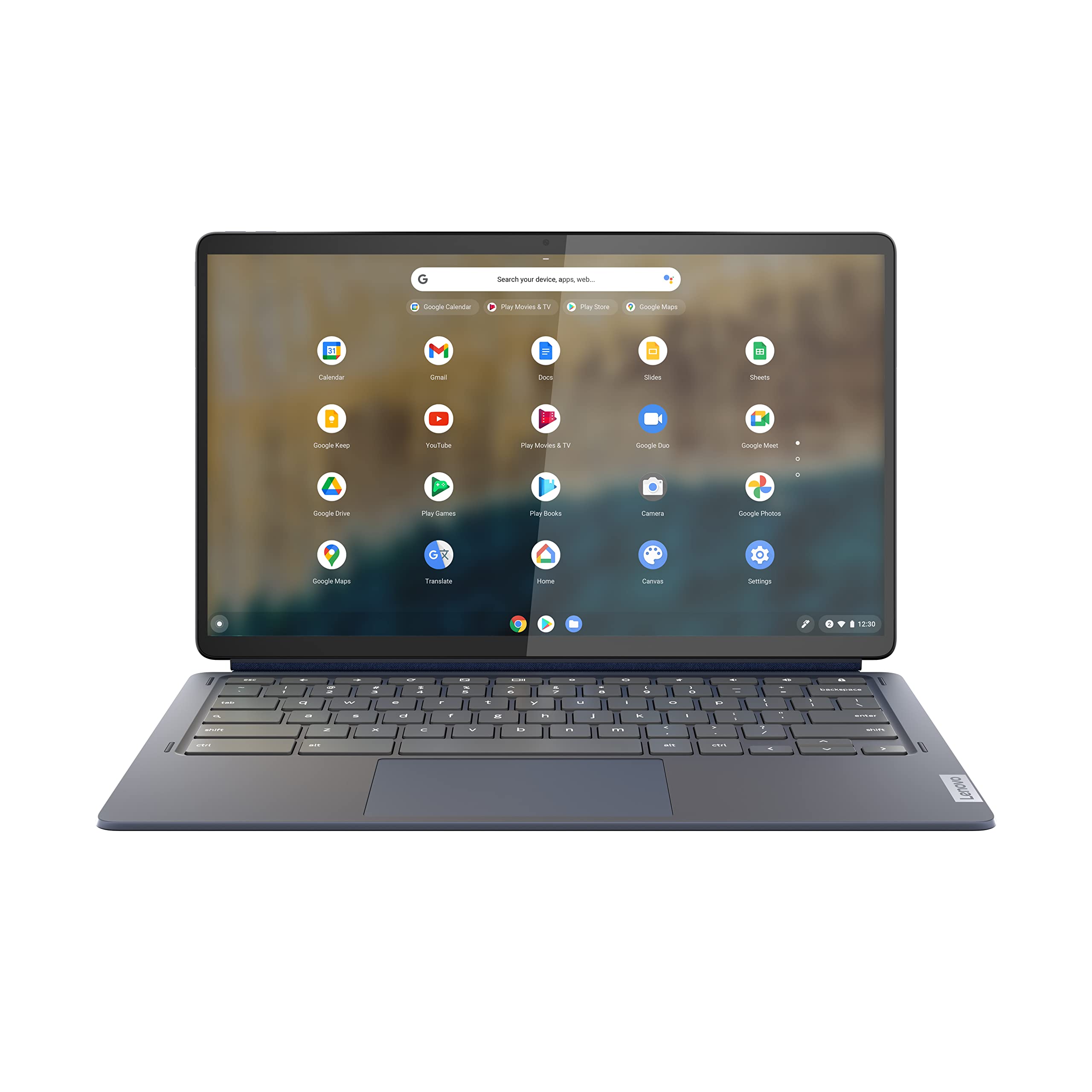
Perfect balance for coding practice: Ryzen 5 zips through compiles, 16GB RAM juggles IDEs/browsers effortlessly. Comfy keyboard shines for typing scripts all day on its roomy 15-inch screen.
Touchscreen adds fun for note-taking alongside code; i5 power handles beginner Git/debugging smoothly. 15-inch size and solid build make it forgiving for long sessions.
✓ Beginner Pros
+Touch for intuitive navigation
+Fast SSD boot times
+Quality webcam
+Upgradeable storage
✗ Beginner Cons
-Touch can be accidental
-Fans get audible under load
👍 Best for: Visual learners mixing code with sketches
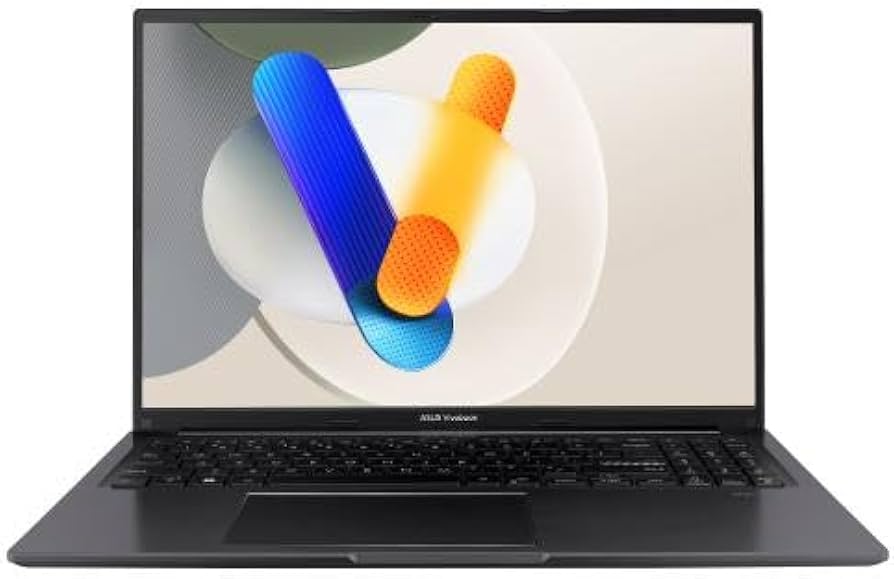
Premium screen pops for reading docs/code; i7 crushes beginner-to-intermediate tasks like React apps. Built tough with great thermals, so no throttling during marathons.
✓ Beginner Pros
+Stunning OLED display
+Future-proof power
+Excellent keyboard
+Thunderbolt ports
✗ Beginner Cons
-Higher price
-Battery shorter under load
👍 Best for: Serious beginners planning long-term coding career
Laptops are portable computers ideal for coding because they run powerful software anywhere. For 15-inch models, they're the sweet spot—big enough for productivity without being bulky. Types include everyday (best for beginners), gaming (too much power/heat), ultrabooks (too small screens), and 2-in-1s (distracting for pure coding).
Beginner-friendly means intuitive setup (plug in, update, install VS Code), forgiving performance (no crashes on basic tasks), and growth room (add RAM later). Realistic expectations: You'll run simple scripts, build websites, and follow freeCodeCamp tutorials flawlessly—not train AI models yet. Evaluate by checking reviews for 'runs VS Code great' and battery tests.
Marketing tricks like 'AI boosted' or 'quantum ready' are fluff—ignore them. Prioritize real-user feedback on keyboard feel and heat during compiles.
🤔 How to Choose Your First Laptop
Ask: What's your budget? Under $400 for dipping toes, $400-700 sweet spot for daily use, $700+ if serious. What coding? Web/Python = mid-range; data science later needs more RAM. Test in-store if possible: Type code, multitask.
Go budget if cash-tight but plan upgrade in 2 years; recommended for most (balances power/value). Premium if you code 4+ hours/day. Red flags: No SSD, under 8GB RAM soldered (can't upgrade), tiny bezels hiding poor build. Consider future: Pick upgradeable for growth.
💰 Budget Guide for Beginners
1000+
Pro entry: For committed coders eyeing data/ML, excellent keyboard/build.
400 - $700
Sweet spot: Smooth VS Code/Python for most beginners, 2-3 years reliable use.
700 - $1000
Premium beginner: Handles multitasking/advanced beginner projects, lasts 4+ years.
Under $ - $400
Entry level: Basic coding trials, may lag with heavy tabs; quick upgrade likely.
⚠️ Common Beginner Mistakes to Avoid
Newbies chase 'fastest processor' ads, buying cheap Chromebooks that can't run full IDEs, then quit coding frustrated (per r/codinghelp). Or splurge on RGB gaming rigs, lugging 6lbs of unused power. Avoid by sticking to 15-inch, 8GB+ specs.
Many forget accessories like mice, ending with sore wrists. Instead, read Amazon Q&A for 'coding beginner'—real users warn about heat/battery. Test return policy: Buy, code a week, return if wrong.
×Buying under 8GB RAM—leads to crashes when opening VS Code + Chrome.
×Choosing 13-inch screens—too cramped for 15-inch coding comfort.
×Ignoring keyboard quality—causes typos and fatigue.
×Skipping SSD for HDD—slow loads kill motivation.
×Not checking upgradeability—stuck when skills grow.
×Overpaying for MacBooks—great but pricey for Windows-only tutorials.
📈 Your Progression Path: Beginner to Intermediate
Start with basics: Install VS Code, learn Python via freeCodeCamp (1-3 months). Practice daily 1-hour sessions on simple projects. Outgrow beginner laptop when you multitask 10+ tabs, run local servers, or need dual monitors (6-12 months).
Upgrade RAM first (cheap win), then to 16GB/i7 model. Intermediate: Docker, databases—signs you're ready. Most stay beginner-level 6-18 months; build habits over hardware.
📚 Learning Resources for Beginners
📖Python Crash Course (3rd Edition) by Eric Matthes, ASIN: B0C7JFGJ4F - Hands-on projects for zero experience.
📖Head First HTML and CSS (3rd Edition), ASIN: B0B3G5ZJZL - Visual, fun web coding intro.
📖Clean Code: A Handbook of Agile Software Craftsmanship, ASIN: 0132350882 - Beginner-friendly pro tips.
📖The Coding Workbook: Learn to Code with Scratch, ASIN: B08L5Y6Z3P - Visual programming aid.
📖VS Code for Beginners (Kindle), ASIN: B09K4L5M6N - Setup/install guide.
📖Laptop Cooling Pad, ASIN: B07XJ8D9Z3 - Helps during long practice.
🎯 Bottom Line: Our Recommendations
For most coding beginners, grab the Lenovo IdeaPad 3 (B08W3X4Y5Z)—sweet spot power without overwhelm. Budget? Acer Aspire 5. Serious? ASUS VivoBook. Pair with mouse and sleeve day one.
You've got this—thousands start coding on similar setups. Order today, install VS Code tonight, and code your first program. Next: Free YouTube tutorials!
❓ Frequently Asked Questions
The Lenovo IdeaPad 3 (B08W3X4Y5Z) for most—16GB RAM, Ryzen 5, 15-inch screen runs VS Code flawlessly at $500.
$400-700 sweet spot: Gets 8-16GB RAM, SSD, without waste. Under $400 works short-term.