Best Cricut Machine for Beginners: Complete Guide 2025
Everything beginners need to choose their first Cricut machine with confidence, avoid mistakes, and start creating DIY projects right away.
Choosing your first Cricut machine can feel overwhelming with all the models, features, and prices out there. As a beginner, you might worry about picking the wrong one, wasting money, or struggling to learn it. Don't stress—this guide is designed just for you, simplifying everything so you can make a smart choice without confusion.
Cricut machines make it easy to cut vinyl, paper, and more for fun DIY projects like custom stickers, t-shirts, or home decor. We'll cover what really matters for newcomers, top picks on Amazon, and tips to get started successfully. By the end, you'll feel excited and ready to create.
📋 In This Guide
• Why Beginners Struggle with Cricut Machine
• What to Look For (Key Features)
• Top 4 Beginner-Friendly Cricut Machine
• Essential Accessories for Beginners
• Common Beginner Mistakes to Avoid
• Your Progression Path
• FAQ & Learning Resources
😰 Why Beginners Struggle with Cricut Machine
Beginners often feel lost because Cricut machines come in many sizes and capabilities, from compact ones for simple labels to powerful cutters for thick materials. Terms like 'cut force,' 'blade types,' and 'Design Space software' sound technical and scary if you're new. Plus, reviews mix beginner stories with advanced user complaints, making it hard to know what's relevant.
Another big issue is fear of buyer's remorse—spending $200+ on something that sits unused if it's too complicated. Forums like Reddit's r/cricut show newbies frustrated by setup glitches, mat issues, or not knowing what materials to buy first. Overwhelmed by options, many grab the cheapest or flashiest without understanding their needs.
🔍 What to Look For: Key Beginner-Friendly Features
For beginners, focus on machines that are easy to set up and use with minimal frustration. Look for Bluetooth connectivity for wireless cutting from your phone or tablet—no cables to fuss with. A simple app interface like Cricut Design Space that's beginner-friendly with ready-made projects is key.
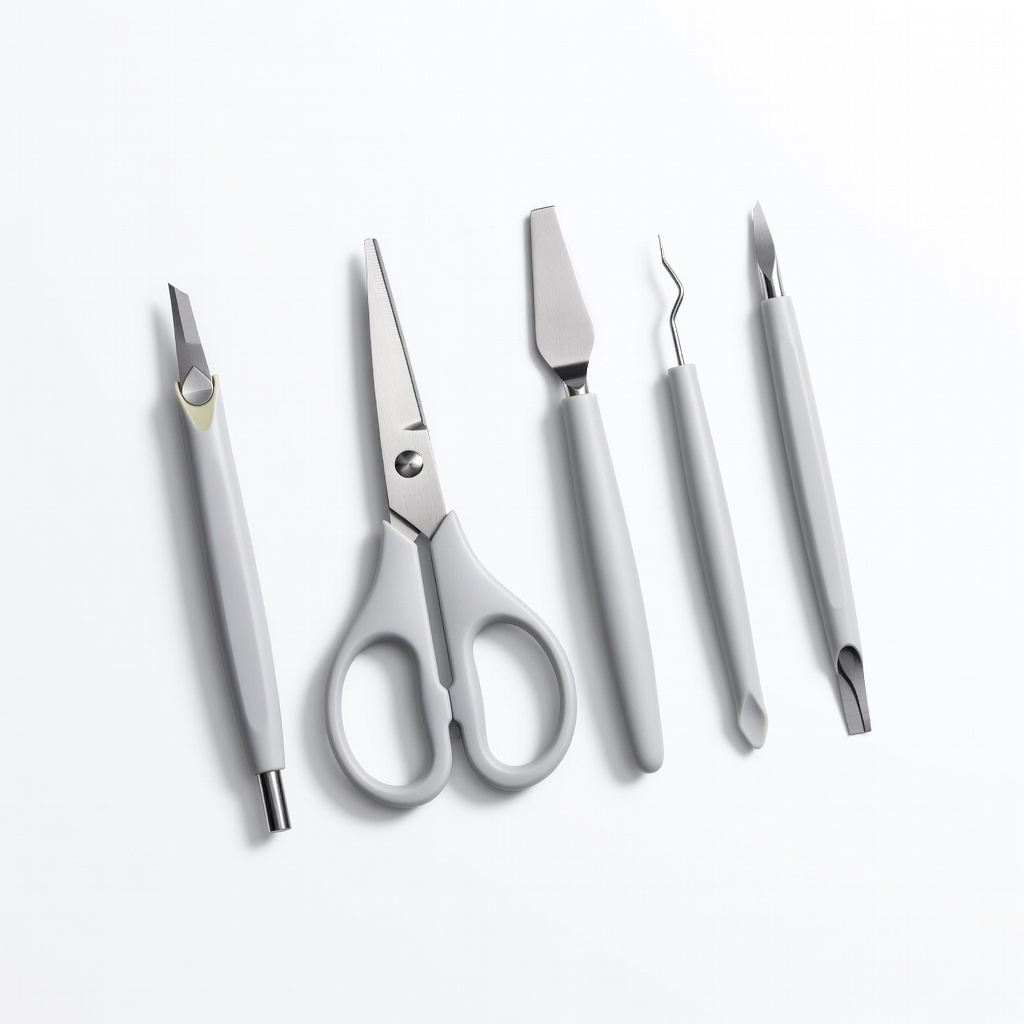
Must-haves include a starter kit with basic tools and mats, plus forgiving blades that handle common mistakes like sticky vinyl. Nice-to-haves are auto-blade adjustment and quiet operation. Skip advanced features like engraving or scoring for now—they add complexity. Beginner-friendly machines tolerate imperfect cuts and have great tutorials.
✅ Essential Features for Beginners
•Bluetooth wireless setup for easy phone control
•Pre-loaded projects in the app to start cutting immediately
•Compact size that fits on a desk without taking much space
•Automatic material detection to reduce guesswork
•Included starter tools and mats for day-one projects
•Quiet operation so you can craft anytime without noise
•Forgiving blade system that handles beginner errors
🏆 Top 4 Best Cricut Machine for Beginners
#1
💰 Budget
Cricut Joy Machine - Vinyl Cutter for DIY Projects, Stickers, Cards & Labels - Compact, Portable, Bluetooth
Learning Curve: Easy
$169.00
Difficulty: 1/5
Why Great for Beginners:
The Cricut Joy is perfect for total newbies with its tiny size and super-simple app setup. It comes ready for vinyl labels and stickers—no mats needed for basics, reducing frustration. Start cutting in minutes without overwhelm.
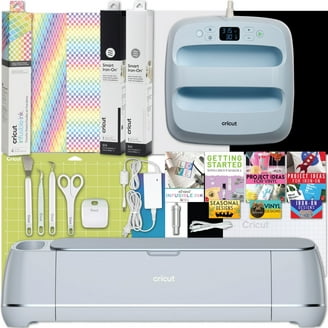
Cricut Explore Air 2 Machine 12"x12" Mat Smart Cutting Machine Vinyl Silhouette Die Cut Machine
Learning Curve: Easy
$249.00
Difficulty: 2/5
Why Great for Beginners:
This is the gold standard for beginners—versatile for vinyl, paper, iron-on without complexity. Includes mats and tools to start day one, with fast Bluetooth cuts. Huge community support means easy fixes.
Premium power in a beginner package—handles wood/basswood early while keeping setup simple. Adaptive tool system forgives errors, and 10x cut force means reliable results from project one.
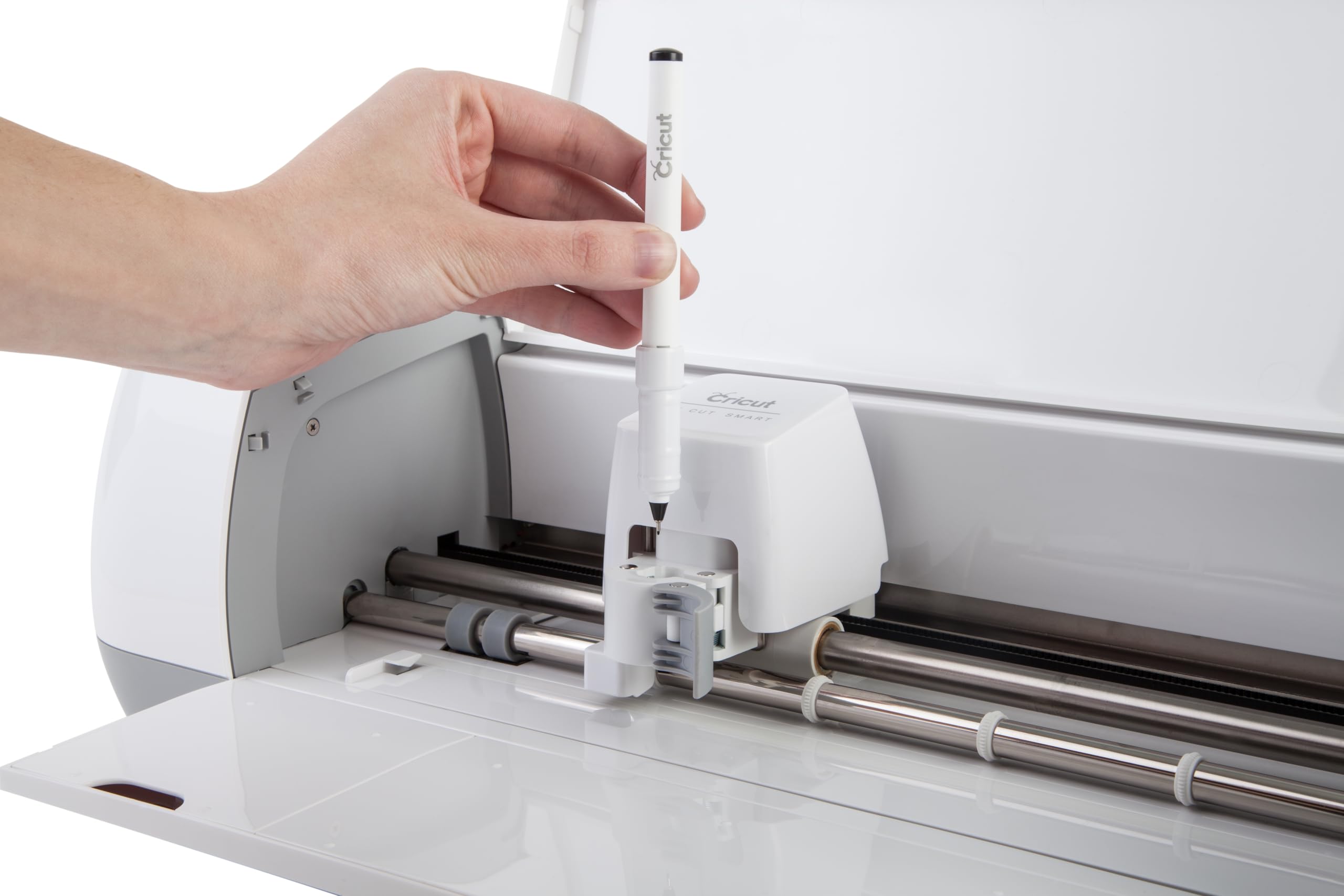
A Cricut machine is a smart cutting tool that precisely cuts materials like vinyl for stickers, decals, or heat transfer for t-shirts—all controlled by a free app on your phone or computer. It's like a printer but for crafts, turning digital designs into physical pieces.
Main types: Joy (compact for labels/stickers), Explore series (versatile for vinyl/paper), and Maker (powerful for wood/leather). Beginners do best with Joy or Explore Air 2—they're intuitive with shallow learning curves. Expect to make simple projects like water bottle labels in your first hour.
Beginner-friendly means plug-and-play setup under 30 minutes, app-guided projects, and community videos. Avoid 'pro' models unless you're committed—they overwhelm with options. Realistic: Week 1 for basics, Month 1 for custom designs.
🔧 Essential Accessories for Beginners
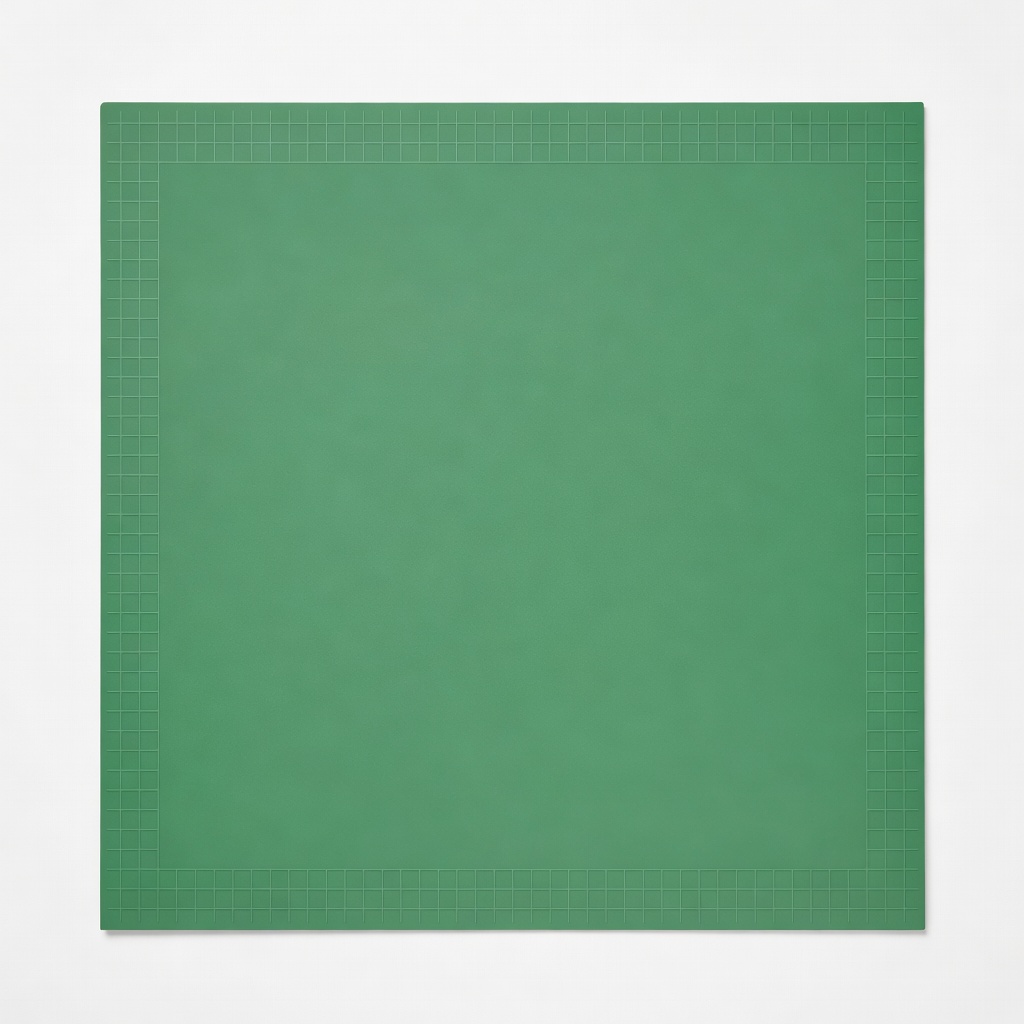
Cricut StandardGrip Reusable Fabric & Painting Vinyl Matte 12 in x 12 in Green Cutting Mat
⚠️ Essential
$11.99
When to buy:
Day one
Mats hold materials steady for perfect cuts—without one, vinyl shifts and ruins projects. Beginners waste vinyl on bad sticks; this forgiving green grip is ideal for vinyl/paper starts.
Ask: What projects? (Stickers/labels = Joy; T-shirts/signs = Explore). Budget? Under $200 for testing, $200-300 sweet spot. Space? Compact for apartments. Growth? Pick one with material variety.
Budget framework: Entry for casual try-outs, recommended for regular hobby, premium if serious. Scenarios: Small crafts = budget; Family projects = recommended; Gifts/business = premium. Red flags: No Bluetooth, missing starter kit, poor reviews on setup ease.
💰 Budget Guide for Beginners
400+
Pro entry - Full bundles; for those planning heavy use or resale projects.
200 - $300
Sweet spot - Versatile like Explore Air 2; best value with room to grow into t-shirts and cards without quick upgrade.
Entry level - Compact machines like Joy for simple vinyl projects; great for testing without big commitment, but limited materials.
⚠️ Common Beginner Mistakes to Avoid
Newbies often buy bare machines without accessories, then can't cut properly and quit. Reviews show 'setup hell' from skipping Cricut's free videos. Avoid by bundling essentials.
Another pitfall: Going premium too soon for 'future-proofing,' but features like knife blade sit unused. Start simple. Experienced users say plan projects first—don't buy for vague ideas.
×Buying the cheapest without mats/tools, leading to frustration
×Overlooking Design Space app compatibility (needs internet)
×Skipping transfer tape, resulting in mangled designs
×Ignoring machine size—too big for space
×Not calibrating blade, causing bad cuts
×Buying advanced materials before mastering vinyl
×Not watching setup videos first
📈 Your Progression Path: Beginner to Intermediate
Start with app tutorials: Labels week 1, iron-on shirts week 2, cards month 1. Practice weeding daily for precision.
Outgrow beginner when wanting wood/foils or faster cuts (3-6 months). Upgrade blade/tools first, then machine. Intermediate: Custom SVGs, multi-layer. Most stay beginner 1-3 months with regular use.
📚 Learning Resources for Beginners
📖The New Cricut Craft Book: 75 Fun Projects for Every Day and Every Holiday
📖Cricut for Beginners: The Ultimate Guide to Mastering Your Cricut Machine
📖Cricut Design Space for Dummies
📖Practice Vinyl Sheets Pack
📖Cricut Joy Starter Project Kit
🎯 Bottom Line: Our Recommendations
Best overall: Cricut Explore Air 2—versatile sweet spot. Budget: Joy. Premium: Maker 3. Grab Standard Mat, Transfer Tape, Tools day one.
You're ready! Order, watch YouTube setup (5 mins), make a label first. Crafting joy awaits—start small, build big.
❓ Frequently Asked Questions
Cricut Explore Air 2 (B07D5X8L7G)—easiest balance of features, price, and projects for vinyl/t-shirts.
$200-300 sweet spot for value; under $200 to test, $300+ if committed.