Discover the easiest Cricut machines for new crafters, with top picks, accessories, and tips to start cutting vinyl confidently without overwhelm.
Choosing your first Cricut machine feels exciting but scary—like jumping into a world of endless craft possibilities without a map. Beginners often worry about picking the wrong model, wasting money on something too complicated, or getting stuck with projects that don't turn out right. The good news? You don't need to be a pro to make amazing personalized decals, cards, or T-shirts.
This guide cuts through the confusion (pun intended) with simple advice tailored for total newbies. We'll explain what matters, recommend real Amazon machines that are forgiving and fun, and show you how to avoid pitfalls. By the end, you'll know exactly which Cricut to buy and feel ready to create on day one.
📋 In This Guide
• Why Beginners Struggle with Cricut Machine
• What to Look For (Key Features)
• Top 4 Beginner-Friendly Cricut Machine
• Essential Accessories for Beginners
• Common Beginner Mistakes to Avoid
• Your Progression Path
• FAQ & Learning Resources
😰 Why Beginners Struggle with Cricut Machine
New to Cricut? The biggest hurdles are the jargon—like 'SVG files,' 'mats,' and 'blade housing'—that make reviews sound like a foreign language. With models like Joy, Explore, Maker, and bundles everywhere, it's easy to freeze up and fear buying something too basic or overly complex.
Beginners also stress about space (these machines need a desk!), setup time, and whether they'll actually use it after the hype. Forums like Reddit's r/cricut are full of stories: 'I bought cheap and it broke,' or 'Too many features overwhelmed me.' Plus, without guidance, you might skip supplies and end up frustrated on project one.
The fear of 'beginner mistakes' looms large—wasted money on vinyl that won't cut right or a machine gathering dust.
🔍 What to Look For: Key Beginner-Friendly Features
Focus on machines that are plug-and-play simple: Bluetooth to your phone for designs via the free Design Space app—no computer needed. Look for compact size (under 20 inches wide) and starter kits with mats and blades included.
Beginner-friendly traits: Forgiving cuts (auto-adjusts pressure), intuitive app with templates, and cuts basics like vinyl/paper first without advanced tools. Skip 'pro features' like rotary blades until later.
Must-haves: Wireless setup, 12x12 inch or smaller work area, good customer support. Nice-to-haves: Material bundles. Avoid: Huge machines or ones without app integration.
✅ Essential Features for Beginners
•Bluetooth connectivity for phone/tablet design
•User-friendly Design Space app with beginner templates
•Automatic material detection to prevent bad cuts
•Compact and lightweight for small spaces
•Included starter tools (blade, mat) for day-one projects
•Cuts 50+ basic materials like vinyl and cardstock
•Quick setup under 30 minutes
•Built-in tutorials and project ideas
🏆 Top 4 Best Cricut Machine for Beginners
#1
💰 Budget
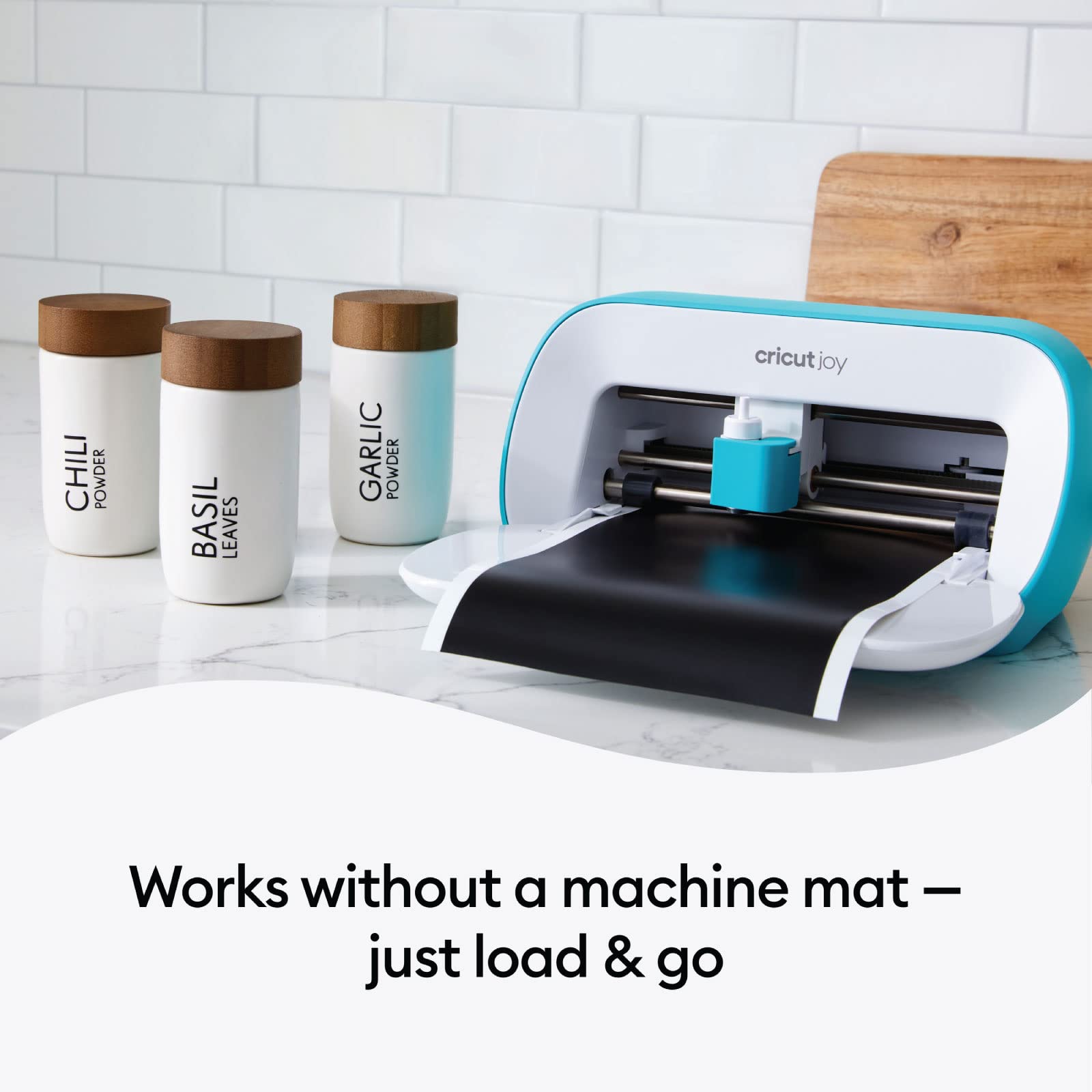
Cricut Joy Smart Cutting Machine - Mint
Learning Curve: Easy
$169.99
Difficulty: 1/5
Why Great for Beginners:
Perfect first machine: super compact and app-only design means no overwhelm. Cuts vinyl/paper effortlessly for labels and cards. Sets up in minutes with included tools.
Sweet spot for most: Handles vinyl, iron-on perfectly with auto-smart features. Huge app library guides you step-by-step. Forgiving for messy first tries.
Proven beginner favorite: Wireless, reliable vinyl cuts with tons of bundles. App makes design foolproof. Excellent for growing skills without upgrade soon.
A Cricut machine is like a smart printer for crafts—it precisely cuts vinyl, paper, iron-on, and more to make stickers, shirts, or decor. You design on the app, load material on a sticky mat, and let it cut—no scissors skills needed.
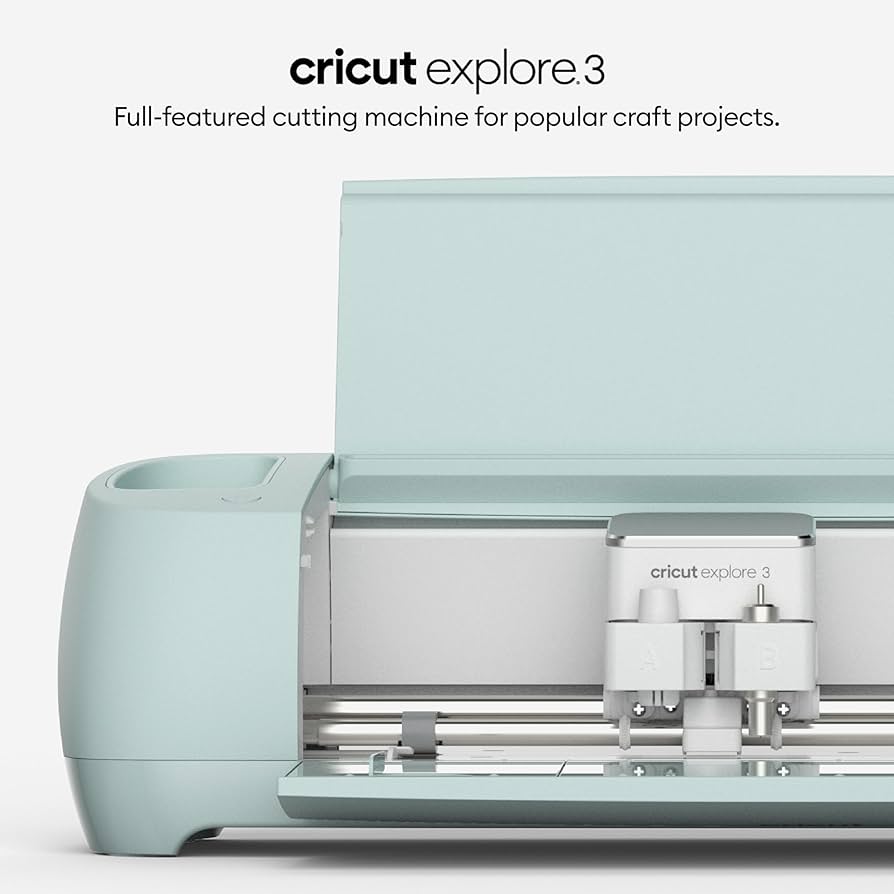
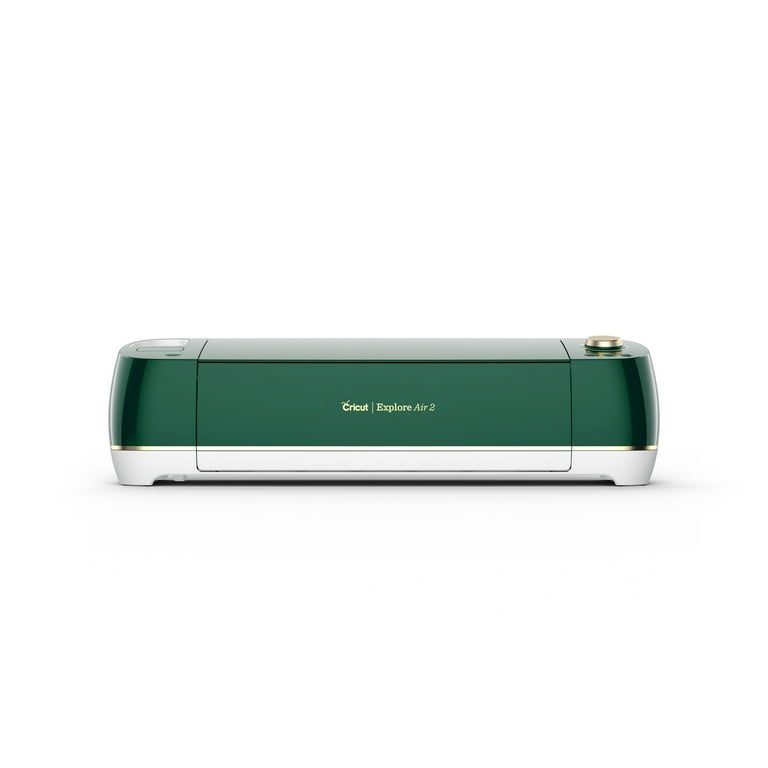
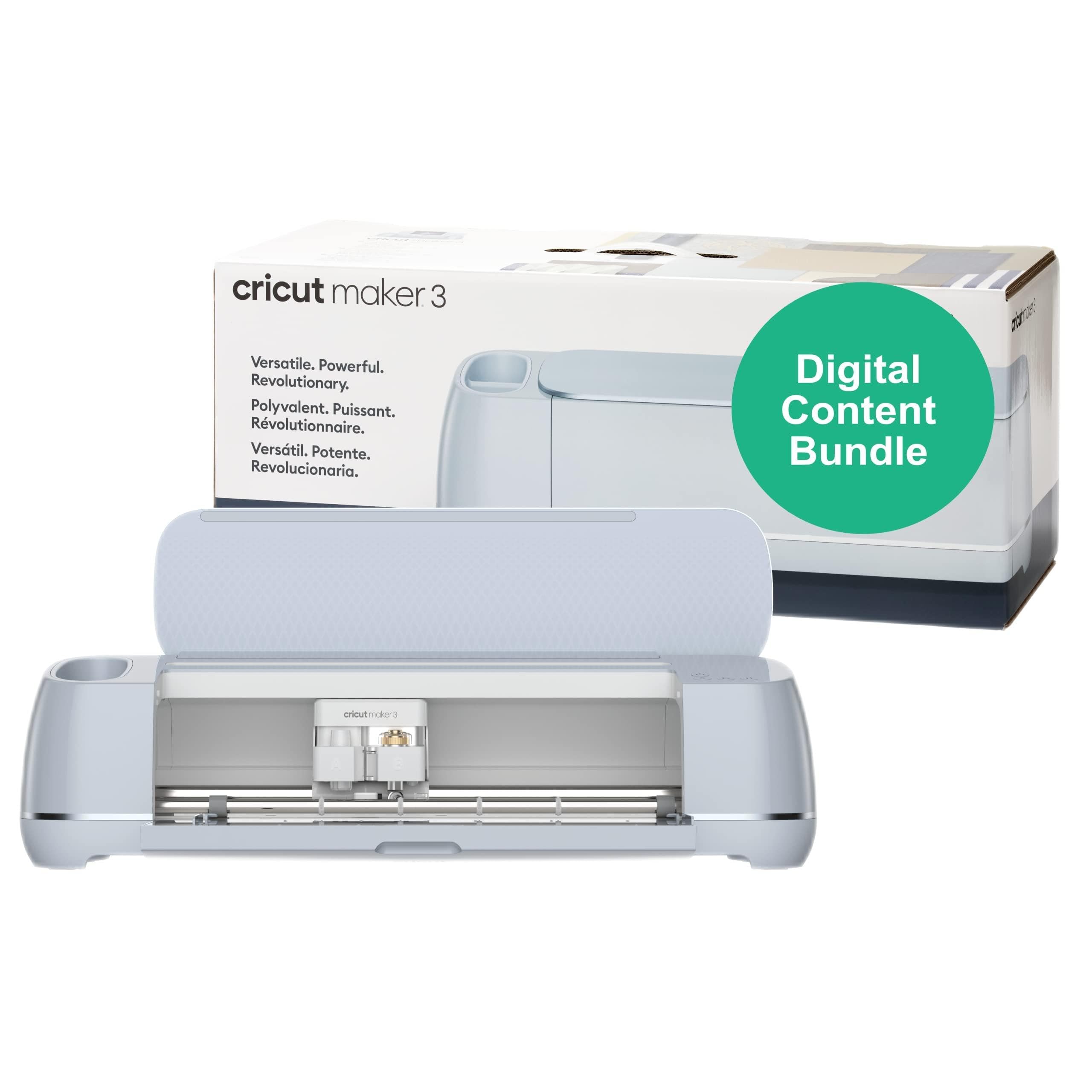
Types for beginners: Cricut Joy (portable, great for labels/cards, smallest learning curve); Explore series (versatile vinyl king, handles bigger projects); Maker series (premium, cuts wood/fabric too). Joy is best for apartment dwellers; Explore for most home crafters.
Beginner-friendly means app-driven (drag-drop designs), error-proof (senses mat issues), and realistic output—perfect mugs on week one, not pro-level yet. Marketing like 'cuts 300 materials' sounds cool but ignore; start with vinyl basics. Evaluate by unboxing videos and 'easy setup' reviews.
🔧 Essential Accessories for Beginners
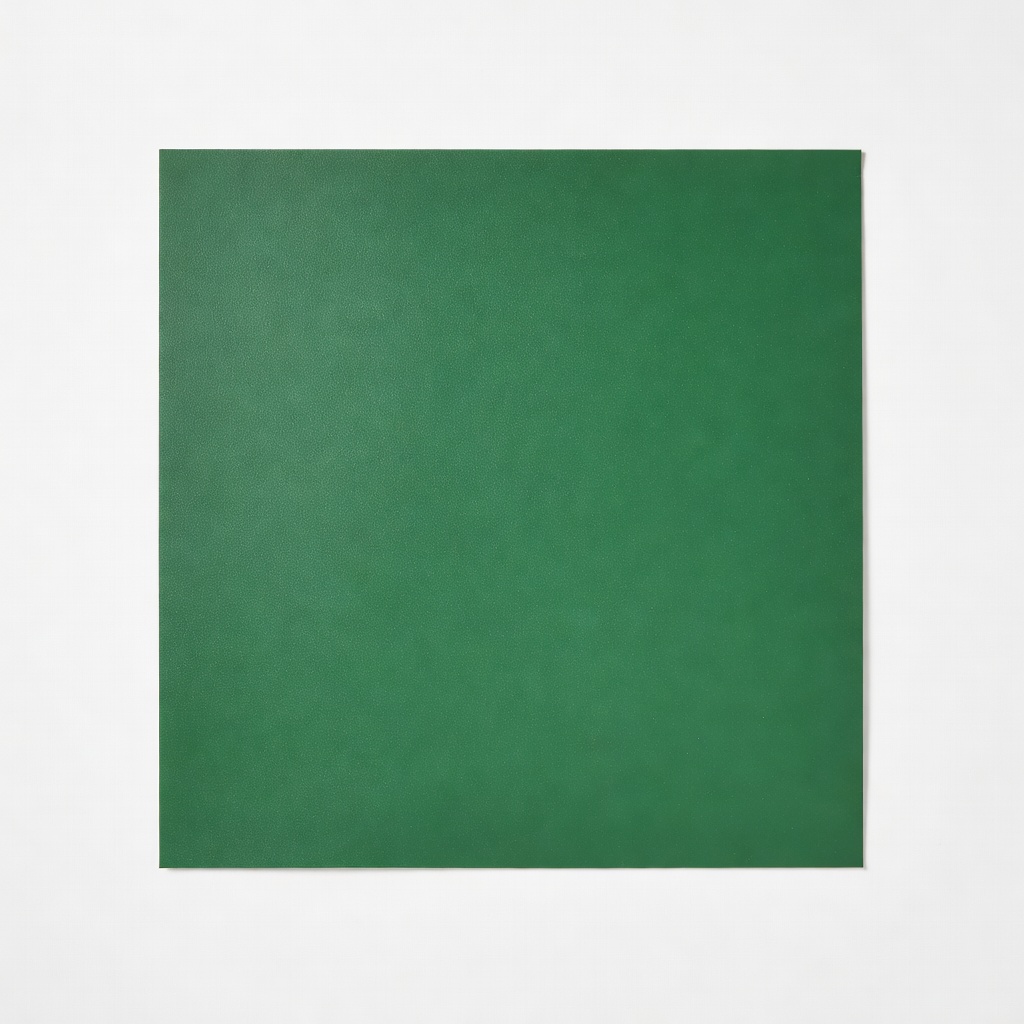
Cricut StandardGrip Mat 12x12 Green
⚠️ Essential
$24.99
When to buy:
Day one
Holds vinyl/paper securely—no slipping messes. Beginners ruin projects without it. Reusable 20+ times.
Ask: What's your space? (Small desk = Joy). Projects? (Stickers/labels = budget; shirts/signs = mid-range). Budget? (Under $200 try; $250 sweet spot). Time to learn? Pick app-focused.
Decision tree: Tiny projects only → Joy. Everyday vinyl/T-shirts → Explore. Ambitious (leather/wood) → Maker. Plan for growth: All scale via tool add-ons.
Red flags: No Bluetooth, huge size, missing app. Go budget if testing; recommended for commitment; premium if budget allows (lasts years).
💰 Budget Guide for Beginners
200 - $300
Sweet spot - Explore series; best value, versatile vinyl cutting, room to grow without quick upgrade.
300 - $400
Premium beginner - Maker; pro-level cuts on basics, forgiving for newbies, future-proofs skills.
Under $ - $200
Entry level - Portable Joy for small projects; test waters without big spend, but limited size/materials.
⚠️ Common Beginner Mistakes to Avoid
Why they happen: Shiny bundles tempt, but beginners grab 'deals' without reading needs. Result: Broken mats or unusable cuts.
Avoid: Stick to official Cricut Amazon sellers. Buy mat+tape+vinyl bundle first. Watch 5-min YouTube unbox. Example: Forum newbie bought $50 clone, returned after week one.
Instead: Start simple—Joy + essentials. Experienced say: 'Mats are 80% of success.'
×Buying the cheapest non-Cricut clone—poor cuts frustrate