
Best Wireless Printers Home Office 2025 (Under $150)
Compare top wireless all-in-one printers under $150 for home office use and pick the perfect one for your printing, scanning, and copying needs.
Our Top Pick
Brother MFC-J1010DW Wireless All-in-One Inkjet Printer
Best OverallRemote workers needing speed and savings in tight spaces.
View on Amazon →Key Factors to Consider
- 1.Print Speed (ppm): Matters for home office efficiency; 10+ ppm ideal.
- 2.Ink Costs/Yield: Cartridges vs supertank; aim for 200+ pages/black.
- 3.Connectivity: Wi-Fi, Bluetooth, AirPrint, mobile apps for seamless phone/laptop use.
- 4.Functions: All-in-one (print/scan/copy) essential; fax bonus.
- 5.Paper Capacity/Tray: 100+ sheets to avoid reloads.
- 6.Print Quality/Resolution: 4800x1200 dpi for sharp docs/photos.
- 7.Setup & App: Easy Wi-Fi wizard, reliable apps beat wired hassles.
- 8.Size & Noise: Compact for desk, quiet operation.
- 9.Reliability: 4+ star reviews, low jam rates.
- 10.Cost-per-Page: Under 5¢ black for long-term savings.
The Products
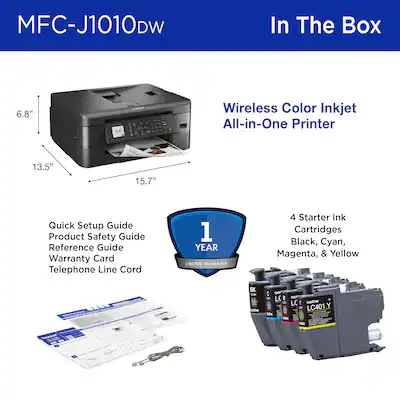
Brother MFC-J1010DW Wireless All-in-One Inkjet Printer
✓ Pros
- •Ultra-low ink costs (1¢ black)
- •Fast 17ppm with duplex
- •Compact (15x14in)
- •Brother iPrint&Scan app excels
- •150-sheet tray reduces reloads
- •Quiet operation
✗ Cons
- •No fax
- •Color quality good but not photo-grade
- •Initial cartridges low-yield
- •App setup can glitch on iOS
Best For:
Remote workers needing speed and savings in tight spaces.
Not Recommended For:
Heavy photo printers or fax users.
Key Features:
Standout Feature:
INKvestment Tank for 1¢/page—cheapest long-term.
VS Others:
Beats HP DeskJets on speed/duplex/ink costs; Epson better for photos but slower. Pick over Canon for capacity/reliability.
Why This One:
Top balance of features under $150—saves $100s on ink yearly. Most versatile for home office docs.
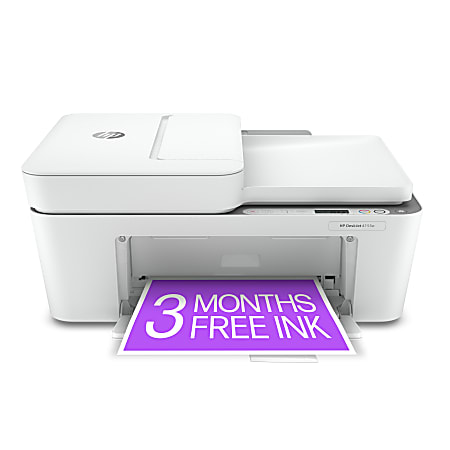
HP DeskJet 4155e All-in-One Wireless Color Printer
✓ Pros
- •Dirt cheap
- •HP+ app with security
- •AirPrint seamless
- •Compact and lightweight
- •Instant Ink saves 50%
- •Easy setup <5min
✗ Cons
- •Slow speeds
- •Tiny 60-sheet tray
- •High ink costs without sub
- •No duplex
- •Basic scan quality
Best For:
Budget beginners with low-volume needs.
Not Recommended For:
High-volume or duplex users.
Key Features:
Standout Feature:
HP Instant Ink subscription—ink auto-delivered.
VS Others:
Cheaper/faster setup than Canon TS; slower than Brother but half price. Ideal starter vs pricier Ep sons.
Why This One:
Unbeatable entry price for wireless all-in-one—perfect if printing <50pg/mo.
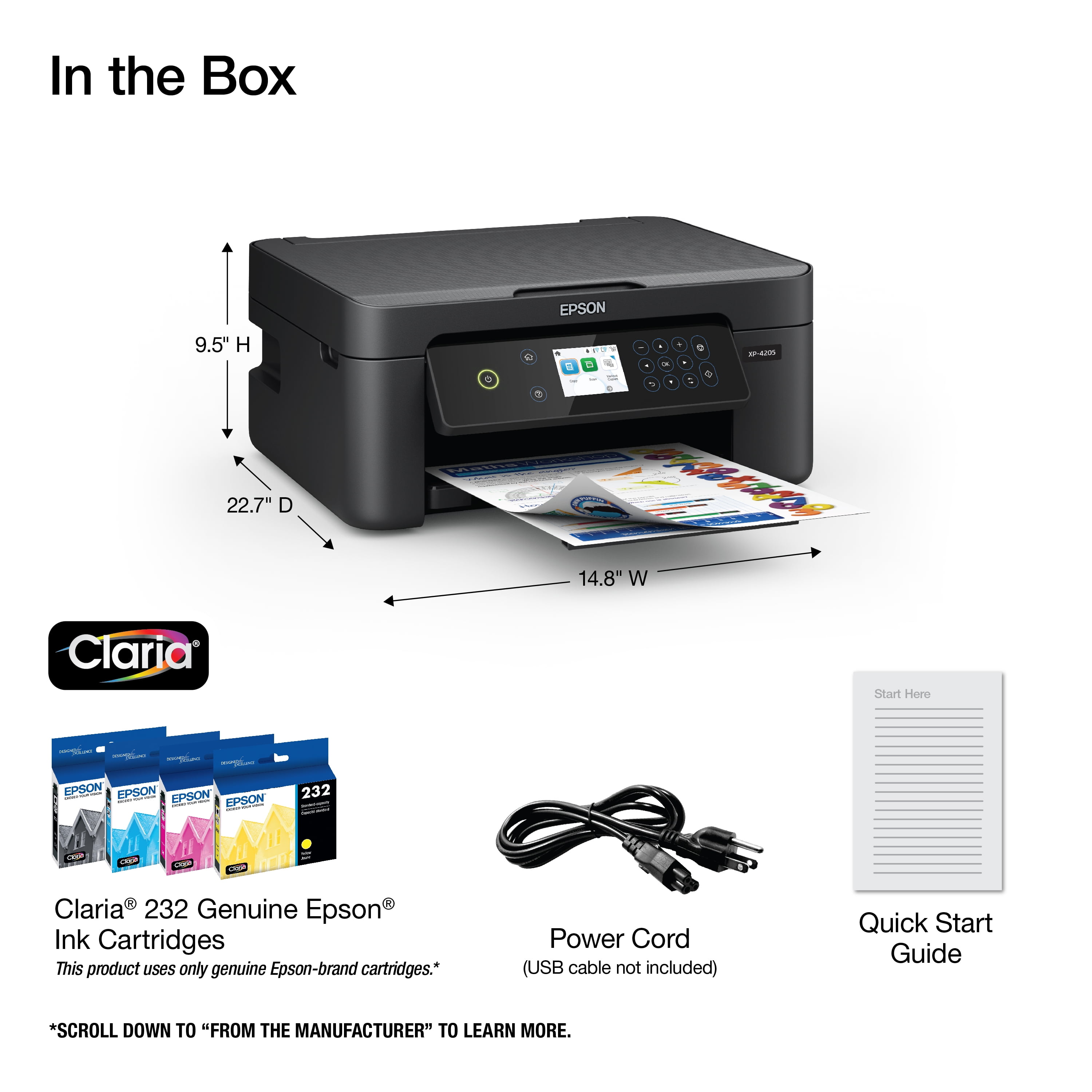
Epson Expression Home XP-4205 Wireless Color Printer
✓ Pros
- •Excellent color accuracy
- •Voice-activated print
- •Borderless 4x6
- •Compact design
- •Epson app intuitive
- •Low noise
✗ Cons
- •No duplex
- •Small tray
- •Ink pricey long-term
- •Slower black
- •ADF missing
Best For:
Photo-friendly home offices with smart home integration.
Not Recommended For:
High-volume document printing.
Key Features:
Standout Feature:
Voice printing via Alexa—hands-free home office win.
VS Others:
Better photos than HP/Canon; Brother faster for text. Choose for color over speed demons.
Why This One:
Smart features elevate basic printing—great if Alexa user.
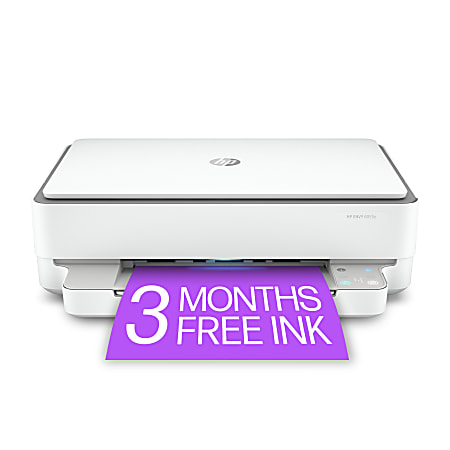
HP ENVY 6055e All-in-One Wireless Printer
✓ Pros
- •4800x1200 dpi sharp
- •Self-healing Wi-Fi
- •100-sheet tray
- •Instant Ink ready
- •Duplex manual
- •Sleek design
✗ Cons
- •No auto duplex
- •Ink costs add up
- •Scan lid flimsy
- •App-heavy
Best For:
Color-rich home offices like design work.
Not Recommended For:
Black-only heavy users.
Key Features:
Standout Feature:
4800dpi for pro-level home photos.
VS Others:
Sharper colors than Brother/Epson budget; pricier than DeskJet but worth for quality. Vs Canon: better app.
Why This One:
Premium color in budget range—step up from basics.
Canon PIXMA TS3522 Wireless All-in-One Printer
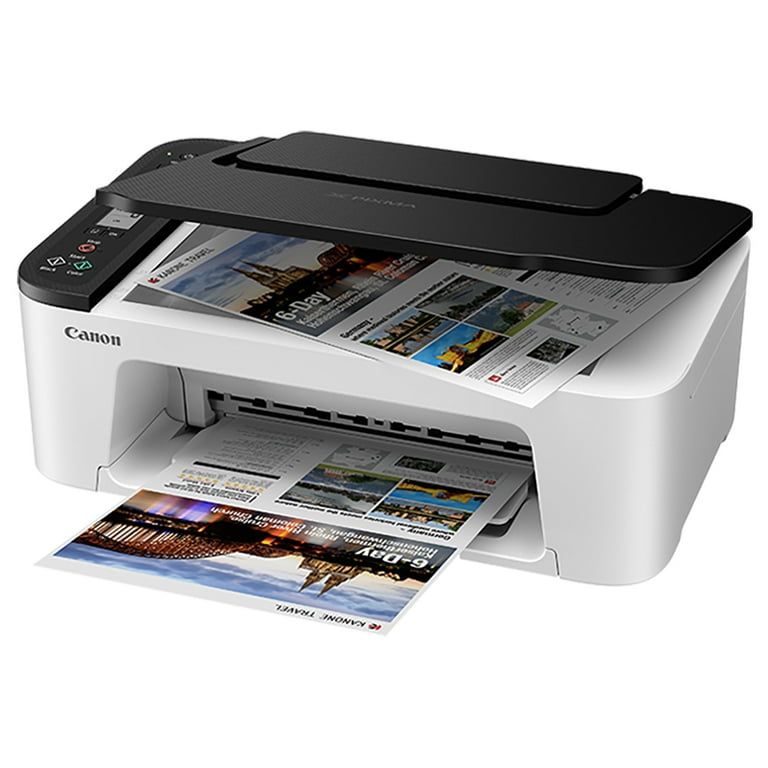
✓ Pros
- •Rock-bottom price
- •Easy button setup
- •Compact
- •Decent docs
- •AirPrint
- •Low ink upfront
✗ Cons
- •Very slow
- •No duplex/tray big
- •Ink dies fast
- •App basic
- •No ADF
Best For:
Ultra-light, occasional use.
Not Recommended For:
Anything beyond basics.
Key Features:
Standout Feature:
Sub-$50 wireless all-in-one rarity.
VS Others:
Cheaper than HPs but slower/weaker; skip for volume vs Brother.
Why This One:
If wallet screams 'minimal', this works.
Canon PIXMA MG3620 Wireless Printer
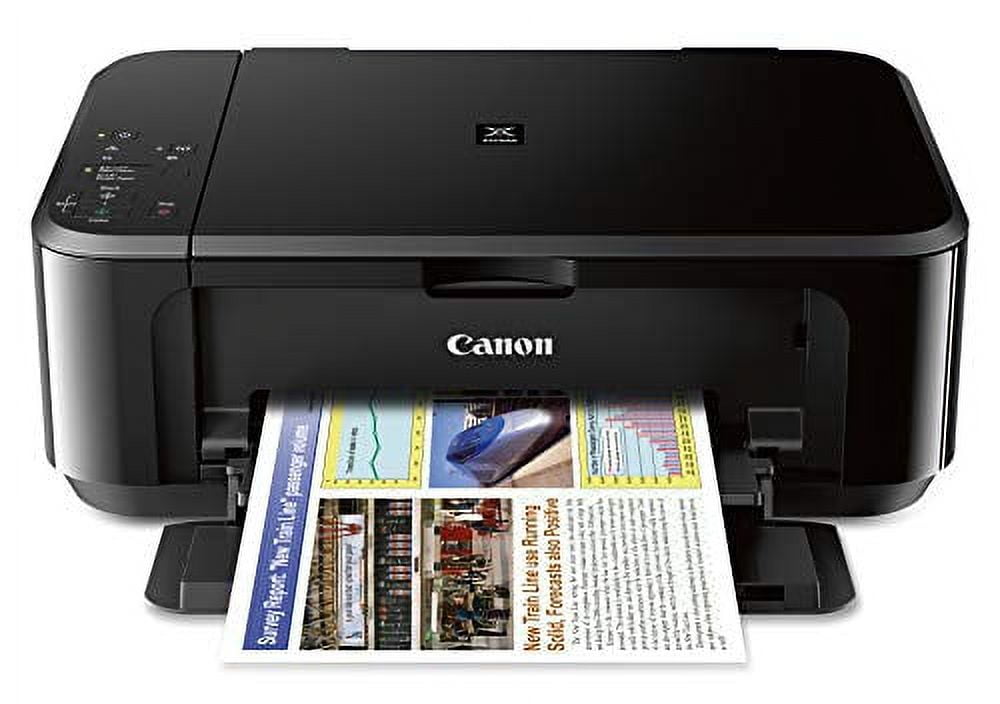
✓ Pros
- •Sharp hybrid ink
- •100-sheet
- •Quiet
- •Easy Wi-Fi
- •Borderless
- •Long-reviewed
✗ Cons
- •Ink expensive
- •No duplex
- •Bulky lid
- •Slow color
Best For:
Reliable basic color prints.
Not Recommended For:
Speed demons or high volume.
Key Features:
Standout Feature:
Hybrid ink blend for crisp text/photos.
VS Others:
Better tray than TS3522; lags Brother speed. Good Canon alt to HPs.
Why This One:
Trusted Canon quality if brand loyal.
HP DeskJet 4255e All-in-One Printer
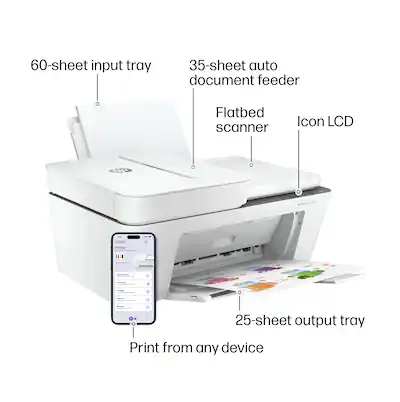
✓ Pros
- •100-sheet tray
- •Manual duplex
- •HP Smart
- •Compact
- •Ink sub
- •Reliable
✗ Cons
- •Still slow
- •No auto duplex
- •Color average
- •App dependent
Best For:
Mid-budget with tray needs.
Not Recommended For:
Photo pros.
Key Features:
Standout Feature:
Customizable print shortcuts.
VS Others:
More capacity than 4155e; slower than Brother. Niche vs ENVY color.
Why This One:
If 4155e too small, this bridges gap.
Who Should Get What?
College Student on a Budget
Printing essays, notes, and occasional photos; shares with roommates; minimal space on dorm desk; first printer ever.
Recommended:
HP DeskJet 4155e All-in-One Printer
Affordable at $70, simple setup via app, reliable for low-volume prints without high ink costs eating into ramen budget. Wireless AirPrint perfect for phone-to-printer from class notes.
View on Amazon →Busy Remote Worker
Prints 200 pages/month: reports, labels, scans receipts; works from home office; needs speed and duplex.
Recommended:
Brother MFC-J1010DW
Compact all-in-one with 17ppm speed, auto duplex, low 1¢/page costs—saves time/money vs slower HPs. Rock-solid Wi-Fi reliability for daily WFH grind.
View on Amazon →First-Time Home Office Buyer
New remote setup; no tech experience; wants easy wireless from laptop/phone; light use 50 pages/week.
Recommended:
Epson Expression Home XP-4205
Intuitive setup in minutes, voice-activated Alexa support, borderless photos stand out. Forgiving for beginners vs finicky Canons.
View on Amazon →Creative Freelancer
Design proofs, client photos, high-color needs; Mac/iPhone heavy; desk space limited; 100 pages/month.
Recommended:
HP ENVY 6055e All-in-One Printer
Superior 4800dpi color quality for creatives, self-healing Wi-Fi, HP Smart app excels on Apple devices. Better vibrancy than Brothers.
View on Amazon →Minimalist Budget User
Seniors or light users: occasional recipes, meds lists; very low volume; simplest/cheapest reliable option.
Recommended:
Canon PIXMA TS3522
Ultra-cheap, compact, easy button setup—no app fuss. Sufficient for rare use without wasting money on extras.
View on Amazon →Tech-Savvy Home Office Enthusiast
Gadgets lover; wants app features, duplex, future-proof ink; prints labels/contracts; Android/Windows mix.
Recommended:
HP DeskJet 4255e All-in-One
Advanced HP+ security/apps, auto duplex rare at price, customizable shortcuts. Tech perks beat basic Canons.
View on Amazon →Buying Guide: How to Choose
Bottom Line
Frequently Asked Questions
Which wireless printer is best for home office under $150?▼
Brother MFC-J1010DW vs HP DeskJet 4155e: Which to buy?▼
What's the best budget wireless printer?▼
Epson XP-4205 vs Canon PIXMA TS3522?▼
Is HP ENVY 6055e worth it over DeskJet?▼
Which has best value under $150?▼
Do I need duplex printing?▼
Best low ink cost printer?▼
Canon vs HP vs Brother for reliability?▼
Which for photos in home office?▼
Need More Help Deciding?
Explore more buying guides to find the perfect product for your needs.
View All Buying Guides