
Is Which Monitors should I buy Worth It? Honest Review (2026)
Compare top monitors for video editing and pick the perfect one for your workflow, budget, and needs.
Our Top Pick
Dell UltraSharp U2723QE
Best OverallProfessional video editors seeking balanced performance and connectivity.
View on Amazon →Key Factors to Consider
- 1.Color Accuracy: Delta E <2 and 99% Adobe RGB/DCI-P3 for true-to-life editing
- 2.Resolution & Size: 4K UHD (3840x2160) at 27-32 inches for detailed timelines
- 3.Panel Type: IPS for wide viewing angles and no color shift
- 4.Connectivity: USB-C with 90W power delivery, HDMI 2.1, DisplayPort for multi-device workflows
- 5.Brightness & HDR: 400+ nits with VESA DisplayHDR 400+ for SDR/HDR editing
- 6.Calibration: Factory-calibrated or hardware support (e.g., uniformity compensation)
- 7.Ergonomics: Adjustable stand, anti-glare coating to reduce eye strain during long sessions
- 8.Refresh Rate: 60Hz minimum; 144Hz if motion-heavy editing
- 9.Price-to-Performance: Balance pro features without premium markup
- 10.Warranty & Support: 3+ years from trusted brands like Dell, BenQ
The Products
Dell UltraSharp U2723QE
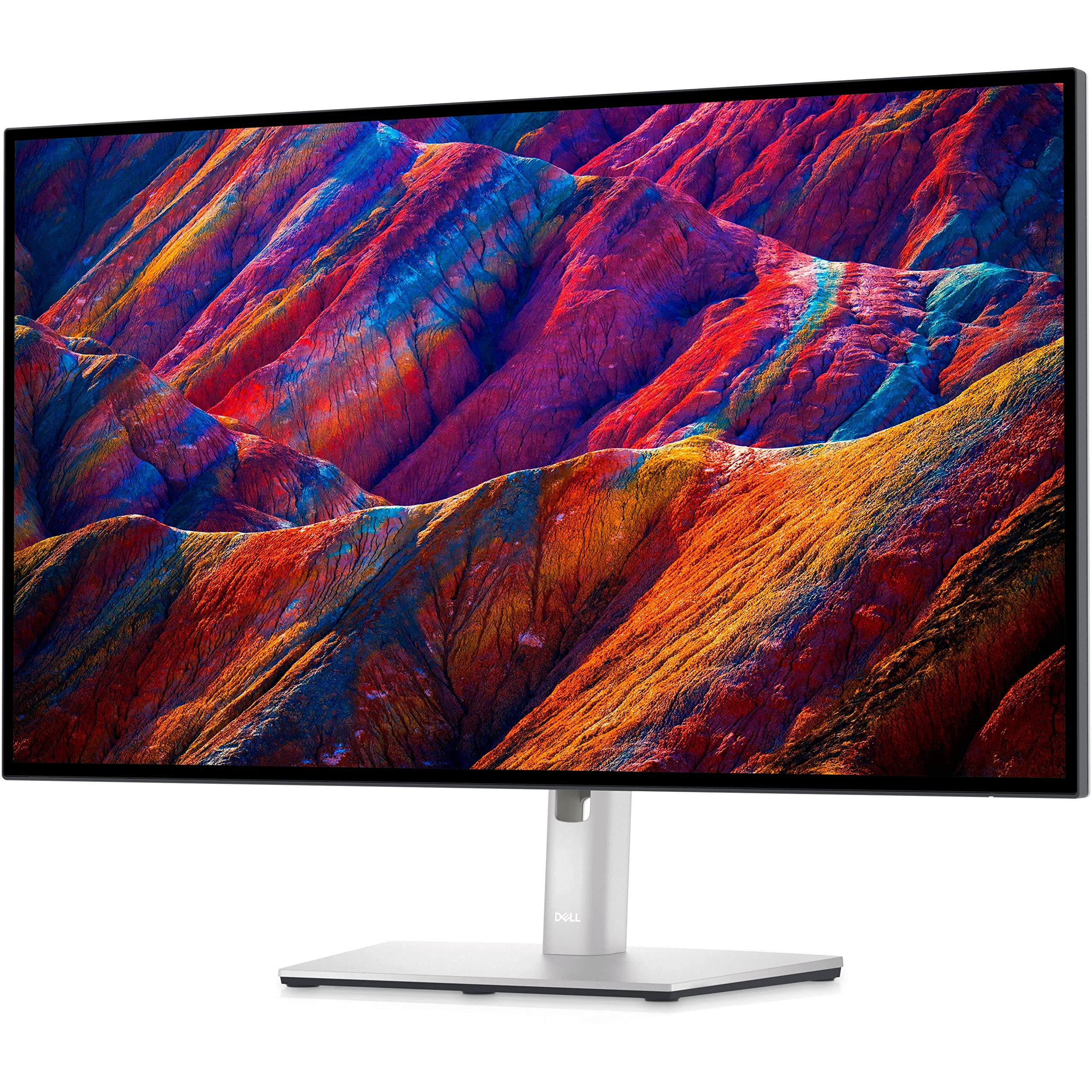
✓ Pros
- •98% DCI-P3 and 100% sRGB for precise color grading
- •90W USB-C hub simplifies cable management
- •KVM switch for multi-PC workflows
- •ComfortView Plus reduces blue light without color shift
- •Excellent build with 3-year warranty
✗ Cons
- •Only 60Hz refresh—not ideal for fast-motion scrubbing
- •No built-in speakers
- •Stand lacks full swivel
- •Brightness peaks at 400 nits (adequate but not HDR standout)
Best For:
Professional video editors seeking balanced performance and connectivity.
Not Recommended For:
Gamers or anyone needing 144Hz refresh rates.
Key Features:
Standout Feature:
Integrated KVM switch for controlling two PCs with one keyboard/mouse.
VS Others:
Beats ASUS PA278CV in color gamut and connectivity but costs more; vs BenQ PD3220U, it's far cheaper with similar accuracy for most users. Pick this over LG 27UL850 for better USB hub.
Why This One:
It's the sweet spot of pro features, accuracy, and price—most editors will love its hub and calibration without premium cost. Factory tuning means plug-and-edit readiness.
ASUS ProArt PA278CV
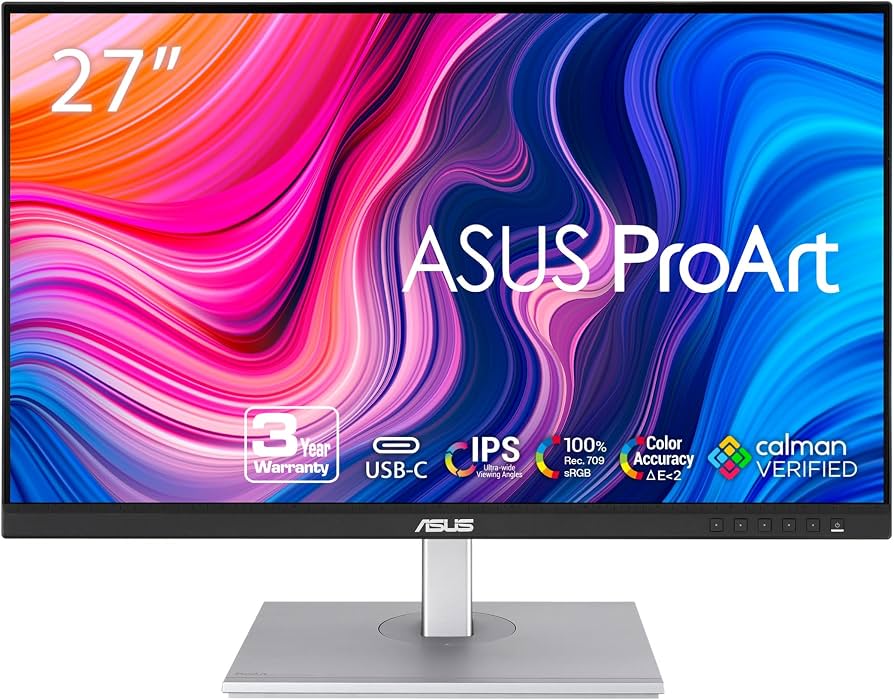
✓ Pros
- •Affordable pro-grade color accuracy
- •100% sRGB/Rec.709 coverage
- •USB-C 65W + hub
- •Fully ergonomic stand (tilt/swivel/pivot/height)
- •Low input lag for responsive editing
✗ Cons
- •QHD not 4K—less pixel density for 4K footage
- •Lower brightness (350 nits)
- •No KVM
- •Limited DCI-P3 (80%) vs pricier rivals
Best For:
Budget-conscious creators starting video editing.
Not Recommended For:
Pros needing 4K or wide gamut for HDR.
Key Features:
Standout Feature:
QuickFit virtual scale for on-screen ruler and grid overlays.
VS Others:
Cheaper than Dell U2723QE with similar ergonomics but sacrifices 4K/resolution; better value than LG 27UL850 for creators. Avoid if you need Dell's hub.
Why This One:
Unbeatable price for calibrated color and USB-C—perfect first pro monitor. Ergonomics shine for long sessions.
LG 27UL850-W

✓ Pros
- •True 4K at mid-price
- •99% sRGB, HDR10
- •USB-C daisy chain
- •AMD FreeSync
- •Slim design for multi-monitor
✗ Cons
- •Weaker DCI-P3 (80%)
- •60W USB-C (less than Dell)
- •No hardware calibration
- •Stand only tilt/height
Best For:
Casual editors wanting 4K without complexity.
Not Recommended For:
Color-critical pros needing Adobe RGB.
Key Features:
Standout Feature:
Daisy-chaining for easy dual-4K setup.
VS Others:
More affordable 4K than Dell but less accurate/gamut; vs ASUS, better res but pricier. Good middle ground.
Why This One:
Reliable 4K entry with HDR—upgrades casual setups effectively.
BenQ PD3220U
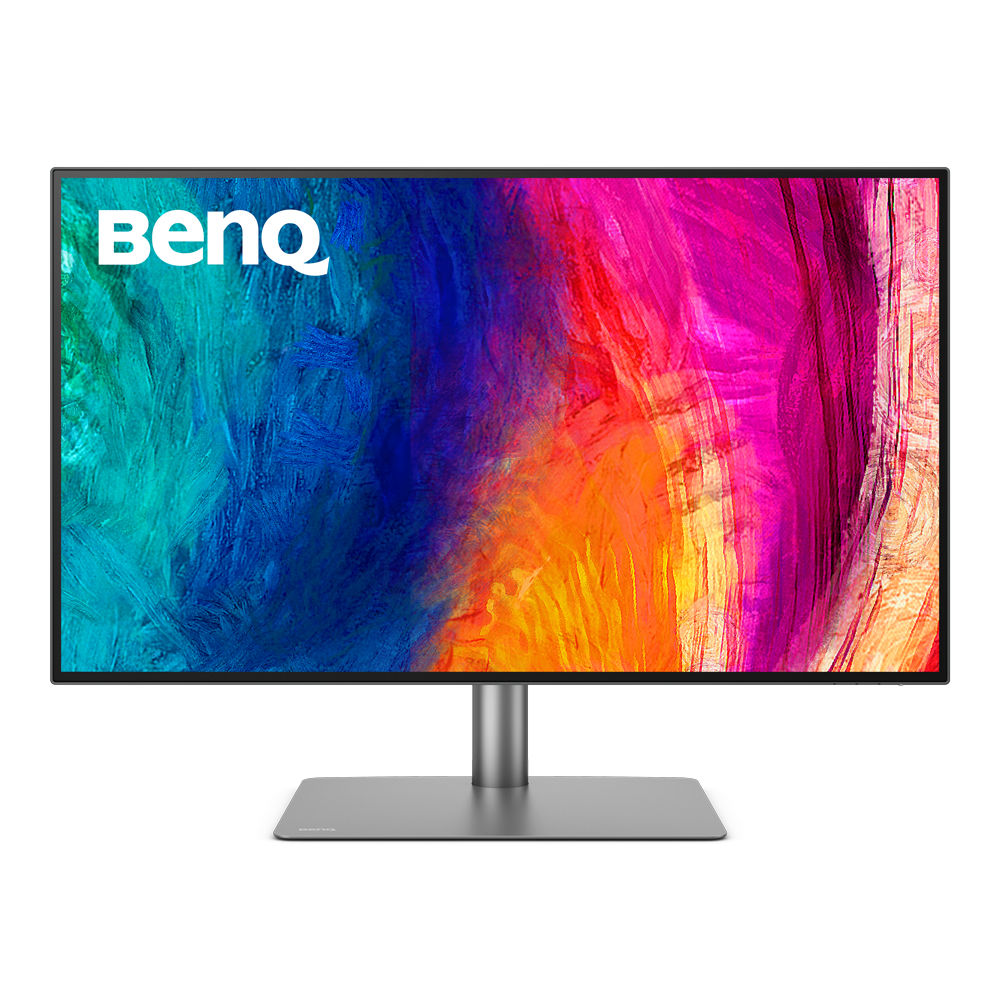
✓ Pros
- •Thunderbolt 3/140W PD
- •Hardware calibrator compatible
- •95% Adobe RGB/P3
- •Motorized stand
- •Picture-in-Picture
✗ Cons
- •Very expensive
- •Heavy/bulky
- •60Hz only
- •Overkill for most
Best For:
Studio pros with unlimited budget.
Not Recommended For:
Anyone under $1000 budget.
Key Features:
Standout Feature:
Hotkey Puck G2 for instant mode switching.
VS Others:
Tops Dell in size/gamut but 5x price; premium alternative to ViewSonic. Only if you need 32-inch pro.
Why This One:
Ultimate accuracy and tools for top-tier work.
ViewSonic VP2785-4K
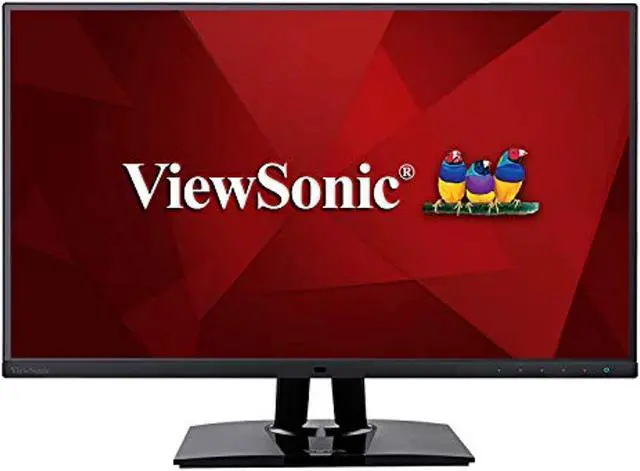
✓ Pros
- •100% Adobe RGB
- •Color uniformity tech
- •USB-C hub
- •Pantone validated
- •Hood included
✗ Cons
- •Lower brightness (350 nits)
- •No Thunderbolt
- •Basic stand
Best For:
Print/video hybrid editors.
Not Recommended For:
HDR-focused users.
Key Features:
Standout Feature:
Integrated color hood.
VS Others:
Better Adobe RGB than LG/Dell at similar price; niche vs ASUS value.
Why This One:
Adobe RGB edge for wide-gamut needs.
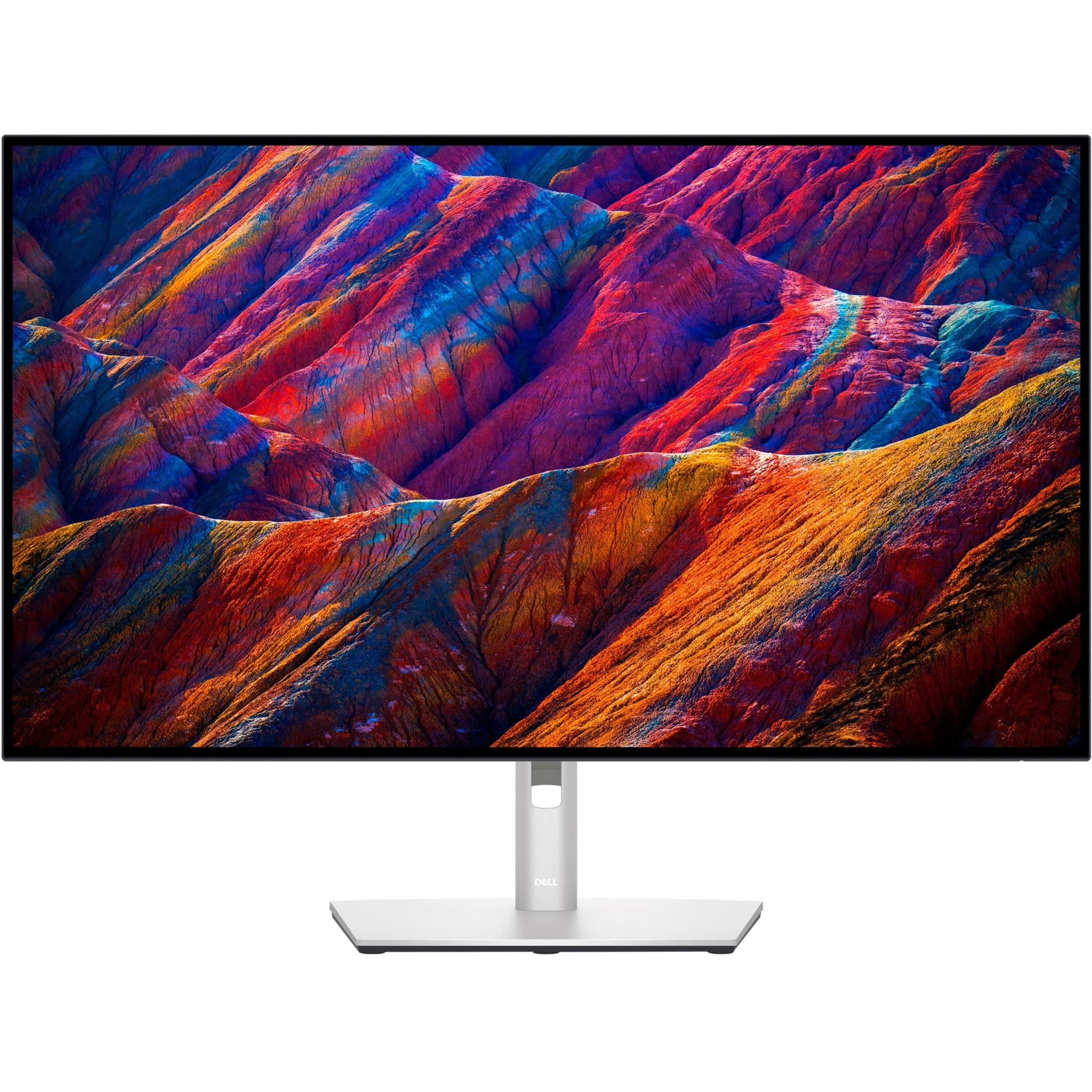
Dell UltraSharp U3223QE
✓ Pros
- •Larger 32-inch 4K
- •Same Dell hub/KVM
- •98% P3
✗ Cons
- •Pricey for size
- •60Hz
Best For:
Editors needing more real estate.
Not Recommended For:
Desk space limited.
Key Features:
Standout Feature:
32-inch with U2723QE features.
VS Others:
Bigger Dell vs BenQ; pricier than U2723QE.
Why This One:
If 27-inch feels small.
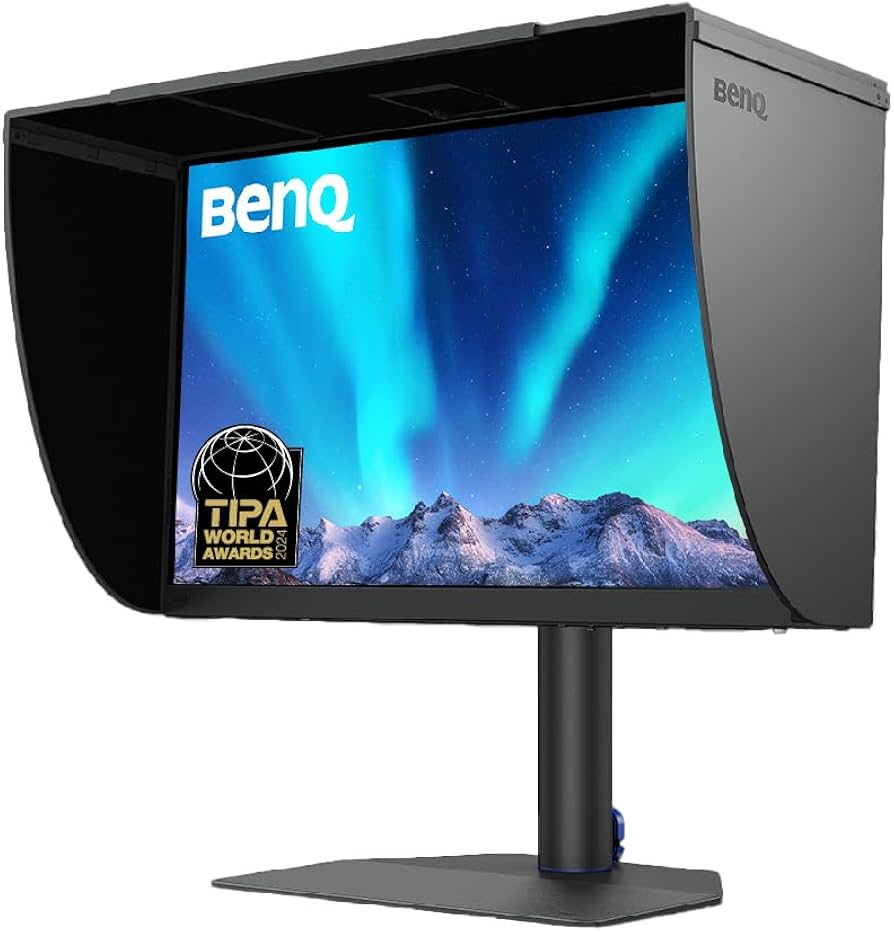
BenQ SW272U
✓ Pros
- •99% Adobe RGB
- •Hardware uniformity
- •Shading hood
✗ Cons
- •No Thunderbolt
- •Mid brightness
Best For:
Photo-video pros.
Not Recommended For:
Budget buyers.
Key Features:
Standout Feature:
Anti-glare shading hood.
VS Others:
Adobe focus vs Dell DCI-P3.
Why This One:
Print-grade accuracy.
Who Should Get What?
College Student on a Budget
You're a film major editing YouTube vids and class projects on a laptop, with $300 max spend. Need good color for Premiere without pro extras.
Recommended:
ASUS ProArt PA278CV
Calibrated sRGB at rock-bottom price fits tight budget and basic editing. USB-C charges your laptop, ergonomics for dorm desk. Skip 4K to save cash—QHD suffices for learning.
View on Amazon →Creative Professional
Freelance editor handling client 4K footage in Resolve, dual-monitor setup, $500 budget. Need hub and accuracy for deadlines.
Recommended:
Dell UltraSharp U2723QE
Top color accuracy, KVM hub, and 4K perfect for pro workflows. Balances price/performance better than pricier BenQ. Clients notice the DCI-P3 precision.
View on Amazon →Casual Home Editor
Hobbyist editing family videos and vlogs part-time, occasional 4K, under $500. Want simple setup.
Recommended:
LG 27UL850-W
Affordable 4K with HDR for fun edits, daisy-chain for second screen. Easier than pro calibrations. Great step-up from laptop screen.
View on Amazon →Studio Tech Enthusiast
Full-time editor with Mac Studio, unlimited budget, need max gamut and calibration for HDR deliverables.
Recommended:
BenQ PD3220U
Thunderbolt, hardware cal, huge gamut for pro HDR. 32-inch suits complex timelines. Worth splurge for studio reliability.
View on Amazon →First-Time Pro Buyer
Switching from consumer monitor to editing, $400 budget, need reliable color without overwhelm.
Recommended:
Dell UltraSharp U2723QE
Factory-ready accuracy and hub ease transition. 4K future-proofs footage. Better than ASUS for res/gamut.
View on Amazon →Adobe RGB Specialist
Photographer-turned-editor needing print-match colors, $700 budget, dual use.
Recommended:
ViewSonic VP2785-4K
100% Adobe RGB with hood beats others for hybrid work. Solid price for specialty. Calibration tools seal it.
View on Amazon →Buying Guide: How to Choose
Bottom Line
Frequently Asked Questions
Which monitor is best for video editing?▼
Which monitor should I buy for video editing on a budget?▼
Dell U2723QE vs ASUS PA278CV: Which is better?▼
Is BenQ PD3220U worth the extra money?▼
LG 27UL850-W vs ViewSonic VP2785-4K?▼
Do I need 4K for video editing?▼
Best value monitor for video editing?▼
Dell U3223QE vs U2723QE?▼
Which has the best color accuracy?▼
USB-C monitor for Mac video editing?▼
Need More Help Deciding?
Explore more buying guides to find the perfect product for your needs.
View All Buying Guides