
Best Mid-Res Gaming GPUs 2026: Which to Buy?
Compare top graphics cards for 1440p gaming, find the perfect balance of performance, value, and budget for gamers.
Our Top Pick
PNY GeForce RTX 4070 Super Verto OC 12GB GDDR6X
Best OverallGamers prioritizing ray tracing and NVIDIA features at 1440p.
View on Amazon →Key Factors to Consider
- 1.Performance at 1440p: FPS in demanding games like Cyberpunk 2077 with RT on
- 2.VRAM: At least 12GB for modern titles and textures
- 3.Upscaling Tech: DLSS/FSR/XeSS for frame boosts without quality loss
- 4.Power Draw (TDP): Matches your PSU (450-850W recommended)
- 5.Ray Tracing: RT cores for realistic lighting/shadows
- 6.Cooling & Noise: Triple-fan designs for quiet, sustained boosts
- 7.Price/Value: FPS per dollar at mid-res
- 8.Drivers & Software: Stability, features like Reflex
- 9.Size/Compatibility: Fits your case, PCIe 4.0 support
- 10.Warranty & Brand: 3-year coverage from trusted makers
The Products
PNY GeForce RTX 4070 Super Verto OC 12GB GDDR6X
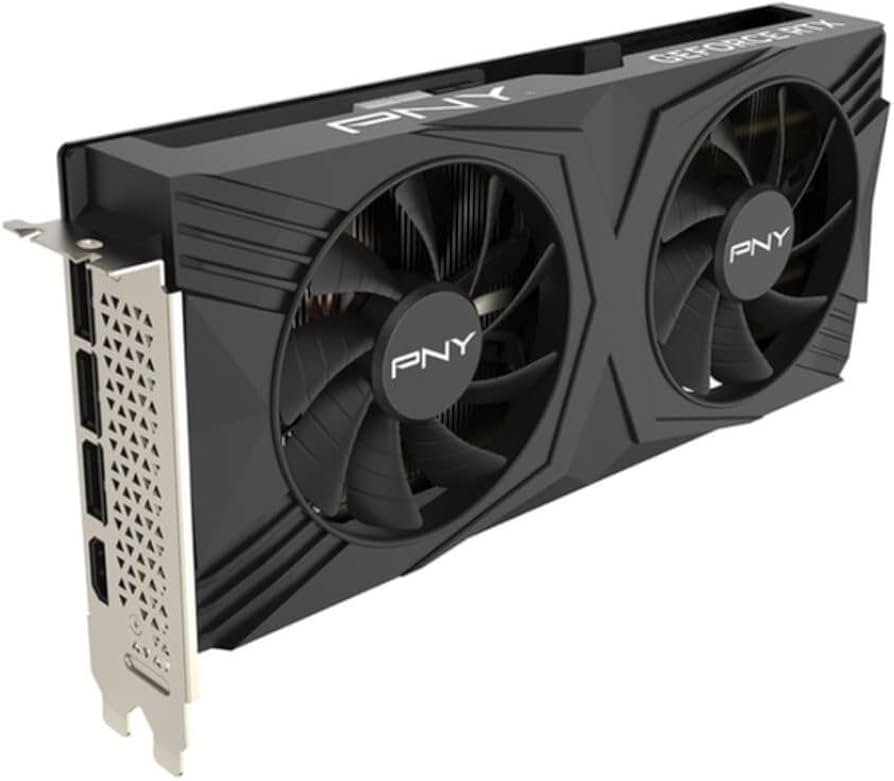
✓ Pros
- •Excellent 1440p RT performance with DLSS 3
- •12GB VRAM handles future games
- •Efficient 220W TDP
- •Quiet cooling
- •Great NVIDIA software suite
✗ Cons
- •Weaker raster than RX 7800 XT
- •DLSS edge over FSR
- •Pricey for AMD alternatives
Best For:
Gamers prioritizing ray tracing and NVIDIA features at 1440p.
Not Recommended For:
Pure rasterization max-FPS chasers on tight budgets.
Key Features:
Standout Feature:
DLSS 3 Frame Generation for 2x FPS uplift in supported games
VS Others:
Beats RTX 4070 by 20% FPS, edges RX 7800 XT in RT but loses in raw raster. Pick over Ti Super if saving $200, over A770 for 2x performance.
Why This One:
Balanced powerhouse for most 1440p gamers. Top value in NVIDIA stack with future-proof AI upscaling. Seriously consider if PSU handles 650W+.
XFX Speedster MERC310 AMD Radeon RX 7800 XT 16GB GDDR6
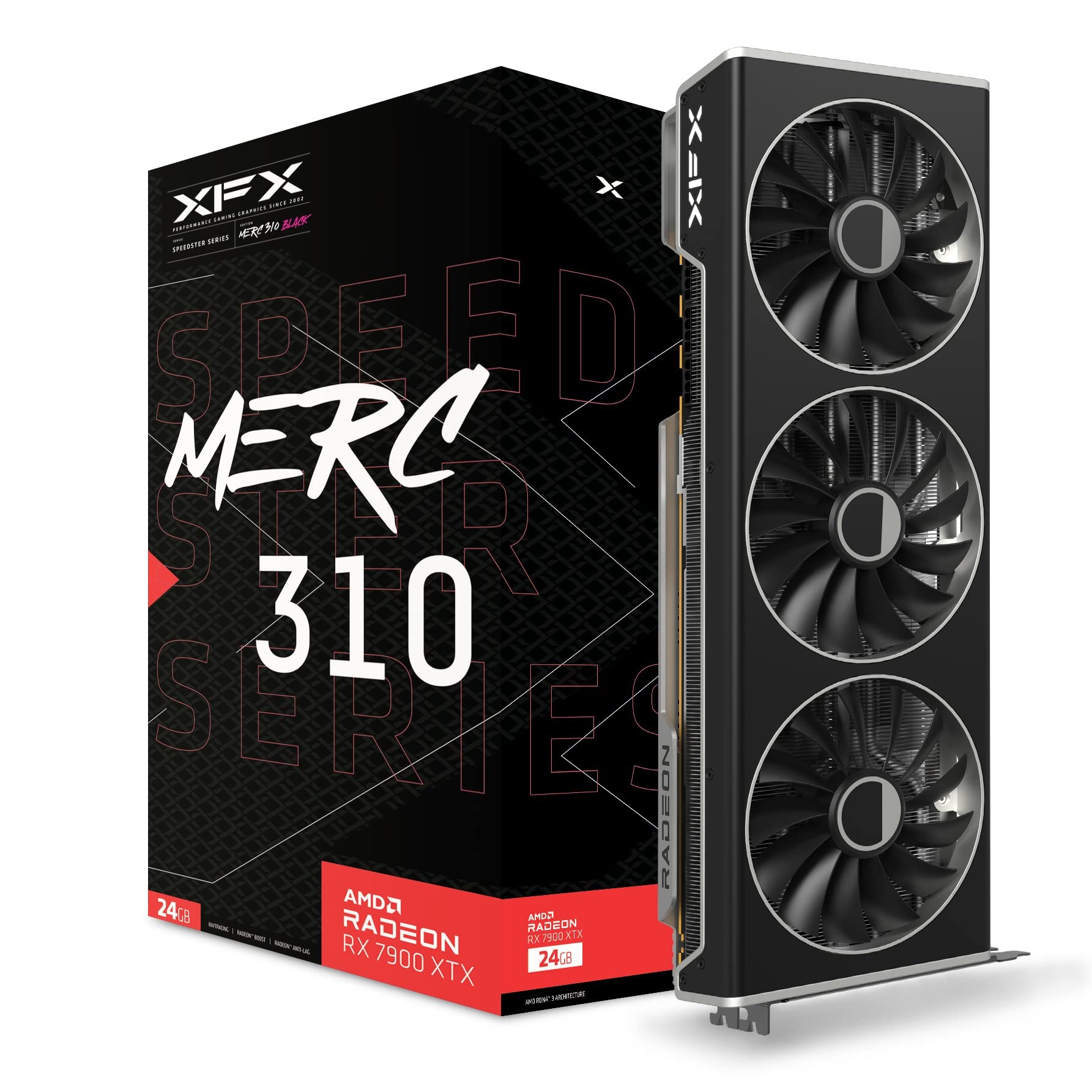
✓ Pros
- •16GB VRAM for 1440p/4K textures
- •Top raster FPS value
- •FSR 3 frame gen
- •Cheaper than 4070 Super
- •Strong in Vulkan/OpenGL
✗ Cons
- •Weaker RT than NVIDIA
- •Hotter driver optimization
- •Larger size (3 slots)
Best For:
Budget gamers wanting max FPS without RT obsession.
Not Recommended For:
Ray tracing heavy titles like Alan Wake 2.
Key Features:
Standout Feature:
16GB VRAM at killer price for texture-heavy games
VS Others:
Faster raster than 4070 Super for $90 less, but lags in RT. Better value than 4070 Ti Super, crushes A770/4060 Ti.
Why This One:
Unbeatable FPS/$ for 1440p. AMD's value king—grab if not needing NVIDIA exclusives.
ASUS TUF Gaming GeForce RTX 4070 Ti SUPER 16GB GDDR6X
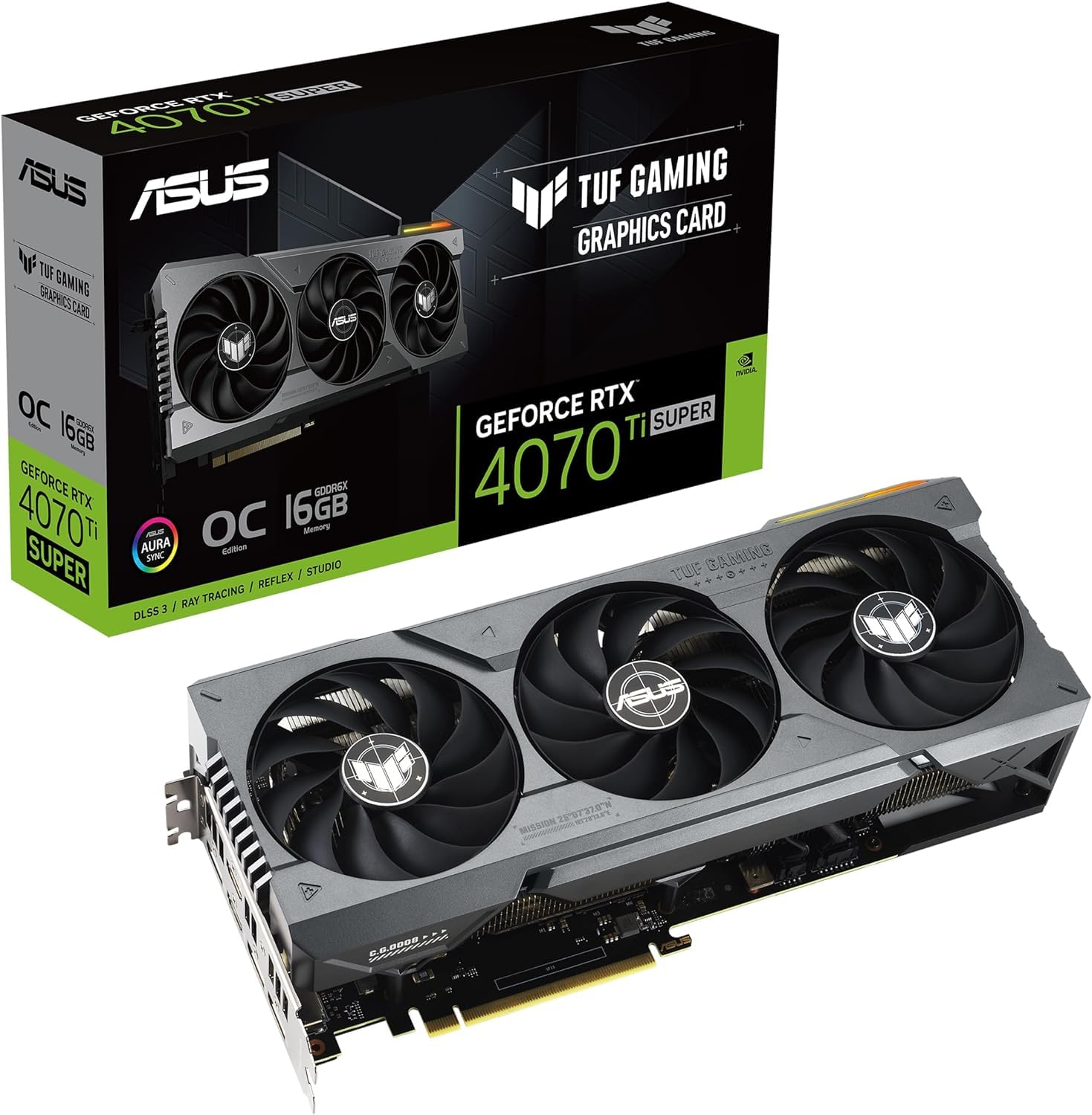
✓ Pros
- •16GB VRAM + high cores
- •Superior RT/DLSS
- •Durable TUF build
- •Overclock headroom
- •Future-proof
✗ Cons
- •High power/price
- •Overkill for 1080p
- •Big 3.125 slots
Best For:
Enthusiasts chasing top 1440p frames.
Not Recommended For:
Budget under $600.
Key Features:
Standout Feature:
16GB VRAM with PCIe 5.0 support
VS Others:
15-20% faster than 4070 Super, worth premium over RX 7800 XT for RT. Skip if not needing extra VRAM.
Why This One:
If budget allows, ultimate mid-high res card. ASUS reliability shines.
Gigabyte GeForce RTX 4070 Windforce OC 12G
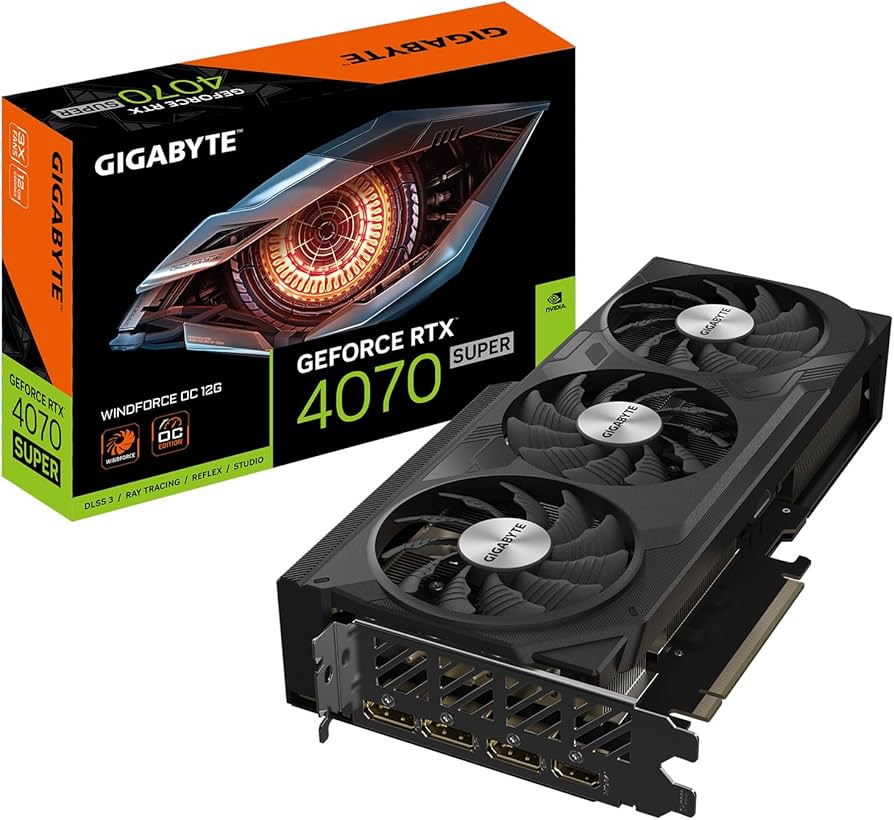
✓ Pros
- •Proven 1440p performer
- •Efficient power
- •Compact 2-slot
- •Good OC
- •3-year warranty
✗ Cons
- •Outpaced by Super/7800XT
- •Less VRAM than AMD rivals
- •Average RT boost
Best For:
Reliable all-round 1440p gaming.
Not Recommended For:
Max FPS seekers.
Key Features:
Standout Feature:
Alternate spinning fans for better airflow
VS Others:
~20% behind 4070 Super, similar to 7700 XT but better RT. Good if 4070 Super out of stock.
Why This One:
Safe NVIDIA pick for most, especially sales.
Sapphire Pulse AMD Radeon RX 7700 XT 12GB GDDR6
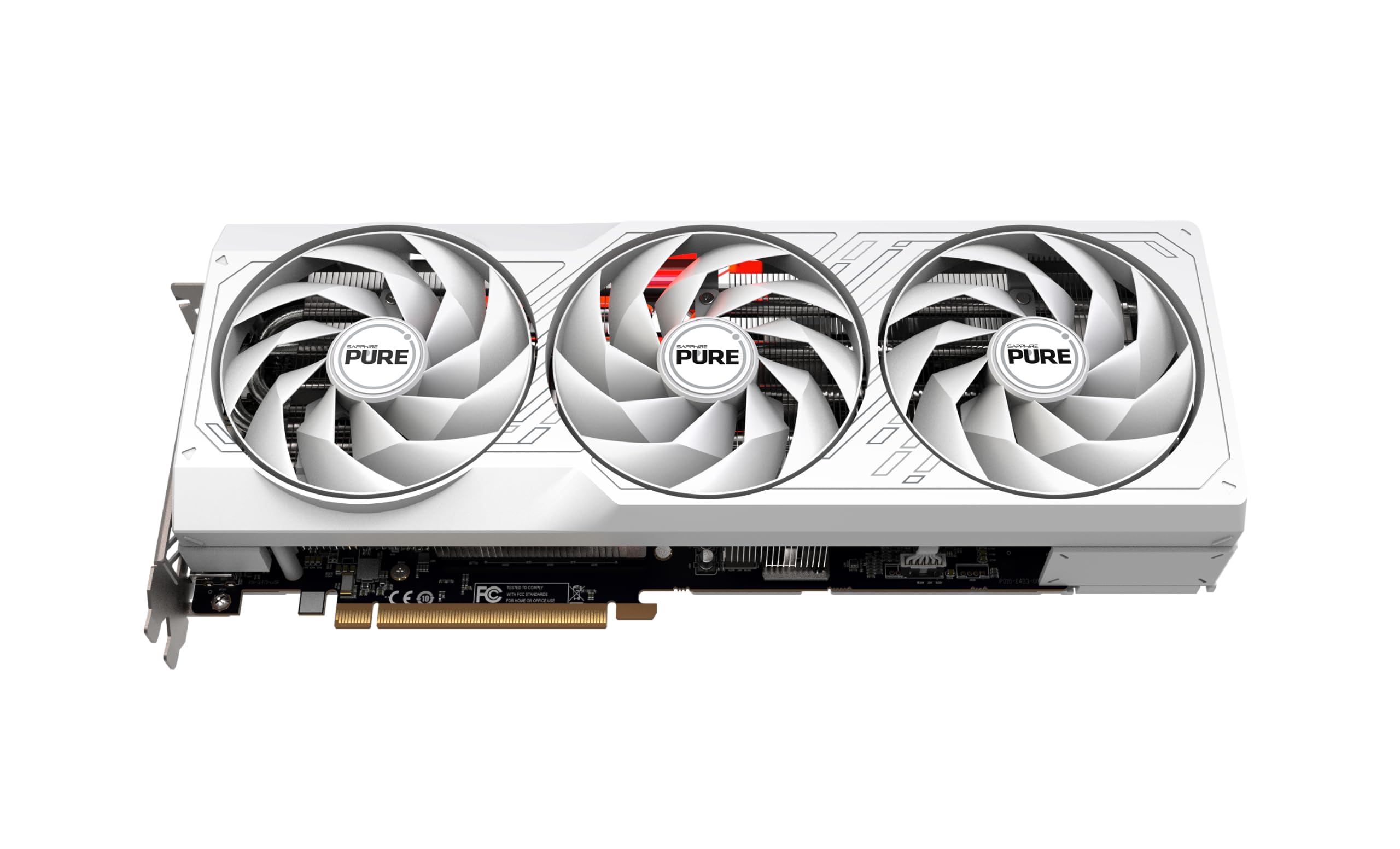
✓ Pros
- •Great price/FPS
- •12GB VRAM
- •Cool/quiet Pulse cooler
- •AMD software improving
✗ Cons
- •RT still behind
- •Driver bugs occasional
- •High TDP
Best For:
Value raster gaming.
Not Recommended For:
RT-focused.
Key Features:
Standout Feature:
Dual BIOS for quiet/performance modes
VS Others:
Between 4070 and 7800 XT, beats A770 easily. Pick over 4060 Ti for VRAM.
Why This One:
AMD entry to high value tier.
Acer Predator BiFrost Intel Arc A770 16GB GDDR6
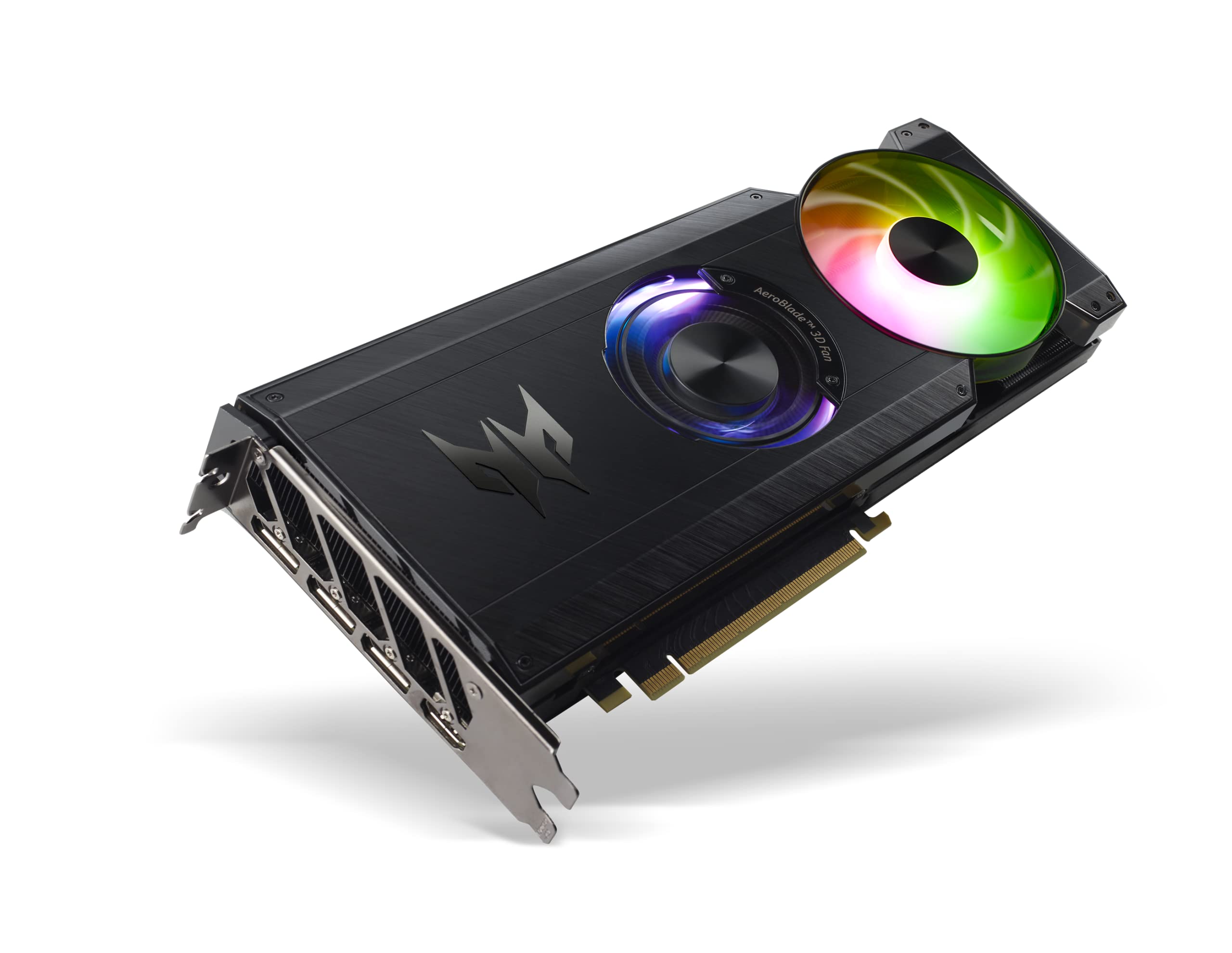
✓ Pros
- •Huge 16GB VRAM cheap
- •XeSS competitive
- •Low price
- •Resizable BAR gains
✗ Cons
- •Driver inconsistencies
- •Weak RT
- •High power 225W
Best For:
Ultra-budget 1440p.
Not Recommended For:
Unstable experiences.
Key Features:
Standout Feature:
Best-in-class AV1 encoding for streaming
VS Others:
Cheaper than all NVIDIA/AMD, but 30-50% slower. Niche vs 4060 Ti.
Why This One:
If sub-$400, massive VRAM win.
MSI GeForce RTX 4060 Ti Ventus 2X Black 16GB GDDR6
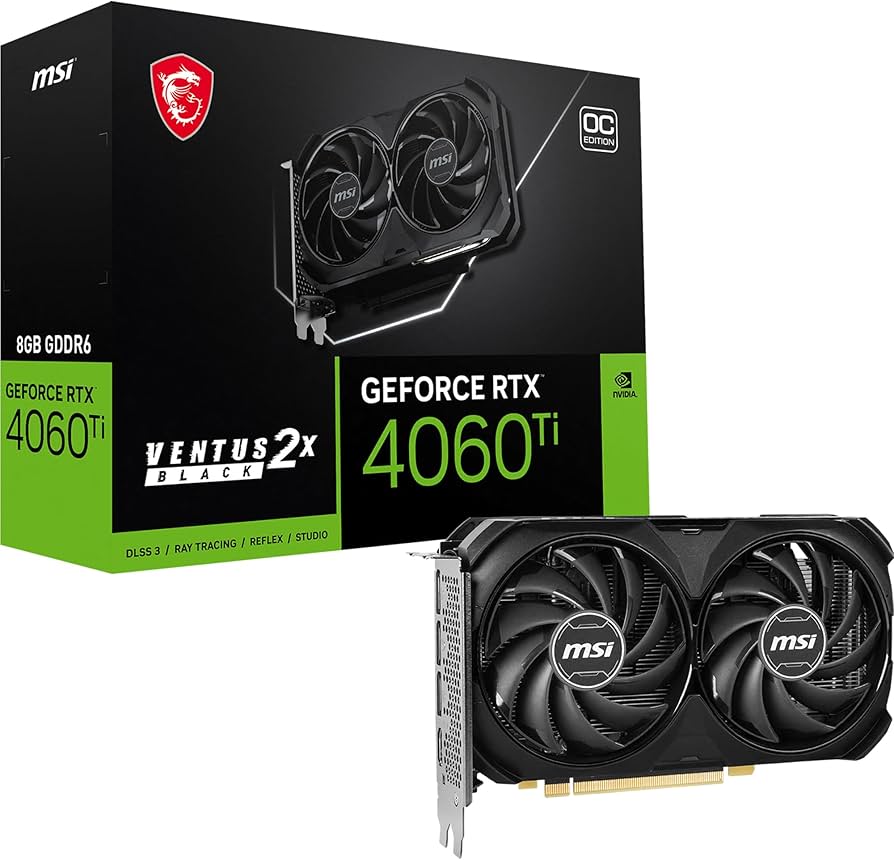
✓ Pros
- •16GB variant cheap
- •Super efficient
- •Quiet dual fan
- •Good for 1080p/1440p light
✗ Cons
- •8GB version better value
- •Struggles ultra 1440p
- •Bandwidth limited
Best For:
Low-power builds.
Not Recommended For:
Demanding AAA at 1440p.
Key Features:
Standout Feature:
Ultra-low power for small PSUs
VS Others:
Slower than 4070/7700XT, but efficient alt to A770.
Why This One:
NVIDIA reliability on budget.
Who Should Get What?
College Student on a Budget
You're a student building a first PC for school and casual gaming like Valorant, League at 1440p 60Hz. PSU is 550W, total budget under $400 for GPU.
Recommended:
Acer Predator BiFrost Intel Arc A770 16GB GDDR6
Massive 16GB VRAM punches above weight at 1440p for the price, XeSS boosts FPS in games. Handles your needs without taxing cheap PSU. Great entry to PC gaming.
View on Amazon →Casual Weekend Gamer
You game 10-15 hours/week on titles like Fortnite, Elden Ring at 1440p 60-100FPS. Mid-range build with 650W PSU, budget $500-600.
Recommended:
Gigabyte GeForce RTX 4070 Windforce OC 12G
Reliable 100+ FPS at 1440p ultra with DLSS for easy wins. Efficient and quiet for long sessions. Perfect non-Super NVIDIA without overspending.
View on Amazon →Competitive Esports Player
High-refresh 1440p 144-240Hz for CS2, Overwatch. Value-focused, 750W PSU, budget $500 max.
Recommended:
XFX Speedster MERC310 AMD Radeon RX 7800 XT 16GB GDDR6
Raw raster king for 200+ FPS esports, 16GB for multi-tasking streams. Best value—saves cash for monitor/PSU.
View on Amazon →Tech Enthusiast Upgrader
Upgrading from RTX 3070 for RT-heavy games like Cyberpunk at 1440p ultra 120FPS+. 850W PSU, no budget limit under $900.
Recommended:
PNY GeForce RTX 4070 Super Verto OC 12GB GDDR6X
DLSS 3 + RT cores transform RT gaming. Balanced upgrade without Ti Super excess. Enthusiast features like OC potential.
View on Amazon →First-Time PC Builder
New to building, want reliable brand for 1440p mixed gaming/editing. 650W PSU, $550-650 budget, scared of driver issues.
Recommended:
Sapphire Pulse AMD Radeon RX 7700 XT 12GB GDDR6
Stable now, great performance/value. Easy plug-and-play with good cooling. VRAM for editing bonus.
View on Amazon →Premium Gamer with High-End Rig
RTX 30-series owner, 1000W PSU, want future-proof 1440p/4K light. Budget unlimited.
Recommended:
ASUS TUF Gaming GeForce RTX 4070 Ti SUPER 16GB GDDR6X
Top-tier performance, durable build lasts years. 16GB + PCIe 5.0 for longevity. Splurge for peace of mind.
View on Amazon →Buying Guide: How to Choose
Bottom Line
Frequently Asked Questions
Which graphics card is best for mid-res gaming?▼
RTX 4070 Super vs RX 7800 XT: Which for gamers?▼
Is RTX 4070 Ti Super worth the extra money?▼
What's the best budget graphics card for 1440p?▼
Which has the best value for gamers?▼
RTX 4070 vs 4070 Super?▼
Do I need 16GB VRAM for mid-res gaming?▼
Intel Arc A770 vs RTX 4060 Ti?▼
Best for ray tracing mid-res?▼
AMD or NVIDIA for 1440p gaming?▼
Need More Help Deciding?
Explore more buying guides to find the perfect product for your needs.
View All Buying Guides