
Best 1440p Graphics Cards 2026: Which to Buy?
Compare top GPUs for smooth 1440p gaming, from budget to premium, and pick the perfect one for your rig and wallet.
Our Top Pick
XFX Speedster SWFT210 Radeon RX 7800 XT Core Edition 16GB GDDR6
Best OverallGamers wanting maximum 1440p FPS without ray tracing focus.
View on Amazon →Key Factors to Consider
- 1.1440p Performance: Average FPS in demanding games (e.g., 100+ FPS target)
- 2.VRAM: 12GB+ ideal for textures and future games
- 3.Ray Tracing & Upscaling: DLSS 3 (NVIDIA) vs. FSR 3 (AMD) for smoother frames
- 4.Power Draw (TDP): Impacts PSU needs (450W+ recommended)
- 5.Price per Performance: Value based on benchmarks, not MSRP
- 6.Cooling & Noise: Triple-fan designs for long sessions
- 7.Driver Stability & Features: NVIDIA ecosystem vs. AMD openness
- 8.Future-Proofing: Support for next-gen tech like frame gen
The Products
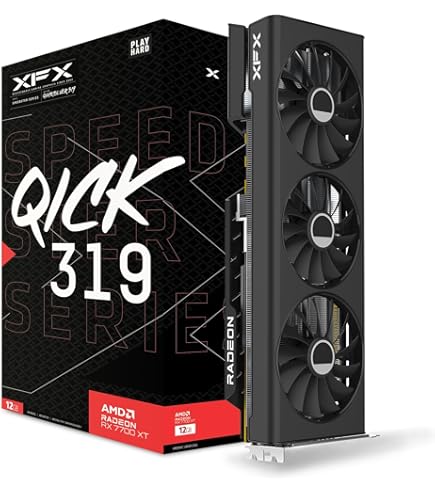
XFX Speedster SWFT210 Radeon RX 7800 XT Core Edition 16GB GDDR6
✓ Pros
- •Insane 1440p raster perf (140+ FPS in most games)
- •16GB VRAM crushes texture-heavy titles
- •Best price/performance ratio
- •FSR 3 frame gen rivals DLSS
- •Solid build quality from XFX
✗ Cons
- •Weaker ray tracing than RTX cards
- •Higher power draw (263W TDP)
- •AMD drivers occasionally buggy
- •Larger card (may not fit small cases)
Best For:
Gamers wanting maximum 1440p FPS without ray tracing focus.
Not Recommended For:
Ray tracing enthusiasts or low-PSU builds under 650W.
Key Features:
Standout Feature:
16GB VRAM at sub-$500 price for unmatched future-proofing.
VS Others:
Beats RTX 4070 in raster by 15-20% but trails in RT; crushes 4060 Ti and older cards. Pick over 4070 if you skip heavy RT.
Why This One:
It's the sweet spot for 1440p—delivers flagship perf at mid-range price. Ideal if your games are raster-focused like shooters or strategy titles. Most buyers get the best bang here.
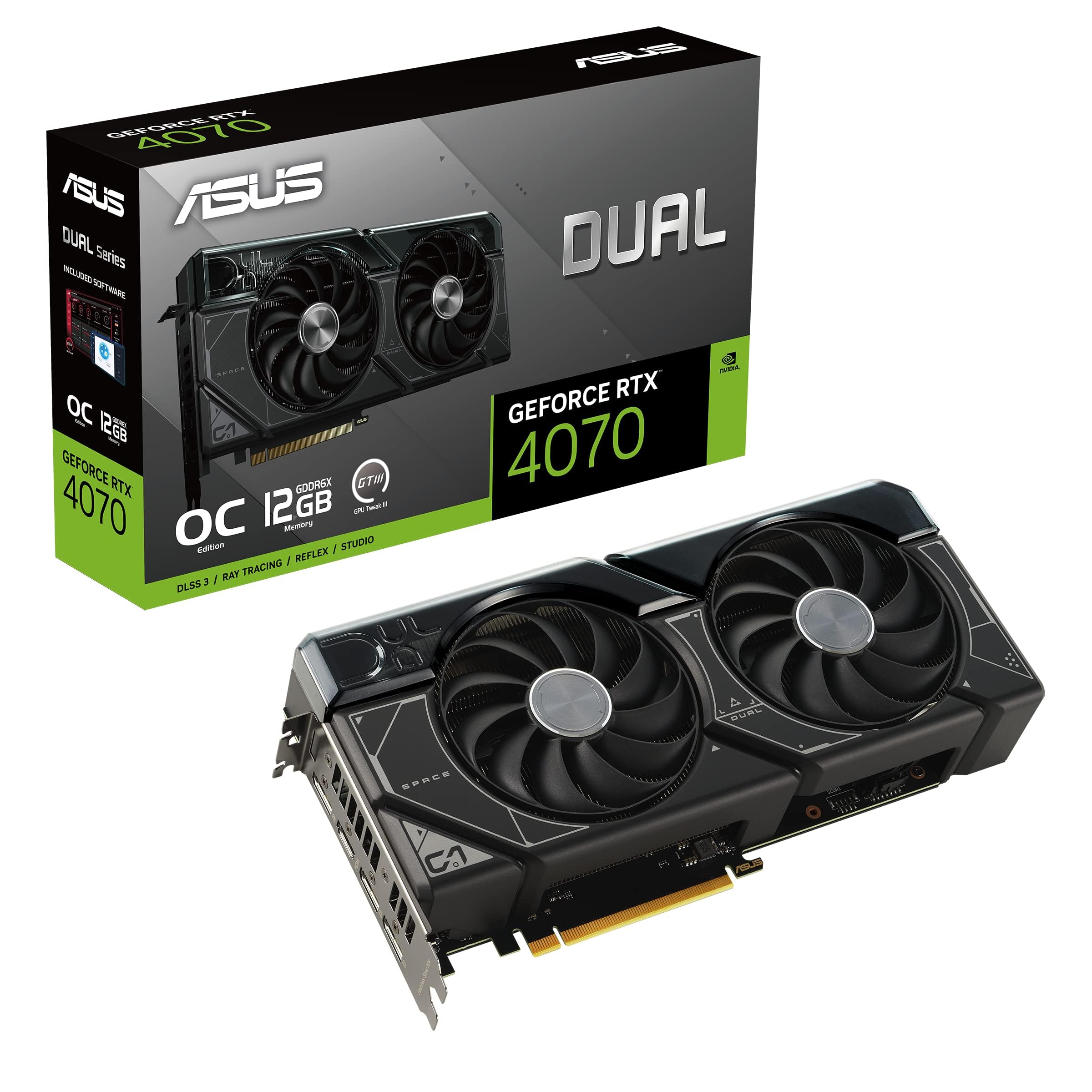
ASUS Dual GeForce RTX 4070 OC Edition 12GB GDDR6X
✓ Pros
- •Superior DLSS 3 and ray tracing
- •Efficient 200W power use
- •Compact and cool design
- •Excellent NVIDIA software
- •Great for content creation too
✗ Cons
- •Less raster power than RX 7800 XT
- •12GB VRAM may limit in 4K textures
- •Slightly pricier than AMD rival
- •Narrower memory bus
Best For:
Ray tracing lovers and NVIDIA ecosystem users.
Not Recommended For:
Pure raster gamers on tight budgets.
Key Features:
Standout Feature:
DLSS 3 frame generation doubles FPS in supported games.
VS Others:
Edges RX 7800 XT in RT-heavy games by 20%; better than 4060 Ti overall but costs more. Choose over 7800 XT for prettier visuals.
Why This One:
If ray tracing or NVIDIA features matter, this is unbeatable efficiency. Versatile for gaming + streaming/productivity. Top pick for balanced builds.
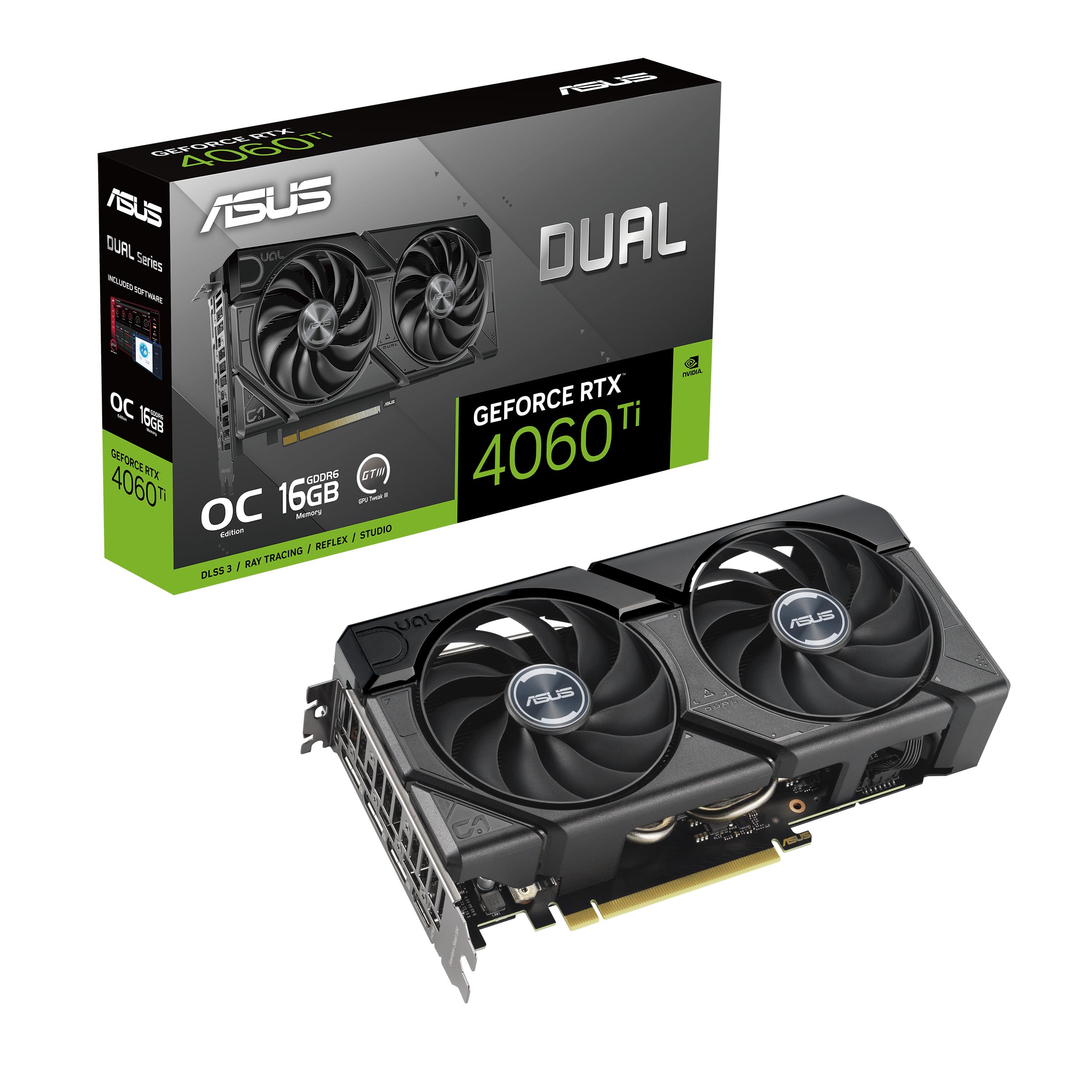
ASUS Dual GeForce RTX 4060 Ti OC Edition 16GB GDDR6
✓ Pros
- •16GB VRAM for the price
- •DLSS 3 boosts FPS hugely
- •Super low power (160W)
- •Compact and affordable
- •Good for 1080p/1440p hybrid
✗ Cons
- •128-bit bus bottlenecks perf
- •Struggles in heaviest RT games
- •Weaker than 4070/7800 XT
- •Not future-proof for 1440p ultra
Best For:
Budget upgraders wanting NVIDIA features.
Not Recommended For:
Demanding 1440p ultra without upscaling.
Key Features:
Standout Feature:
Rare 16GB at budget price with DLSS magic.
VS Others:
Value edge over Arc A770 in stability; trails 4070 by 30% but half the future worry. Solid vs. 6700 XT for NVIDIA fans.
Why This One:
Perfect starter 1440p card if you use DLSS-heavy games. Saves money vs. pricier options without huge sacrifices.
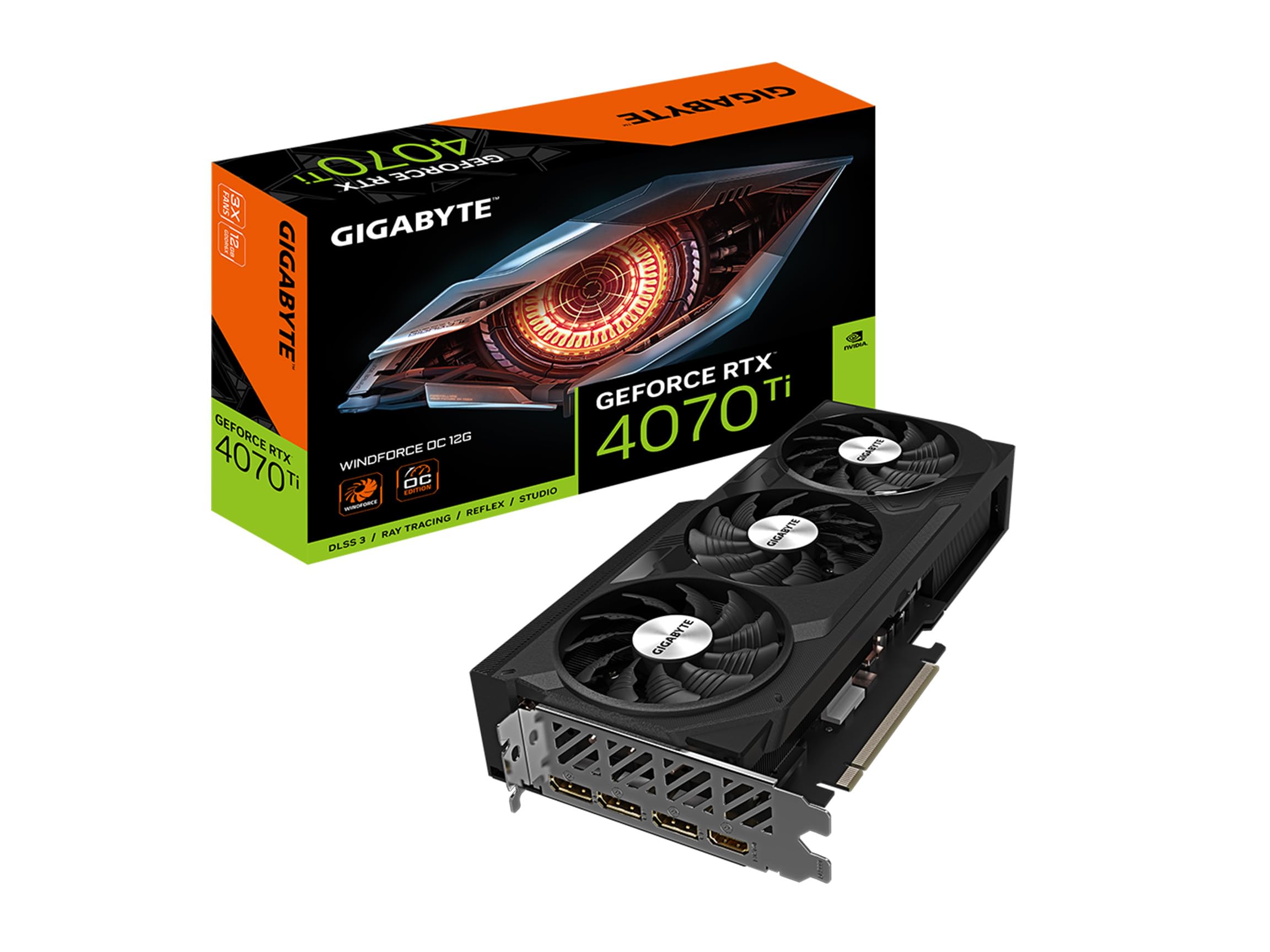
GIGABYTE GeForce RTX 4070 Ti WINDFORCE OC 12G GDDR6X
✓ Pros
- •Elite 1440p/4K hybrid perf
- •Top-tier ray tracing
- •Robust cooling
- •NVIDIA Frame Gen excels
- •Great overclocking headroom
✗ Cons
- •Overpriced for pure 1440p
- •High 285W TDP needs 750W+ PSU
- •Bulkier than dual-fan cards
- •Diminishing returns vs. 4070
Best For:
Premium builds chasing max settings.
Not Recommended For:
Budget buyers or efficient small form factors.
Key Features:
Standout Feature:
Near-RTX 4080 perf at lower cost.
VS Others:
Obliterates 4060 Ti/6700 XT; vs. 7800 XT, better RT but worse value. Pick if budget allows max perf.
Why This One:
If money's no issue and you want headroom for 1440p ultra RT + 4K dips, this dominates.
Intel Arc A770 Limited Edition 16GB GDDR6

✓ Pros
- •Cheapest 16GB option
- •XeSS upscaling improving fast
- •Good raster in optimized games
- •Resizable BAR boosts perf
- •Intel driver updates rolling
✗ Cons
- •Inconsistent drivers/game support
- •Poor ray tracing
- •Higher power than rivals
- •Hit-or-miss perf in old titles
Best For:
Ultra-budget 1440p with patience for drivers.
Not Recommended For:
RT-heavy gaming or driver perfectionists.
Key Features:
Standout Feature:
AV1 encode/decode for streaming efficiency.
VS Others:
Cheaper than 6700 XT with more VRAM; lags 4060 Ti in NVIDIA games. Entry pick only.
Why This One:
Rock-bottom price for playable 1440p if your games are supported. Gamble worth taking for savings.
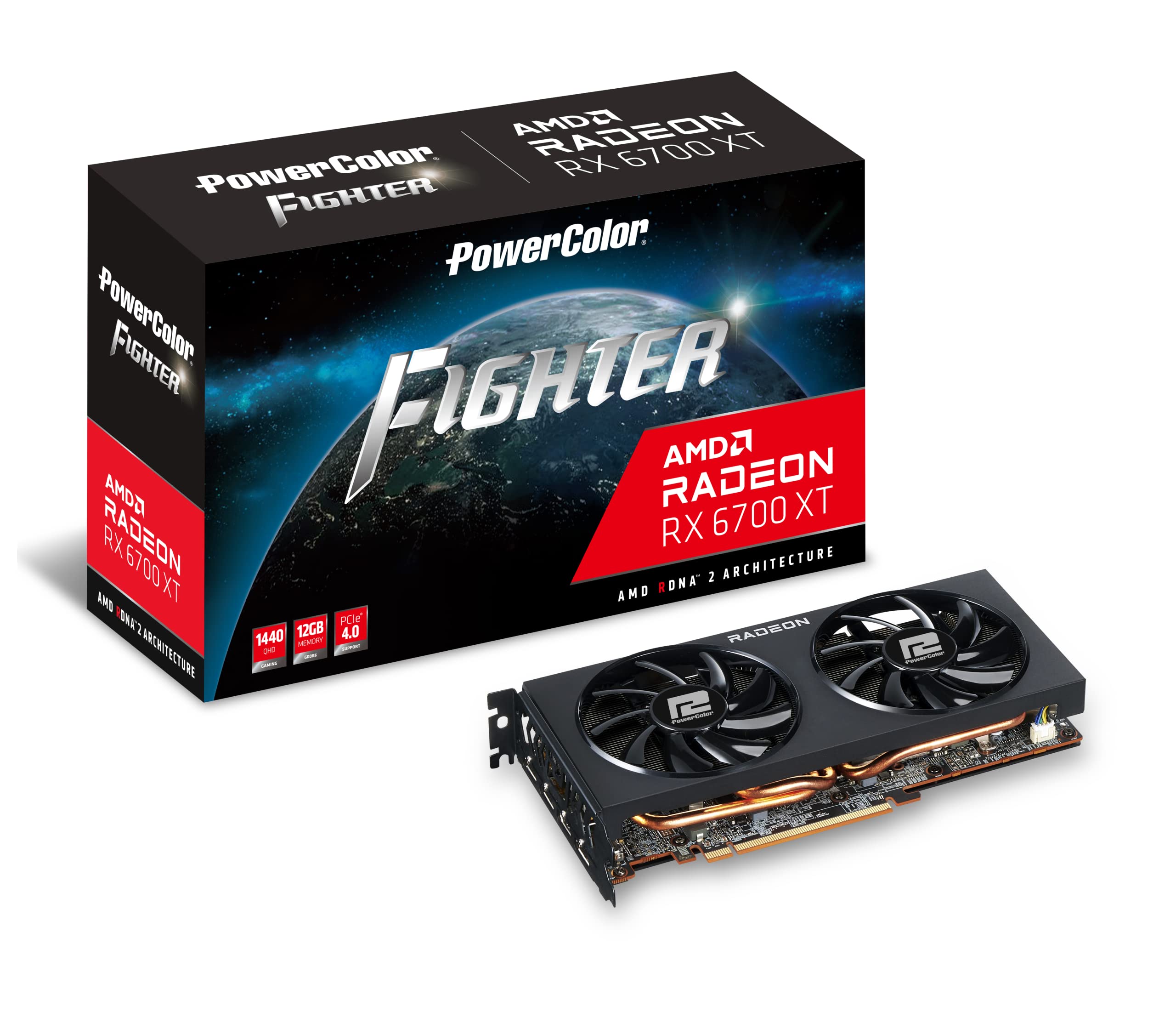
PowerColor Fighter AMD Radeon RX 6700 XT 12GB GDDR6
✓ Pros
- •Strong 1440p value holdover
- •12GB VRAM sufficient
- •FSR support
- •Mature, stable drivers
- •Cheap now
✗ Cons
- •No FSR 3 or AV1
- •Older architecture
- •Noisy under load
- •Loses to new gen cards
Best For:
Tight budgets needing proven perf.
Not Recommended For:
Future-proofing seekers.
Key Features:
Standout Feature:
Proven reliability from mature gen.
VS Others:
Between A770 and 4060 Ti; beats budget Intel in consistency but older. Niche for AMD fans saving cash.
Why This One:
Reliable last-gen perf at discount; skip if wanting newest features.
Who Should Get What?
College Student on a Budget
You're a student building a cheap gaming PC for dorm gaming like Valorant and Fortnite at 1440p, with schoolwork on the side. PSU is 550W, first GPU buy, max spend $350.
Recommended:
Intel Arc A770 Limited Edition 16GB GDDR6
At $330, it delivers playable 1440p with 16GB VRAM for multitasking. XeSS helps FPS, and low entry price fits dorm builds. Drivers have improved for casual use—avoid if RT needed.
View on Amazon →Casual Weekend Gamer
Mid-30s hobbyist with a prebuilt PC upgrading from GTX 1660 for 1440p in AAA like Elden Ring. 650W PSU, $500 budget, wants easy plug-and-play.
Recommended:
ASUS Dual GeForce RTX 4060 Ti OC Edition 16GB GDDR6
DLSS 3 makes games smooth without high power needs. 16GB handles mods/textures, perfect value at $480. Low TDP fits your PSU—no hassle upgrade.
View on Amazon →Competitive eSports Player
You play high-FPS shooters like CS2 and Apex at 1440p, prioritizing raw speed over graphics. Custom loop PC, 750W PSU, $500 budget.
Recommended:
XFX Speedster SWFT210 Radeon RX 7800 XT Core Edition 16GB GDDR6
Top raster FPS crushes competitors in non-RT esports. 16GB + FSR3 for stable 144+ FPS. Best value under $500 for your needs.
View on Amazon →Ray Tracing Enthusiast
Tech-savvy gamer into cyberpunk visuals with RT on in Control/Spider-Man. New build with 750W PSU, $600 budget, wants NVIDIA polish.
Recommended:
ASUS Dual GeForce RTX 4070 OC Edition 12GB GDDR6X
DLSS 3 + RT core make RT viable at 1440p without dips. Efficient and feature-rich for visuals. Edges 7800 XT where it counts.
View on Amazon →Content Creator & Streamer
You stream 1440p gameplay on Twitch while editing videos. High-end rig with 850W PSU, unlimited budget but value-focused.
Recommended:
GIGABYTE GeForce RTX 4070 Ti WINDFORCE OC 12G GDDR6X
NVENC + high CUDA for smooth encodes/editing. Extra perf handles OBS + RT. Premium cooling for long streams.
View on Amazon →First-Time PC Builder
Beginner assembling first gaming PC for 1440p, scared of compatibility. $400 budget, standard ATX case, 600W PSU.
Recommended:
PowerColor Fighter AMD Radeon RX 6700 XT 12GB GDDR6
Proven, stable card with easy setup. Good perf for starters without driver woes. Fits budget and case perfectly.
View on Amazon →Buying Guide: How to Choose
Bottom Line
Frequently Asked Questions
Which graphics card is best for 1440p gaming in 2026?▼
RX 7800 XT vs RTX 4070: Which should I buy?▼
RTX 4060 Ti 16GB or Arc A770 for budget 1440p?▼
Is the RTX 4070 Ti worth it over 4070 for 1440p?▼
Best budget graphics card under $400 for 1440p?▼
Which has the best value for 1440p gaming?▼
Do I need 16GB VRAM for 1440p gaming?▼
RX 6700 XT still good in 2026?▼
NVIDIA or AMD for 1440p?▼
What's the minimum PSU for these cards?▼
Need More Help Deciding?
Explore more buying guides to find the perfect product for your needs.
View All Buying Guides