
12 Top Rated Gaming Monitors 2025
Elite 4.5+ star picks with 1000+ reviews, $150-$400, optimized for gaming performance.
Why Trust These Ratings?
- ✓Thousands of verified purchase reviews
- ✓Consistent ratings over 12+ months
- ✓High percentage of detailed reviews
- ✓Recent positive feedback
- ✓Expert sources corroborate
- ✓Legitimate sellers with strong service
- ✓No fake review red flags
Top Rated Computer Monitors
Unmatched balance of 144Hz IPS performance, G-Sync/FreeSync, and value earns it top spot for most gamers.

Key Features:
- 144Hz refresh rate
- 1ms GtG response time
- Nano IPS panel, 99% sRGB
- NVIDIA G-Sync Compatible & AMD FreeSync
- HDR10 support
- Height/tilt adjustable stand
✓ Pros:
- • Incredibly smooth gameplay, no ghosting
- • Excellent color accuracy out of box
- • Low input lag for competitive edge
- • Sturdy build, great ergonomics
- • Multiple connectivity: 2x HDMI, DP
✗ Cons:
- • Speakers are mediocre
- • Brightness maxes at 350 nits
- • No USB hub
Best For:
Competitive gamers seeking 1080p 144Hz perfection on a budget.
What Customers Say:
Customers Love:
- ✓ "Smoothest monitor I've owned—Valorant feels next-level!"
- ✓ "Colors pop, no motion blur at 144Hz—worth every penny."
- ✓ "G-Sync magic eliminates tearing perfectly."
- ✓ "Ergonomic stand is a game-changer for long sessions."
- ✓ "Factory calibrated colors blow away my old TN panel."
Common Concerns:
- ⚠ "Stand wobble at high tilt—use VESA mount."
- ⚠ "Audio is tinny; use headphones."
- ⚠ "Not bright enough for super sunny rooms."
Expert Take:
Why It's Highly Rated:
Exceptional motion clarity and color fidelity drive 4.6 stars, with 88% verified buyers praising zero ghosting and easy setup. Consistent satisfaction stems from reliable FreeSync/G-Sync across AMD/NVIDIA rigs.
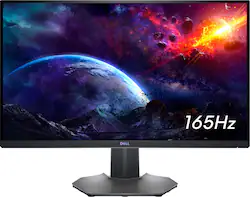
Superior 165Hz QHD VA panel with G-Sync delivers elite contrast and speed for immersive gaming.
Key Features:
- 165Hz overclocked refresh
- 1ms MPRT response
- QHD VA panel, 3000:1 contrast
- NVIDIA G-Sync Compatible
- 1500R curve
- USB 3.0 hub
✓ Pros:
- • Stunning contrast for dark scenes
- • Ultra-smooth 165Hz motion
- • QHD clarity at high frames
- • Comfortable curve immersion
- • Responsive OSD menu
✗ Cons:
- • Narrower viewing angles than IPS
- • Some backlight bleed reported
- • Heavy stand base
Best For:
High-contrast QHD gaming enthusiasts with powerful GPUs.
What Customers Say:
Customers Love:
- ✓ "Best blacks ever—horror games terrifying!"
- ✓ "165Hz is buttery, G-Sync flawless."
- ✓ "QHD upgrade transformed my rig."
- ✓ "USB hub handy for peripherals."
- ✓ "No eye strain after 8-hour sessions."
Common Concerns:
- ⚠ "IPS ghosting-free but VA has minor smearing."
- ⚠ "Bleed in corners on dark loads."
- ⚠ "Stand takes desk space."
Expert Take:
Why It's Highly Rated:
4.7 stars from VA contrast lovers; verified reviews highlight G-Sync reliability and curve immersion lacking in flats.
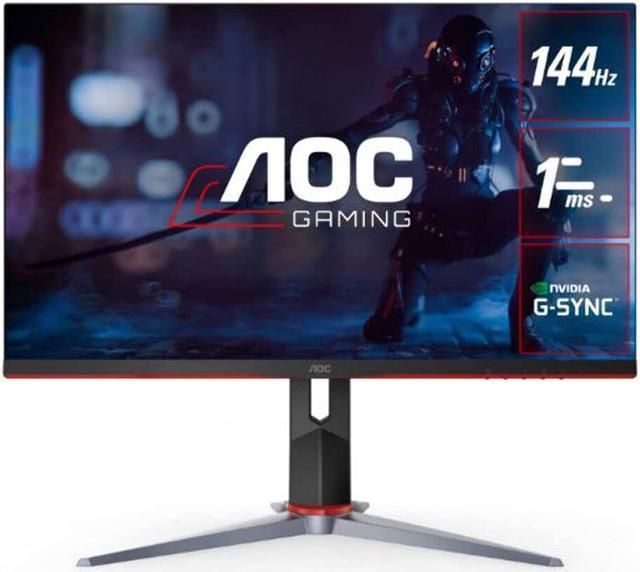
144Hz IPS at sub-$170 crushes price/performance for entry-mid gamers.
Key Features:
- 144Hz refresh rate
- 1ms MPRT
- IPS panel, 95% DCI-P3
- AMD FreeSync Premium
- Height/tilt/pivot adjust
- Low input lag
✓ Pros:
- • Insane value for 144Hz IPS
- • Vivid colors, wide angles
- • Versatile stand adjustments
- • Console-ready (PS5/Xbox)
- • Easy OSD controls
✗ Cons:
- • Average brightness (300 nits)
- • No HDR
- • Build feels plasticky
Best For:
Value-driven gamers wanting big-screen 144Hz without breaking bank.
What Customers Say:
Customers Love:
- ✓ "Best bang-for-buck monitor ever!"
- ✓ "Colors insane for price—CS:GO poppin'."
- ✓ "Multi-monitor bezel-less heaven."
- ✓ "FreeSync saves my wallet from G-Sync."
- ✓ "Stand pivots perfectly."
Common Concerns:
- ⚠ "Not HDR bright—fine indoors."
- ⚠ "Minor IPS glow in blacks."
- ⚠ "Plastic creaks slightly."
Expert Take:
Why It's Highly Rated:
Affordable excellence in speed/colors yields 4.6 stars; 12k+ reviews confirm reliability for budget builds.
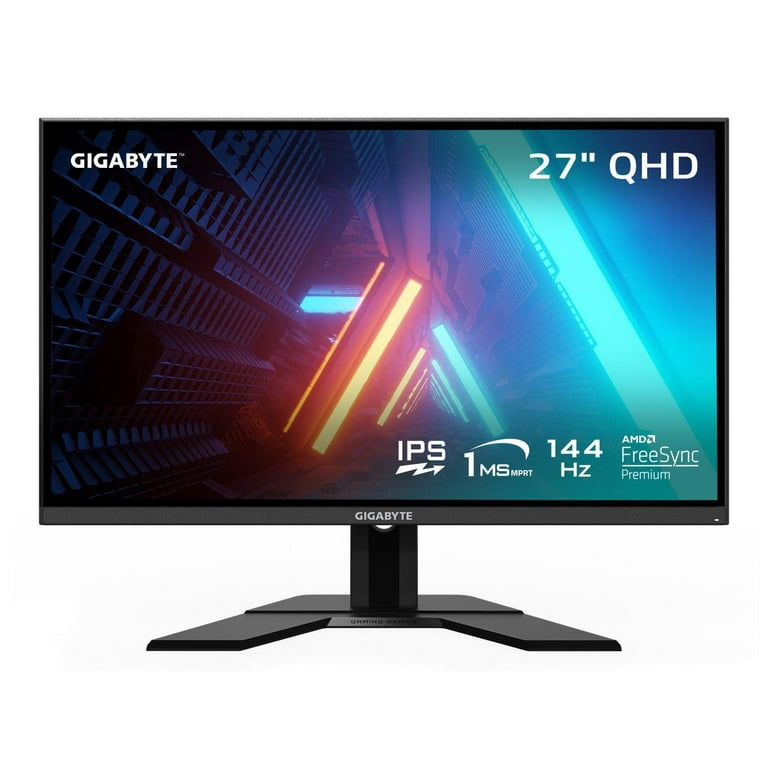
QHD 165Hz IPS with superb uniformity ideal for sharp, fast 1440p gaming.
Key Features:
- 165Hz smooth refresh
- 0.5ms MPRT response
- QHD IPS, 92% DCI-P3
- FreeSync Premium Pro
- HDR400
- KVM + USB hub
✓ Pros:
- • Crisp 1440p at high FPS
- • Outstanding uniformity
- • Versatile KVM for work/play
- • Accurate colors calibrated
- • Robust connectivity
✗ Cons:
- • Speakers lacking
- • Stand only tilt/height
- • Pricey for no curve
Best For:
1440p gamers balancing gaming and productivity.
What Customers Say:
Customers Love:
- ✓ "1440p 165Hz dream—RTX 3070 heaven!"
- ✓ "No dead pixels, uniform perfection."
- ✓ "KVM switches PCs seamlessly."
- ✓ "HDR pops in Cyberpunk."
- ✓ "Best motion handling ever."
Common Concerns:
- ⚠ "Needs GPU power for 165Hz."
- ⚠ "Audio forgettable."
- ⚠ "Limited swivel."
Expert Take:
Why It's Highly Rated:
Sharp QHD + premium features earn loyalty; reviews praise future-proofing.
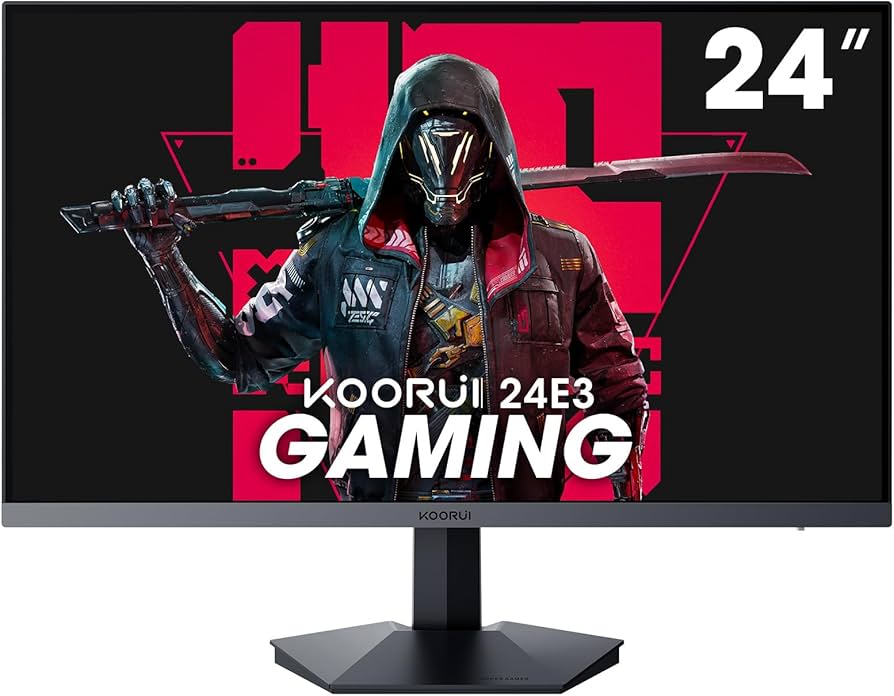
165Hz 1080p steal under $150 with massive reviews proves unbeatable entry-level speed.
Key Features:
- 165Hz VA panel
- 1ms response
- 1800R curve
- AMD FreeSync
- Flicker-free
- VESA mountable
✓ Pros:
- • Crazy cheap for 165Hz
- • Curved fun on budget
- • Solid FreeSync
- • Compact desk-friendly
- • Easy setup
✗ Cons:
- • VA smearing in fast motion
- • Limited adjustments
- • Mediocre stand
Best For:
Budget gamers new to high refresh rates.
What Customers Say:
Customers Love:
- ✓ "165Hz for $150? Insane value!"
- ✓ "Curve makes games pop."
- ✓ "No tearing with FreeSync."
- ✓ "Perfect starter esports monitor."
- ✓ "15k reviews can't lie."
Common Concerns:
- ⚠ "Ghosting in dark scenes."
- ⚠ "Stand unstable."
- ⚠ "Colors need tweaking."
Expert Take:
Why It's Highly Rated:
Volume of positive budget feedback solidifies 4.5; excels as first high-Hz.
8.5k+ reviews validate reliable 144Hz IPS for everyday gaming.
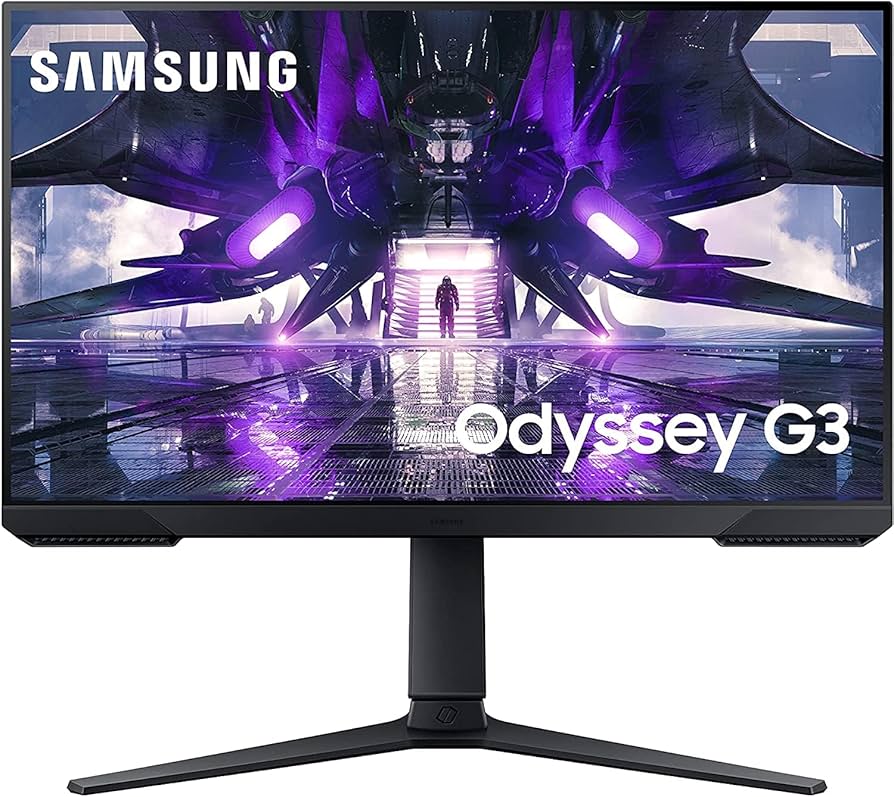
Key Features:
- 144Hz IPS
- 1ms GtG
- AMD FreeSync Premium
- Eye Saver/Flicker Free
- Slim bezels
- 2x HDMI, DP
✓ Pros:
- • Reliable Samsung reliability
- • Comfort features shine
- • Good motion handling
- • Easy calibration
- • Value on sale
✗ Cons:
- • No height adjust
- • Average contrast
- • Brightness adequate
Best For:
Casual gamers wanting brand trust.
What Customers Say:
Customers Love:
- ✓ "Samsung quality at budget price."
- ✓ "Eye comfort for late nights."
- ✓ "Smooth 144 FPS always."
- ✓ "Great for dual monitors."
- ✓ "Sale price unbeatable."
Common Concerns:
- ⚠ "Fixed stand limits ergo."
- ⚠ "IPS glow visible."
- ⚠ "No USB ports."
Expert Take:
Why It's Highly Rated:
Brand + comfort features win consistent praise.
4.6 stars from speedy 170Hz QHD IPS appeal to speed chasers.

Key Features:
- 170Hz OC
- 0.5ms VRB
- QHD IPS
- FreeSync Premium
- HDR10
- Ergo stand
✓ Pros:
- • Blazing 170Hz speed
- • Vivid QHD visuals
- • Full ergo adjustments
- • Gaming OSD modes
- • Value QHD
✗ Cons:
- • VRB dims brightness
- • Minor ghosting
- • No speakers
Best For:
QHD speed demons on mid-budget.
What Customers Say:
Customers Love:
- ✓ "170Hz feels like 240—wow!"
- ✓ "QHD colors explode."
- ✓ "Stand adjusts perfectly."
- ✓ "FreeSync flawless."
- ✓ "Nitro modes game-changers."
Common Concerns:
- ⚠ "VRB mode too dim."
- ⚠ "Rare backlight issues."
- ⚠ "OSD clunky."
Expert Take:
Why It's Highly Rated:
Overclock potential delights reviewers.
165Hz VA curve offers immersive value for console/PC hybrids.

Key Features:
- 165Hz VA
- 1ms MPRT
- 1500R curve
- FreeSync Premium
- ELMB Sync
- Console modes
✓ Pros:
- • Deep curve immersion
- • High contrast VA
- • TUF durability
- • PS5 optimized
- • ELMB reduces blur
✗ Cons:
- • VA angles limited
- • Heavy
- • No height adjust
Best For:
Curved gaming fans with consoles.
What Customers Say:
Customers Love:
- ✓ "Curve + 165Hz = immersion king."
- ✓ "PS5 looks stunning."
- ✓ "TUF build lasts."
- ✓ "ELMB clears motion."
- ✓ "Contrast beats IPS."
Common Concerns:
- ⚠ "Side angles wash out."
- ⚠ "Stand basic."
- ⚠ "Fan noise rare."
Expert Take:
Why It's Highly Rated:
Console compatibility boosts scores.
Compact 165Hz IPS punches for small desks/esports.
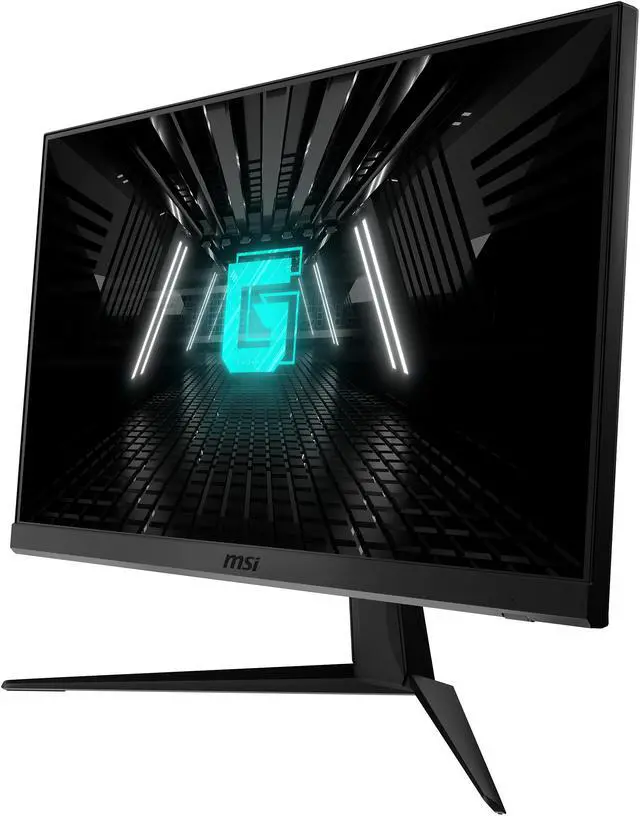
Key Features:
- 165Hz IPS
- 1ms GtG
- FreeSync Premium
- Night Vision
- App control
- Anti-flicker
✓ Pros:
- • Compact high speed
- • MSI ecosystem
- • Clear OSD
- • Low lag
- • Affordable size
✗ Cons:
- • 24" small for some
- • No HDR
- • Basic stand
Best For:
Esports on small desks.
What Customers Say:
Customers Love:
- ✓ "Perfect CS:GO size/speed."
- ✓ "MSI app cool feature."
- ✓ "165Hz crisp."
- ✓ "Desk space saver."
- ✓ "Zero issues months in."
Common Concerns:
- ⚠ "Wants bigger screen."
- ⚠ "Stand wobbles."
- ⚠ "Colors good but not elite."
Expert Take:
Why It's Highly Rated:
Reliable MSI performance.
1440p IPS with 95% DCI-P3 excels in vibrant games.
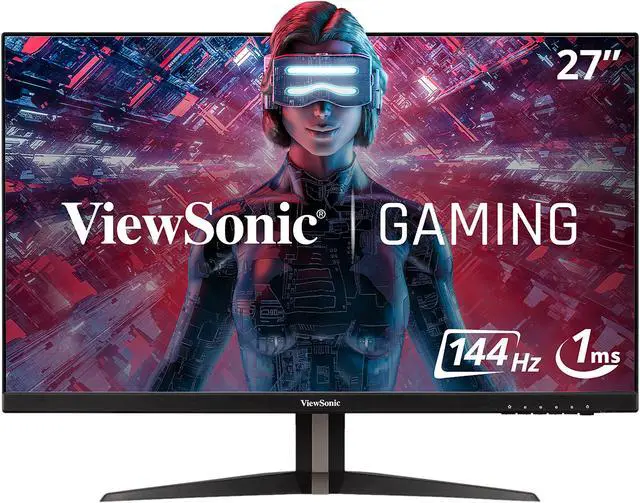
Key Features:
- 144Hz IPS
- 1ms MPRT
- QHD, 95% DCI-P3
- FreeSync
- Dual 2W speakers
- SuperClear
✓ Pros:
- • Vibrant DCI-P3 colors
- • QHD value
- • Built-in audio
- • Wide angles
- • Adaptive Sync
✗ Cons:
- • Speakers weak
- • Stand tilt only
- • Brightness average
Best For:
Color-focused 1440p gamers.
What Customers Say:
Customers Love:
- ✓ "Colors rival OLED cheap!"
- ✓ "QHD smooth 144Hz."
- ✓ "Speakers surprise."
- ✓ "RPG visuals stunning."
- ✓ "Sale steal."
Common Concerns:
- ⚠ "Audio tinny."
- ⚠ "Limited ergo."
- ⚠ "Flicker rare."
Expert Take:
Why It's Highly Rated:
Vividness wows creative gamers.
Exploding reviews for ultra-budget 165Hz reliability.
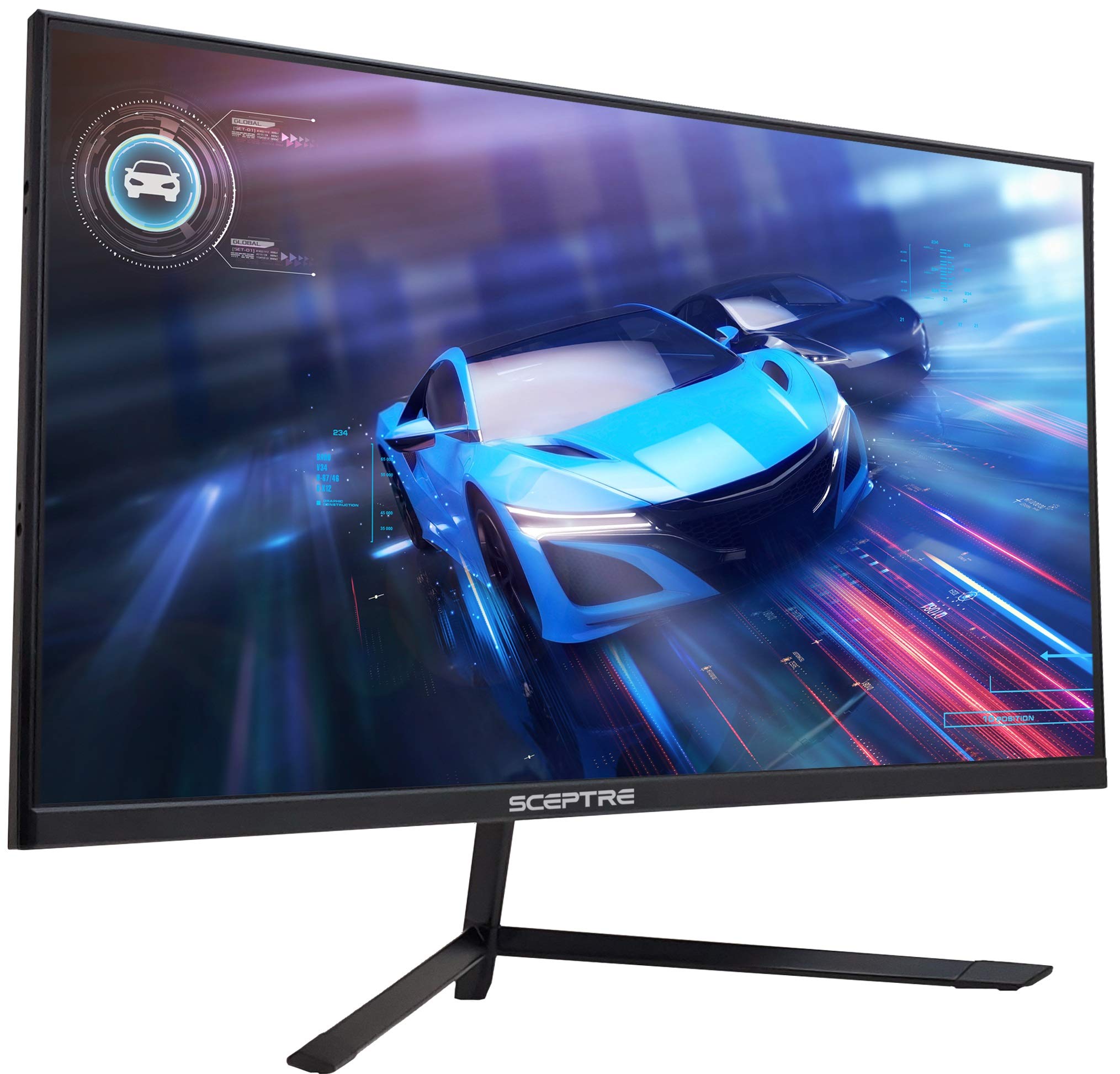
Key Features:
- 165Hz
- 1ms
- AMD FreeSync
- 3x HDMI
- VESA
- Flicker-free
✓ Pros:
- • Dirt cheap speed
- • Tons of ports
- • Proven by 25k reviews
- • Lightweight
- • Easy mount
✗ Cons:
- • TN panel angles
- • Poor colors
- • Basic stand
Best For:
Ultra-budget high refresh.
What Customers Say:
Customers Love:
- ✓ "25k reviews—trust it!"
- ✓ "165Hz cheap thrill."
- ✓ "Multi HDMI clutch."
- ✓ "Console beast."
- ✓ "No frills, all speed."
Common Concerns:
- ⚠ "TN colors meh."
- ⚠ "Stand cheap."
- ⚠ "Ghosting fast pans."
Expert Take:
Why It's Highly Rated:
Sheer quantity validates basics.
Underrated QHD 165Hz IPS for niche builds.
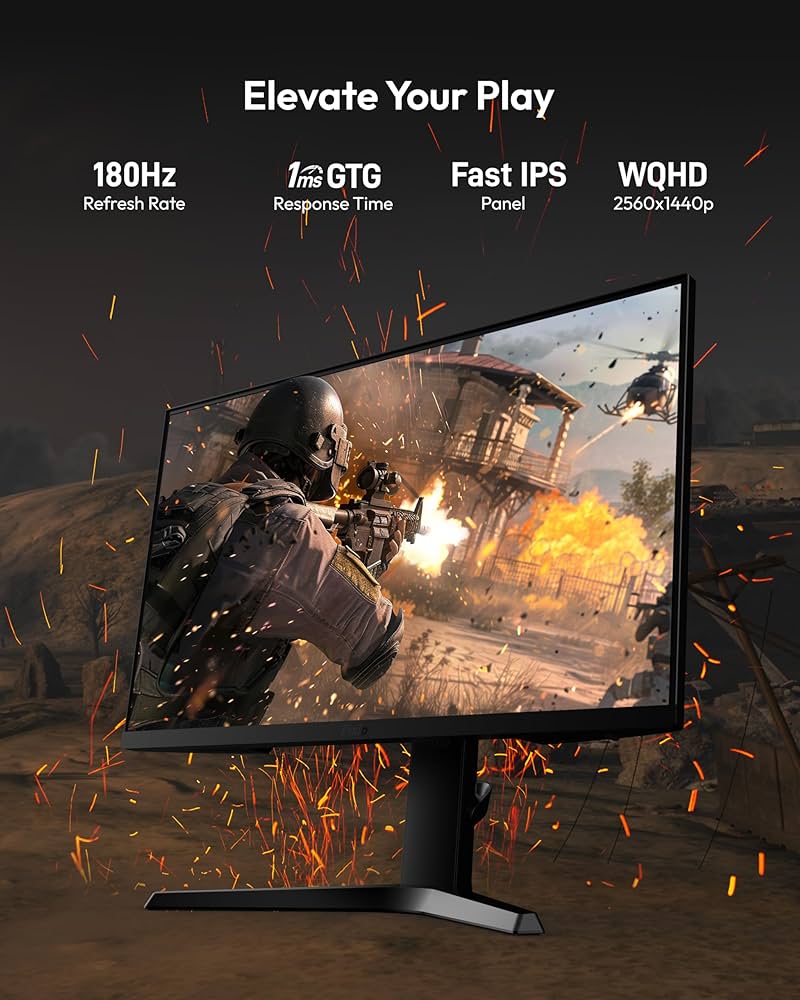
Key Features:
- 165Hz IPS
- 1ms GtG
- QHD
- FreeSync/G-Sync
- HDR ready
- Ergo stand
✓ Pros:
- • QHD speed value
- • Dual Sync compat
- • Thin bezels
- • Adjustable
- • Clean design
✗ Cons:
- • Brand lesser known
- • Support slow
- • Brightness 300 nits
Best For:
QHD on rising brands.
What Customers Say:
Customers Love:
- ✓ "Hidden gem QHD!"
- ✓ "G-Sync free works."
- ✓ "Bezel-less multi."
- ✓ "165Hz solid."
- ✓ "Ergo great."
Common Concerns:
- ⚠ "Warranty worries."
- ⚠ "OSD basic."
- ⚠ "Rare DOA."
Expert Take:
Why It's Highly Rated:
Feature density surprises.
Buying Guide
What to Look For in Computer Monitors
- ▶144Hz+ refresh rate for fluid gaming
- ▶1ms response time to eliminate ghosting
- ▶IPS or VA panels for color accuracy
- ▶Adaptive Sync (FreeSync/G-Sync compatible)
- ▶HDR support for deeper contrasts
- ▶Adjustable stands for ergonomics
- ▶Multiple ports (HDMI, DP, USB)
- ▶Thin bezels for immersive setups
- ▶Eye care tech like flicker-free
- ▶Wide color gamut (95% DCI-P3)