
#1
accessory
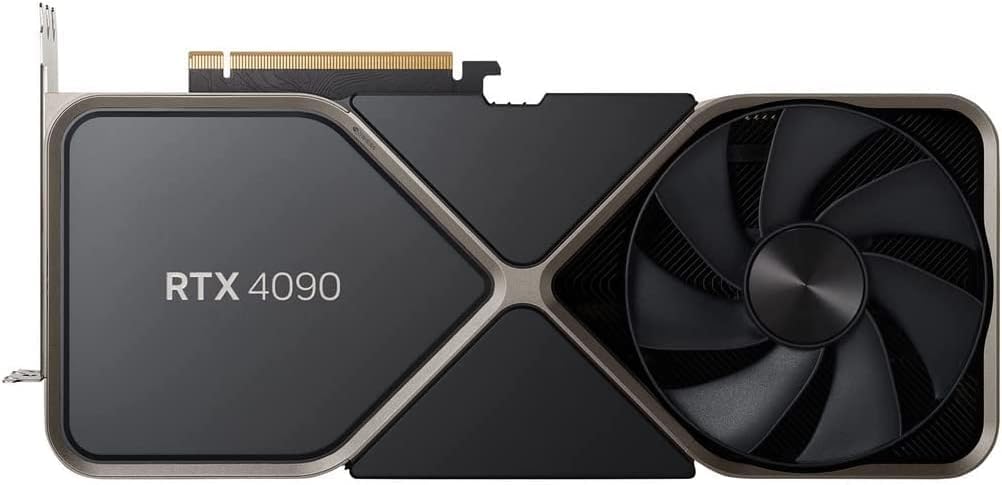
Nvidia GeForce RTX 4090 Founders Edition
$1599
The flagship card itself. Available from Nvidia and partners.
💡 Why We Recommend It
If you decide to buy, this is the recommended SKU.
✓ Best For
Anyone who needs the best GPU performance.
Get the App
Better experience on mobile
We help you decide if the RTX 4090 is worth its premium price for your needs and budget.
The RTX 4090 is a superb GPU for high-end gamers, professionals, and AI enthusiasts who need top-tier performance and have the budget. For most other users, cheaper alternatives provide better value. Consider your use case and finances carefully before purchasing.
Deciding whether to buy an Nvidia GeForce RTX 4090 is a significant financial and practical choice. At $1599 (or more for custom models), it's one of the most expensive consumer GPUs on the market. Many hesitate due to the price, concerns about needing that much power, or fear of buyer's remorse. This guide breaks down the key factors to help you decide if the RTX 4090 is the right investment for your specific situation. We'll cover who it's for, who should skip it, common concerns, and realistic alternatives. After reading, you'll have a clear verdict: Yes, No, or It Depends.
The Nvidia GeForce RTX 4090 is the top-tier consumer graphics card released in late 2022. It features 16384 CUDA cores, 24GB of GDDR6X VRAM, and a massive 450W TDP. It delivers roughly 2x the performance of the RTX 3090 in ray-traced workloads and excels at 4K gaming, high-refresh-rate 1440p, and professional tasks like video editing, 3D modeling, and machine learning. It's available from Nvidia directly (Founders Edition) and partners like ASUS, MSI, and Gigabyte. Its popularity stems from being the fastest GPU money can buy, but its size and power draw require a compatible case and a powerful PSU (1000W recommended).
The primary hesitation is the $1599+ price tag, which is more than many entire gaming PCs. Buyers worry about overspending on performance they may not fully utilize, especially if they game at 1080p or 1440p without ray tracing. There are also concerns about the card's physical size (many cases don't fit it), power consumption leading to higher electricity bills, and the potential for new GPUs (like RTX 5000 series) making it obsolete faster. Additionally, some consider more cost-effective alternatives like the RTX 4080 or AMD RX 7900 XTX. Real user concerns include coil whine, driver issues, and the need for a new PSU or case upgrade. The fear of buyer's remorse is high because this is a luxury item, not a necessity.
A passionate gamer with a 4K 144Hz monitor, plays AAA titles regularly.
Budget: $2000+ for GPU alone
Usage: Daily gaming, wants ultra settings and high FPS in Cyberpunk, Alan Wake 2, etc.
Why: The RTX 4090 delivers the best gaming experience available. It's a match for the high-refresh 4K monitor and will stay relevant for years.
Consider instead: None needed, but if budget is tight, RTX 4080 Super is a strong alternative.
A freelancer working with 8K footage and heavy color grading in DaVinci Resolve.
Budget: Can expense through business
Usage: Renders and exports daily, needs fast GPU acceleration.
Why: The 4090 significantly cuts render times and improves playback. The 24GB VRAM is crucial for large projects. ROI through saved time is clear.
Consider instead: RTX 4080 or 4070 Ti Super if budget is tighter.
Wants good performance but has a total PC budget of $1500.
Budget: Under $1500 total
Usage: Plays esports and older single-player games at 1080p.
Why: The 4090 alone costs more than your entire budget. Even a $400-500 GPU like RTX 4060 Ti or RX 7700 XT will meet your needs well.
Consider instead: Consider an RTX 4060 Ti or AMD RX 7700 XT, and invest the rest in a better monitor or SSD.
Runs local LLMs and Stable Diffusion, needs maximum VRAM and CUDA performance.
Budget: $2000+
Usage: Training models, inference, experimentation.
Why: 24GB VRAM and high CUDA core count make this ideal for AI workloads. It's a common choice among enthusiasts for running large models.
Consider instead: If budget allows, dual RTX 3090s or a used RTX 4090 are also options.
Has an older GTX 1060, plays Fortnite and Overwatch on 1080p 60Hz.
Budget: Under $500
Usage: Occasional gaming in spare time.
Why: The 4090 is massive overkill. An RTX 4060 or RX 7600 would give a huge upgrade and cost a fraction. You'd also need to upgrade your monitor to see any benefit.
Consider instead: Look at RTX 4060 or RX 7600. A new monitor (1440p 144Hz) would be a better use of money.
The RTX 4090 is a specialist tool for those who demand the absolute best. For 4K 120+ FPS gaming with max ray tracing, it's in a league of its own. However, if you game at 1440p or 1080p, the performance gains over a $800 card are marginal. Professionals like 3D artists and video editors save significant time with faster renders and exports. The card also powers AI workloads at home, making it appealing for enthusiasts. But for most, the opportunity cost is high: the $1600 could fund a monitor upgrade, a VR headset, or a vacation. User reviews on Amazon and forums highlight satisfaction when paired with high-end monitors and AAA titles, but complaints about price and coil whine are common. The market is stable, with occasional sales bringing prices down to $1500. Future considerations: the RTX 5090 may come in late 2025, but the 4090 will remain powerful for years. Resale value should hold well if kept in good condition.
The flagship card itself. Available from Nvidia and partners.
If you decide to buy, this is the recommended SKU.
Anyone who needs the best GPU performance.
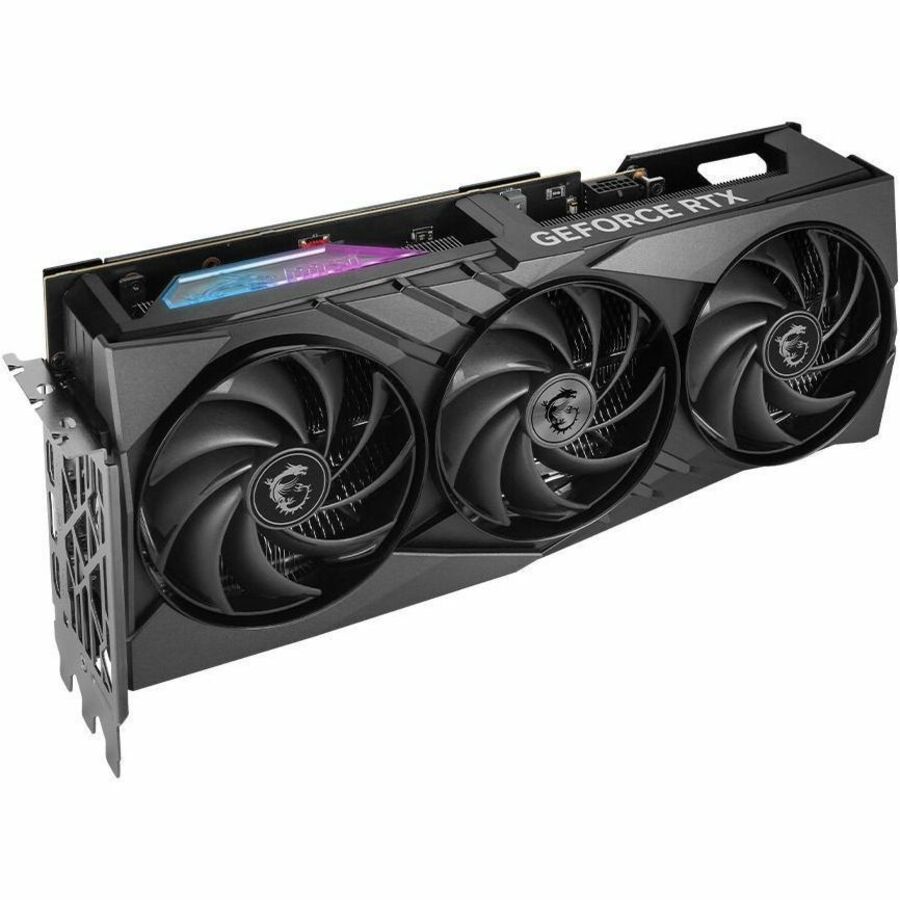
A high-end RTX 4080 Super that offers ~80% of the 4090's performance for $600 less.
Best alternative if you want high performance but don't need the absolute top tier.
Gamers and pros who can compromise slightly on performance for a lower price.
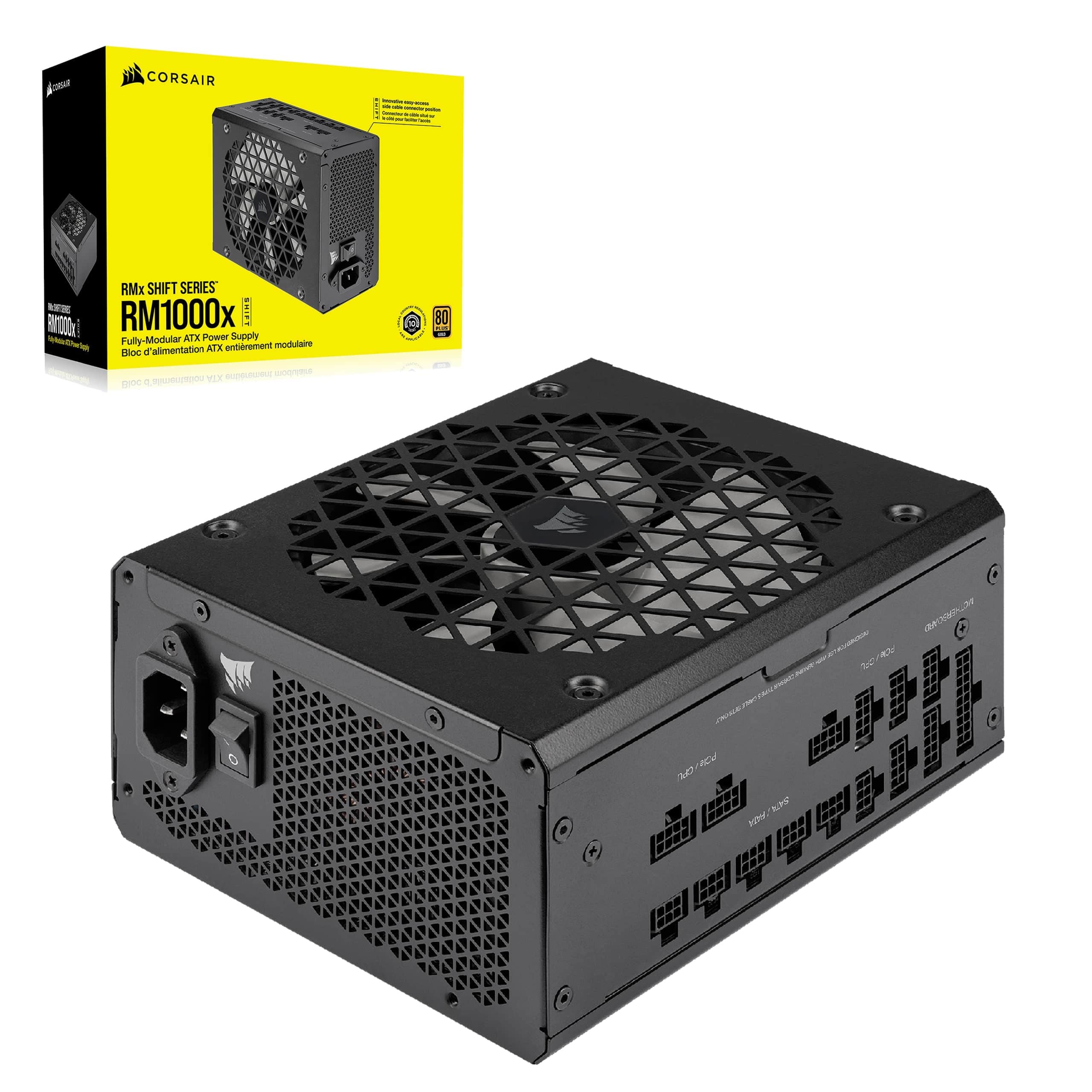
A high-quality 1000W power supply recommended for the RTX 4090's power demands.
Essential if upgrading from a lower-wattage PSU; ensures stable power delivery.
Anyone buying a 4090 without a 1000W PSU.
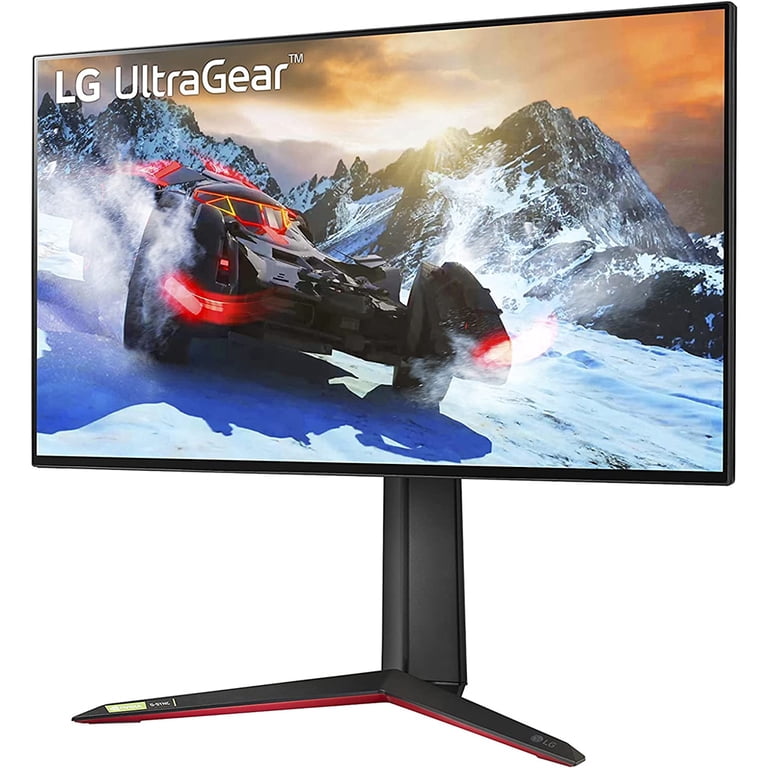
A 27-inch 4K 144Hz monitor that pairs perfectly with the RTX 4090 for buttery smooth visuals.
To fully utilize the 4090's capabilities, a high-refresh 4K monitor is a must.
Gamers who want the ultimate visual experience.
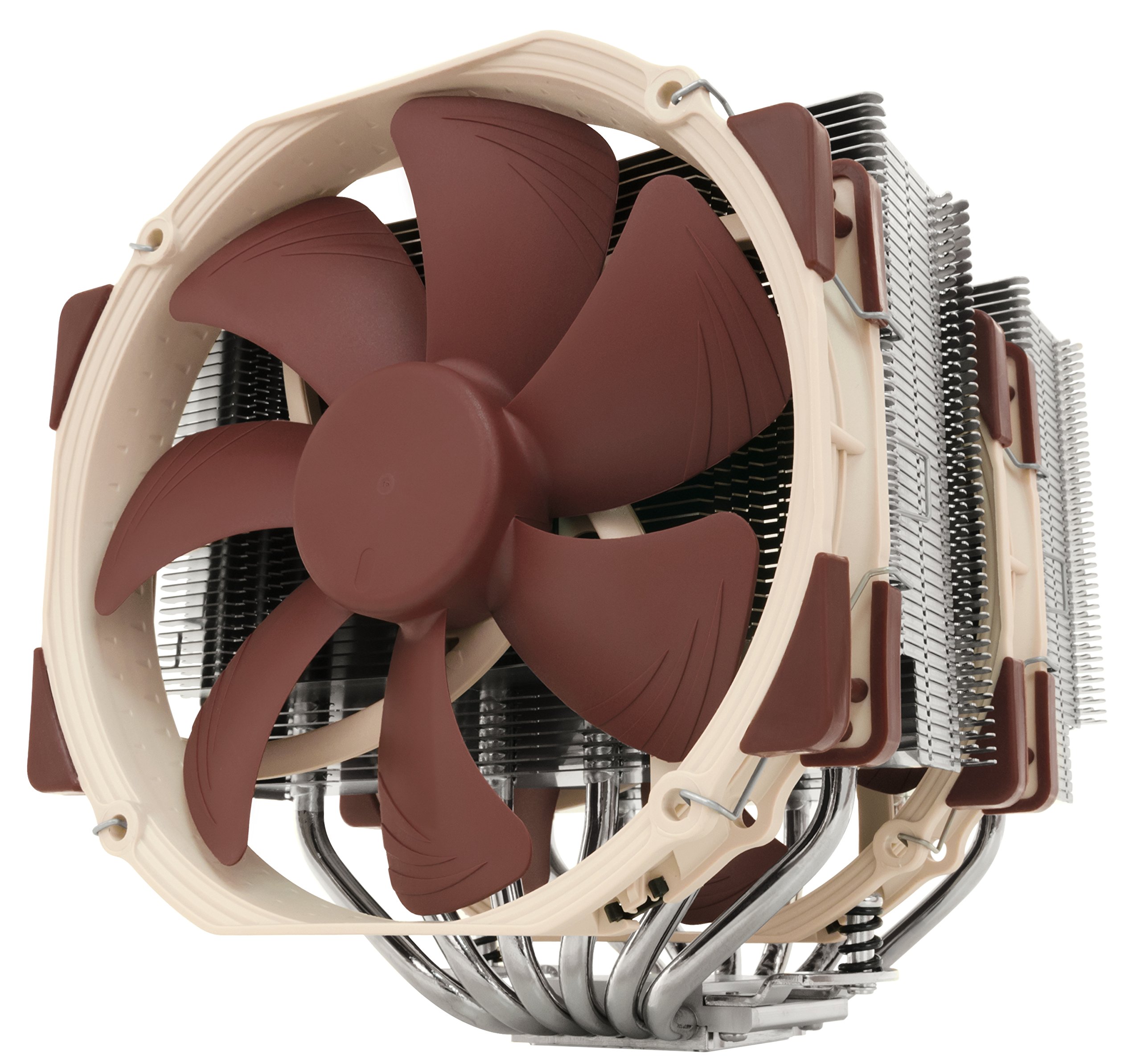
A top-tier air cooler to keep your CPU cool under heavy gaming loads.
Prevents thermal throttling in a high-end build.
Users building a complete high-end PC around the 4090.
The RTX 4090 is a phenomenal piece of hardware, but only worth buying if you have the budget and a clear use case that demands its power. If you do 4K gaming, heavy rendering, or AI work and can comfortably afford it, go ahead. If you're a casual gamer or budget-conscious, consider the RTX 4080 Super or AMD RX 7900 XTX. Timing wise, buy now if you need it; waiting may save money but you'll miss out on performance. Ultimately, it's a luxury purchase – make sure you're buying for the right reasons. For the right buyer, it's an excellent investment.
It depends on your budget and use case. If you need the absolute best performance for 4K gaming, professional rendering, or AI work and can afford it, yes. If you're on a budget or don't need that power, consider a cheaper GPU.
For the right buyer, yes. The performance premium over the RTX 4080 Super is significant in demanding applications. However, for most gamers, the price-to-performance ratio favors mid-range cards.
If you need a GPU now, the 4090 is excellent. If you can wait until late 2025 or 2026, the 5090 may offer a leap, but it will likely be more expensive. The 4090 will remain powerful for years.
Nvidia recommends at least an 850W PSU, but 1000W is safer, especially with high-end CPUs. Make sure it has the required 12VHPWR cable.
The card is large (over 300mm). Check your case's GPU clearance and also consider the width. Many compact cases will not fit it.
Yes, but it's overkill. You'll get extremely high frame rates, but a cheaper card like the RTX 4070 Ti Super would also max out most 1440p monitors. Only buy if you plan to upgrade to 4K soon.
Some units exhibit coil whine under load. It's not universal, but reports exist. Buying from a retailer with good return policy is wise.
The RTX 4080 Super and AMD RX 7900 XTX are the top alternatives, offering most of the performance at lower prices. For budget options, consider the RTX 4070 Ti Super or RX 7800 XT.
Yes, it's excellent for ML tasks with 24GB VRAM and CUDA support. It's a popular choice for running large models locally.
The Founders Edition is compact and well-cooled, but partner cards often have better cooling and RGB. Choose based on price, availability, and aesthetic preference.
We hope this guide helped you decide whether Nvidia GeForce RTX 4090 is right for you.