Choosing the wrong power supply unit (PSU) wattage for your gaming PC can lead to frustrating crashes during intense gaming sessions, random shutdowns, or even hardware damage. Many builders underestimate power needs, especially with power-hungry GPUs like NVIDIA's RTX 40-series. This guide breaks it down simply.
You'll learn the step-by-step process to calculate your PC's power requirements, factor in headroom for overclocking and upgrades, and select a reliable PSU. No advanced math required—just basic specs from your components. Expect to spend 10-15 minutes gathering info and running calculations.
By the end, you'll know exactly what wattage your gaming rig needs, with real-world examples for popular builds.
▸What You'll Need
- •Your PC's component specs (GPU model, CPU model, number of drives/fans)
- •Online PSU calculator (free tools like OuterVision or Newegg PSU Calculator)
- •Optional: Manufacturer TDP ratings from NVIDIA/AMD/Intel sites
Estimated Time: 10-15 minutes
Difficulty: intermediate
▸Step-by-Step Instructions
Step 1: Understand PSU Basics and Why Wattage Matters
A PSU converts AC wall power to DC power for your PC components. Wattage (e.g., 650W, 850W) indicates its maximum output capacity. Undersized PSUs cause instability under load; oversized ones are safe but wasteful.
For gaming PCs, GPUs draw the most power—up to 450W for high-end cards. Total system needs include CPU (100-250W), mobo (50W), RAM/drives (50-100W). Aim for 80+ efficiency ratings (Bronze/Gold/Platinum) for less heat and electricity waste.
What to expect: This sets the foundation; no calculation yet.
💡 Tips:
- •Think of PSU like a car's engine—too small, it strains; too big, unnecessary cost.
Step 2: List Your Key Components and Their TDP
TDP (Thermal Design Power) is the max power a component draws. Check specs:
- •GPU: NVIDIA/AMD site (e.g., RTX 4070 Ti: 285W, RTX 4090: 450W)
- •CPU: Intel/AMD site (e.g., i7-13700K: 253W, Ryzen 7 7800X3D: 120W)
- •Others: Mobo (~50W), 2x RAM (20W), SSD/HDD (10-20W each), 4x fans (20W), RGB (10W).
Jot them down. Why it matters: Accurate TDP prevents underestimation. Expect totals starting at 400W for mid-range, 800W+ for high-end.
⚠️ Warnings:
- •Don't use idle power—focus on peak load.
Step 3: Calculate GPU and CPU Power Draw
These are 70-80% of total. Add GPU TDP + CPU TDP + 50W baseline (mobo/RAM).
Example: RTX 4080 (320W) + i9-13900K (253W) + 50W = 623W base. Why? GPUs spike during gaming (transient loads up to 2x TDP briefly).
Pro tip: High-end combos like 4090 + 13900K need 850W minimum.
💡 Tips:
- •Use GPU-Z or HWInfo for real-world measurements on existing builds.
Step 4: Add Peripherals, Drives, and Overclocking Buffer
Tally extras: +20W per HDD, +10W per SSD/fan, +50W for AIO cooler/RGB. For overclocking, add 10-20%.
Updated example: 623W + 2 SSDs (20W) + 4 fans (20W) + OC buffer (100W) = 763W. Why it matters: Gaming rigs evolve—plan ahead.
Step 5: Apply 20-30% Headroom and Check Efficiency
Multiply base by 1.2-1.3 for spikes/upgrades. 763W x 1.25 = ~950W—round to 1000W PSU.
Choose 80+ Gold/Platinum for 90%+ efficiency at load. What to expect: Common gaming builds: 650W (RTX 3060), 850W (RTX 4080), 1000W+ (RTX 4090).
⚠️ Warnings:
- •Never go below calculated base—risks failure.
Step 6: Use Online PSU Calculators for Precision
Input specs into OuterVision or Newegg. It factors rails (12V, 5V), connectors.
Why? Automates transients/efficiency. Expect recommendation 100-200W above your manual calc.
💡 Tips:
- •Save results as PDF for build planning.
Step 7: Verify Connectors and Modular Design
Ensure PSU has enough PCIe 8-pin/12VHPWR for GPU (RTX 40 needs 3-4), 24-pin ATX, CPU 8-pin.
Prefer fully modular for cable management. Final check: Match form factor (ATX standard).
▸Pro Tips
- •Oversize by 100-200W for future GPUs—RTX 50-series rumors suggest higher draws.
- •Prioritize 80+ Gold or better; Platinum for enthusiasts (less heat, quieter).
- •Japanese capacitors (e.g., in Seasonic/Corsair) mean 10+ year lifespan.
- •Measure real draw with a Kill-A-Watt meter post-build.
- •Buy from Tier A lists (e.g., Cultists Network PSU Tier List).
- •Modular cables reduce clutter, improving airflow by 5-10°C.
- •Check reviews for ripple/noise—key for GPU stability.
▸Common Mistakes to Avoid
- •Underestimating GPU spikes: RTX 3090 peaks 500W+ despite 350W TDP—add 30% headroom.
- •Ignoring efficiency: Bronze PSUs waste 20% power as heat, shortening life.
- •Cheap no-name brands: Lack protections (OPP/OCP), risk frying components.
- •Forgetting peripherals: RGB strips + multiple drives add 100W easily.
- •No transient handling: Gaming loads cause brief 2x spikes—calculators account for this.
▸Troubleshooting
Problem: PC crashes or shuts down during gaming
Solution: PSU too weak—recalculate and upgrade to 200W higher. Test with stress tools like FurMark.
Problem: Noisy PSU fan or coil whine
Solution: Quality issue—replace with Gold-rated model. Undervolt GPU to reduce load.
Problem: Won't POST or GPU not detected
Solution: Insufficient connectors/power—check PCIe cables, reseat.
Problem: Random reboots under load
Solution: Overheating PSU—improve case airflow or replace.
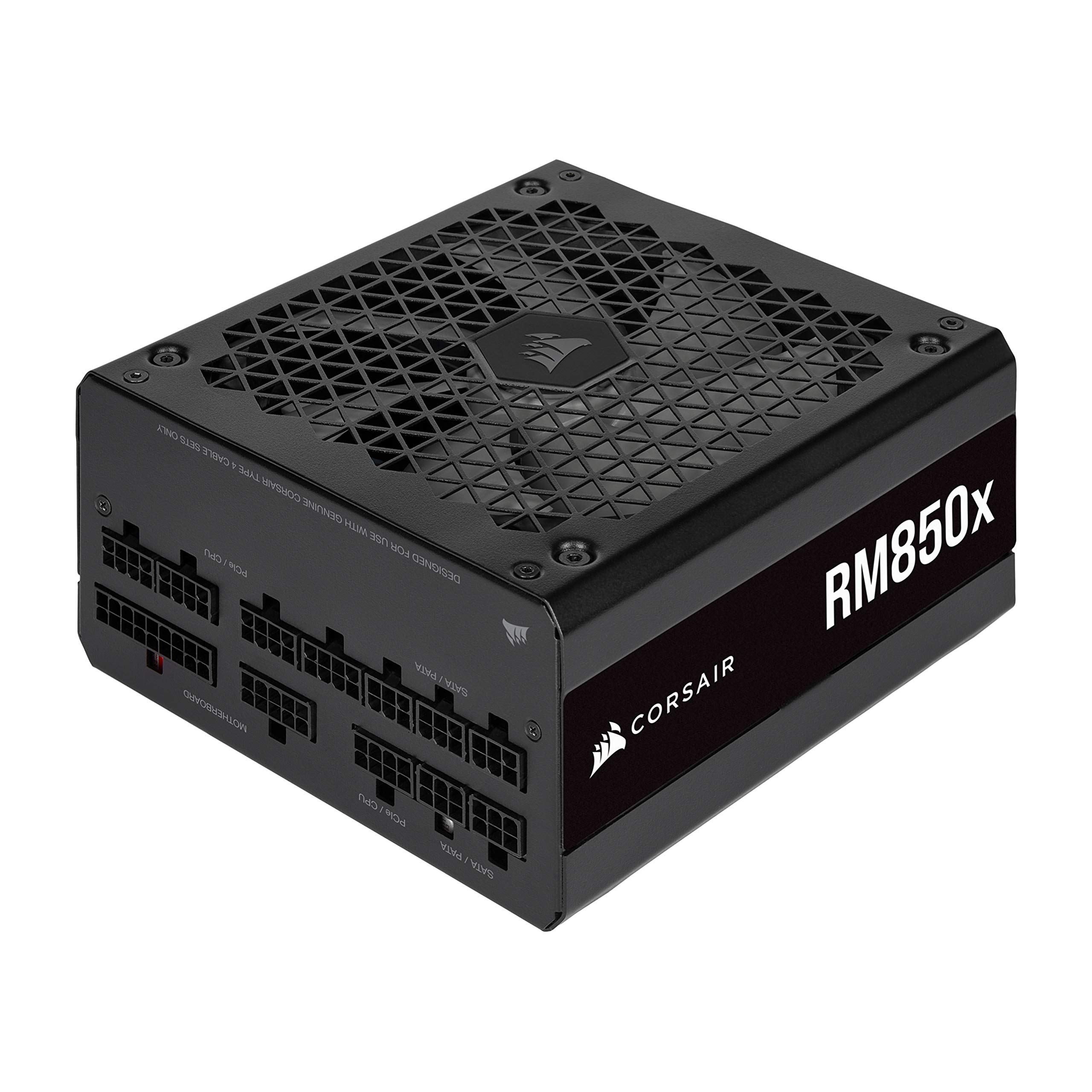
Corsair RM850x (2021) 850W 80+ Gold Fully Modular
Excellent ripple suppression, 10-year warranty, quiet fan—ideal for mid-high gaming builds.
Best for: RTX 4070/4080 + i7/Ryzen 7 setups (700-850W needs).
Price Range: $140-$160
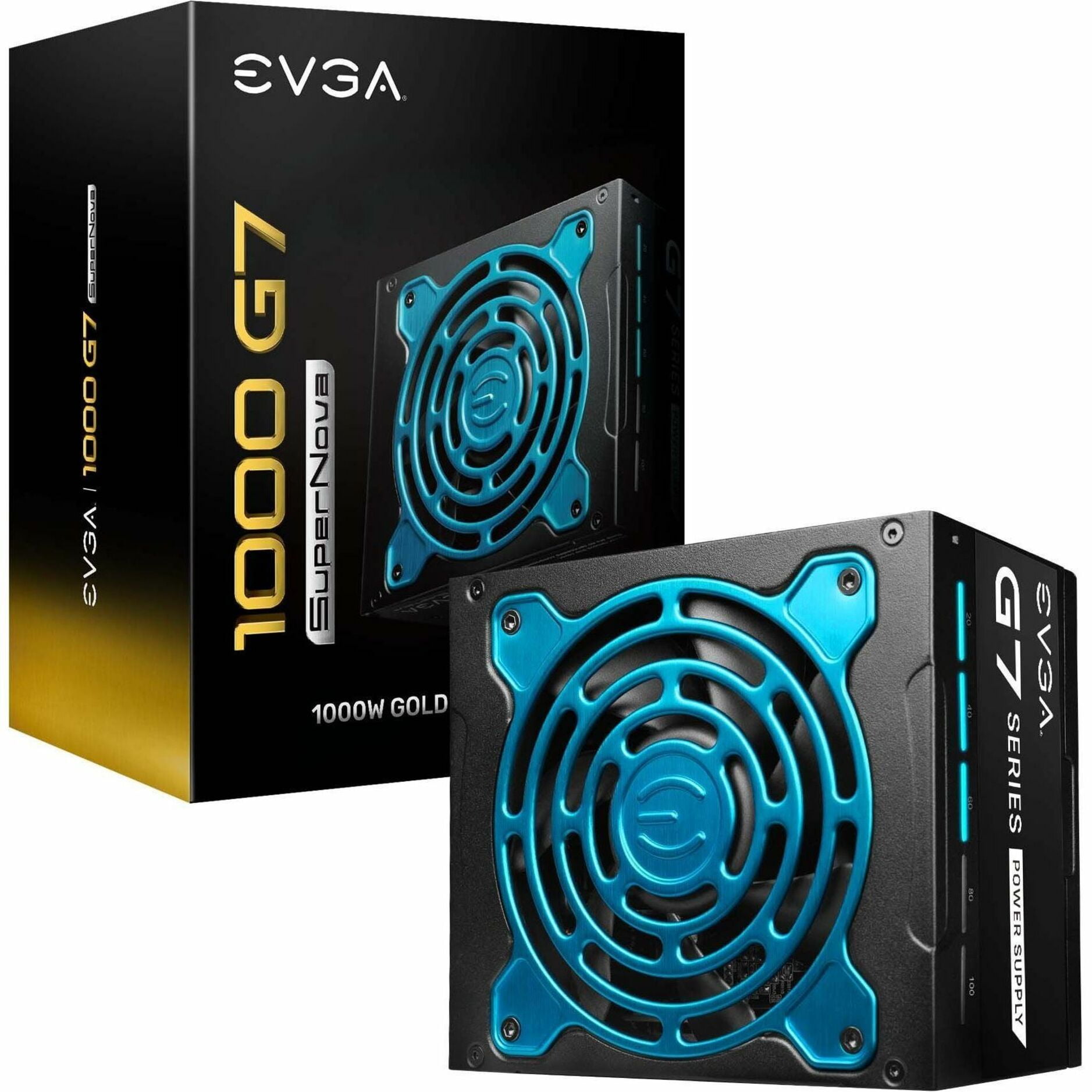
EVGA SuperNOVA 1000 G7 1000W 80+ Gold Fully Modular
Handles RTX 4090 transients perfectly, compact design, 10-year warranty.
Best for: High-end builds with 4090 + overclocked CPU (900W+).
Price Range: $170-$200
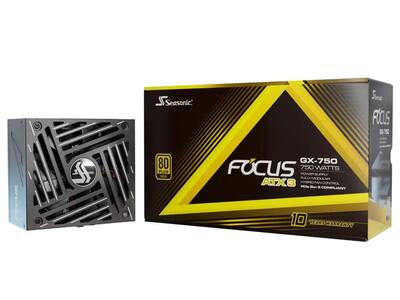
Seasonic Focus GX-750 750W 80+ Gold Fully Modular
Top-tier reliability (Tier A), hybrid fan mode for silence, Japanese caps.
Best for: Budget-mid gaming like RTX 4060/4070 (600-750W).
Price Range: $110-$130
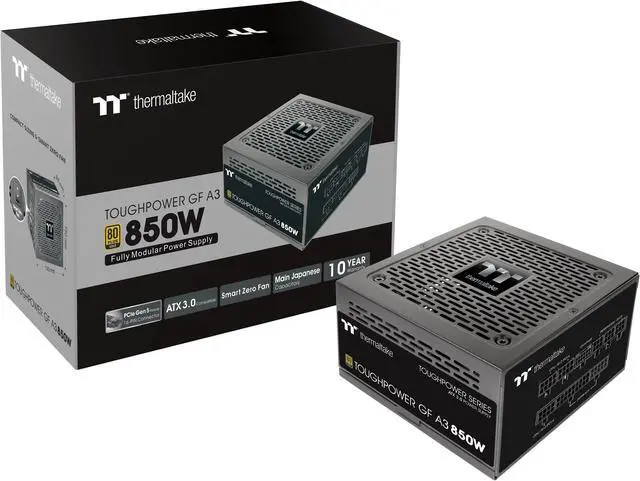
Thermaltake Toughpower GF A3 850W 80+ Gold ATX 3.0
Future-proof with PCIe 5.0/12VHPWR native for RTX 40-series, great value.
Best for: New builds needing 12VHPWR cable (RTX 4080/4090).
Price Range: $100-$120