
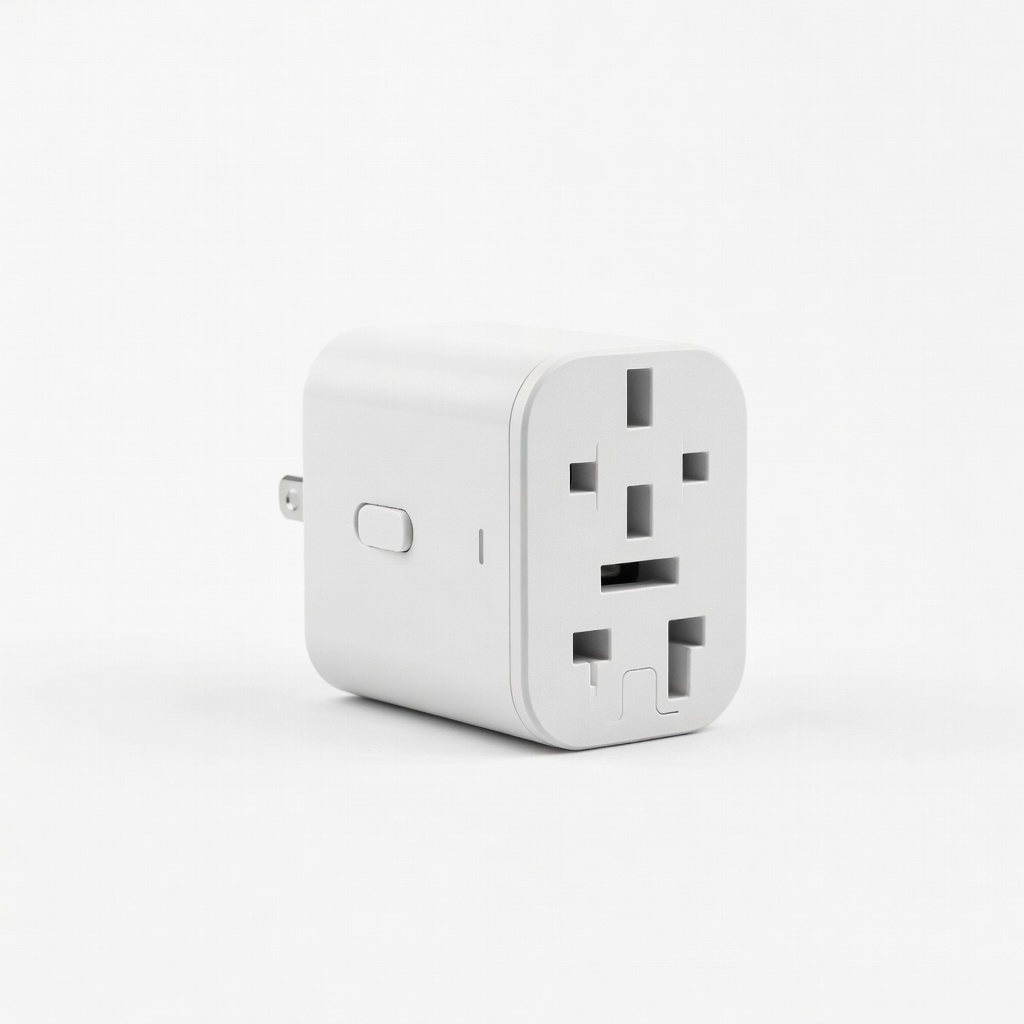
EPICKA Universal Travel Adapter
International travel with 2-in-1 laptops—just plug and charge.
$13-$20
EPICKA Universal Travel Adapter Supports 150+ countries with 4 USB ports; no voltage conversion needed for laptops.
Get the App
Better experience on mobile
Understand power requirements for 2-in-1 laptops to charge safely worldwide without frying your device.
Ever panicked plugging your 2-in-1 laptop into a foreign outlet, fearing a voltage mismatch will ruin it? You're not alone—many beginners worry about this when traveling or buying chargers. The good news: most modern 2-in-1 laptops are built for global use.
In this guide, you'll learn the standard voltage specs, how to check your model, and tips for safe charging anywhere. We'll break it down simply with analogies (like comparing voltage to water pressure) so even total newbies get it. Expect to grasp everything in under 15 minutes—no tech degree required.
By the end, you'll confidently power your convertible laptop at home, office, or abroad.
Estimated Time: 10-15 minutes Difficulty: beginner
Voltage is like water pressure in a hose—it pushes electricity through your laptop. Laptops use DC voltage (direct current, steady flow) internally, but wall outlets provide AC voltage (alternating current, wavy flow). Your power adapter converts AC to DC.
Think of it: Wall = high-pressure AC water; adapter = converter nozzle; laptop = device needing smooth DC flow. Most errors happen ignoring this conversion.
Why it matters: Knowing this prevents confusion between input (wall) and output (laptop) voltages.
💡 Tips:
Nearly all 2-in-1 laptops (like Lenovo Yoga, HP Spectre x360, Microsoft Surface) have adapters rated 100-240V AC, 50-60Hz. This means they work worldwide—US (120V), Europe (230V), etc.
Look at your adapter's label: It'll say something like "Input: 100-240V ~ 50-60Hz". The tilde (~) means AC. 99% of post-2010 laptops are universal.
What to expect: If yours matches, no converter needed—just a plug adapter.
⚠️ Warnings:
Adapters output DC voltage like 19V, 19.5V, or 20V at 2-5A (amps, like water volume). This varies by model: Surface Pro ~15-65V via USB-C PD; Yoga ~20V.
Analogy: Input is the firehose; output is the garden hose tailored to your laptop's thirst. Wrong output (e.g., 12V phone charger) underpowers or damages.
Why it matters: Buy replacements matching exact output (e.g., 20V 3.25A).
💡 Tips:
Flip your power brick or check the laptop's bottom/ports. Search your model + 'power specs' on the manufacturer's site (e.g., Lenovo support).
Example: HP Envy x360 adapter: '19.5V 3.33A'. USB-C 2-in-1s use Power Delivery (PD) up to 100W.
Expect: Full specs in seconds. Take a photo for travel.
Voltage is universal (100-240V), but plugs differ (US Type A vs EU Type C). Get a universal travel adapter—no voltage converter needed.
Rare exception: Some ultra-budget imports fixed at 110V.
Pro tip: Countries like Japan (100V) are fine.
⚠️ Warnings:
For peace of mind, measure outlets. Set multimeter to ACV 200V, probe outlet—expect ~110-240V.
Why: Confirms safe before plugging. Skip if trusting labels.
💡 Tips:
Stick to OEM or certified universals matching voltage/connector. USB-C 2-in-1s love 65W+ PD chargers.
Outcome: Safe, fast charging anywhere.
Problem: Laptop won't charge or powers off
Solution: Verify input voltage matches outlet; test adapter with multimeter. Try another outlet. Clean ports.
Problem: Slow charging or overheating
Solution: Wrong wattage—use higher (e.g., 90W vs 65W). Check for cable damage.
Problem: Sparks/smoke on plug-in
Solution: Voltage mismatch or faulty adapter—stop use, buy compatible. Seek pro repair.
Problem: No power abroad
Solution: Plug type issue—get adapter. Confirm 100-240V rating.
Supports 150+ countries with 4 USB ports; no voltage conversion needed for laptops.
Best for: International travel with 2-in-1 laptops—just plug and charge.
Price Range: $13-$20
Easy for beginners to test outlets/chargers accurately; auto-ranging.
Best for: Verify voltage before plugging in unknown outlets.
Price Range: $12-$15
Matches most 2-in-1 outputs (19-20V) with 8 tips; over-voltage protection.
Best for: Replacement charging for Yoga, Spectre, etc., on the go.
Price Range: $18-$25
USB-C PD for modern 2-in-1s like Surface; compact, GaN tech for cool operation.
Best for: Fast charging USB-C laptops without bulky bricks.
Price Range: $35-$40
DC output matches Lenovo/HP 2-in-1s; includes tips and worldwide compatibility.
Best for: Reliable spare for business travel.
Price Range: $40-$50
International travel with 2-in-1 laptops—just plug and charge.
EPICKA Universal Travel Adapter Supports 150+ countries with 4 USB ports; no voltage conversion needed for laptops.
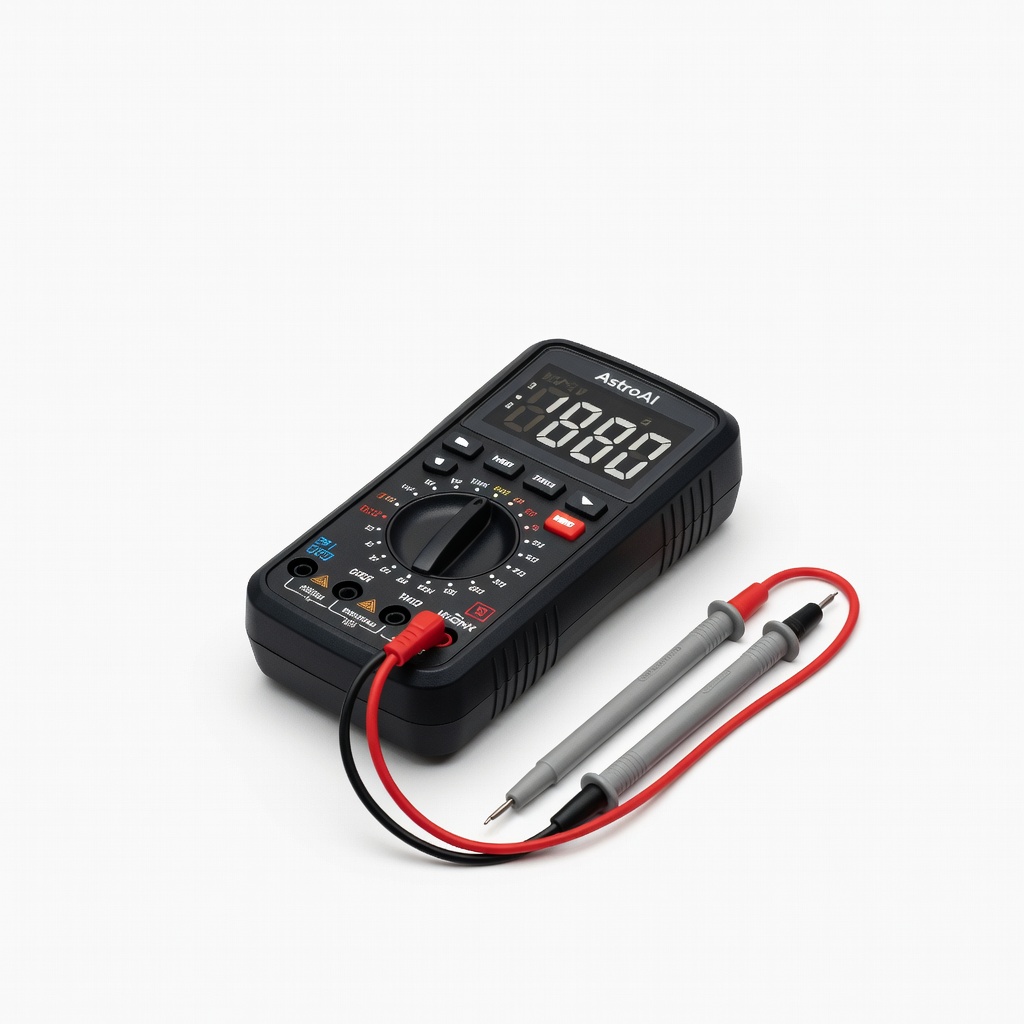
Verify voltage before plugging in unknown outlets.
AstroAI Digital Multimeter Easy for beginners to test outlets/chargers accurately; auto-ranging.
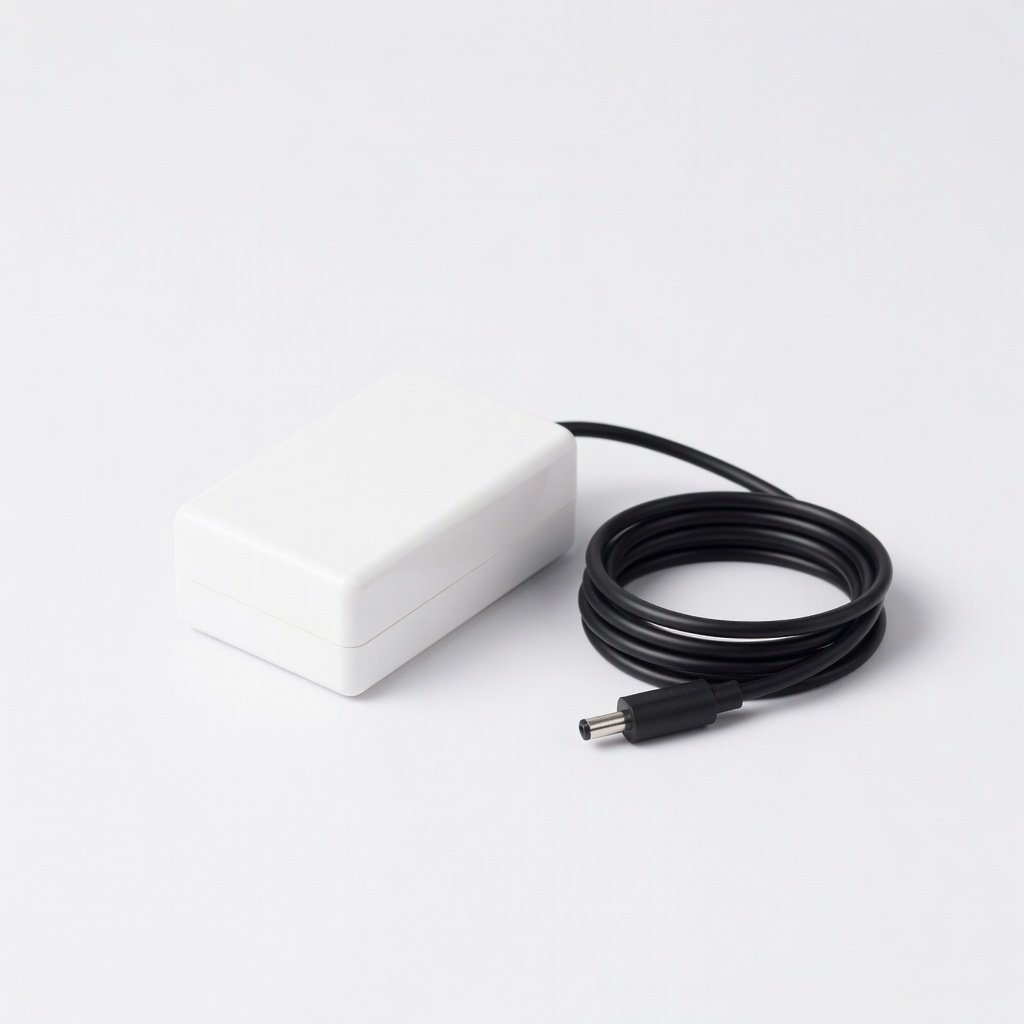
Replacement charging for Yoga, Spectre, etc., on the go.
YPF 90W Universal Laptop Charger Matches most 2-in-1 outputs (19-20V) with 8 tips; over-voltage protection.

Fast charging USB-C laptops without bulky bricks.
Anker 735 Charger (Nano II 65W) USB-C PD for modern 2-in-1s like Surface; compact, GaN tech for cool operation.
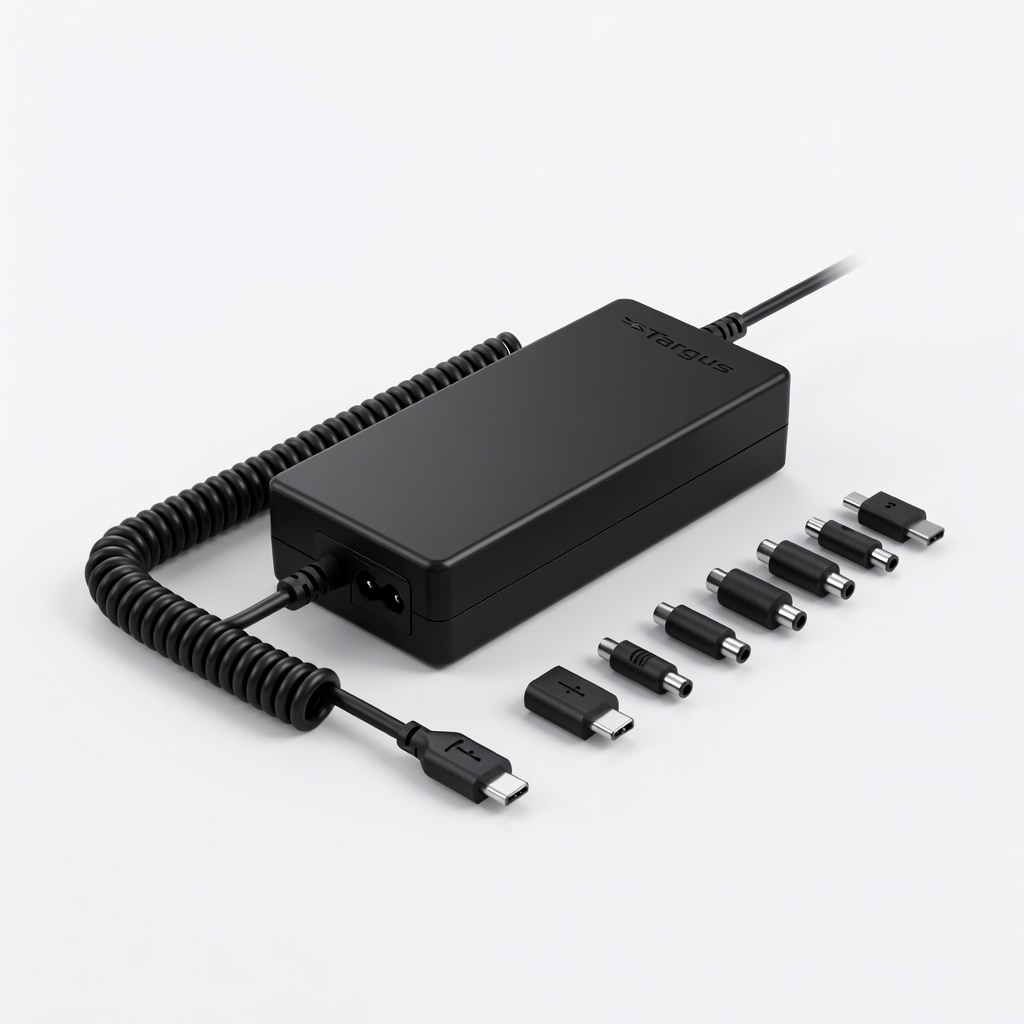
Reliable spare for business travel.
Targus 90W Universal Laptop AC Charger DC output matches Lenovo/HP 2-in-1s; includes tips and worldwide compatibility.