
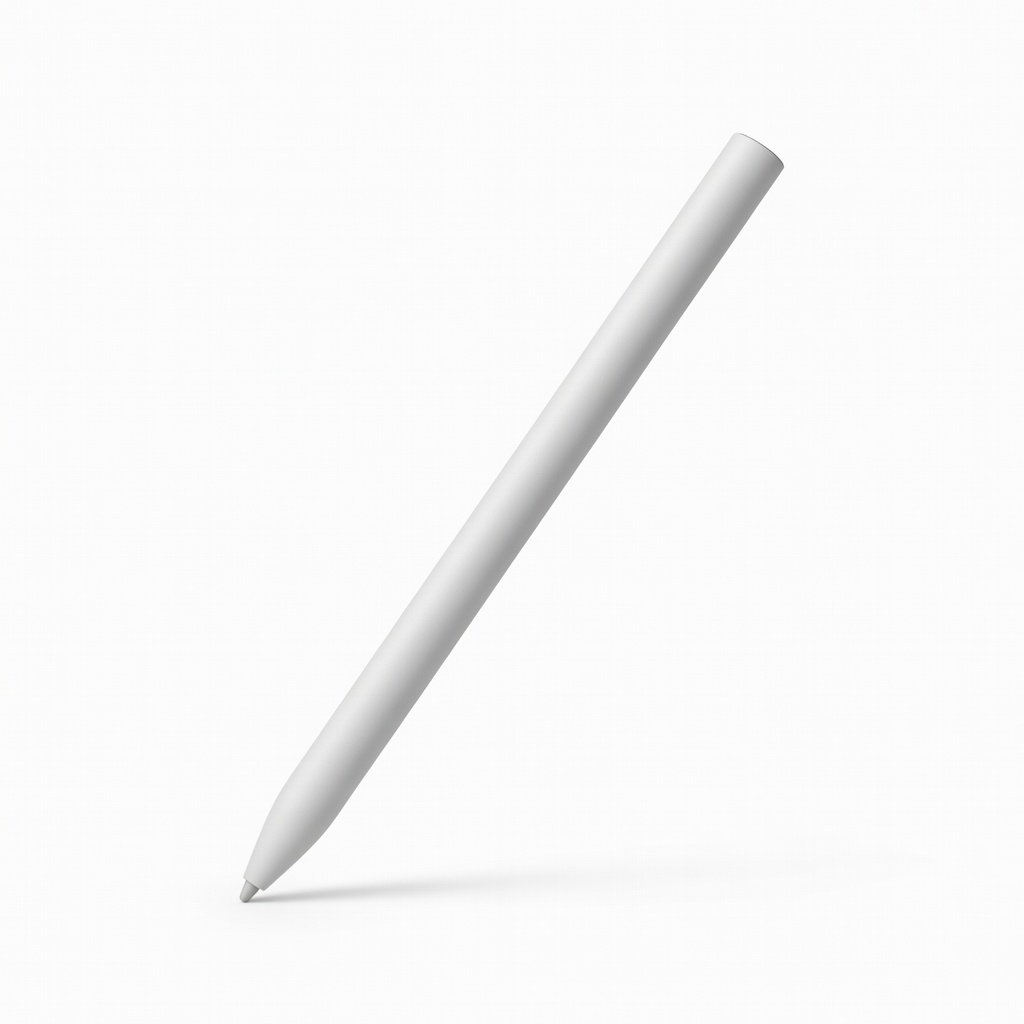
Microsoft Surface Slim Pen 2
Surface Pro/Go users needing pro-level drawing.
$130
Microsoft Surface Slim Pen 2 Top MPP 2.0 with 4096 pressure, tilt, wireless charging, haptic feedback for ultimate precision.
Get the App
Better experience on mobile
Learn how to choose the perfect stylus for your 2-in-1 laptop with compatibility checks, feature breakdowns, and top recommendations for precise drawing and note-taking.
2-in-1 laptops like Surface Pro or Lenovo Yoga flip from laptop to tablet mode, but without the right stylus, you'll struggle with laggy input, poor pressure sensitivity, or total incompatibility. Frustrated scribbles turning into digital disasters? You're not alone—many users buy the wrong pen and regret it.
In this guide, you'll master stylus selection: from protocols like MPP and USI to must-have features like tilt support. By the end, you'll know exactly which stylus pairs best with your device, saving time and money. Expect a straightforward explainer—no tech jargon overload, just clear steps to confidence.
This takes 15 minutes to read and apply, perfect for intermediate users familiar with laptops but new to stylus nuances.
Estimated Time: 15-20 minutes Difficulty: intermediate
Start by determining if your 2-in-1 supports Microsoft Pen Protocol (MPP), Universal Stylus Initiative (USI), or AES (Apple Pencil-like). This is crucial—mismatched protocols mean no hover, pressure, or palm rejection.
Go to your laptop's settings > Devices > Pen & Windows Ink (Windows) or check the manual. For Surface: MPP 2.0. Lenovo Yoga: often USI or MPP. Dell Inspiron: MPP. Think of it like USB-C vs. Lightning—no adapter fixes protocol mismatches.
Expect to find your model on the manufacturer's support page. Note it down.
💡 Tips:
⚠️ Warnings:
Passive styluses are basic plastic tips (like a finger)—cheap but imprecise, no pressure sensitivity. Active styluses have batteries/electronics for 4,096+ pressure levels, hover detection, and tilt.
For 2-in-1s, active is essential for artists or note-takers. Analogy: passive is a crayon; active is a fountain pen with variable ink flow.
Check listings for 'active pen'—most 2-in-1s need protocol-matched actives.
💡 Tips:
Look for 4,096+ pressure levels—lower feels binary (on/off). This mimics real pen pressure for natural strokes in apps like OneNote or Photoshop.
Why it matters: Light sketches need finesse; heavy shading needs boldness. Test via demos on YouTube for your protocol (MPP 2.0 excels here).
Expect variance: Budget pens at 2,048 levels; premiums at 8,192.
Tilt lets you shade like a pencil (45-60° angle detection). Palm rejection ignores your resting hand—vital for tablet mode.
Most modern 2-in-1s support this via protocol. Analogy: Without it, it's like drawing with your elbow in the way.
Verify in specs: 'Tilt-enabled' or 'PPG 2.0' for MPP.
💡 Tips:
⚠️ Warnings:
Active pens last 12-50 hours; choose USB-C rechargeable over AAAA batteries for convenience.
Surface Slim Pen: wireless charging via dock. Why care? Dead pens mid-meeting suck. Expect 1-2 hour charge times.
Pro tip: MPP 2.0 reduces latency to 2ms.
Grip like a pencil? Rubberized barrel, 10-15g weight ideal. 1-2 customizable buttons for eraser/undo.
Replaceable nibs (fine/medium) extend life. Test weights: too light feels toy-like.
For 2-in-1s, slim designs prevent pocket bulk.
💡 Tips:
Budget: $30-50 (basic MPP), $70-150 (premium). OEM like Microsoft for Surface guarantees zero issues.
Third-party risks glitches—stick to verified (e.g., Lenovo for Yoga).
Compare via Amazon reviews filtered by your model.
Order from Amazon (30-day returns). Test in native apps: pressure curves smooth? Latency low?
Read recent reviews for firmware updates. Done right, your 2-in-1 becomes a creative powerhouse.
⚠️ Warnings:
Problem: Stylus not detected or lagging
Solution: Check battery, restart, update drivers via Device Manager. Confirm protocol match.
Problem: No pressure sensitivity
Solution: Enable in app settings (e.g., OneNote > Pen mode). Test in Paint 3D.
Problem: Palm rejection fails
Solution: Adjust hand position; use glove if needed. Update BIOS/firmware.
Problem: Short battery life
Solution: Charge fully; disable unused buttons. Replace if >1 year old.
Top MPP 2.0 with 4096 pressure, tilt, wireless charging, haptic feedback for ultimate precision.
Best for: Surface Pro/Go users needing pro-level drawing.
Price Range: $130
Affordable USI with 4096 pressure, long battery, perfect Yoga/Chromebook match.
Best for: Lenovo 2-in-1s for students/note-takers.
Price Range: $40-$50
Versatile MPP with tilt, 12-hour battery, customizable buttons for broad compatibility.
Best for: HP Spectre x360 or Dell 2-in-1s on budget.
Price Range: $50
Durable, no-battery USI with tilt—kid-proof for education.
Best for: Chromebook Flip or education-focused 2-in-1s.
Price Range: $70
Surface Pro/Go users needing pro-level drawing.
Microsoft Surface Slim Pen 2 Top MPP 2.0 with 4096 pressure, tilt, wireless charging, haptic feedback for ultimate precision.
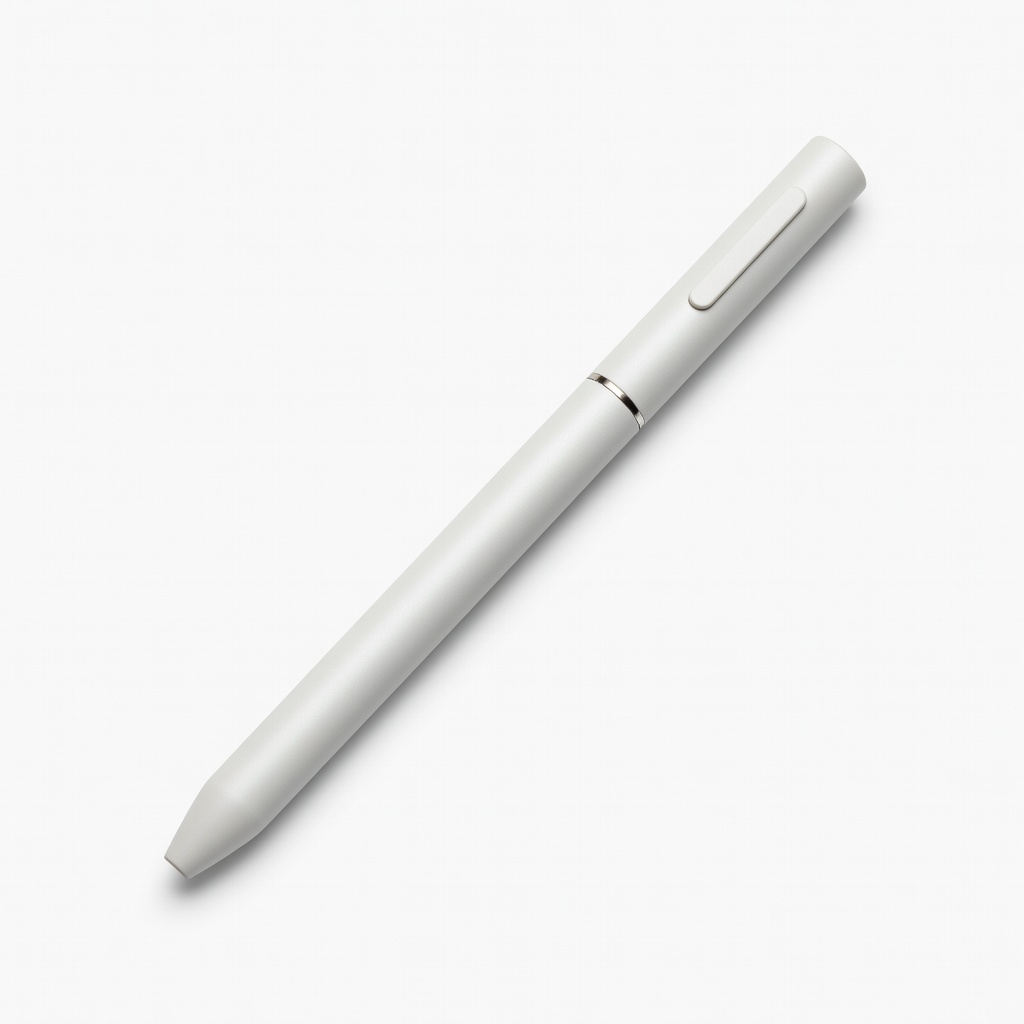
Lenovo 2-in-1s for students/note-takers.
Lenovo USI Pen 2 Affordable USI with 4096 pressure, long battery, perfect Yoga/Chromebook match.
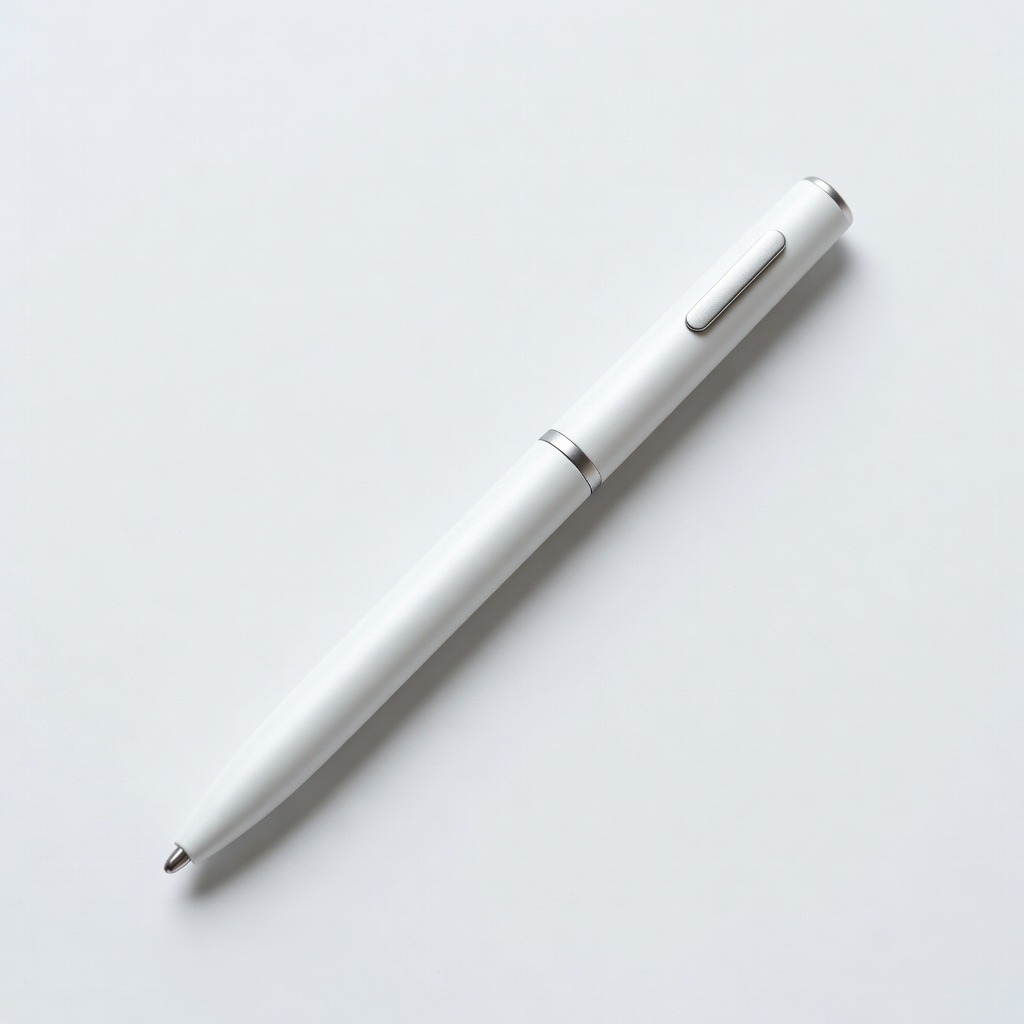
HP Spectre x360 or Dell 2-in-1s on budget.
HP Rechargeable MPP 2.0 Tilt Pen Versatile MPP with tilt, 12-hour battery, customizable buttons for broad compatibility.
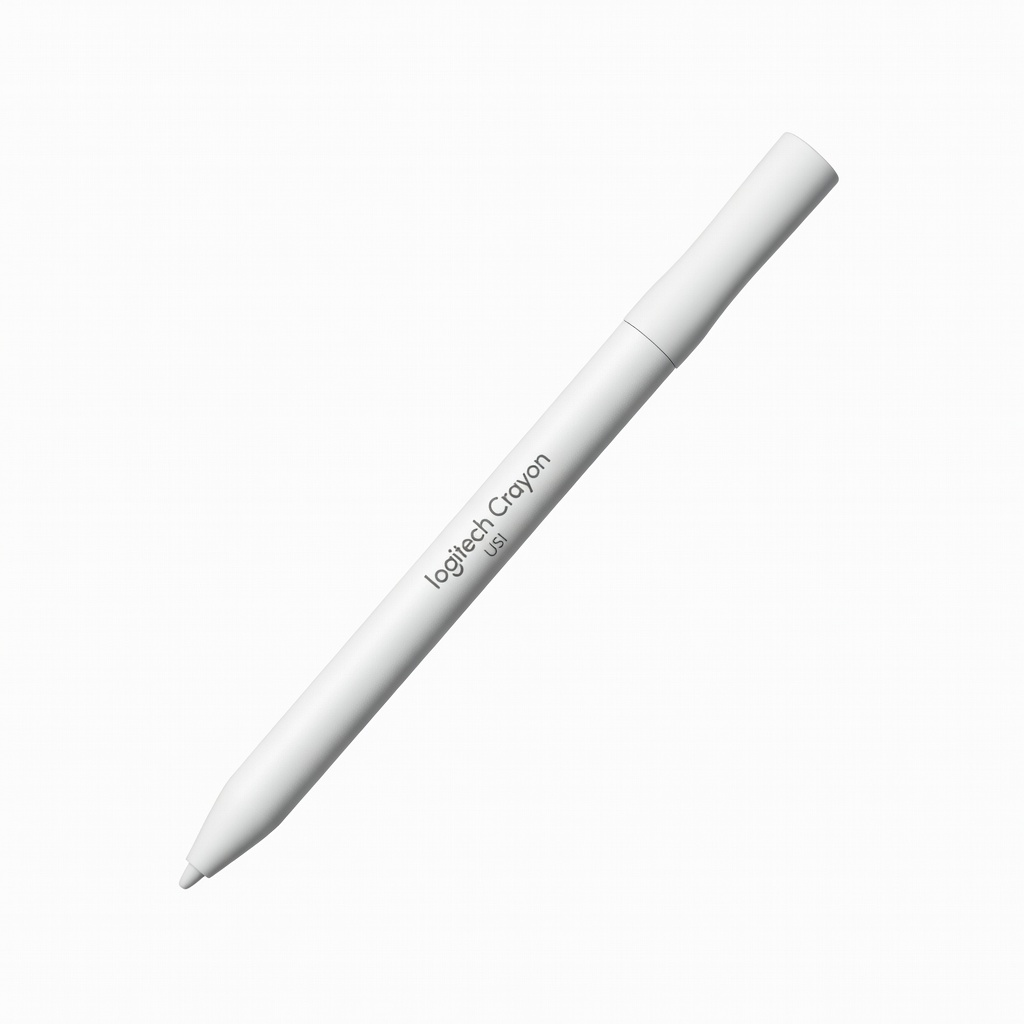
Chromebook Flip or education-focused 2-in-1s.
Logitech Crayon (USI) Durable, no-battery USI with tilt—kid-proof for education.