
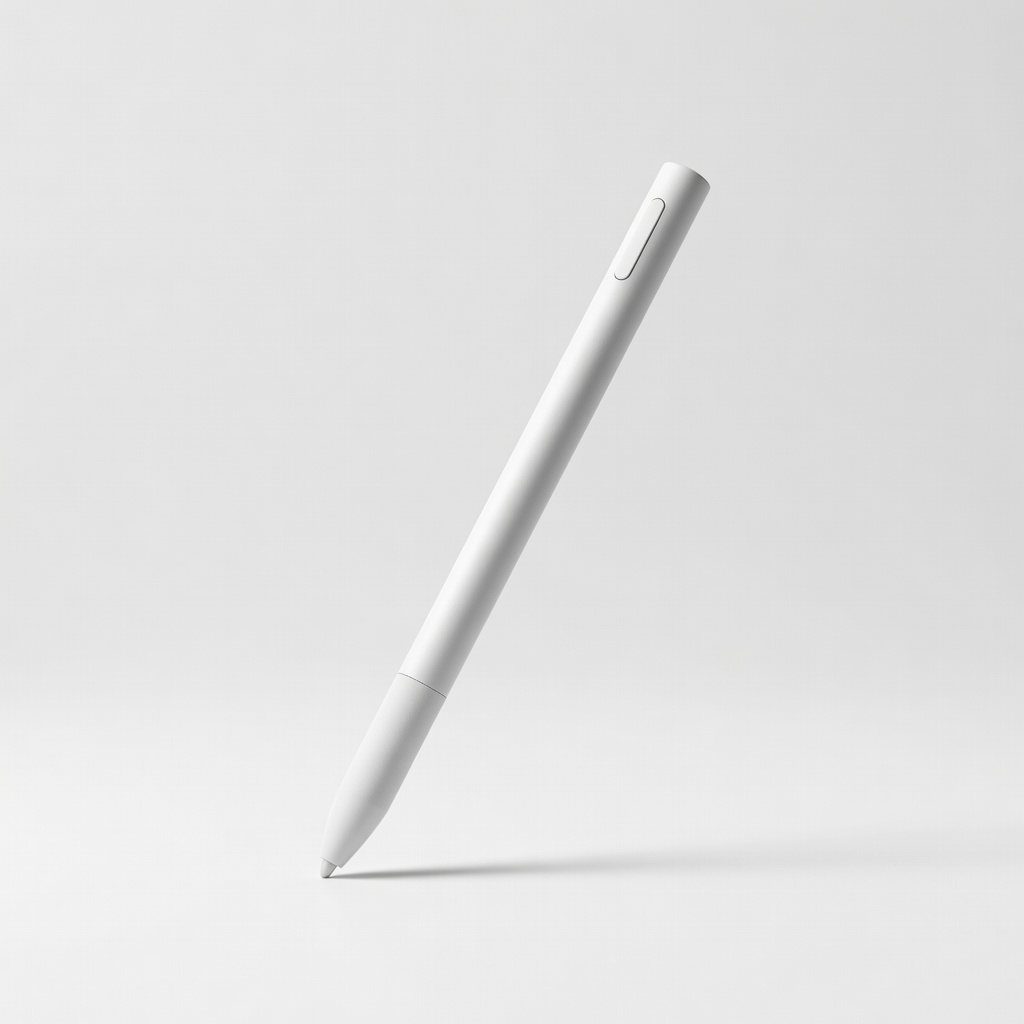
Microsoft Surface Slim Pen 2
Surface users needing pro drawing/note-taking.
$129.99
Microsoft Surface Slim Pen 2 Gold standard for MPP-compatible 2-in-1s like Surface Pro; 4096 pressure, tilt, zero-force inking.
Get the App
Better experience on mobile
Discover how to check stylus support on your 2-in-1 laptop for seamless note-taking, drawing, and productivity without buying incompatible pens.
You've invested in a 2-in-1 laptop for its versatility—flipping from laptop to tablet mode for sketching ideas or jotting notes. But nothing's more frustrating than grabbing a stylus only to find it doesn't work with your device. Incompatibility leads to laggy input, no pressure sensitivity, or total non-responsiveness, wasting time and money.
In this guide, you'll learn the key stylus technologies, how to identify your laptop's digitizer type, and steps to verify compatibility. By the end, you'll confidently pick a stylus that pairs perfectly with your 2-in-1, whether it's a Surface, Lenovo Yoga, or HP Spectre. This process takes just 15 minutes and requires no technical expertise beyond basic research.
Expect clear explanations of protocols like MPP, AES, and USI, with real-world examples to demystify the specs.
Estimated Time: 15-20 minutes Difficulty: intermediate
Stylus compatibility hinges on digitizer technology in your laptop's screen. Think of it like phone chargers: not all plugs fit all ports.
Main types:
Why it matters: Mismatched tech = no response. Start here to know what to look for.
💡 Tips:
⚠️ Warnings:
Locate your model: Windows key + R > 'msinfo32' > System Summary, or physically check the bottom.
Go to manufacturer's site (e.g., dell.com, lenovo.com). Search '[model] specifications' or 'pen support'.
Look for sections like 'Display', 'Input Devices', or 'Pen Compatibility'. Expect keywords: 'MPP 2.0', 'AES 2.0', '4096 pressure levels'.
This confirms your hardware baseline—no guesswork.
💡 Tips:
MPP: Search specs for 'Microsoft Pen Protocol' or 'Surface Pen compatible'. AES: Look for 'Wacom AES', 'active pen support'. USI: Newer; check for 'USI 1.0/2.0'.
Example: Lenovo Yoga 9i supports AES 2.0. Cross-reference with stylus docs.
Why crucial: Protocols ensure palm rejection and low latency.
💡 Tips:
⚠️ Warnings:
Pressure levels (2048 vs 4096) affect drawing feel—like pencil vs marker.
Specs list it under 'Pen Input'. Higher = better for artists.
Expect: Most modern 2-in-1s hit 4096+. Match stylus capability.
💡 Tips:
Advanced: Tilt support for shading (like real pencil). Hover previews cursor without touch. Low latency (<20ms) feels natural.
Check stylus and laptop both support. Surface excels here with MPP 2.0.
These elevate note-taking to pro level.
💡 Tips:
⚠️ Warnings:
Active styluses need AAAA battery or USB-C recharge. Check laptop pairing method (Bluetooth? Magnetic?)
Programmable buttons? Great for shortcuts.
Match to avoid frequent swaps.
💡 Tips:
Borrow a friend's stylus or buy from return-friendly retailer (Amazon 30-day).
In Windows: Settings > Devices > Pen & Windows Ink. Draw in Paint/OneNote.
Confirms real-world fit beyond specs.
💡 Tips:
⚠️ Warnings:
Problem: Stylus not detected or laggy
Solution: Update drivers via manufacturer's app or Windows Update. Restart Bluetooth. Re-pair device.
Problem: No pressure sensitivity
Solution: Confirm protocol match and test in supported app like OneNote. Check pressure curve settings.
Problem: Palm rejection fails
Solution: Enable in app settings (e.g., Fresh Paint). Use glove if persistent.
Problem: Short battery life
Solution: Fully charge via USB-C. Avoid storage in magnetic slot if overheating.
Gold standard for MPP-compatible 2-in-1s like Surface Pro; 4096 pressure, tilt, zero-force inking.
Best for: Surface users needing pro drawing/note-taking.
Price Range: $129.99
AES 2.0 support for Yoga/ThinkPad 2-in-1s; rechargeable, programmable buttons, low latency.
Best for: Lenovo owners wanting reliable everyday stylus.
Price Range: $49.99-$59.99
Perfect for HP Spectre x360/Envy; tilt, pressure, haptic feedback.
Best for: HP 2-in-1 users seeking premium feel.
Price Range: $69.99
AES-compatible budget option; palm rejection, 2048 pressure for casual use.
Best for: Dell/Lenovo on a budget.
Price Range: $39.99
Universal USI 2.0 for newer Chromebook/Windows hybrids; fine tip replacement.
Best for: USI-supported budget 2-in-1s.
Price Range: $29.95
Surface users needing pro drawing/note-taking.
Microsoft Surface Slim Pen 2 Gold standard for MPP-compatible 2-in-1s like Surface Pro; 4096 pressure, tilt, zero-force inking.
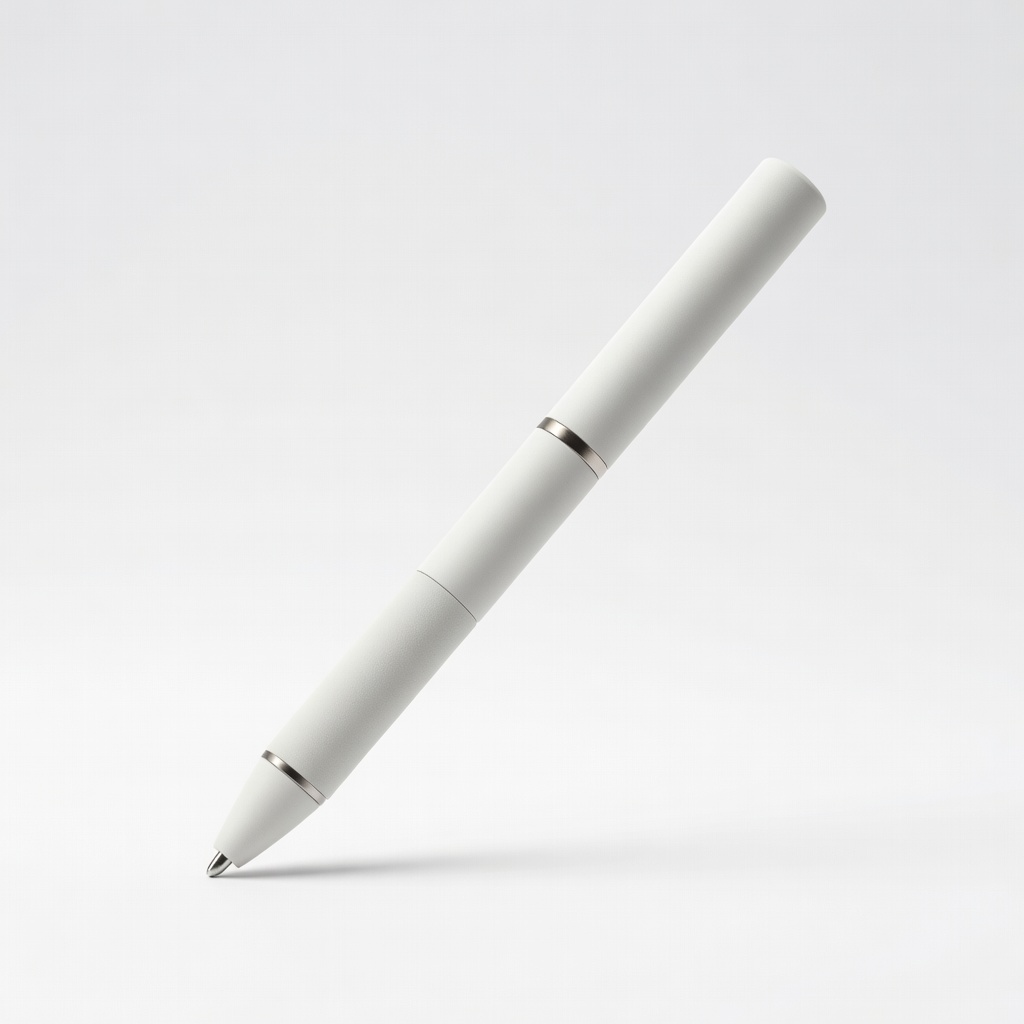
Lenovo owners wanting reliable everyday stylus.
Lenovo Precision Pen 3 AES 2.0 support for Yoga/ThinkPad 2-in-1s; rechargeable, programmable buttons, low latency.
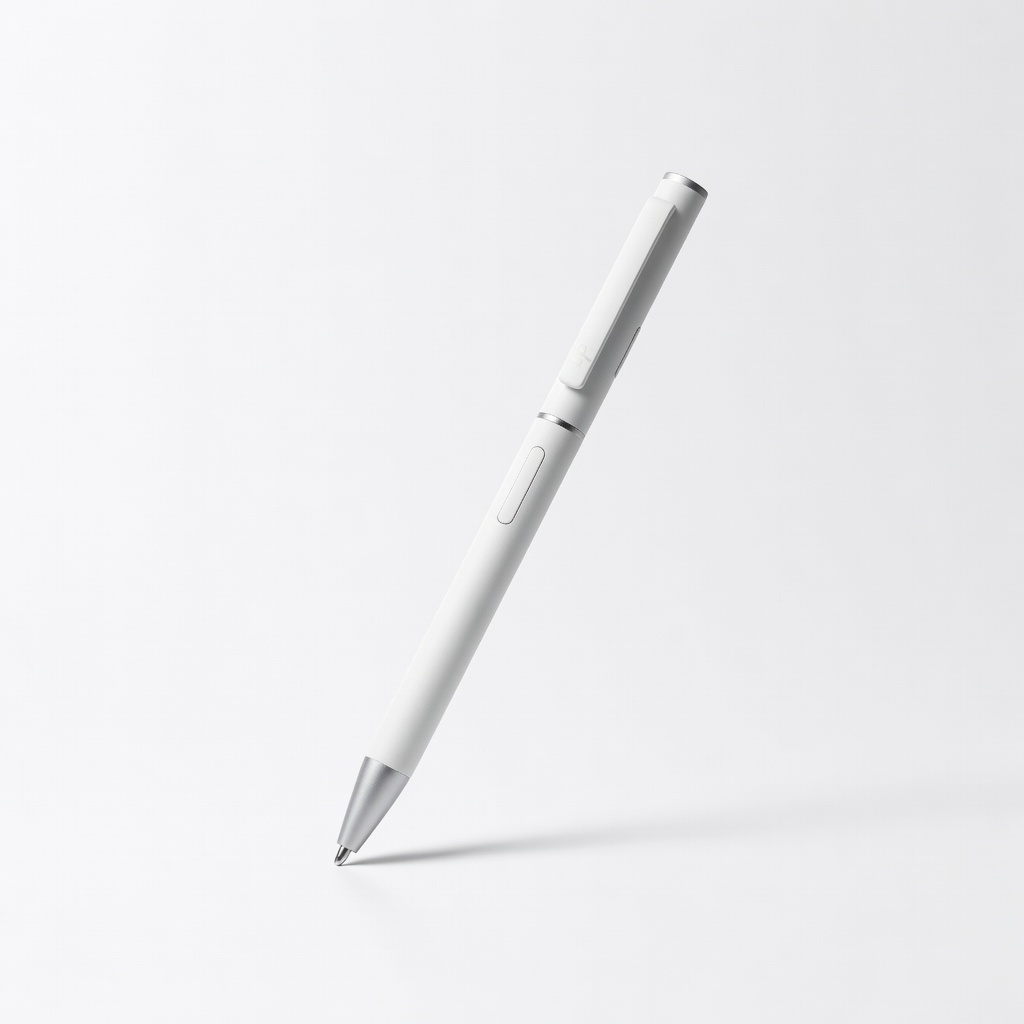
HP 2-in-1 users seeking premium feel.
HP Rechargeable MPP 2.0 Tilt Pen Perfect for HP Spectre x360/Envy; tilt, pressure, haptic feedback.
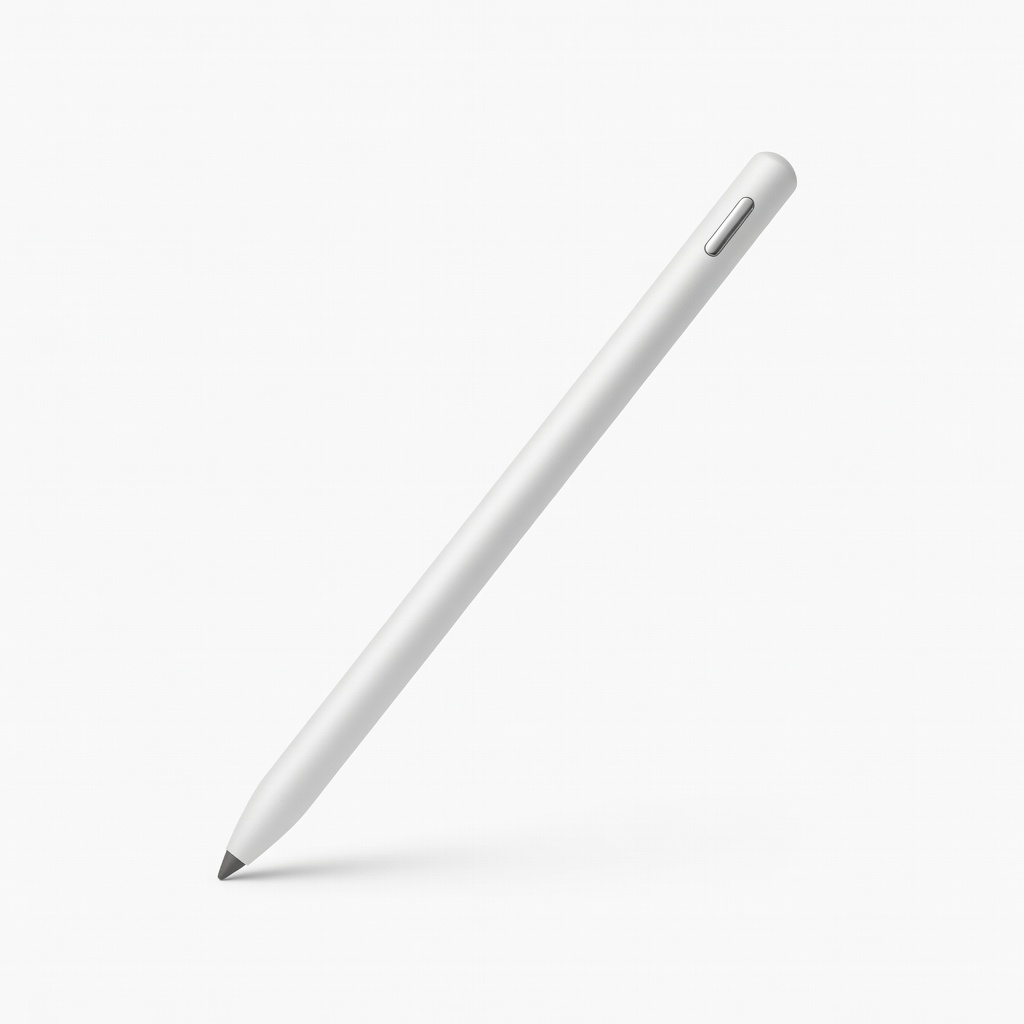
Dell/Lenovo on a budget.
Adonit Note+ 2 Stylus AES-compatible budget option; palm rejection, 2048 pressure for casual use.
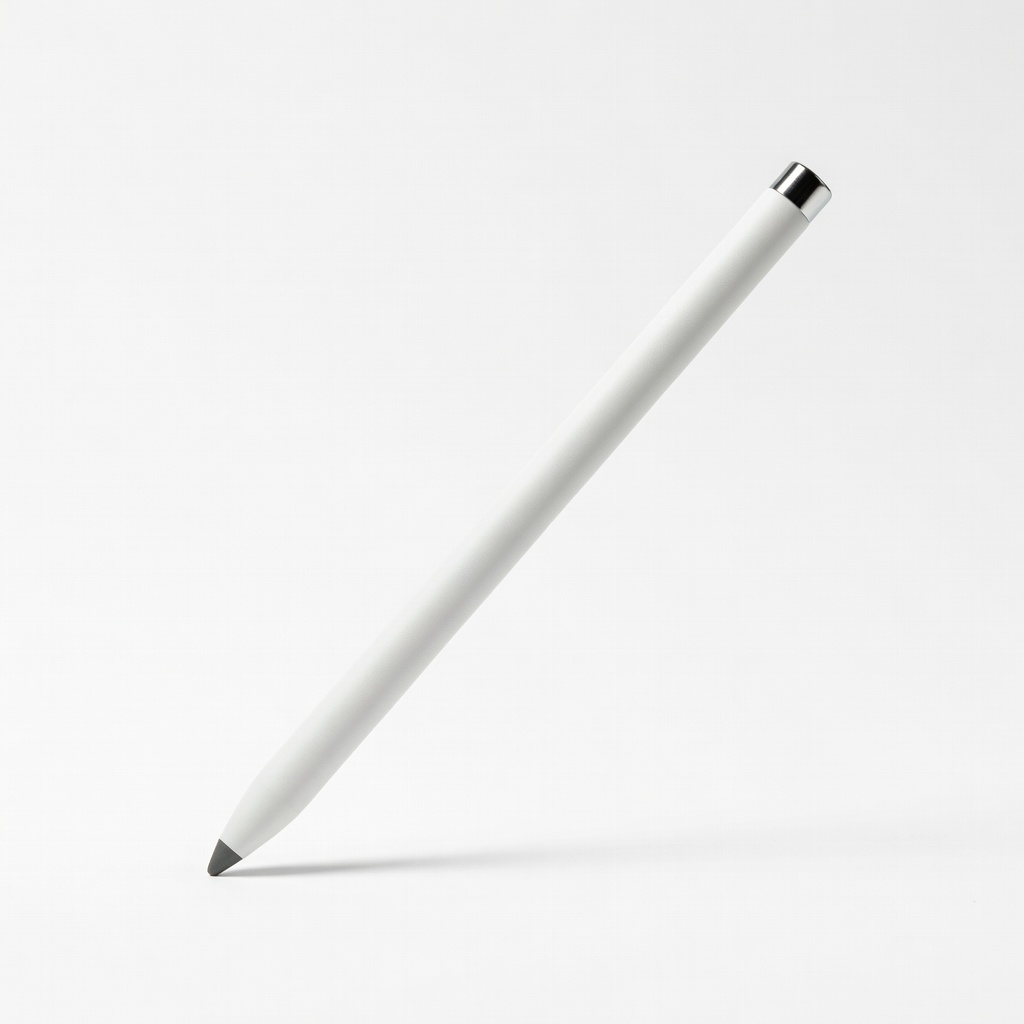
USI-supported budget 2-in-1s.
BoxWave AccuPoint Active Stylus Universal USI 2.0 for newer Chromebook/Windows hybrids; fine tip replacement.