
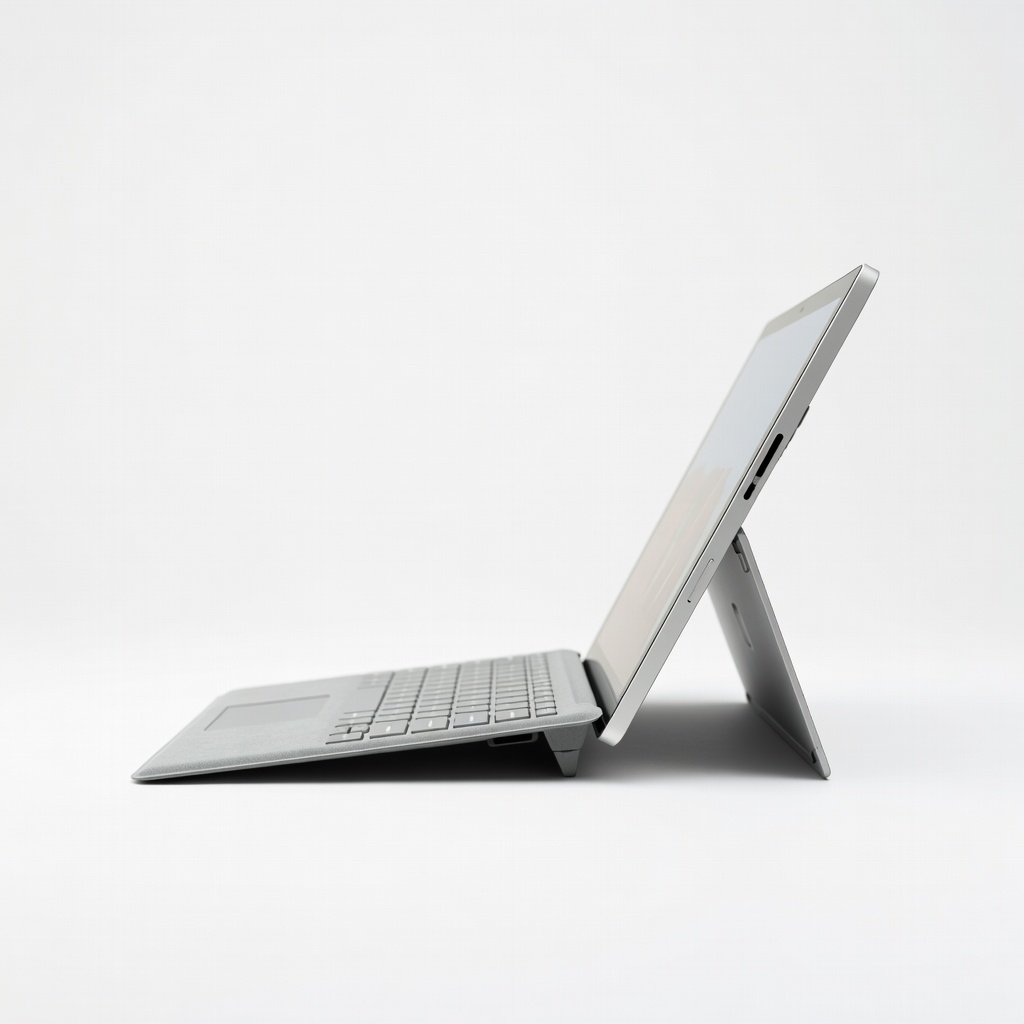
Microsoft Surface Pro 11
Pro artists needing portability and power for Photoshop/Illustrator.
$1200-$1800
Microsoft Surface Pro 11 OLED display with perfect color accuracy, Snapdragon X Elite for AI art, excellent pen support.
Get the App
Better experience on mobile
Learn the essential specs that make 2-in-1 laptops perfect for digital artists, so you can pick a versatile machine for sketching, editing, and on-the-go creation.
Digital artists often juggle sketching on the go, photo editing in studios, and presentations with clients—making a rigid laptop a creativity killer. A great 2-in-1 laptop flips from laptop to tablet mode seamlessly, supporting stylus input for natural drawing. But not all 2-in-1s are artist-ready; the wrong specs mean laggy brushes or washed-out colors.
In this guide, you'll break down the top specs that define the best 2-in-1s for artists—from displays to processors. We'll explain each with real-world examples, analogies, and why it matters for tools like Adobe Photoshop or Procreate. Expect clear breakdowns for intermediate users familiar with basic hardware.
Reading this takes 10-15 minutes, arming you to confidently shop without buyer's remorse.
Estimated Time: 10-15 minutes Difficulty: intermediate
The screen is your canvas. For artists, aim for at least QHD (2560x1440) or 4K resolution on a 13-16 inch panel. Color accuracy matters most—look for 100% sRGB or Adobe RGB coverage, calibrated to Delta E <2 for true-to-life hues. Glossy, anti-glare touchscreens with high brightness (400+ nits) handle varied lighting.
Analogy: A low-spec screen is like painting on newspaper—colors bleed and details blur. Expect vibrant gradients in Photoshop without banding.
Touch responsiveness ensures smooth stylus tracking.
💡 Tips:
⚠️ Warnings:
2-in-1s shine with pen support like Wacom AES or USI. Key: 4096 pressure sensitivity levels, low latency (<20ms), tilt detection, and palm rejection. Included stylus (or buy Microsoft Pen/Samsung S Pen) with customizable buttons.
Why it matters: Mimics real pencils—light taps for sketches, heavy for fills. Without it, digital art feels robotic.
Test in demos: Smooth lines in Clip Studio without jitter.
💡 Tips:
CPU handles multitasking. For artists: Intel Core Ultra 7/9 (Meteor Lake/Arrow Lake) or Qualcomm Snapdragon X Elite for AI-accelerated tasks like auto-masking in Lightroom. 8+ cores, 5GHz+ turbo.
Example: Editing 4K timelines + 50 Photoshop layers without stutter.
Analogy: CPU is the artist's brain—weak ones lag on complex brushes.
💡 Tips:
⚠️ Warnings:
Integrated Intel Arc or AMD Radeon 780M suffice for most 2D/3D art; dedicated NVIDIA RTX 4050 for heavy rendering. GPU accelerates filters, 3D sculpting in Blender.
Real-world: Smooth 60FPS canvas panning at 4K.
Analogy: GPU is your paint mixer—faster blending for pro results.
💡 Tips:
RAM for open apps/tabs. Minimum 16GB (soldered common); 32GB ideal for large PSD files.
Why: 8GB chokes on layers; 16GB handles 100+.
Fast LPDDR5X (7467MHz) reduces lag.
💡 Tips:
⚠️ Warnings:
Storage: Fast PCIe 4.0 NVMe SSD (3500MB/s+ reads). 512GB min; expandable via microSD/Thunderbolt dock.
Example: Quick file loads for portfolios.
Analogy: SSD is your supply closet—slow access kills flow.
💡 Tips:
Battery: 10-15 hours mixed use; efficient ARM chips extend it. Fast charge to 80% in 1hr.
Vital for plein air sketching.
Analogy: Reliable power keeps inspiration flowing.
💡 Tips:
⚠️ Warnings:
Build: Magnesium/aluminum, <3lbs, 360° hinge. Ports: 2x Thunderbolt 4, USB-A, headphone. 1080p webcam with IR for Windows Hello.
Ensures durability/portability.
Final check: Artist software certification (Adobe PAR).
💡 Tips:
Problem: Stylus pressure not registering
Solution: Update drivers/firmware; calibrate in Windows Settings > Devices > Pen.
Problem: Lag in art apps
Solution: Close background apps; set app to high performance in Graphics Settings.
Problem: Short battery in tablet mode
Solution: Lower screen brightness; disable keyboard backlight.
OLED display with perfect color accuracy, Snapdragon X Elite for AI art, excellent pen support.
Best for: Pro artists needing portability and power for Photoshop/Illustrator.
Price Range: $1200-$1800
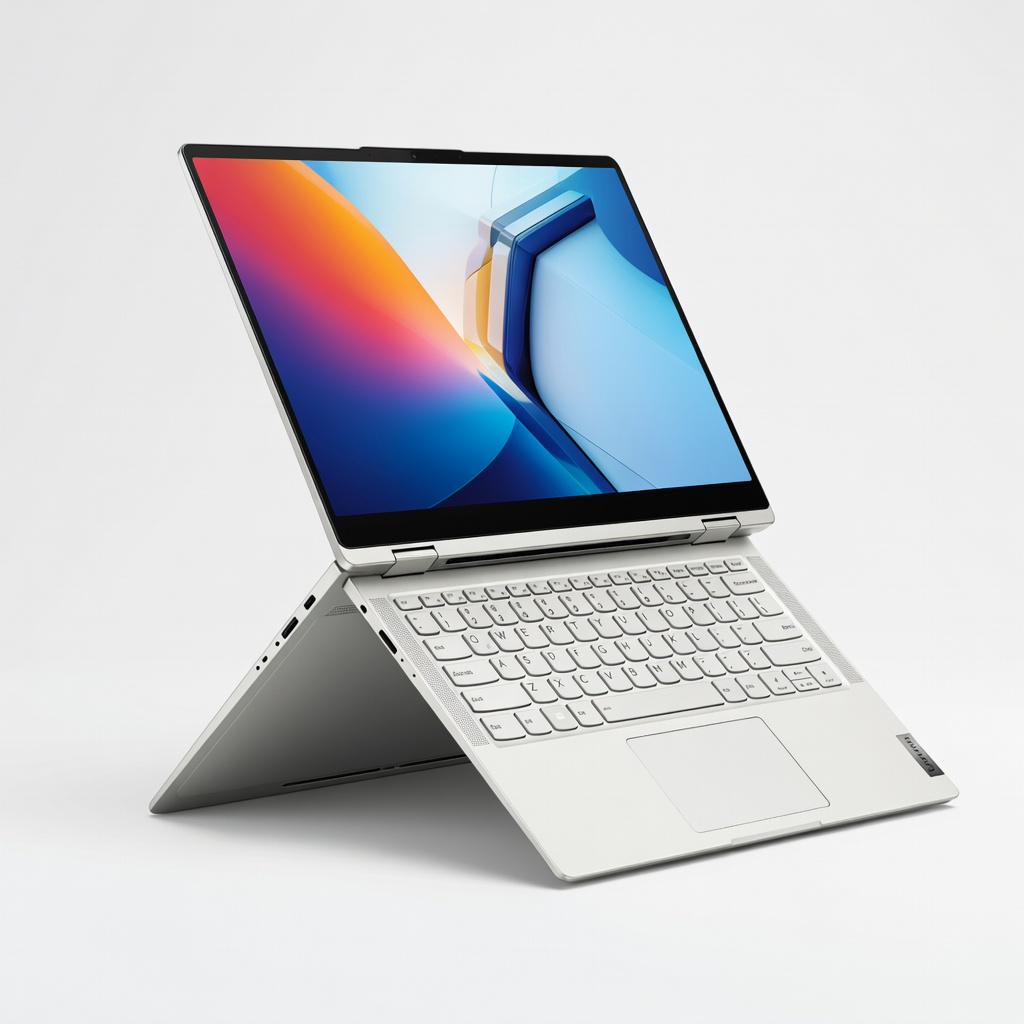
14" OLED 120Hz screen, Intel Core Ultra 7, 32GB RAM option—smooth for multitasking artists.
Best for: Digital painters using Clip Studio or Blender on the go.
Price Range: $1300-$1600
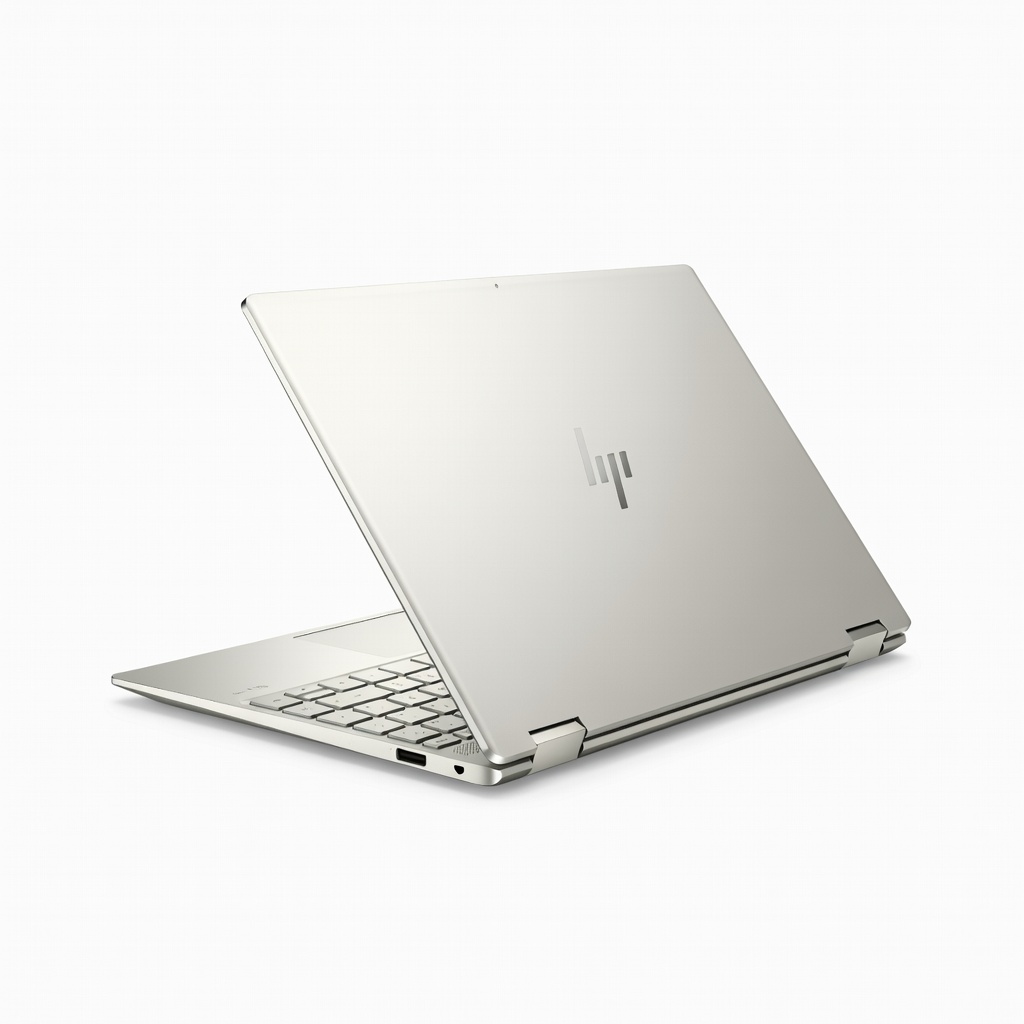
2.8K OLED touch, Core Ultra 7, haptic touchpad, long battery—balanced for creators.
Best for: Freelance illustrators editing photos and sketches.
Price Range: $1100-$1500
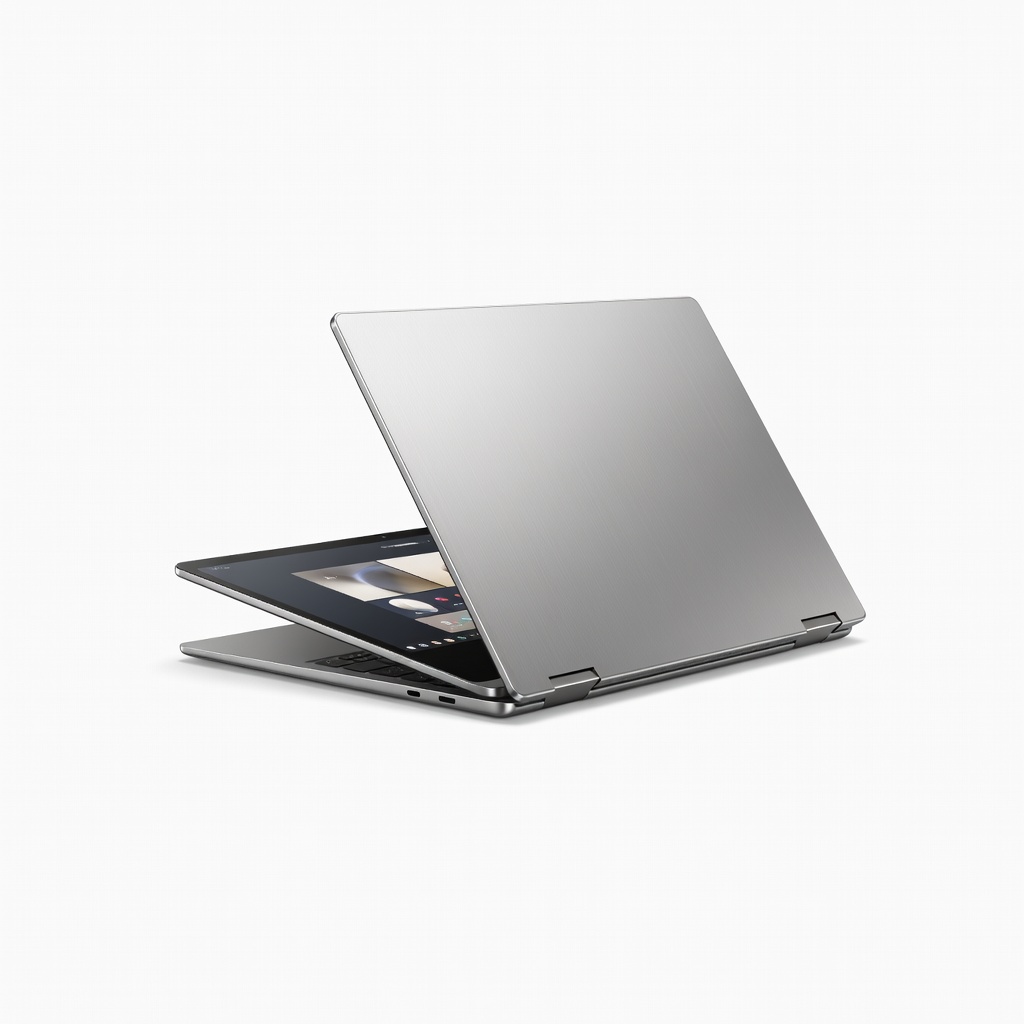
AMOLED display, S Pen included, Intel Arc graphics—affordable entry for artists.
Best for: Beginner-to-intermediate users in Samsung ecosystem.
Price Range: $900-$1300
Pro artists needing portability and power for Photoshop/Illustrator.
Microsoft Surface Pro 11 OLED display with perfect color accuracy, Snapdragon X Elite for AI art, excellent pen support.
Digital painters using Clip Studio or Blender on the go.
Lenovo Yoga 9i 2-in-1 (2024) 14" OLED 120Hz screen, Intel Core Ultra 7, 32GB RAM option—smooth for multitasking artists.
Freelance illustrators editing photos and sketches.
HP Spectre x360 14 (2024) 2.8K OLED touch, Core Ultra 7, haptic touchpad, long battery—balanced for creators.
Beginner-to-intermediate users in Samsung ecosystem.
Samsung Galaxy Book4 Pro 360 AMOLED display, S Pen included, Intel Arc graphics—affordable entry for artists.