
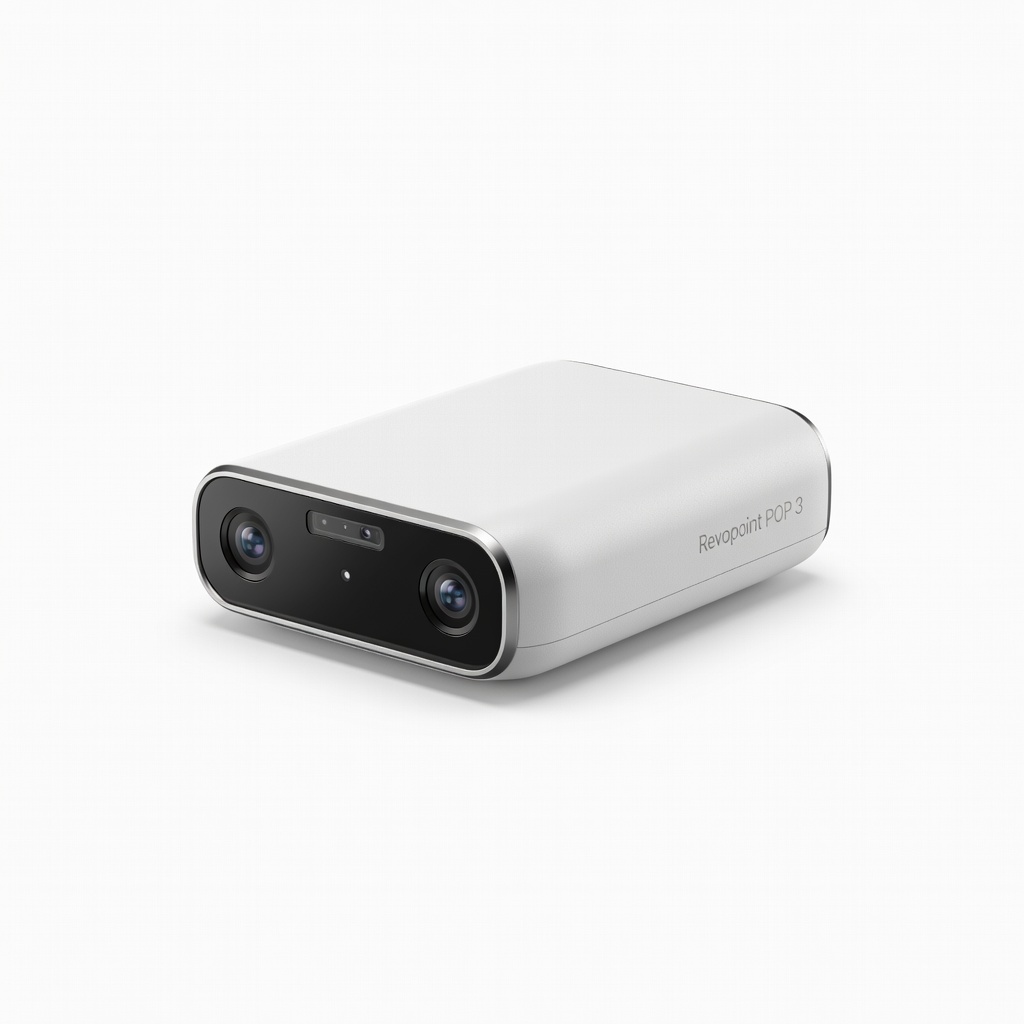
Revopoint POP 3
Handheld scanning of organic shapes like sculptures for Blender sculpting.
$699
Revopoint POP 3 Exceptional 0.05mm accuracy and PLY/STL exports integrate flawlessly with Blender for high-detail creative modeling.
Get the App
Better experience on mobile
Discover top 3D scanners that seamlessly integrate with Blender, FreeCAD, and other free tools to create editable models from real-world scans.
Advanced 3D modelers often hit a wall when scans from expensive hardware don't play nice with free software, leading to hours of format conversions and quality loss. This guide solves that by matching proven scanners to popular free programs like Blender and FreeCAD, ensuring smooth workflows without premium costs.
You'll learn scanner types, compatibility factors, optimal pairings, and pro workflows—empowering you to reverse-engineer objects or prototype for free. Expect 20-30 minutes to read and test concepts; advanced knowledge of 3D basics assumed.
We'll break it down from software overviews to real-world pairings, with tips for high-fidelity results.
Estimated Time: 20-30 minutes to read; 1-2 hours for initial tests Difficulty: advanced
Free tools like Blender, FreeCAD, and Meshmixer handle scan data via STL, OBJ, and PLY formats. Blender excels in mesh editing and sculpting; FreeCAD for parametric CAD; Meshmixer for scan cleanup.
Why it matters: Scanners output raw point clouds or meshes—these programs convert them into editable models. Test imports early to verify compatibility.
Expect dense meshes (millions of triangles); decimate in software for usability.
💡 Tips:
Scanners fall into structured light (e.g., EinScan), laser (e.g., Revopoint), or photogrammetry (software-based). Outputs: Point clouds (XYZ), meshes (STL/OBJ), or textured models (PLY).
Advanced users prioritize resolution (0.1mm+) and accuracy (±0.05mm). Free software shines with scanners exporting native formats—no proprietary lock-in.
Analogy: Like cameras to Photoshop; raw scans need processing, but good exports skip middlemen.
⚠️ Warnings:
Key metrics: File format support (STL/PLY essential), software SDK/plugins (e.g., Revo Scan to Blender exporter), PC requirements, and post-processing needs.
Check GPU acceleration—Blender's Geometry Nodes love CUDA-enabled scans. Test scan-to-model pipeline: Scan → Export → Import → Retopo.
Expect 80-90% compatibility with modern scanners; gaps filled by Meshlab (free converter).
💡 Tips:
Revopoint POP/MINI series output optimized PLY/STL, importing seamlessly into Blender via Add-ons like 'Scan&Solve'. Workflow: Scan object → Revo Scan fusion → Export PLY → Blender (decimate, remesh).
Why best: High-res (0.05mm), handheld ease for complex geometries. Real-world: Reverse-engineering machine parts.
Results: Editable high-poly models ready for sculpting or 3D printing.
Creality CR-Scan (Ferret/Otter) excels with FreeCAD's Part Design workbench. Exports STL → FreeCAD Mesh import → Convert to solid → Parametric edit.
Ideal for engineering: Accurate to 0.1mm, anti-shake tech. Expect quick fusion of 100+ photos/frames.
Analogy: Scanner as digital caliper for CAD.
💡 Tips:
Universal hub: Import any scanner STL → Auto-align, Poisson repair, decimate → Export to Blender/FreeCAD.
Pro tip: Use for outliers removal before main software. Handles 10M+ point clouds effortlessly.
Final step: Iterate scans for full 360° coverage.
⚠️ Warnings:
Scan a test object (e.g., bust statue), time the pipeline, measure accuracy (Meshlab deviation analysis). Score: Import speed, fidelity, editability.
Top pairs: POP3+Blender (creative), CR-Scan+FreeCAD (CAD), any+Meshmixer (cleanup).
Achieve pro results without paid tools like Fusion 360.
Problem: Blender import fails or crashes
Solution: Reduce scan resolution in scanner software; use Meshlab to convert/repair first.
Problem: Low accuracy/distortion
Solution: Re-calibrate scanner; scan matte objects or use scanning spray.
Problem: Slow processing
Solution: Decimate mesh (target 500k tris); enable GPU compute.
Problem: Textures missing
Solution: Export PLY with colors; import via Blender's PLY importer.
Exceptional 0.05mm accuracy and PLY/STL exports integrate flawlessly with Blender for high-detail creative modeling.
Best for: Handheld scanning of organic shapes like sculptures for Blender sculpting.
Price Range: $699
Anti-shake tech and fast fusion make it perfect for FreeCAD workflows, with easy STL exports for parametric conversion.
Best for: Engineering prototypes or mechanical parts needing CAD precision.
Price Range: $379
Ultra-fine 0.02mm resolution for tiny details, optimized for Meshmixer/Blender cleanup pipelines.
Best for: Jewelry or small components where precision trumps speed.
Price Range: $775
Budget-friendly with 0.1mm accuracy and marker tracking, pairs well across all free software for versatile use.
Best for: Entry-advanced scanning for mixed Blender/FreeCAD projects.
Price Range: $299-$329
Hybrid infrared/laser for large objects, robust OBJ/PLY support for pro FreeCAD imports.
Best for: Industrial parts or full-body scans processed in free tools.
Price Range: $1,500-$1,800
Handheld scanning of organic shapes like sculptures for Blender sculpting.
Revopoint POP 3 Exceptional 0.05mm accuracy and PLY/STL exports integrate flawlessly with Blender for high-detail creative modeling.
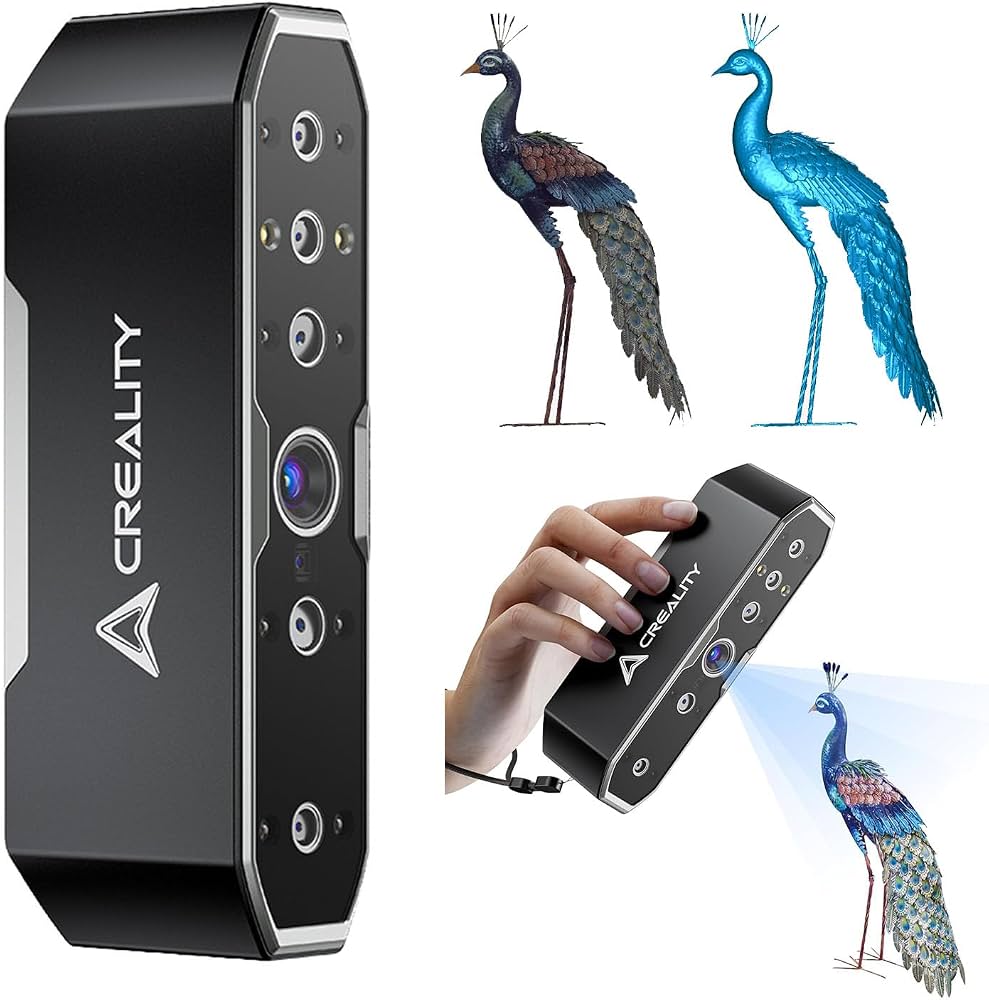
Engineering prototypes or mechanical parts needing CAD precision.
Creality CR-Scan Otter Anti-shake tech and fast fusion make it perfect for FreeCAD workflows, with easy STL exports for parametric conversion.
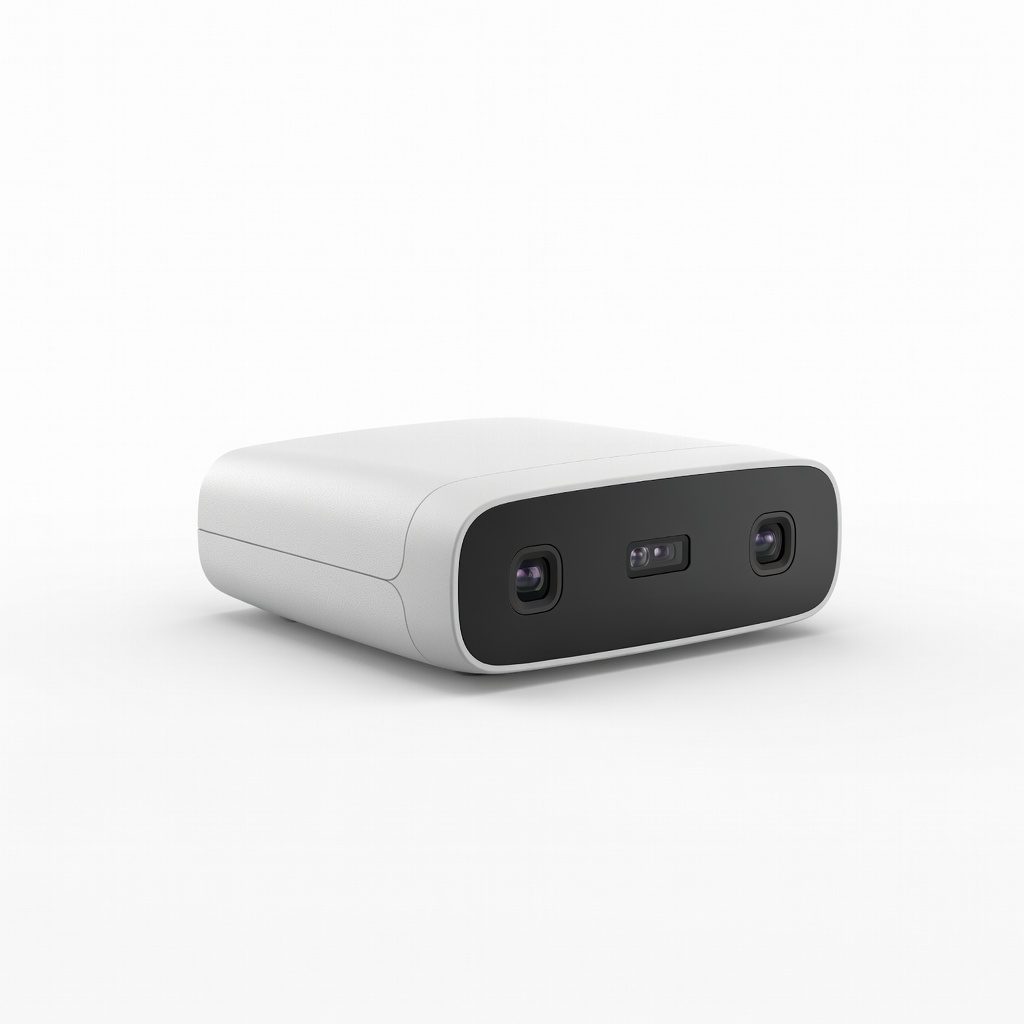
Jewelry or small components where precision trumps speed.
Revopoint MINI 2 Ultra-fine 0.02mm resolution for tiny details, optimized for Meshmixer/Blender cleanup pipelines.
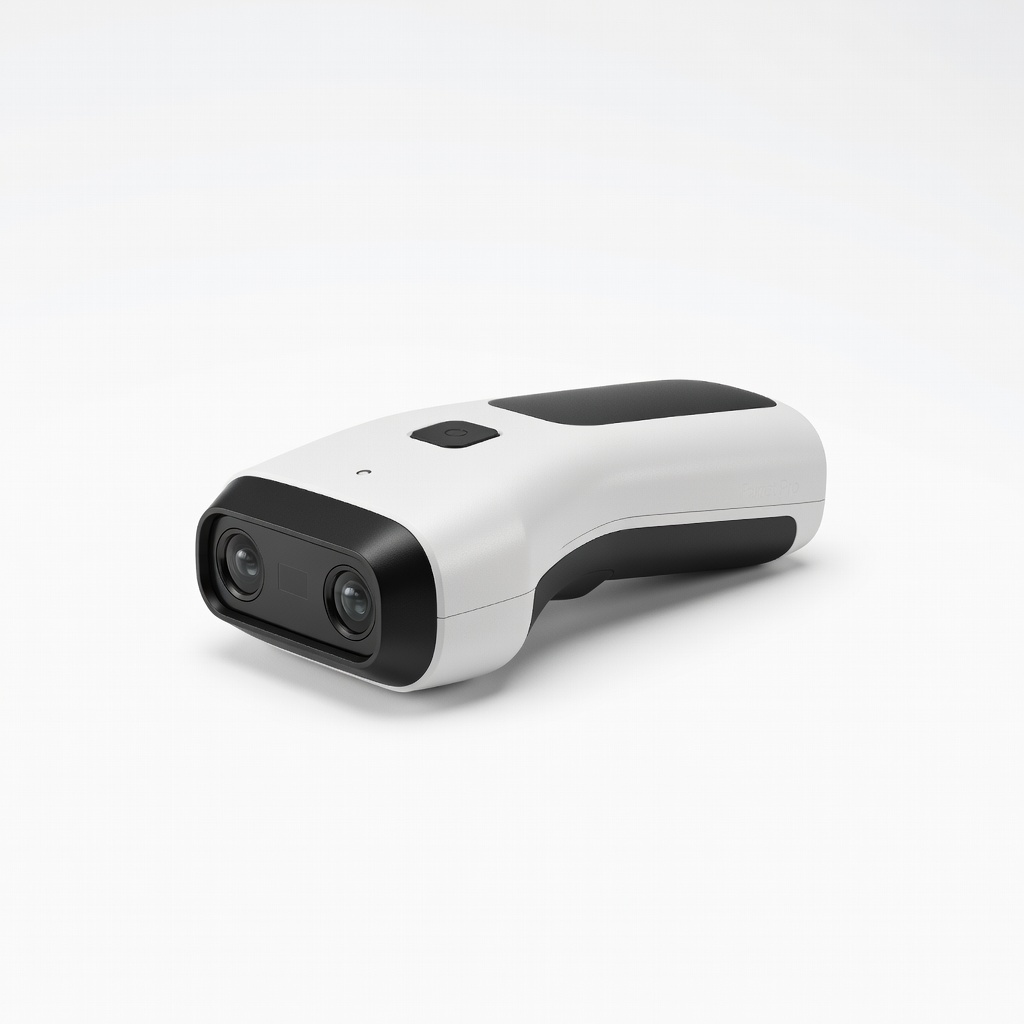
Entry-advanced scanning for mixed Blender/FreeCAD projects.
Creality CR-Scan Ferret Pro Budget-friendly with 0.1mm accuracy and marker tracking, pairs well across all free software for versatile use.
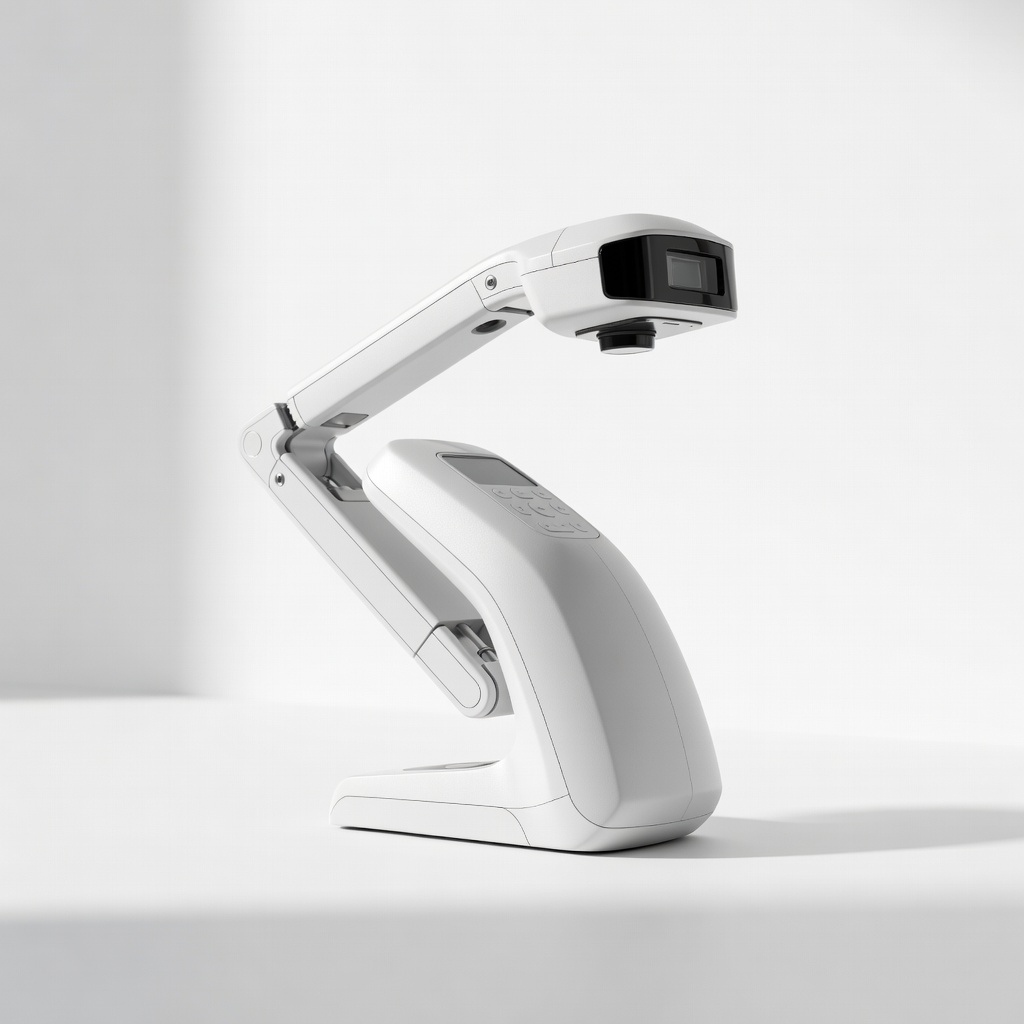
Industrial parts or full-body scans processed in free tools.
Shining 3D EinScan Flex Hybrid infrared/laser for large objects, robust OBJ/PLY support for pro FreeCAD imports.