2-in-1 laptops like Lenovo Yoga or HP Spectre x360 offer tablet flexibility but often struggle with RAM limitations during heavy multitasking, video editing, or browser tabs galore. Soldered RAM in many models means no upgrades, but others have accessible slots for a quick performance boost.
In this guide, you'll learn how to check if your 2-in-1 supports RAM upgrades, identify compatible specs (like DDR4 SODIMM), select the right kit, and safely install it. Expect a straightforward process for intermediate users—no advanced soldering required. You'll go from sluggish to speedy in under an hour if upgradable.
We'll cover real-world examples, tools like Crucial's scanner, and pitfalls to avoid, empowering you to make informed choices.
▸What You'll Need
- •Your 2-in-1 laptop's exact model number (check bottom sticker or System Info)
- •Phillips #0 screwdriver (required for access panels)
- •Anti-static wrist strap (recommended to prevent damage)
- •Crucial System Scanner or CPU-Z software (free, for specs check)
- •Thermal paste (optional, if heatsink removal needed)
Estimated Time: 20-30 minutes to check compatibility; 45-60 minutes for full upgrade
Difficulty: intermediate
▸Step-by-Step Instructions
Step 1: Identify Your 2-in-1 Laptop Model
Start by flipping your laptop over or booting into Windows/Mac System Information to note the exact model (e.g., 'Lenovo Yoga 7i 16IML9'). This is crucial because 2-in-1s vary wildly—budget ones like Acer Spin often have soldered 8GB, while premium like Dell XPS 13 2-in-1 may have slots.
Why it matters: RAM compatibility depends on motherboard specs. Use sites like Crucial.com or iFixit for model-specific teardowns. Expect most modern 2-in-1s (2022+) to list 'upgradable' or 'soldered' clearly.
Image description: Close-up of laptop bottom with model sticker highlighted, System Info window open showing model name.
💡 Tips:
- •Search 'YOUR-MODEL RAM upgrade' on Reddit or YouTube for user videos.
⚠️ Warnings:
- •Don't guess—wrong model leads to incompatible buys.
Step 2: Check if RAM is Upgradable
Many 2-in-1s (e.g., Microsoft Surface Pro, most ultrabooks) have soldered RAM for thinness. Download Crucial System Scanner (free) or run CPU-Z/MSInfo32 to see slots vs. soldered.
Look for 1-2 SODIMM slots; 0 means no upgrade. Analogy: Soldered is like built-in furniture—permanent; slots are like drawers you can refill. iFixit guides confirm: HP Envy x360 yes, Lenovo IdeaPad Duet no.
If not upgradable, optimize software instead (close apps, upgrade to SSD).
💡 Tips:
- •Crucial Scanner auto-detects and suggests kits—saves hours.
Step 3: Scan Current RAM Specs
Use HWInfo, CPU-Z, or Task Manager (Ctrl+Shift+Esc > Performance > Memory) for type (DDR4/DDR5), speed (e.g., 3200MHz), and capacity per stick.
Why? Upgrades must match: DDR4 won't fit DDR5 slots. Common in 2-in-1s: DDR4-3200 SODIMM (262-pin, low-profile). Max capacity often 32GB (2x16GB).
Expect dual-channel pairing for 20-30% speed boost—like upgrading from a single-lane highway to dual.
⚠️ Warnings:
- •Mismatched speeds downclock to slowest—buy kits.
Step 4: Research Max Supported RAM
Visit manufacturer site (e.g., Lenovo support page) or Crucial/iFixit for 'max memory'—typically 16-64GB for upgradable 2-in-1s. Factor use: 16GB for browsing/office, 32GB for Photoshop/Zoom.
Example: Yoga 9i supports 32GB DDR5-4800. Overbuying wastes money if capped at 16GB.
💡 Tips:
- •Use compatibility tools over generic Amazon searches.
Step 5: Select RAM Capacity and Speed
Choose kits (2 sticks) for dual-channel: e.g., 2x16GB=32GB. Match speed/CL latency exactly. Budget analogy: 8GB is economy car, 32GB is SUV for heavy loads.
Prioritize: Capacity > speed for most users. DDR5 emerging in 2024 2-in-1s like new Spectre x360.
Step 6: Pick a Reputable Brand and Buy
Go for Crucial, Kingston, or Corsair—lifetime warranties, tested compatibility. Avoid no-name for stability.
Buy from Amazon/Newegg; check reviews for your model. Price: $50-150 for 32GB.
💡 Tips:
- •Kits cheaper per GB; single sticks if one slot free.
Step 7: Safely Install the RAM
Power off, unplug, ground yourself. Remove bottom panel (10-12 screws), locate slots near battery/SSD. Release clips, insert new RAM at 45° angle, press until clicks.
Reassemble, boot—BIOS may show new total. Test with MemTest86.
⚠️ Warnings:
- •Static zaps components—touch metal first. Wrong angle bends pins.
Step 8: Verify and Optimize
Run Task Manager or CPU-Z to confirm capacity/speed. Enable XMP in BIOS if needed for full speed. Benchmark with Cinebench for gains.
Expect 2x faster multitasking—like smooth 20+ Chrome tabs.
▸Pro Tips
- •Always buy matched kits for dual-channel magic.
- •Update BIOS before upgrade for compatibility.
- •Use YouTube model-specific videos for visuals.
- •Sell old RAM on eBay to offset costs.
- •Combine with SSD upgrade for ultimate boost.
- •Crucial's tool is 95% accurate—trust but verify.
- •Test stability overnight with Prime95.
▸Common Mistakes to Avoid
- •Assuming all 2-in-1s upgradable—60% soldered, wasting $100.
- •Mixing speeds/brands—causes crashes; buy kits.
- •Ignoring voltage (1.2V DDR4 standard)—overvolts fry boards.
- •Forgetting to reseat properly—boot failures.
- •Overlooking warranty—check if voided (rarely is).
▸Troubleshooting
Problem: Laptop won't boot after install
Solution: Reseat RAM firmly; try one stick. Clear CMOS by battery pull.
Problem: RAM shows half capacity
Solution: Check BIOS for max limits; run MemTest86 for defects.
Problem: BSOD or crashes
Solution: Verify compatibility; update chipset drivers. RMA if faulty.
Problem: No slots found
Solution: Soldered—consider trading up. Seek pro confirmation.
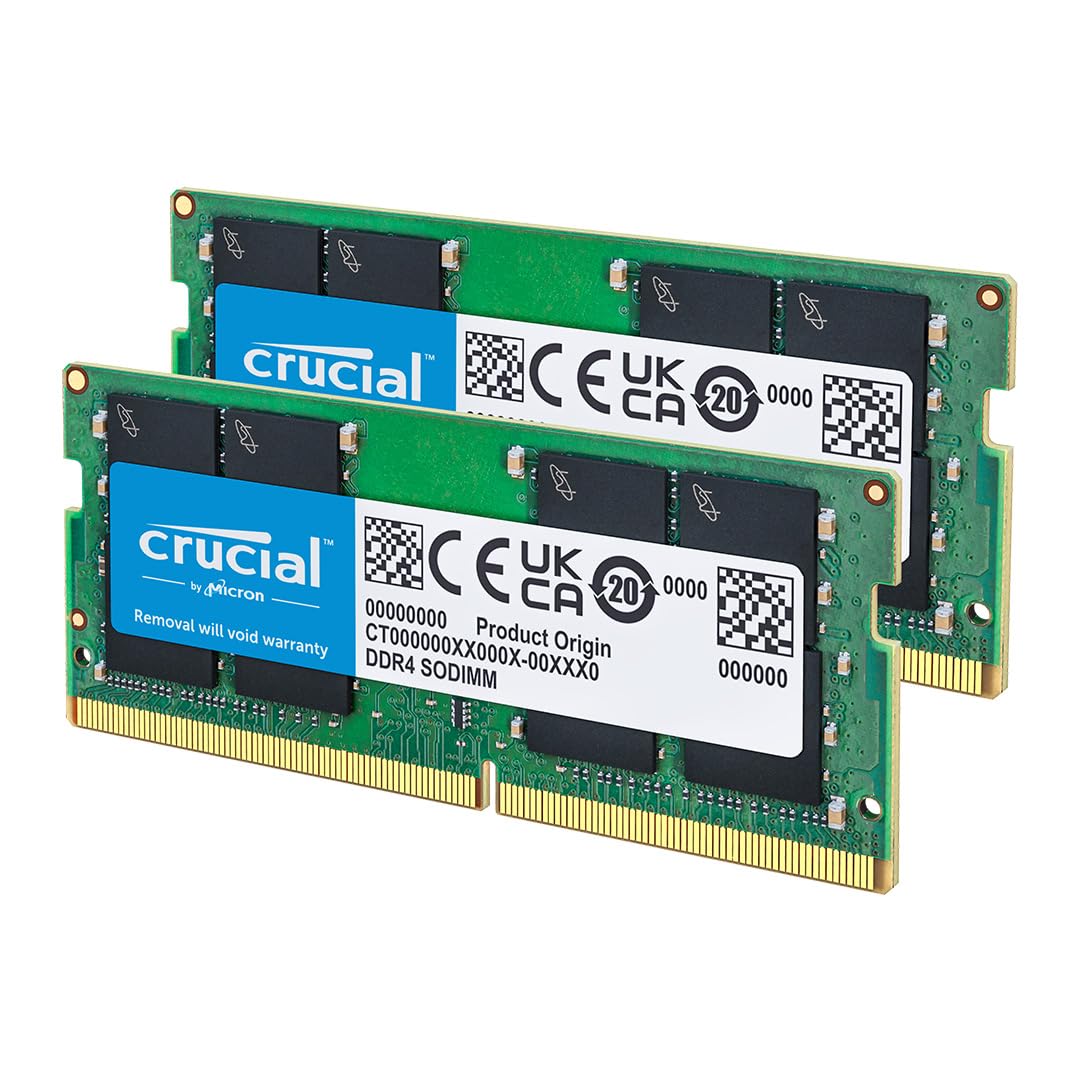
Crucial 32GB Kit (2x16GB) DDR4 3200MHz CL22 SODIMM
Top compatibility for most upgradable 2-in-1s like HP Envy x360; Crucial's scanner guarantees fit.
Best for: Everyday multitasking on DDR4 models; lifetime warranty.
Price Range: $89.99
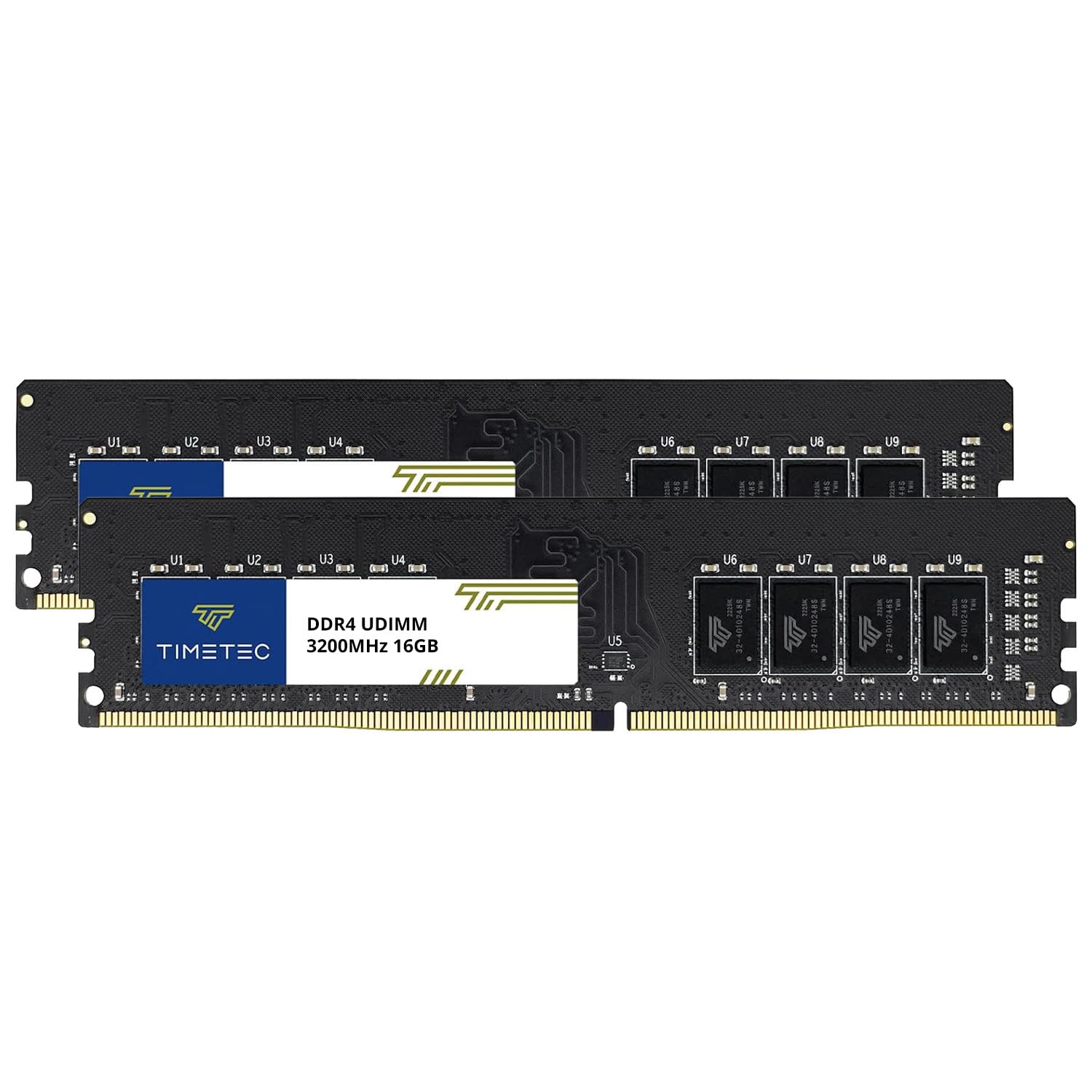
Timetec 32GB KIT(2x16GB) DDR4 3200MHz PC4-25600
Budget-friendly with Hynix chips; excellent reviews for Lenovo Yoga stability.
Best for: Cost-effective upgrade for students/office on mid-range 2-in-1s.
Price Range: $55.99
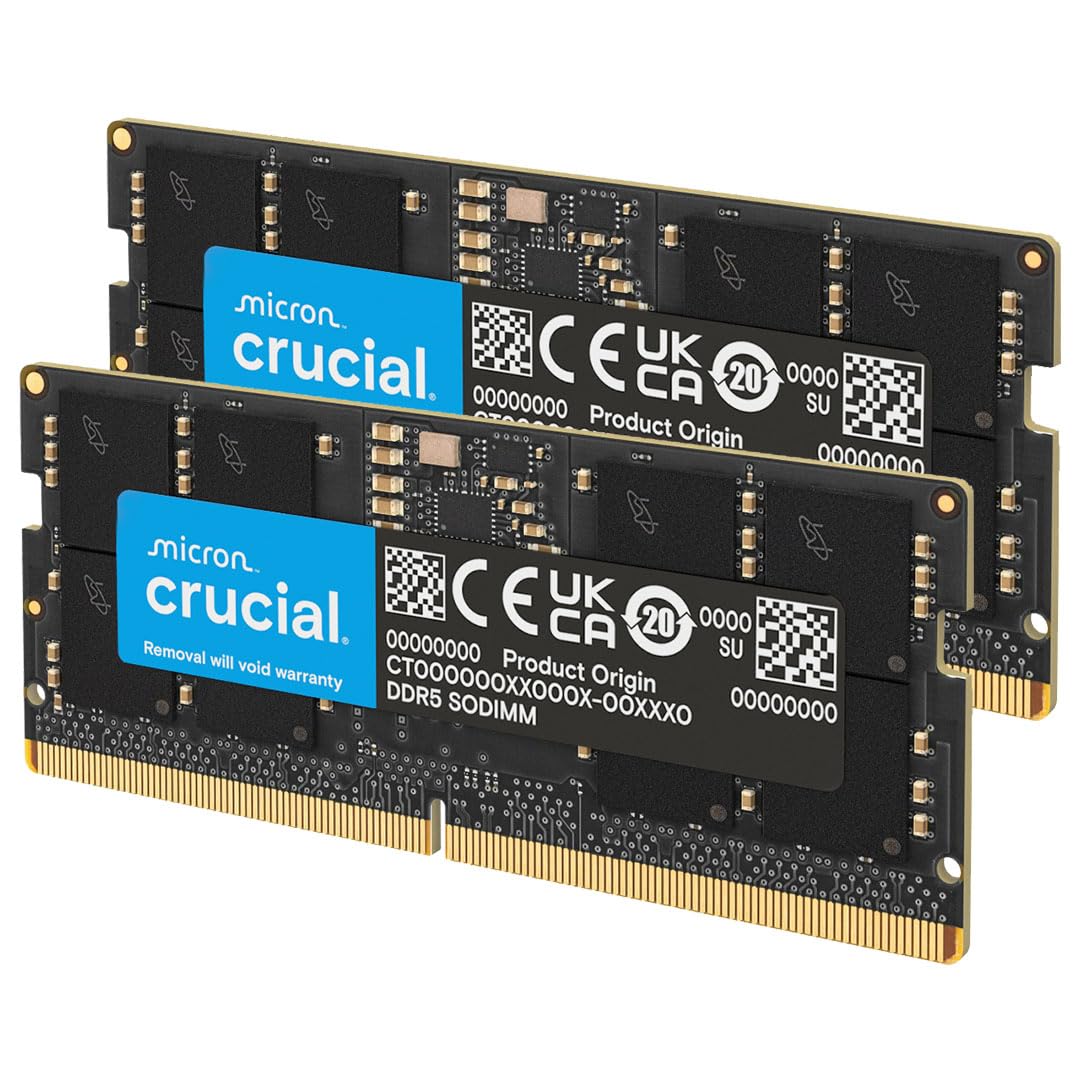
Crucial 32GB Kit (2x16GB) DDR5 4800MHz CL40 SODIMM
Future-proof for new DDR5 2-in-1s like 2024 Dell Inspiron 14 2-in-1; high bandwidth.
Best for: Content creation/video editing on premium convertibles.
Price Range: $109.99
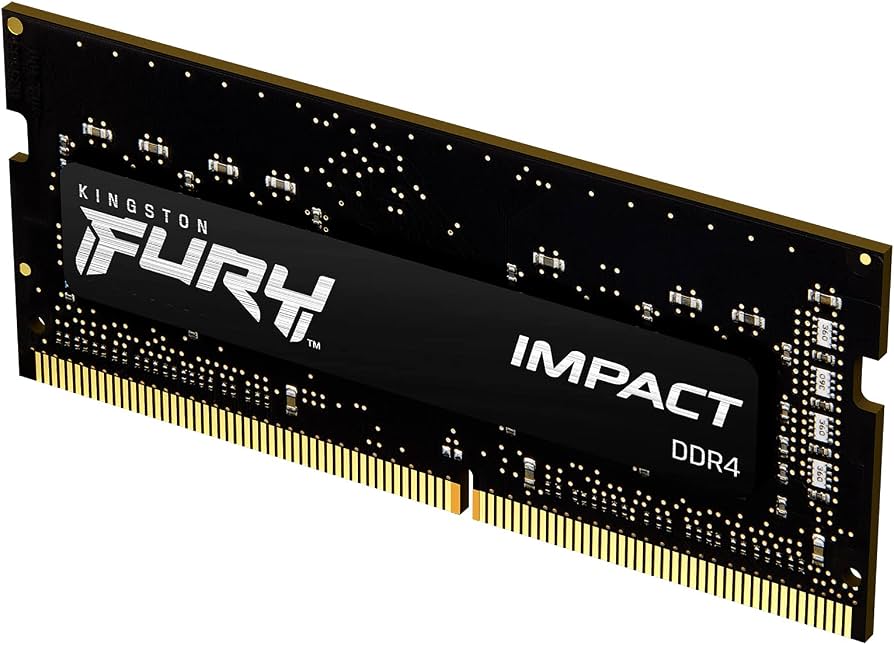
Kingston Fury Impact 32GB (2x16GB) 3200MT/s DDR4 CL20 SODIMM
Gaming-grade timings for smoother performance; works in Dell XPS 2-in-1.
Best for: Light gaming or heavy apps on upgradable models.
Price Range: $98.99
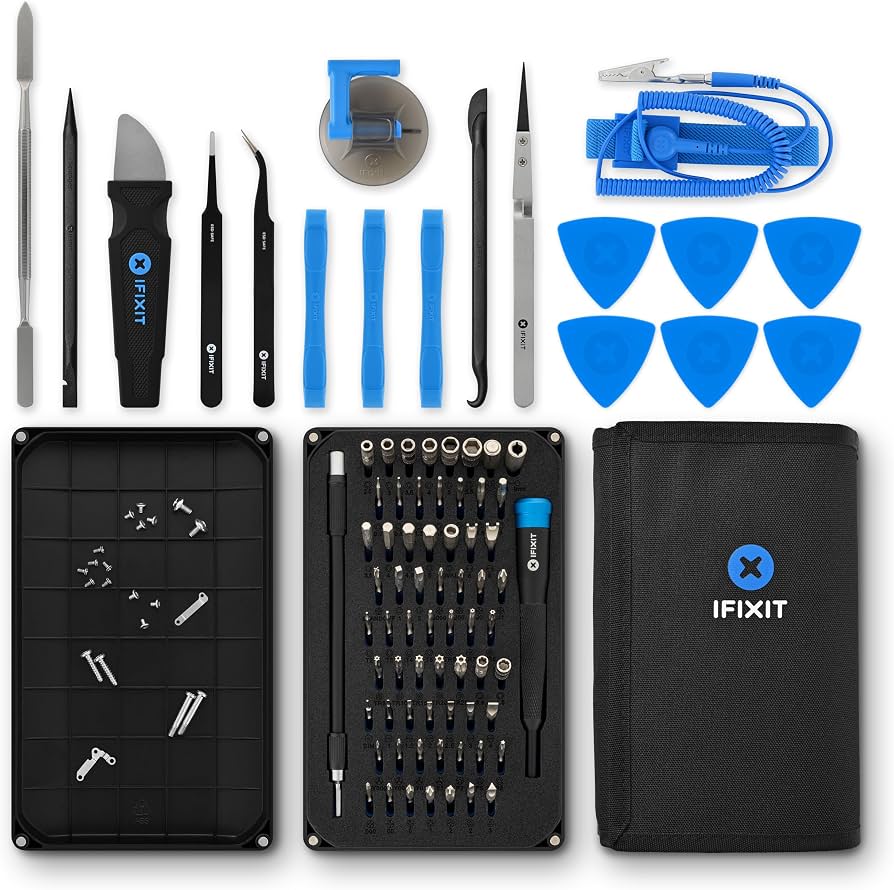
iFixit Pro Tech Toolkit
Precision tools prevent damage during panel/RAM access.
Best for: Any physical upgrade; Pentalobe/Phillips bits for 2-in-1s.
Price Range: $74.95