Are you tired of switching between a tablet for casual browsing and a laptop for real work? Traditional tablets shine for media consumption and touch-based apps, but they often fall short when you need to type reports, run desktop software, or multitask like a pro. 2-in-1 laptops bridge this gap by combining tablet portability with laptop power.
In this guide, you'll discover what sets 2-in-1 laptops apart from tablets, including form factors, hardware, and real-world benefits. We'll break it down step-by-step with simple explanations, examples, and analogies—no tech jargon overload. By the end, you'll know if a 2-in-1 is right for you.
Expect a quick 10-15 minute read that's perfect for beginners. No prior tech knowledge required beyond knowing what a laptop or tablet is.
▸What You'll Need
- •Basic familiarity with laptops (e.g., keyboard typing)
- •Basic familiarity with tablets (e.g., touch screen swiping)
- •Access to a computer or phone for product research (optional)
Estimated Time: 10-15 minutes
Difficulty: beginner
▸Step-by-Step Instructions
Step 1: Understand the Form Factor Difference
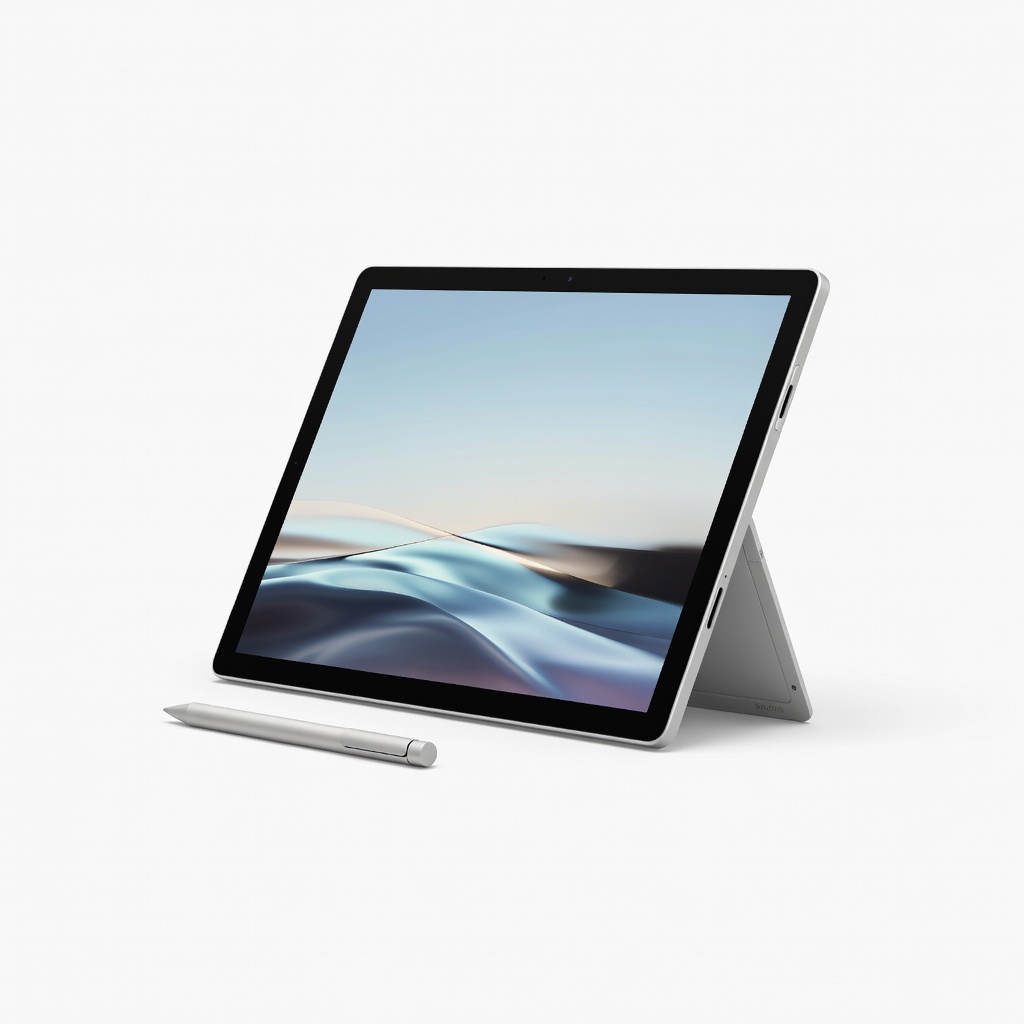
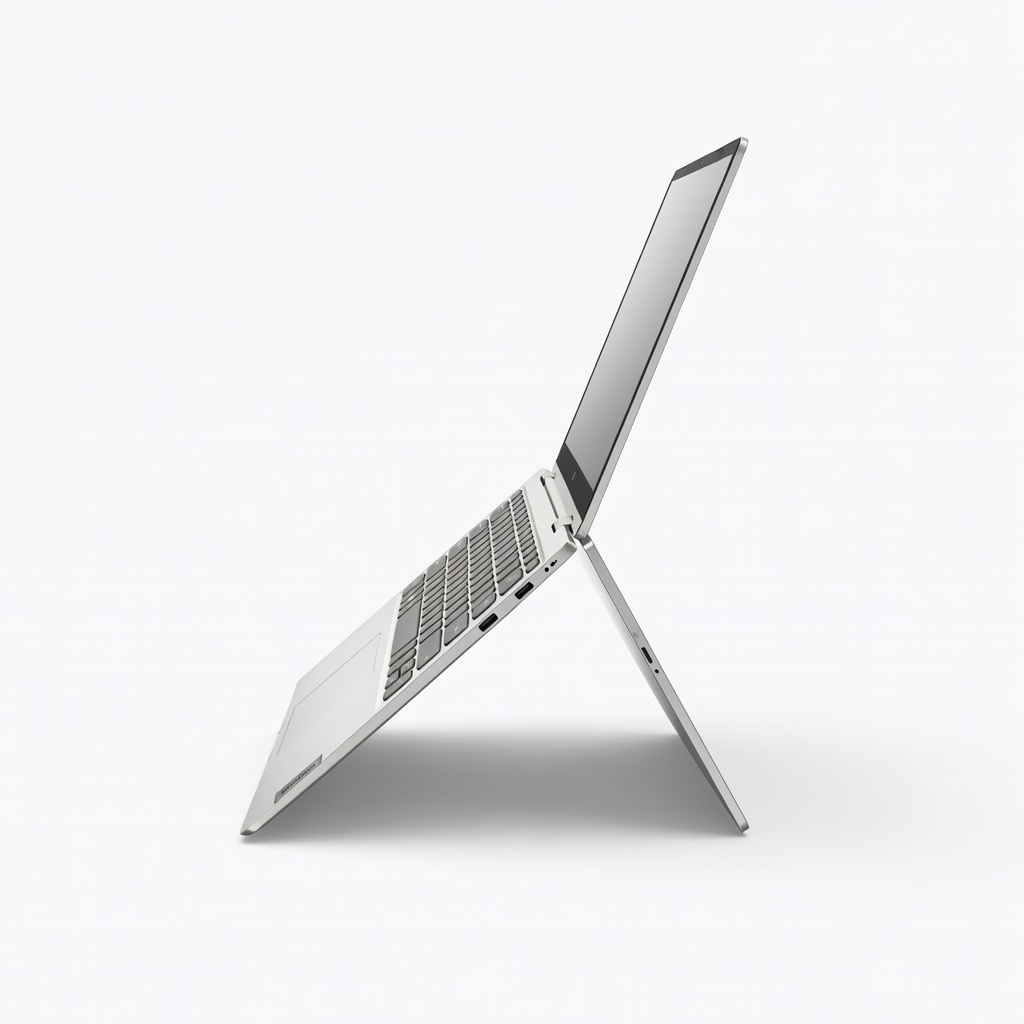
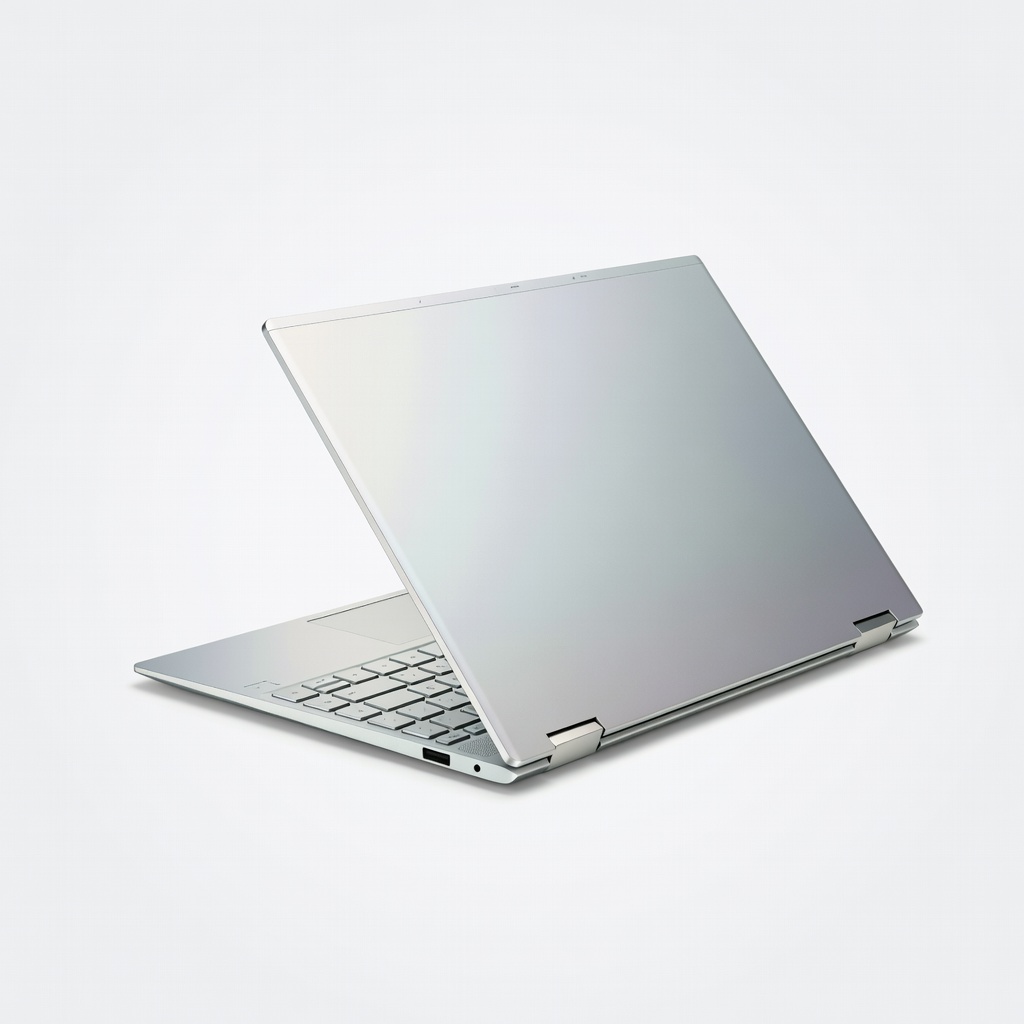
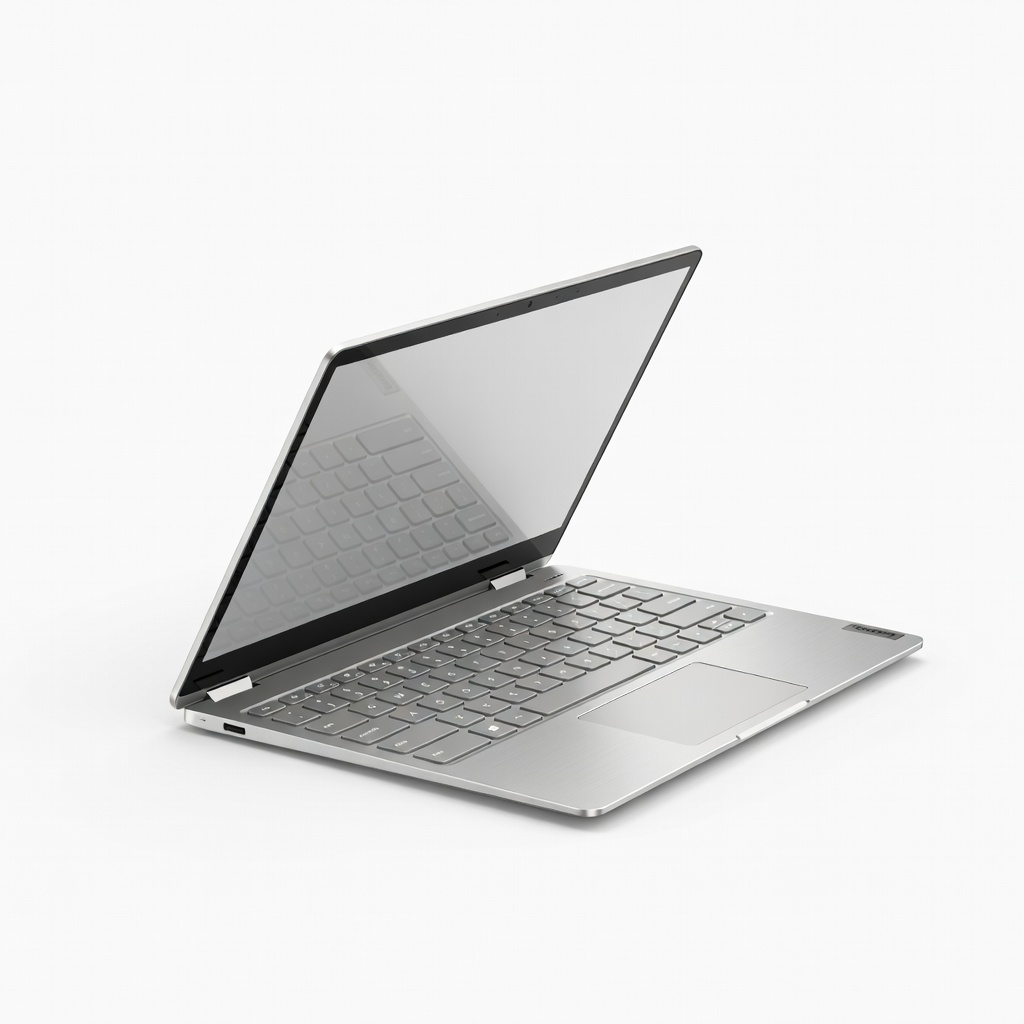
2-in-1 laptops come in two main styles: convertible (screen flips 360 degrees over the keyboard) or detachable (screen pops off the keyboard base). Traditional tablets are just a screen with no built-in keyboard.
Think of a 2-in-1 like a Swiss Army knife—versatile for tablet mode (touch and pen input) or laptop mode (full keyboard). Tablets are like a single blade: great for one job but limited. This flexibility means you carry one device instead of two.
Why it matters: No more compromising on posture during long sessions or fumbling with Bluetooth keyboards.
💡 Tips:
- •Test hinges in-store for smooth rotation.
Step 2: Full Keyboard and Trackpad for Productivity
Tablets rely on on-screen keyboards (slow and cramped) or add-ons. 2-in-1s have a physical keyboard and trackpad built-in or detachable, feeling like a real laptop.
Analogy: Typing on a tablet keyboard is like using a tiny notepad; a 2-in-1 keyboard is a full typewriter. Expect 2-3x faster typing speeds for emails, coding, or docs.
This shines for students or professionals—turn your device into a workstation instantly.
⚠️ Warnings:
- •Avoid cheap Bluetooth keyboards; they drain battery and lag.
Step 3: Superior Hardware Power and Performance
2-in-1s pack laptop-grade CPUs (Intel Core i5/i7, AMD Ryzen), 8-16GB RAM, and SSD storage. Tablets often use mobile chips (e.g., Apple M-series limited by iPadOS) for lighter tasks.
Example: Editing 4K video or running Excel with 50 tabs? A 2-in-1 handles it smoothly; tablets stutter. Full Windows 11 or ChromeOS means desktop apps, not just mobile versions.
Result: Future-proof for work, gaming, and creative software.
💡 Tips:
- •Look for at least 8GB RAM for smooth multitasking.
Step 4: More Ports and Connectivity Options
Tablets have USB-C only (adapters needed). 2-in-1s offer USB-A, HDMI, microSD, and Thunderbolt for monitors, drives, or printers.
Analogy: Tablets are like a smartphone (dongle-dependent); 2-in-1s are hubs. Plug in directly—no extras required.
Perfect for presentations or external displays.
Step 5: Better Multitasking and Software Ecosystem
Run multiple windows, desktop browsers, and pro apps (Photoshop, Office full version) on 2-in-1s. Tablets limit you to app silos.
Why better: Split-screen on steroids—work like on a PC anywhere. Tablets excel at touch apps but choke on heavy loads.
Expect seamless transitions between leisure and labor.
💡 Tips:
- •Use Windows Snap for instant multitasking layouts.
Step 6: Larger Screens and Better Accessories
Most 2-in-1s have 13-15 inch screens vs tablets' 10-12 inches, with stylus support for drawing/notes.
Bonus: Optional docks turn it into a desktop. Tablets need cases/stands that wobble.
Ideal for creators or note-takers.
⚠️ Warnings:
- •Check screen resolution—aim for 2K+ for sharpness.
Step 7: Comparable Battery Life with Added Power
Modern 2-in-1s last 8-12 hours despite beefier hardware, matching or beating tablets under load.
Trade-off: Tablets sip power for light use, but 2-in-1s deliver full performance without throttling.
Real-world: All-day work without outlets.
💡 Tips:
- •Enable power-saving modes for 20% extra battery.
▸Pro Tips
- •Prioritize models with Gorilla Glass for durability in tablet mode.
- •Use stylus for precise input—great for beginners sketching ideas.
- •Update drivers regularly for optimal touch/pen performance.
- •Opt for matte screens to reduce glare during outdoor use.
- •Pair with a portable dock for office setups on the go.
- •Test keyboard backlighting if you work in dim light.
- •Choose SSD over eMMC storage for 5x faster boot times.
▸Common Mistakes to Avoid
- •Assuming all tablets match 2-in-1 power—tablets cap at mobile performance.
- •Overlooking weight: Some 2-in-1s are as light as tablets (under 3 lbs).
- •Ignoring OS: iPadOS limits productivity vs full Windows.
- •Buying without trying the hinge—stiff ones ruin versatility.
- •Forgetting RAM: 4GB feels sluggish; go 8GB+.
▸Troubleshooting
Problem: Hinge feels loose or sticky
Solution: Apply silicone lubricant sparingly or contact manufacturer for warranty check.
Problem: Touchscreen unresponsive in laptop mode
Solution: Restart, update drivers via Device Manager, or recalibrate in Settings > Devices.
Problem: Battery drains fast in tablet mode
Solution: Close background apps, dim screen, and enable battery saver.
Problem: Keyboard disconnects (detachable)
Solution: Clean pogo pins, reseat firmly, or reset via power cycle.
Microsoft Surface Pro 9
Top-tier detachable 2-in-1 with powerful Intel i7, excellent pen support, and full ports—beats tablets in every productivity metric.
Best for: Professionals needing ultimate versatility and Windows apps.
Price Range: $999-$1,499
Lenovo Yoga 7i 2-in-1 (2024)
Convertible design with stunning OLED screen, long battery, and Ryzen power—budget-friendly alternative to tablets for students.
Best for: Daily work, note-taking, and media on a budget.
Price Range: $700-$900
HP Spectre x360 14 (2024)
Premium build, 2.8K OLED display, Thunderbolt 4 ports—superior multitasking over any tablet.
Best for: Creatives and executives wanting luxury feel.
Price Range: $1,100-$1,500
Lenovo IdeaPad Flex 5i Chromebook
Affordable entry-level 2-in-1 with ChromeOS—faster and more ports than Chromebook tablets.
Best for: Beginners or web-based work on tight budget.
Price Range: $400-$600