
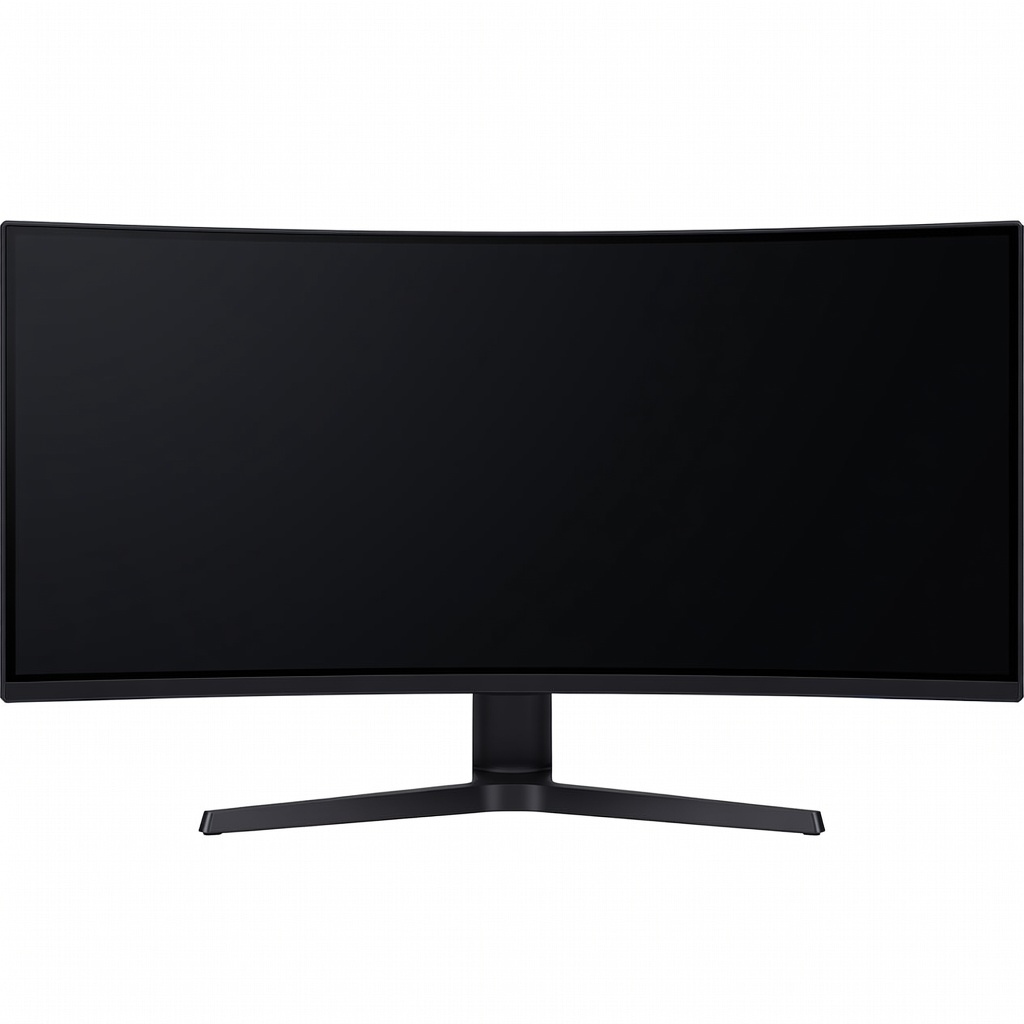
LG C3 OLED TV
Home theater, movie watching, gaming in a dark or moderate room.
$1,300 - $2,500 depending on size
LG C3 OLED TV Excellent all-around OLED with great picture quality, gaming features, and relatively affordable for an OLED.
Get the App
Better experience on mobile
Learn the key differences between OLED and QLED TV technologies to choose the best TV for your home.
If you're shopping for a new TV, you've probably encountered two buzzwords: OLED and QLED. Both deliver stunning picture quality, but they use fundamentally different technologies. Understanding the difference can save you from buyer's remorse and help you pick the TV that fits your viewing habits and budget. In this guide, we'll break down how each technology works, compare contrast, brightness, color, burn-in, and price, and give you clear recommendations. By the end, you'll know exactly which TV type is right for your living room.
Estimated Time: 10 minutes Difficulty: beginner
OLED stands for Organic Light Emitting Diode. Each pixel in an OLED TV is its own tiny light source. When a pixel needs to show black, it simply turns off completely. This results in perfect black levels and infinite contrast ratio. Colors pop against true black, and you get incredible detail in dark scenes. OLED panels are thin and offer wide viewing angles without color shift.
💡 Tips:
⚠️ Warnings:
QLED stands for Quantum Dot Light Emitting Diode. Despite the name, QLED is actually a type of LED/LCD TV. It uses a standard LED backlight (white or blue) and a layer of quantum dots to enhance color. Quantum dots are tiny nanocrystals that convert light into specific colors, resulting in a wider color gamut and higher brightness than traditional LCDs. QLED TVs can achieve very high peak brightness, making them ideal for bright rooms.
💡 Tips:
⚠️ Warnings:
This is the biggest difference. OLED can turn off individual pixels, so black areas are truly black. QLED relies on a backlight that's always on, even if dimmed. That means blacks can appear grayish in dark scenes, especially around bright objects (blooming). For contrast, OLED is the undisputed king. If you watch movies in a dark room, OLED is superior. For daytime TV in a bright living room, the difference may be less noticeable.
QLED TVs can get significantly brighter than OLEDs. Top QLED models (like Samsung's Neo QLED) can hit 1500-2000 nits, while OLED typically maxes out around 800-1000 nits. High brightness helps combat glare in bright rooms and makes HDR highlights (like sunlight or explosions) more impactful. OLEDs are catching up, but QLED still leads in brightness. If your TV is in a sunlit room, QLED may be a better choice.
💡 Tips:
Both technologies can produce excellent color, but in different ways. OLED tends to have more accurate colors out of the box and maintains color saturation at low brightness levels. QLED, with quantum dots, can produce a wider color volume (brightness + color), meaning colors remain vibrant even when the screen is very bright. For HDR, both are great, but QLED can show brighter colors.
💡 Tips:
OLED is susceptible to burn-in (permanent image retention) if static elements are displayed for many hours over time. This is rare with normal varied content, but heavy users (news channels with tickers, gamers with static HUDs) should be cautious. QLED has no burn-in risk because it's an LCD-based technology. If you plan to use your TV as a computer monitor or play the same game for hundreds of hours, QLED is safer.
💡 Tips:
OLED maintains color and contrast even from extreme side angles. QLED, being an LCD, often has color shift and contrast loss when viewed from the side. Some premium QLED TVs include wide-viewing-layer technology to improve angles, but most are best viewed head-on. If you have a wide seating arrangement, OLED is better.
💡 Tips:
Both OLED and QLED offer excellent gaming features, including HDMI 2.1, VRR, and low input lag. OLED generally has faster response times (near-instantaneous pixel response), which eliminates motion blur. QLED can be slightly slower but still very good. For competitive gaming, OLED's response time is a slight edge. However, the burn-in risk for static HUDs might push some gamers to QLED.
OLED TVs tend to be more expensive per inch, especially at larger sizes (77 inches and above). QLED offers more size options and better value for the money, especially at 65-85 inches. If you want a massive TV without breaking the bank, QLED is usually cheaper. However, OLED prices have been dropping, and you can often find good deals on 55-65 inch models.
💡 Tips:
Summary: Choose OLED if you watch movies in a dark room, care about perfect blacks and contrast, need wide viewing angles, and can handle the higher price. Choose QLED if you have a bright room, want high brightness for HDR, are concerned about burn-in (gaming or as monitor), or want the best value for a large screen. There's no absolute winner; the best TV depends on your specific needs.
💡 Tips:
Problem: Dark scene looks gray or washed out on my QLED.
Solution: Check picture settings – turn off dynamic contrast, reduce brightness, enable local dimming if available. Ensure you're watching HDR content correctly.
Problem: I see color shifting when I move to the side on my QLED.
Solution: This is normal for most LCD-based TVs. Consider adding a bias light or moving seating directly in front. Next time, choose an OLED or premium QLED with wide viewing angle.
Problem: My OLED has temporary image retention after a long gaming session.
Solution: Run the TV's pixel refresh feature (usually in settings). Avoid static images for a while. This is normal and usually fades. Prevent future retention by using screen savers or reducing brightness.
Excellent all-around OLED with great picture quality, gaming features, and relatively affordable for an OLED.
Best for: Home theater, movie watching, gaming in a dark or moderate room.
Price Range: $1,300 - $2,500 depending on size
Top-performing QLED with high brightness, excellent contrast (mini-LED backlight), and anti-glare screen.
Best for: Bright room viewing, sports, HDR content, gaming without burn-in worries.
Price Range: $1,000 - $2,200 depending on size
Uses QD-OLED technology (combines quantum dots with OLED) for exceptional brightness and color – the best of both worlds.
Best for: High-end home theater, pure image quality, bright room (better than standard OLED).
Price Range: $2,500 - $4,000 depending on size
Budget-friendly QLED with good HDR brightness, quantum dot colors, and low input lag for gaming.
Best for: Budget-conscious buyers, casual viewing, gaming on a budget.
Price Range: $500 - $1,200 depending on size
Home theater, movie watching, gaming in a dark or moderate room.
LG C3 OLED TV Excellent all-around OLED with great picture quality, gaming features, and relatively affordable for an OLED.
Bright room viewing, sports, HDR content, gaming without burn-in worries.
Samsung QN90C Neo QLED TV Top-performing QLED with high brightness, excellent contrast (mini-LED backlight), and anti-glare screen.
High-end home theater, pure image quality, bright room (better than standard OLED).
Sony A95L OLED TV Uses QD-OLED technology (combines quantum dots with OLED) for exceptional brightness and color – the best of both worlds.
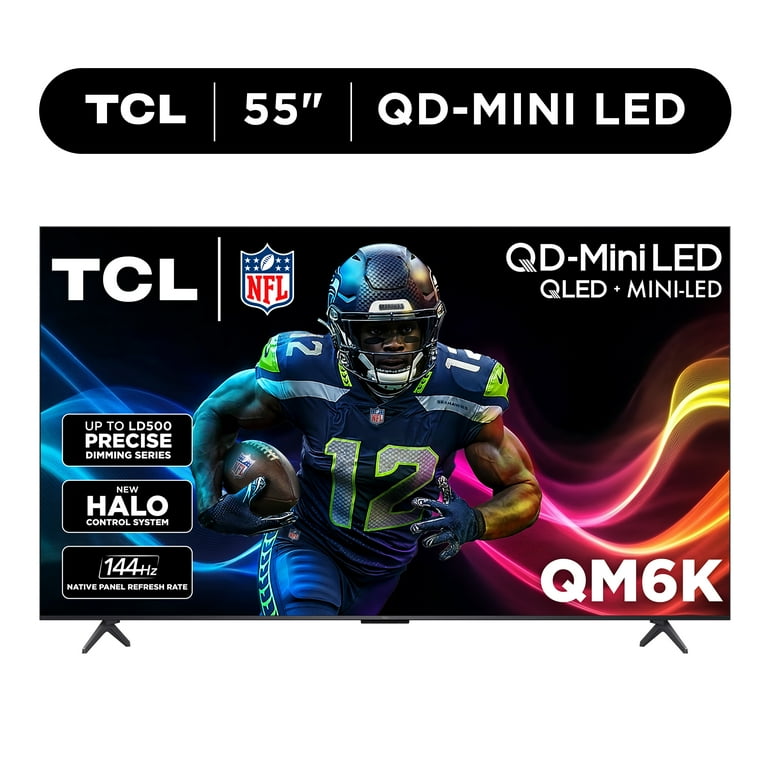
Budget-conscious buyers, casual viewing, gaming on a budget.
TCL Q7 QLED TV Budget-friendly QLED with good HDR brightness, quantum dot colors, and low input lag for gaming.