When you're shopping for a new TV, you'll quickly encounter two dominant display technologies: LCD (with LED backlighting, often called QLED) and OLED. Both look great in the store, but they work in fundamentally different ways, which leads to big differences in picture quality, performance, and longevity.
In this explainer guide, we'll break down the differences between LCD and OLED in plain, simple language. You'll learn how each technology works, the pros and cons of each, and which one is the right choice for your room, budget, and viewing habits. By the end, you'll have the knowledge you need to make a confident purchase decision—without getting lost in technical jargon.
▸What You'll Need
- •A basic understanding of terms like resolution, contrast, and HDR
- •Knowledge of your typical viewing environment (bright room or dark room)
- •An idea of your budget and screen size range
- •Optional: a list of specific TV models you're comparing
Estimated Time: 10-15 minutes
Difficulty: beginner
▸Step-by-Step Instructions
Step 1: Understand What a Display Panel Is
A TV screen is made up of millions of tiny pixels. Each pixel produces or filters light to create the image you see. The two main technologies for controlling these pixels are LCD and OLED. The difference is how they generate light and color.
LCD (Liquid Crystal Display) relies on a backlight that shines through liquid crystals. OLED (Organic Light Emitting Diode) creates its own light for each pixel. This single difference is the root cause of every other contrast, brightness, and viewing angle difference you'll read about next.
💡 Tips:
- •Think of it like a window: LCD is like a window with curtains (backlight always on), while OLED is like a wall of tiny light bulbs that can turn on and off individually.
Step 2: Learn How LCD Panels Work
An LCD panel has a backlight (LEDs in modern TVs) that shines white light through a stack: liquid crystals, color filters, and a polarizer. The liquid crystals twist or untwist when an electric current passes through them, controlling how much light passes through each color subpixel. This allows the TV to create different colors and shades.
One key limitation is that the backlight is always on. To display black, the liquid crystals close fully, aiming to block all the light. But some light always leaks through, making 'black' look more like dark gray when viewed from off-center. This is known as 'local dimming' or 'blooming' in edge-lit or full-array LED TVs.
💡 Tips:
- •Modern LCDs use Quantum Dot technology (QLED) to improve color volume and brightness, but they still rely on a backlight.
⚠️ Warnings:
- •Be wary of 'LED TV' labels: they are simply LCD TVs that use LED backlighting, not a new type of display.
Step 3: Learn How OLED Panels Work
OLED panels use organic compounds that emit light when an electric current passes through them. Each pixel is its own light source. This means every pixel can be turned completely off, producing perfect black, and turned to its brightest level independently.
Because there's no separate backlight, OLED panels are incredibly thin and often flexible. They also have excellent response time, which makes them great for fast-moving content like sports and video games. The absence of a backlight also eliminates backlight bleeding, where light leaks from the edges of the screen.
💡 Tips:
- •The 'O' in OLED stands for organic—the light-emitting layer is made of carbon-based materials that can degrade over time.
Step 4: Compare Contrast and Black Levels
Contrast is the difference between the brightest white and the darkest black a display can produce. This is the most important factor for perceived picture quality. OLED wins because it can turn pixels completely off, making blacks truly black. This creates a sense of depth and realism that LCD cannot match.
On an LCD, even with full-array local dimming, the backlight covers a zone of multiple pixels. If one pixel is bright and a nearby pixel should be dark, the light bleeds over. This results in a glowing halo, or 'blooming,' around bright objects on dark backgrounds. OLED reproduces scenes like an original movie theater image, making it the champion for contrast and shadow detail.
💡 Tips:
- •When shopping, look for 'infinite contrast' on OLED specs and 'local dimming zones' on LED TVs—more zones help but still can't match OLED contrast.
Step 5: Examine Brightness and HDR Performance
Brightness is measured in nits. A typical LCD can reach 500 to 2,000 nits, while an OLED TV usually reaches 800 to 1,300 nits (though some new QD-OLEDs go higher). This gives LCD an advantage in very bright rooms, especially for HDR content.
However, real-world HDR performance depends on more than peak brightness. An OLED's perfect blacks and pixel-level control create a high dynamic range even at lower brightness levels. The image 'pops' more because the bright parts are next to pure black. On an LCD, a bright scene might look great, but dark scenes can look washed out due to the backlight always shining.
If you watch in a dark room (like a home theater), OLED wins for HDR. If your room is very bright with many windows, a high-brightness LCD like a QLED might be better.
💡 Tips:
- •Check the nits rating or look for 'high brightness' on the spec sheet. For daytime viewing, aim for at least 400 nits of sustained brightness.
⚠️ Warnings:
- •Store demo modes are often set to 'vivid' or 'dynamic' settings that exaggerate brightness—not how you'll watch at home.
Step 6: Evaluate Viewing Angles
Viewing angle is how well the picture looks when you watch from the side. OLED panels have near-perfect viewing angles: colors shift very little and contrast remains high from almost anywhere. This is because the light is emitted directly from each pixel.
LCD panels often degrade in quality when viewed off-center. The black levels turn gray, colors shift, and brightness drops. Some high-end LCDs use IPS panels to improve viewing angles, but even these don't match OLED. If you have a large family room with seating spread out to the sides, OLED is a safer choice for consistent picture quality.
💡 Tips:
- •When comparing TVs, ask the store to play a dark scene and walk side to side. You'll notice LCD's off-center flickering or color shift.
Step 7: Understand Burn-In Risk and Longevity
Burn-in is the permanent ghost image left behind by static content. OLED is more susceptible to burn-in than LCD because each pixel wears out over time. Watching news tickers, video game HUDs, or logos for hours can cause 'image retention,' which can become permanent if left unchecked.
However, modern OLEDs include features like pixel shift, logo detection, and screen savers to mitigate this risk. For mixed TV, movies, and gaming, burn-in is rarely a problem. But if you watch a single news channel for hours every day, an LCD will be more durable. LCDs can also suffer from image retention, but it usually fades and is not permanent.
💡 Tips:
- •To prolong OLED life, avoid leaving static images on the screen for long periods. Use the TV's built-in screen cleaner or 'pixel refresher' occasionally.
⚠️ Warnings:
- •Older OLED TVs are more prone to burn-in. Newer models (especially 2023+) have robust mitigation, but they are still not as durable as LCDs.
Step 8: Compare Energy Efficiency and Thickness
As a general rule, OLED TVs are more energy-efficient than LCDs with similar screen sizes. This is because OLED only uses power for lit pixels. A dark scene consumes little power, while a bright scene uses more. LCDs have a backlight that's always on, so they consume more constant power.
OLED panels are also remarkably thin—sometimes just a few millimeters—because there's no backlight. This makes wall-mounting look sleek and clean. LCDs are thicker but usually still attractive. If energy bills or wall-mount aesthetics matter to you, OLED has the edge, but the difference is modest unless you're using the TV for many hours daily.
💡 Tips:
- •Look for Energy Star ratings. OLEDs often meet strict criteria, but the actual consumption depends on your content and brightness settings.
Step 9: Assess Price and Size Availability
For many buyers, price and size determine the choice. LCD (LED) TVs are cheaper across the board. You can find a 55-inch 4K LCD for around $300, while a comparable OLED starts around $1,200. OLED prices have fallen dramatically in recent years, but LCD remains the budget champion.
In terms of size, LCD is available in a wider range, including giant 85-inch and 98-inch models without costing a fortune. OLED, on the other hand, is currently produced in sizes like 42, 48, 55, 65, 77, and 83 inches, with the biggest sizes carrying a premium. If you want a massive TV on a budget, LCD is the only option.
💡 Tips:
- •Check prices during major sales like Black Friday. An OLED you're eyeing might drop by hundreds, making it closer to an LCD price point.
⚠️ Warnings:
- •Be cautious with off-brand OLEDs: they may lack the brightness and burn-in protection features of leading brands.
Step 10: Choose the Right Technology for You
Now that you understand the differences, making a choice becomes simpler. If you prioritize perfect black levels, high contrast, wide viewing angles, and don't watch static content for hours, an OLED TV will give you the best image quality—especially in dark rooms.
If you often watch in a bright room, need a massive size on a budget, or have static content on screen for long periods, a high-quality LCD (like a QLED) is the safer and more economical choice. Modern LCDs with full-array local dimming and quantum dots close the gap significantly.
The best approach: set a budget, measure your viewing distance, and then compare two or three specific models in real stores. Look for the features that matter to you: contrast, brightness, viewing angle, and smart features.
💡 Tips:
- •Remember that both technologies look great with modern 4K content. The difference is most noticeable in dark scenes and off-angle seating.
⚠️ Warnings:
- •Don't get swept up in brand names. Both Sony and LG make excellent OLEDs, while Samsung excels at QLED. Evaluate each model's spec sheet.
▸Pro Tips
- •Check the TV's rated nits for brightness. Aim for at least 400 nits in a bright room; OLEDs can be lower but still look great due to contrast.
- •Look for 'full-array local dimming' on LCD TVs. It improves black levels and reduces blooming, but its performance depends on the number of zones.
- •For movie nights in a dark room, an OLED's perfect blacks will amaze you. In a brightly lit room, a high-brightness QLED is a more practical choice.
- •Calibrate your TV: Settings like 'Filmmaker Mode' or 'Expert' settings usually give the most accurate picture, rather than the Vivid demos.
- •Check the TV's refresh rate. Most TVs are 60Hz or 120Hz. If you game, a 120Hz panel (basically OLED or premium LCD) reduces motion blur.
- •Read professional reviews from sources like Rtings or HDTVTest for in-depth measurements. They verify contrast and burn-in—not just brand specs.
▸Common Mistakes to Avoid
- •Assuming 'LED TV' is a completely different technology. In reality, it's an LCD TV with LED backlighting.
- •Ignoring viewing angle if you have seating to the side. An OLED wins, but a high-end IPS LCD can also work.
- •Promising OLED burn-in, even for casual use. Unless you watch CNN with a static ticker for 10 hours daily, your OLED is fine.
- •Choosing a TV solely based on max brightness or black level numbers without considering your room environment. Brightness matters in bright rooms; blacks matter in dark rooms.
▸Troubleshooting
Problem: The screen shows a faint ghost image of a logo or game HUD.
Solution: This is usually temporary burn-in. Run the TV's built-in 'Pixel Refresher' or play colorful moving content for a while. Avoid static images during this time.
Problem: The LCD TV has a glowing halo around bright objects on a dark background.
Solution: This is blooming, common on LCDs. Try adjusting the local dimming setting to 'High' or 'Medium,' and lower the backlight setting if it bothers you. You can't eliminate it, but you can reduce it.
Problem: The picture is washed out when viewed from the side.
Solution: This is an LCD limitation. Change your seating angle, or consider using a screen with an IPS panel if viewing angle is critical. OLED TVs eliminate this issue entirely.
Problem: The OLED screen is dimmer than expected, especially in a bright room.
Solution: Check the Picture Mode—some modes limit brightness. Enable 'Dynamic' or 'Bright Room' room mode, but note that prolonged bright content can trigger automatic brightness limiting. If it's still too dim, consider a QLED for your room.
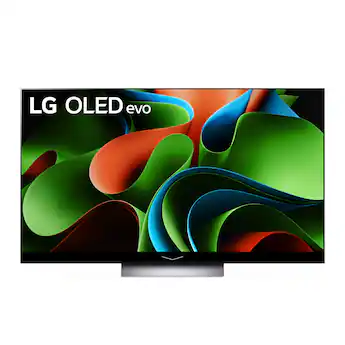
LG C Series OLED TV (e.g., LG C3)
LG's C series is the gold standard for OLED TVs, balancing price and picture quality. It offers perfect blacks, excellent motion handling, and low input lag for gaming.
Best for: Best for film enthusiasts, gamers, and anyone who wants a premium image in a dark or dimly lit room.
Price Range: $1,200 - $2,500 (55-65 inches)
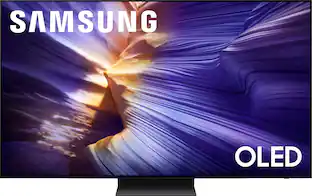
Samsung S90C QD-OLED TV
This uses an advanced panel with quantum dots for higher peak brightness and more colorful images than traditional OLEDs, addressing the brightness difference between LCD and OLED.
Best for: Perfect for bright rooms where you still want OLED contrast, or as a premium gaming TV with 144Hz support.
Price Range: $1,400 - $3,000 (55-65 inches)
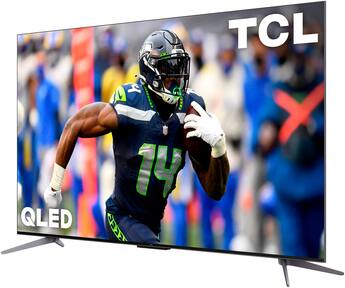
TCL Q7 Series QLED (LCD)
A budget-friendly LCD that uses quantum dots and local dimming to get closer to OLED picture quality. It offers high brightness and a large screen size for a low price.
Best for: Ideal for bright living rooms, sports bars, or anyone who wants a huge TV without spending a fortune.
Price Range: $500 - $1,000 (55-65 inches)
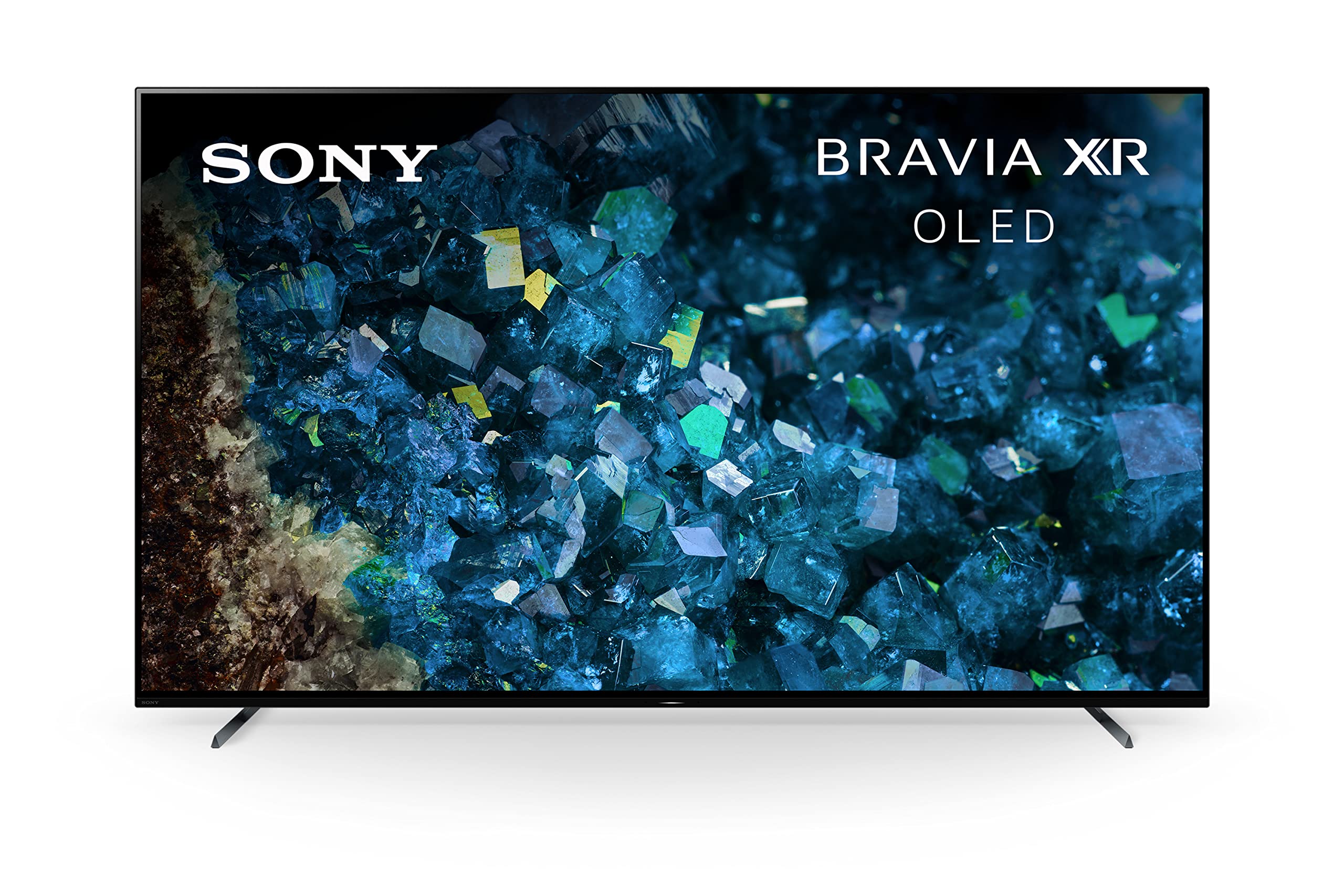
Sony Bravia XR A80L OLED
Sony's cognitive processor enhances colors and upscales content to look sharper on OLED. It's a top choice for movie lovers who want authentic image reproduction.
Best for: For demanding movie watchers and those who value Sony's image processing and subtle color gradations.
Price Range: $1,300 - $2,000 (55-65 inches)
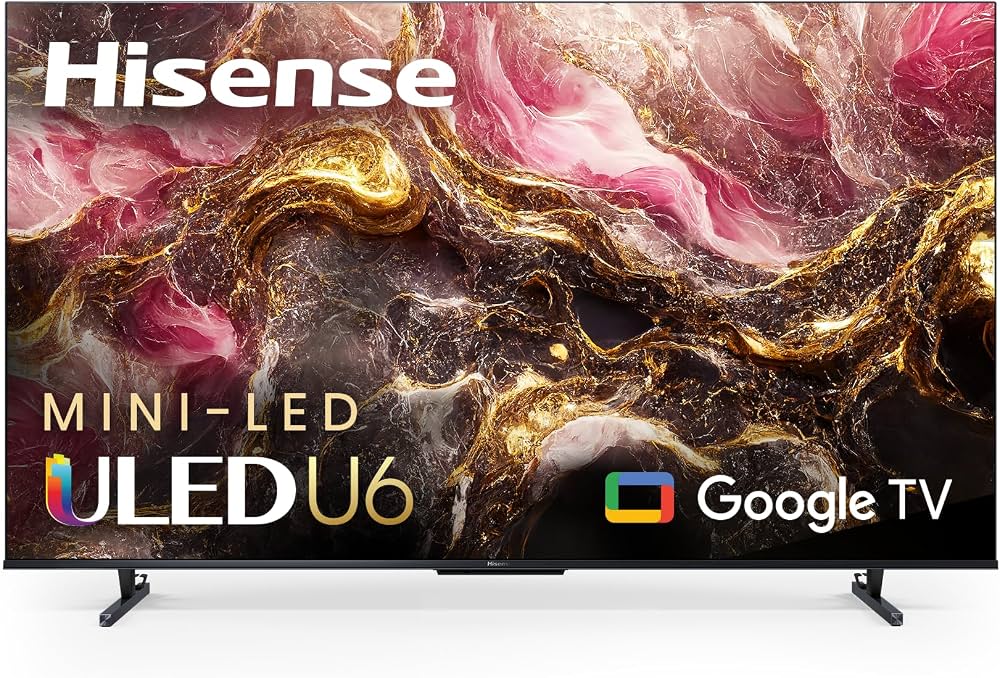
Hisense U6K Series ULED (LCD)
Offers quantum dot technology and full-array local dimming at a very accessible price, making it a great entry point for seeing the LCD evolution.
Best for: Budget buyers who want a good-looking 4K TV for mixed usage in bright rooms, without the OLED price premium.
Price Range: $400 - $800 (55-65 inches)