
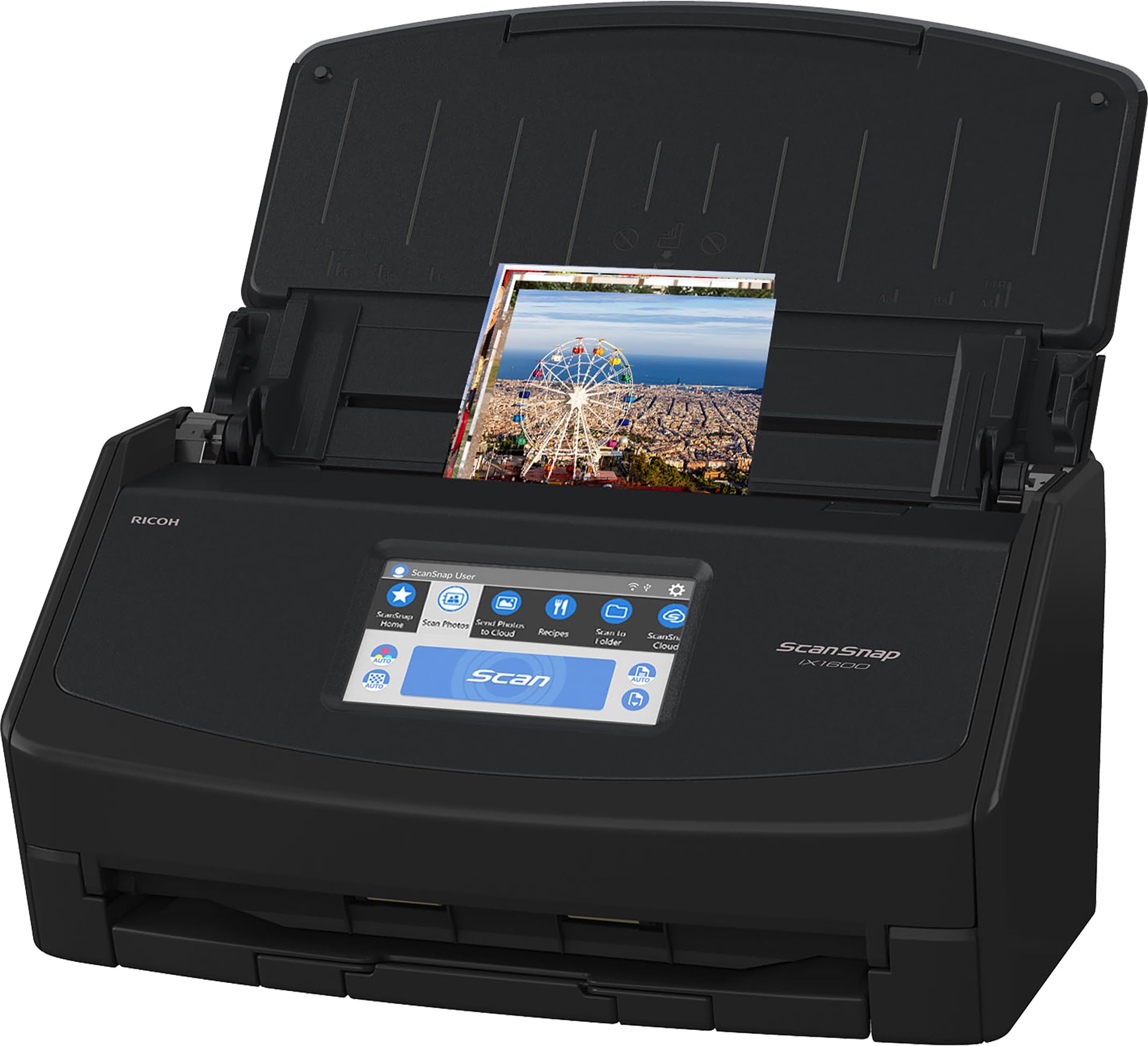
Fujitsu ScanSnap iX1600
Business ledgers with hundreds of pages needing quick, searchable digitization.
$400-$450
Fujitsu ScanSnap iX1600 Fast duplex scanning with auto OCR and cloud integration—ideal for high-volume account books.
Get the App
Better experience on mobile
Discover secure, efficient methods to digitize your physical account books for easy access, searchability, and backups—saving space and reducing risk.
Physical account books and journals are prone to damage from fire, water, or loss, making digital storage essential for small business owners, accountants, and bookkeepers. Imagine accessing years of financial records instantly from any device without flipping through dusty pages. This guide breaks down the best practices for digitizing and storing them securely.
You'll learn step-by-step how to scan, organize, secure, and back up your account books using tools suited for intermediate users. Whether you have ledgers, receipt journals, or expense trackers, these methods ensure compliance and peace of mind. Expect 1-2 hours for initial setup, with ongoing maintenance under 30 minutes monthly.
By the end, your records will be searchable, encrypted, and duplicated across devices—no more lost data or cluttered shelves.
Estimated Time: 1-2 hours initial setup + 30 minutes per book Difficulty: intermediate
Start by inventorying your physical account books. Note the number of pages, condition, and sensitivity (e.g., confidential client data). This helps estimate time and choose tools.
Why it matters: Prevents overlooking fragile books that need gentle handling. Expect to spend 10-15 minutes listing books by date, type (e.g., ledger, cash book), and priority.
Pro tip: Use a spreadsheet to track: Book Name | Pages | Date Range | Digitized? This becomes your digital index.
💡 Tips:
⚠️ Warnings:
Decide between flatbed scanner (for delicate books), sheet-fed scanner (fast for loose pages), overhead book scanner (non-destructive), or smartphone app (budget option).
Sheet-fed is best for detached sheets; overhead prevents spine damage. Apps like Adobe Scan work well for quick jobs but lack batch processing. Why? Matches speed to volume—e.g., 500-page ledger needs automation.
💡 Tips:
Clean books gently with a soft cloth. For bound books, use book cradles or scan open flat. Remove staples from loose sheets.
This ensures crisp images. Expect minor page curl issues—flatten under weights overnight if needed.
⚠️ Warnings:
Load books into your scanner. Set resolution to 300 DPI (grayscale for ledgers, color for receipts). Scan in batches as PDFs.
Why 300 DPI? Balances quality and file size (1-2MB per page). Auto-crop and deskew features save time. Process one book at a time for organization.
💡 Tips:
Run Optical Character Recognition (OCR) on PDFs to make handwriting/numbers searchable. Tools like Adobe Acrobat or ABBYY extract text layers.
Why it matters: Query '2024 expenses' instantly. Expect 80-95% accuracy on printed text; handwritten varies.
⚠️ Warnings:
Create folders: Year > Book Type > Month. Name files like 'Ledger-2024-Q1.pdf'.
Use metadata tags for dates/authors. This mirrors physical organization digitally.
💡 Tips:
Upload to cloud (Google Drive, Dropbox) or local NAS. Enable 2FA and version history.
Cloud offers access anywhere; local is private. Hybrid: Cloud primary, local mirror.
💡 Tips:
Encrypt files with tools like VeraCrypt or PDF passwords. Set automated backups to external drive/cloud.
Test: Search text, open on mobile. Schedule monthly reviews.
⚠️ Warnings:
Problem: Blurry or skewed scans
Solution: Clean scanner glass, use deskew feature, or rescan at higher DPI. For books, use non-glare lights.
Problem: OCR inaccuracies on handwriting
Solution: Manually correct text or use AI tools like Google Lens for verification.
Problem: Large file sizes slowing sync
Solution: Compress with Adobe Acrobat or SmallPDF; aim for under 5MB per 50 pages.
Problem: Access denied on cloud
Solution: Check sharing settings and 2FA; test incognito.
Fast duplex scanning with auto OCR and cloud integration—ideal for high-volume account books.
Best for: Business ledgers with hundreds of pages needing quick, searchable digitization.
Price Range: $400-$450
Overhead design scans bound books without damage, curves correction for flat images.
Best for: Thick journals or fragile vintage account books.
Price Range: $200-$250
Rugged, encrypted storage for offline backups with USB-C speed.
Best for: Secure local copies of digitized records for compliance.
Price Range: $100-$120
Affordable high-capacity drive for archiving years of scans.
Best for: Long-term storage of historical account books on a budget.
Price Range: $110-$130
Compact, WiFi-enabled for wireless scanning to cloud directly.
Best for: Small offices digitizing receipts and slim journals.
Price Range: $250-$300
Business ledgers with hundreds of pages needing quick, searchable digitization.
Fujitsu ScanSnap iX1600 Fast duplex scanning with auto OCR and cloud integration—ideal for high-volume account books.
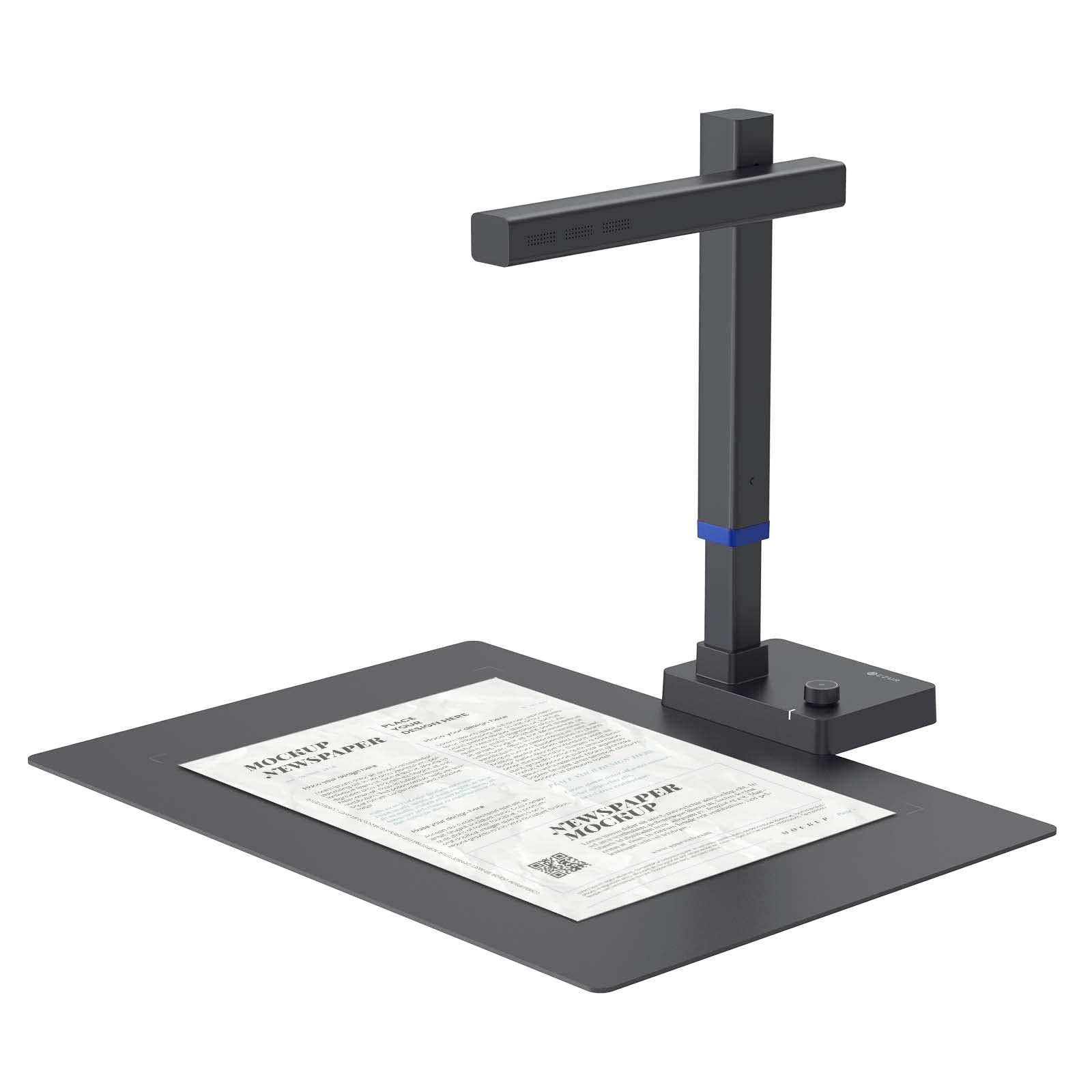
Thick journals or fragile vintage account books.
CZUR Shine Ultra Portable Scanner Overhead design scans bound books without damage, curves correction for flat images.
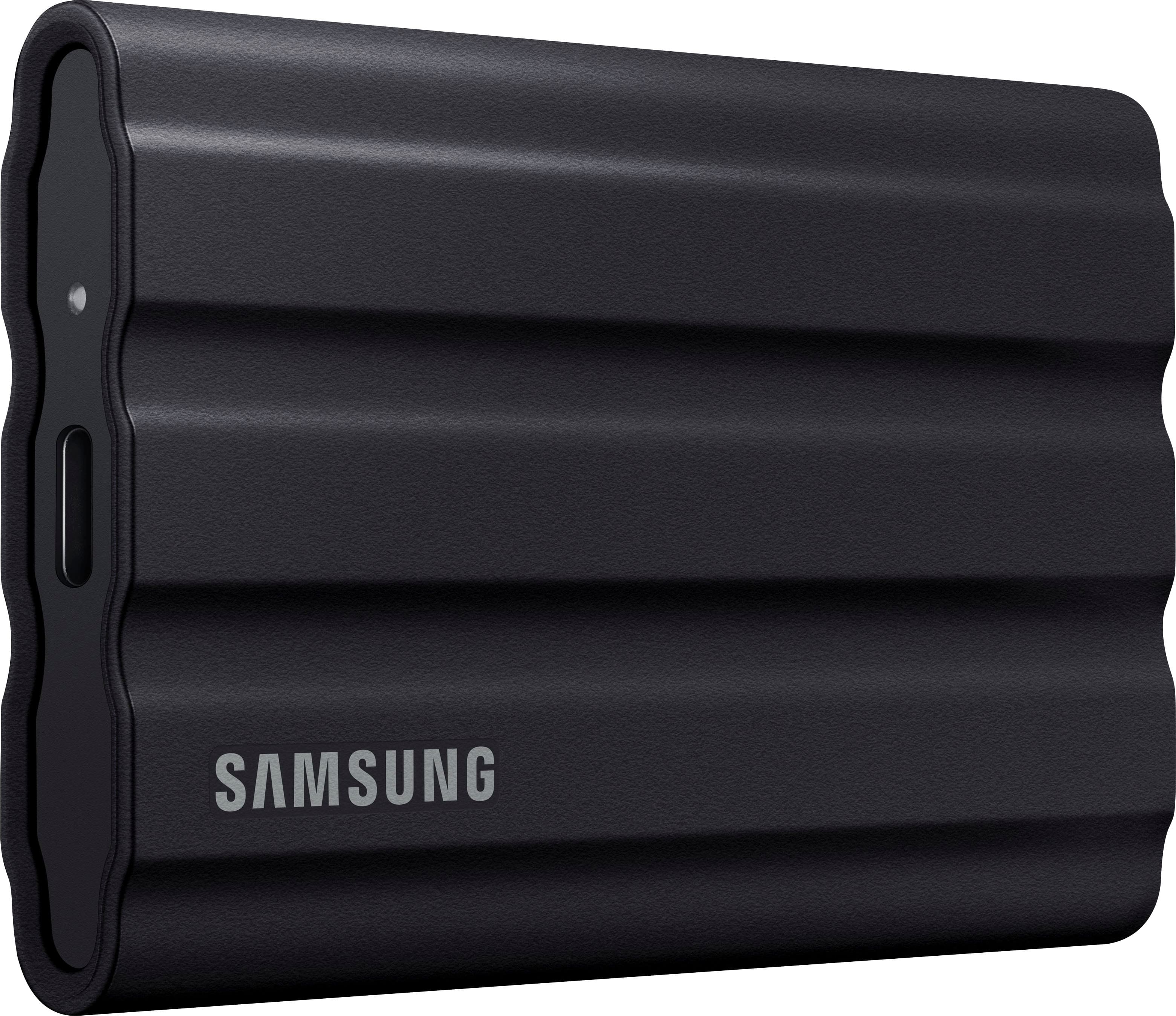
Secure local copies of digitized records for compliance.
Samsung T7 Shield 1TB Portable SSD Rugged, encrypted storage for offline backups with USB-C speed.
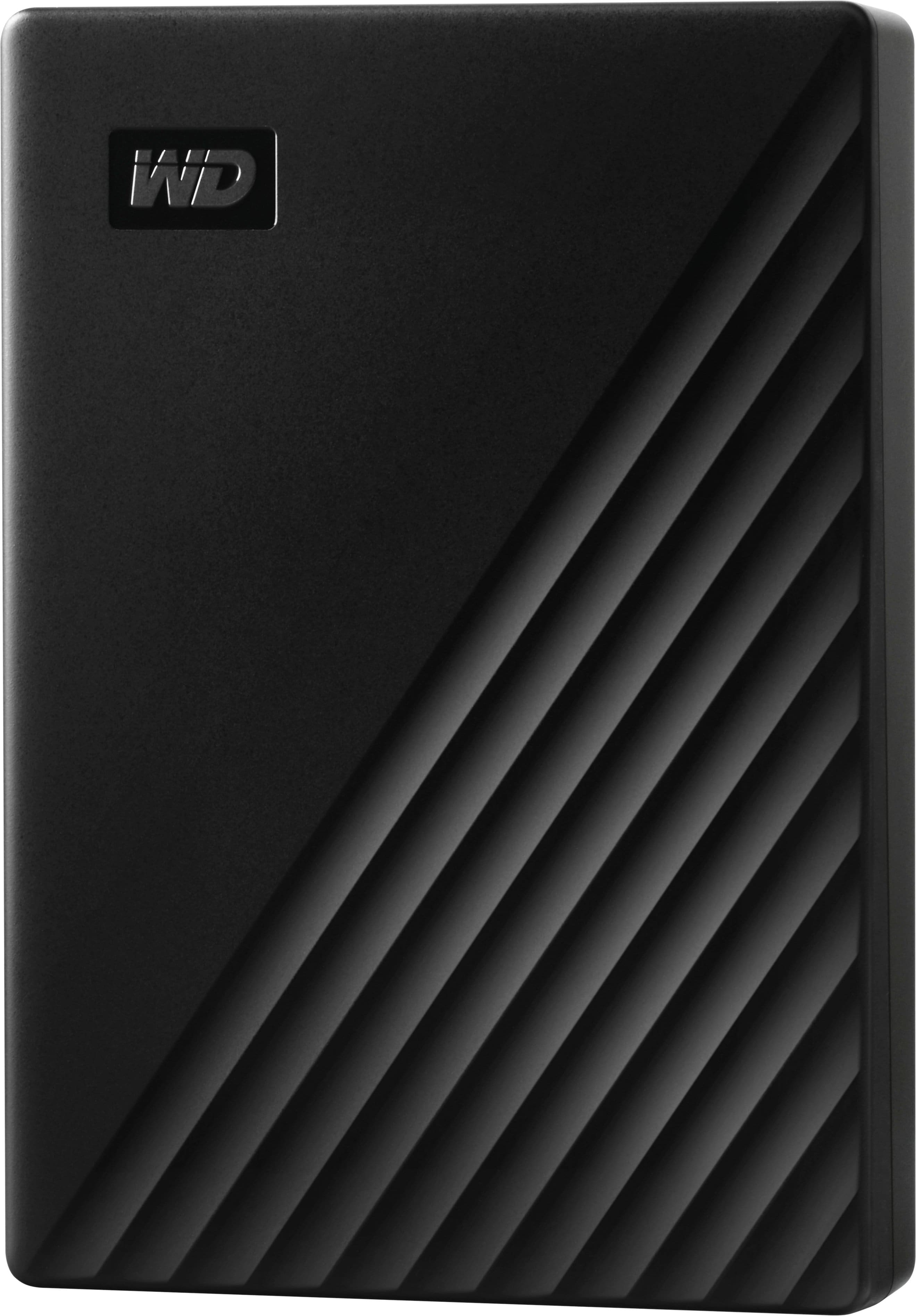
Long-term storage of historical account books on a budget.
Western Digital My Passport 5TB HDD Affordable high-capacity drive for archiving years of scans.
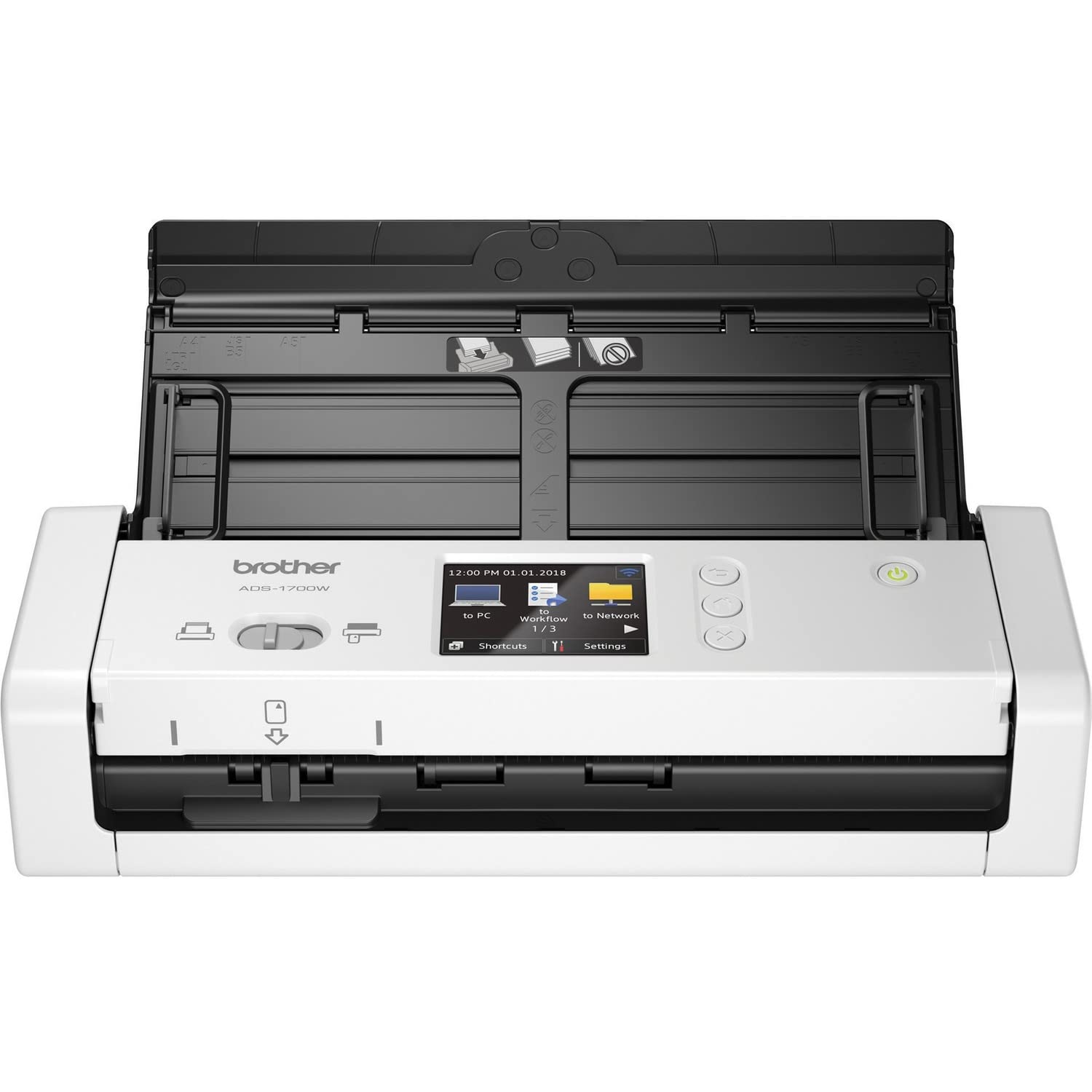
Small offices digitizing receipts and slim journals.
Brother ADS-1700W Wireless Scanner Compact, WiFi-enabled for wireless scanning to cloud directly.