
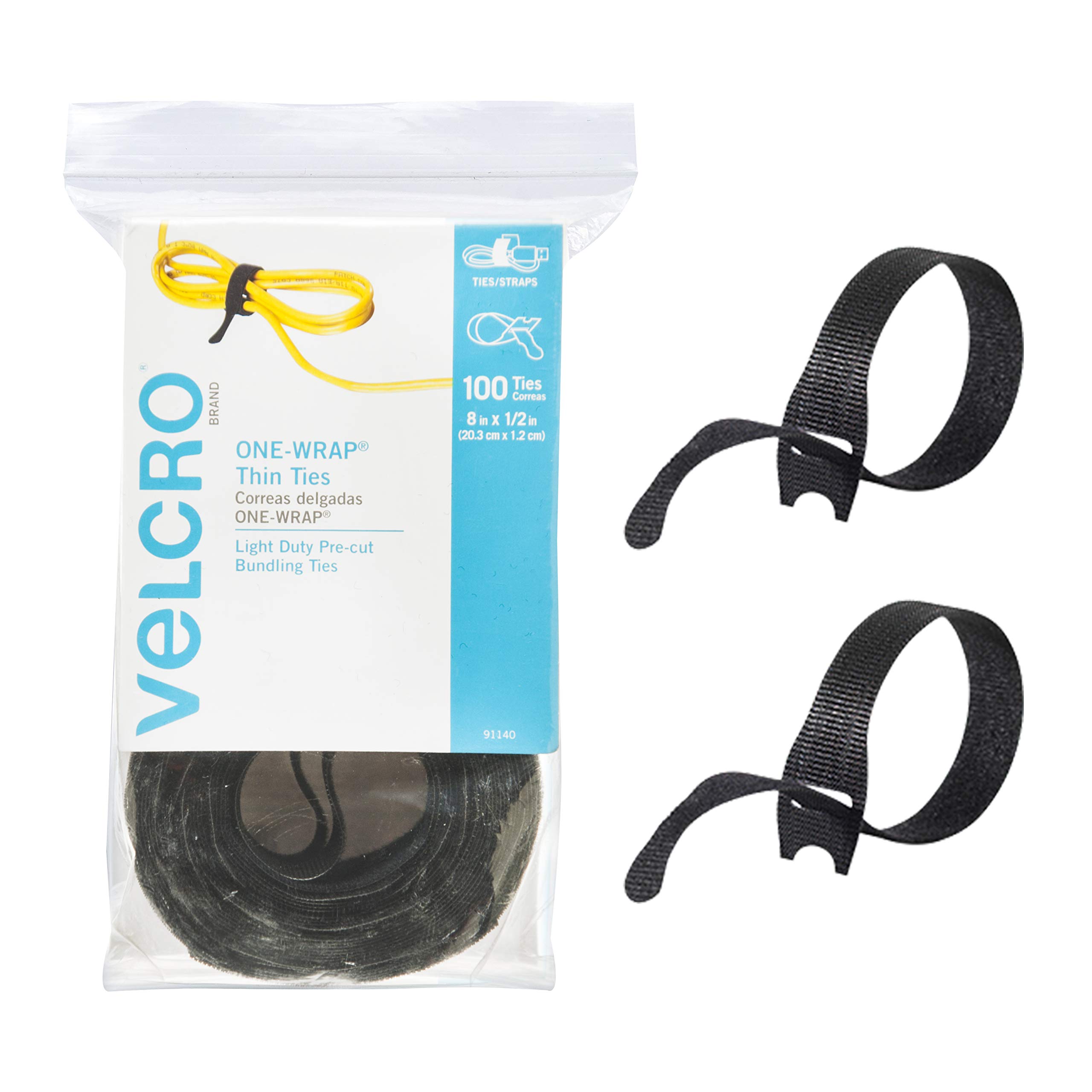
VELCRO Brand ONE-WRAP Cable Ties (100 Pack)
Bundling individual or grouped AC adapters for drawers or boxes.
$10-15
VELCRO Brand ONE-WRAP Cable Ties (100 Pack) Reusable, adjustable, and gentle on cables—perfect for bundling without damage.
Get the App
Better experience on mobile
Declutter your desk or entertainment center in 20 minutes with simple steps to sort, label, bundle, and store cables tangle-free.
Tangled AC adapter cables behind your TV, desk, or in drawers create frustration, waste time, and pose tripping hazards. Whether you have chargers for laptops, phones, routers, or gadgets piling up, disorganization leads to damaged wires and endless searching. This guide shows beginners the best way to organize them for easy access and a neat space.
You'll learn a foolproof system: gathering, sorting, labeling, bundling, and storing. No special skills needed—just follow the steps. Expect a clutter-free setup that lasts, taking only 20-30 minutes total.
By the end, your adapters will be identified instantly, safely stored, and ready to grab without hassle.
Estimated Time: 20-30 minutes Difficulty: beginner
Collect every AC adapter cable from your home: check desks, TV stands, drawers, bags, and behind furniture. Unplug them safely from outlets or devices.
This step prevents missing any and gives a full inventory. Lay them out on a large table or floor for a clear view. Expect 5-10 cables if you have typical gadgets.
Success looks like: A single pile of all cables, no more hidden ones.
💡 Tips:
⚠️ Warnings:
Group cables by purpose: laptop chargers, phone adapters, router power, etc. Or sort by size (barrel plug vs. USB-C). Use categories like 'Electronics,' 'Kitchen,' 'Office.'
Sorting makes labeling and storage logical. It reduces future mix-ups. Expect 3-5 groups.
Success looks like: Neat piles separated by type, easier to manage.
💡 Tips:
Wipe dust off with a dry cloth. Check for frays, bent plugs, or damage—test by plugging into a device if unsure.
Cleaning prevents dirt buildup; inspection ensures safety. Replace damaged ones later.
Success looks like: Clean, inspected cables ready for next steps.
⚠️ Warnings:
Write device name (e.g., 'Laptop Dell') on labels or tape. Attach near the plug end or adapter brick. Use waterproof labels for durability.
Labels save time finding the right one. Without them, you'll revert to tangles.
Success looks like: Every cable marked and identifiable at a glance.
💡 Tips:
Loop each cable neatly without twisting. Secure bundles with cable ties, leaving slack to avoid stress on connectors.
Bundling prevents knots. Loose loops extend cable life.
Success looks like: Compact, kink-free bundles per group.
💡 Tips:
⚠️ Warnings:
Decide on drawer boxes, wall hooks, under-desk trays, or a dedicated bin. Match to your space (e.g., drawer for hidden storage).
Good storage keeps organization permanent.
Success looks like: Bundles fitting your chosen organizer.
Arrange bundles by category in the organizer. Stand them upright or lay flat for easy access.
This finalizes the system.
Success looks like: Tidy, grab-and-go storage.
💡 Tips:
Plug in a few to verify. Schedule monthly checks to re-label or discard.
Testing confirms usability; maintenance sustains it.
Success looks like: Functional, organized system ready for daily use.
⚠️ Warnings:
Problem: Bundles keep unraveling
Solution: Switch to adjustable Velcro ties or add clips; ensure slack isn't excessive.
Problem: Labels peel off
Solution: Use vinyl or waterproof labels; apply over tape for adhesion.
Problem: No space for storage
Solution: Try under-desk trays or adhesive wall hooks; declutter first.
Problem: Can't identify despite labels
Solution: Add voltage specs and device model; use QR code stickers linking to notes.
Reusable, adjustable, and gentle on cables—perfect for bundling without damage.
Best for: Bundling individual or grouped AC adapters for drawers or boxes.
Price Range: $10-15
Zippered sleeve hides multiple cables neatly, ideal for power strips.
Best for: Concealing bundled adapters behind desks or TVs.
Price Range: $12-18
Strong adhesive clips keep bundles in place on desks or walls.
Best for: Securing labeled bundles under desks or along baseboards.
Price Range: $9-12
Hides power strips and adapters with cord exits, fire-safe plastic.
Best for: Central storage for all household adapters.
Price Range: $20-25
Professional, printable labels that won't smudge or fade.
Best for: Creating durable, custom labels for each adapter.
Price Range: $30-40
Bundling individual or grouped AC adapters for drawers or boxes.
VELCRO Brand ONE-WRAP Cable Ties (100 Pack) Reusable, adjustable, and gentle on cables—perfect for bundling without damage.
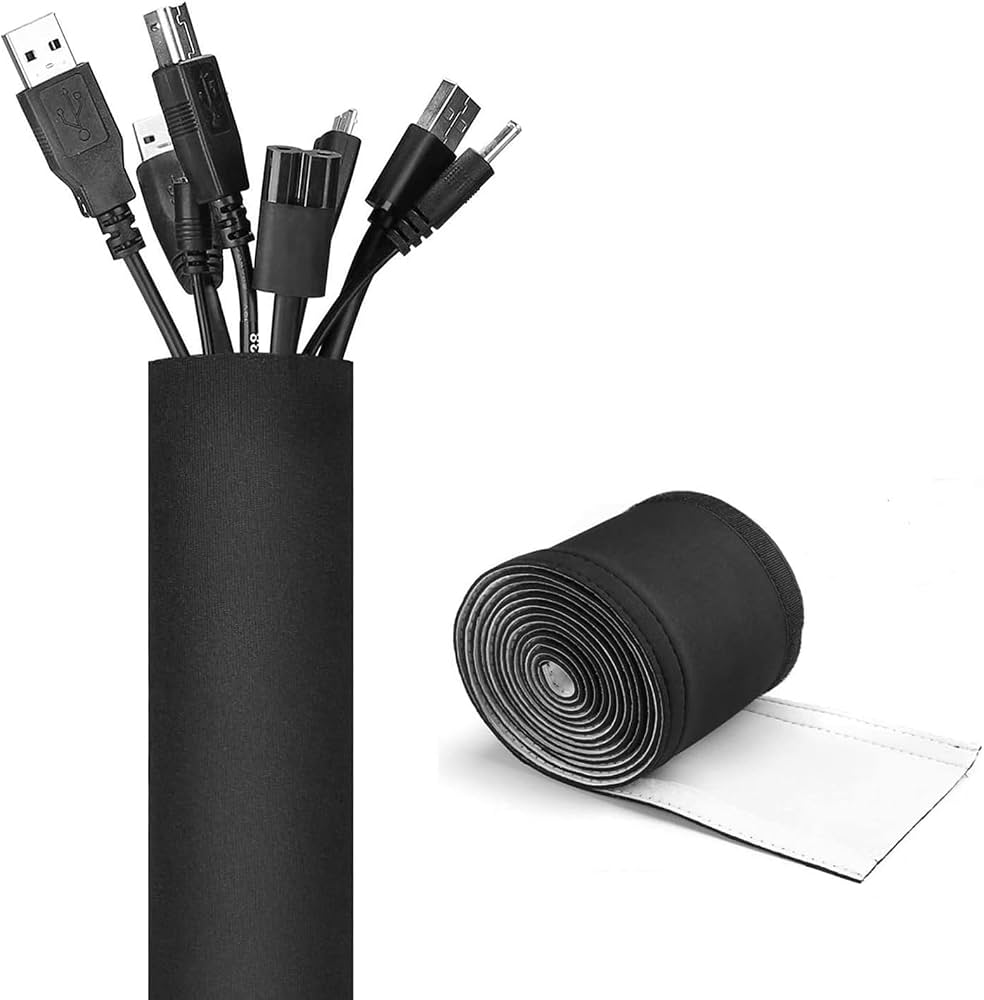
Concealing bundled adapters behind desks or TVs.
JOTO Cable Management Sleeve (2 Pack, 10 Feet) Zippered sleeve hides multiple cables neatly, ideal for power strips.
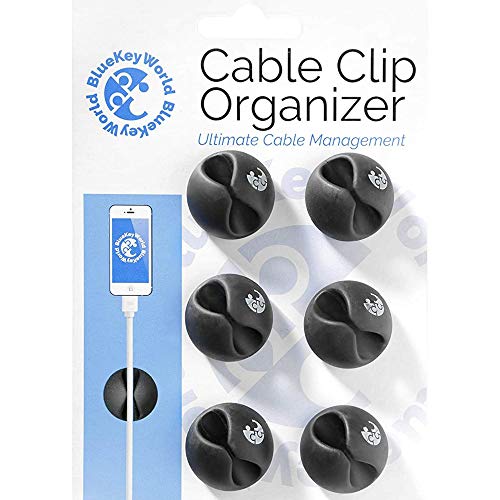
Securing labeled bundles under desks or along baseboards.
Blue Key World Cable Clips (10 Pack) Strong adhesive clips keep bundles in place on desks or walls.
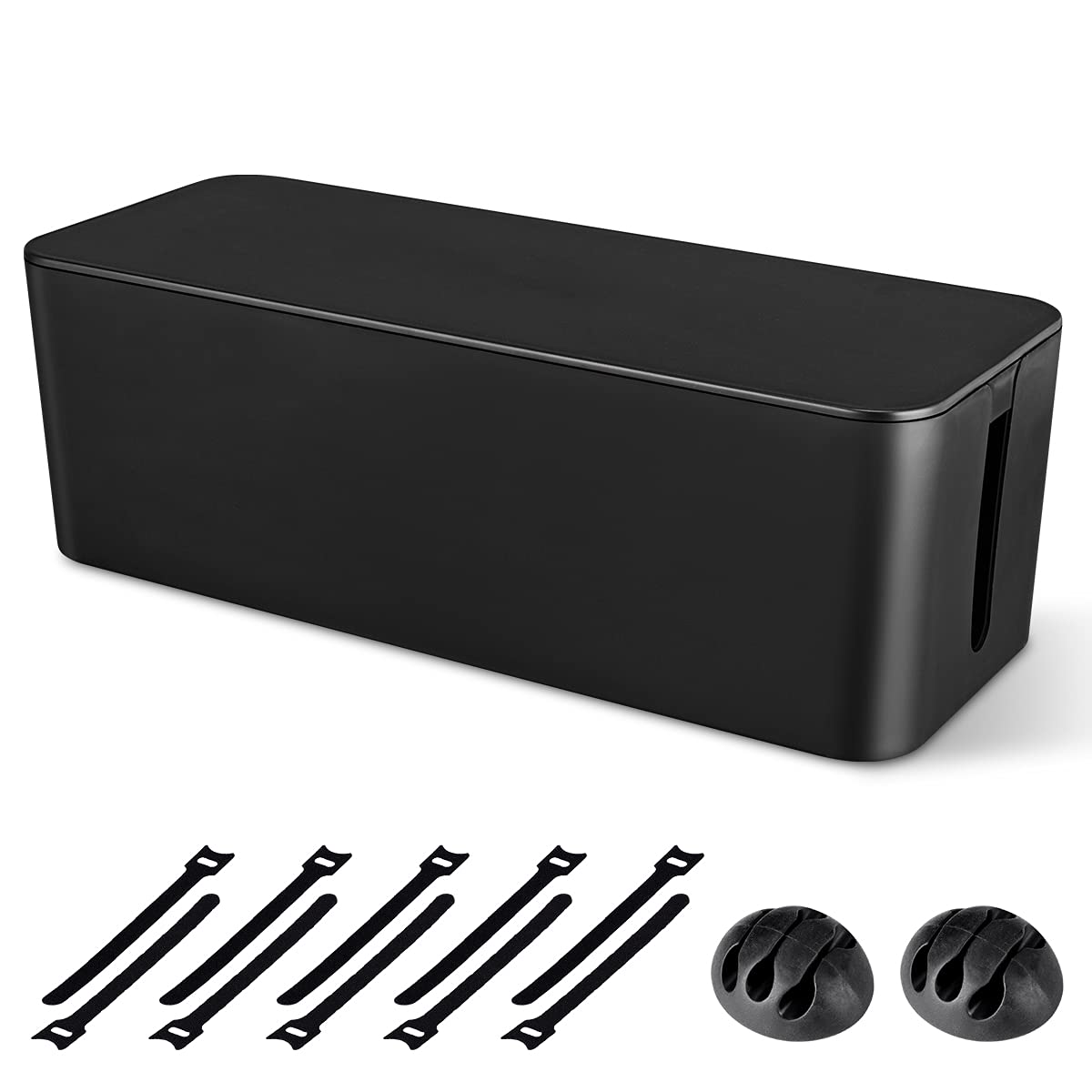
Central storage for all household adapters.
BANKOVI Cable Management Box (Large) Hides power strips and adapters with cord exits, fire-safe plastic.
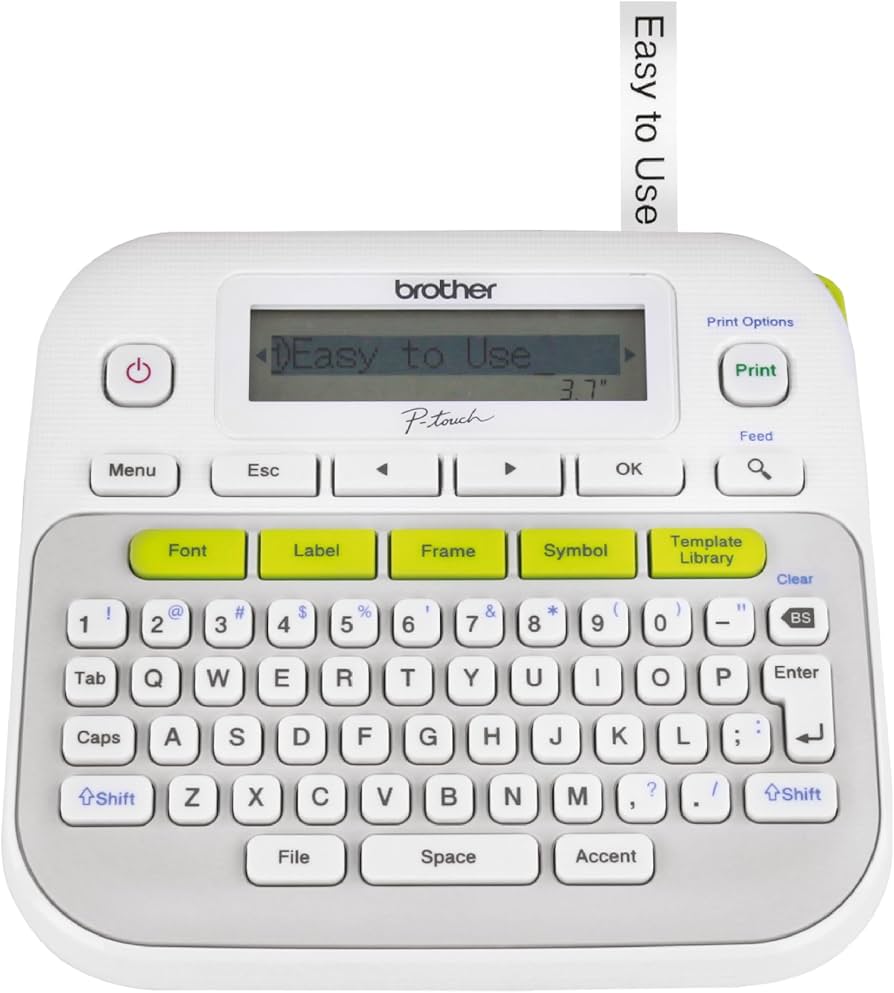
Creating durable, custom labels for each adapter.
Brother P-Touch PT-D210 Label Maker Professional, printable labels that won't smudge or fade.