
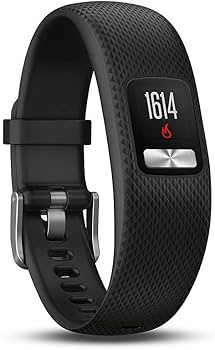
Garmin vivofit 4
Basic steps, sleep, move reminders without hassle.
$70-$80
Garmin vivofit 4 Year-long battery, no charging needed, simple color display—perfect for forgetful seniors.
Get the App
Better experience on mobile
Find simple, reliable trackers with long battery life, fall detection, and easy apps to help seniors stay active and safe.
As we age, staying active becomes crucial for maintaining independence, heart health, and mental sharpness—but complex gadgets can be frustrating. Many seniors abandon fancy fitness trackers due to short batteries, tiny screens, or confusing apps. This guide solves that by focusing on user-friendly options tailored for older adults.
You'll learn key features to prioritize, how to choose the right one, and our top recommendations based on real-user reviews and expert tests. Whether for walking steps, sleep tracking, or emergency alerts, we'll break it down simply. Expect a quick read (under 15 minutes) with actionable advice—no tech expertise needed.
By the end, you'll know exactly which tracker fits your needs, budget, and lifestyle, helping loved ones monitor health effortlessly.
Estimated Time: 10-15 minutes Difficulty: beginner
Start by identifying what matters most: daily steps, heart rate monitoring, sleep quality, or fall detection? Seniors often prioritize basics like step counting and reminders to move, rather than advanced GPS for running.
Why it matters: Trackers overwhelm with features if mismatched. For example, if forgetfulness is an issue, choose one with activity nudges. List 2-3 goals, like 'track 5,000 steps daily' or 'alert for irregular heartbeat.'
Expect a personalized shortlist—simple goals lead to simpler devices.
💡 Tips:
Seniors hate daily charging—look for 7+ days or 'no-charge' models. Garmin vivofit 4 lasts a year on a coin battery; Fitbit Inspire 3 hits 10 days.
Why it matters: Forgetful users drop trackers when batteries die. Analogy: Like a reliable wall clock vs. one needing daily wind-up.
Check specs on Amazon or manufacturer sites; real-world tests show 20-30% less than claimed, so aim high.
⚠️ Warnings:
Opt for big fonts, color screens, or even no screen (vibration alerts only). Avoid tiny OLEDs needing glasses.
Why it matters: 70% of seniors over 65 have vision issues per AARP. Examples: Garmin Lily's stylish analog face hides digital info; Fitbit Charge 6 has readable always-on display.
Test in-store if possible—swipe to see metrics like steps without menus.
💡 Tips:
Essential: Fall detection, SOS button, GPS location sharing. These auto-call emergency contacts if a fall occurs.
Why it matters: Falls cause 3M ER visits yearly for seniors (CDC). Devices like Fitbit Sense 2 or Apple Watch SE send alerts instantly.
Even basic models vibrate for low heart rate; premium add ECG for AFib detection.
Choose lightweight (<30g), adjustable bands (silicone over metal), water-resistant (50m+ for showers).
Why it matters: Skin irritation or slipping discourages wear. Analogy: Like comfy socks vs. stiff shoes—worn daily.
Slim designs like bands fit under sleeves; check 'hypoallergenic' for sensitivities.
💡 Tips:
⚠️ Warnings:
Apps must be intuitive—no 10-step syncs. iOS/Android compatible; family sharing for remote monitoring.
Why it matters: 80% abandonment from app frustration (studies). Fitbit/Google Fit apps have large icons, daily summaries.
Download demo; enable caregiver access for peace of mind.
Budget $50-200; read 4+ star Amazon reviews from seniors. Look for 1-2 year warranties.
Why it matters: Cheap fakes lack accuracy. Cross-check sites like Wirecutter. Top models score 4.5+ on comfort/battery.
Final pick: Balance features vs. cost—don't overspend on unused GPS.
💡 Tips:
Problem: Tracker won't sync to phone
Solution: Restart Bluetooth, update app/OS, re-pair device. Try airplane mode toggle.
Problem: Inaccurate step count
Solution: Wear snugly 1 finger above wrist bone; calibrate with known walks. Update firmware.
Problem: Skin irritation
Solution: Switch bands, clean daily, or use hypoallergenic covers. Consult doctor if rash persists.
Problem: Forgotten charging
Solution: Choose no-charge models or set phone reminders. Family can check remotely.
Year-long battery, no charging needed, simple color display—perfect for forgetful seniors.
Best for: Basic steps, sleep, move reminders without hassle.
Price Range: $70-$80
10-day battery, large font, 24/7 heart rate, fall detection—easy app for families.
Best for: Daily activity, stress management, caregiver sharing.
Price Range: $90-$100
18-day battery, affordable, Alexa voice, SpO2—great value for beginners.
Best for: Budget tracking of steps, sleep, 120 sports modes.
Price Range: $45-$50
6-day battery, GPS, ECG, meds reminders—advanced yet simple for active seniors.
Best for: Heart health, walks with maps, Google integration.
Price Range: $150-$160
7-day battery, hydration tracking, pulse ox—discreet band for everyday wear.
Best for: Wellness metrics without bulk, Android/iOS.
Price Range: $140-$150
Basic steps, sleep, move reminders without hassle.
Garmin vivofit 4 Year-long battery, no charging needed, simple color display—perfect for forgetful seniors.

Daily activity, stress management, caregiver sharing.
Fitbit Inspire 3 10-day battery, large font, 24/7 heart rate, fall detection—easy app for families.
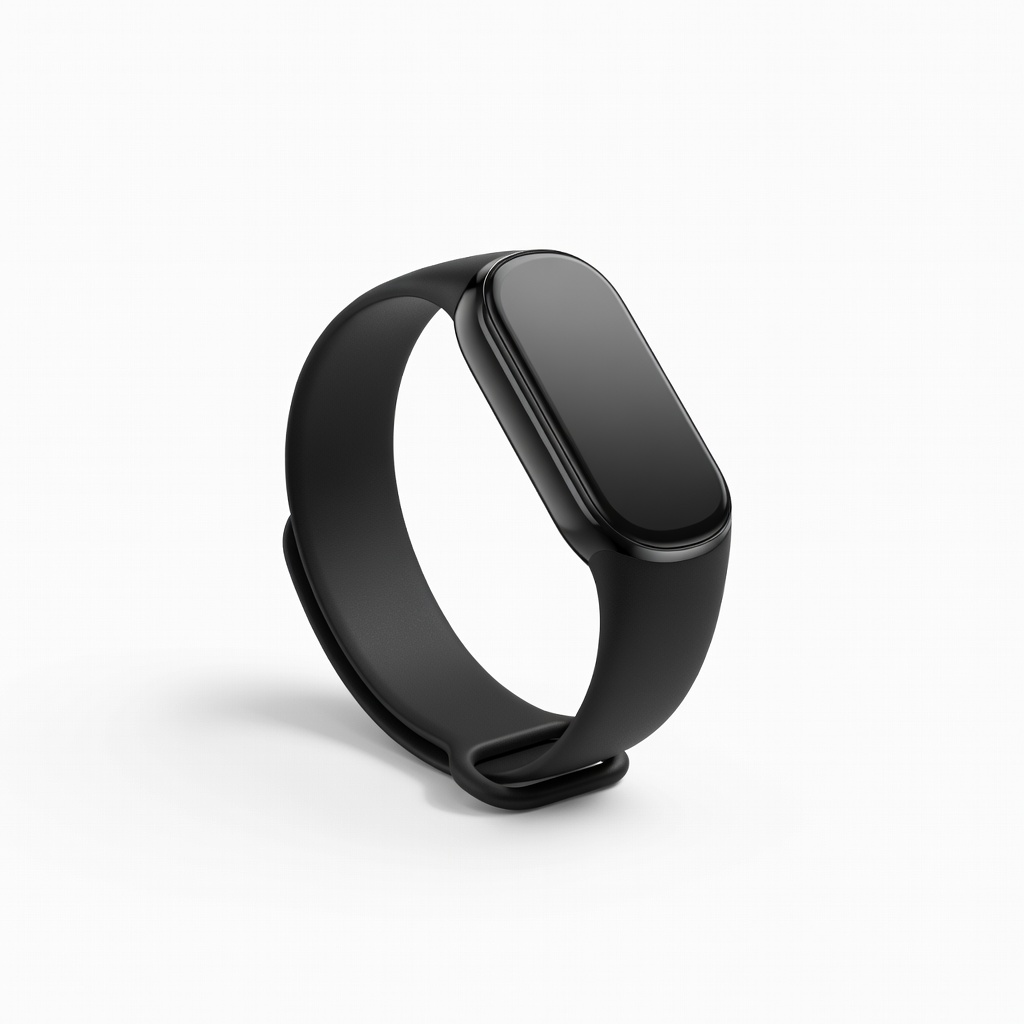
Budget tracking of steps, sleep, 120 sports modes.
Amazfit Band 7 18-day battery, affordable, Alexa voice, SpO2—great value for beginners.
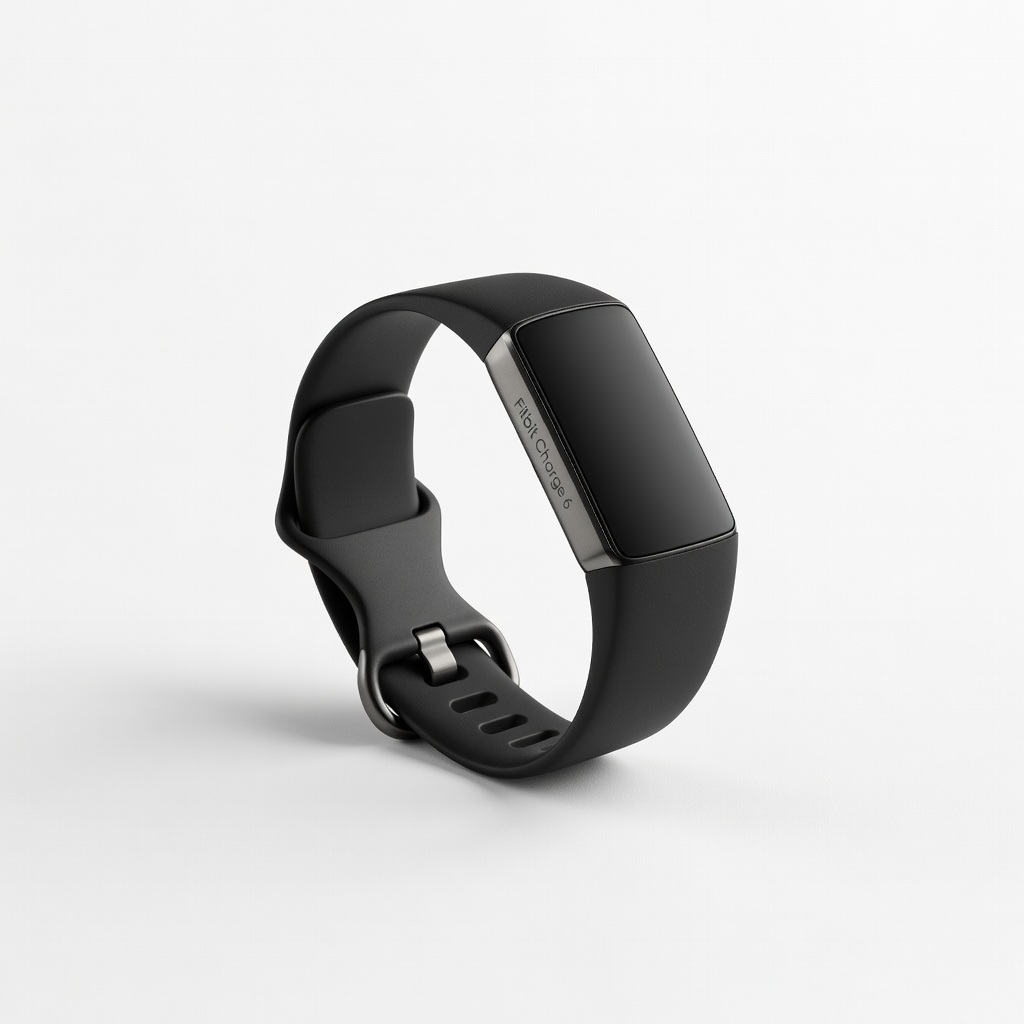
Heart health, walks with maps, Google integration.
Fitbit Charge 6 6-day battery, GPS, ECG, meds reminders—advanced yet simple for active seniors.
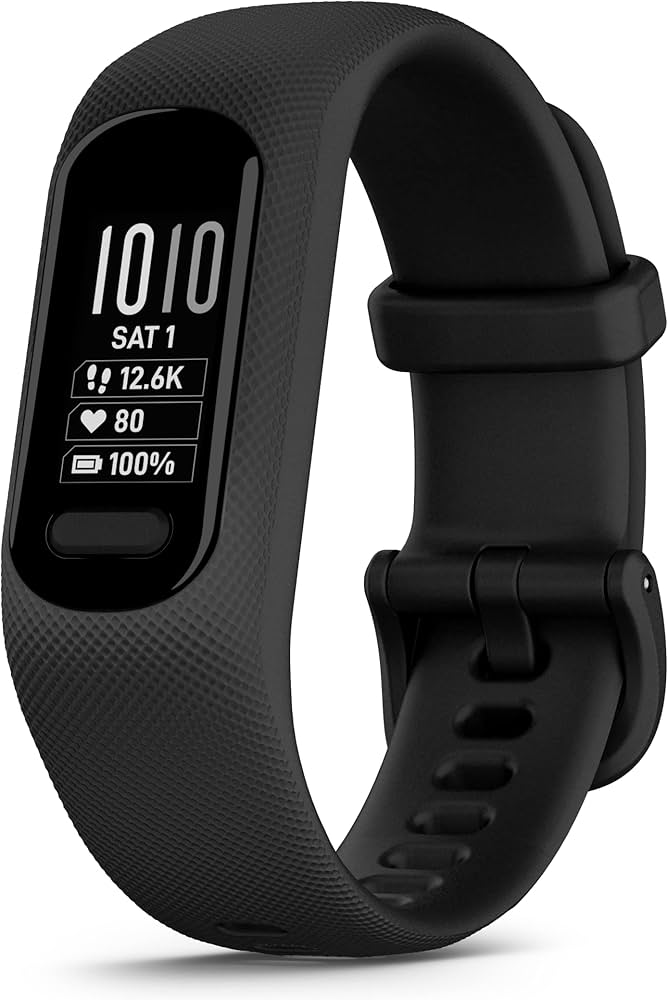
Wellness metrics without bulk, Android/iOS.
Garmin Vivosmart 5 7-day battery, hydration tracking, pulse ox—discreet band for everyday wear.