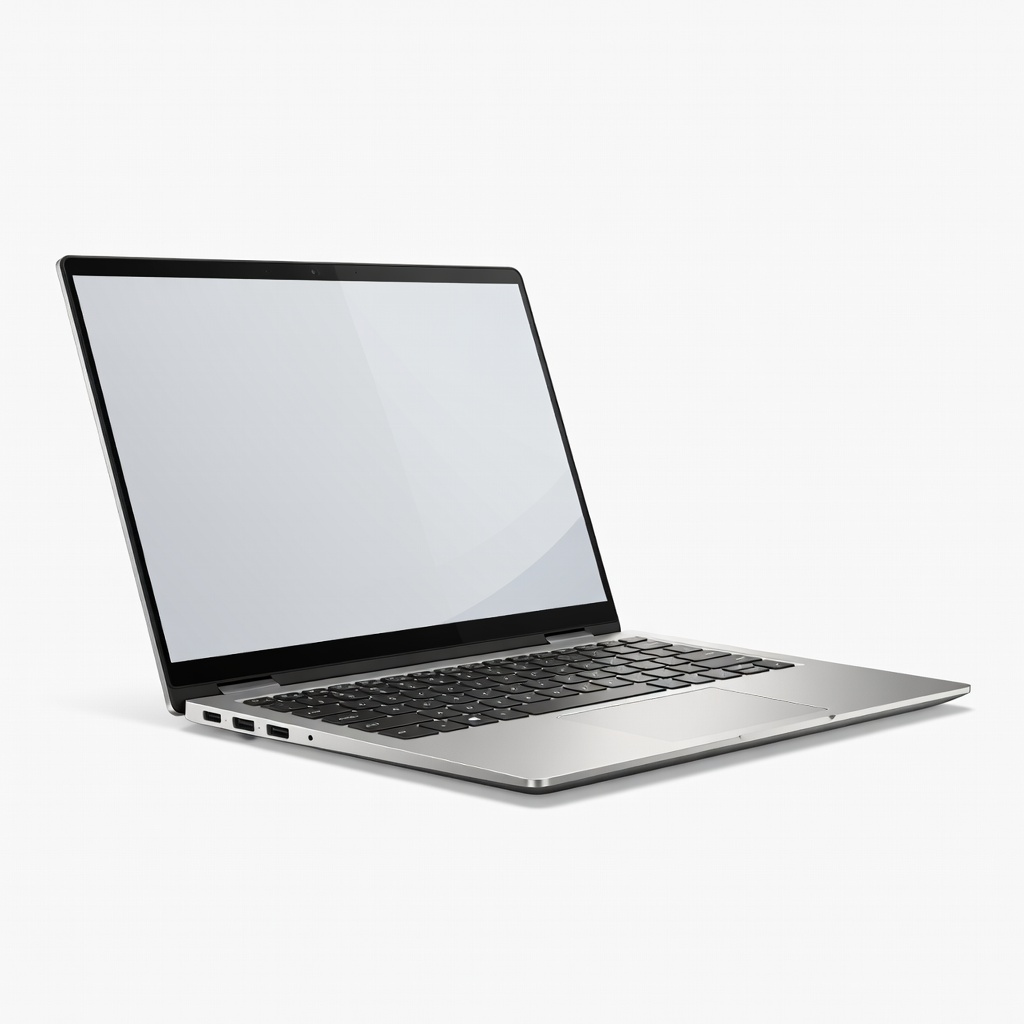
Video editors often juggle deadlines between studio and field work, but traditional laptops lack the touchscreen flexibility for precise timeline scrubbing or stylus annotations. 2-in-1 laptops solve this by flipping into tablet mode, combining laptop power with tablet versatility—perfect for 2025's demanding 4K/8K workflows.
In this guide, you'll learn key specs to prioritize (CPU, GPU, RAM), why 2-in-1 shines for editing, and our top picks tested for Adobe Premiere, DaVinci Resolve, and Final Cut. Expect to understand how to choose based on budget and workflow in 10-15 minutes—no deep tech expertise needed.
▸What You'll Need
- •Basic knowledge of video editing software (e.g., Premiere Pro or DaVinci Resolve)
- •Budget range ($800-$2500)
- •Access to review sites or stores for current pricing
- •Optional: Video editing workflow details (e.g., 4K resolution, effects-heavy)
Estimated Time: 15-20 minutes
Difficulty: intermediate
▸Step-by-Step Instructions
Step 1: Understand 2-in-1 Laptops Basics
A 2-in-1 laptop (or convertible) has a 360-degree hinge, allowing it to switch between laptop, tent, stand, or tablet modes. This design uses touchscreens and supports stylus input, unlike standard clamshells.
For video editing, tablet mode lets you draw masks, scrub timelines with fingers, or review footage intuitively—like sketching on paper. Expect weights under 3.5 lbs for portability without sacrificing power.
Image Description: Diagram showing 2-in-1 in four modes: laptop, tent, stand, tablet.
💡 Tips:
- •Look for Gorilla Glass or IP-rated screens for durability during travel.
⚠️ Warnings:
- •Avoid cheap hinges—they wear out after 1-2 years of frequent flipping.
Step 2: Identify Video Editing Demands
Video editing chews through CPU for rendering, GPU for effects/previews, 16GB+ RAM for multitasking, and fast SSDs for scrubbing large timelines. 4K/8K footage needs at least 32GB RAM and dedicated GPUs.
2-in-1s excel here with modern Intel Core Ultra, AMD Ryzen AI, or Snapdragon X Elite chips featuring NPUs for AI-accelerated editing (e.g., auto-captions in Premiere). Battery life >10 hours prevents mid-edit shutdowns.
Analogy: Think of specs as a car's engine (CPU/GPU), fuel tank (battery), and garage (storage).
💡 Tips:
- •Benchmark with PugetBench for Premiere to verify real-world performance.
Step 3: Prioritize Powerful CPU and GPU
Seek Intel Core Ultra 7/9 (Series 2), AMD Ryzen 9 8945HS, or Qualcomm Snapdragon X Elite—these have 8-16 cores and integrated Arc/Radeon 890M GPUs rivaling entry-level discrete cards.
Why it matters: Multi-core CPUs speed exports; GPUs handle GPU-accelerated effects like Lumetri Color. In 2025, Copilot+ PCs with NPUs optimize Resolve's Magic Mask.
Expect 30-50% faster renders vs. older Intel 13th-gen.
⚠️ Warnings:
- •Skip ARM chips if using x86-only plugins; test Rosetta on M-series if Mac-like.
Step 4: Choose High-Quality Display and RAM
OLED or mini-LED screens (14-16") with 100% DCI-P3 color, 500+ nits brightness, and 120Hz refresh for accurate grading and smooth playback. Touch + stylus support (e.g., USI pen) for precise edits.
RAM: 32GB LPDDR5X minimum (soldered, non-upgradable). Why? Handles 4K multicam + effects without swapping to disk.
Image Description: Side-by-side color gamut comparison: sRGB vs. DCI-P3 on OLED.
💡 Tips:
- •Calibrate with SpyderX for pro accuracy.
Step 5: Evaluate Storage, Battery, and Ports
1TB+ NVMe SSD (upgradable bays rare in 2-in-1s). Battery: 70Wh+ for 8-12 hours editing. Ports: Thunderbolt 4/USB4 (2+), HDMI 2.1, SD reader.
Portability matters—aim for <4 lbs, aluminum chassis. Good thermals prevent throttling during long exports.
💡 Tips:
- •Use external SSDs via Thunderbolt for massive libraries.
Step 6: Compare Top 2025 Models
We'll detail picks later, but scan for Yoga/Spectre/Surface: Balance price/performance. Test via returns: Run 10-min 4K timeline.
Budget tiers: $800 (entry), $1200 (mid), $2000+ (pro).
Step 7: Test and Buy Smart
Read Puget Systems reviews, check YouTube benchmarks (e.g., Jarrod's Tech). Buy from Amazon/Best Buy for 30-day returns. Factor warranty (3+ years) and upgradability.
▸Pro Tips
- •Prioritize OLED over IPS for color-critical work—saves time on corrections.
- •Use stylus for mask painting in Photoshop/Resolve—faster than mouse.
- •Enable power modes: Balanced for editing, High Performance for exports.
- •Cloud sync projects to leverage 2-in-1's portability.
- •Monitor thermals with HWInfo; undervolt if needed for sustained performance.
- •Pair with dock for studio setup: Instant desktop.
- •Update BIOS/firmware for 2025 AI optimizations.
▸Common Mistakes to Avoid
- •Underspeccing RAM (16GB struggles with 4K)—go 32GB minimum.
- •Ignoring display color accuracy—leads to client rejections.
- •Overlooking keyboard/trackpad quality—poor ones slow editing workflow.
- •Buying for battery alone—power trumps all for editing.
- •Skipping benchmarks—marketing specs lie.
▸Troubleshooting
Problem: Overheating/throttling during renders
Solution: Use cooling pad, update drivers, clean vents. Limit to 80% charge.
Problem: Choppy 4K playback
Solution: Lower preview resolution in software; add proxy files.
Problem: Stylus lag
Solution: Ensure 4096+ pressure levels; update pen drivers.
Problem: Short battery in tablet mode
Solution: Disable discrete GPU if available; dim screen.
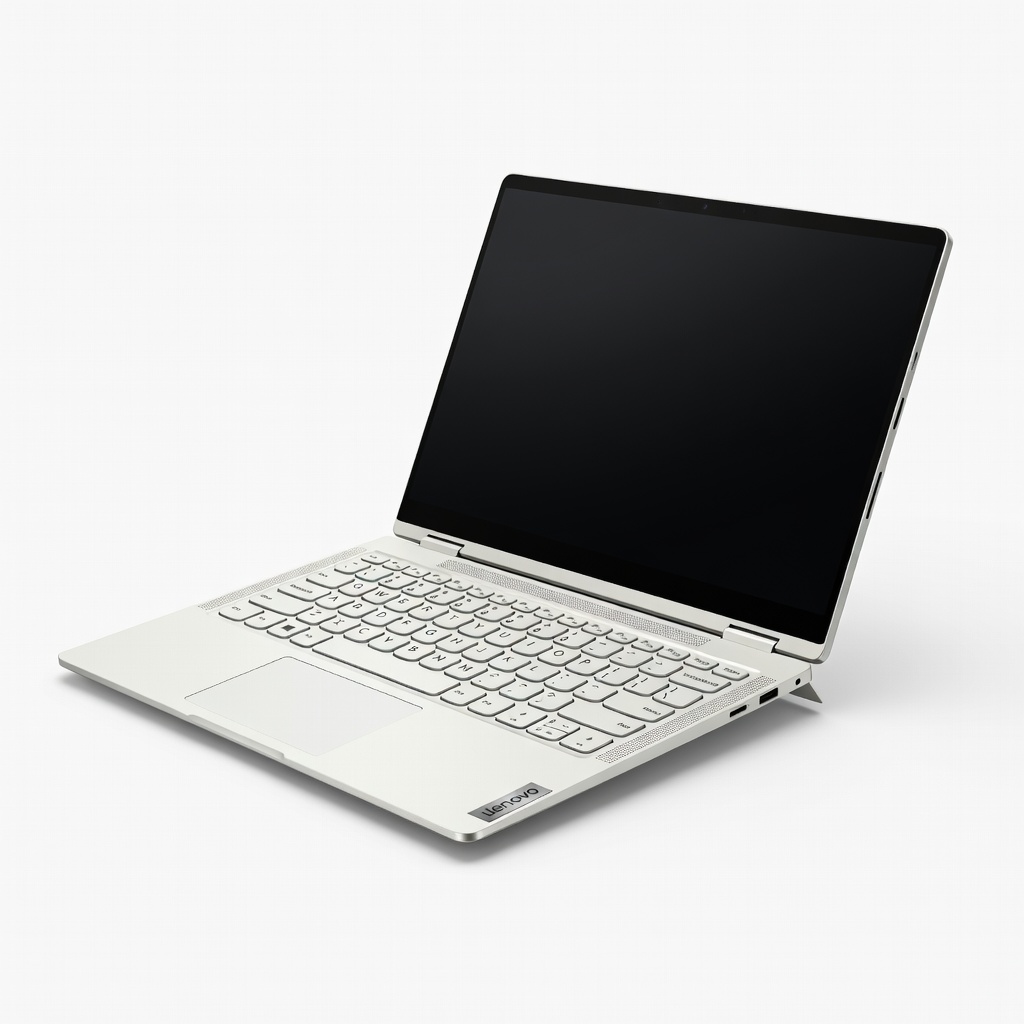
Lenovo Yoga 9i 2-in-1 (14", Intel Core Ultra 7 258V, 32GB RAM, 1TB SSD, OLED)
Top balance of power (Arc 140V iGPU crushes 4K edits), stunning 120Hz OLED, and 12hr battery—PugetBench leader.
Best for: Pro editors needing portability and color accuracy.
Price Range: $1,600-$1,800
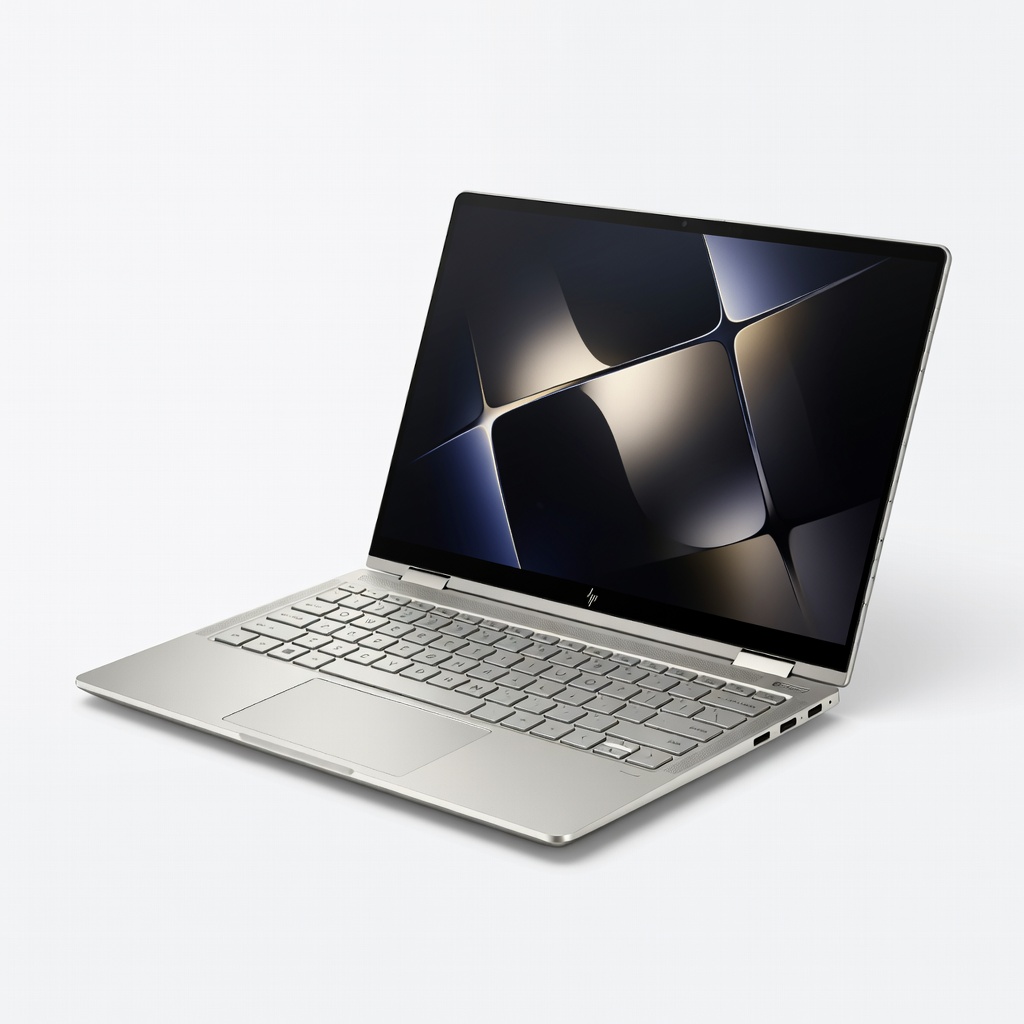
HP Spectre x360 16 (Intel Core Ultra 7 155H, 32GB RAM, 2TB SSD, OLED Touch)
Excellent thermals, 2.8K OLED, discrete-like iGPU performance for Resolve/Premiere.
Best for: Mid-range creators with multi-monitor needs (Thunderbolt 4).
Price Range: $1,700-$2,000
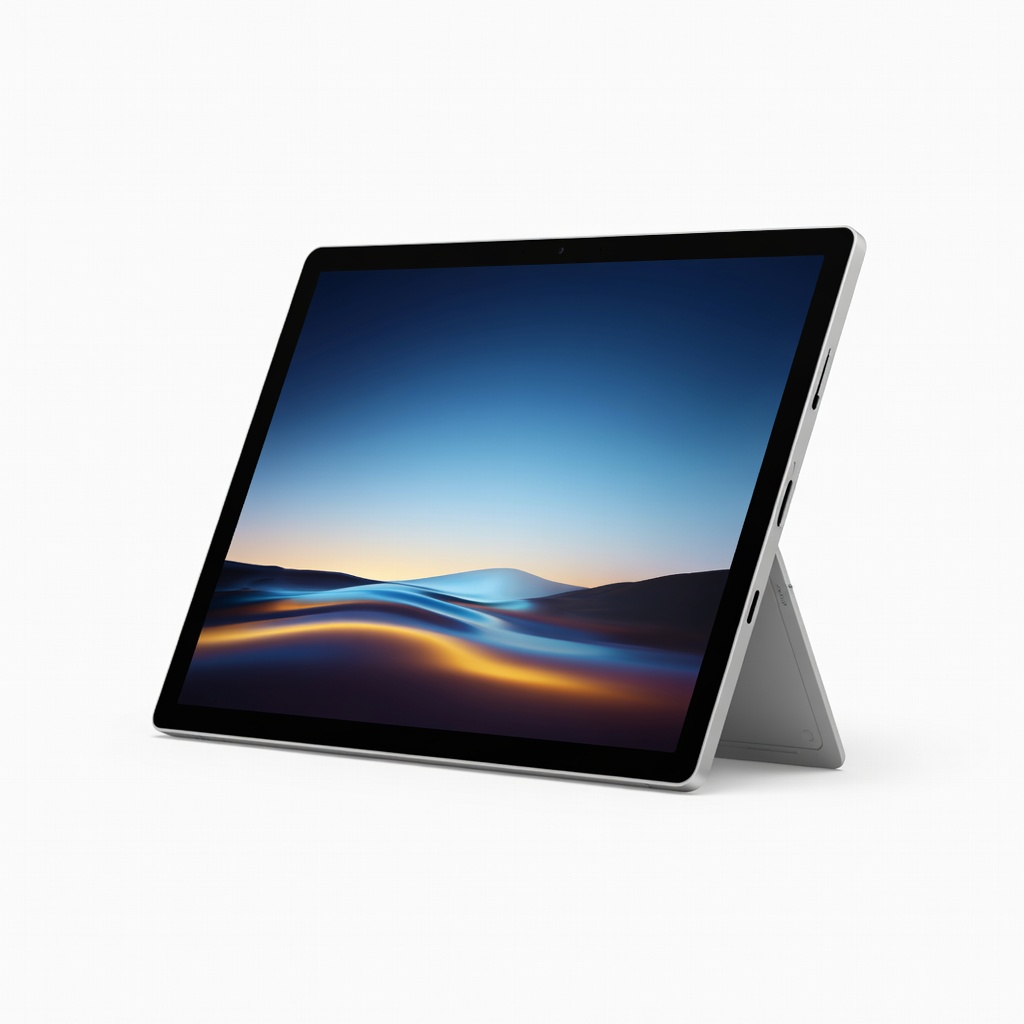
Microsoft Surface Pro 11 (Snapdragon X Elite, 32GB RAM, 1TB SSD, OLED option)
Ultimate portability (1.9lbs), NPU for AI edits, best tablet mode for touch workflows.
Best for: Freelancers editing on-site; pair with keyboard.
Price Range: $1,500-$1,900
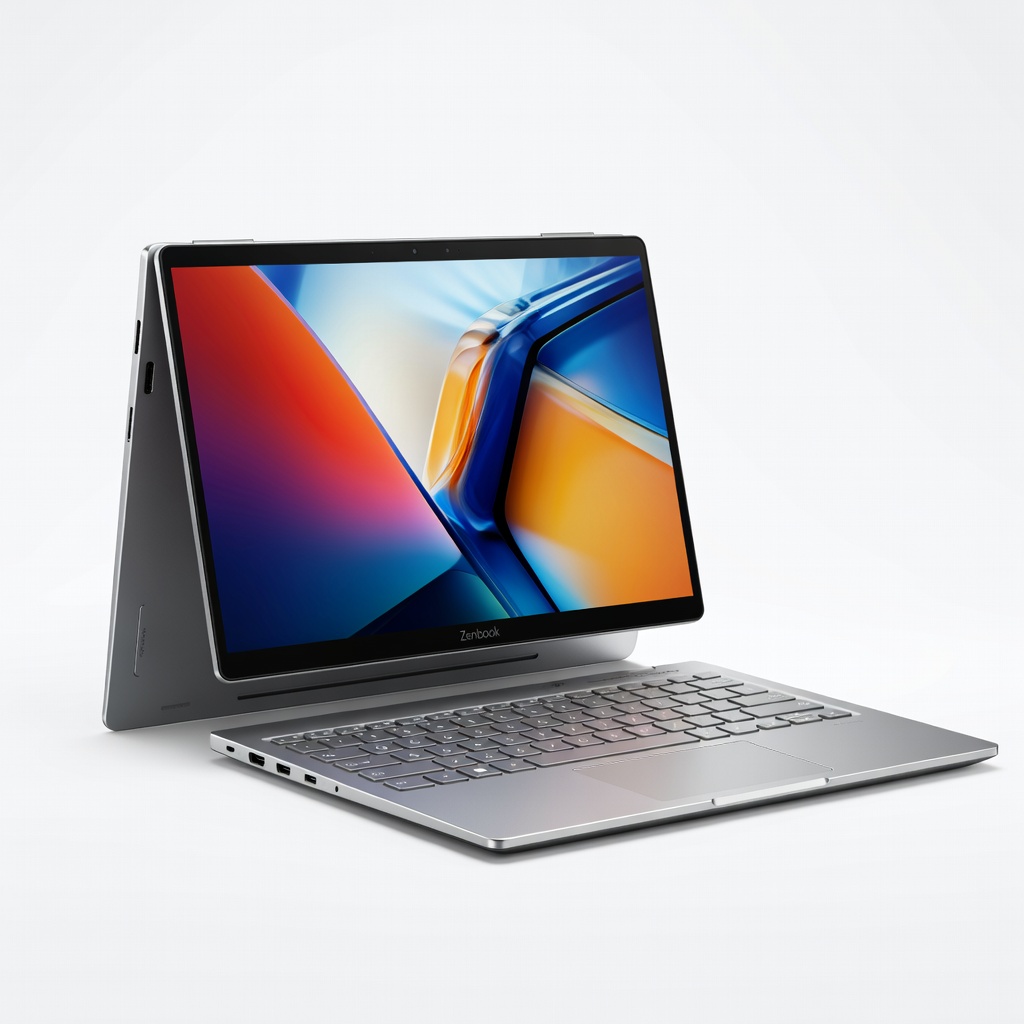
Asus Zenbook 14 Flip OLED (AMD Ryzen AI 9 HX 370, 32GB RAM, 1TB SSD)
Best value with Radeon 890M GPU rivaling RTX 3050 for effects.
Best for: Budget-conscious pros starting 4K editing.
Price Range: $1,200-$1,400
Dell Inspiron 16 2-in-1 (Intel Core Ultra 7, 16GB RAM, 1TB SSD, QHD+ Touch)
Affordable entry with solid iGPU for 1080p/ light 4K.
Best for: Beginner-intermediate editors on tight budget.
Price Range: $900-$1,100