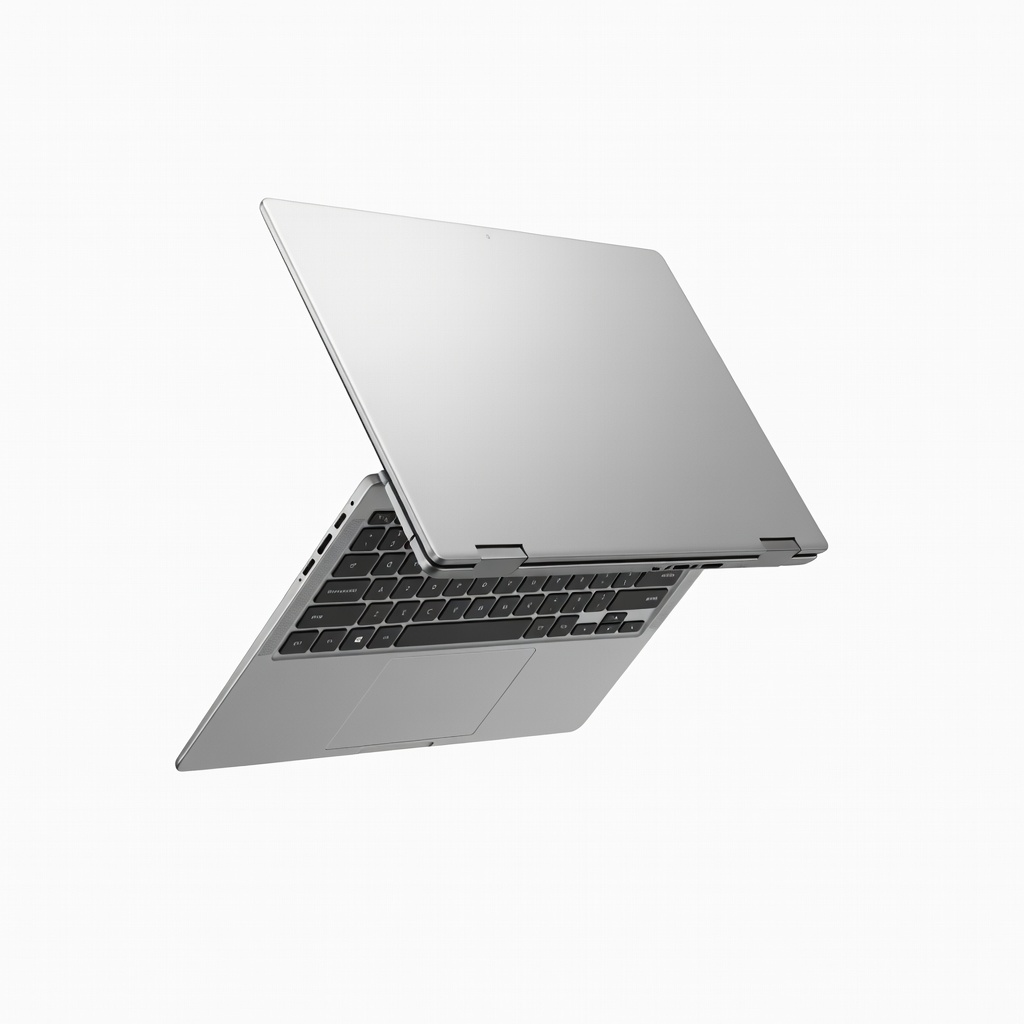
Graphic designers juggle sketches, edits, and presentations in coffee shops, studios, or client meetings—rigid laptops just don't cut it. A 2-in-1 laptop flips or detaches into tablet mode, offering stylus precision for drawing while delivering desktop-level power for heavy software like Adobe Creative Cloud.
In this guide, you'll break down what makes a 2-in-1 ideal for graphic design, from color-accurate screens to GPU muscle. We'll cover essential specs, compare top models, and recommend winners across budgets. Expect to spend 10-15 minutes reading and emerge ready to buy with confidence—no more settling for sluggish machines or poor pen support.
Whether you're upgrading from a basic ultrabook or starting fresh, this intermediate-level explainer anticipates your questions on performance, portability, and value.
▸What You'll Need
- •Basic knowledge of graphic design software (e.g., Adobe Photoshop, Illustrator requirements)
- •Your budget range ($800-$2000)
- •Understanding of key specs like CPU, RAM, and color gamut (explained here)
- •Access to review sites or stores for hands-on testing (optional)
Estimated Time: 10-15 minutes
Difficulty: intermediate
▸Step-by-Step Instructions
Step 1: Grasp 2-in-1 Form Factors for Design Work
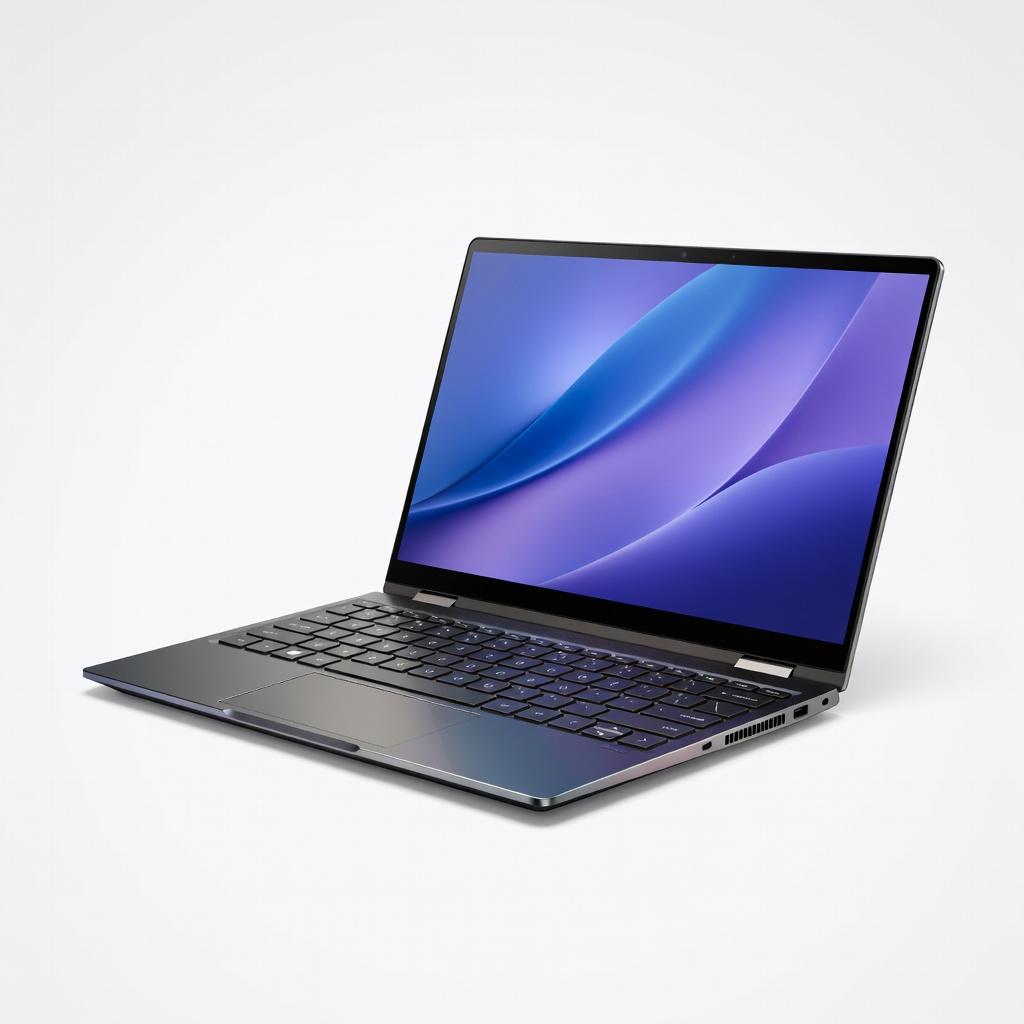
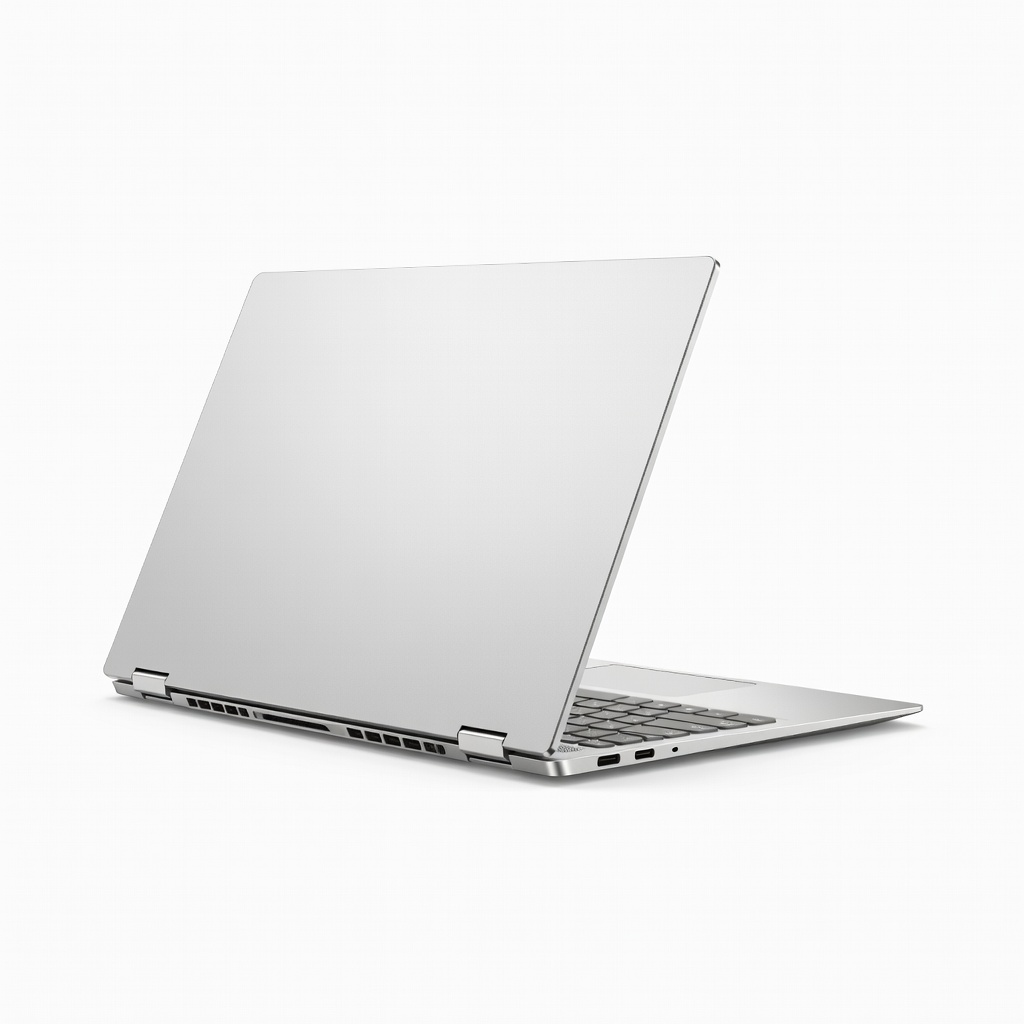
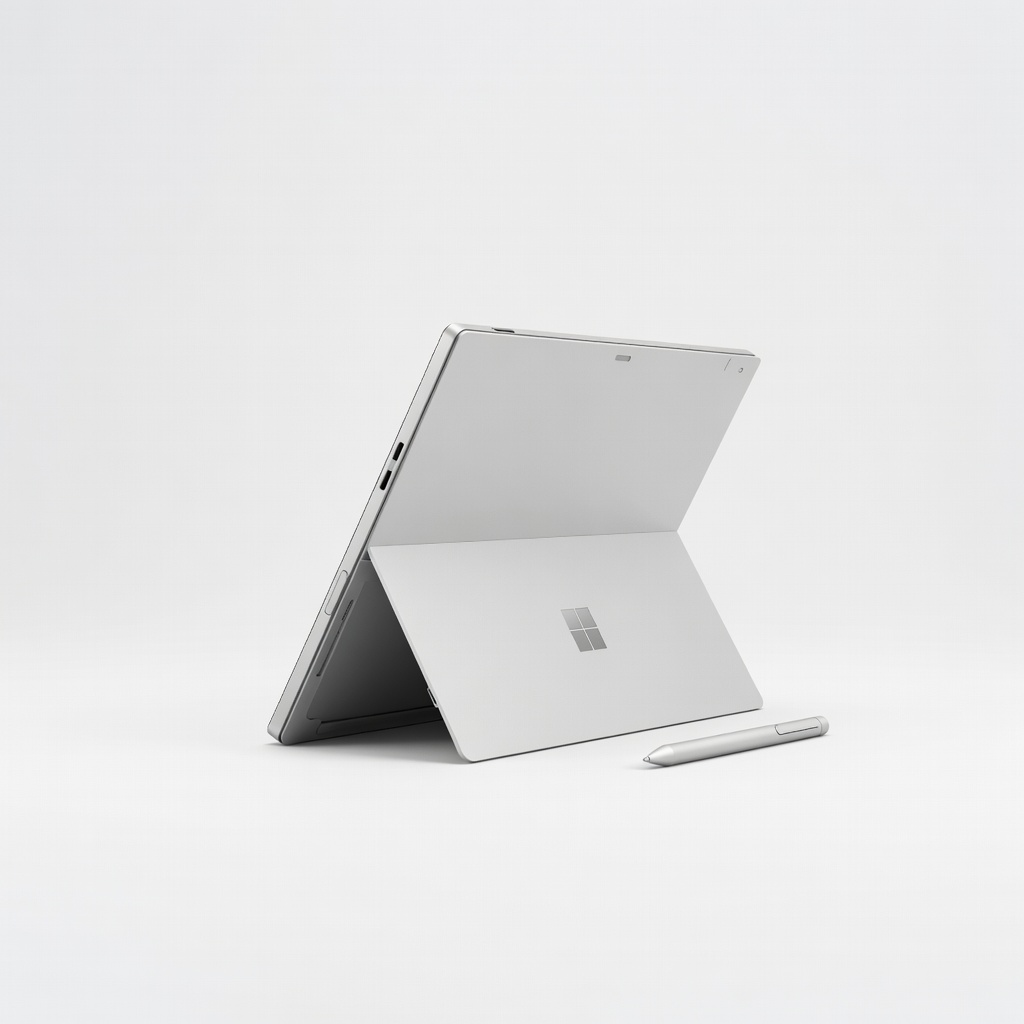
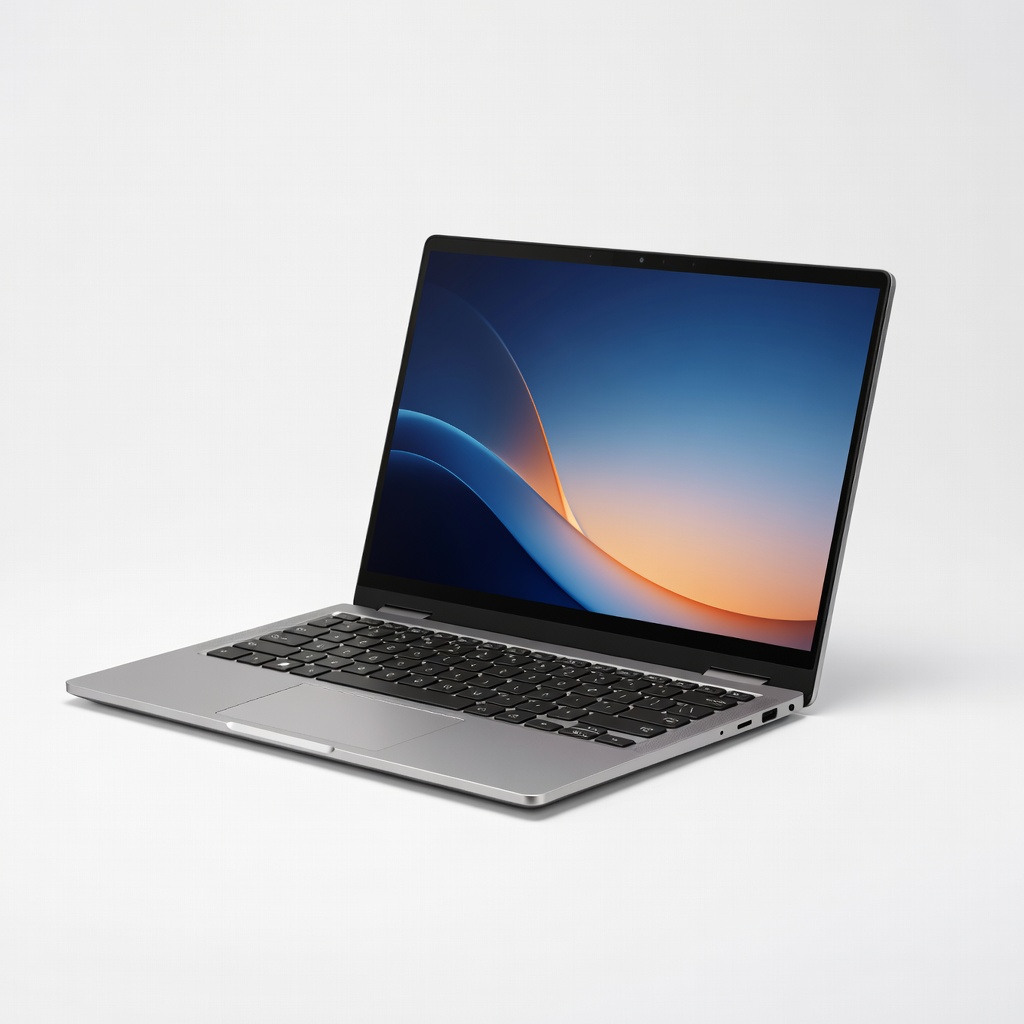
2-in-1 laptops come in two main types: convertibles (360-degree hinge flips to tablet) and detachables (screen pops off keyboard). For graphic design, convertibles like the HP Spectre x360 offer stability for lap use, while detachables like Microsoft Surface Pro excel in pure tablet sketching.
Why it matters: Designers need fluidity—draw in tablet mode with a stylus, then type reports in laptop mode. Expect versatility without bulk; most weigh 2.5-4 lbs.
Analogy: Like a Swiss Army knife vs. separate tools—combines power and portability seamlessly.
💡 Tips:
- •Test hinge durability in-store; cheap ones wobble.
Step 2: Prioritize Powerful CPU and GPU
Look for Intel Core Ultra 7/9 or AMD Ryzen 7/9 (H-series) CPUs with integrated Arc/NPU graphics, or discrete NVIDIA RTX 4050 GPUs. Graphic design apps like Photoshop's AI filters or Illustrator's vector renders demand 8+ cores and 16GB+ VRAM-equivalent.
Why it matters: Weak chips lag on layers or 4K exports. Expect smooth 60FPS previews on top models.
Example: Core Ultra 7 handles 50-layer PSD files effortlessly, unlike older i5s.
⚠️ Warnings:
- •Avoid ARM-based (Snapdragon) for full Adobe compatibility—stick to x86.
Step 3: Demand OLED or IPS with 100% DCI-P3 Color
Screen specs: 14-16 inches, 2880x1800+ resolution, 100% DCI-P3 gamut, 400+ nits brightness, 120Hz refresh. Touch-enabled with Gorilla Glass.
Why it matters: Accurate colors prevent 'client shock'—what looks good on your screen matches prints. Pantone validation is a bonus.
Analogy: Like a pro monitor in portable form; calibrate with DisplayCAL for perfection.
💡 Tips:
- •Check Delta E <2 for color pros.
Step 4: Require Active Stylus Support (USI or MPP)
Must include pressure-sensitive pen (4096+ levels), low latency <20ms, tilt support. Magnetic storage and hover detection ideal.
Why it matters: Natural drawing in Procreate or Photoshop—pressure mimics real brushes.
Expect: Bundled stylus on premium models; palm rejection prevents accidental marks.
Step 5: Secure 16GB+ RAM and 512GB+ SSD
Minimum: 16GB LPDDR5X RAM (soldered, non-upgradable), 512GB NVMe SSD (upgradable on some). 32GB/1TB for pros.
Why it matters: Multitasking—Photoshop + Illustrator + browser tabs without swaps.
Tip: Use SSD for scratch disks to speed renders.
⚠️ Warnings:
- •8GB RAM chokes on modern files—don't skimp.
Step 6: Evaluate Battery, Ports, and Build
Aim for 10+ hours battery, Thunderbolt 4/USB4 ports (2+), 2.1K webcam, Wi-Fi 7. Aluminum chassis, MIL-STD durability.
Why it matters: All-day unplugged design sessions; ports for external monitors/drives.
Expect: 1080p video calls crisp for client reviews.
Step 7: Test Software Ecosystem and Updates
Windows 11 with Copilot+ (for AI tools), full Adobe certification. Good keyboard/trackpad.
Why it matters: Seamless app performance; future-proof with 3+ years support.
Analogy: Ecosystem like iPad + Pencil, but full desktop apps.
Step 8: Compare Budgets and Make Your Pick
$800-1200: Entry (Ryzen 7, 16GB). $1200-1800: Sweet spot (Ultra 7, OLED). $1800+: Pro (RTX GPU). Weigh reviews on PugetBench for Photoshop scores.
Why it matters: Balances needs vs. cost. Test in-store for feel.
💡 Tips:
- •Use PCPartPicker for deals.
▸Pro Tips
- •Calibrate screen monthly with X-Rite tools for consistent colors.
- •Pair with a USB-C dock for multi-monitor setups.
- •Enable NVIDIA Studio drivers for optimized creative apps.
- •Use tablet mode shortcuts (Win+H for ink) to speed workflows.
- •Check return policy—test Adobe stability first week.
- •Opt for matte screens if glossy reflections bug you.
- •Monitor thermals with HWInfo; undervolt for longer battery.
▸Common Mistakes to Avoid
- •Choosing based on looks alone—ignore specs, regret lag.
- •Overlooking stylus quality—cheap pens feel unresponsive.
- •Buying low-RAM models—can't handle large files or multitasking.
- •Skipping color calibration—colors shift across devices.
- •Ignoring port selection—no Thunderbolt means dongle hell.
▸Troubleshooting
Problem: Lag in Adobe apps
Solution: Update drivers, close background apps, or upgrade RAM if possible. Run PugetBench to confirm.
Problem: Stylus not registering pressure
Solution: Re-pair pen, update firmware via manufacturer app, check battery.
Problem: Poor battery life
Solution: Dim screen, disable RGB keyboard, use power saver mode. Expect 8-12 hours real-world.
Problem: Color inaccuracy
Solution: Factory reset display profile, calibrate with hardware tool. Seek Pantone models.
HP Spectre x360 14 (2024)
Stunning 2.8K OLED touch screen with 100% DCI-P3, Intel Core Ultra 7, 16GB RAM—perfect balance of power and portability for designers.
Best for: Daily Photoshop/Illustrator editing on the go; excellent stylus support.
Price Range: $1,299-$1,599
Lenovo Yoga 9i 2-in-1 (Gen 9)
14-inch 2.8K OLED, Core Ultra 7, 16GB RAM, included Yoga Pen—top color accuracy and build quality.
Best for: Vector work in Illustrator and sketching; premium audio for client calls.
Price Range: $1,399-$1,699
Microsoft Surface Pro 11
Detachable design, Snapdragon X Elite/Intel options, 13-inch 2880x1920 LCD/OLED, 16GB RAM—ultimate tablet-laptop hybrid.
Best for: Pure drawing sessions with Surface Slim Pen; portable for travel.
Price Range: $999-$1,499
ASUS Zenbook 14 Flip OLED (UM3406)
AMD Ryzen AI 9, 14-inch 3K 120Hz OLED, 32GB RAM option—GPU power for 3D renders.
Best for: Budget-conscious pros needing high refresh for smooth previews.
Price Range: $1,099-$1,399
Samsung Galaxy Book4 Pro 360
Intel Core Ultra 7, 16-inch AMOLED touch, S Pen included—vibrant colors and ecosystem integration.
Best for: Multi-monitor setups via ports; great for web-to-design workflows.
Price Range: $1,349-$1,699