

Creality Ender 3 V3 SE
Prototypes, toys—when size and cost matter.
$199-$220
Creality Ender 3 V3 SE Best budget FDM for beginners—auto-leveling, fast, reliable for large prints.
Get the App
Better experience on mobile
Learn the pros, cons, and use cases of resin vs FDM 3D printing to pick the perfect technology for your projects.
Choosing between resin 3D printing and FDM can be confusing when starting or upgrading your setup. Many hobbyists waste time and money buying the wrong printer, ending up with prints that don't match their needs—like rough FDM parts for miniatures or expensive resin for simple prototypes. This guide breaks it down clearly.
You'll discover how each technology works, their strengths and weaknesses, and when to use one over the other. By the end, you'll confidently decide based on detail, speed, cost, and safety. No prior deep knowledge needed, just intermediate 3D printing basics.
Expect a straightforward comparison with real-world examples, taking 20-30 minutes to read and absorb.
Estimated Time: 20-30 minutes Difficulty: intermediate
FDM (Fused Deposition Modeling) is the most common 3D printing method, using thermoplastic filament like PLA or ABS. It's like a hot glue gun extruding melted plastic layer by layer onto a build plate.
Invented in the 1980s, FDM printers are affordable and user-friendly, making them ideal for beginners. Think of it as stacking hot spaghetti strands—visible layers form the object.
Expect sturdy parts for functional prototypes, but lower detail than resin.
💡 Tips:
Why it matters: Layer adhesion creates strength but visible lines. Prints take hours for large models.
Common expectation: Noisy fans, some stringing (oozing filament).
⚠️ Warnings:
Pros: Cheap ($200+ printers), large build volumes, durable parts, easy maintenance.
Cons: Lower resolution (0.1mm min), visible layer lines, supports hard to remove.
Uses: Toys, enclosures, prototypes. Analogy: FDM is the pickup truck—reliable for big jobs but not sleek.
💡 Tips:
Resin printing (SLA, DLP, or MSLA) uses liquid photopolymer cured by UV light. It's like developing a photo negative, but in 3D—liquid hardens layer by layer into high-detail models.
Popular for miniatures and jewelry due to sub-50 micron precision. Printers range $200-$1000.
💡 Tips:
Post-process: Wash in IPA, cure under UV. Why key: Isotropic strength, no layers.
Expect: Messy cleanup, toxic fumes.
⚠️ Warnings:
Pros: Insane detail, smooth surfaces, fine features (e.g., 28mm minis).
Cons: Smaller builds, brittle parts, expensive resin ($30+/liter), hazardous waste.
Uses: Dentures, models, jewelry. Analogy: Resin is a sports car—fast, precise, high-maintenance.
| Aspect | FDM | Resin |
|---|---|---|
| Resolution | 100-300μm | 25-50μm |
| Speed | Faster for large | Slower overall |
| Cost | Low upfront | High materials |
| Safety | Safer | Fumes/gloves needed |
Resin wins detail/speed per layer; FDM scales better.
💡 Tips:
FDM for: Big, functional parts, budget setups. Resin for: Detailed models, prototypes needing polish.
Test: Print same model on both—see tradeoffs. Future: Hybrids emerging.
Problem: FDM layer shifts
Solution: Tighten belts, slow print speed, check cooling.
Problem: Resin print fails to adhere
Solution: Roughen build plate, increase bottom exposure.
Problem: Stringing in FDM
Solution: Retraction settings in slicer, dry filament.
Problem: Brittle resin parts
Solution: Proper post-cure, use tough resin like Siraya Tech.
Best budget FDM for beginners—auto-leveling, fast, reliable for large prints.
Best for: Prototypes, toys—when size and cost matter.
Price Range: $199-$220
High-res MSLA resin printer with large vat, fast 9K screen for detailed minis.
Best for: Jewelry, figurines needing smooth finishes.
Price Range: $250-$300
Durable, low-odor resin reduces brittleness common in standard types.
Best for: Functional resin parts that need impact resistance.
Price Range: $25-$35
Smooth, strong filament for vibrant FDM prints without clogs.
Best for: Everyday FDM projects on Ender-style printers.
Price Range: $18-$25
Simplifies resin post-processing—automates washing/curing for perfect results.
Best for: All resin users to save time and improve quality.
Price Range: $150-$180
Prototypes, toys—when size and cost matter.
Creality Ender 3 V3 SE Best budget FDM for beginners—auto-leveling, fast, reliable for large prints.
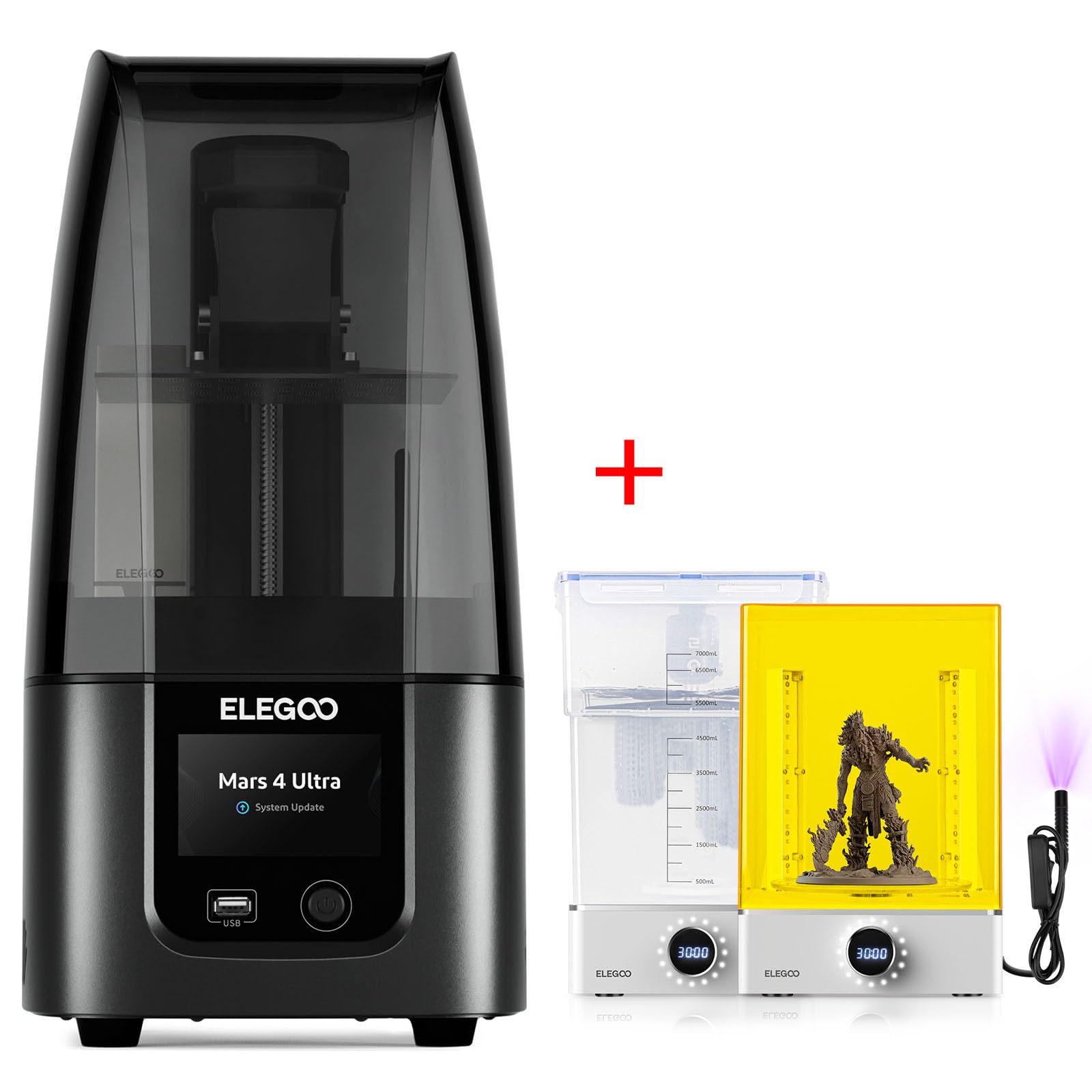
Jewelry, figurines needing smooth finishes.
Elegoo Mars 4 Ultra High-res MSLA resin printer with large vat, fast 9K screen for detailed minis.
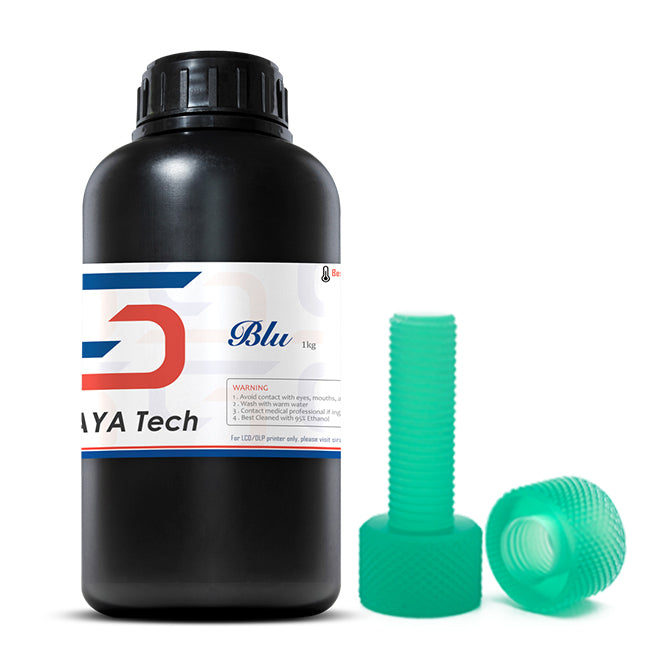
Functional resin parts that need impact resistance.
Siraya Tech Blu Tough Resin Durable, low-odor resin reduces brittleness common in standard types.
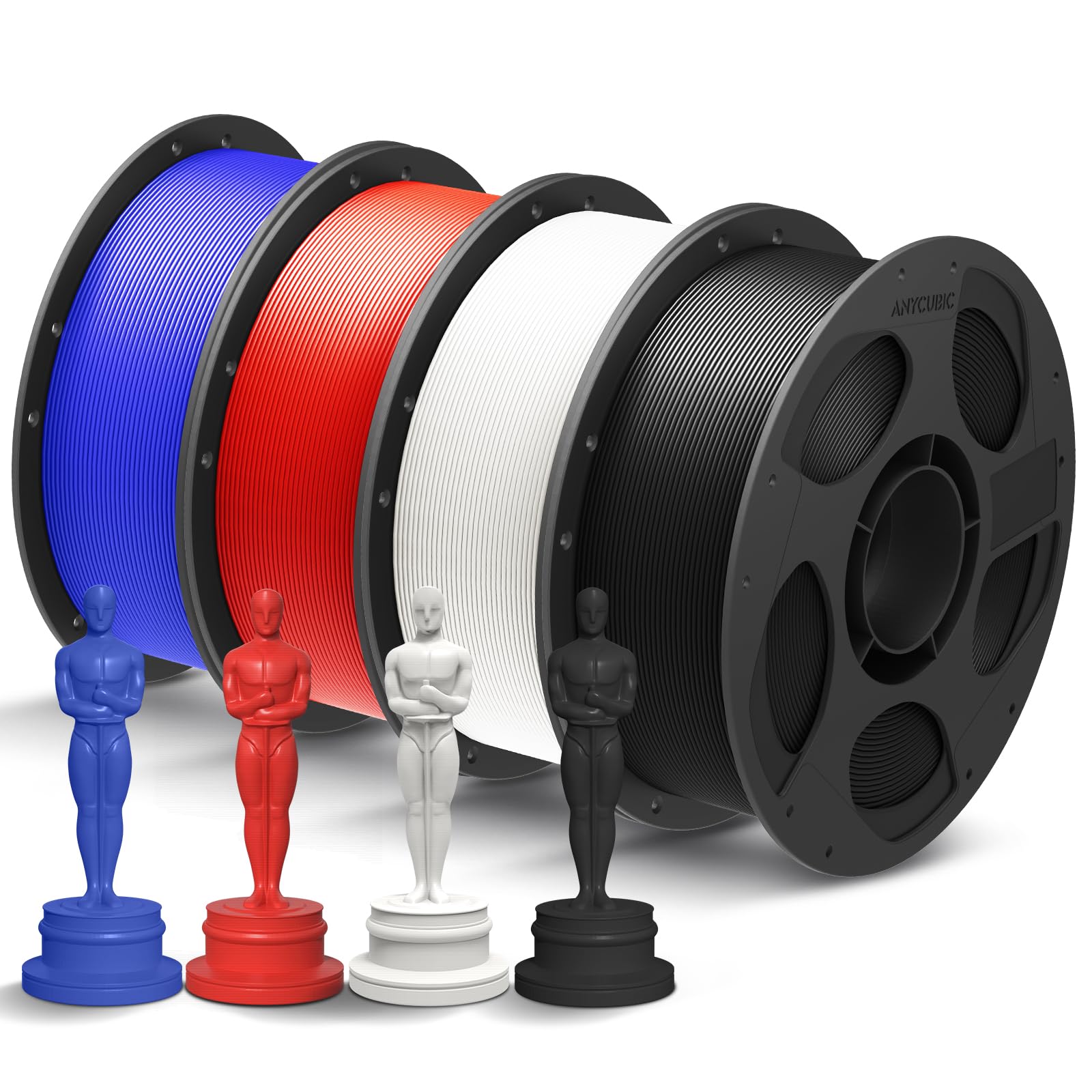
Everyday FDM projects on Ender-style printers.
Anycubic PLA+ Filament Smooth, strong filament for vibrant FDM prints without clogs.
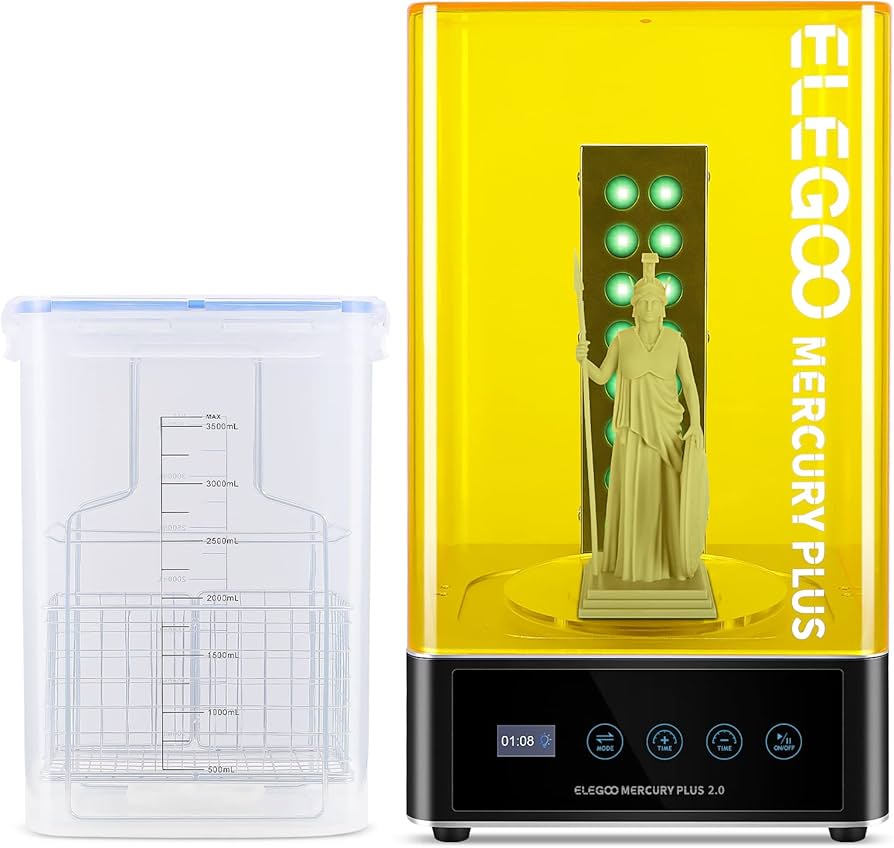
All resin users to save time and improve quality.
Elegoo Mercury Plus 2.0 Wash & Cure Station Simplifies resin post-processing—automates washing/curing for perfect results.