Struggling to track income and expenses without losing sleep over mistakes? Double-entry bookkeeping is the proven system businesses have used for centuries to ensure every dollar is accounted for accurately. It's the foundation of modern accounting, preventing errors and giving you a clear financial picture.
In this guide, you'll learn what double-entry bookkeeping is, why it beats single-entry methods, and how to apply it with real examples. We'll break it down simply using everyday analogies, so even total beginners can grasp it. Expect a quick, jargon-free read that equips you to handle basic transactions confidently.
No prior knowledge required—this takes just 10-15 minutes and builds skills for personal finance or small business tracking.
▸What You'll Need
- •Basic math skills (addition and subtraction)
- •Pen and paper for jotting examples (optional)
- •Calculator for larger numbers (optional)
Estimated Time: 10-15 minutes
Difficulty: beginner
▸Step-by-Step Instructions
Step 1: Grasp Single-Entry Bookkeeping First
Single-entry is like a simple checkbook: you record cash in or out without details. For example, if you sell $100 of goods, you just note +$100 income.
Why it matters: It's easy but flawed—no tracking of what you owe or own beyond cash. Imagine a piggy bank without labels; you know the total but not the sources.
This sets the stage for double-entry's power.
💡 Tips:
- •Use your personal checkbook as a real-life example.
Step 2: Discover Why Single-Entry Falls Short
Problems arise fast: no record of assets like inventory or debts. If you buy $50 supplies on credit, single-entry ignores the debt, leading to overdrafts or tax errors.
Real-world analogy: Like texting 'I spent money' without saying how or on what—chaos ensues in business.
Double-entry fixes this by recording every effect of a transaction.
⚠️ Warnings:
- •Don't rely on single-entry for anything beyond pocket money.
Step 3: Learn the Core Rule: Every Transaction Has Two Sides
Double-entry means every transaction affects two accounts: one debit, one credit, always equal. Debits increase assets/expenses; credits increase liabilities/income.
Why it matters: Debits = Credits keeps books balanced automatically. It's like Newton's law—every action has an equal reaction.
The magic: Total debits always match total credits.
💡 Tips:
- •Memorize: 'Debit the receiver, credit the giver' for clarity.
Step 4: Understand Debits vs. Credits with an Analogy
Think of debits as 'left side' (incoming to you) and credits as 'right side' (outgoing from you). For assets: debit to increase (e.g., cash in), credit to decrease.
Table for clarity:
| Account Type | Debit Means | Credit Means |
|---|
| Assets | Increase | Decrease |
| Liabilities | Decrease | Increase |
| Income | Decrease | Increase |
| Expenses | Increase | Decrease |
This normalizes confusion.
Step 5: Master the Accounting Equation
Assets = Liabilities + Equity. Every transaction keeps this balanced.
Why it matters: It's the heartbeat of double-entry. Equity is owner's claim after debts.
Example: Start with $0. Borrow $1,000 (asset up, liability up). Equation holds.
💡 Tips:
- •Write the equation on a sticky note for reference.
Step 6: Walk Through a Real Transaction Example
You buy $200 supplies for cash:
- •Debit Supplies (asset) $200
- •Credit Cash (asset) $200
Books balance. If on credit: Debit Supplies $200, Credit Accounts Payable $200.
What to expect: Practice 3-5 examples to internalize.
💡 Tips:
- •Use your own scenarios, like grocery shopping on credit.
Step 7: Use T-Accounts to Visualize Entries
T-accounts are simple T-shapes: left debit, right credit. Post entries here before formal ledgers.
Why it matters: Makes abstract debits/credits concrete. Total left = total right.
Trial balance sums all T-accounts to verify balance.
⚠️ Warnings:
- •Don't skip T-accounts as a beginner—they prevent errors.
Step 8: See the Big Benefits and Next Steps
Benefits: Error detection, profit tracking, audit-ready books. Leads to financial statements.
Pro tip: Software automates this, but understanding manual ensures accuracy.
You're now ready for basic bookkeeping!
▸Pro Tips
- •Always post debits first—it follows the 'what you receive' logic.
- •Color-code T-accounts: blue for debits, red for credits.
- •Practice daily transactions from your wallet to build muscle memory.
- •Use free apps like GnuCash for digital T-accounts.
- •Review trial balance weekly to catch errors early.
- •Teach a friend—explaining solidifies your knowledge.
- •Start with 5 transactions before scaling up.
▸Common Mistakes to Avoid
- •Confusing debit/credit increases: Fix by using the table in Step 4.
- •Forgetting the second entry: Always ask, 'What else changed?'
- •Ignoring the equation: Check Assets = Liabilities + Equity after each post.
- •Using single-entry habits: Force two entries per transaction.
- •Math errors: Double-check totals with a calculator.
▸Troubleshooting
Problem: Debits don't equal credits
Solution: Recheck math and ensure every transaction has two entries. Use T-accounts to trace.
Problem: Confused by asset vs. expense debits
Solution: Assets are what you own long-term; expenses are used up quickly. Review Step 4 table.
Problem: Trial balance off
Solution: Hunt transposition errors (e.g., 123 as 132) or omitted entries. Seek software if persistent.
Accounting Ledger Book by Zen Artist (8.5 x 11, 120 Pages)
Perfect for beginners to practice manual double-entry with pre-formatted columns for debits/credits and T-accounts.
Best for: Handwriting transactions while learning, before moving to software.
Price Range: $6.99
Accounting For Dummies by John A. Tracy
Breaks down double-entry with stories and examples tailored for non-experts.
Best for: Deepen understanding with visuals and quizzes alongside this guide.
Price Range: $24.99
QuickBooks 2024 All-in-One For Dummies
Teaches double-entry automation in popular software, with setup for beginners.
Best for: Transition from manual to digital bookkeeping for small businesses.
Price Range: $29.99
TOPS Business Forms Ledger Pad (50 Sheets)
Professional-grade paper for columnar entries, durable for daily use.
Best for: Organize trial balances and journals neatly.
Price Range: $12.99
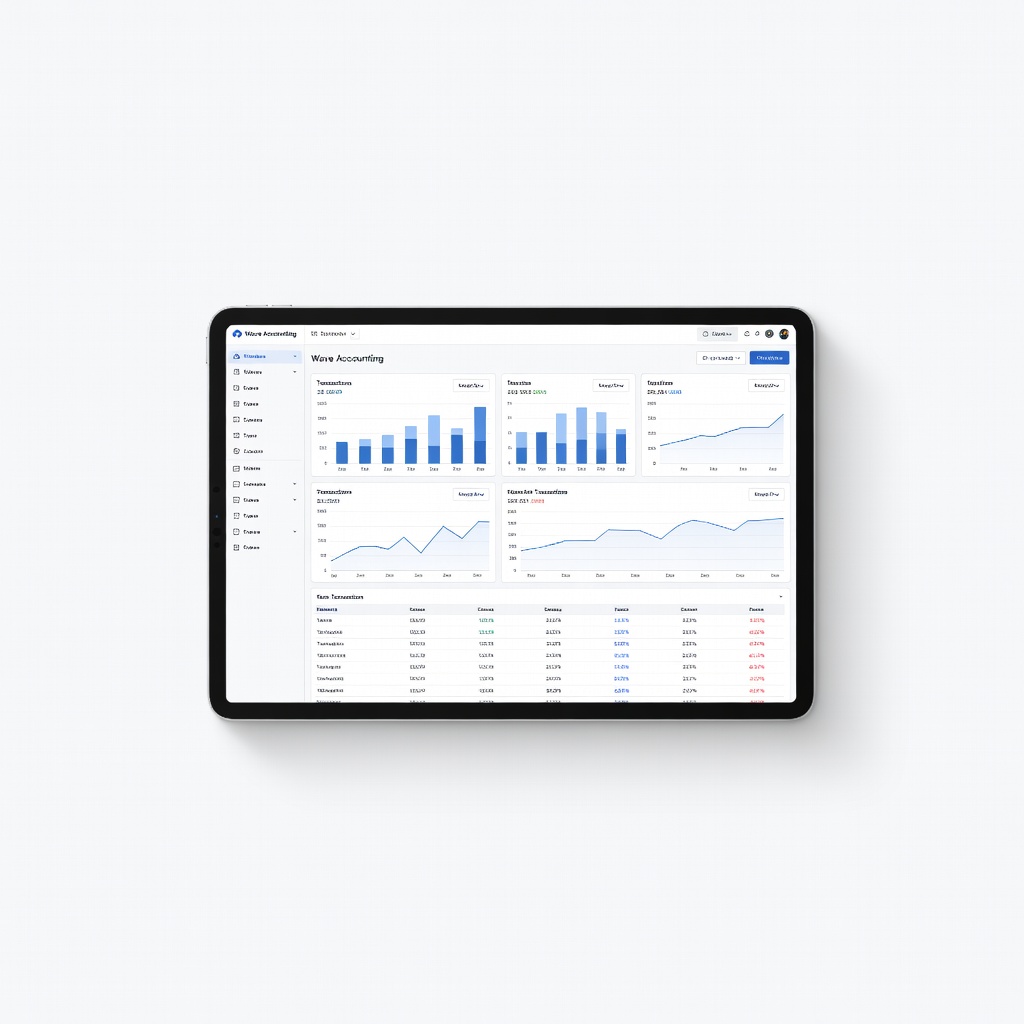
Wave Accounting (Free Software)
Implements double-entry automatically with unlimited transactions for solos.
Best for: Practice digitally without cost; upgrade for invoicing.
Price Range: Free (premium $16/mo)