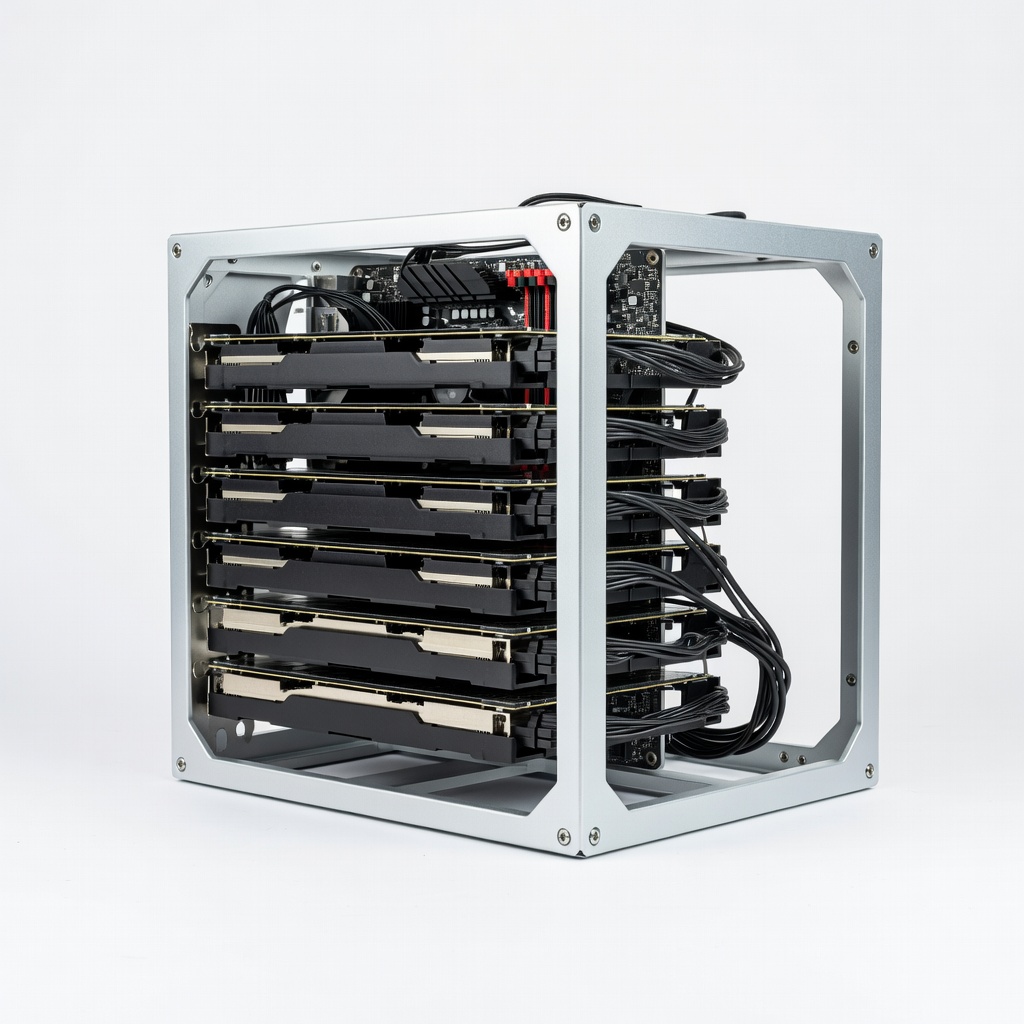
In the volatile world of cryptocurrency, mining stands as the backbone of networks like Bitcoin and Ethereum, securing transactions and rewarding participants with digital assets. For advanced enthusiasts, understanding mining isn't just about profit—it's about grasping the computational power driving decentralized finance. Yet, with rising energy costs and evolving hardware, many struggle to identify viable setups without wasting resources.
This guide breaks down cryptocurrency mining from its core principles to hardware requirements, empowering you to evaluate or optimize your own rig. You'll learn the process, key components, and real-world considerations, all tailored for those with technical backgrounds in computing or blockchain. Expect a deep dive that takes 20-30 minutes to read, assuming familiarity with basic crypto concepts—no beginner fluff here.
By the end, you'll know exactly what hardware powers mining profitability in 2024 and beyond, helping you avoid outdated gear and focus on scalable solutions.
▸What You'll Need
- •Prerequisite knowledge: Understanding of blockchain technology, basic computer networking, and familiarity with cryptocurrencies like Bitcoin or Ethereum
- •Access to a computer for research and simulations (e.g., mining calculators)
- •Optional: Mining software like CGMiner or NiceHash for testing setups
- •Budget planning tools: Electricity cost calculator and profitability estimators (free online)
Estimated Time: 20-30 minutes to read and understand
Difficulty: advanced
▸Step-by-Step Instructions
Step 1: Grasp Blockchain Fundamentals
Before diving into mining, revisit blockchain's role as a distributed ledger. Each block contains transaction data, hashed using algorithms like SHA-256 for Bitcoin. Miners validate these blocks, ensuring immutability through proof-of-work (PoW) consensus.
For advanced users, consider how blockchain's Merkle trees optimize verification. This matters because mining's efficiency ties directly to understanding hash rates—the speed of solving cryptographic puzzles. Expect to see why PoW prevents double-spending without central authority.
Analogy: Think of blockchain as a tamper-proof chain of digital notepads; mining adds the next secure link.
💡 Tips:
- •Use tools like Blockchain.com explorer to visualize real-time blocks for better intuition.
⚠️ Warnings:
- •Don't confuse PoW with proof-of-stake (PoS); Ethereum's shift to PoS in 2022 reduced mining needs for ETH.
Step 2: Define Cryptocurrency Mining
Mining is the process of using computational power to solve complex mathematical problems, validating transactions and adding them to the blockchain. Miners compete to find a nonce (random number) that produces a hash below a target value, earning block rewards and fees.
Why it matters: This secures the network against attacks like 51% exploits. For advanced setups, mining profitability hinges on hash rate versus network difficulty, which adjusts every 2016 blocks for Bitcoin (about two weeks).
Expect initial confusion if you're new to nonce trials; it's brute-force computing at scale, consuming massive electricity.
💡 Tips:
- •Calculate your potential hash rate using online simulators before investing.
Step 3: Break Down the Mining Process
The process starts with miners collecting unconfirmed transactions into a block, then hashing it repeatedly until a valid solution is found. Successful miners broadcast the block, gaining peer approval before appending it to the chain.
Advanced insight: Hash functions are one-way (e.g., SHA-256 outputs 256-bit strings), making reversal infeasible. Difficulty scales with network hash power, often doubling yearly, so solo mining is rare—join pools for steady payouts.
What to expect: A single rig might take years for a block solo; pools distribute rewards proportionally to contributed hash power.
⚠️ Warnings:
- •Ignore scams promising 'easy mining' via apps; real mining requires dedicated hardware.
Step 4: Explore Types of Mining
CPU mining (early Bitcoin era) uses general processors but is inefficient today. GPU mining leverages parallel processing for coins like Ethereum Classic, offering flexibility. ASIC mining dominates Bitcoin with specialized chips optimized for one algorithm.
For advanced users, hybrid approaches like FPGA (field-programmable gate arrays) allow reconfiguration but require programming skills. Cloud mining rents hash power but often yields low ROI due to fees.
Analogy: CPUs are Swiss Army knives—versatile but slow; ASICs are precision lasers for specific tasks.
💡 Tips:
- •Test GPU viability with tools like Ethash benchmarkers before buying.
Step 5: Identify Core Hardware Requirements
Essential hardware includes a powerful processor (CPU/GPU/ASIC), sufficient RAM (8-16GB minimum), and a robust PSU (at least 1000W for multi-GPU rigs). Storage needs a fast SSD for software and blockchain data.
Why it matters: Hash rate scales with hardware; a top GPU might hit 100 MH/s for Ethereum, while ASICs reach TH/s for Bitcoin. Cooling is critical—overheating throttles performance or causes failure.
Expect compatibility issues; ensure motherboard supports multiple GPUs via PCIe risers.
⚠️ Warnings:
- •Undersized PSUs cause instability; calculate total wattage with 20% headroom.
Step 6: Assess Power, Cooling, and Peripherals
Power consumption is key—Bitcoin ASICs draw 3-5kW, so factor in electricity rates (aim for under $0.10/kWh). Cooling uses high-CFM fans or immersion systems to maintain 60-70°C temps.
Advanced tip: Monitor with tools like HWMonitor for voltage regulation. Peripherals include Ethernet for stable internet and UPS for outages.
What to expect: Setup costs $2,000-$10,000; ROI depends on crypto prices and halving events (next Bitcoin in 2024).
💡 Tips:
- •Use mining calculators like WhatToMine to simulate costs.
Step 7: Evaluate Economics and Scalability
Mining profitability = (rewards - costs) / time. Block rewards halve periodically (Bitcoin: 6.25 BTC now), increasing competition. Scale by adding rigs or joining pools like F2Pool.
For experts, consider opportunity costs versus staking or trading. Advanced setups use custom firmware for overclocking.
Analogy: Mining is like gold panning—early easy, now industrial-scale effort needed.
⚠️ Warnings:
- •Volatility can wipe profits; diversify coins.
▸Pro Tips
- •Join mining pools early to stabilize income, targeting 1-2% fees for best value.
- •Overclock hardware cautiously with undervolting to boost efficiency by 10-20%.
- •Use open-source software like BFGMiner for customization and lower overhead.
- •Monitor network difficulty daily via sites like Blockchain.info to adjust strategies.
- •Invest in noise-dampening enclosures if running rigs indoors to avoid disturbances.
- •Batch purchase components during sales for 15-25% savings on GPUs.
- •Simulate setups with virtual miners before hardware buys to test configs.
▸Common Mistakes to Avoid
- •Ignoring electricity costs: Many overlook local rates, leading to negative ROI—calculate upfront using kWh meters.
- •Buying outdated hardware: Post-2022 GPUs may not support merged mining—research algorithm compatibility.
- •Solo mining without pools: Expect long droughts; pools ensure consistent micro-payments.
- •Neglecting cooling: Overheating reduces lifespan by 50%—install thermal paste and airflow.
- •Forgetting regulations: Some regions ban mining; check local laws to avoid fines.
▸Troubleshooting
Problem: Rig overheating or throttling
Solution: Improve airflow with additional fans or relocate to cooler area; clean dust monthly. If persistent, check thermal paste application.
Problem: Low hash rate output
Solution: Update drivers and firmware; ensure stable power supply. Run diagnostics with mining software logs to isolate bottlenecks.
Problem: Connection drops to pool
Solution: Switch to wired Ethernet; verify firewall settings allow mining ports (e.g., 3333 for Stratum). Test with VPN if ISP throttles.
Problem: Unprofitable after setup
Solution: Re-run profitability calc with current prices; consider switching coins or selling hardware. Seek community forums like Reddit's r/gpumining for tweaks.
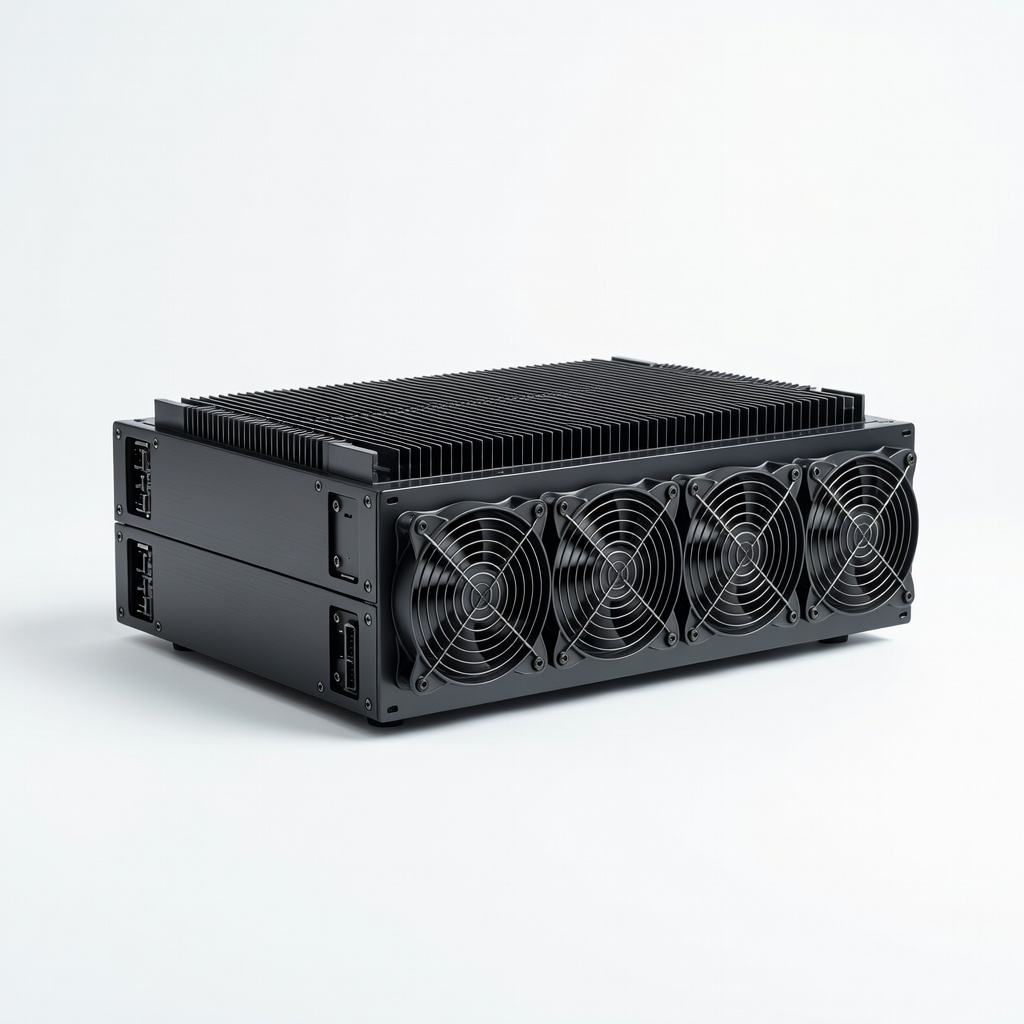
Bitmain Antminer S19j Pro
This ASIC miner delivers up to 100 TH/s for Bitcoin, optimized for SHA-256 with high energy efficiency (29.5 J/TH), ideal for serious PoW mining.
Best for: Best for dedicated Bitcoin farms where maximum hash power is needed; scales well in multi-unit setups.
Price Range: $2,000-$2,500
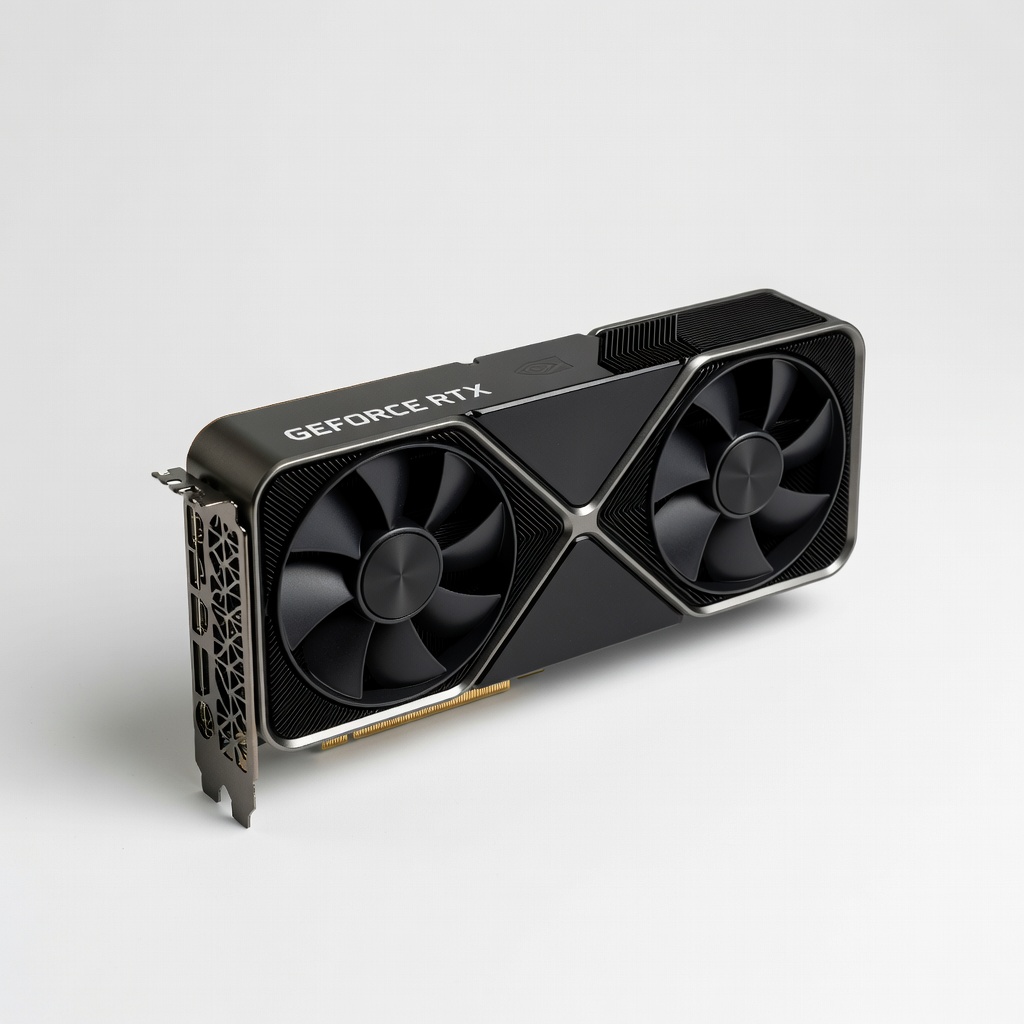
NVIDIA GeForce RTX 4090
Offers superior GPU performance for altcoin mining (e.g., 120 MH/s on Ethash), with DLSS tech for versatility beyond mining.
Best for: Suitable for GPU rigs mining multiple coins; great for advanced users experimenting with algorithms like KawPow.
Price Range: $1,500-$1,800
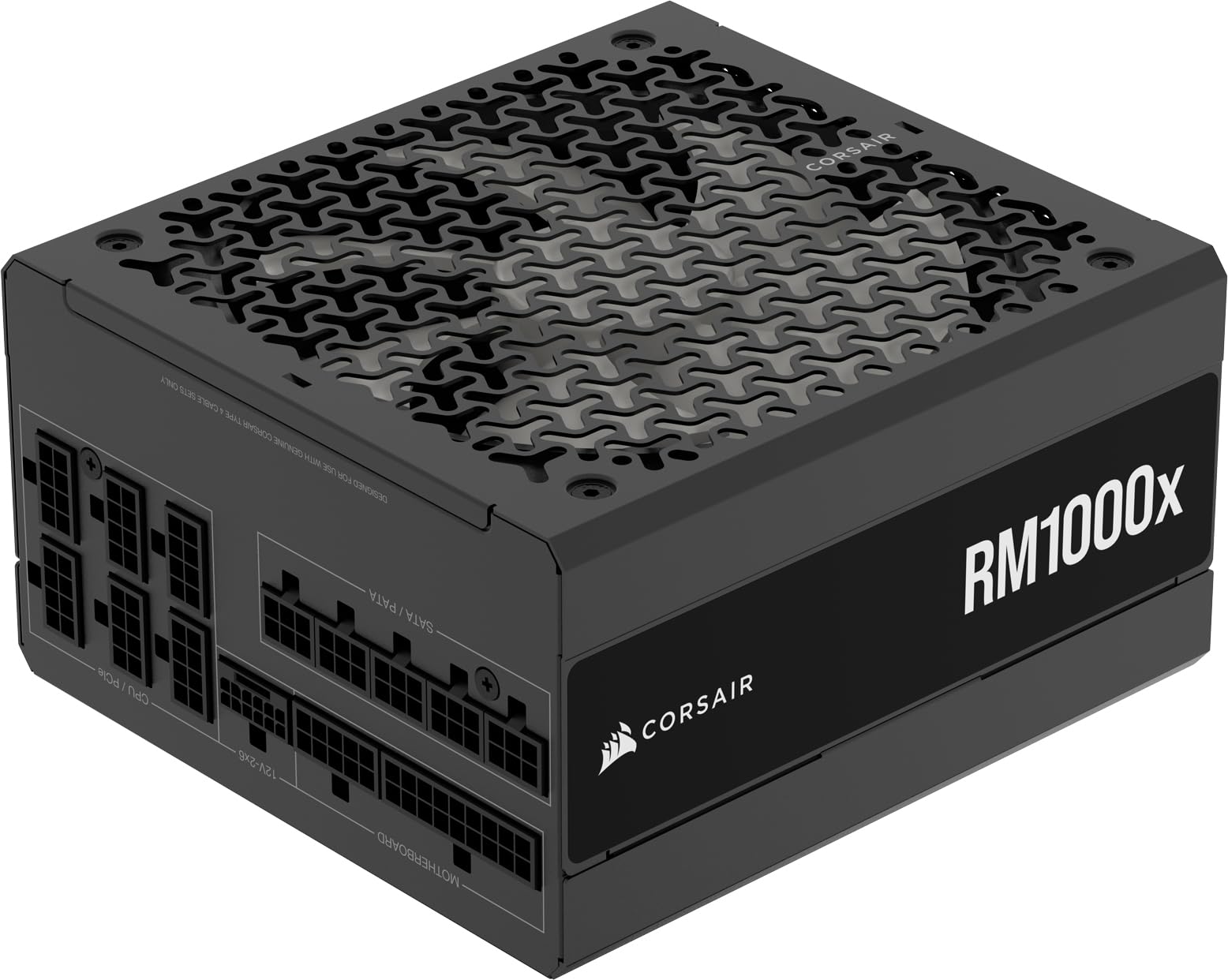
Corsair RM1000x PSU
80+ Gold certified with 1000W output and modular cables, ensuring stable power for 4-6 GPU rigs without voltage drops.
Best for: Essential for high-wattage mining setups to prevent crashes; covers mid-range to advanced configurations.
Price Range: $150-$180
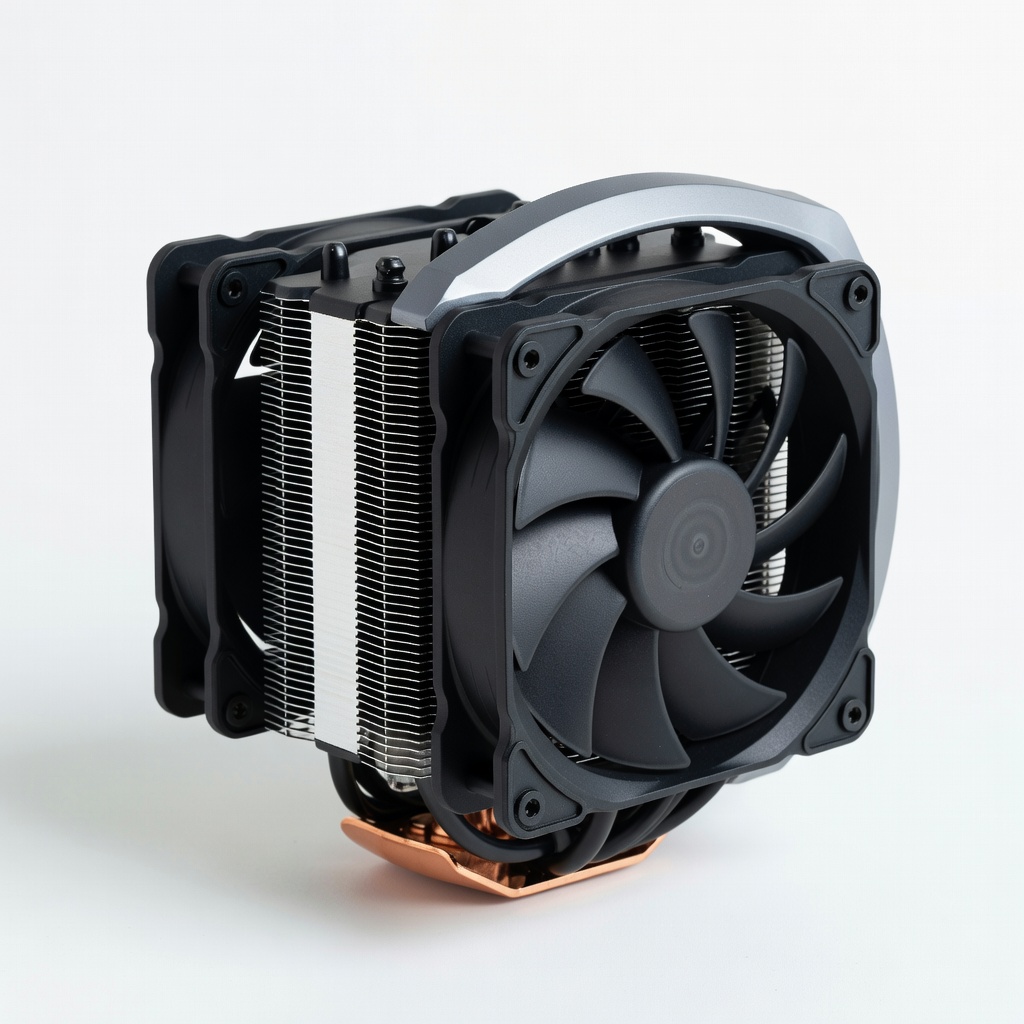
Arctic Freezer 34 eSports DUO CPU Cooler
Dual-fan design handles 200W TDP efficiently, keeping mining CPUs/GPUs under 70°C for sustained performance.
Best for: Upgrade for custom rigs to reduce thermal throttling; budget-friendly for air-cooled systems.
Price Range: $40-$50
MiningCave 8-GPU Ethereum Mining Rig Frame
Open-air aluminum frame supports up to 8 GPUs with risers included, promoting airflow and easy assembly for scalable builds.
Best for: Perfect for DIY GPU farms; simplifies wiring and cooling in home or small-scale operations.
Price Range: $100-$150