Imagine pointing your phone at a piece of furniture in your living room and seeing how a new sofa would look before buying it—or getting step-by-step directions overlaid right on your surroundings. Augmented Reality (AR) is transforming how we interact with the world, making everyday tasks more intuitive and fun. But if you're new to tech, AR might seem like sci-fi magic. This guide demystifies it for beginners.
You'll learn what AR is, how it works, and explore apps that fit seamlessly into your routine. No prior tech knowledge needed—we'll break it down simply. By the end, you'll be ready to try AR yourself and see why it's becoming essential for shopping, learning, and entertainment.
Expect a straightforward read: we'll cover concepts step by step without overwhelming jargon. This should take about 15 minutes to grasp, and you can experiment with apps right away on your smartphone.
▸What You'll Need
- •A smartphone or tablet with AR support (iOS 11+ for ARKit or Android 7.0+ for ARCore)
- •Internet connection for downloading apps
- •Optional: AR glasses like smart glasses for hands-free use
Estimated Time: 10-15 minutes to read and understand; 30 minutes to try first app
Difficulty: beginner
▸Step-by-Step Instructions
Step 1: Grasp the Core Concept of Augmented Reality
Augmented Reality, or AR, is technology that overlays digital information—like images, sounds, or 3D models—onto the real world, viewed through a device like your phone's camera. Unlike virtual reality (VR), which creates a fully immersive digital environment, AR enhances your physical surroundings without replacing them. Think of it as adding a digital layer to reality, making the ordinary extraordinary.
Why does this matter? AR bridges the gap between digital and physical worlds, solving real problems like visualizing products before purchase or learning anatomy by seeing 3D models on your desk. For beginners, start by understanding AR as 'enhanced vision'—your device acts like smart glasses for the everyday.
Expect to feel excited once you see examples; it's accessible and doesn't require fancy hardware beyond your phone.
💡 Tips:
- •Use simple analogies: AR is like Instagram filters but for the real world.
Step 2: Understand How AR Technology Works
At its heart, AR uses your device's camera, sensors (like GPS and accelerometers), and software to detect your environment and place digital elements accurately. For instance, AR apps scan surfaces using computer vision to anchor virtual objects so they stay in place as you move.
Key tech includes ARKit (Apple) and ARCore (Google), which handle the heavy lifting. These frameworks process data in real-time: the camera captures the scene, sensors track motion, and the processor renders graphics. It's like your phone's brain syncing digital info with the physical world seamlessly.
This matters because it enables practical uses—without it, AR would be glitchy. Beginners can expect smooth performance on modern devices, but dim lighting might cause minor tracking issues.
💡 Tips:
- •Test in good lighting for best results; it helps sensors detect features accurately.
⚠️ Warnings:
- •Avoid using AR while driving—it's for stationary, safe scenarios.
Step 3: Explore the History and Evolution of AR
AR traces back to the 1960s with Ivan Sutherland's head-mounted display, but it exploded in the 2010s thanks to smartphones. Pokémon GO in 2016 popularized it, turning parks into virtual hunting grounds and proving AR's mass appeal.
Today, advancements in AI and 5G make AR faster and more realistic. From military training tools to consumer apps, it's evolved from niche to everyday. Understanding this timeline shows AR's reliability—it's no longer experimental.
You'll appreciate how far it's come, setting the stage for current apps that feel polished and intuitive.
💡 Tips:
- •Watch a quick Pokémon GO clip to see AR's breakthrough moment.
Step 4: Differentiate AR from VR and Mixed Reality
AR adds digital elements to the real world (e.g., virtual directions on your street), while VR immerses you in a simulated one (e.g., a virtual rollercoaster). Mixed Reality (MR) blends both, allowing interaction between real and virtual objects, like resizing a digital chair on your actual floor.
This distinction matters for choosing experiences: AR is great for productivity, VR for escapism. For everyday use, AR wins for its accessibility—no headset required. Beginners often confuse them, but remember: AR enhances reality; VR replaces it.
Expect clearer thinking after this— you'll spot AR in apps without second-guessing.
💡 Tips:
- •If it involves your real environment, it's likely AR.
Step 5: Discover Popular AR Apps for Daily Life
AR shines in everyday scenarios. For shopping, IKEA Place lets you visualize furniture in your space. Navigation apps like Google Maps use AR to overlay arrows on live camera views, making turns foolproof.
In education, apps like Anatomyou show 3D organs on your desk; for fun, Snapchat filters add playful effects to calls. Gaming like Pokémon GO encourages outdoor activity. These apps demonstrate AR's versatility—practical, not just gimmicky.
Start with one app to see the magic; integration feels natural once tried.
💡 Tips:
- •Download free apps first to experiment without commitment.
⚠️ Warnings:
- •Check app privacy settings—AR uses camera data.
Step 6: Get Started with AR on Your Device
Enable AR on iOS: Go to Settings > Privacy > Motion & Fitness, turn on Fitness Tracking. For Android, ensure ARCore is installed via Google Play. Open an app like Measure (Apple) or Google Expeditions to test.
Point your camera at a flat surface; digital elements should appear stable. This hands-on step builds confidence—AR is plug-and-play for most devices.
You'll quickly see why it's user-friendly, with minimal setup for big rewards.
💡 Tips:
- •Update your OS for the latest AR features.
Step 7: Look Ahead to AR's Future in Everyday Use
AR is heading toward wearables like smart glasses (e.g., Apple Vision Pro concepts), integrating into cars for safer driving aids and workplaces for remote collaboration. By 2025, expect AR in health apps for posture checks or recipes with overlaid instructions.
This evolution means more seamless integration—no phone needed eventually. For beginners, it's exciting: AR will make life more efficient and engaging.
End with optimism; the tech is advancing to fit your routine effortlessly.
💡 Tips:
- •Follow AR news via apps like AR Insider for updates.
▸Pro Tips
- •Start with free apps to build familiarity without cost.
- •Use natural light for better AR tracking and less battery drain.
- •Combine AR with voice commands for hands-free efficiency.
- •Share AR experiences via social media to engage friends.
- •Customize app settings for your device's performance.
- •Experiment in open spaces to avoid tracking glitches.
- •Backup phone data before heavy AR app use.
▸Common Mistakes to Avoid
- •Confusing AR with VR: Leads to wrong expectations—remember AR uses your real environment.
- •Using in poor lighting: Causes unstable overlays; always test in well-lit areas.
- •Ignoring battery impact: AR is power-hungry; charge your device first.
- •Overlooking privacy: Apps access camera—review permissions before installing.
- •Skipping device updates: Outdated software causes crashes; update regularly.
▸Troubleshooting
Problem: AR objects drift or disappear
Solution: Ensure good lighting and a textured surface; restart the app or device.
Problem: App crashes on launch
Solution: Check for OS compatibility and update ARKit/ARCore; clear app cache.
Problem: Slow performance
Solution: Close background apps and lower graphics settings; use a newer device if persistent.
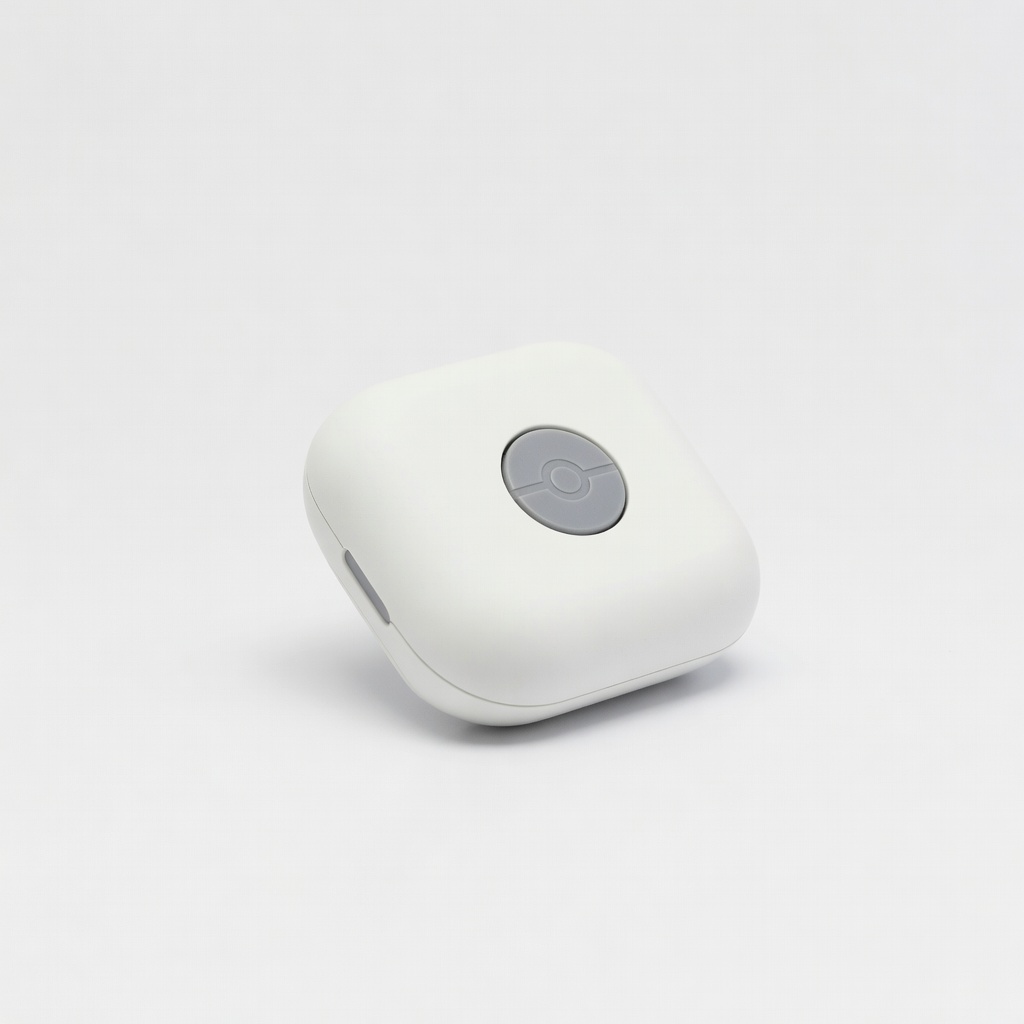
Pokémon GO Plus
This accessory enhances Pokémon GO AR gameplay by vibrating for nearby catches, making outdoor AR hunts more engaging without constant phone staring.
Best for: Ideal for gamers wanting hands-free AR exploration during walks or travel.
Price Range: $30-$40
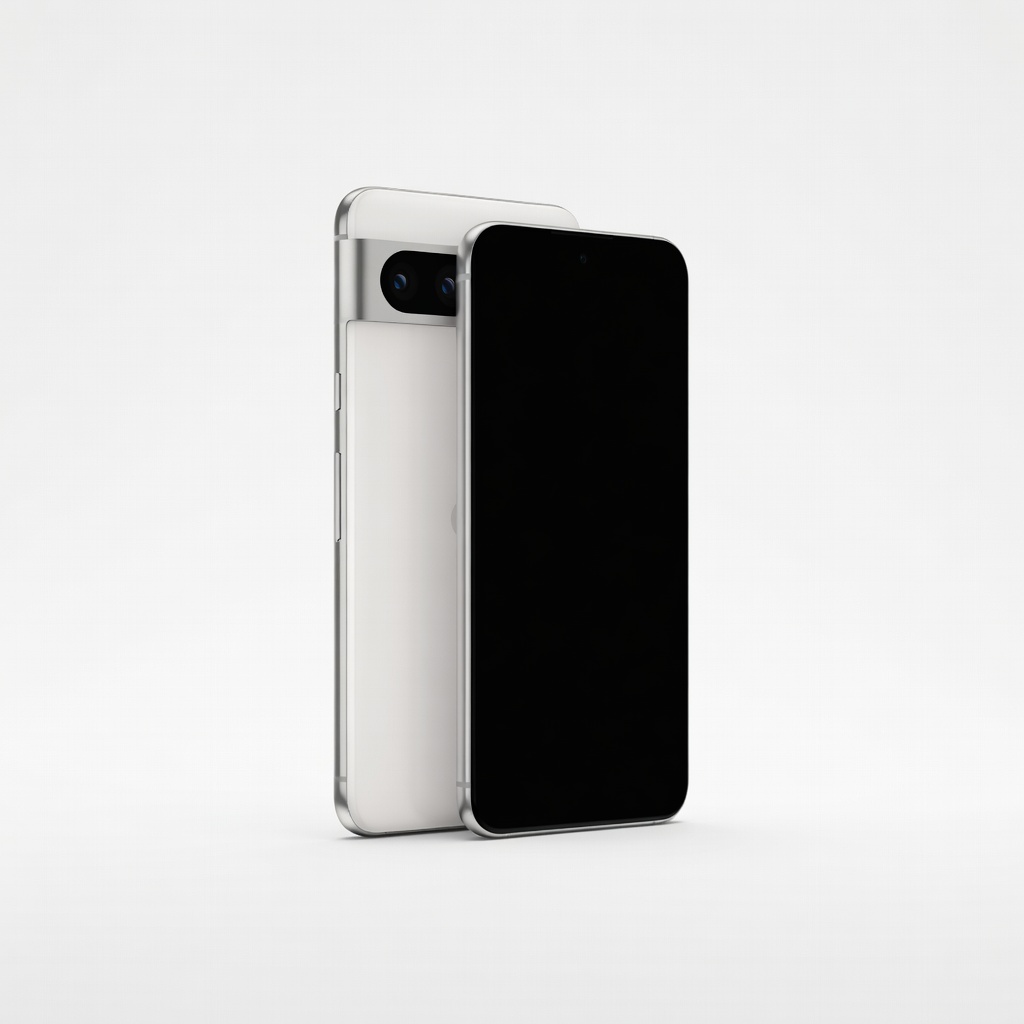
Google Pixel 8
Powered by ARCore, it offers superior AR tracking and camera quality for smooth app experiences like Google Maps AR navigation.
Best for: Perfect for beginners needing a reliable Android phone for everyday AR apps in shopping or directions.
Price Range: $500-$700
Merge Cube
A handheld AR toy that lets you interact with 3D holograms via apps, great for educational AR without needing a flat surface.
Best for: Use for learning anatomy or space in classrooms or home; kid-friendly for family AR fun.
Price Range: $15-$20
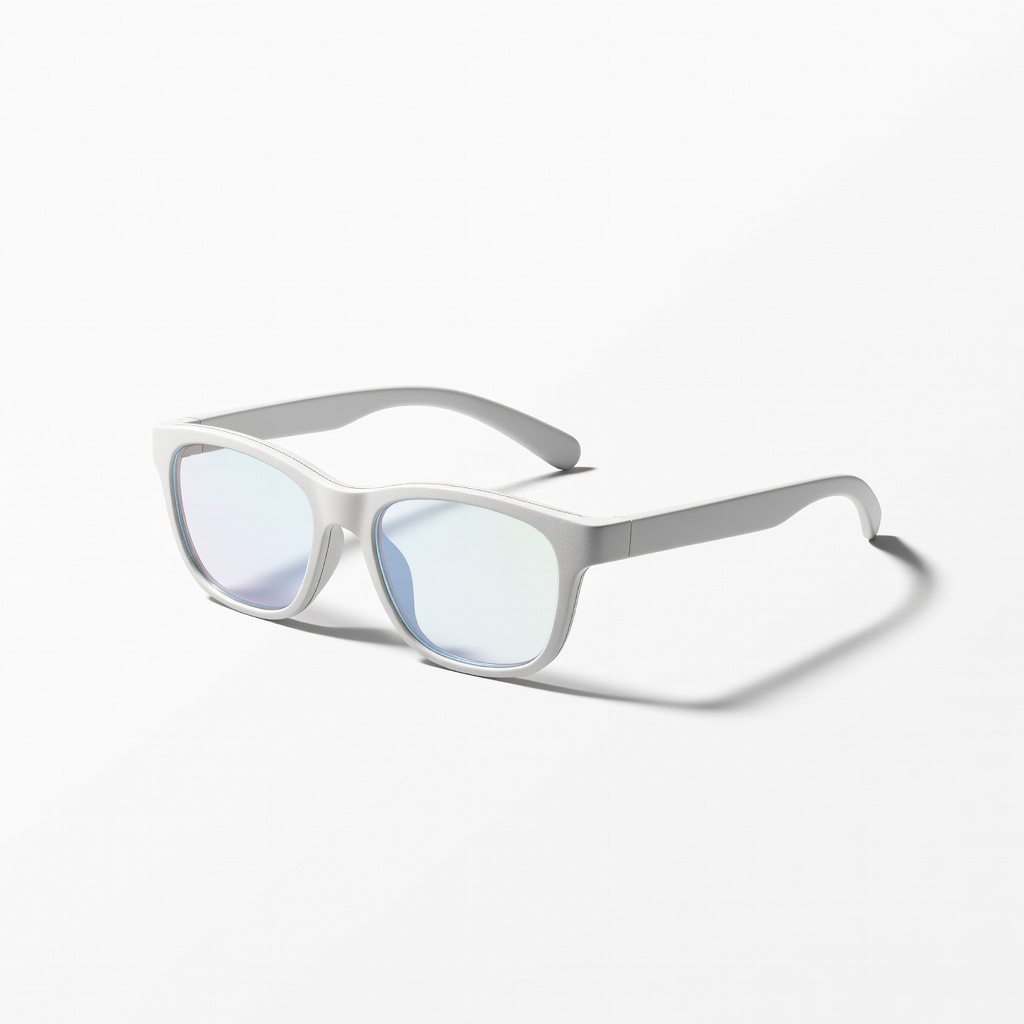
Nreal Air AR Glasses
Lightweight glasses that project AR overlays hands-free, expanding beyond phone screens for immersive everyday use like recipe guidance.
Best for: Best for productivity tasks like virtual try-ons or navigation while moving.
Price Range: $300-$400
iPhone 15
With advanced ARKit, it delivers precise spatial tracking for apps like IKEA Place, ensuring stable virtual placements.
Best for: Essential for iOS users integrating AR into shopping or home design routines.
Price Range: $700-$800