In a world where self-discovery tools are at our fingertips, astrology software stands out as a game-changer for enthusiasts tired of manual calculations and guesswork. Whether you're an intermediate astrologer frustrated with time-consuming chart plotting or simply curious about how technology intersects with ancient wisdom, understanding astrology software can transform your approach to the stars.
This guide will demystify what astrology software is, explain the ins and outs of chart generation, and show you practical examples to build your confidence. You'll learn the core concepts, from birth charts to transit reports, without needing advanced math skills. Expect a straightforward exploration that's easy to follow, taking about 15-20 minutes to read and absorb—no prior software experience required, just a basic grasp of astrology fundamentals.
By the end, you'll know how these tools automate complex astronomical data, making it accessible for personal insights or professional readings, and why they're essential for modern astrology.
▸What You'll Need
- •Basic knowledge of astrology terms (e.g., planets, signs, houses)
- •A computer or smartphone with internet access
- •Optional: Free trial of astrology software for hands-on exploration
Estimated Time: 15-20 minutes
Difficulty: intermediate
▸Step-by-Step Instructions
Step 1: Understand the Basics of Astrology Software
Astrology software is digital tools designed to calculate and visualize astrological data based on astronomical positions. Think of it as a high-tech ephemeris combined with a graphing calculator— it automates the tedious math of planetary positions, eliminating the need for manual almanac lookups.
At its core, this software uses algorithms rooted in astronomical data to generate charts. For intermediate users, it's a step up from basic horoscope apps, offering customizable features like house systems (e.g., Placidus vs. Whole Sign) and aspect orbs. Why it matters: It saves hours and reduces errors, allowing focus on interpretation rather than computation.
Expect to see interfaces with input fields for birth details and output as interactive charts. No installation needed for web-based versions, but desktop apps provide more depth.
💡 Tips:
- •Start with free online tools like Astro.com to get familiar without commitment.
Step 2: Grasp the Concept of Chart Generation
Chart generation is the process where software computes a snapshot of the sky at a specific moment, typically your birth time, to create a natal chart. It's like taking a cosmic photograph: The software pulls ephemeris data (planetary positions) and plots them on a wheel divided into 12 houses.
The why: This reveals your unique astrological blueprint, showing planet placements in signs and houses, plus aspects (angles between planets). For intermediates, understanding generation involves knowing inputs like exact birth time (crucial for the Ascendant) and location for accurate house cusps.
What to expect: Output is a circular chart with symbols; software often includes explanations or 3D views for better visualization. Generation takes seconds once data is entered correctly.
⚠️ Warnings:
- •Avoid approximate birth times, as even minutes can shift the rising sign.
Step 3: Explore Types of Astrological Charts
Beyond the natal chart, software generates various types like transit charts (current planetary positions vs. your natal), progressions (symbolic future evolution), and synastry (relationship compatibility). Each type uses the same generation engine but applies different calculations.
For example, a transit chart overlays today's sky on your birth chart to spot influences like a Mars return for energy boosts. This matters for predictive astrology, helping intermediates forecast trends without complex formulas.
Software differentiates by offering templates; select 'transit' and input the current date. Expect layered views showing orbs and interpretations, making multi-chart analysis intuitive.
💡 Tips:
- •Use progressions for personal growth insights—they're like a 'soul's aging' analogy.
Step 4: Learn Key Inputs for Accurate Generation
Effective chart generation relies on precise inputs: date, time, latitude/longitude, and timezone. Software cross-references these with astronomical databases to compute positions accurate to arcminutes.
Why precision? Small errors can misplace the Moon (which moves 12-13 degrees daily) or alter house boundaries. Intermediates should verify birth data from certificates and use tools like timezone converters.
In practice, enter data into forms; software validates and warns of issues like unknown birth times (use rectification techniques). Results appear instantly, with options to save or export as PDF.
⚠️ Warnings:
- •Don't ignore daylight saving time—it can throw off calculations by an hour.
Step 5: Interpret Generated Charts with Software Features
Once generated, software aids interpretation via built-in reports, aspect grids, and zodiac wheels. It's an analogy to a GPS: It not only maps the route (chart) but suggests interpretations based on rules like conjunctions indicating blended energies.
This step matters for applying knowledge—software highlights strengths (e.g., Sun in Leo for leadership) and challenges (Saturn squares for lessons). Intermediates can customize reports for depth, adding asteroids or fixed stars.
Expect clickable elements revealing meanings; some AI-enhanced tools even provide narrative summaries. Practice by generating your chart and cross-referencing with traditional texts.
💡 Tips:
- •Enable 'aspect patterns' views to spot grand trines or T-squares easily.
Step 6: Customize and Advanced Generation Options
Advanced features let you tweak generation, like choosing sidereal vs. tropical zodiac or Vedic styles. This flexibility suits intermediate users exploring global traditions.
Why customize? It aligns charts with your preferred system, enhancing accuracy for cultural contexts (e.g., sidereal for Indian astrology). Software stores profiles for repeated use.
What to expect: Dropdown menus for options; results update in real-time. This builds deeper understanding, turning software into a learning companion.
▸Pro Tips
- •Always double-check birth time with family for precision—it's the chart's foundation.
- •Use software's export features to share charts with study groups for collaborative learning.
- •Experiment with different house systems to see how interpretations shift; Placidus is standard for Western astrology.
- •Integrate software with journals: Generate monthly transits and note real-life correlations.
- •For efficiency, set up auto-updates for ephemeris data to keep charts current through 2050.
- •Leverage mobile apps for on-the-go generation during consultations.
- •Combine with free resources like cafeastrology.com for validation.
▸Common Mistakes to Avoid
- •Using inaccurate birth times, leading to wrong Ascendants—verify with official records to avoid this.
- •Overlooking timezone adjustments, which skews the entire chart—always confirm local vs. UTC.
- •Ignoring software updates, causing outdated ephemeris—check for patches quarterly.
- •Relying solely on auto-interpretations without personal study, diluting learning—use as a starting point.
- •Generating charts without context, like forgetting location for solar returns—include all details.
▸Troubleshooting
Problem: Chart shows incorrect planetary positions
Solution: Verify input data and timezone; recalculate or use the software's validation tool. If persists, consult the help manual or online forums like AstroSeek community.
Problem: Software crashes during generation
Solution: Close other apps to free memory; update to the latest version. For persistent issues, contact support—most offer free troubleshooting.
Problem: Incompatible house system results
Solution: Switch to a supported system like Equal House; test with known charts. Seek pro help if integrating with specialized traditions.
Solar Fire Astrology Software (Version 9)
It's a professional-grade tool with precise chart generation, customizable features, and extensive databases, ideal for intermediate users seeking depth.
Best for: Daily natal and transit chart creation for personal or client readings.
Price Range: $300-$400
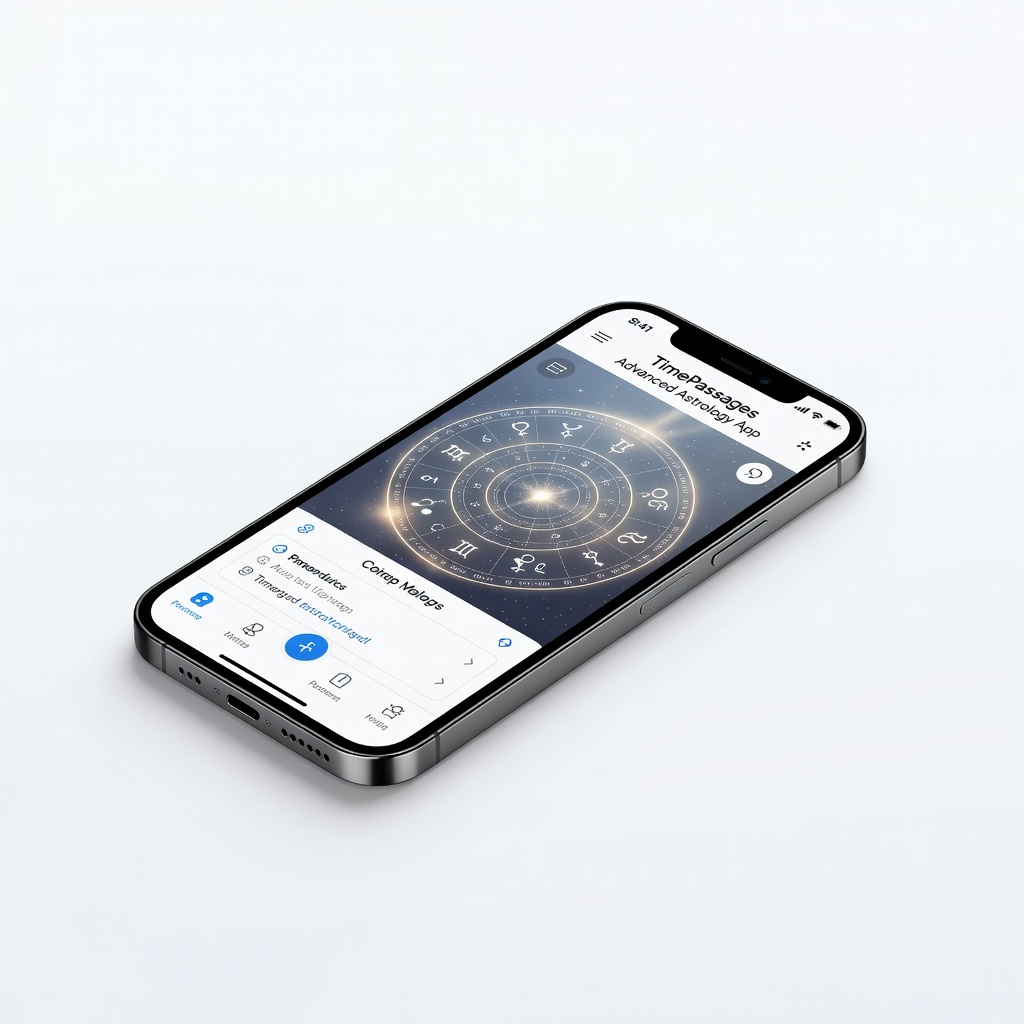
TimePassages Advanced Astrology App
User-friendly interface with intuitive chart generation and built-in interpretations, bridging manual astrology with tech for intermediates.
Best for: Mobile access for quick transits or synastry charts on the go.
Price Range: $9.99 (app) + $49.99 (advanced unlock)
Astro Gold Astrology Software
Offers high-accuracy calculations for iOS/Mac, including progressions and solar arcs, with a clean design for focused analysis.
Best for: Advanced chart generation for predictive work or research.
Price Range: $99.99
Kepler Astrology Software
Comprehensive for research-oriented users, with research modules and accurate Vedic/Western options to enhance learning.
Best for: Generating multiple chart types for comparative studies.
Price Range: $250-$350