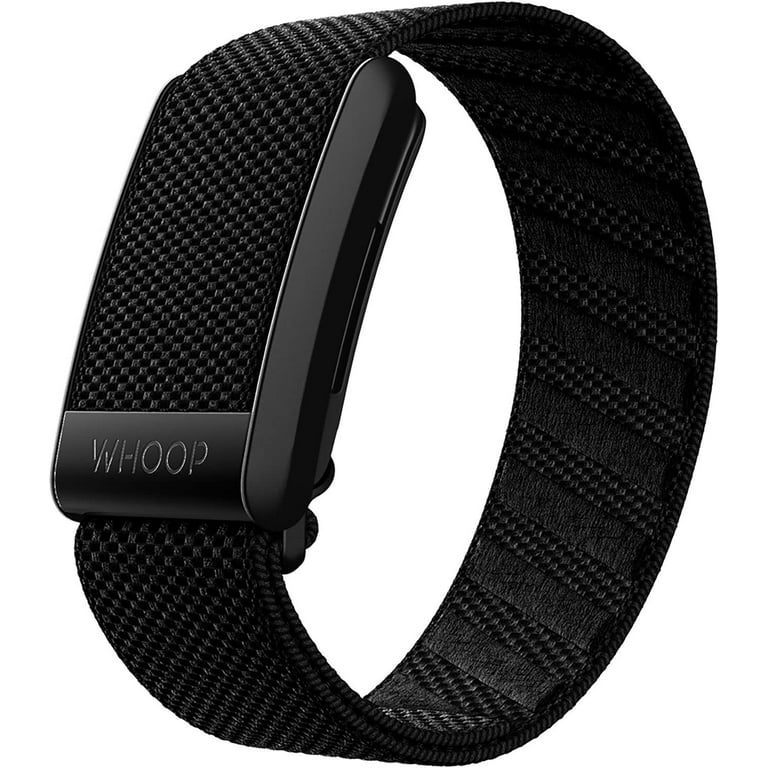
In today's fast-paced world, staying active and monitoring your health can feel overwhelming without the right tools. Many people struggle to track their daily steps, sleep patterns, or workouts consistently, leading to missed opportunities for improvement. App-enabled tracking solves this by connecting wearable devices to smartphone apps, providing effortless monitoring and motivation right at your fingertips.
In this guide, you'll discover what app-enabled tracking really means, its core features, and how it enhances everyday fitness. We'll break it down step by step for beginners, using simple analogies and examples. By the end, you'll understand how to choose and use one to achieve better health outcomes—no tech expertise required. Expect a quick, engaging read that takes about 10-15 minutes.
▸What You'll Need
- •A smartphone (iOS or Android) with internet access
- •Basic familiarity with downloading apps from the App Store or Google Play
- •Optional: A compatible activity tracker device for hands-on exploration
Estimated Time: 10-15 minutes
Difficulty: beginner
▸Step-by-Step Instructions
Step 1: Understand the Basics of App-Enabled Tracking
App-enabled tracking refers to wearable devices, like fitness bands or smartwatches, that sync data to a companion mobile app. Think of it as a personal fitness journal that updates automatically—no manual entry needed. The device collects info on your movements, heart rate, and more, while the app analyzes it to show trends and insights.
This technology matters because it makes tracking passive and insightful. For example, instead of guessing if you hit 10,000 steps, the app confirms it with charts and celebrates your progress. It's ideal for beginners who want motivation without complexity.
What to expect: A seamless connection via Bluetooth, turning raw data into actionable advice. This foundation sets the stage for exploring features.
💡 Tips:
- •Start with free apps to test compatibility before buying hardware.
Step 2: Explore How It Works: The Sync Process
The magic happens through Bluetooth or Wi-Fi syncing. Your tracker gathers data in real-time (like steps or calories burned) and sends it to the app when paired. It's like a relay race: the device does the heavy lifting, and the app interprets the results.
Why it matters: This automation ensures accuracy and convenience. For instance, during a run, the app might notify you of your pace via your phone, helping you adjust on the fly. Expect minimal battery drain if synced periodically.
Common analogy: Just as your phone's weather app pulls data from satellites, the fitness app pulls from your wearable for a complete picture of your day.
⚠️ Warnings:
- •Avoid syncing in areas with poor signal to prevent data loss.
Step 3: Key Feature: Real-Time Monitoring
One standout feature is real-time tracking, where the app displays live stats like heart rate or GPS location during activities. This is crucial for activities like cycling or yoga, providing instant feedback to optimize performance.
It matters because it builds awareness—spotting a high heart rate early can prevent overexertion. Expect customizable dashboards in the app, showing what you care about most, such as sleep stages or hydration reminders.
Example: During a walk, the app vibrates to alert you if you're slacking on pace, keeping you engaged.
💡 Tips:
- •Enable notifications for real-time alerts to stay motivated without constant checking.
Step 4: Personalized Insights and Goal Setting
Apps use algorithms to analyze your data and offer tailored advice, like suggesting a rest day based on sleep quality. Goal setting lets you input targets (e.g., 8 hours of sleep), and the app tracks progress with badges or streaks.
Why it matters: Personalization turns generic tracking into a custom plan, increasing adherence. For beginners, this feels like having a virtual coach. Expect weekly reports summarizing achievements and areas for improvement.
Analogy: Like a nutrition app recommending meals based on your diet, this feature adapts to your lifestyle.
Step 5: Integration with Other Apps and Devices
App-enabled trackers often connect to third-party apps like MyFitnessPal for calorie tracking or Strava for social sharing. This ecosystem integration means your data flows across platforms, creating a holistic health view.
It matters for comprehensive tracking—link it to your smart scale for weight trends. Expect easy setup via app permissions. For example, export workout data to Apple Health for a unified dashboard.
What to expect: Broader insights, but start simple to avoid overwhelm.
💡 Tips:
- •Check compatibility lists in the app store to ensure smooth integrations.
⚠️ Warnings:
- •Be cautious with data sharing; review privacy settings before linking apps.
Step 6: Privacy and Security Features
Modern apps include robust privacy controls, like encrypted data and options to delete history. Features such as two-factor authentication protect your health info from unauthorized access.
Why it matters: With sensitive data involved, security builds trust. Expect in-app toggles for sharing (e.g., only with doctors). This ensures your tracking remains personal and safe.
Analogy: It's like a locked diary—only you decide who sees the entries.
Step 7: Benefits for Daily Life and Health
Overall, app-enabled tracking promotes better habits by visualizing progress, reducing sedentary time, and even detecting irregularities like irregular heartbeats in advanced models.
It matters for long-term wellness—users often report improved motivation and sleep. Expect subtle nudges, like reminders to stand after sitting too long.
For beginners, this demystifies fitness, making it accessible and fun.
💡 Tips:
- •Use the app's community features to join challenges for extra motivation.
▸Pro Tips
- •Charge your device nightly to ensure uninterrupted tracking.
- •Customize app notifications to focus on your top priorities, like sleep alerts.
- •Sync data daily to catch trends early and avoid backlog issues.
- •Explore free trial features before committing to premium upgrades.
- •Pair with a journal app for qualitative notes alongside quantitative data.
- •Update the app regularly for new features and bug fixes.
- •Use voice commands if your tracker supports it for hands-free logging.
▸Common Mistakes to Avoid
- •Ignoring battery optimization, leading to dead devices mid-day—schedule charges consistently.
- •Overlooking privacy settings, risking data exposure—always review permissions during setup.
- •Not calibrating the device for your activity type, causing inaccurate readings—test and adjust in the app.
- •Relying solely on defaults without personalization, missing tailored insights—spend time setting goals.
- •Forgetting to update software, which can cause sync failures—enable auto-updates.
▸Troubleshooting
Problem: App won't sync with device
Solution: Restart Bluetooth on your phone, ensure the device is charged, and toggle airplane mode. If persistent, reinstall the app.
Problem: Inaccurate step counts
Solution: Calibrate the tracker by walking a known distance and adjusting sensitivity in settings. Avoid loose fits on the wrist.
Problem: Battery drains quickly
Solution: Disable unnecessary features like always-on GPS and reduce sync frequency. Check for app updates.
Problem: Data privacy concerns
Solution: Go to app settings > Privacy and revoke unnecessary permissions. Use incognito mode for sensitive logs if available.
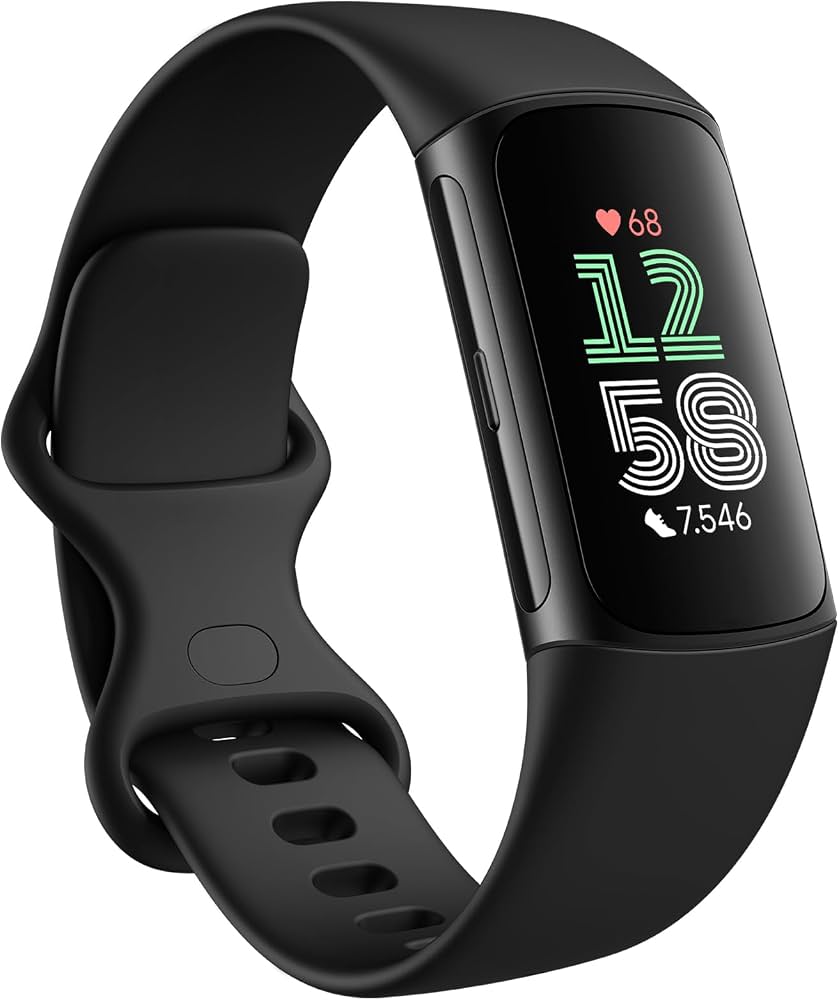
Fitbit Charge 6
Excellent for beginners with intuitive app integration for tracking steps, heart rate, and sleep, plus Google services for seamless ecosystem fit.
Best for: Daily activity and basic fitness monitoring without overwhelming features.
Price Range: $150-$160
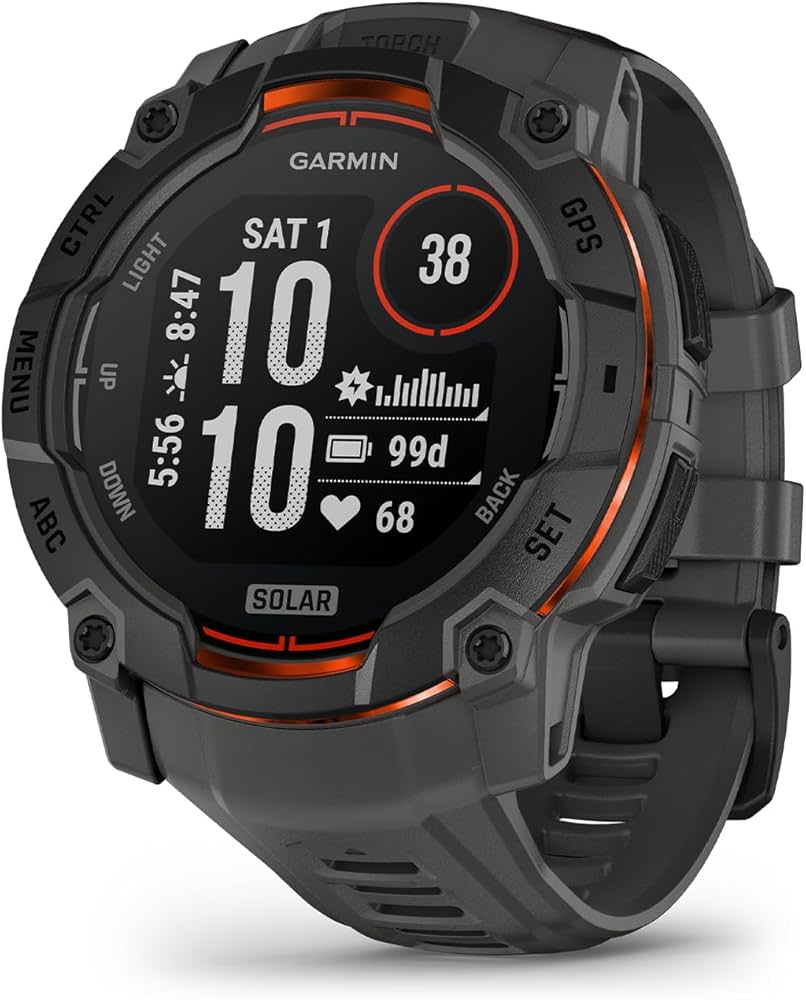
Garmin Vivosmart 5
Offers robust app features like advanced sleep analysis and stress tracking, with long battery life ideal for all-day use.
Best for: Users wanting detailed health insights and integration with running apps.
Price Range: $130-$150
Apple Watch Series 9
Superior app ecosystem with real-time ECG and fall detection, perfect for iPhone users seeking premium tracking.
Best for: Comprehensive health monitoring including notifications and app integrations for active lifestyles.
Price Range: $399-$429
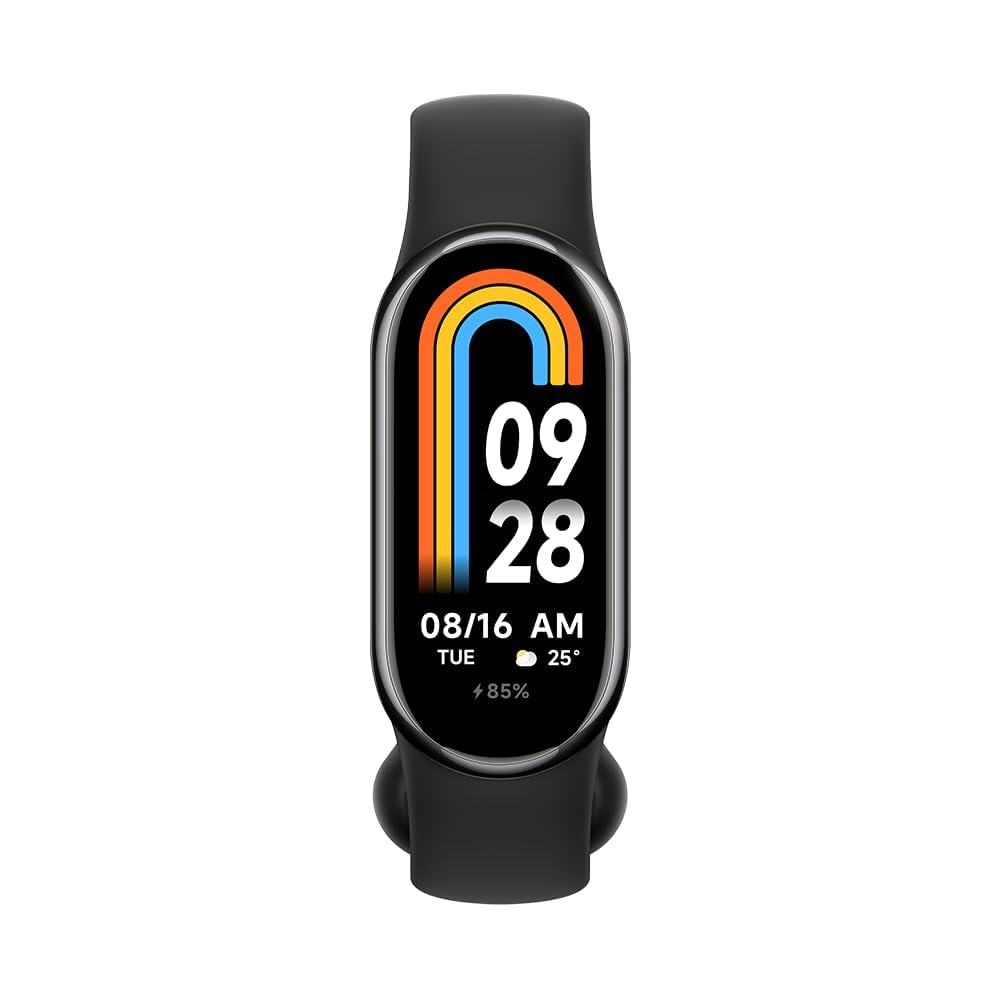
Xiaomi Smart Band 8
Budget-friendly entry with essential app-enabled features like 120+ sports modes and Alexa integration for voice control.
Best for: Affordable daily tracking for beginners testing the waters.
Price Range: $40-$50
Whoop 4.0 Band
Focuses on recovery and strain metrics via a subscription app, great for performance optimization with detailed analytics.
Best for: Athletes or those prioritizing sleep and recovery over basic steps.
Price Range: $30/month subscription (hardware free with membership)