Struggling with a fuzzy picture or 'no signal' on your old TV? You're not alone—millions of households still use analog TVs that can't receive digital broadcasts after the 2009 U.S. switch to digital TV (DTV). This guide explains analog-to-digital conversion simply, so you can revive your vintage set without buying a new TV.
You'll learn what analog and digital signals are, why the change happened, how converters bridge the gap, and how to set one up. No technical jargon—just clear analogies and steps. Expect to grasp the concept in 10-15 minutes and set up a converter in under 30 if you have the gear.
▸What You'll Need
- •An analog-only TV (CRT or older flat-screen without digital tuner)
- •Coaxial antenna for over-the-air (OTA) signals (indoor or outdoor)
- •Analog-to-digital converter box (required—see recommendations)
- •Coaxial cables (1-2 short ones, included with most boxes)
- •Optional: HDMI cable if your TV supports it, remote control for box
Estimated Time: 10-15 minutes to read; 20-30 minutes for setup
Difficulty: beginner
▸Step-by-Step Instructions
Step 1: Grasp Analog TV Signals
Analog TV uses continuous waves, like a smooth radio signal, to carry picture and sound. Think of it as a garden hose with steady water flow—any kink distorts the image, causing static or snow on screen.
These signals were standard until 2009, broadcast on VHF/UHF channels. Your old TV decodes them directly into visuals. Why it matters: Modern towers stopped analog in the DTV transition for better quality.
💡 Tips:
- •Visualize waves: Analog is wavy lines; digital is on/off pulses.
Step 2: Understand Digital TV Signals
Digital TV sends data in binary code (0s and 1s), like computer files. Analogy: Instead of a hose, it's packets delivered precisely—no distortion, just perfect HD if signal is strong.
Post-2009, all OTA broadcasts are digital ATSC (Advanced Television Systems Committee). Benefits: Sharper 720p/1080i pictures, more channels, no ghosting.
⚠️ Warnings:
- •Weak signals cause 'no signal' not fuzziness—fix with antenna.
Step 3: Why the Switch to Digital?
The FCC mandated the 2009 transition to free up spectrum for mobile tech and improve efficiency. Analog wasted airwaves; digital packs more data.
Result: Free OTA HDTV for anyone with a tuner. Old TVs went dark without converters—about 20 million needed them initially.
💡 Tips:
- •Check channels: Use FCC.gov for local DTV map.
Step 4: What Happens Without Conversion?
Your analog TV can't decode digital bits—screen shows 'no signal.' Analogy: Trying to play a Blu-ray in a VHS player.
No cable/satellite? You're stuck unless you convert.
Step 5: Meet the DTV Converter Box
A converter (or ATSC tuner box) receives digital signals via antenna, translates to analog output for your TV. Small box with inputs/outputs, like a mini translator.
Most have remote, channel scan, and recording options.
💡 Tips:
- •Pick one with QAM for cable too.
Step 6: How Conversion Works Technically
- •Antenna grabs OTA digital signal. 2. Box demodulates (extracts data). 3. Converts bits to analog video/audio. 4. Outputs via coaxial/RF to TV.
Why simple: Box does the heavy lifting—no mods to TV needed.
Step 7: Set Up Your Converter
Connect antenna to 'ANT IN' on box. Coax from 'OUT TO TV' to TV's antenna input. Plug in power, turn on. Auto-scan channels (hold SCAN on remote). Tune TV to channel 3/4.
Expect 30+ channels in cities.
💡 Tips:
- •Position antenna high, toward towers.
▸Pro Tips
- •Use a signal meter app like 'AntennaWeb' for best placement.
- •Amplify weak signals with powered indoor antenna.
- •Label inputs to avoid mix-ups.
- •Enable closed captions via box menu for clarity.
- •Update firmware if box supports—improves reception.
- •Combine with DVR for recording free shows.
- •Test multiple TV channels 3/4 for best analog output.
▸Common Mistakes to Avoid
- •Forgetting to scan channels after setup—results in no stations; always rescan seasonally.
- •Poor antenna placement—causes dropouts; aim toward broadcast towers via FCC map.
- •Using digital TV input on old set—won't work; stick to RF/coax out.
- •Ignoring power cycle—unplug box/TV for 30s to fix glitches.
- •Buying non-ATSC box—ensure 'ATSC digital tuner' label for US OTA.
▸Troubleshooting
Problem: No signal after scan
Solution: Reposition antenna higher/outdoors; rescan; check coax connections tight.
Problem: Choppy picture
Solution: Weak signal—add amplifier or upgrade antenna; avoid metal obstructions.
Problem: No sound
Solution: Volume on box remote; TV not muted; check audio cables if using RCA.
Problem: Box won't power on
Solution: Try different outlet; inspect power adapter for damage.
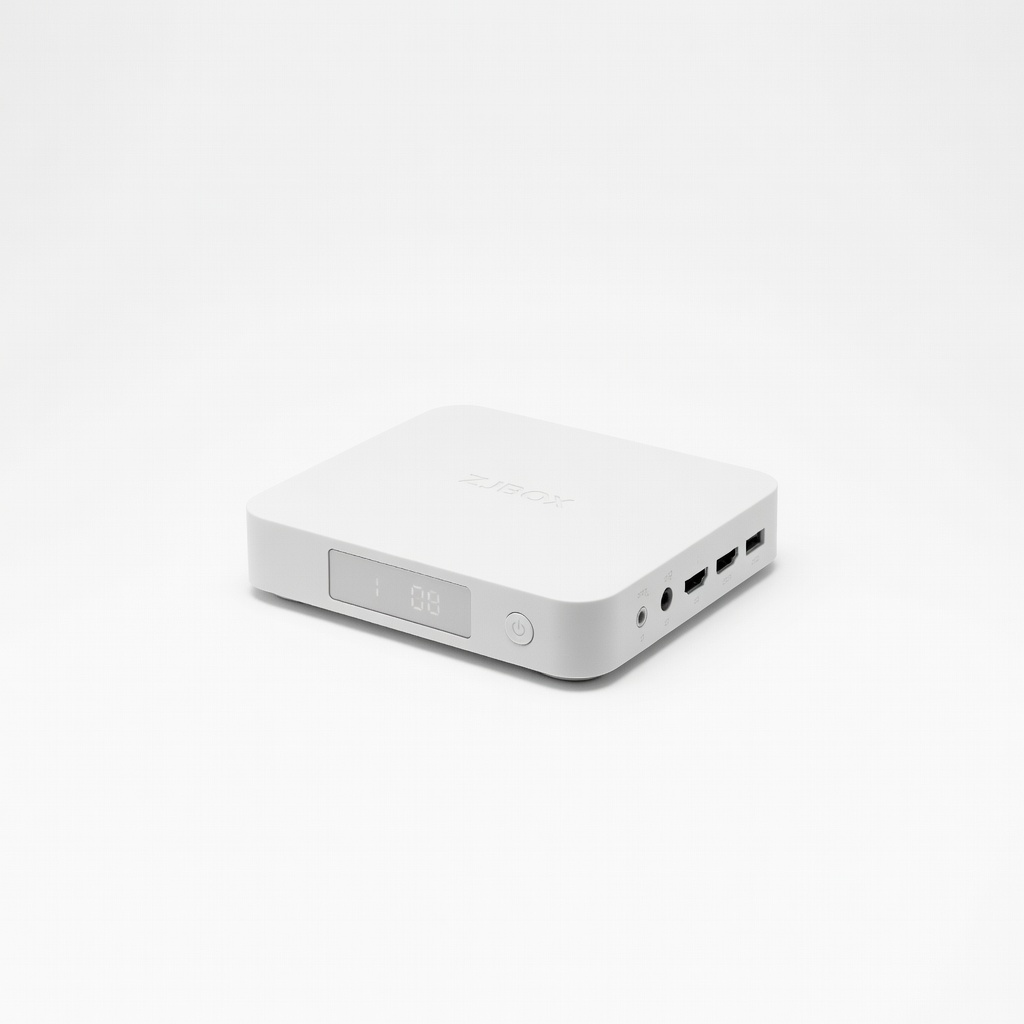
ZJBOX Digital Converter Box for TV
Affordable, reliable ATSC tuner with HDMI/RF output, Dolby audio, and easy channel scan—perfect for beginners reviving old TVs.
Best for: Basic OTA viewing on analog CRT TVs in urban/suburban areas.
Price Range: $29.99
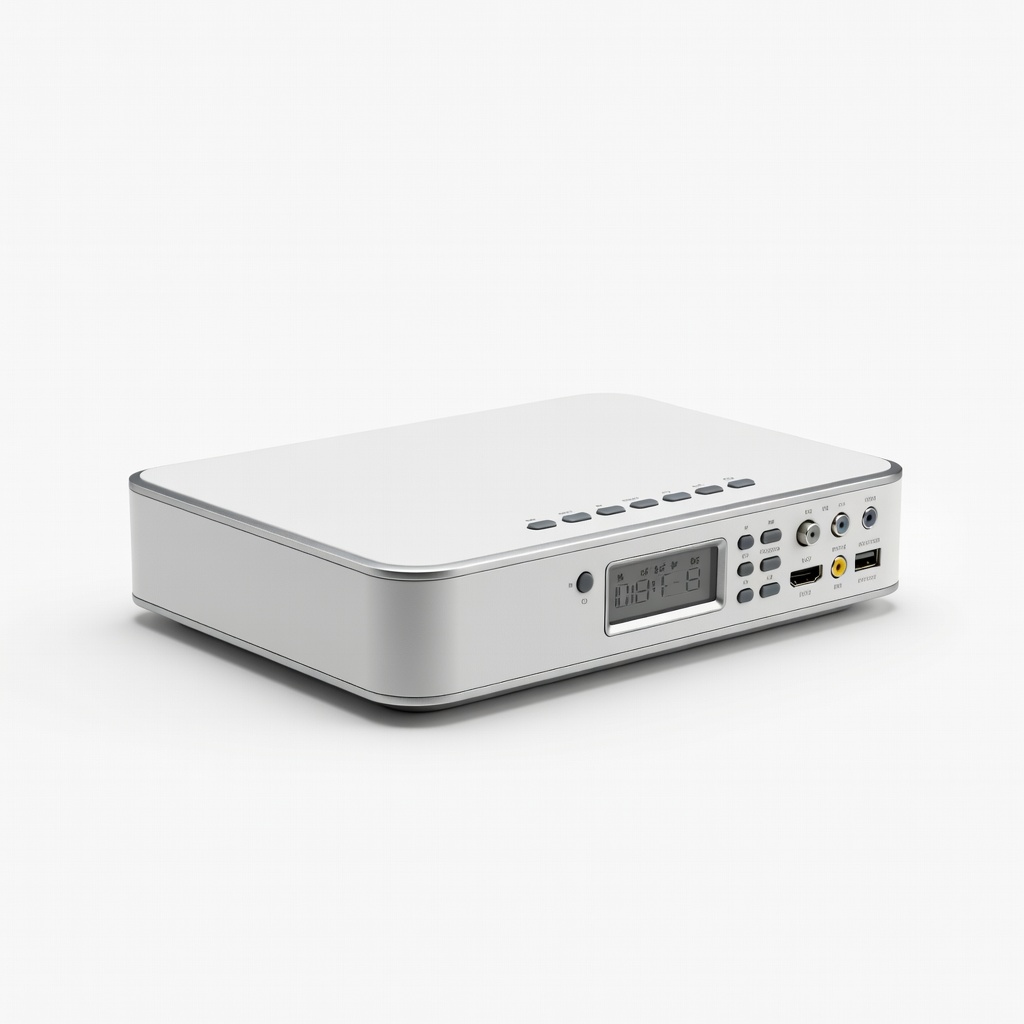
Mediasonic HOMEWORX HDTV Digital Tuner & Recorder
Adds DVR recording via USB—great value with composite/RF outputs and media playback.
Best for: Users wanting to record shows without subscription services.
Price Range: $39.99
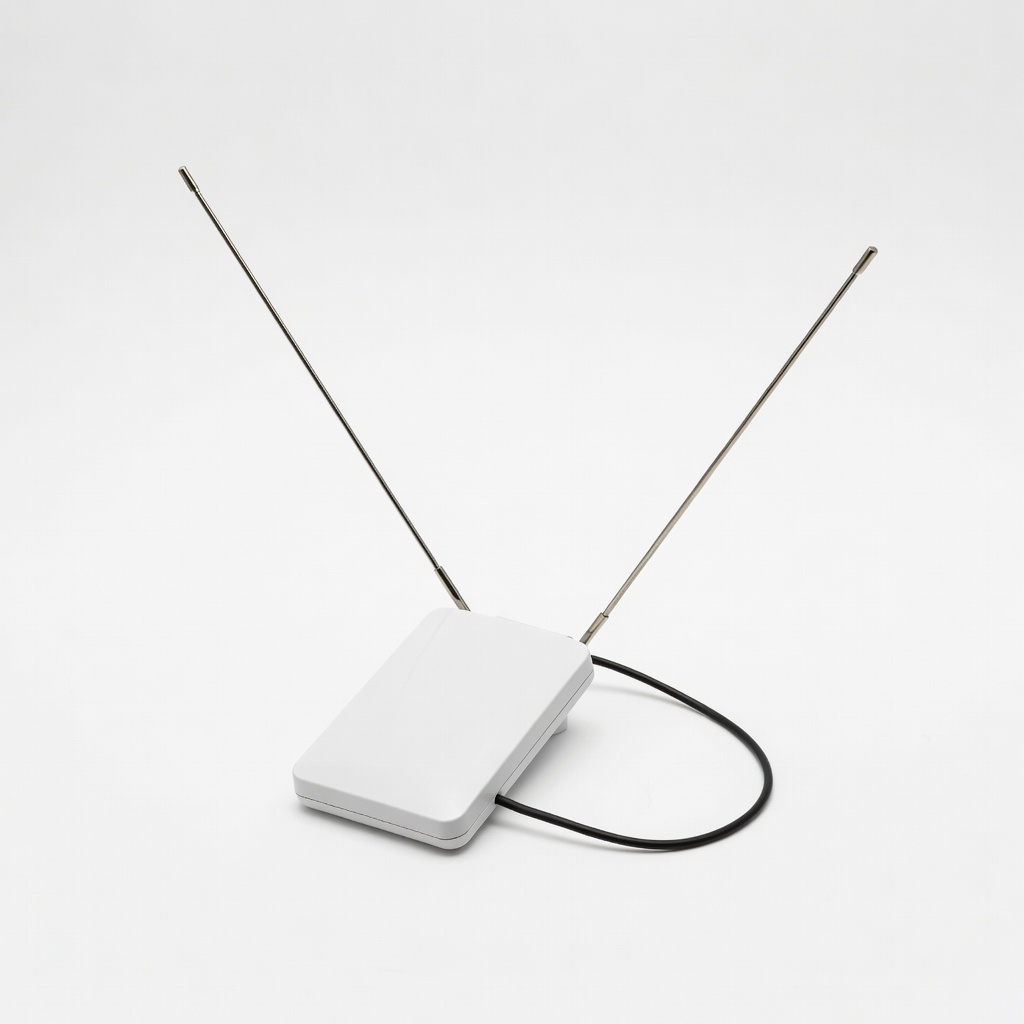
RCA ANT2100E Indoor Antenna
Compact, amplified for weak signals—essential companion to converters for reliable reception.
Best for: Apartments or homes far from towers needing boosted OTA signals.
Price Range: $24.99
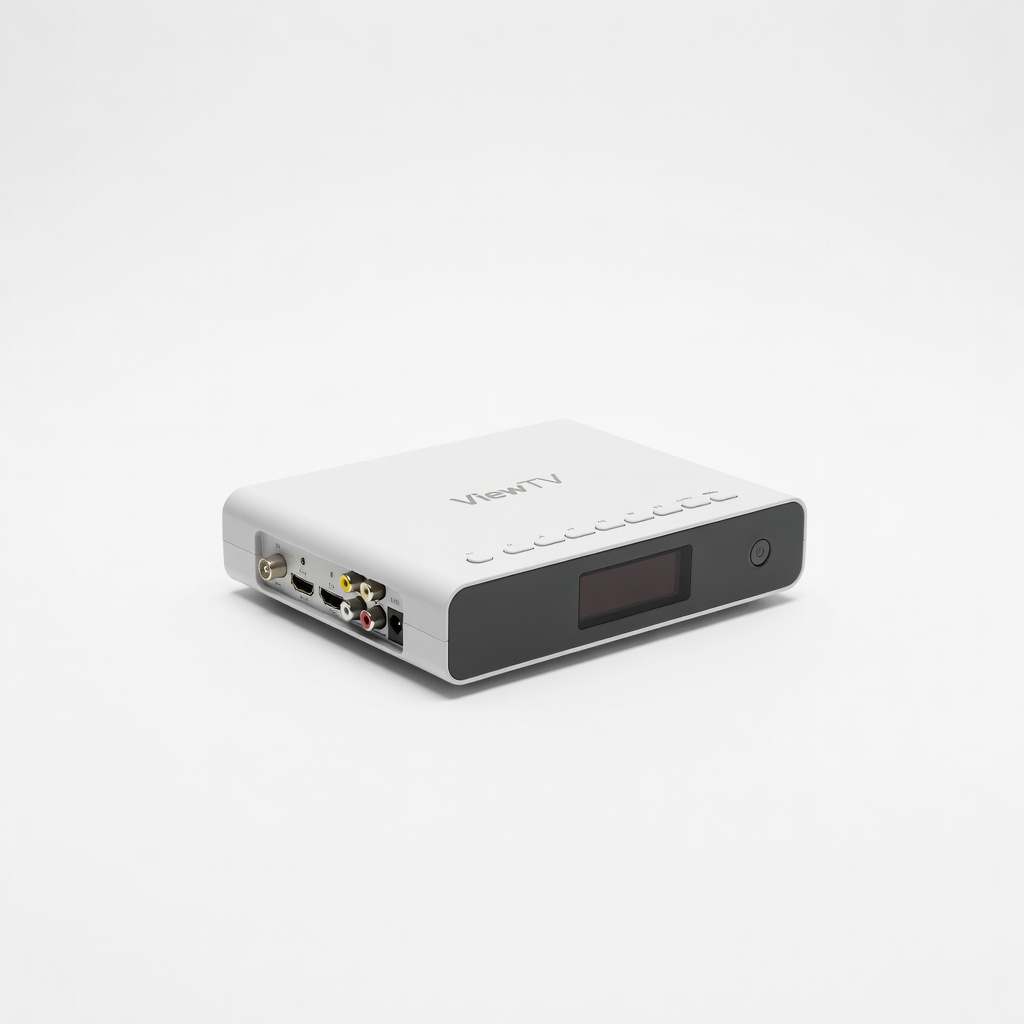
ViewTV ATSC Digital Converter Box
Budget option with clear analog conversion, remote, and USB media support—highly rated for simplicity.
Best for: Quick setup for secondary TVs or RVs.
Price Range: $19.99