You've probably seen the little '5G' icon on your phone and wondered: is it really that much better? You're not alone. While 5G is now the new standard for mobile networks, it's also one of the most misunderstood buzzwords in tech.
This guide explains exactly what 5G is, how it transmits data, what the three different types of 5G mean, and what you need to do to make the most of it on your smartphone. We'll break down the technical jargon into simple analogies and practical ideas.
By the end, you'll understand why 5G matters, what speeds you can realistically expect, and how to choose a phone that will be ready for the next few years.
▸What You'll Need
- •A 5G-capable smartphone (optional but helpful)
- •Curiosity and an open mind
- •Basic familiarity with mobile networks (not required)
Estimated Time: 10-15 minutes read
Difficulty: beginner
▸Step-by-Step Instructions
Step 1: What Exactly Is 5G?
5G stands for the fifth generation of mobile network technology. It's the successor to 4G LTE, which currently powers most smartphones. While 5G is often described as 'faster internet for phones,' it's actually a complete overhaul of how mobile devices talk to the network.
Think of 4G as a single highway: it gets you from point A to point B, but it can get congested. 5G is a multi-lane highway with separate express lanes and many small smart side streets. It's designed to handle not just phones but thousands of smart devices in a single area.
The technology uses a combination of new radio frequencies, smarter antennas, and cloud-based network services to deliver more speed, lower latency, and higher capacity. The result is quicker downloads, smoother video calls, and more reliable connections in crowded places like stadiums or concerts.
💡 Tips:
- •Don't confuse 5G with '5G E' on some phones. 5G E is actually just improved 4G (LTE Advanced) and isn't true 5G.
⚠️ Warnings:
- •Your phone may show a 5G icon even when it's using a 4G-based non-standalone 5G connection, so speeds may not always be dramatically different.
Step 2: How 5G Transmits Data: Spectrum and Frequencies
Every wireless technology uses radio waves to carry data. These waves occupy the electromagnetic spectrum, which is divided into bands with different frequency ranges. 5G uses three key bands: low-band, mid-band, and high-band (also known as mmWave).
The lower the frequency, the farther it travels and the better it passes through buildings. The higher the frequency, the faster it can carry data, but the sooner the signal gets blocked.
Think of spectrum like a set of roads: low-band is a country road—slow but reliable; mid-band is an interstate—fast and covering lots of ground; and mmWave is a Formula 1 track—extremely fast but you need a clear path. Carriers use a combination of these bands to deliver 5G, which is why coverage and speed can vary dramatically from one location to another.
💡 Tips:
- •When checking a phone's specifications, look for the 5G bands it supports (like n5, n78, n260). More bands mean better coverage across different carriers.
Step 3: The Three Flavors of 5G: Low-Band, Mid-Band, and mmWave
Low-band 5G (600-900 MHz) offers the widest coverage, similar to 4G LTE. Speeds are a few times faster than 4G, usually between 50 and 250 Mbps. It's often the reason you can see a 5G icon in rural areas.
Mid-band 5G (2.5-4.7 GHz) is the goldilocks of 5G. It balances speed and coverage, delivering 300 to 900 Mbps. Most city-wide 5G networks from providers like T-Mobile and Verizon use this band.
mmWave 5G (24-100 GHz) is the internet's autobahn. It can exceed 1 Gbps with latency as low as 1 millisecond, but it only works over short distances and line of sight. You'll find it in dense urban areas, sports stadiums, and airport hubs. Understanding these three bands helps explain real-world experiences—your phone might switch between them without you noticing.
💡 Tips:
- •Use your carrier's coverage map to see what bands are active in your area. It'll give you a realistic idea of the speeds you'll get.
⚠️ Warnings:
- •'5G+' or '5G UW' icons typically mean you're on a faster mid-band or mmWave network. If you see them, your phone is using the higher-performance networks.
Step 4: Smarter Antennas and Growing Network Density
One of the biggest breakthroughs in 5G is how networks send and receive signals. Instead of broadcasting from large towers in all directions at once, 5G uses a technology called beamforming. This allows a base station to aim a focused data stream directly to your phone. It's like having a conversation in a crowded restaurant—you're both focusing only on each other, not shouting to the whole room.
Another key technology is massive MIMO (multiple-input, multiple-output). 5G antennas can communicate with dozens of devices simultaneously using dozens of small antennas inside one panel. This dramatically increases capacity.
To make this work, carriers need many more antennas and small cells—compact radio devices attached to streetlights and buildings. This is why you may see new 5G equipment popping up around neighborhoods.
💡 Tips:
- •If you're looking at a phone, check for support for 5G NR (New Radio) and carrier aggregation, which helps you take advantage of multiple bands at once.
⚠️ Warnings:
- •Don't expect 5G speeds from a cheap '5G ready' phone if it only supports low-band 5G and lacks the antennas for mmWave. Check the full spec sheet.
Step 5: Standalone vs. Non-Standalone 5G
When 5G first launched, most networks were non-standalone (NSA). That means the 5G radio signals connect to the existing 4G core network. This was a quick way for carriers to show 5G speeds without building a whole new backbone.
Standalone (SA) 5G uses a full 5G core network instead of leaning on 4G. This allows true lower latency, network slicing, and better support for massive device connections.
As 2025 rolls on, more carriers are switching to standalone 5G. If your phone supports SA, you'll benefit from more consistent battery life and faster response times. You can check your phone's settings: look for '5G network mode' and select '5G standalone' if available.
💡 Tips:
- •If you want future-proofing, buy a phone that supports SA 5G. Most flagships from 2023 onward already do, but budget models may not.
⚠️ Warnings:
- •Some phones automatically switch to SA only, which could cause signal drops if your carrier's SA coverage is patchy. Use 'NSA + SA' mode if available.
Step 6: Real-World 5G Speeds and Latency You Can Expect
Let's talk about the numbers people care about: download speed, upload speed, and latency. It's common to see 5G advertised with peak speeds over 3 Gbps, but that's in perfect lab conditions. In the real world, speeds depend on your distance from the tower, building materials, network congestion, and which band you're connected to.
On low-band, you might get 50-150 Mbps, which is still faster than many cable internet connections. On mid-band, 300-800 Mbps is normal. On mmWave, you can hit over 1 Gbps if you're outdoors and close to the node.
Latency is how long it takes for your phone to send a signal and receive a response. 4G latency is about 30-60 milliseconds. 5G can get down to 10 milliseconds or less, and in controlled settings even 1 millisecond. Lower latency matters for real-time gaming, video calls, and connected cars.
💡 Tips:
- •Test your 5G speed with apps like Speedtest by Ookla. Do it in different locations and at different times to get a real-world average.
⚠️ Warnings:
- •Don't be fooled by the 5G icon alone. Your phone may stay on 5G even when all the traffic is routed through 4G. Use a speed test app to know for sure.
Step 7: What This Means for Your Smartphone
Your phone needs a 5G modem and antennas to use 5G. The good news is that in 2025, even most budget phones include 5G radios. But the quality of the 5G experience depends on modem quality, antenna design, and supported bands. Mid-range phones from Apple, Samsung, and Google all offer solid 5G performance. Older phones from 2019 or earlier generally don't support 5G, and it's not something you can add later.
Battery life is another consideration. 5G can consume more power, especially on mmWave, but modern phones are more efficient. You can extend battery life by switching to 4G when you don't need high speeds. Check your phone's settings to see options like '5G Auto' or '5G On.' Use '5G Auto' to get the best mix of speed and battery.
💡 Tips:
- •If your phone has a 5G toggle, set it to '5G Auto.' It'll use 5G when it's fast and switch to 4G when the 5G signal is weak.
⚠️ Warnings:
- •Using tethering over 5G can quickly burn through your data allowance. Check your plan for hotspot limits.
Step 8: The Future of 5G and Connected Things
5G is just getting started. As carriers build out more standalone networks and add mid-band spectrum, speeds and coverage will continue to improve. New technologies called network slicing allow carriers to create virtual networks tailored for specific businesses, like a low-latency slice for autonomous vehicles and a high-throughput slice for streaming VR.
The concept of 6G is already being researched, but it probably won't be commercially available until 2030. For now, 5G is a safe investment. If you're buying a smartphone today, make sure it supports the main 5G bands, includes standalone support, and will receive software updates for at least four years.
💡 Tips:
- •When buying a new phone, search for the model name plus '5G bands' to see which bands it supports. More bands means better long-term compatibility.
⚠️ Warnings:
- •Be cautious about cheap '5G' devices from unknown brands, which may lack proper antennas and regulatory certification.
▸Pro Tips
- •Check your carrier's coverage map to know which 5G bands are active in your area.
- •Use online speed test tools to measure your real-world 5G speed in different spots.
- •Keep your phone's software updated—carriers and phone makers tune 5G performance regularly.
- •Turn on Wi-Fi calling and use Wi-Fi for large downloads to save 5G data and battery.
- •If battery drains fast, switch to '5G Auto' or LTE when you're not on the move.
- •Learn the icons: 5G (low), 5G+ (mid), 5G UW (mmWave).
- •If you travel internationally, check that your phone supports the 5G bands used in those countries.
- •Buy a 5G phone even if your carrier hasn't launched 5G yet; it's future-proof and still works on 4G.
▸Common Mistakes to Avoid
- •Trusting the 5G icon too much—some carriers used fake 5G icons for enhanced 4G.
- •Expecting mmWave speeds everywhere, even in areas with only low-band coverage.
- •Buying a '5G' phone without checking whether it supports the bands your carrier uses.
- •Keeping 5G enabled all the time and then wondering why the battery drains fast.
- •Assuming 5G will automatically improve your experience if your device or data plan is outdated.
▸Troubleshooting
Problem: I see the 5G icon but get very slow speeds.
Solution: You might be on weak low-band 5G or a non-standalone network. Try moving closer to a window, restart your phone, or toggle airplane mode on/off to reconnect to a better tower.
Problem: No 5G signal at all.
Solution: Check your carrier's coverage map, ensure 5G is enabled in settings, and confirm your phone supports your carrier's bands. In rural areas, you may need to rely on Wi-Fi.
Problem: 5G drains battery fast.
Solution: Set your network mode to '5G Auto' or turn off 5G when you don't need it. Carrying a portable power bank can also help.
Problem: Phone gets hot during 5G use.
Solution: Heat often occurs during sustained transfers on mmWave. Use 5G for shorter tasks, and let the phone cool down. Removing the case may help.
Samsung Galaxy S24
All-around flagship with support for the most common 5G bands, including mmWave, and excellent long-term software updates.
Best for: For users who want maximum 5G performance and a premium experience.
Price Range: Varies by retailer and carrier, typically $699-$899
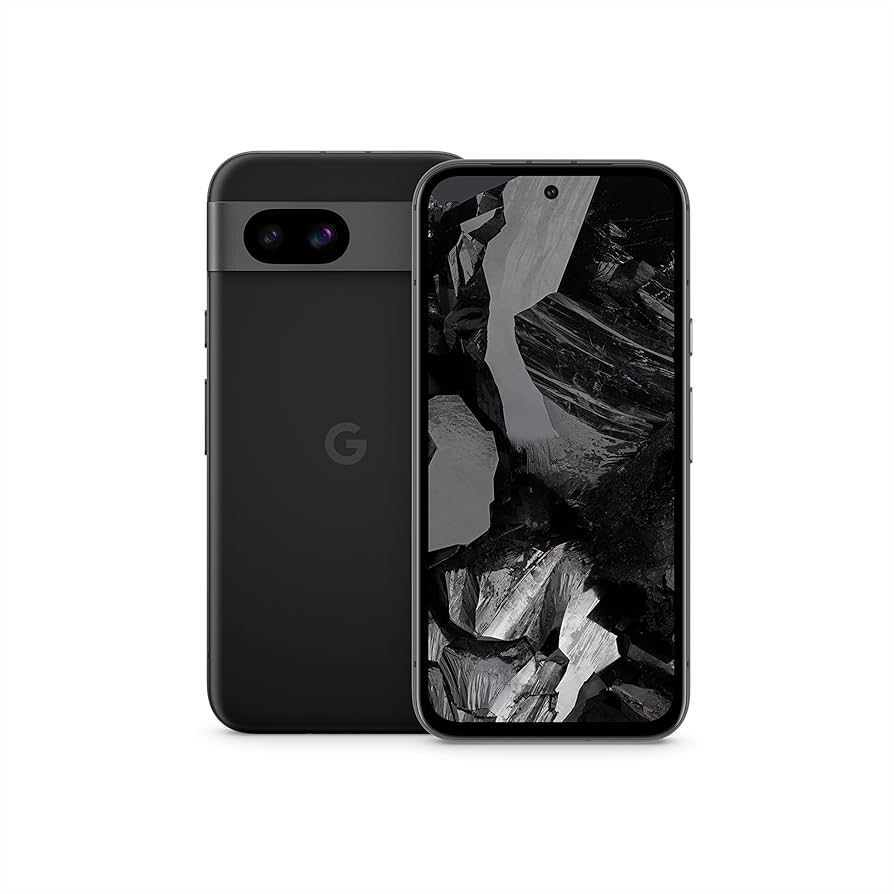
Google Pixel 8a
One of the best affordable 5G phones with a clean Android experience and reliable 5G support.
Best for: For buyers who want a great 5G phone under $500.
Price Range: $399-$499
Apple iPhone 15
Seamless 5G performance with good battery life and support for all major 5G bands. An excellent choice if you're in the Apple ecosystem.
Best for: For iOS users who want a fast, dependable 5G connection.
Price Range: Varies by retailer and storage, typically $699-$899
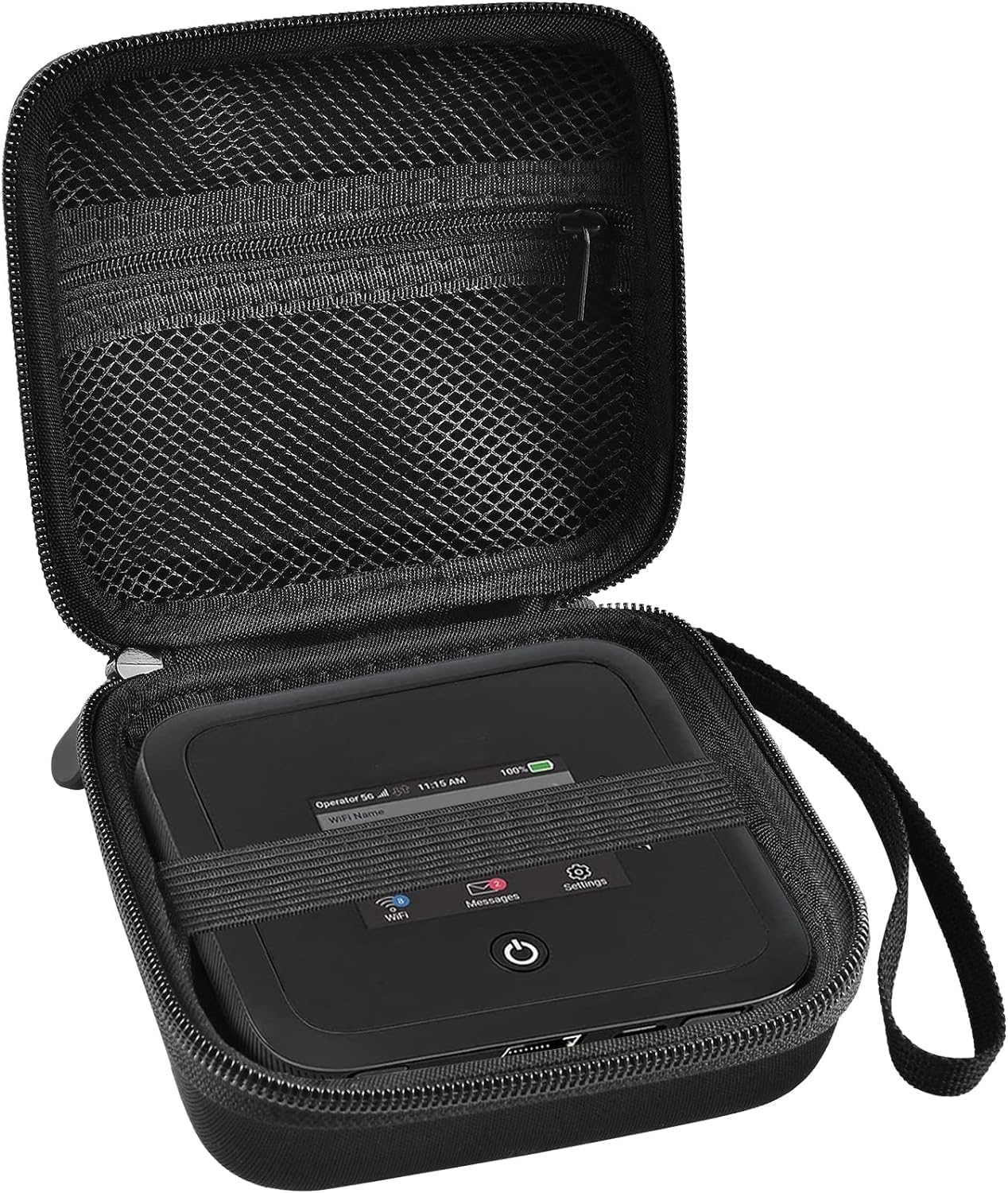
Netgear Nighthawk M6 5G Mobile Hotspot
Turns a 5G signal into a Wi-Fi network for all your devices without draining your phone battery.
Best for: For remote work, travel, or as a backup home internet connection.
Price Range: Varies by retailer, approximately $599-$999