
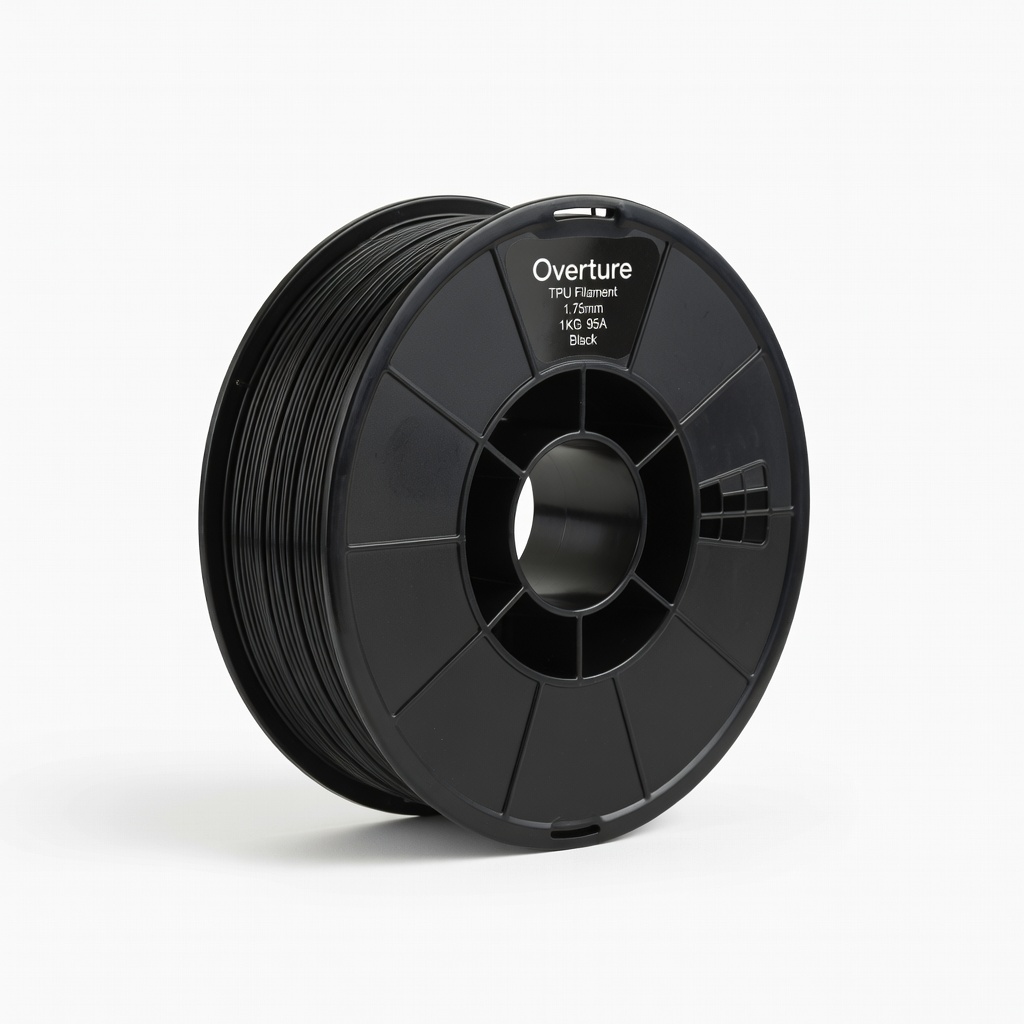
Overture TPU Filament 1.75mm 1KG 95A Black
Everyday flexible parts like cases or grips on Ender 3.
$23.99
Overture TPU Filament 1.75mm 1KG 95A Black Beginner-friendly 95A hardness prints reliably on most printers with minimal stringing.
Get the App
Better experience on mobile
Learn the top flexible filaments like TPU for bendy, durable prints, plus printing tips for beginners to avoid common failures.
Struggling with 3D prints that snap like twigs instead of bending smoothly? Flexible filaments are game-changers for creating phone cases, gaskets, or wearables, but choosing the wrong one leads to failed prints and frustration. This guide breaks it down simply.
You'll discover what makes a filament 'flexible,' the best types for beginners, key properties like Shore hardness, and exact printing settings. By the end, you'll confidently select and print flexible parts that last. No advanced knowledge needed—just 20 minutes to read and apply.
Expect straightforward explanations with real examples, so even if you're new to 3D printing, you'll get pro-level results fast.
Estimated Time: 20-30 minutes to read and plan your first print Difficulty: beginner
Flexible filaments are thermoplastic materials that bend without breaking, unlike rigid PLA or ABS. They're ideal for parts needing shock absorption, like seals or grips.
Think of them like rubber bands vs. sticks—PLA snaps, flexibles stretch. Common uses: phone cases, watch bands, RC car tires. Why it matters: Wrong filament choice causes clogs or poor layer adhesion.
Expect softer, grippier prints that feel premium.
💡 Tips:
Shore hardness (A-scale) measures flexibility: 85A is very soft (like tire rubber), 95A is semi-flexible (shoe sole), 98A+ mimics semi-rigid plastics.
Analogy: Tire (60-80A) vs. eraser (85A) vs. pencil (95A+). Beginners: Stick to 95A for easy printing and good durability.
Why it matters: Too soft clogs Bowden tubes; too hard isn't 'flexible.' Check filament specs.
⚠️ Warnings:
TPU (Thermoplastic Polyurethane) is king for beginners—easy, affordable, versatile. TPE (Thermoplastic Elastomer) is softer but stringier. TPC for weather resistance (outdoor use). Avoid niche ones like FlexSE until experienced.
Examples: TPU for gaskets, TPE for seals. TPU prints at 220-240°C, grips beds well.
Expect TPU as your go-to: Balances flexibility and printability.
💡 Tips:
Direct drive extruders (e.g., Ender 3 V2 with Sprite) handle flexibles best—no long Bowden tube to compress filament. Bowden works with 95A+ and slow speeds.
Why matters: Flexibles jam in Bowden if too soft/fast. Upgrade if needed, or slow to 15-20mm/s.
Test: Dry filament first (flexibles absorb moisture).
⚠️ Warnings:
Nozzle: 220-235°C, Bed: 40-60°C (glue stick for adhesion). Speed: 15-25mm/s, Retraction: 1-2mm at 20-30mm/s (direct drive). Walls: 3+ layers, Infill: 20-40% gyroid.
Why: Slow speed prevents jamming; low retraction cuts stringing. Use Cura profiles for TPU.
Expect first layer perfection—key to success.
💡 Tips:
Choose 95A TPU for starters. Dry at 50°C for 4hrs (oven/dehydrator). Cut filament end at 45° for smooth load.
Process: Heat nozzle, push slowly while extruding. Print enclosure optional for stability.
Success looks like smooth oozing without buckling.
⚠️ Warnings:
Remove gently—no pliers. No supports needed often. Test flex immediately.
Store dry. Why: Prevents warping. Enjoy rubber-like feel!
Scale up to complex models once basics nailed.
💡 Tips:
Problem: Filament jamming mid-print
Solution: Slow speed to 15mm/s, check extruder tension, ensure direct drive or Capricorn tube.
Problem: Stringy prints
Solution: Increase retraction speed to 30mm/s, lower temp by 5°C, enable combing in slicer.
Problem: Poor bed adhesion
Solution: Add glue stick/PBI sheet, level bed meticulously, use 50°C bed temp.
Problem: Brittle or weak flex
Solution: Verify Shore rating, dry filament, increase wall thickness to 1.2mm+.
Beginner-friendly 95A hardness prints reliably on most printers with minimal stringing.
Best for: Everyday flexible parts like cases or grips on Ender 3.
Price Range: $23.99
Excellent layer adhesion and low moisture absorption for consistent results.
Best for: High-volume printing of gaskets or wearables.
Price Range: $21.99
Budget king with proven durability; great value for testing flexibility.
Best for: Prototypes and learning on Bowden printers.
Price Range: $19.99
Ultra-flexible premium option for softest prints when 95A too rigid.
Best for: Tires, seals needing max bend.
Price Range: $49.99
Everyday flexible parts like cases or grips on Ender 3.
Overture TPU Filament 1.75mm 1KG 95A Black Beginner-friendly 95A hardness prints reliably on most printers with minimal stringing.
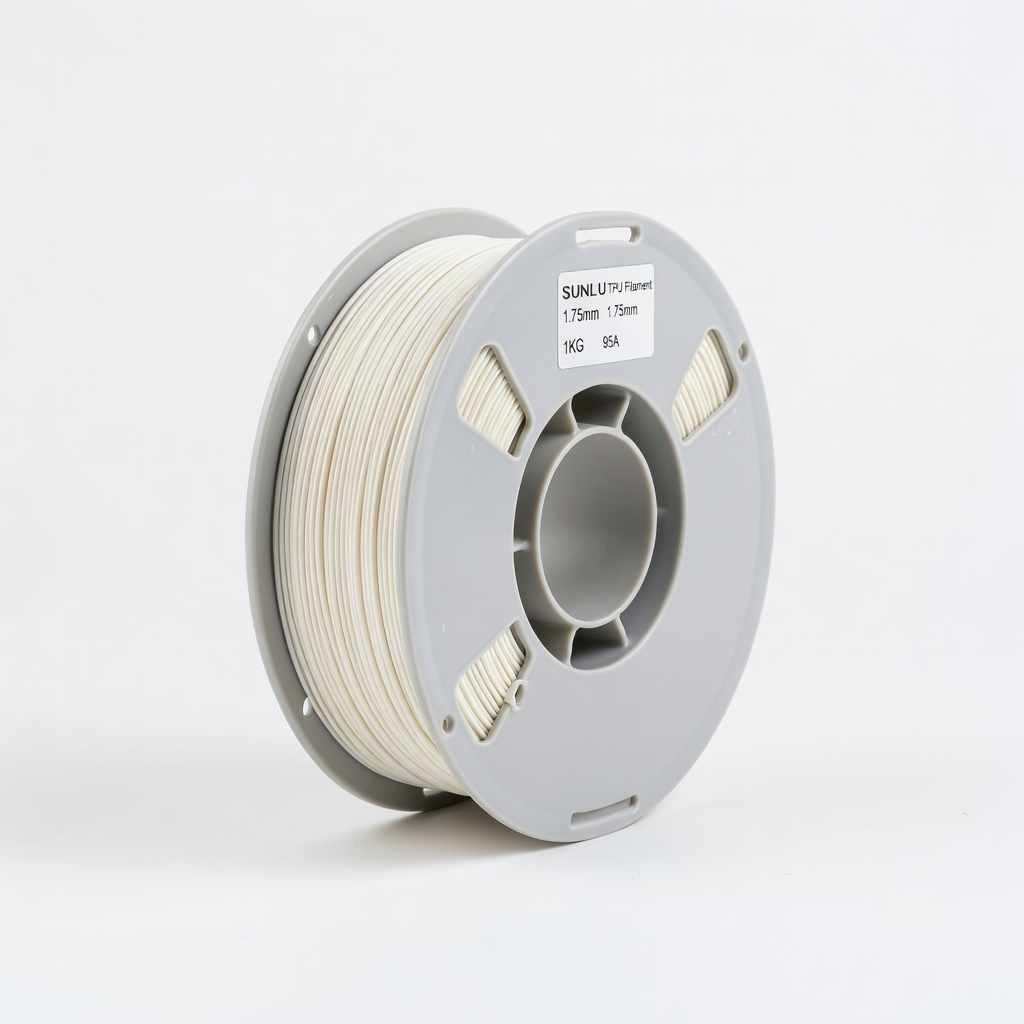
High-volume printing of gaskets or wearables.
SUNLU TPU Filament 1.75mm 1KG 95A Excellent layer adhesion and low moisture absorption for consistent results.
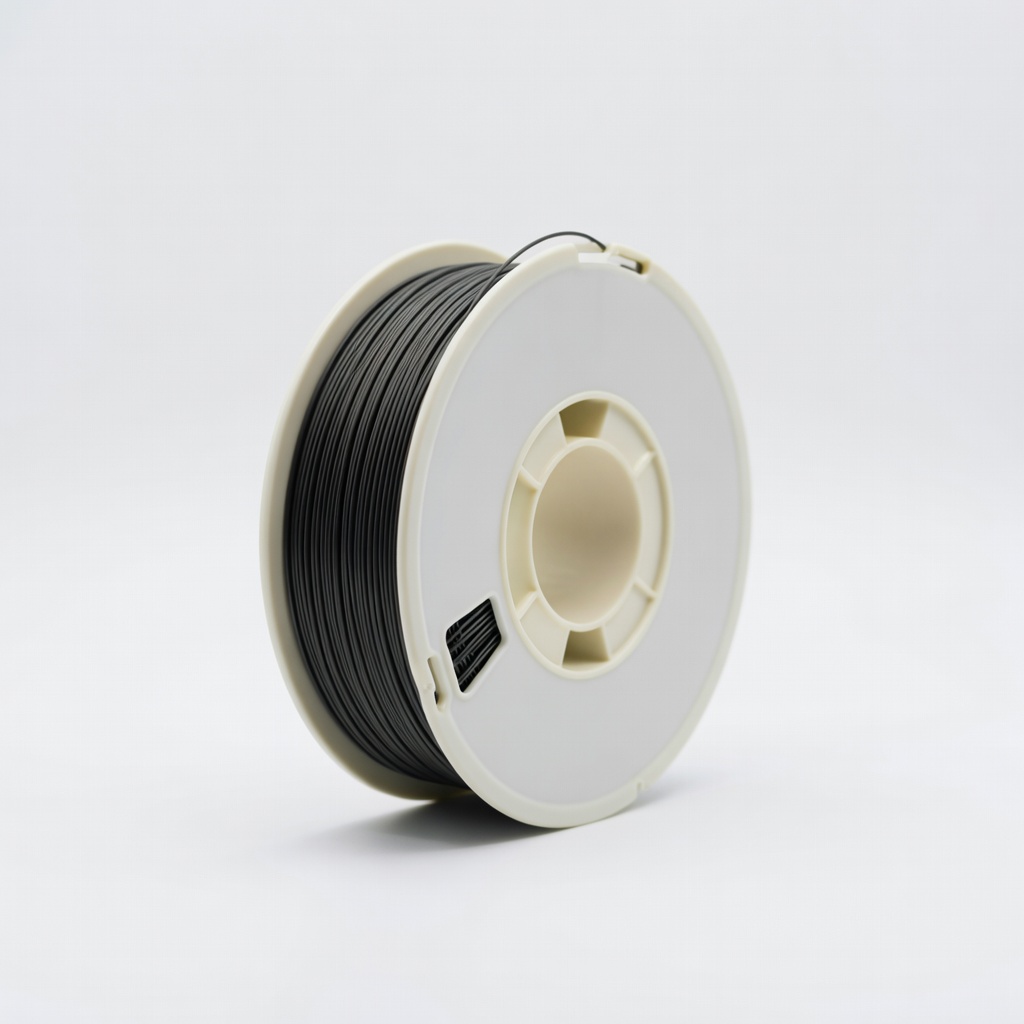
Prototypes and learning on Bowden printers.
Inland TPU Flexible Filament 1.75mm 1KG Budget king with proven durability; great value for testing flexibility.
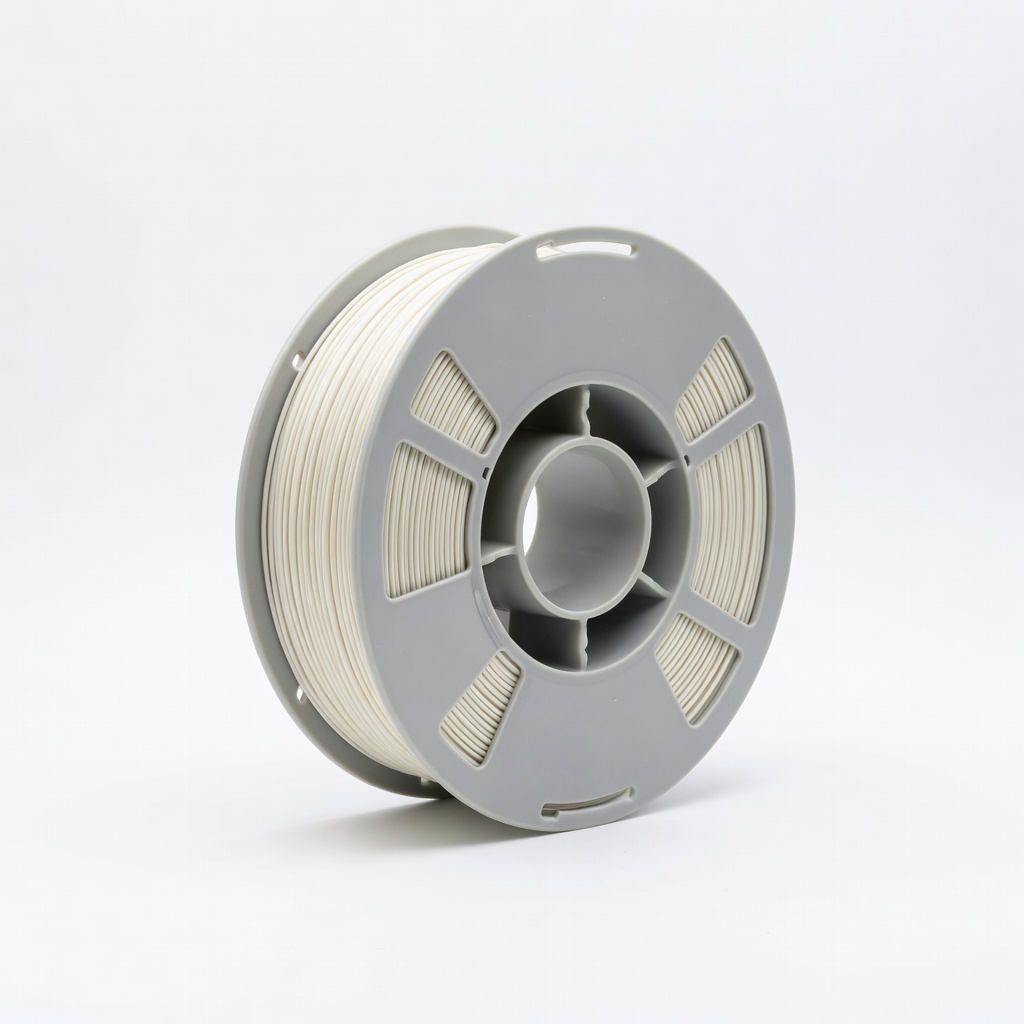
Tires, seals needing max bend.
NinjaFlex TPU 1.75mm 0.5KG 85A Ultra-flexible premium option for softest prints when 95A too rigid.