Struggling with brittle 3D prints that crack under pressure? Flexible filaments are game-changers for creating phone cases, gaskets, seals, and wearable prototypes that bend without breaking. However, not all 'flexible' filaments perform equally—choosing the wrong one leads to jams, stringing, or prints that aren't flexible enough.
In this guide, you'll learn the key filament types (TPU, TPE, and more), how to compare them using Shore hardness, printer compatibility factors, and optimized settings for flawless results. Tailored for intermediate 3D printers, expect to grasp concepts quickly and apply them to your next project.
No hands-on printing required here—just 20 minutes of reading to level up your filament knowledge and avoid costly trial-and-error.
▸What You'll Need
- •Basic 3D printing experience (knowing PLA/ABS basics)
- •Access to a 3D printer specs sheet (to check extruder type)
- •Optional: Calipers for measuring filament diameter
- •Optional: Shore hardness tester (for advanced verification)
Estimated Time: 20-30 minutes
Difficulty: intermediate
▸Step-by-Step Instructions
Step 1: Understand What Makes a Filament Flexible
Flexible filaments are thermoplastics designed to elongate and recover shape after bending, unlike rigid ones like PLA. They mimic rubber properties, measured by elasticity and tensile strength.
Key trait: High elongation at break (200-600%) vs. PLA's 5%. Why it matters: For functional parts like belts or hinges that flex repeatedly without fatigue.
Analogy: Think rubber bands (super flexible) vs. plastic straws (rigid)—flexibles bridge this gap for 3D printing.
💡 Tips:
- •Start with semi-flexible (85-95A) if new to flexibles.
Step 2: Master the Shore Hardness Scale
Shore hardness (A-scale for flexibles) rates flexibility: Lower number = softer/more flexible (e.g., 60A like tire rubber), higher = stiffer (95A like shoe sole).
Expect: 85A-95A for most prints (balances flexibility and printability). Softer (<80A) needs advanced setups. Why crucial: Wrong hardness leads to floppy or unprintable filament.
Chart example:
| Hardness | Flexibility | Use Case |
|---|
| 60-70A | Very high | Seals |
| 80-90A | High | Cases |
| 92-95A | Medium | Prototypes |
⚠️ Warnings:
- •Avoid <60A on standard printers—guaranteed jams.
Step 3: TPU: The King of Flexible Filaments
Thermoplastic Polyurethane (TPU) dominates with excellent layer adhesion, abrasion resistance, and flexibility (85-95A common). Pros: Durable, weather-resistant, easy to source.
Cons: Hygroscopic (absorbs moisture), requires slower prints. Expect strong, rubber-like prints for gaskets or grips.
Real-world: Used in phone cases that survive drops.
💡 Tips:
- •95A TPU prints like semi-rigid PLA—ideal starter.
Step 4: TPE: Softer Alternative to TPU
Thermoplastic Elastomer (TPE) offers extreme stretch (up to 600%) at 60-85A, great for very soft parts like insoles. Similar to TPU but often softer and cheaper.
Why choose: More elastic than TPU for vibration dampeners. Drawback: Poorer layer bonding, higher stringing risk.
Comparison: TPU for toughness, TPE for max bendiness.
⚠️ Warnings:
- •TPE clogs Bowden tubes easily—direct drive only.
Step 5: Explore TPC and Other Niche Flexibles
Thermoplastic Copolyester (TPC) like Ninjaflex provides UV resistance and recyclability (70-95A). Others: TPR (styrene-based, cheaper but less durable).
Use TPC for outdoor flexible parts. Expect chemical resistance but higher cost.
When to pick: Harsh environments where TPU degrades.
Step 6: Evaluate Printer Compatibility
Direct drive extruders (e.g., BMG, Bondtech) excel for flexibles—short filament path reduces jams. Bowden tubes work for 95A+ only.
Check: Nozzle >0.4mm, heated bed 40-60°C. Enclosure optional for consistency.
Test: Dry print a calibration cube first.
💡 Tips:
- •Upgrade to Capricorn PTFE tube for Bowden users.
Step 7: Optimize Printing Settings
TPU/TPE: Nozzle 220-250°C, bed 40-60°C, speed 20-40mm/s, retraction 3-6mm at 20-40mm/s. Flow 100-110%.
Why: Slow speed prevents buckling; high retraction fights stringing.
Slicer: Cura/PrusaSlicer with 'TPU' profile tweaks.
⚠️ Warnings:
- •Never exceed 50mm/s—risks underextrusion.
Step 8: Test and Iterate Your Prints
Print flex tests (e.g., bend bar from Thingiverse). Measure elongation, check seams.
Iterate: Adjust temp if brittle, speed if oozing. Expect 2-3 tries for perfection.
Success metric: No cracks after 100 bends.
💡 Tips:
- •Dry filament 4hrs at 60°C before printing.
▸Pro Tips
- •Always dry flexibles 4-6 hours in a dehydrator—moisture causes popping.
- •Use 100% infill for max flexibility; gyroid pattern bonds best.
- •Print with 0.2mm layers for smooth flex surfaces.
- •Add brim/raft for bed adhesion without warping.
- •Store in vacuum bags with desiccant for longevity.
- •Slow first layer (15mm/s) prevents elephant's foot.
- •Bowden? Use 95A+ and long PTFE tube.
▸Common Mistakes to Avoid
- •Printing too fast (>40mm/s): Causes jamming and poor layers—slow down to 25mm/s.
- •Skipping drying: Leads to steam explosions and weak prints—always preheat.
- •Wrong extruder: Bowden with soft TPE (<85A) fails—switch to direct drive.
- •High retraction speed: Stringing galore—cap at 30mm/s.
- •Ignoring shore rating: Too soft flops, too hard cracks—match to project.
▸Troubleshooting
Problem: Filament jamming or buckling
Solution: Switch to direct drive, dry filament, reduce speed to 20mm/s, check nozzle tightness.
Problem: Stringing and oozing
Solution: Increase retraction (4-5mm), lower temp by 5°C, enable coasting in slicer.
Problem: Poor bed adhesion
Solution: Clean bed with IPA, use glue stick, add brim, bed temp 50°C.
Problem: Brittle or cracking prints
Solution: Raise nozzle temp 5-10°C, slow speed, ensure dry filament.
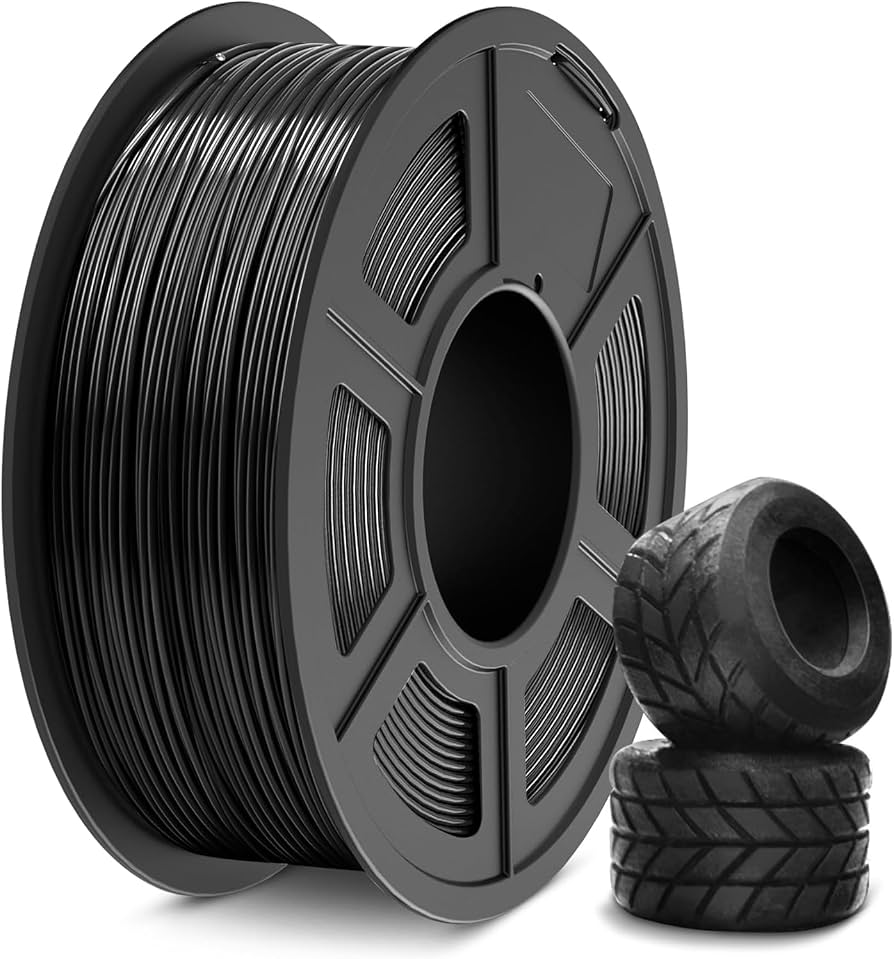
SUNLU TPU Filament 1.75mm 1KG 95A Black
Reliable starter TPU with consistent diameter and low stringing, perfect for intermediate users transitioning from PLA.
Best for: Phone cases, grips—balances printability and flexibility.
Price Range: $24.99
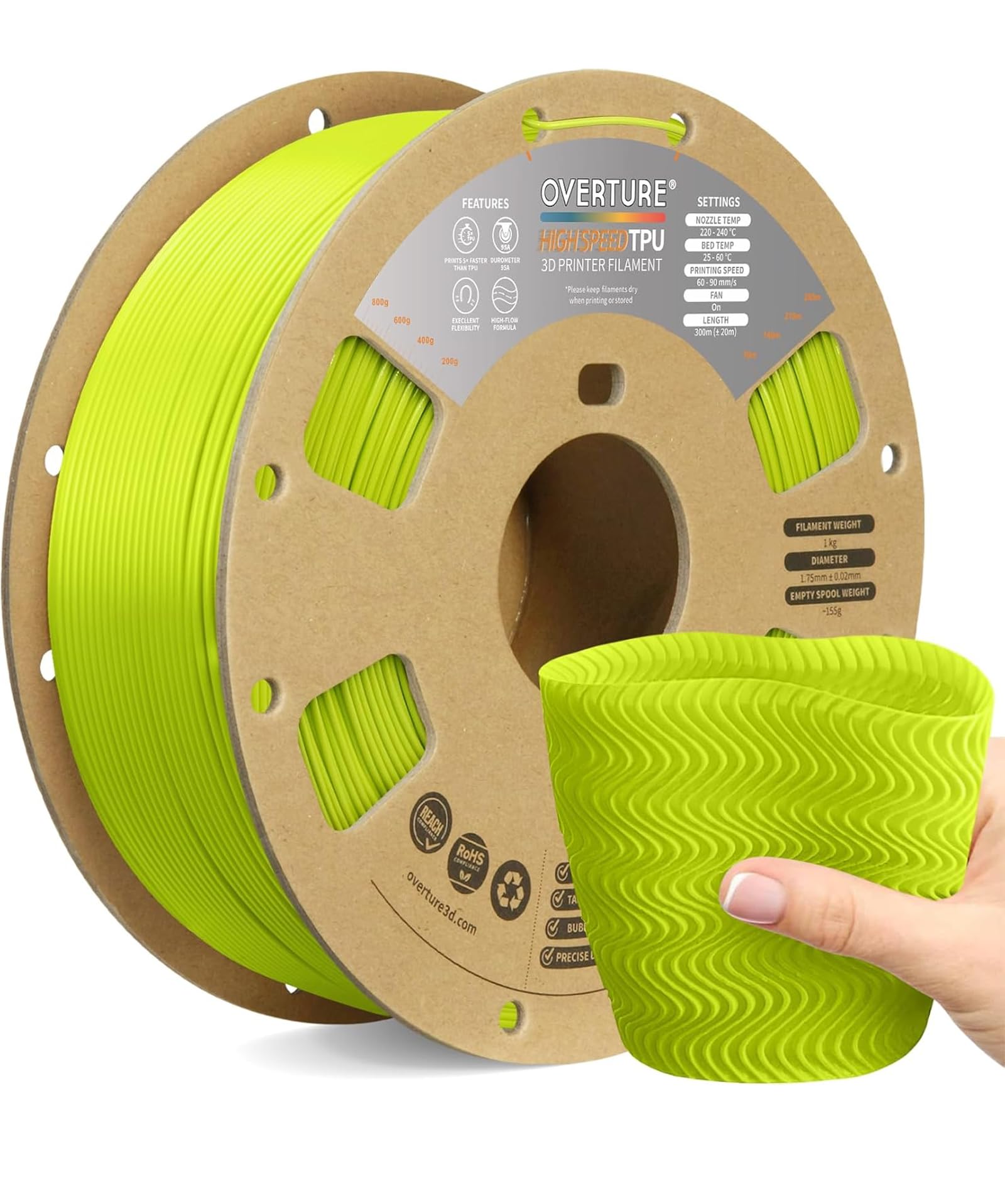
Overture TPU Filament 1.75mm 1KG 95A
High-quality vacuum-packed to stay dry, excellent layer adhesion for durable prints.
Best for: Gaskets, seals needing toughness.
Price Range: $22.99
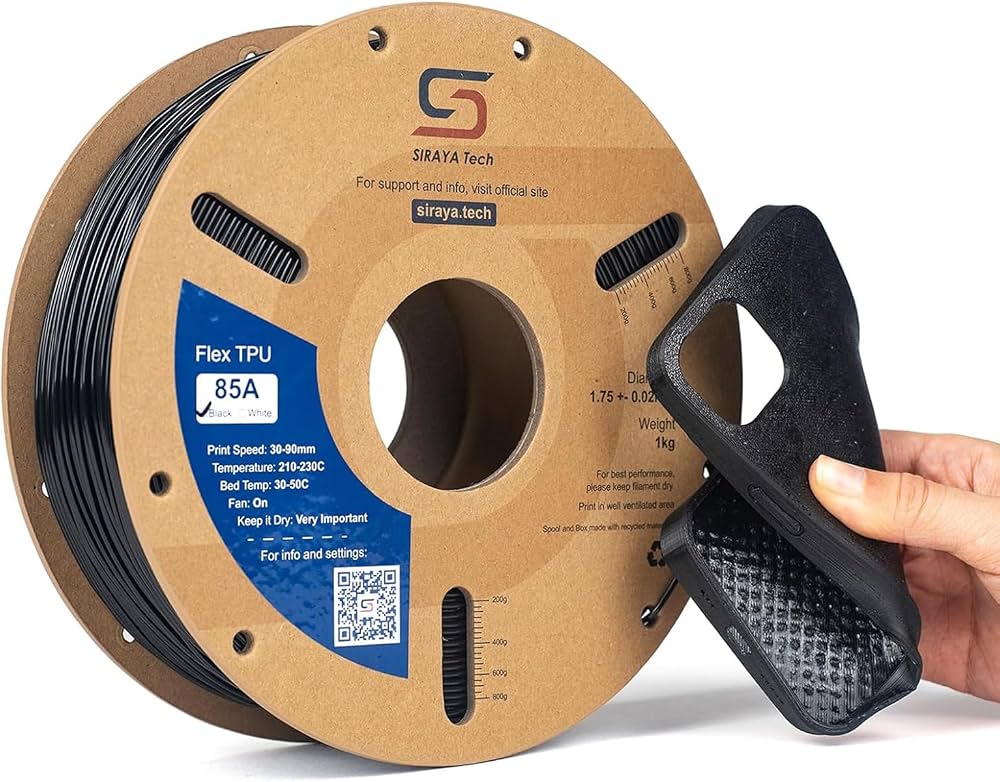
NinjaTek Cheetah TPU 1.75mm 0.85KG 85A
Faster printing TPU (up to 60mm/s) with superb flexibility, direct drive optimized.
Best for: High-speed flexible prototypes like hinges.
Price Range: $39.99
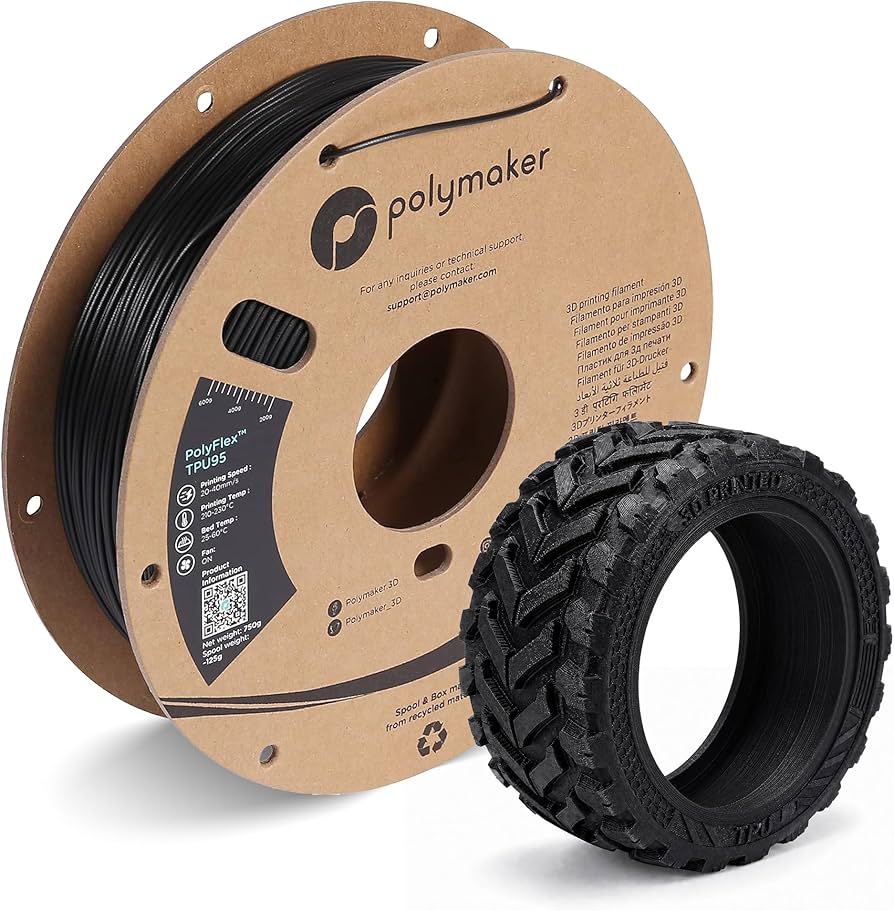
Polymaker PolyFlex TPU95 1.75mm 1KG
Precision-engineered for easy printing on Bowden setups, matte finish reduces stickiness.
Best for: Wearables, toys on stock Ender 3.
Price Range: $29.99